well I was trying out open media vault but that seems like it is not beeing updated anymore. when I try to dl the services I get line disconnected errors…
I may go back and attempt opennas…
well I was trying out open media vault but that seems like it is not beeing updated anymore. when I try to dl the services I get line disconnected errors…
I may go back and attempt opennas…
ok user error. now I am having an issue where I can see the NAS drive on the network and can access it but I am unable to create a folder in there.
I googled it and it states to change the permission there but I set it too everyone have access what am I doing wrong?
Have you created a top level directory in TrueNAS for the “allow everyone everything” usergroup to create folder in? (Disclaimer: I’m not too familiar with TrueNAS so this might not be the problem)
Edit: AI suggests you should do this:
To create a shared folder in TrueNAS, you can:
- Create the folder as a dataset in the pool
- Enter the name of the dataset
- Enter SMB as the “Share Type” for SMB shares
- Click Submit
And then you enable that SMB share in the user profile … somehow?
yes I am using OMV now, and I think I had to goto smb shares and create a folder there and it showed up and I went in there and was able to create and set folders…
So I think I got it. now to decide if I want to get a miniITX PC for this idea of mine… I am currently using an ivy bridge 3570K with 16gb ram. I guess as long as it is not running full out which I think it will not the wattage it consumes is probally small…
IMO 3570K should kill it for what you’re trying to do 
But don’t let me talk you out of a modern Mini-ITX board with a high efficiency processor if that’s what you want to do… indeed, please post photos here so the rest of us can live vicariously 
well I am just concerned with the power it might consume but like I was saying it really does not burn much power at idle I just thought maybe a miniITX would use less power somehow but IDK for sure…
I, am trying to do this on the cheap but don’t want to skimp. The two drives are going to cost enough so I figured if I used my 2nd pc I had for emergencies. so I was doing all this as a point of concept…
I, still need to figure out how to put pictures from the iPhone to the NAS… haha!! once I get the drives I will be ordering them tomorrow and some fans and a ssd for the OMV Install…
it has worked great so far especially since I know how to make the NAS Properly… but either way I can post some pics of it so far and as I continue to build…
Thnx
Not sure if this helps, but there is a recipe for OMV to get Immich running:
I will look into Immich as I ordered the HDD and fans for the NAS so I should be able to get this setup tonight…
thnx everybody
I looked for immich but I did not see it, altho I had updated the packages maybe it did not fetch the newer packages for some reason…
was looking around and seen photoprism it looked similar and I got that working so I might be good…
well having toiled forcountless hours here, I still was not able to see the NAS on a seperate laptop on win 10. I was able to map the drive with the ip but last night I could see it in windows explorer network now it does not show up??
I watched a guide and recreated all the video said to do and everything looked correct it just does not show up un win explorer. I can access it with the browser and was able to map it so it must be working at some level…
going to take a break and listen to some music while I try and figure this mystery out…
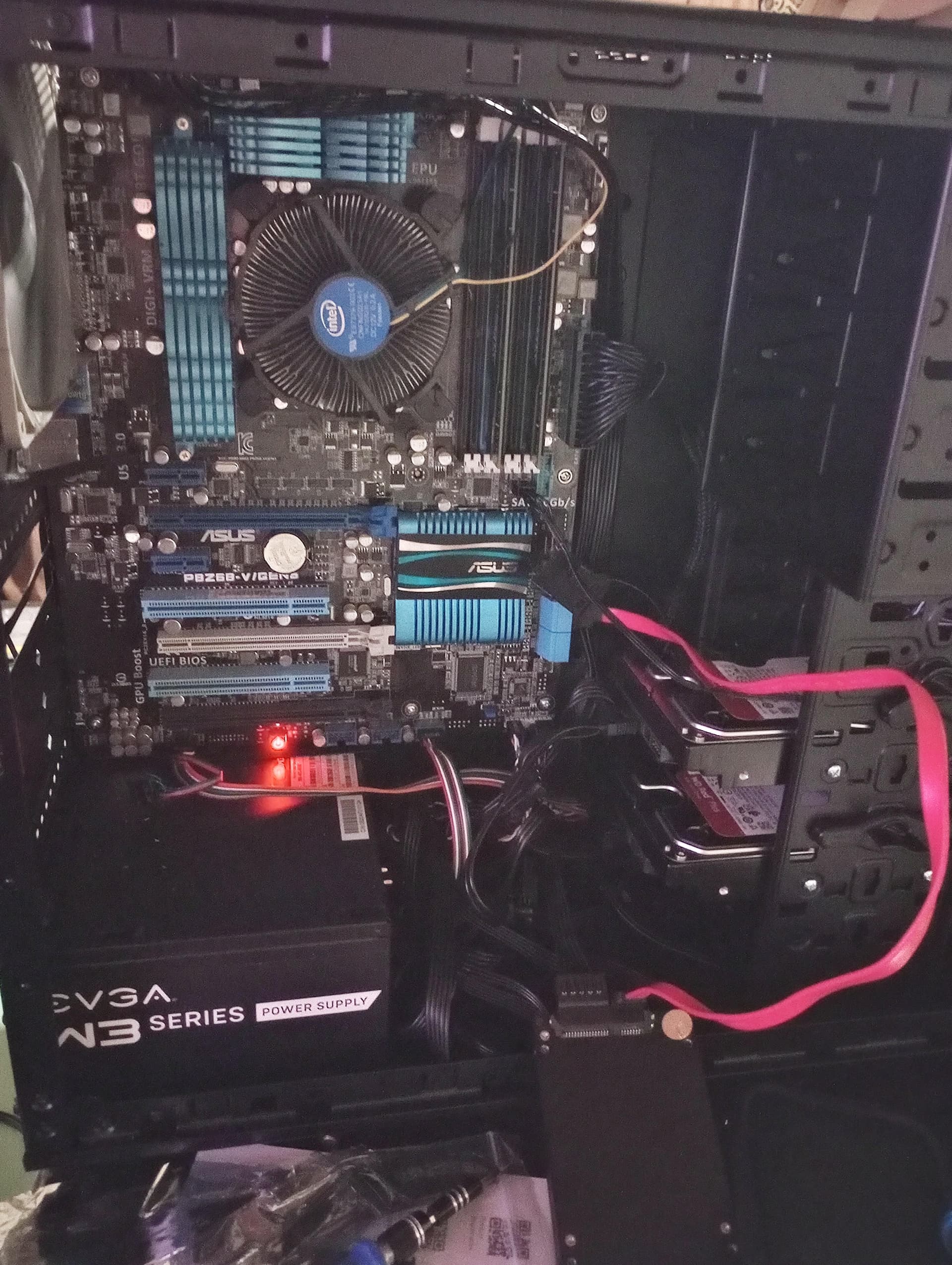
here are a few Pictures:
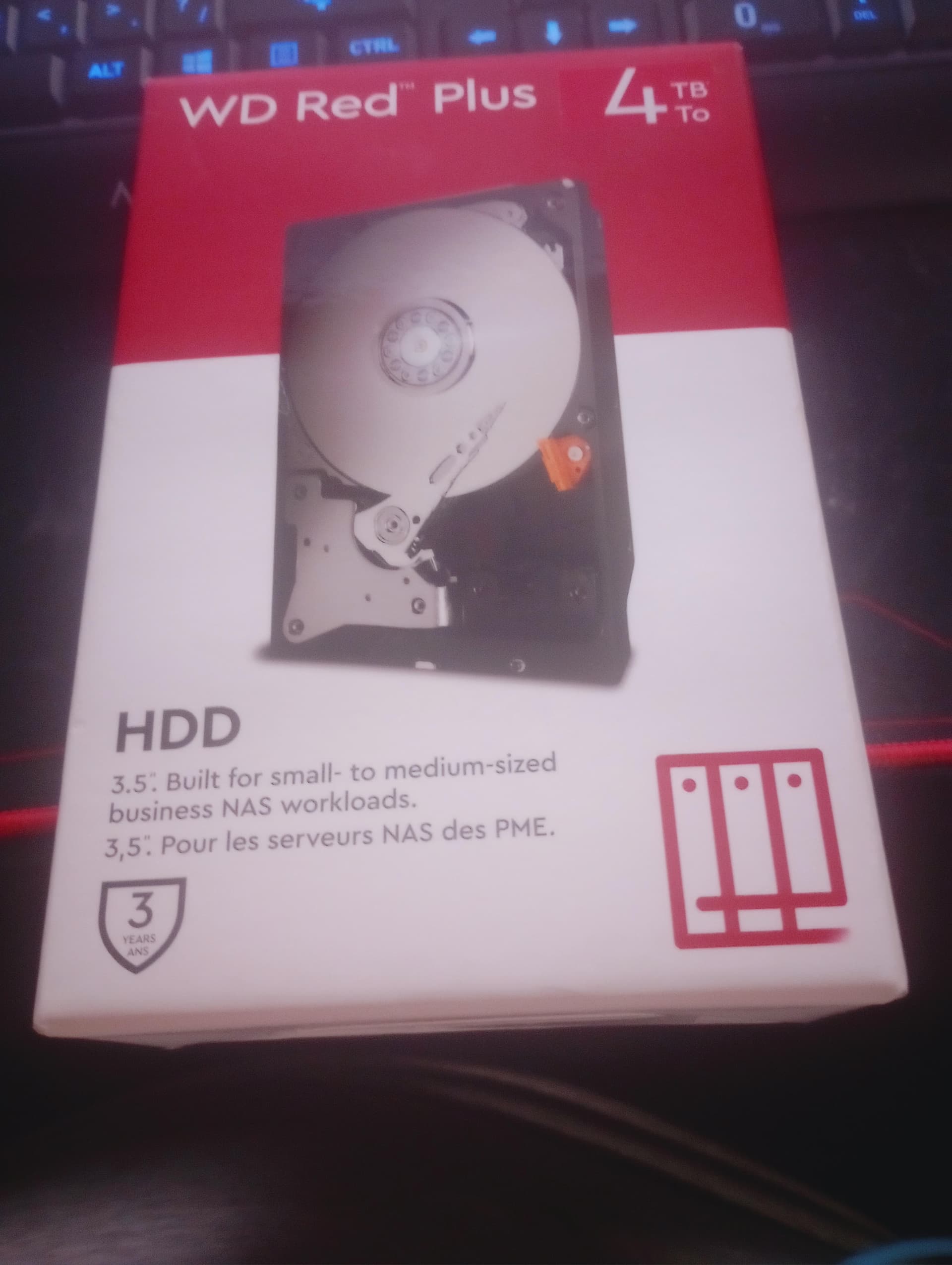
I just know I am going to regret not getting the 8TB HDD instead of the 4’TB’s… well either way it rivals a very expensive NAS… I seen what the quad core 4gb ram cost.
here are the specs:
The stock Heatsink/fan is so noisy it will be much better when I get the cooler master CPU Heatsink/fan…
I only had 2 6gb ports so two drives are going to be the limit. If in time I need more space I will get the 2 TB Drives for more space. but right now I havwe 8TB not too bad…
If you can map it and copy files but it’s not showing up in the “network” list in Win Explorer, then it is either not broadcasting the share (unlikely, you set it up as a SMB share right? And you can access it from the Run prompt or command line?) … or Windows is being…well, windows 
It’s been a while since I’ve had to look into this, but some editions of Windows need the SMB client enabled before they’ll search for SMB shares on the network. I think this page refers:
yes I setup like I did last night on my experimental build and had it working perfect. I redid everything this evening and it is not found in file explorer network…
In a little bitI am going to start it back up and fiddle with it some more… that link I tried a few things in there already like setting SMB up in add remove features I will double chedck that tho maybe I disabled it…
thank you for thelinks I will check the net bios stuff as well… but I think something amiss in the OMV OS…
OK I started with a clean slate and tried what the OMC Startup guide suggested and that was a single share folder. well I could map the drive and finally get to sort of work.
I still do not see it in the file explorer network page?? I am gonna stop for now as I been at this since 4pm it is now 130am…
well it appears it was avast blocking the shared folder, I uninstalled Avast and voila it appeared so all is well. I was thinking this really should not be this hard as I follwed the directions to the T… I guess those 3rd part antivirus programs wreak havok and this sort of stuff…
I am just glad I figured it out thnx
That’s weird but good to know! Great job figuring it out
well I had nuked it again and wanted to get t he raid setup and now I see the shared folder but now when I go to access it I get a windows security password box pop up, well I typed in the password for admin account but it says wrong password username WTH goes on here and why is windows asking for a password?
I turned of the windows network password in sharing network settings?? I really do not get it.
I did the minimal of installs and when I goto access the shared folder it asks for a password. well there are only 2 passwords I am aware of for OMV and that was the default password and the one I changed it too in the workbench??
Really gona need to try OpenNAS again…
ok it seems it is a windpws password and this is a borrowed laptop I dont know the password so I am going to try a different laptop aand TrueNAS Again…
EDIT: OK I figured out my issue with the password. in TrueNAS you can not log in as Root or admin. you need to setup a user account or group and then voila I was able to access the shared folder…
Easy when you know how…
hey guys, little update the cpu fan came todayand I installed that and decided just to stick with OMV as it is a tad easier to deal with…
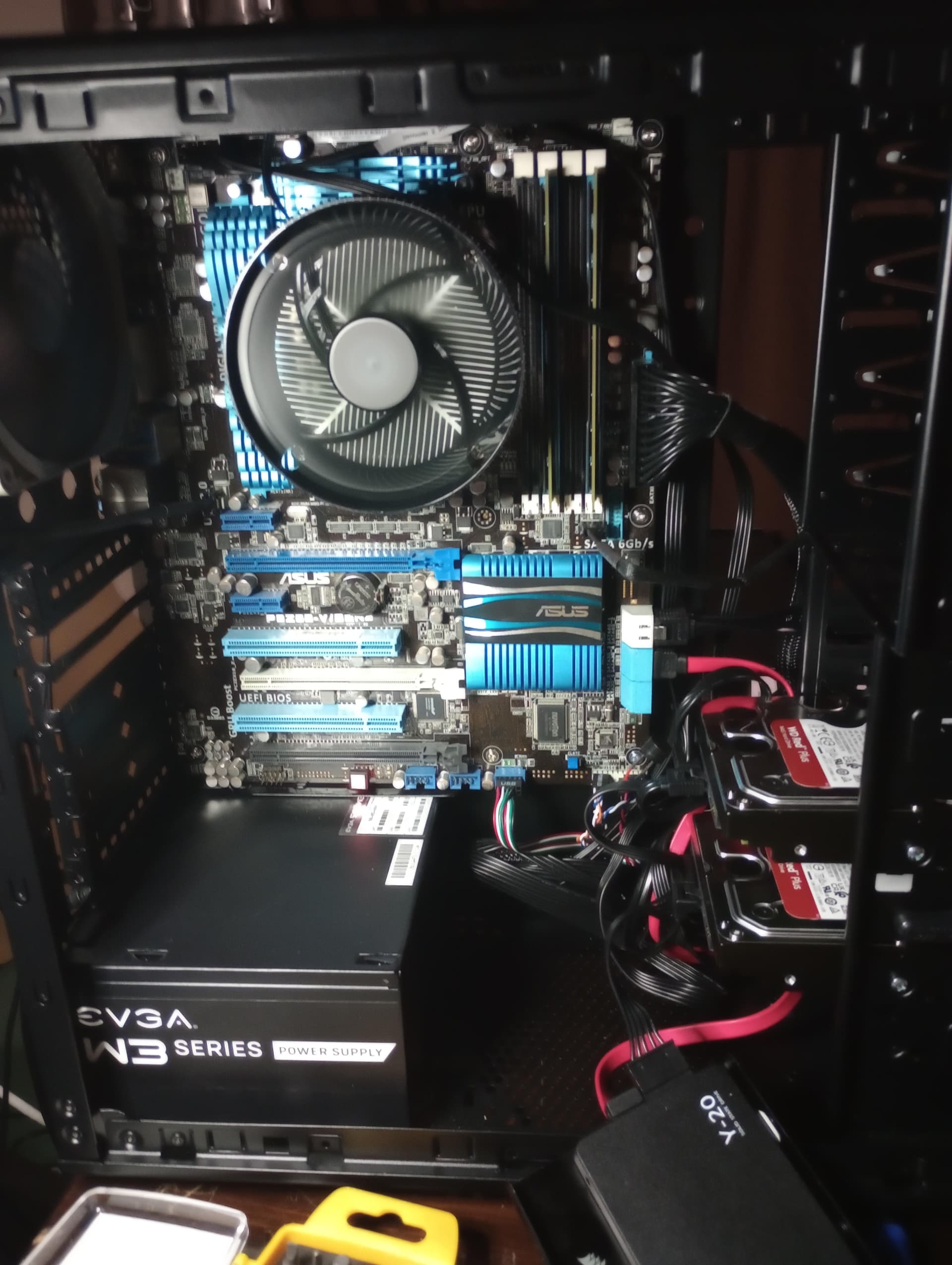
I also cleaned up the cables a bit and installed all the drives 2 HDD and one SSD for the OS it all worked well. I took the drive out so I can use that pc which had an win 10 and all my stuff on it,
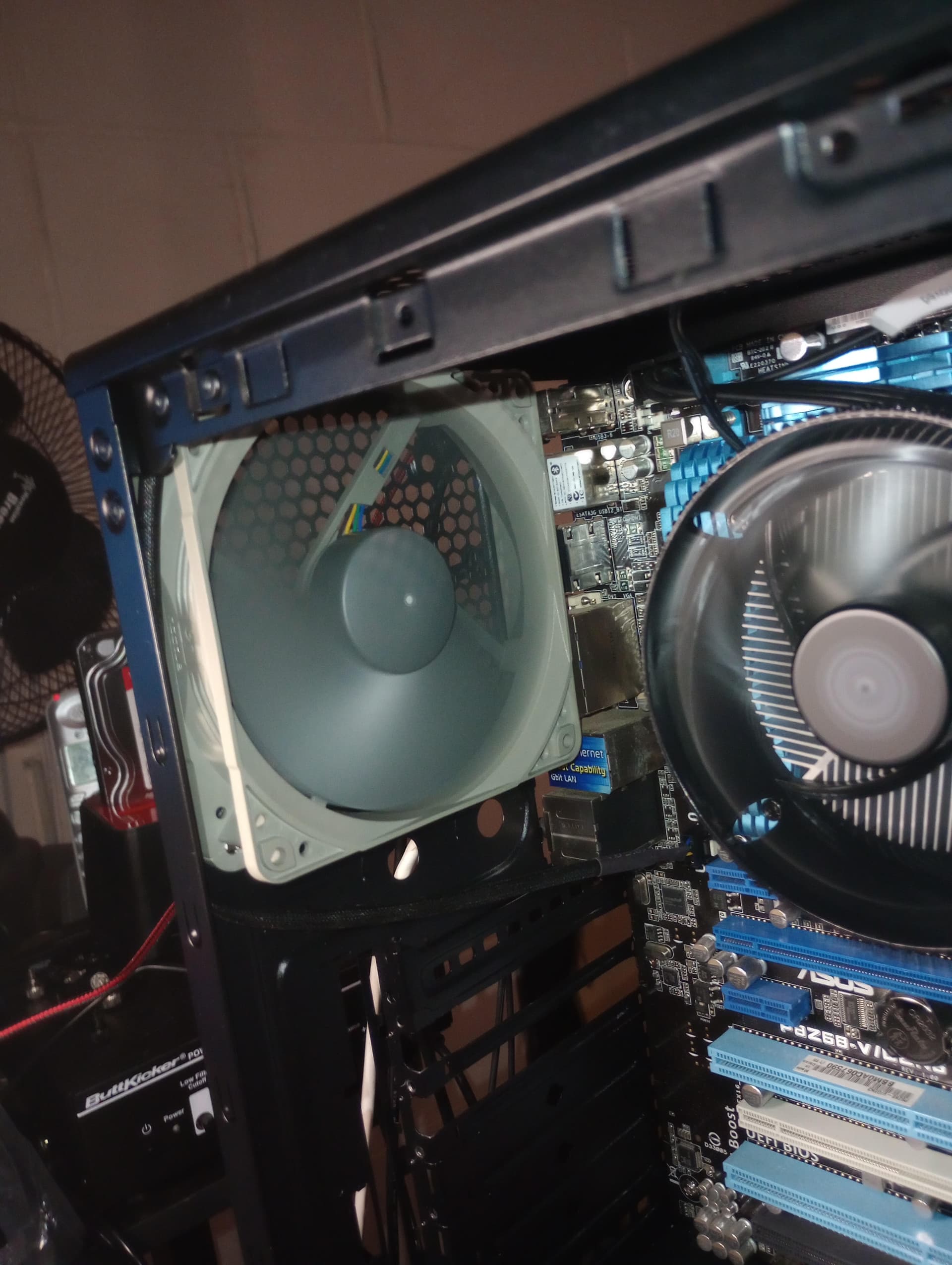
here are 2 pics one of the entire NAS which you can see the cpu fan a bit bigger but just alittle quiter… and a pic of the new Noctua case ans this is the exhaust…
That is looking very neat, and quieter is always better for something that is going to be on all the time
Hey thnx, and since I have the back cover off I can wire tie those cables to make it look better and keep them tied up so they don’t break out…
Once I put the covers on it should be pretty quiet… this has turned out better then I thought it would… should of done this years ago…