I’m guessing that the regular vibrations coming from sound isn’t a problem. Lots of people have rather beefy sound systems in close proximity to their PC:s. It’s just that the bass shakers sometimes create resonance in the SimBox structure that makes for an incredible racket. Like when…crashing…and such. (Never happens to me, naturally. But sometimes I have friends visiting )
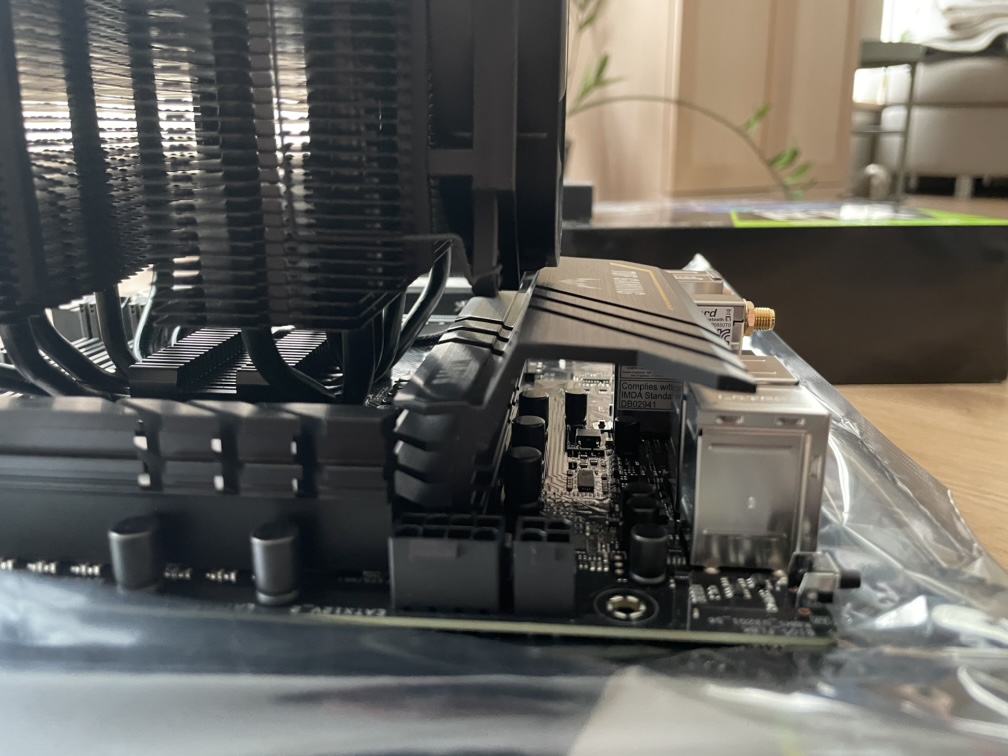
I’m thinking that having some flexibility between the hard frame and the expensive stuff, isn’t such a bad idea… But it can’t be so flexible that it creates a rebound.
Maybe if I could suspend the entire computer in oil… But that has its own set of problems.
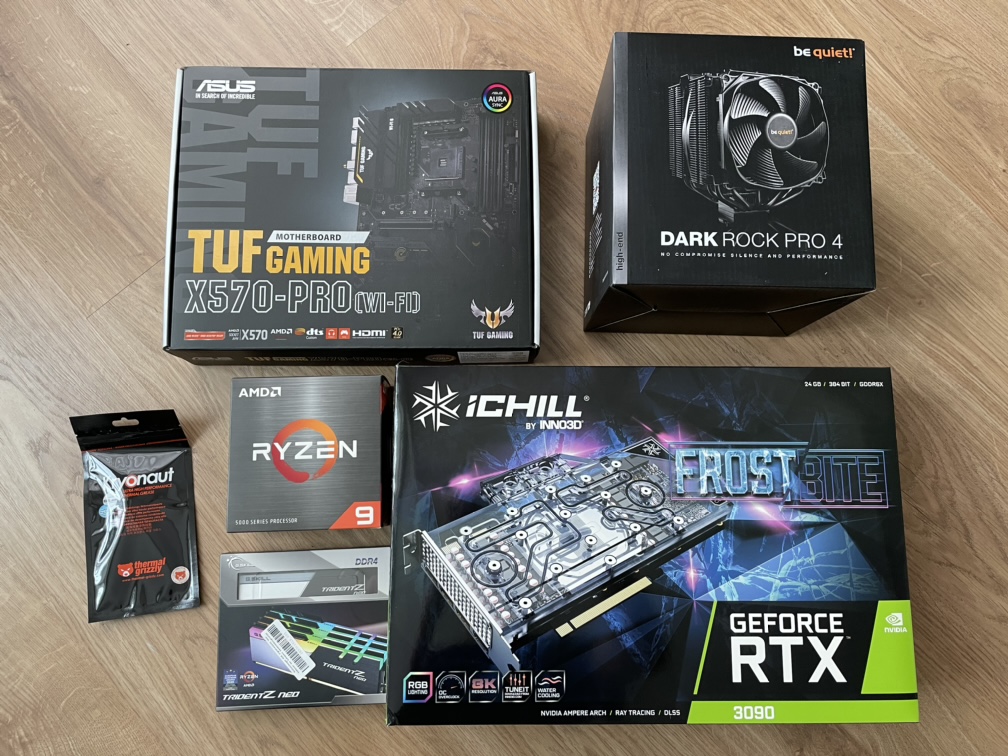
Am curious about any little “gotcha’s” you might come across; drivers missing, BIOS stuff; Windows purchase, D/L, install. Stuff not immediately obvious to me as I’m starting this process next month.
Without getting too much specific about dampening vibrations and engineering (because I know nothing of it), I would tend to choose the rubber damper, since it’s what pc manufacturers actually use on the fans for the exact same effect.
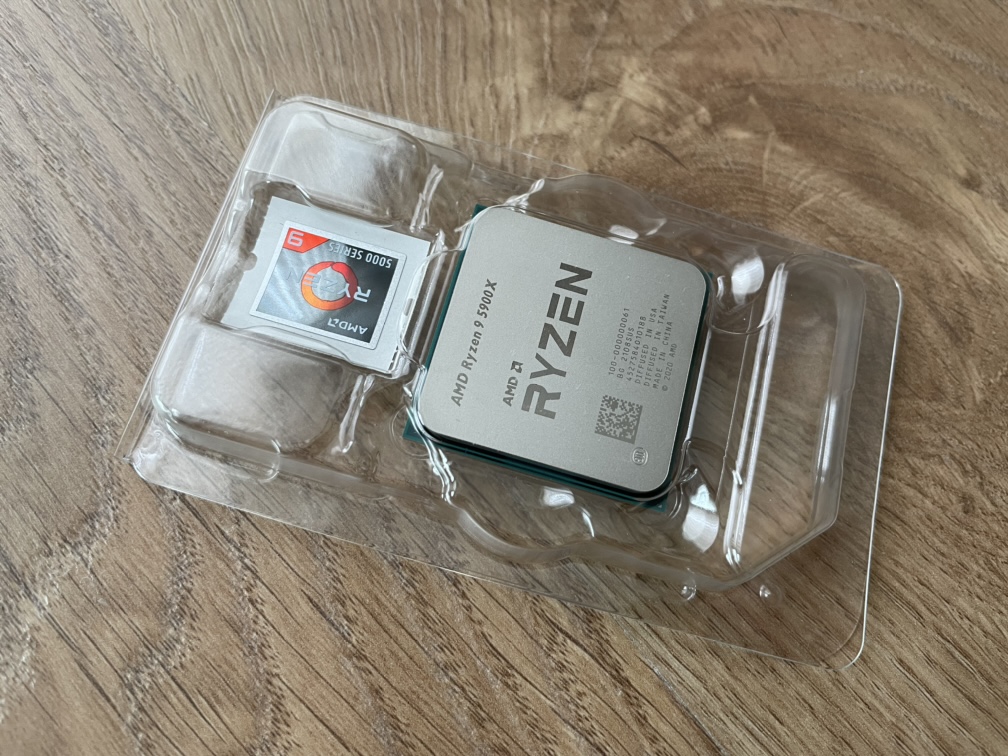
No, that shouldn’t be an issue. It might not be the newest BIOS, so if you want the latest then yes, you might need to update it but the BIOS that’s installed will definitely support the new Ryzen CPUs including your R9
Derby is right, it should work out of the box. The reason to upgrade would be to get the most recent AGESA code, which enables gimmicks like resizable bar support.
What‘s AMDs name for it again? SAM or something.
So update, enable „Above 4G decoding“ and „Re-Size BAR Support“ in the Advanced settings, if Nvidia GPU update that firmware as well. Enjoy.
I read that as well but for my upgrade (to an 5800 from a 3800, on a Gigabyte board) I already had the correct BIOS. You can check online with the motherboard manufacturer and see.
the X570 was made for Ryzen 5000. Only B450 boards need to update the bios.
The only thing you have to do with a Ryzen processor is enable XMP on the BIOS so your memory can run at their advertised clock speed. Other than that, and maybe turning off some RGB stuff there is not much to do, unless you are overclocking.
Supported from BIOS v. 0314. But I don’t know which version the board ships with…
Ok. Makes sense. I read a disclaimer in a webshop, that the CPU might not work unless the BIOS was updated. That’s perhaps old info.
Anyway, we’ll see this weekend
 )
)