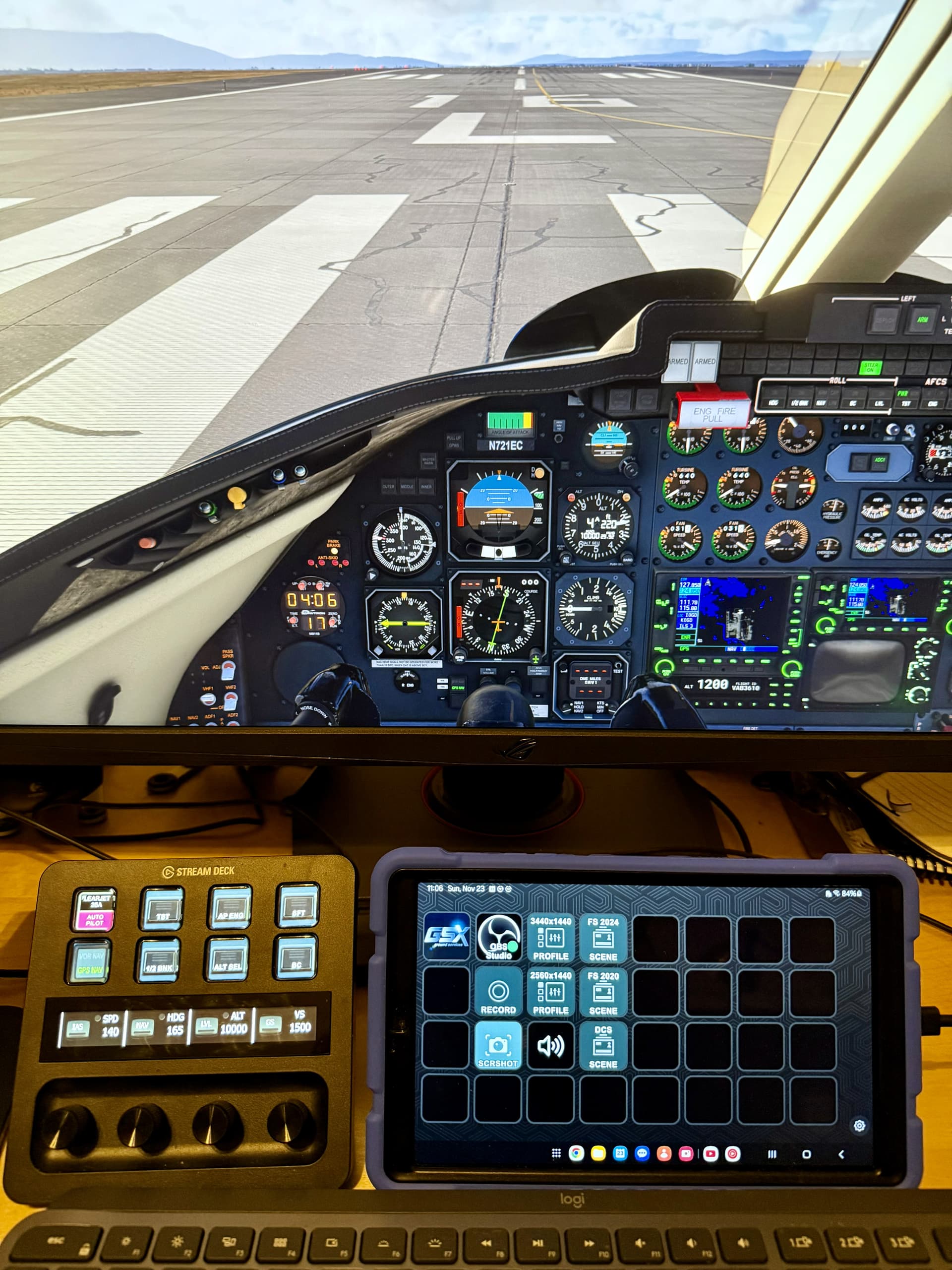
I’m trying hard to not pull my credit card out of my wallet! 
Ditto! (But it’s gonna happen at some point)
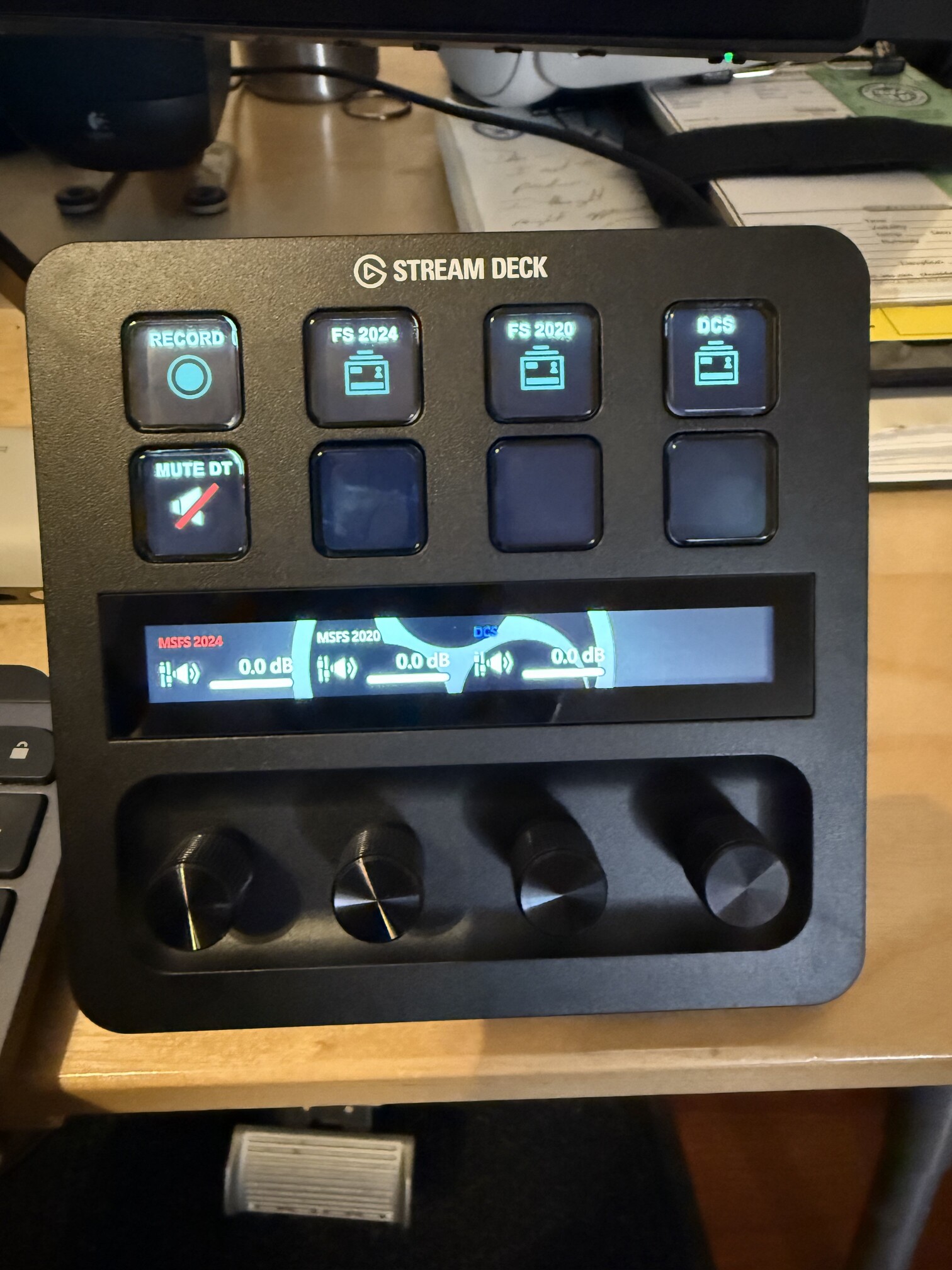
Building my first profile using the OBS Studio plugin downloaded from the xmarketplace. This is for capturing simulations. I can switch scenes (sims), start/stop recording, mute the audio output, and hopefully adjust audio volume on this page. Troubleshooting atm why the dial channels aren’t linking to the correct audio output, even though they are linked to scenes. The buttons are working perfectly.
Don’t tell me that works with both push and pull?
If you mean the dials, no they are clickable. But they do work line a normal A/T knob, like a press will hold the current altitude. And you can stack them, so a press of the dial cycles through different functions or modes.
EXTRACTING CUSTOM ICONS FROM PROFILES
There is no native way to do this, but I’m finding that opening the profile with 7-Zip works well. You have to dig through folders a bit to find them, but they are there.
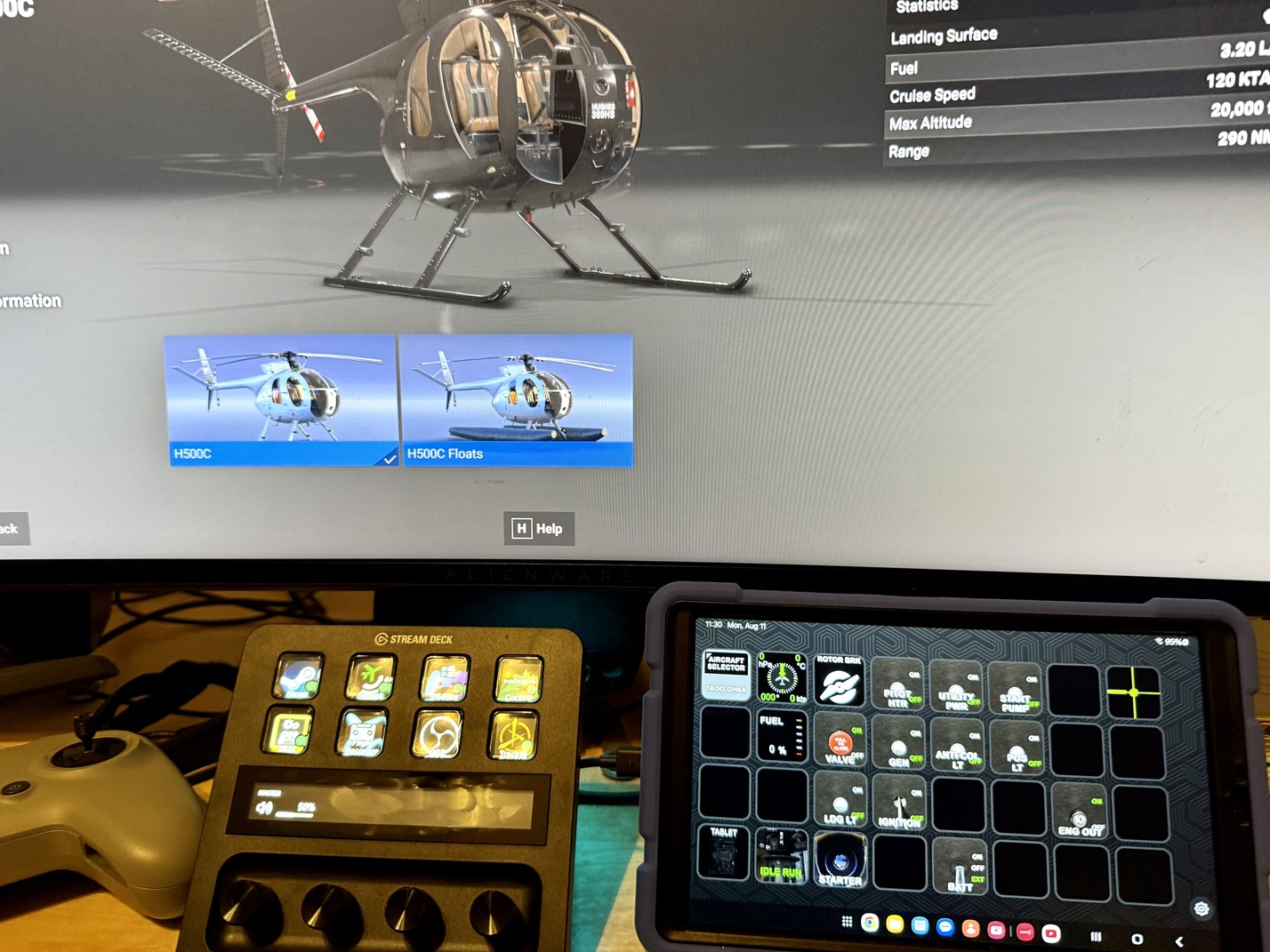
I’ve begun tinkering with Stream Deck Mobile, here on a cheap Android tablet that I use for sailing. There is a free version that works well, but the Pro will emulate an SD XL. Because one can never have enough buttons  Profile by Guenseli.
Does Pro here mean buy or Saas/Subscription? I’m extremely happy with my physical XL but one can never have enough buttons
First month is free, then $3/mo, $25/yr, $50/lifetime.
Thank you so much for telling me
I really like this profile for the Apache.
Using the Stream Deck XL for the KMU is very nice.
Nice find.
Since I started to dive into business jets in MSFS due to this year’s Christmas Flight, I thought that it would be cool to have a profile on my Stream Deck. Primarily for the AP and the FMS.
This is what I found:
https://flightsim.to/file/80622/stream-deck-profile-for-cj4-flight-tracker-15-button
You will need this free Plugin for Stream Deck:
Which again uses this free interface software (EoL but still working):
Those two should open up any MSFS aircraft to the Stream Deck.
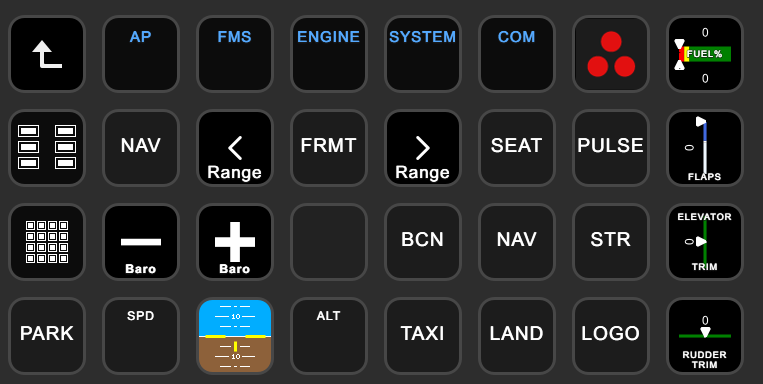
I modified the profile to use all buttons on my Stream Deck XL and match the button arrangement of the CJ4 panels:
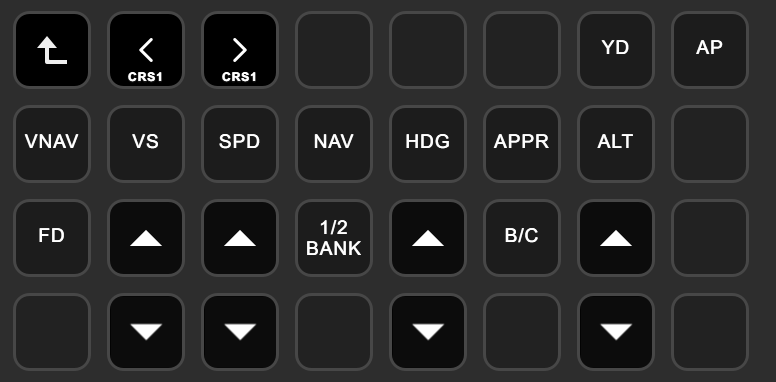
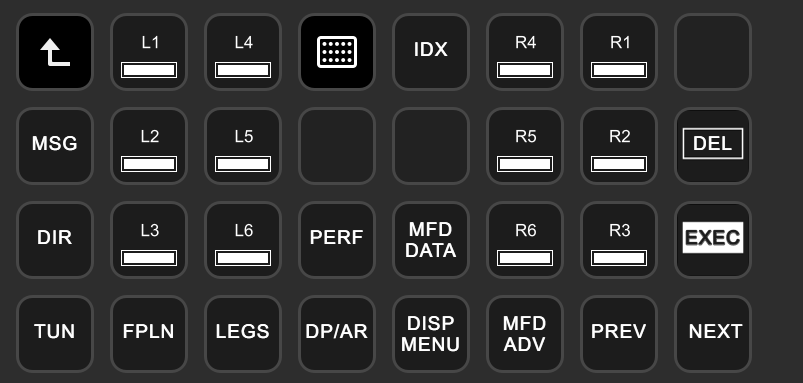
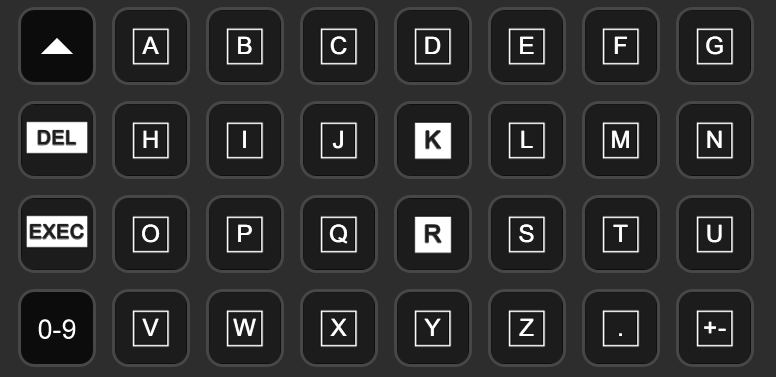
That’s some amazing work you did there miRage!
+10 on using a Stream Deck while simming to help staying ahead of the jet, where things are happening pretty quickly. For instance, in the Lear 35A, V2 is 128 kt and flap retraction speed is 158 kt. So you need to either pitch like @smokinhole 's former MiG pilot friend, or manipulate the gear handle with a pinkie on the flap switch.
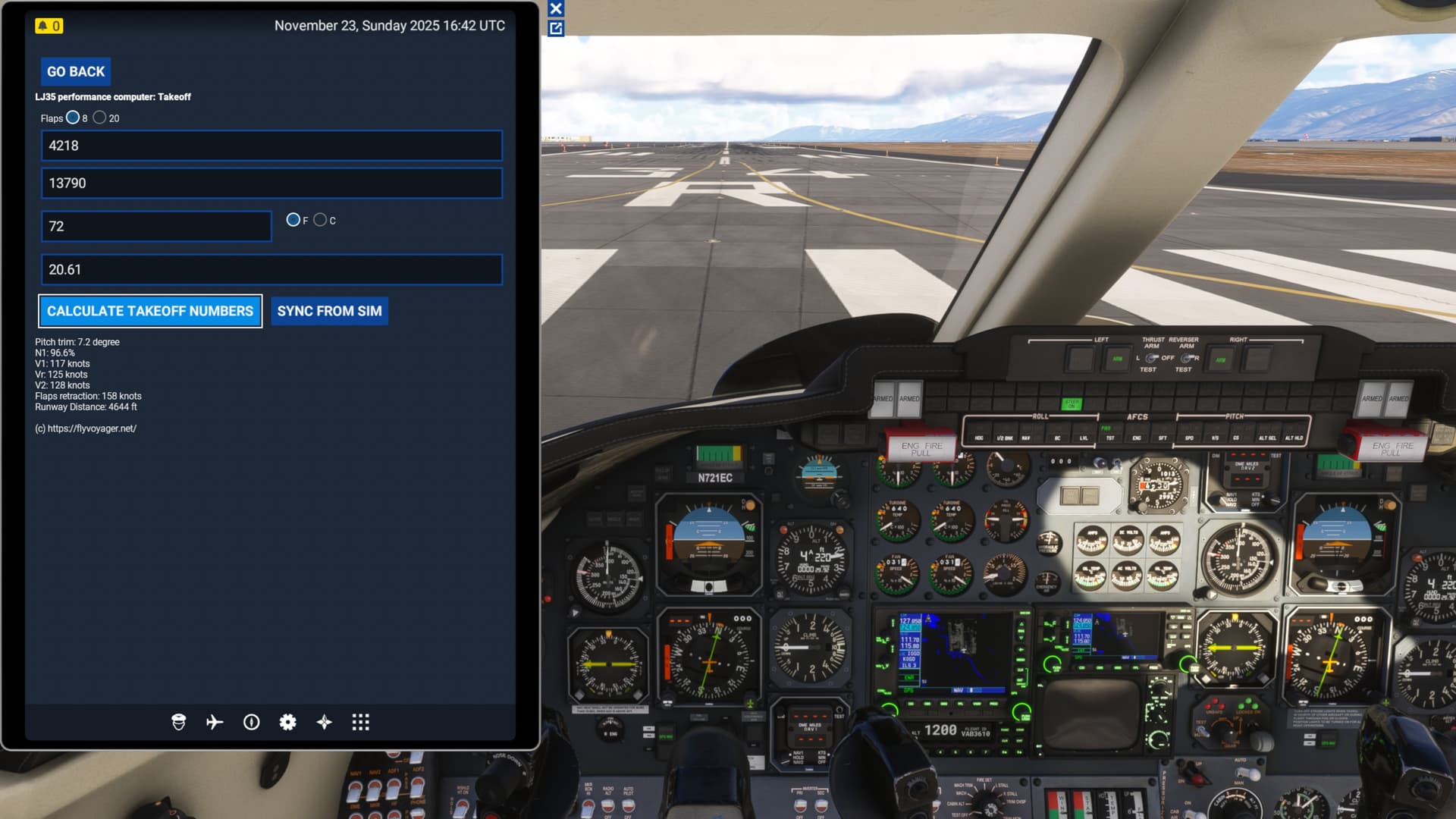
Learjet 35A performance calculator EFB app.
It’s a little tricky with VR, but at least with the SD+, you easily become adroit at finding the 4 rotary/pb knobs while under the hood.