Agh… I wish, it’s my weekend with the kids.
2 Likes
from today’s patch
DCS: C-130J by Airplane Simulation Company
Added: New missions from Sedlo
Added: Air China, RNZAF, and JASDF liveries
Fixed: Numerous crashes when ray tracing is enabled
Fixed: Crash when deleting MOAB PI
Fixed: Crash when manipulating mark points in the flight plan
Fixed: Flare/chaff quantity not updating during rearm
Fixed: LALT + F1 view includes window panes
Fixed: G spike/desync causes wings to detach
Fixed: Unable to add C-130J unit when Germany is the selected country
Fixed: Error when attempting to load 'Ready on the Ramp at Incirlik' instant action mission
Fixed: Error when attempting to load 'Caucasus - FARP Operations" instant action mission
Fixed: Selecting L6 on MC INDX blanks CNI screen
Fixed: Typo on copilot sunvisor tooltip
Fixed: Main menu icon for C-130J still says 'Development'
Fixed: 'VAVLE' typo on pressurization panel
Changed: Updated missions from Sedlo, Gambit, and Baltic Dragon
Changed: Replaced old rearm menu graphic with updated image
Changed: Updated liveries with various accuracy improvements
Removed: Requirement for CPUs to support AVX instructions
EFB: Made loadmaster icon more visible
EFB: Added warning when loadmaster is blocking cargo loading
EFB: Added support for importing/exporting radio stations
EFB: Added 'Restart EFB' button to settings tab
EFB: Added warning that the EFB needs to be open for logbook tracking to function
EFB: Removed placeholder pilot name in logbook
EFB: Changed button colors for Cargo Load All/Unload All
EFB: Fixed playback button overlapping with notes
EFB: Updated info for auto load files
EFB: Updated styling for user radio stations
EFB: Added virtual keyboard for notes and radio stations
EFB: Improved volume control below 20% for radio stations
EFB: Renamed 'Files' tab to 'Media'
EFB: 'Auto Reverse' selection now persists between missions
1 Like
if nothing crazy happens to my shedule I’d love to join! I don’t have a Chinook though.
2 Likes
hows this for an idea … but unfortunately you can’t load the cows, or strap parachutes to them  but I would lay money that someone could mod it
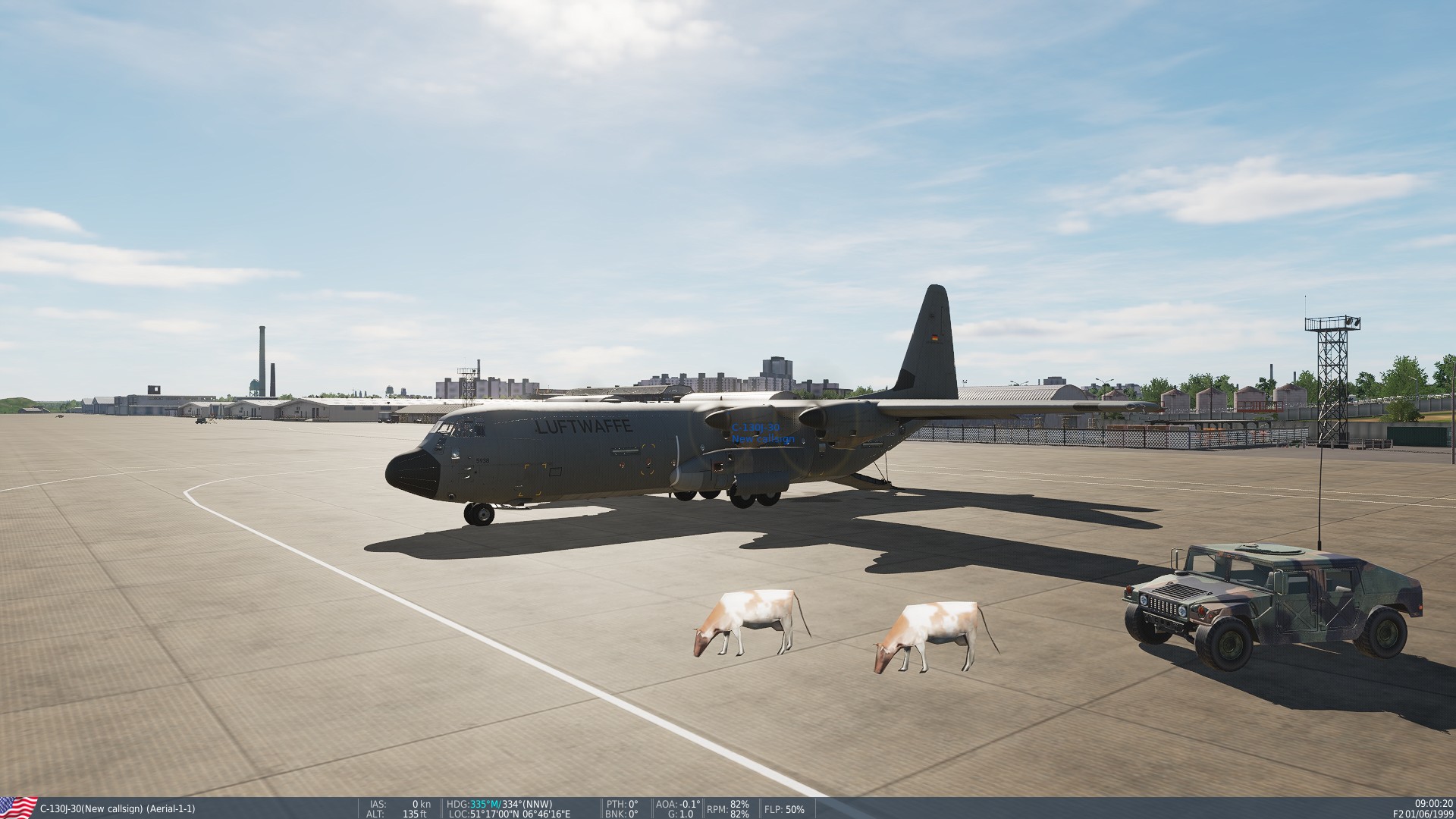 but I would lay money that someone could mod it
8 Likes
I will probably join on Saturday
1 Like
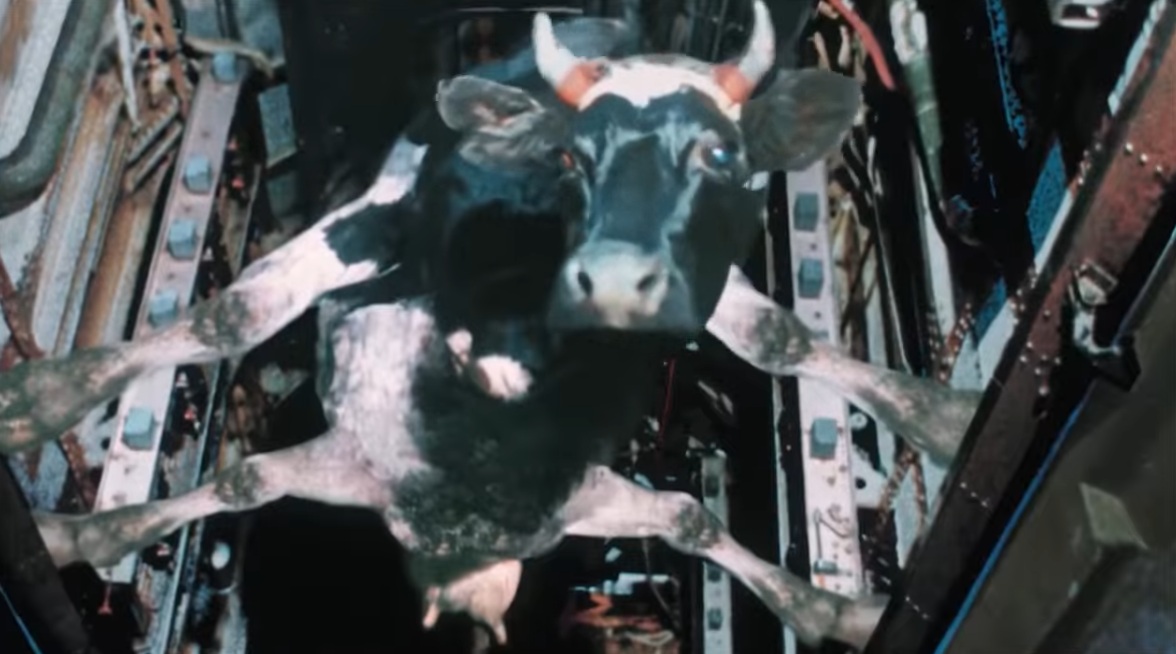
Anyone has seen a movie called Peculiarities of the National Hunt?
In that movie there is a scene with a cow in a Tu-22 bomb bay 
8 Likes

New attempt…

Climbing on IAS hold and max throttles. The four of them started to get a bit unhappy with this…
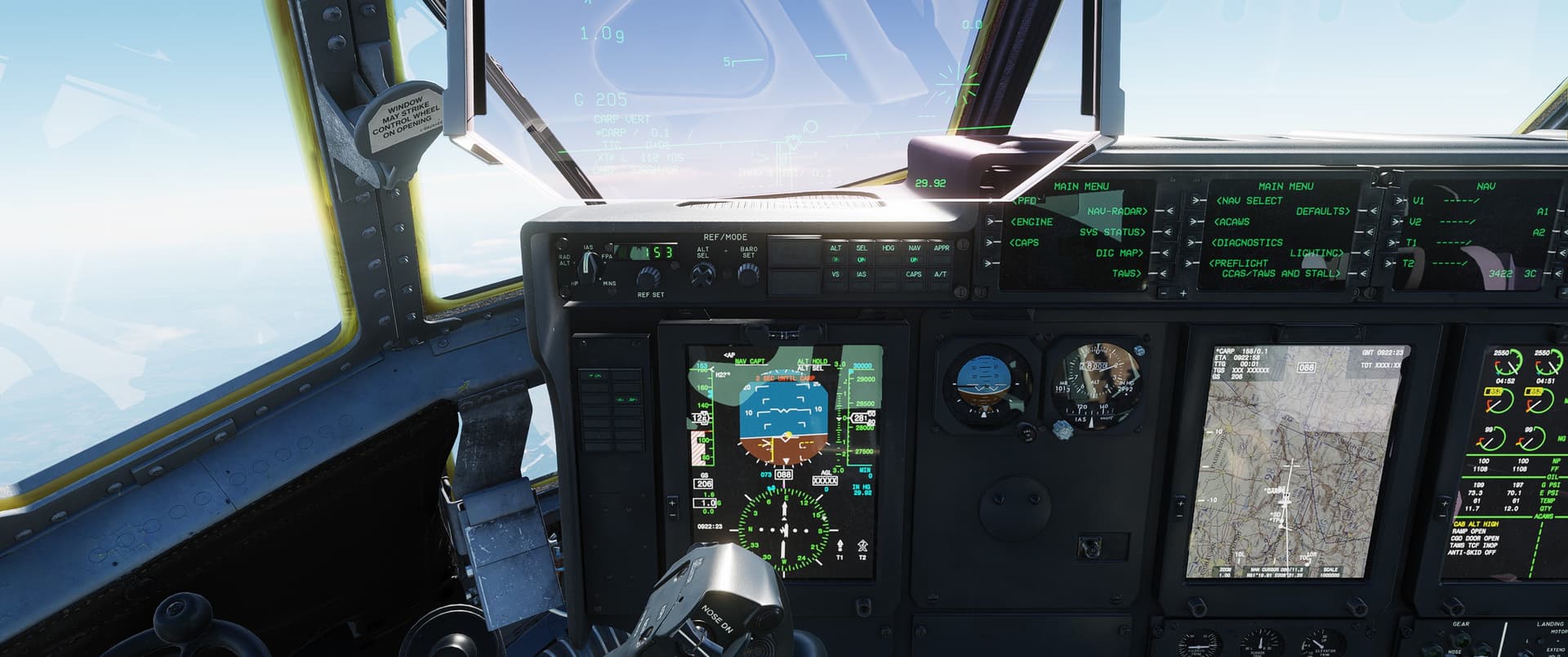
AP bringing me to the verge of a stall. I already walled the throttles… luckily that bomb is coming out soon.
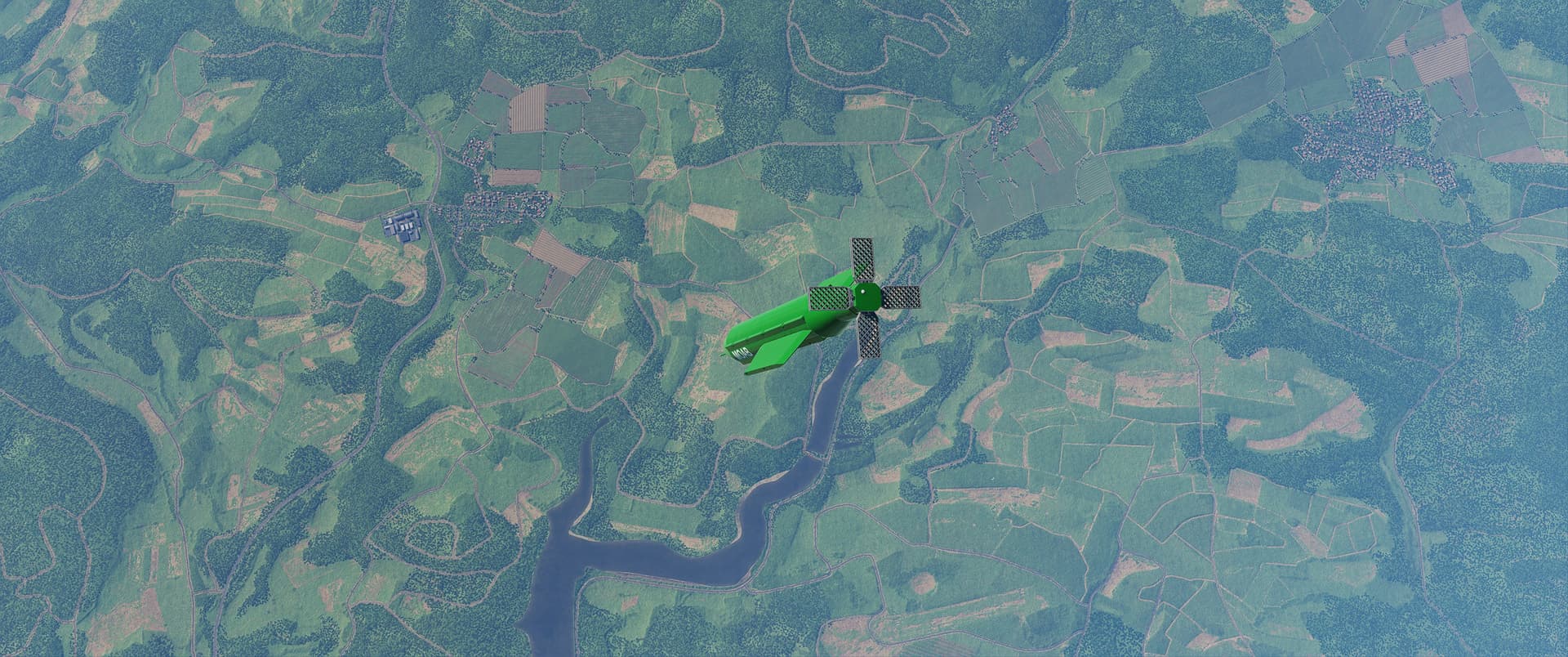

One green thing is not like the others. From this altitude I got absolutely great guidance but with a better CARP the profile was much more vertical as well.
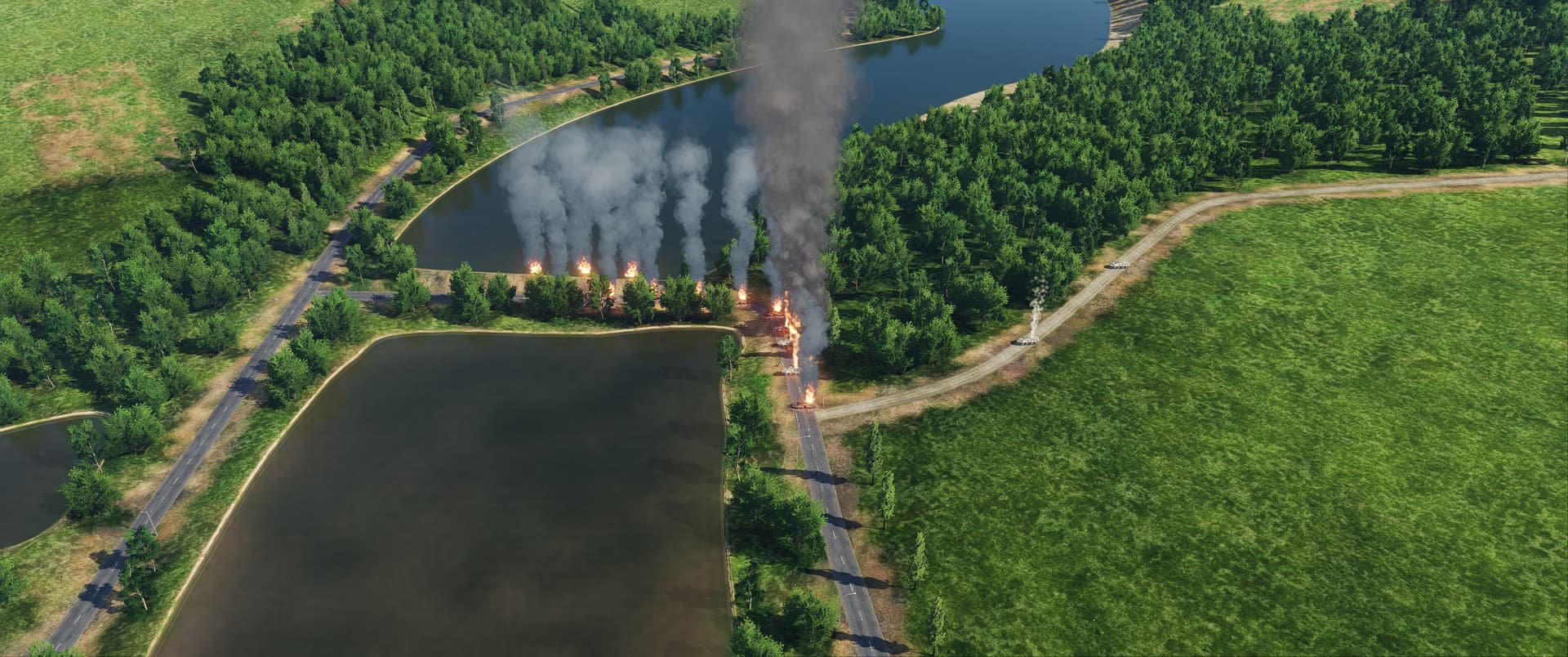
Casualty radius against thin armor approaches some 175m. Everything under 100m seems instantly smoked.
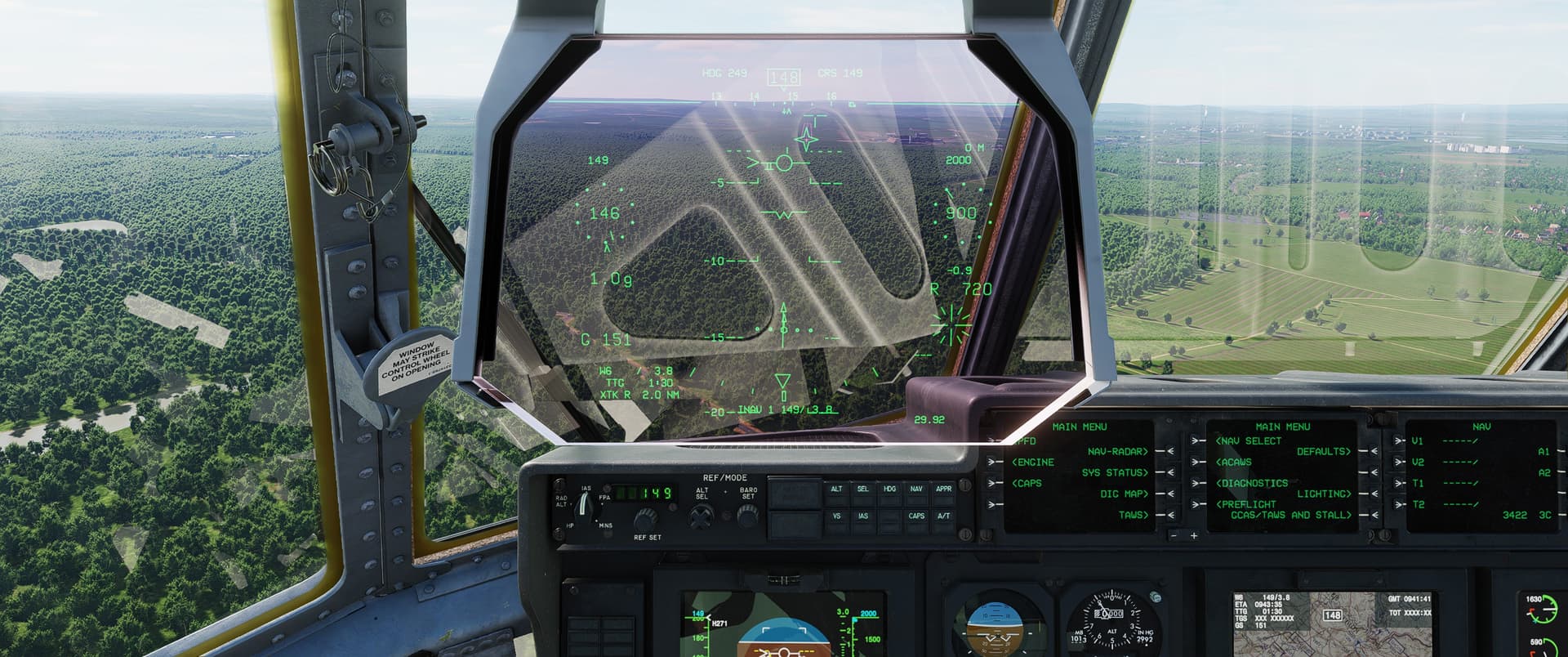
Homecoming
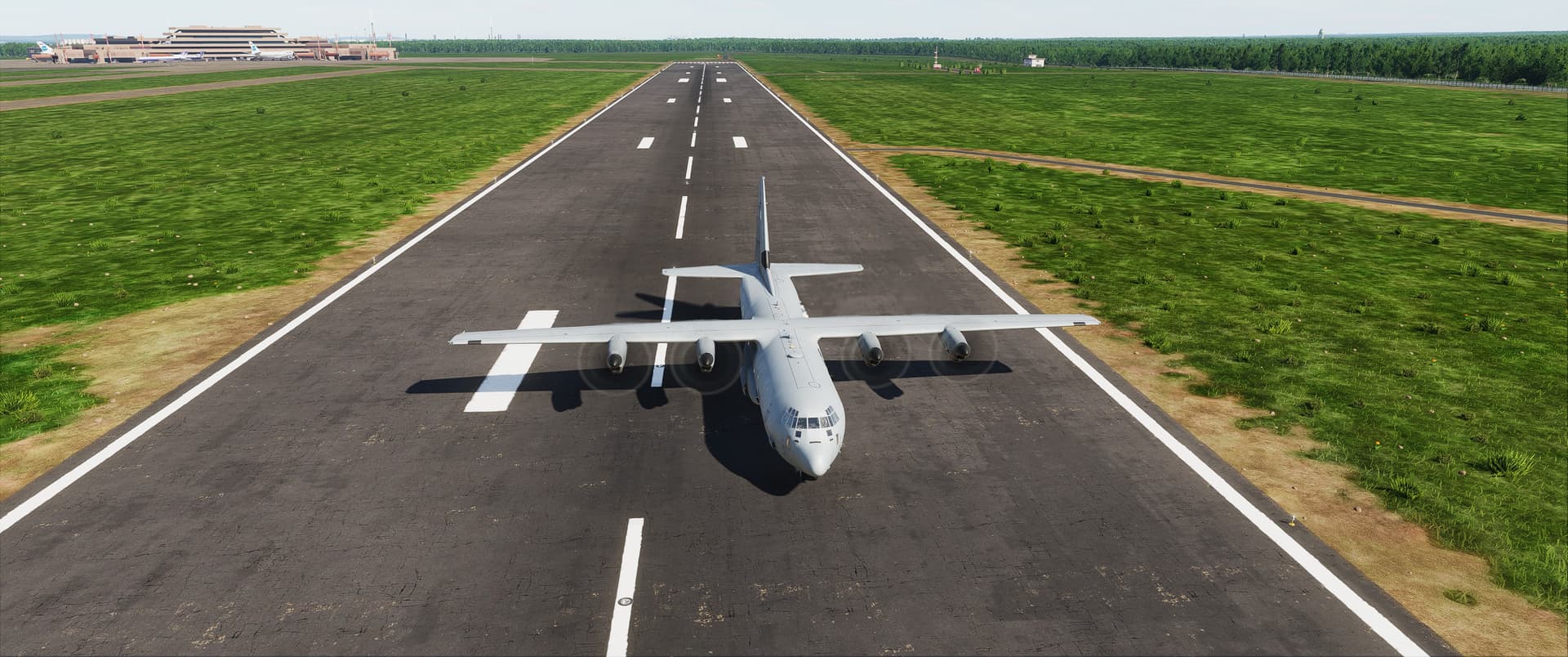
Who needs much runway anyway. Crazy that it can come in at under 100kts and then the thrust reversing is so powerful.
6 Likes
I am going to try the IPRAV landing mode on one of the new autobahn-strips on the Germany map
1 Like
And then I decided to give one of the tutorials a go. I love a well written, well flowing tute. These are fun! Bravo Zulu @Baltic_Dragon !
So, despite me planning not to touch all those early 2000s looking electronic gadgets with the cool green monochrome displays, I have been adding waypoints and things all afternoon! (yes that client can wait a day longer for his shed, rl weather sucked anyway.)
6 Likes
Yep the tutorial campaign is fantastic  Well done by Baltic.
However I really want a proper manual for the CNI-MU. I am constantly finding new stuff that I want to look up but can’t.
1 Like
From the looks of the CTRL-C menu, in due time they are going to outdo what Heatblur did with their F-4E on-board manual…
I managed to cock up the CARP (computed air release point, that should have been Computer Release Assistance Programme if you ask me. Missed chance, airforce!) by switching to the loadies’ perspective when the drop was supposed to happen. Because I reckon at greenlight, the loady is supposed to physically boot the crap offboard, right? Because it didn’t happen, and I did not feel like doing all that data entry again. I need a button to yell “NOW!” at the loady and just wing it.
3 Likes
That exists. If the aircraft isn’t precisely on the planned course for release the computer will not do it automatically but you can still tell the system to drop by hitting the greenlight yourself.
3 Likes
That button is labelled “JUMP”
2 Likes
Yes that one! 
1 Like
 Funniest things I’ve seen in a while!
2 Likes
Anyone getting low (sometimes REALLY low) FPS with this? Same map, same ramp, same graphics (as the Hornet/Viper/Harrier, etc), sitting the chocks at Kandahar, is 50% lower. Saw it drop to 20FPS!?!?! on a test a few minutes ago. That same machine/conditions see 180+ FPS in the other examples.
I did turn off the ray-tracing gizmo as I saw a reduction out of the box with this on.
2 Likes
I will try Afghanistan in a moment but what I can say is that the C-130 needs a beefy PC to run well. On the Cold War Germany Map I can see that windows has always reserved about 60GB RAM in the taskmanager right from the get go and I’ve seen it go as high as 80GB (out of 96GB) with actual usage in DCS up to almost 60GB. 15-22GB actual VRAM usage is pretty normal to see in the C-130 on my 5090
Edit: Afghanistan is much less demanding it seems but still a lot more demanding than before the C-130J release. Windows reserves about 40GB RAM on mission start VRAM is around 12GB usage at Bagram. I have FPS capped at 180 in 2D, not even an itch, absolutely flat frametimes at 180fps
2 Likes
Is that VRAM as counted by DCS in the extended fps counter thingie ir otherwise? I have rarely seen it go over ten gb used tbh.
Yeah, not sure what the issue is with the Herc exactly.
I have 64GB of RAM, 11GB VRAM.
Under same conditions the FPS are, roughly: C-130 ~140FPS, F-18 ~190FPS. Sitting on the ramp, engines running
The extended FPS counter thingie. Taskmanager shows all 32GB VRAM as reserved
1 Like