Miltech makes some of my favorite things for Microsoft Flight Simulator (MSFS). First was Supercarrier Pro, a less sophisticated nod to Eagle Dynamics’ Supercarrier in DCS. It populates the world’s oceans with carrier groups both moving and static and allows for beating around boats in any plane equipped with a hook. Then came the MV-22 Osprey: even Miltech admits that the modelled Osprey is somewhat funky given the engine limitations of the sim, but I found it to be surprisingly good–worth the price just to watch the wing and props fold. After that was the CH-46, an amazing and lovingly detailed Chinook that I think exceeds in both look and flight modeling the included Chinook as well as Eagle Dynamic’s version in DCS. Their Chinook also came with some pre-made missions that could be launched through a clever menu system on the center console CDU. This feature was likely the inspiration for the Mission Hub. But before I dive into that: latest but not least in my “investments” was the MH-60, the navalized version of the Black Hawk. Like the Chinook, it is a masterwork of art and flight modeling. However, unlike the Chinook, it lacked the prior model’s sling-loading and firefighting missions. Miltech now had a better idea.
(Mission Hub launcher)
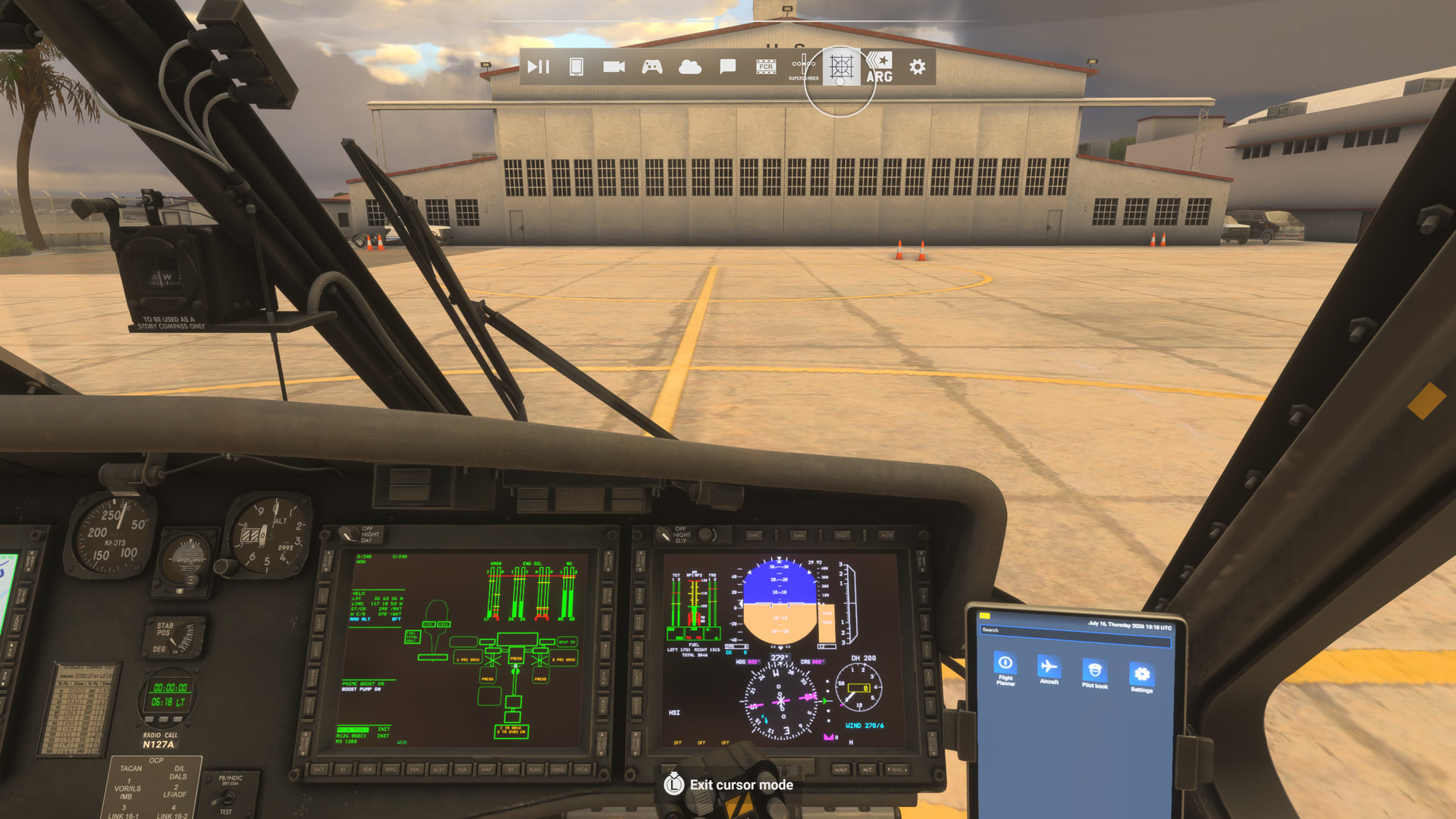
(Select “edit” or “start”)
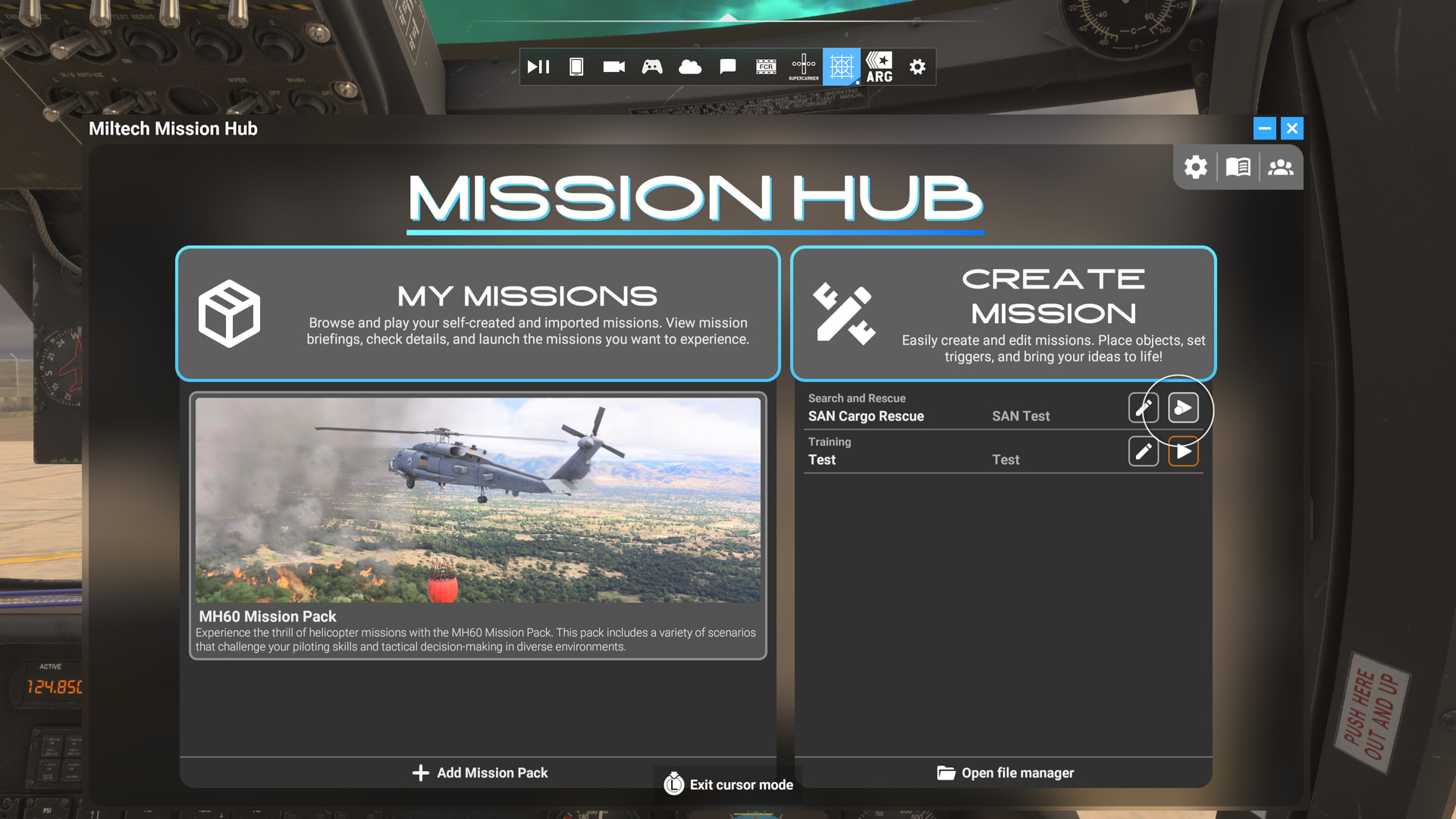
(The editor)
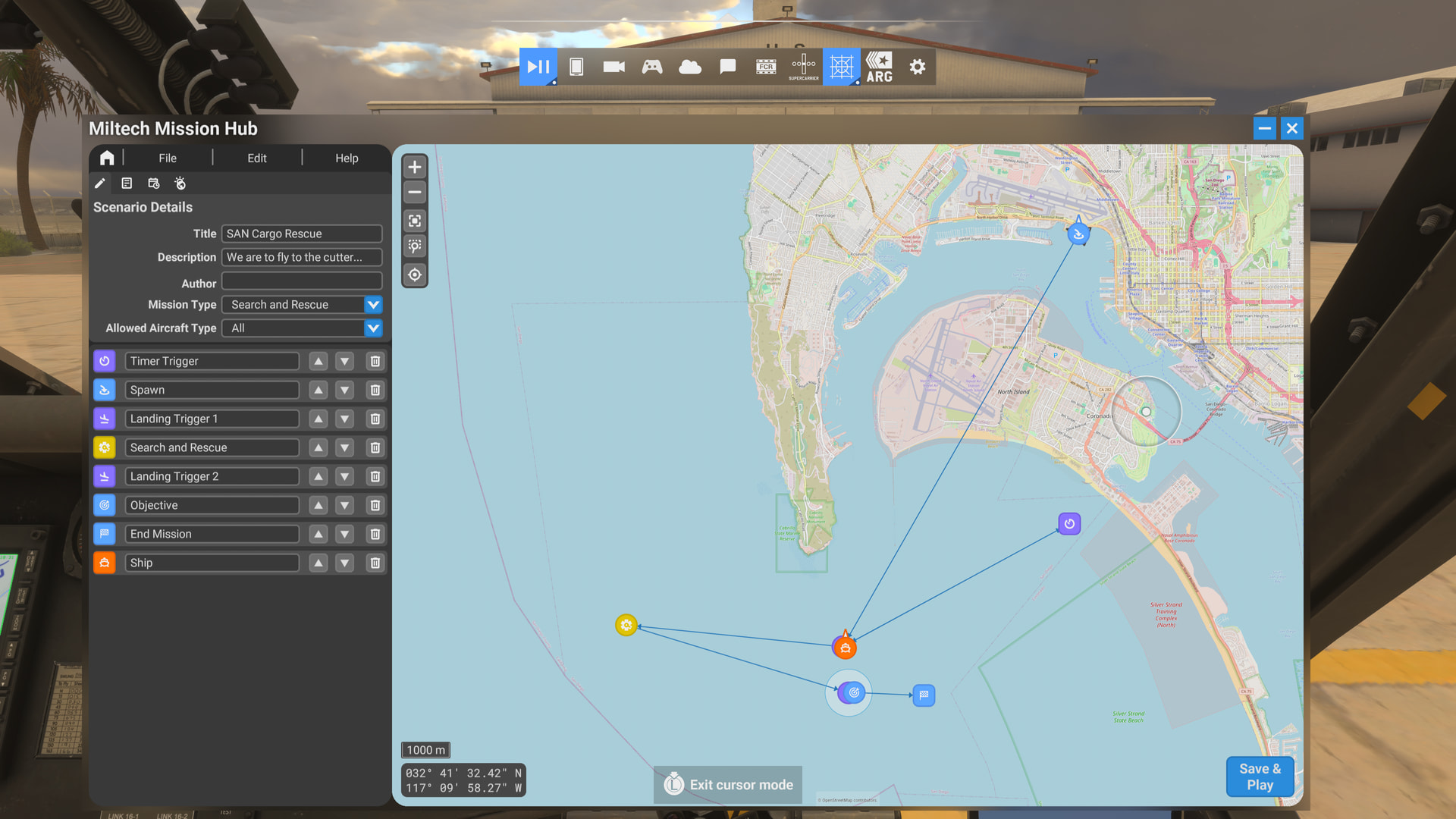
Mission Hub fills a void. MSFS brings flight in beautiful detail that I would argue no sim can touch. But the experience is a bit sandboxy. To correct this, MSFS 2024 has given us a million new things to do with the sim, from photographing rhinos to narrated tours of national parks, from the wicked fun tie-in with Stranger Things using Taog’s Huey to the unfairly maligned Career. I am at least 300 hours into my Career and while, yes, it has its blemishes, no other sim or feature, military or civil, allows you to grow over time while you explore the world. The Career is deep and it is vast. But what if “deep and vast” isn’t really your bag for today’s limited sim session? You just want to sling around some cargo or put out fires in Canada. Mission Hub lets you curate a siming adventure in minutes. If you are familiar with the mission editors in ARMA or IL2, you have some idea of how Mission Hub works. Those editors, however, can take months to master. Mission Hub is far simpler and almost instantly intuitive. Objects, spawns, triggers and objectives are linked by the creator to logically stage actions that can have the pilot sweating for hours before being awarded with “Mission Complete!” Or you can place just a Spawn point and a sinking sailboat in fifteen seconds and go fly. Quickly built, rich flying experiences are the point. Mission creation is itself, however, insidious fun. I am no expert at it. I haven’t yet even clicked the “Advanced” toggle to see what that adds. Mainly, I use Mission Hub to learn a new plane or helicopter or explore a place I haven’t yet seen, but with a purpose. Another use, speaking of fires, is to recreate real-world events real-time. Want to know what it’s like to bomb a particular LA County valley with a CL-415? Mission Hub will have you flying through the smoke in minutes.
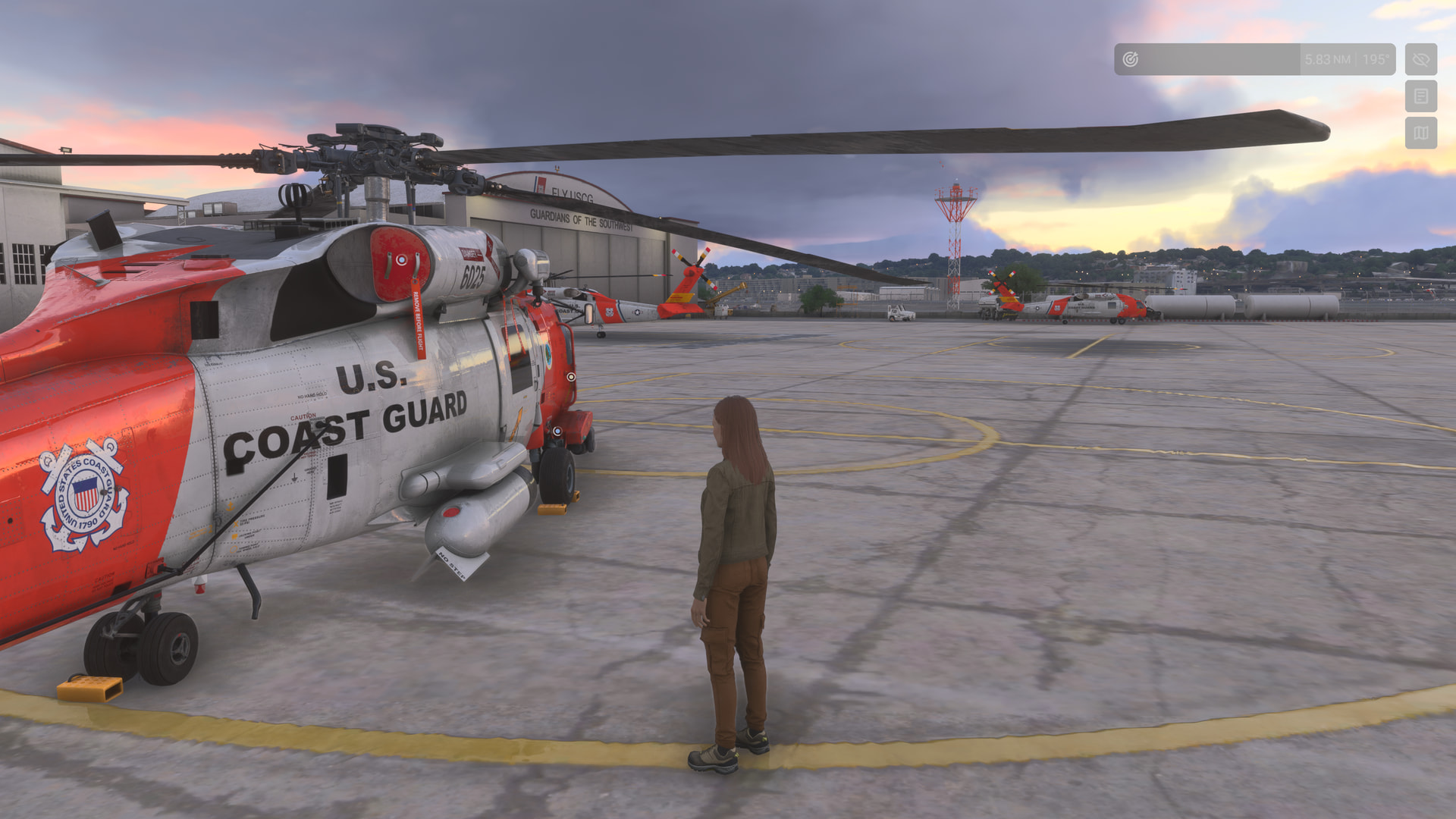
(There’s probably a legit coasty model somewhere in the sim. Instead will be my Career avatar very much out of her element–as I would also be)
(Next stop is to fly to a cutter where in my imagining I’d be picking up this guy. I’ll pretend not to know that he was here from the start.)
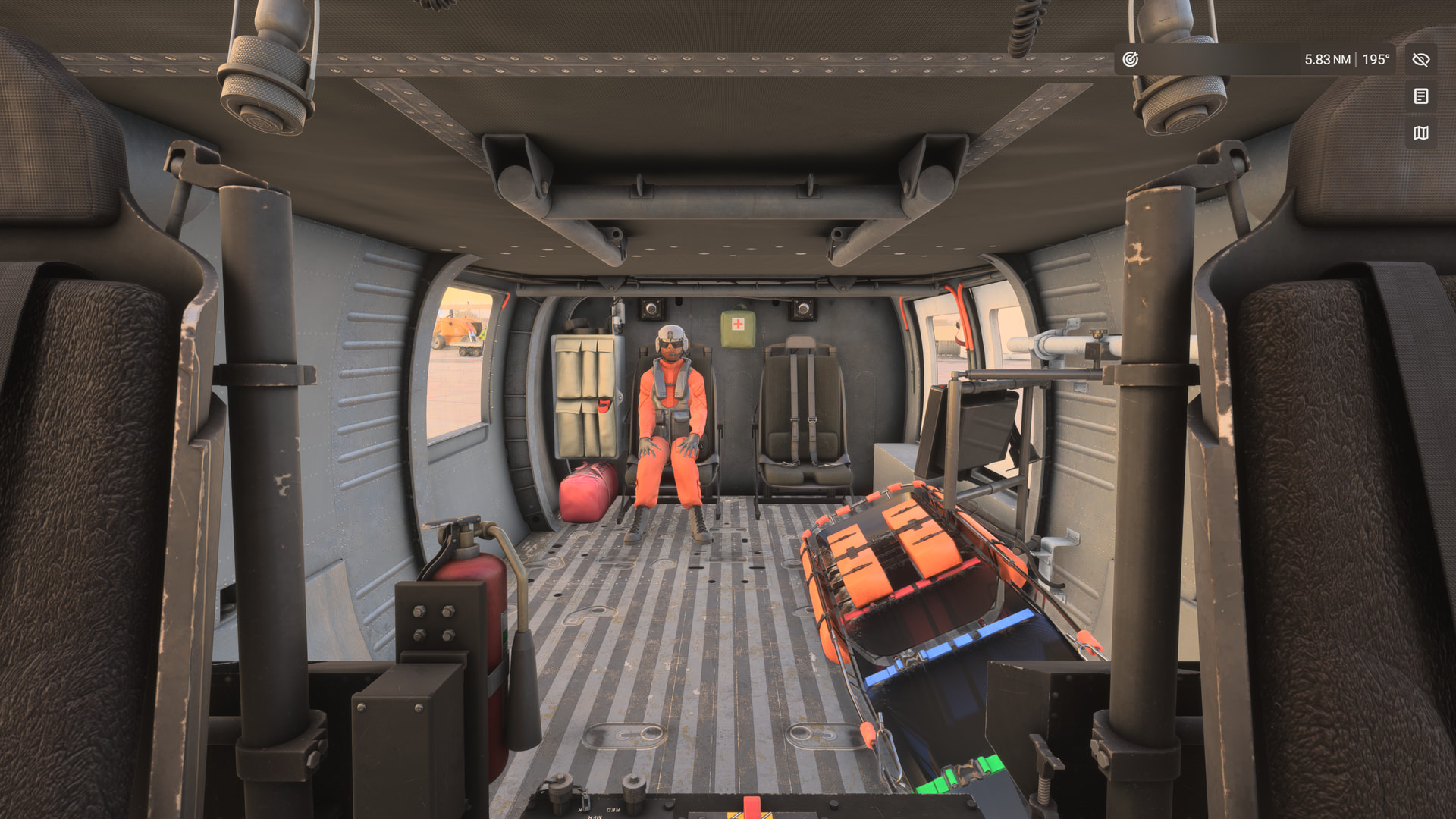
(First run of the mission is in the MH-60. But it can be anything.)
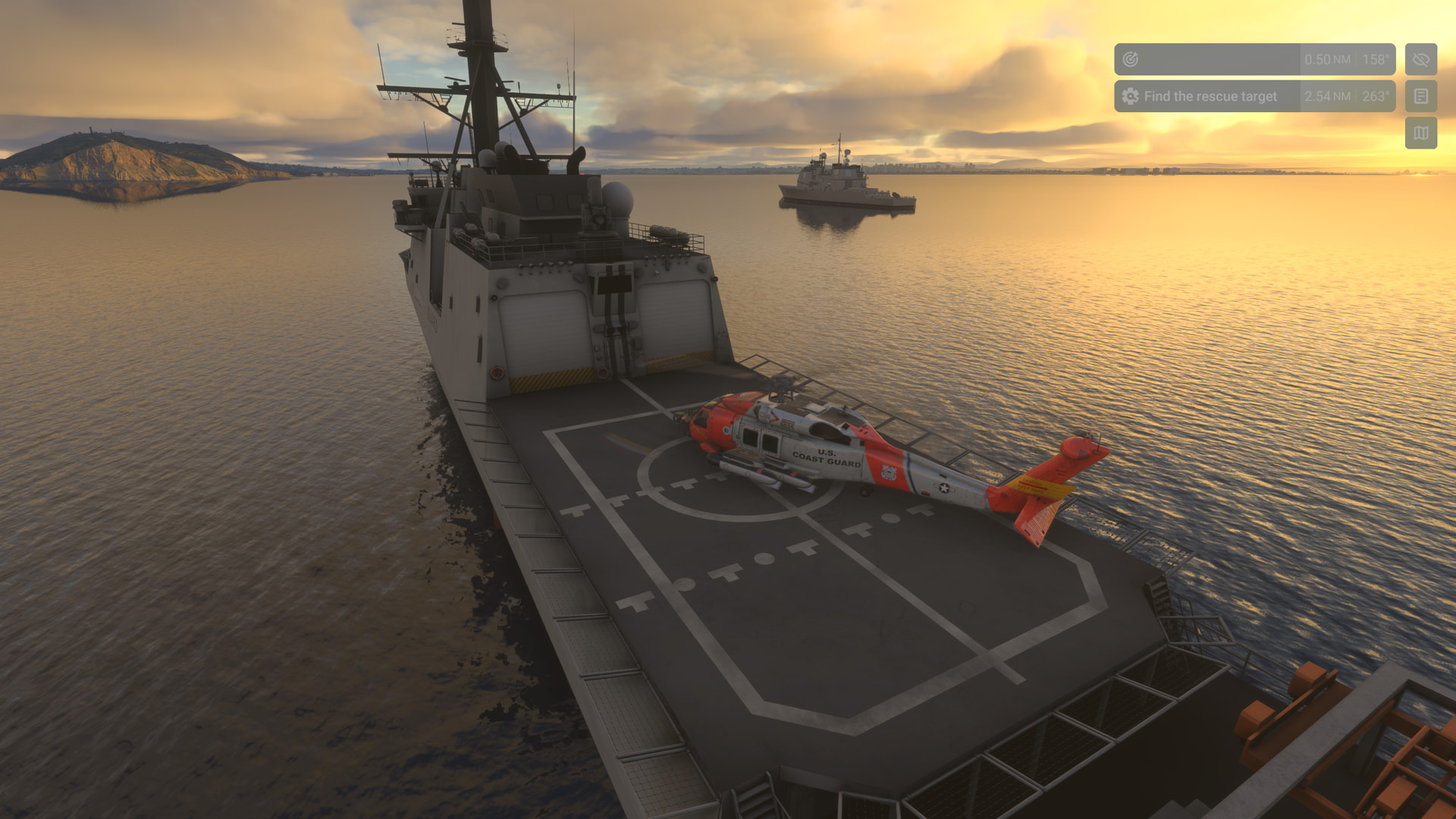
(Including Taog’s brilliant new Dauphin!)

Here is maybe the coolest thing about Mission Hub. It’s agnostic! It doesn’t care what you fly. The mission you made does not, and can not, specify a make and model. You tell it airplane, helicopter or “all” and what is actually flown is determined by what model is queued up when you launched the mission. (Possible exceptions are the included–and fun–MH-60 missions. They must be flown with the appropriate version of the MH-60.) You can spawn from virtually anywhere, cold and dark, spooled and ready to fly, or airborne. Where you clicked on the Free Flight map to start does not matter. The mission will take you to the spawn point when you hit start. It even works on an XBOX or PS5–without a mouse! Mission Hub does reportedly allow for some multiplayer capability but I have never tried it. And given that the mission file has to be shared with the other player(s), my strong guess is that multiplayer is PC-only.
(America is about to experience a severe sneaker shortage.)
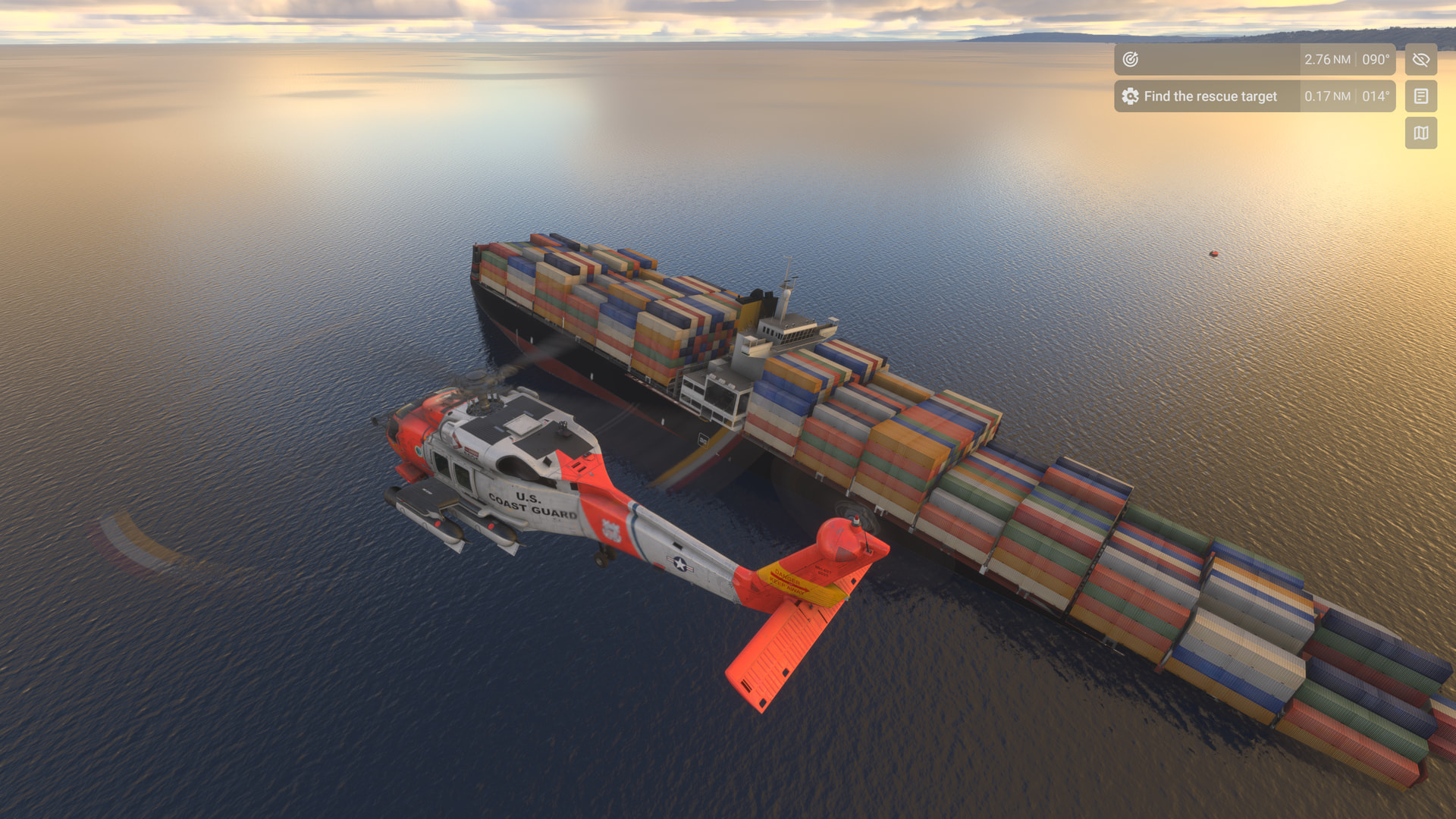
(But we did manage to save one guy. Hopefully not the one who sank the boat.)
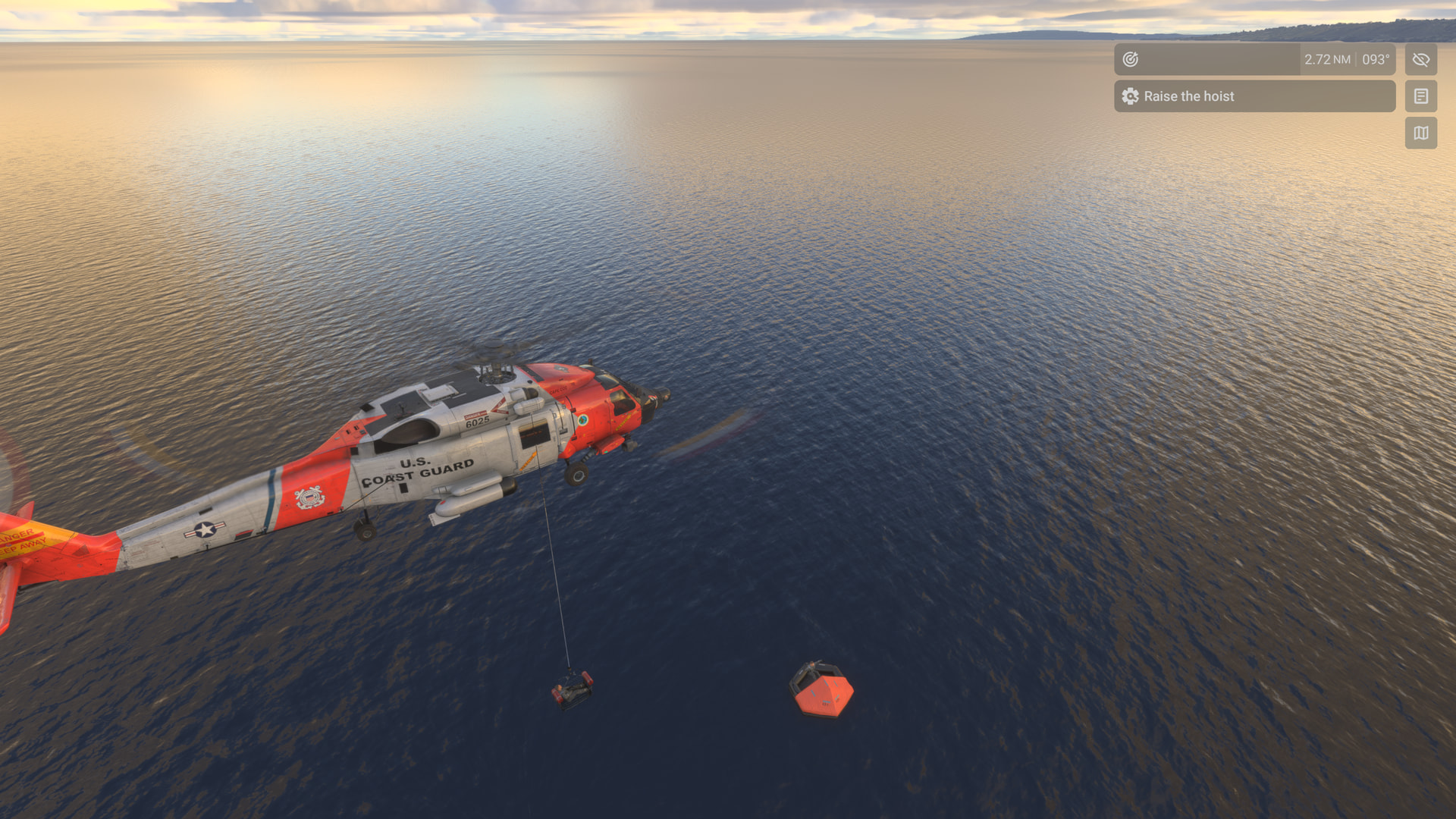
Mission Hub fills a big hole in MSFS that exists between purposeless free-flight and the Career grind. For a very fair $15.99 a great sim is made far better.
(Success. Let the Marines deal with our patient!)
(For your viewing boredom, three identical landing videos on various boats)
The MH-60 landing on the cutter.
Compare that with the clearly lighter Dauphin.
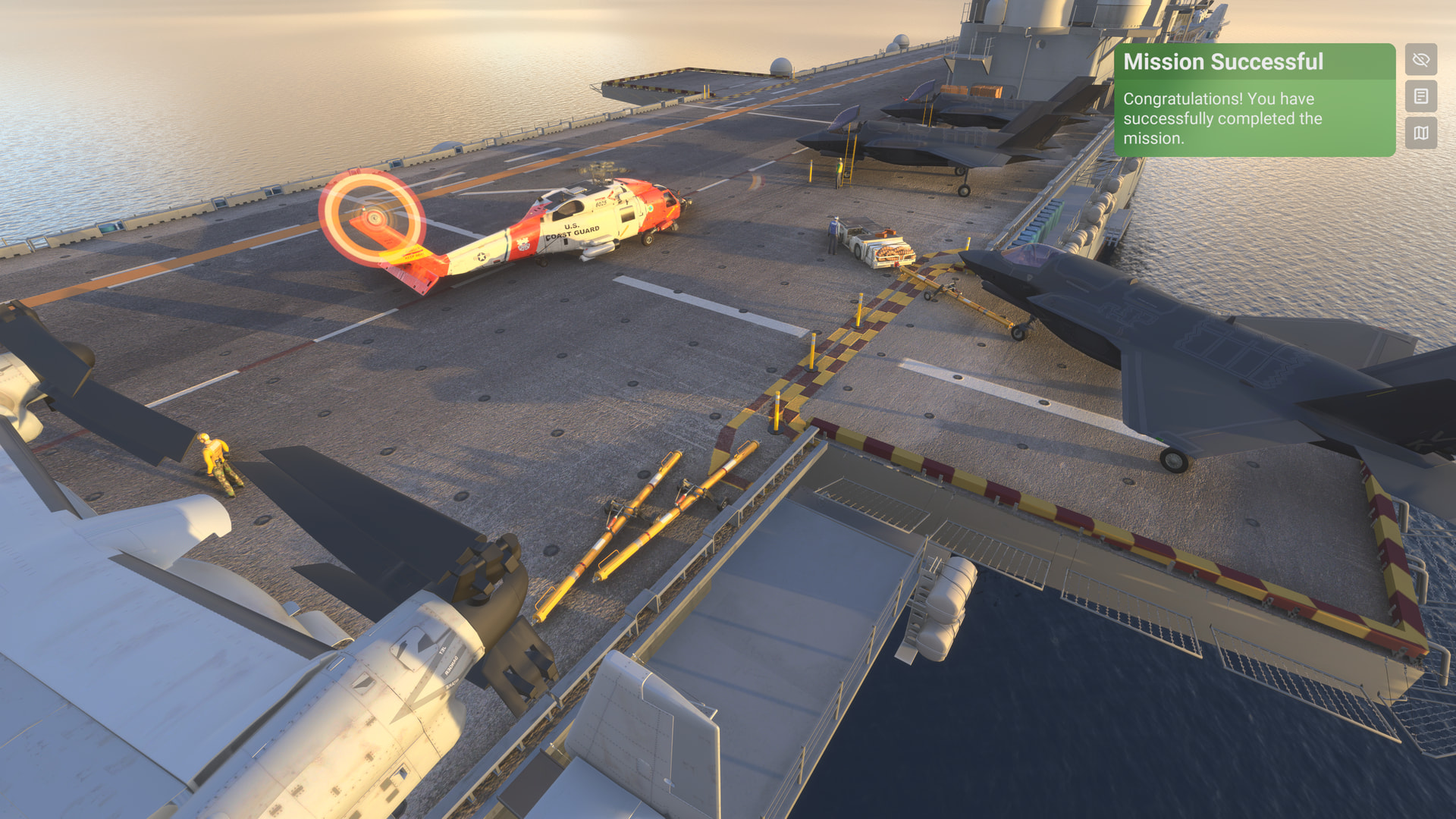
(And “Mission Complete” on the LHD)
Some content is additional. The Coast Guard facility just outside the fence at KSAN came with the MH-60. The Navy LHD is part of Miltech’s “Amphibious Ready Group”. I believe the Coast Guard cutter may be included with Mission Hub.