I think that’s just for ‘let me arrive without a job’ type of deal, but not sure. My brother-in-law a couple of years back went from the UK to Perth, WA as Royal Naval Officer on Subs and he’s the wrong side of 40. They love it, with the only downside he’s up for his own boat next year when I think they went under the impression he’d be spending more time on shore. Whoops. The Aussie Navy are really keen on getting qualified people.
2 Likes

4 Likes
The main sticking point (for non-forces people) is the age limit on converting from temporary resident to permanent.
If you arrive on a temporary visa, as most immigrants do, and over the age of 45 you probably wont be given the opportunity to transition to a permanent one. This has changed a little with the long-term skills need concept but has stopped many of my colleagues in the UK from coming out here.
TL;DNR
It’s sort of like Logan’s Run, but instead of carousel there are sharks.
4 Likes
You make the place look pretty nice @BeachAV8R
My kids and I sail dinghies on the Georges River in Sydney and one of the parents is a pro marine photographer. I always get a surprise when his drone is flying among the fleet - can’t hear it until its very close.
1 Like
(Runs towards airport, holding picture of Jenny Agutter. Stops suddenly when remembering both my age and premise of movie)
As an English-person, we are allowed to rib the Oz, as we have valid reasons for our bitterness at their good looks, sunshine and general cricketness.
3 Likes
Simply stunning! I can’t believe how fast they are swimming. Just wow!
1 Like
@chipwich - what are you using to edit your 4K footage? I’m using Adobe Premiere, but I can’t get it to that resolution and even in the video I posted (the one with the music) I’m seeing a slight stutter in the rendering that isn’t there in the native footage. I love Premiere, but I might have to move past it at this point.
I bought an iMac for music and video editing along with Final Cut Pro last year. But I’ve really procrastinated learning more than basic editing. Watching your video has me motivated to get up to speed with FCP. With Windows, I had good results with CyberLink PowerDirector. You can get the basic package for about $60 and that’s all you need. Most of the add-ons in the suite I never used. It can output H.265 HVEC 4K. Very easy to use and lots of tutorials on YT.
1 Like
Yeah…I like my video…but I can see the choppiness of the footage due to the rendering program. If I just drag and drop a Mavic clip to YouTube, it detects the 4K resolution and it broadcasts smoothly. My rendered project with Premiere has some sort of mismatch that manifests itself with a very subtle stutter to the footage. It is most evident in the part of the video where I’m climbing up and rotating away from the manta ray…you can see the slight stutter in the rendered video that isn’t there in the raw footage. I’d like to redo it correctly.
Thanks for the suggestion! I’m looking at some articles on Premiere right now that might give me some insights on settings that might solve my problem…
One thing that I’ve learn to check with DJI during preflight is the little rubber dampers that attach the gimbal to the drone. Probably not relevant in your case, but I shot 3 days of a vacation with one loose. There was a tiny shake in the video that I didn’t see until I began editing. And it was over some of the best footage of the trip. Good editing software makes a huge difference though.
Good tip. No…my slight stutter is definitely an input / render / output mismatch. I’ll look into some options. I just read a little about DaVinci…I might give that a whirl…
1 Like
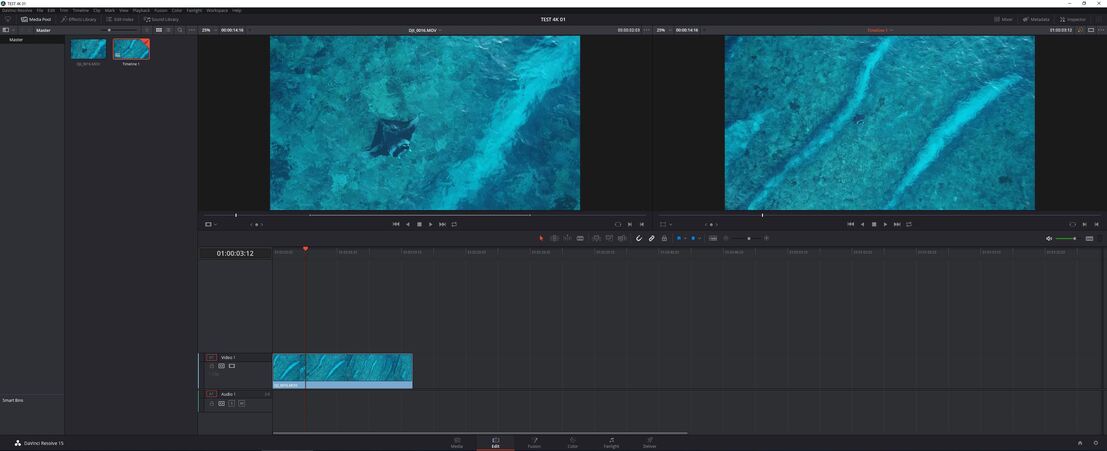
I installed DaVinci Resolve 15 this morning and it looks really, really nice. During the setup, it asked what layout I was typically used to (I chose Adobe Premiere) and it sort of set up the timeline and panels to somewhat match what I’m used to. It appears to be very full featured.
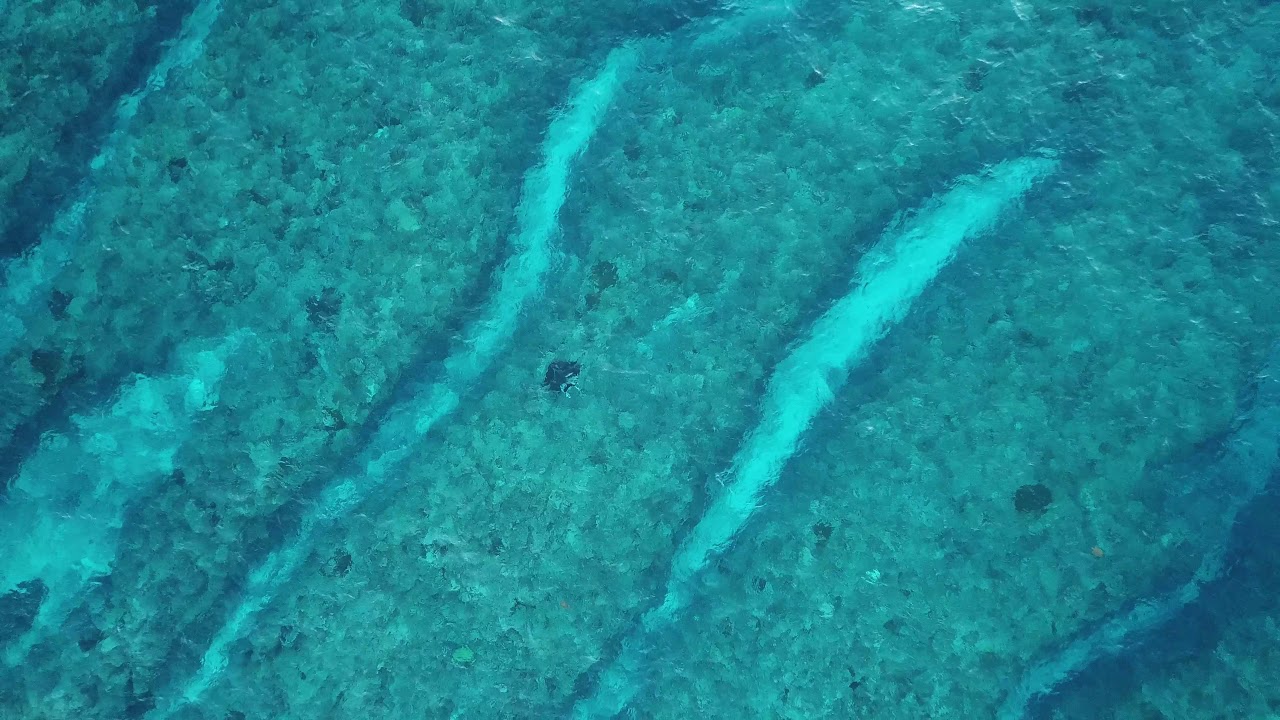
I did a quick test clip with the video clip that I shot that shows artifacts and stutter the most easily - the zooming out and rotating view of the manta. I was able to just drag and drop the 4K .mov file into DaVinci Resolve and then just drop it on the timeline. I don’t know if it would benefit from any conversion prior to that. I didn’t mess with transitions or music or anything yet, but when I went to the output page (“deliver”) the program had already set the custom output settings of 3840 x 2160 Ultra HD / 29.97 frames / Quicktime / H.264. The result was a smooth, HD mov file with none of the stutter I saw in my original video:
I’m interested to see if I can import my entire Premiere timeline from the previous video into DaVinci (that would save me some time) because I saw some option to do that. But from what I see, I think I might have found myself a new editor. I wonder how they can put out something so powerful for free? Is the goal to get professionals hooked and then they sell add-on capabilities? Just amazing to me that it is free…
Chris, did you do this with your Mavic, or digitally in the editor? Either way, I’m pretty impressed with the lack of noise in that shot.
Looks like you’ve found a good replacement for Premier. Congrats.
That was done with the Mavic. And yeah, I’m liking DaVinci Resolve. I’m redoing the video using it and will post the results later tonight.
Unlike Australia, this tiny bit of “down under” doesn’t have an age limit…
Here’s the emigration paperwork if anybody is interested.
…you can thank me later.
1 Like
Pitcairn - isn’t that tiny? 
I think, like Canada and a few other places, the Aussy thing is all points based, so you can see how you do on things like this:
Wait… You home, @BeachAV8R?
What happened to the sharks…? 
1 Like
I only had to swim faster than my son…
6 Likes
Oh man that’s dark Beach, funny, but dark…
You might check out Lightworks. The editing flow is a bit different than Premiere and the like, as it’s based a bit more the terminology and flow from doing things with tapes instead of all digital. The free version is a bit featured limited, but I haven’t found anything I can’t live without.