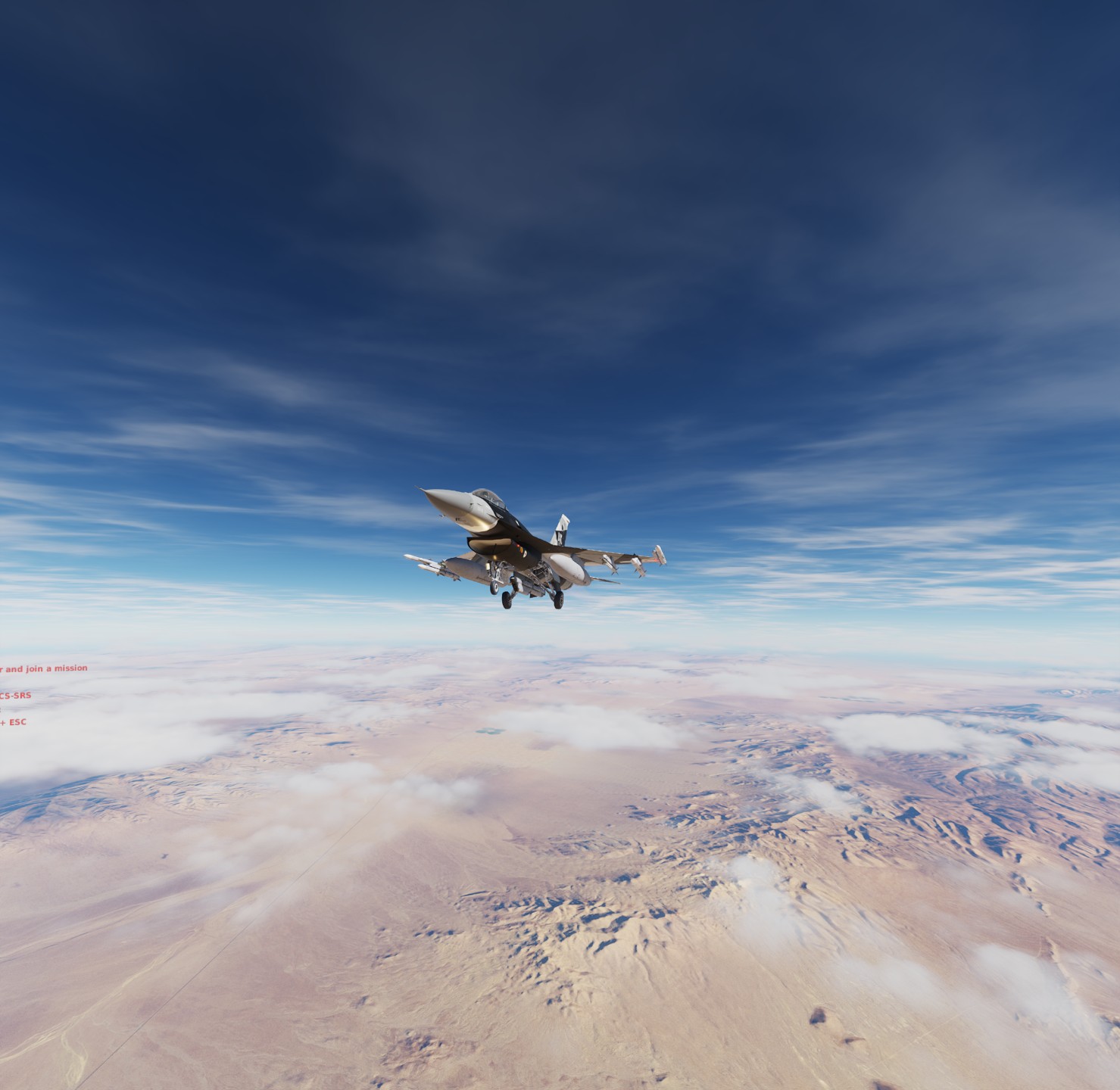
DCS 2.9

I’m back in the Land of the living (i.e.: fast internet and PC setup).

Updated everything and had a quick fly about with DCS…
By sheer mistake I lowered the landing gears of the MiG15 at about 500+ kts and… Nothing happened?

I tried all the MiGs - same thing.
Tried the F16… Same thing.

They are apparently indestructible.

Can anyone else cause the undercarriage to break in any meaningful way by overspeeding them?

6 Likes

No idea, I generally don’t fly outside of parameters :sweat_smile:

I can test though, I remember the F-16C could easily overspeed the gear. I’ve had a few student pilots break theirs in the past.

1 Like

Only if you’re bored, not that important… Just seems like an odd omission.

I am in the editor rn, got some airstart vipers for debugging purposes I’ll report in a few minutes

1 Like

I plan to try every airframe in the game later tonight… Well except the helos of course

1 Like

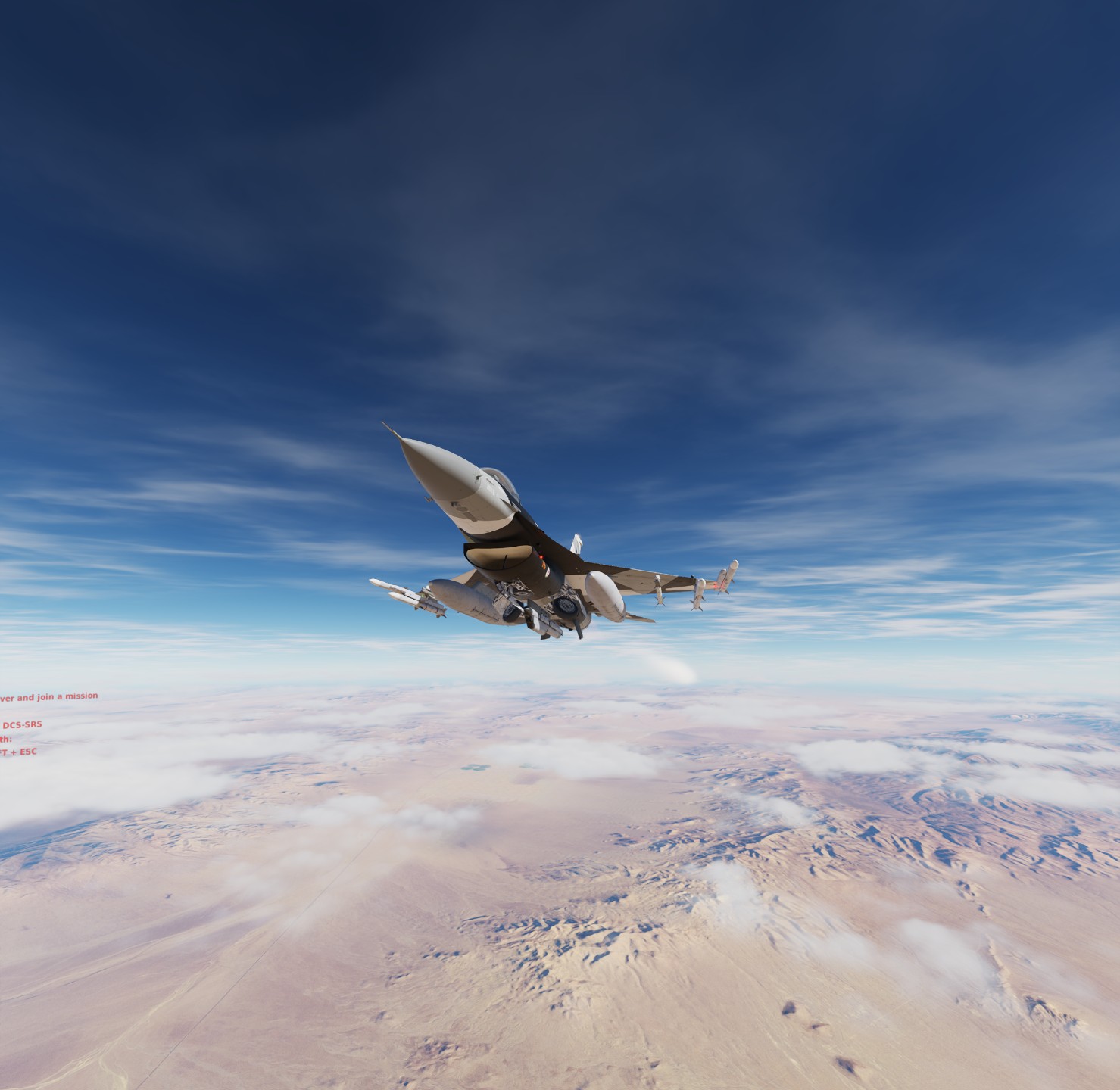
Mach .95 at 28000ft lol

retracts just fine and comes out again as well

Good find :joy:

3 Likes

does the hind have overspeed-able gear ?

1 Like

Don’t think so. SOP is to fly with the gear down in combat AFAIK

2 Likes

did not know that, I thought it would be gear up for speed …

1 Like

Yeah was afraid of something like that…
I hope at least WWII warbirds behave correctly.

1 Like

Yeah but if you need to land quickly it’s better to have gear down I guess

2 Likes

remains to be seen,

Have you tried to take a tomcat off on a taxiway and hit the gear on a scaffolding walkway between two water towers yet?

4 Likes

No, as my original point is the excess of airspeed.
Why would I test an entirely different thing?

Is my English really that bad?

Or is that a joke on Top Gun Maverick?

4 Likes

talking of strange bugs… I just tried the south atlantic map, and it crashed to desktop straight after the textures loaded, now the only thing i had messed with was the weather, set to the worst overcast with rain… but when starting the map from scratch and not changing weather it runs fine, just wondering if any one else here could give it a quick look, want to make sure it wasnt me before reporting

2 Likes

I actually doubt @SkateZilla could dream up that scenario all on his own… :wink:

Concerning those who wish to keep their Quest 3 charged while playing in VR - I can’t imagine the Quest 3 will need more than my Pico 4 does. I’ve just been playing for 3¾ hours and mine is still fully charged. I am using a USB-C cable plugged into this:

USB Charger

If you think it’s not enough, there is also a 45W one…

https://www.amazon.co.uk/Charger-Samsung-Gcstnn-Galaxy-Note20-Black-dp-B0C5HRVYTQ/dp/B0C5HRVYTQ/ref=dp_ob_title_ce

Neither is expensive. Mine has been excellent - I just use a velcro ribbon to hold the cable at the rear of the headset and it doesn’t bother me in any way - just like using a tethered headset.

You really only need a 40w PD3.0 Powered USB Hub

That will be a fine stopgap until we get a Pig! :wink:

Paging @Bogusheadbox (because it is the law)

12 Likes

Those don’t have a data hub built in so only work if you are on WiFi. I think that I have found the solution though. The USB C hub that I bought provides up to 20W. It has a power output indicator. Initially it drew 18W, but slowly lowered to 15, then down to 11W, when I was flying the Mudhem over Sinai. I began with 88% charge and 1.5 hours later it was at 92%. Usually, it would be down to 40%. So a definite improvement. I’ll keep reporting on its use.

Addendum: I can confirm that when the Quest 3 is connected to my PC via this hub, that the headset is sufficiently charging. Last night I began flying at 100% and two hours of DCS later it was still at 100%. Note that you must have an available USB C port on your PC to use this and get a 10 Gbps data transfer.

4 Likes

If you’re on a med/high end PC, then a $50 USB 3.2 Card w/ PD 3.0 is the best option.

Make sure all ports are at least 10 Gbps, and Put out 25w through PD,

Most of the ones I’ve seen lately have 4-6 ports,
4 port configurations are PCIe4.0 x4 at 10Gbps Each, the issue is Power and Bandwidth allocation, there’s plently of 8-10 USBC Cards, but on a PCIe 4x Slot, they are likely limited in bandwidth.

Some are PCIe3.0 4x and are limited to either 2.5Gbps or 5 Gbps per port, depending on port count and PCIe 3.0 Interface (I’ve seen some 8x Cards that offer faster 3.2 ports on PCIe 3.0).

I know guys that have Quest III and they use the link cable for 5+ hours and their unit stays 100% charged.

Rough Example, Note the Specs: PD2.0 and PD3.0, 2 Parts are 30w, 2 Ports are 45, Requires PCIe 6 Pin Power Connector.

For me, I have 1 extra PCIe 3.0 8x, so this would be something I’d consider, but I’d have to look into the brand and reviews, this is also the only one i’ve seen on amazon that specifically lists PD 30w and 45w, most of the others from Inatek and Startech are 10w max.

https://www.amazon.com/Sinefine-Delivery-Motherboard-Desktop-WindowsXP/dp/B0CCZ1W429/ref=sr_1_4?crid=1EKI3UE6DGRFE&keywords=usb+3.2+power+delivery&qid=1698532284&sprefix=usb+3.2+powerdelivery%2Caps%2C64&sr=8-4&ufe=app_do%3Aamzn1.fos.006c50ae-5d4c-4777-9bc0-4513d670b6bc

I have an Inatek card now, but it doesn’t support Power Delivery, the max it outputs over USBC is 10W via SATA Power Connector for all 6 Ports.

1 Like