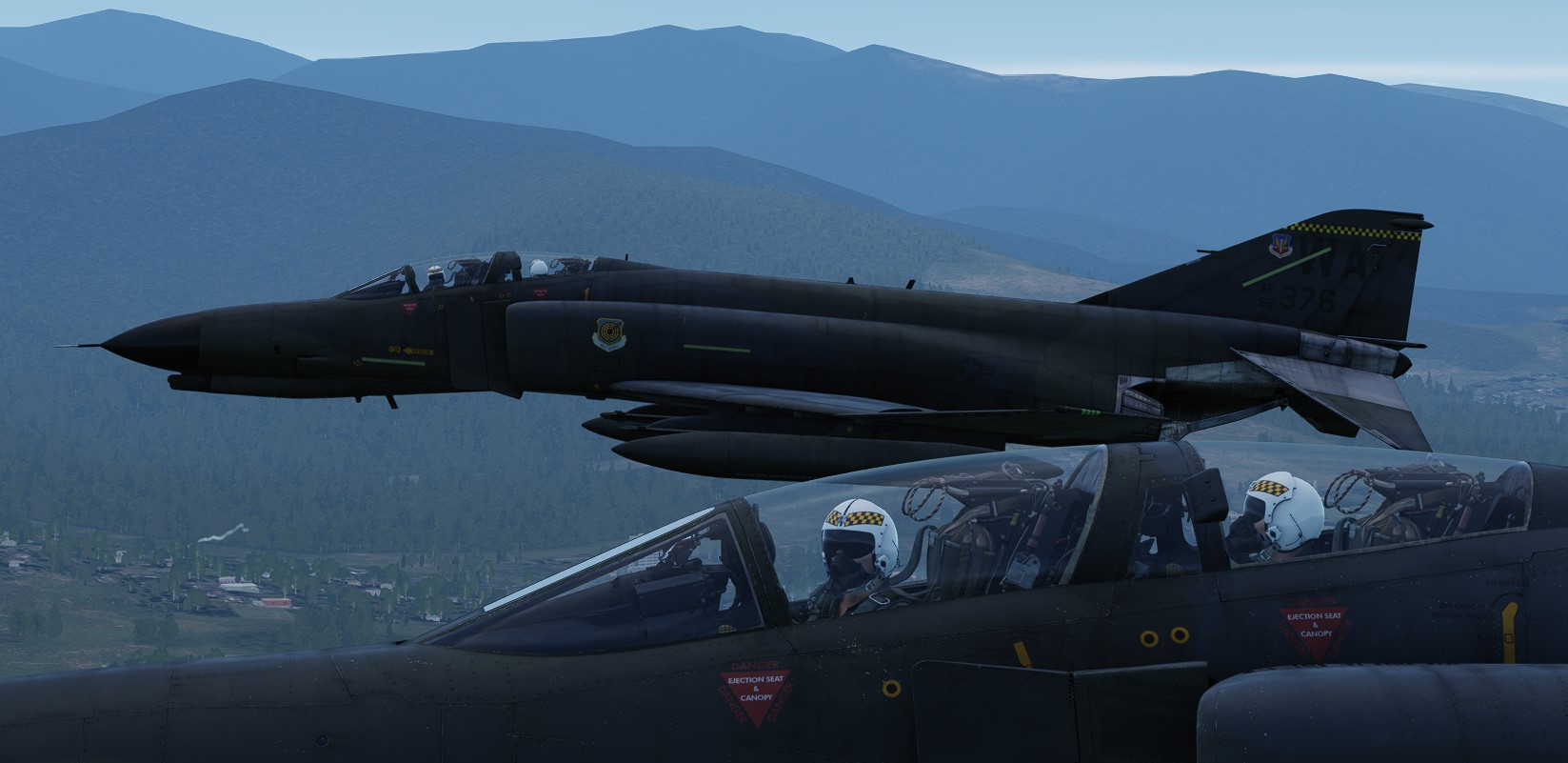
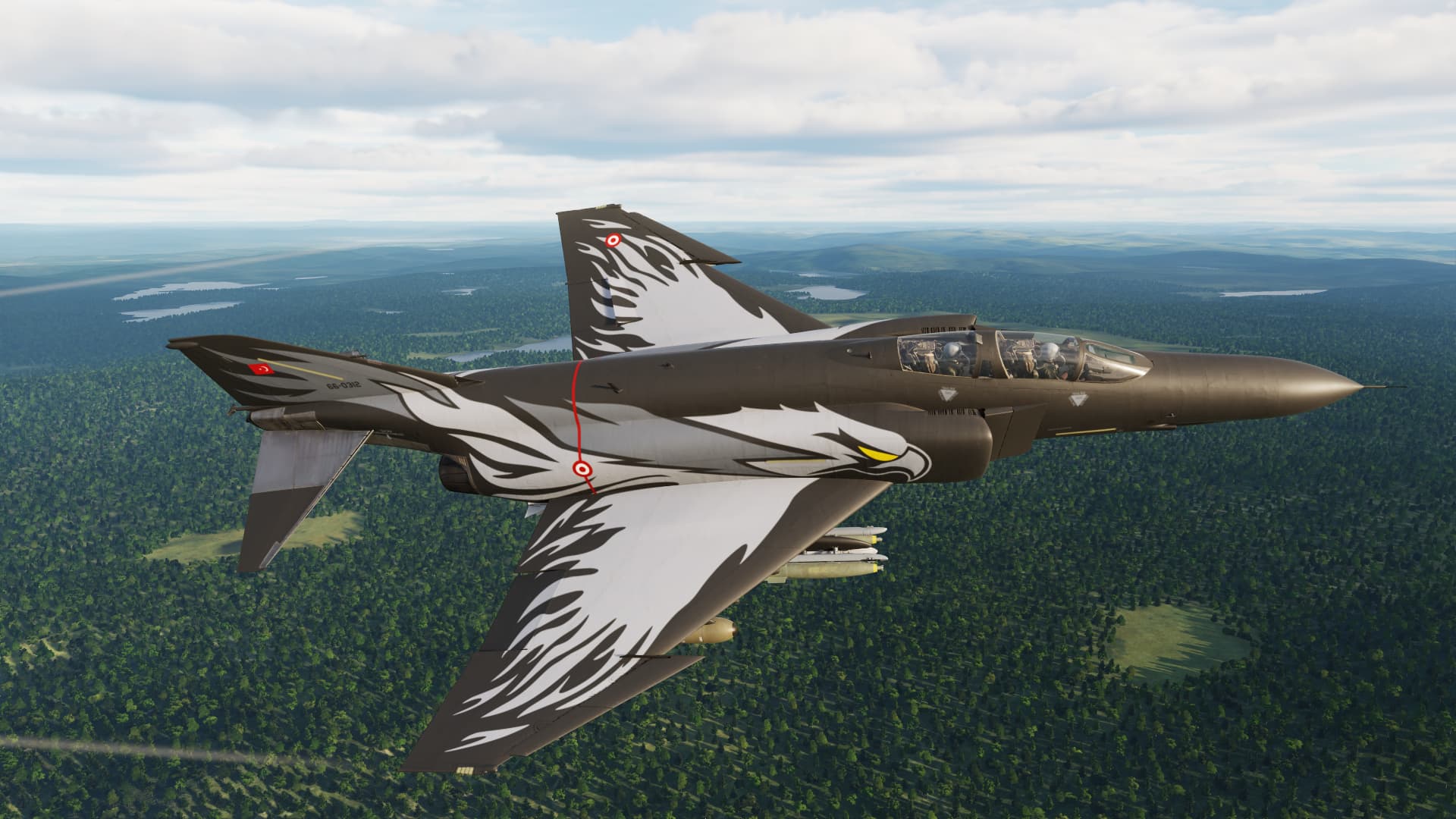
Thanks for that post…I’d forgotten where I bought it.
Your post should be a ‘sticky’ or somesuch as I’ve never bought one that way…and would STILL be ruminating over that one. Installing now.
Thanks again!
Thanks for that post…I’d forgotten where I bought it.
Your post should be a ‘sticky’ or somesuch as I’ve never bought one that way…and would STILL be ruminating over that one. Installing now.
Thanks again!
She’s beautiful… now to find time to learn it. Like I said with every module I’ve bought so far, and still haven’t. Pretty much just free flights. Damn this busy retirement life. had more time for gaming when I use to work. lol
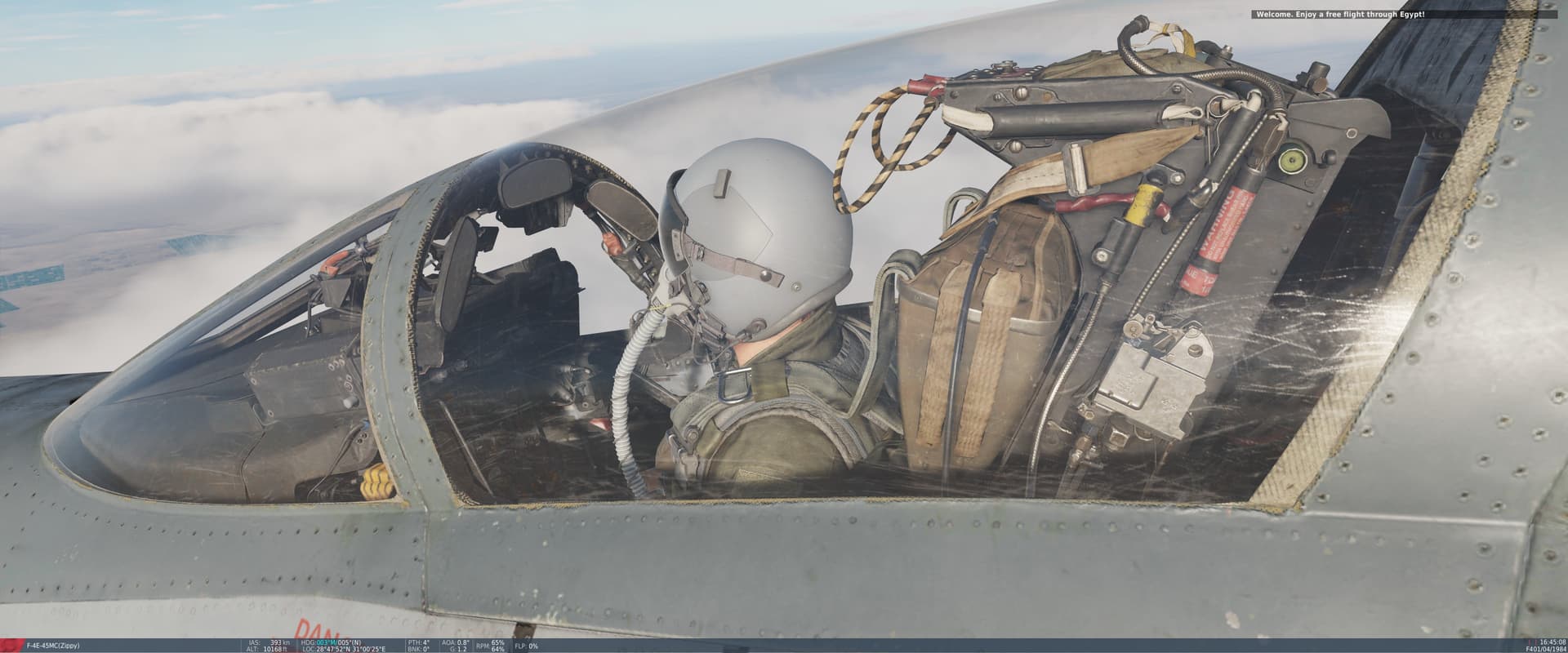
I can’t believe just how good it looks. You have zoom in ridiculously close before you start seeing anything resembling a ‘crack’ in the facade.
Super impressive .
Hey anyone happen to know the difference/why there seems to be two Jester Keybinding sections?
Another PSA Here: After the update and installation of the F-4 - F4 not available in the Mission Editor.
Ok, seems the update enabled the ME button “Show Only Historical Units”. So, if like me, you never mess with that button…and have long forgotten about it…UN-click it. It is at the bottom, right, looks like a watch face (the old-school kind).
OTT, has crashed on me several times on load with a clean system - ZERO mods. Finally getting into the pit now.
G’Day
^^^That X10! See you all in a couple weeks 
And amazingly enough I’m off the next two days! 
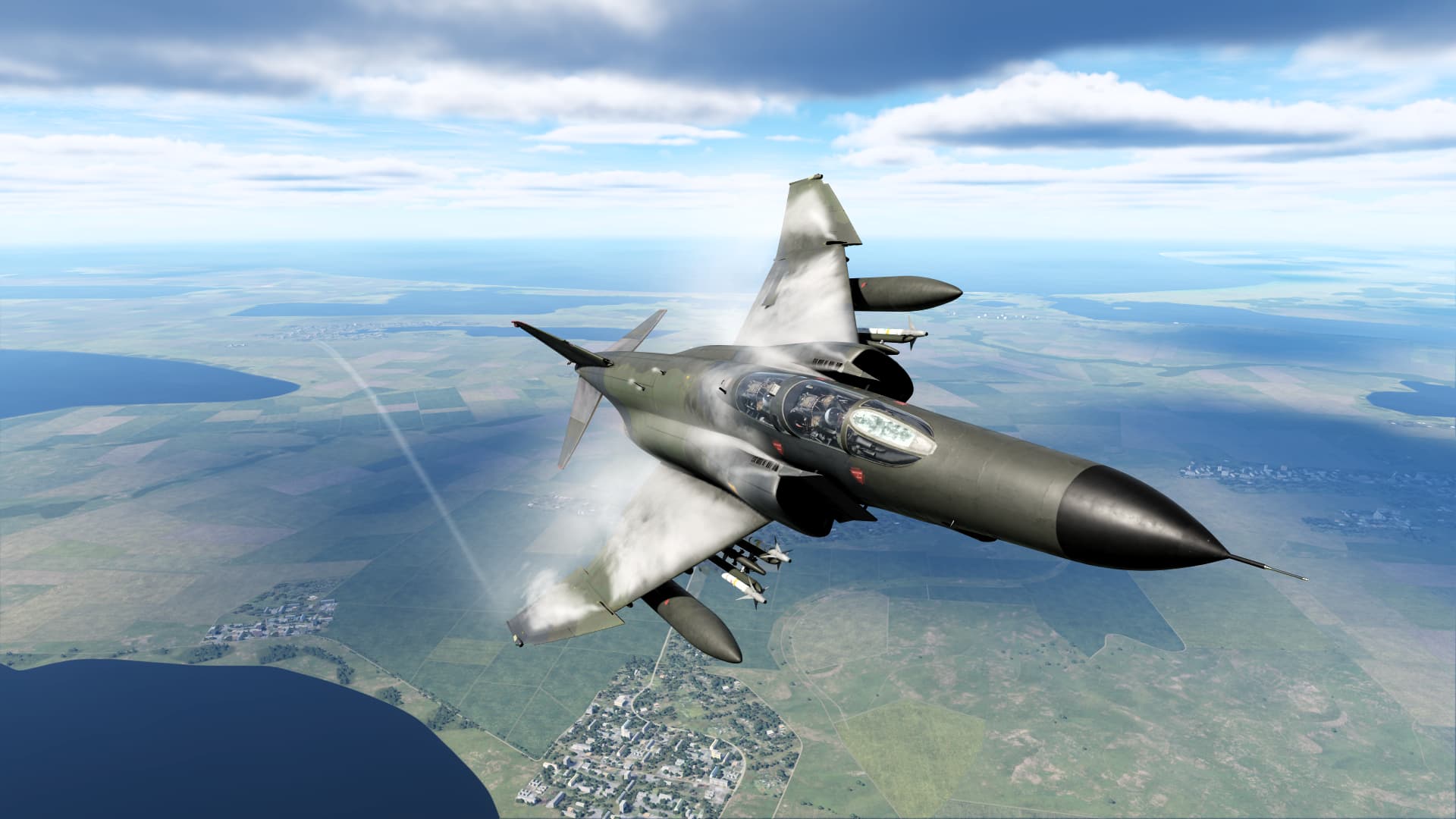
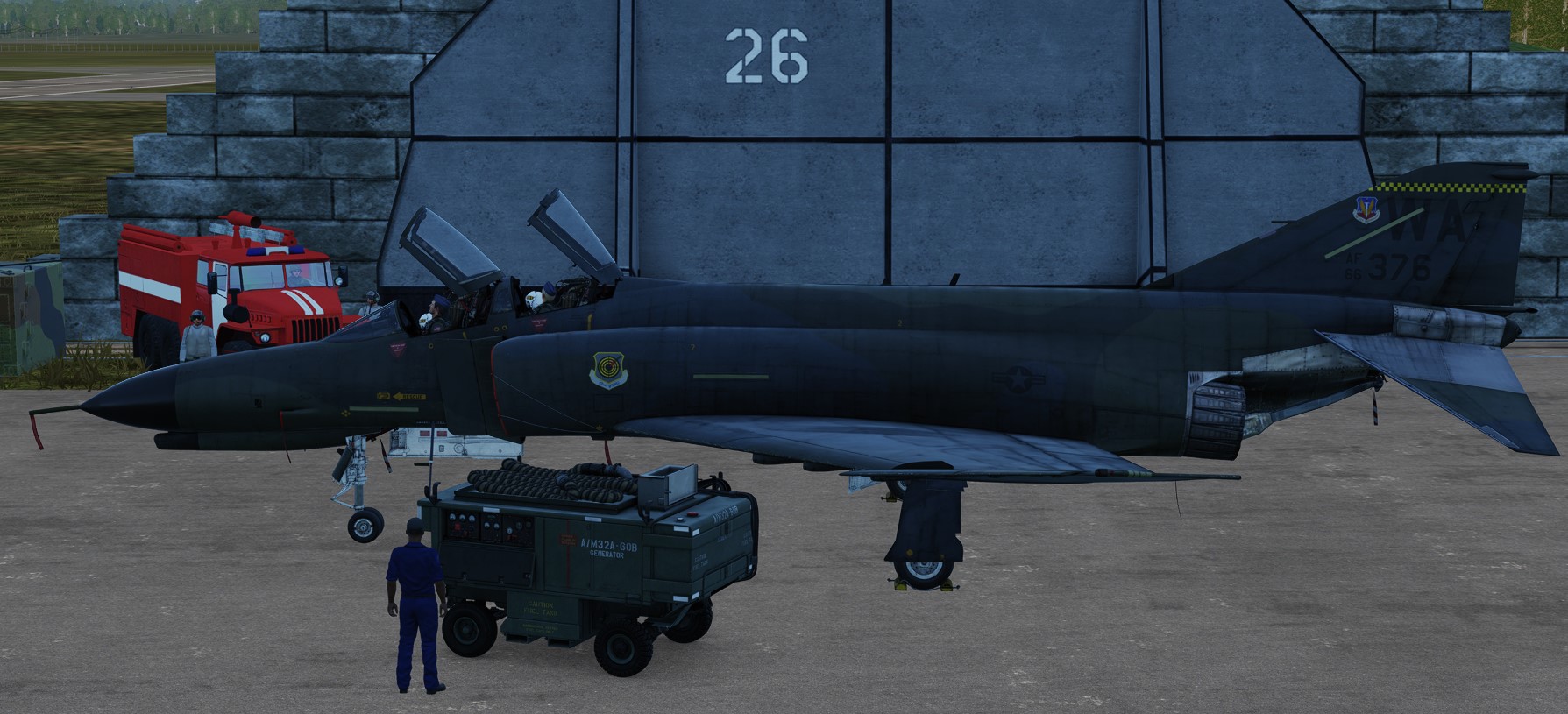
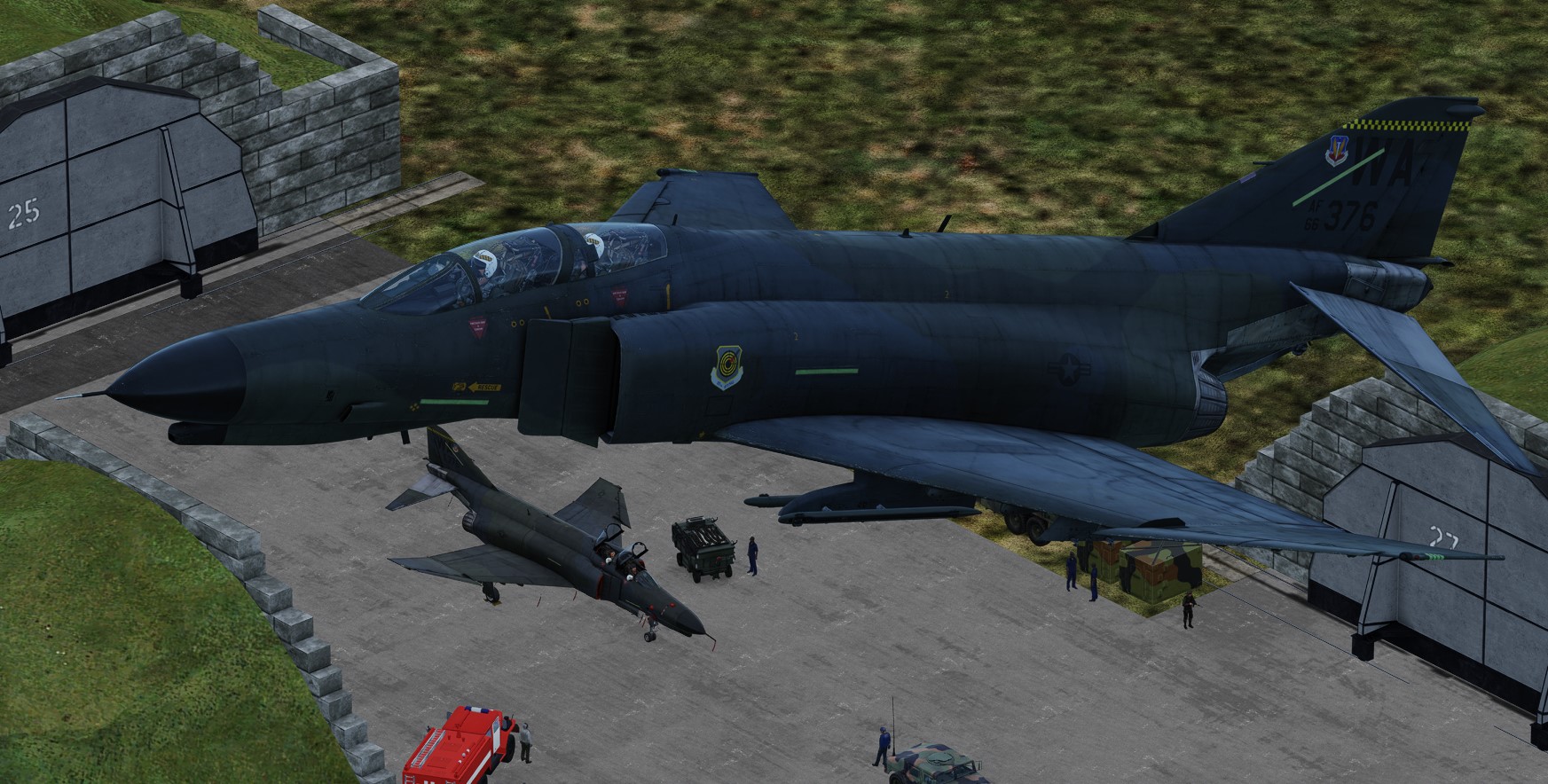
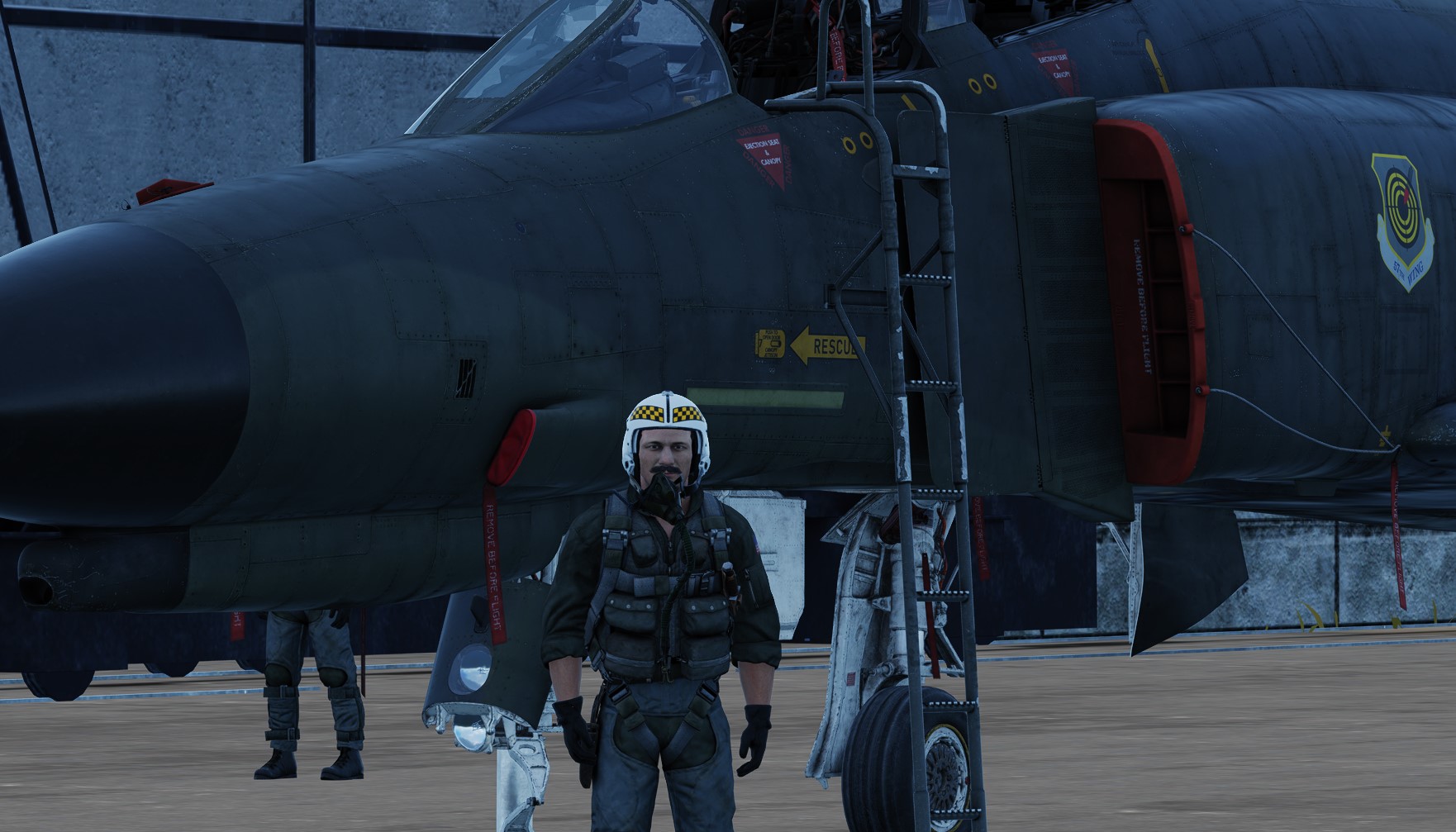
Oh my what a beautiful module. I’m in love. The sound, the way the pit looks. The 'stache on the driver. How the thing feels. The amount of ordnance it can haul. Every bit as awesome as I hoped!
Jester did not like it when I took off without talking to the tower. But I couldn’t figure out the radio just yet. He also had no good word for my 2nd landing, but hey, the plane can be re-used and its a navy plane, he should stfu.
I’ll send you my HOTAS config when I’m reasonably happy with it. It will be in PDF and can be edited with Foxit (free version). I’m actually reconfiguring my F-14, F-15, and F-18 assignments to get as close as I can to some sort of a universal configuration.
Edit: it seems that I misread your original post and went off on a tangent. Do you mean the SimPit section of the keybindings?
‘A’ pulls up the Jester menu in both sims. Beyond that, I imagine the it’s quite different since the guys developing VAICOM Pro don’t have WSO specific profile for Jester 2.0. Like Tricker said in his video about the F-4, he doesn’t use the Jester menu much anymore since the advent of the Jester contextual input assignment (short/long/double press). And HB has stated a couple of times that they will migrate Jester 2.0 to the Tomcat in the future.
But let’s comment back here how we are using both to get some best practices data. It’s funny, while waiting for the Phantom, it found myself back in the Tomcat after a long break. Flying these complex jets certainly makes one long for a partner, AI or otherwise.
Speaking of AI, with GPT4o, HB has got to be thinking that connecting it to Jester is the next step. I haven’t read anything, but they’ve integrated a GPT bot into their Discord message channels, similar to what @fearlessfrog did with HAL. GPT4o’s response time is so fast, and more importantly, it can observe its environment, that they have to be considering this. I would imagine that knowledge would give them a fair amount of cred with defense contractors.
Can I get that as well?
No problem. I’ll just link it here.

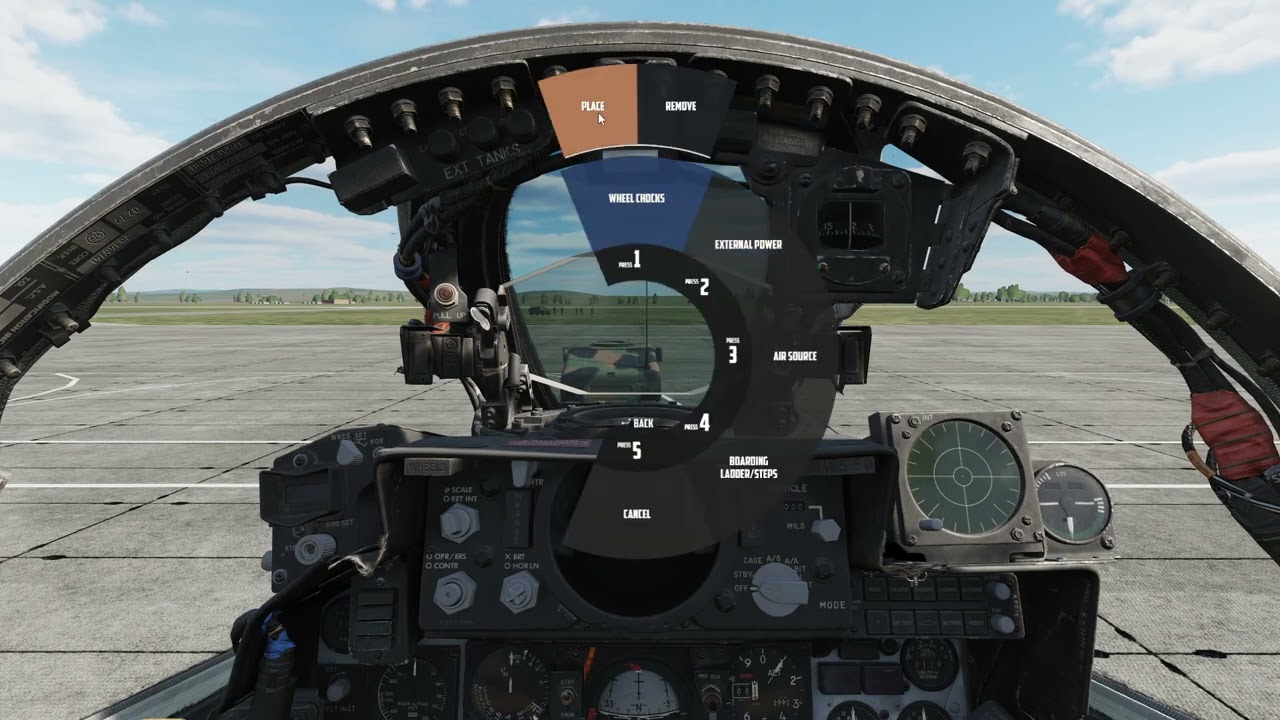
Once people dive into it, could you advise which key commands are most important to be mapped? I’m currently using a basic Logitech Extreme 3D, so I’m kind of limited in what I can map.
Hey thanks for writing! (and who doesn’t like tangents on mudspike?)
I should have been a bit more clear, in the controls section of the menu there’s a ‘jester’ and a ‘jester commands’, both of which seem to have the same ‘actions’. Just was wondering what the difference was, not really a big deal at this point, but when I have time to map things just want to pick the right one.

Well, I’m ready for round two.
That would be awesome, and MUCH appreciated! 
one thing though, I would really like to see DCS mission start with the pilot out of the cockpit, walk to the plane, climb the ladder and get into the cockpit, that would be so much cool
we all saw this one
“I want to learn to walk before I learn to fly” 
Anyone have a resource on how to use the Shrike? The manual isn’t helping me a whole lot. I swore I saw a video on YouTube but now I can’t find it.