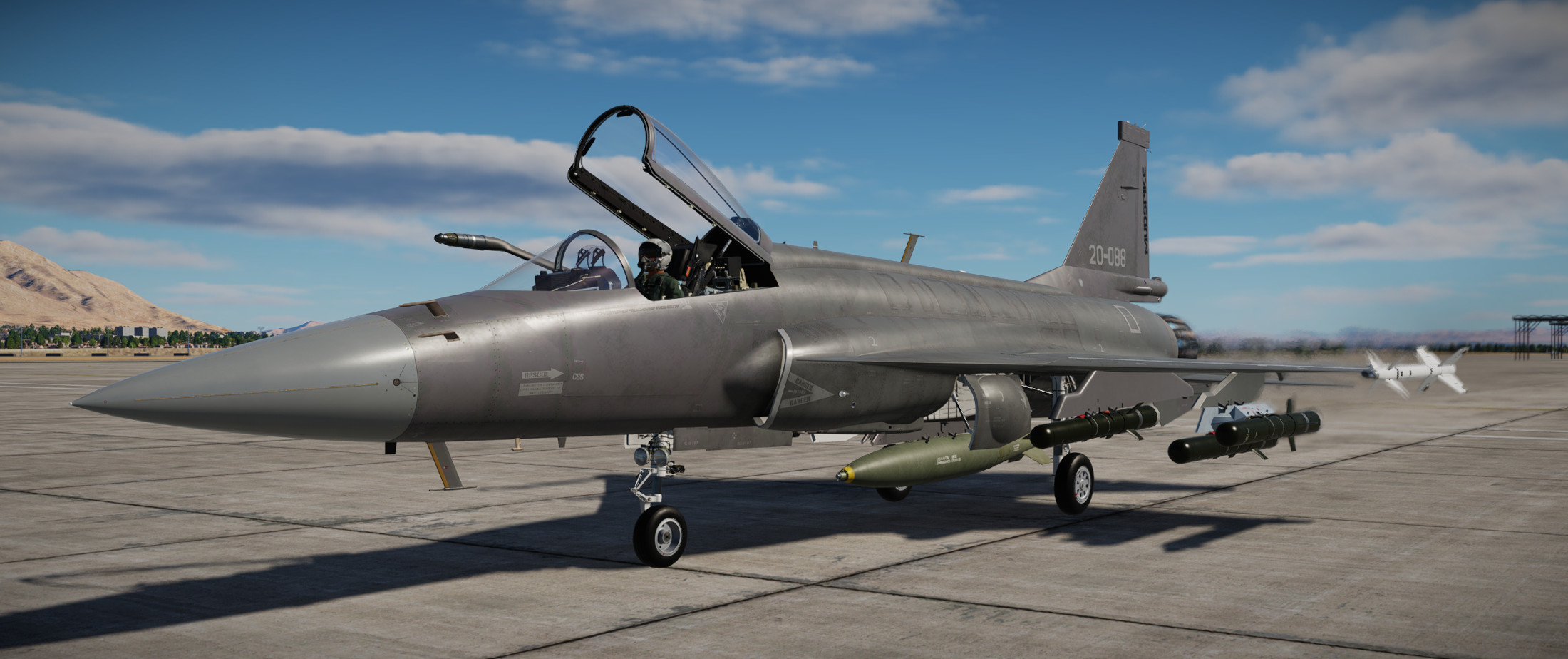
JF-17 Thunder training

I’ve decided I mostly spend time learning DCS modules and don’t really spend much time putting that knowledge to good use. It is what it is. I enjoy the process.

I’ve only lightly flown the JF-17 way back when it came out. I doubt I have more than a few hours flying it…and wanted to revisit it…so here we are. I’ll go through the training missions and some other missions to get familiar with the systems - it should be a fun journey.

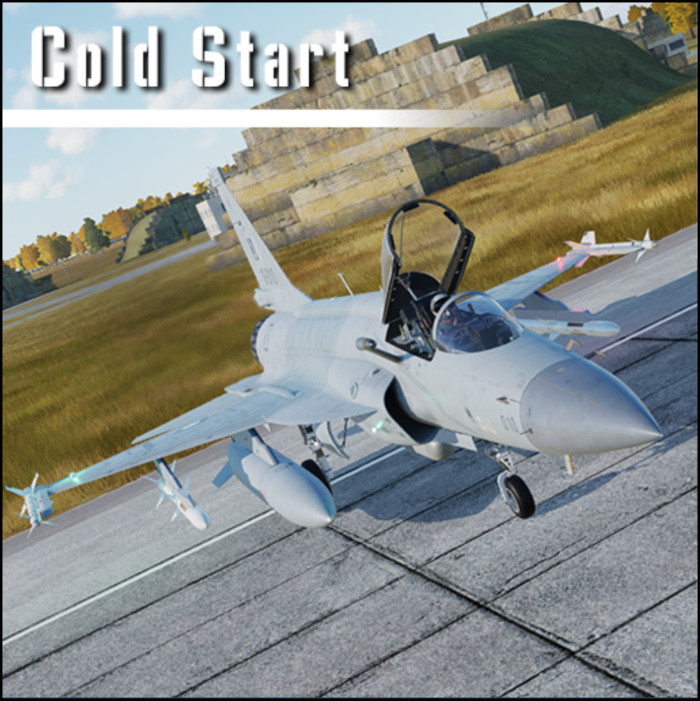
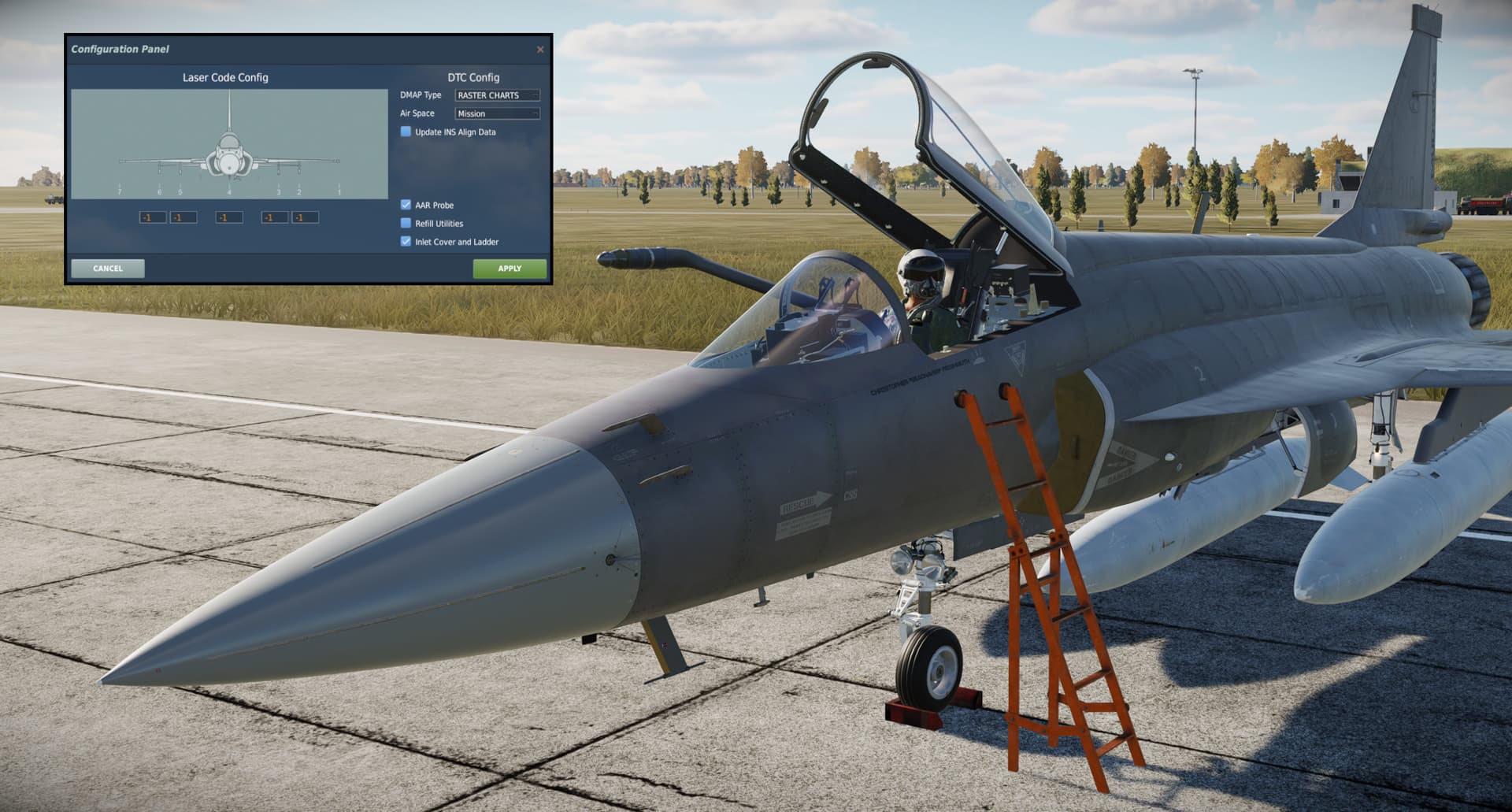
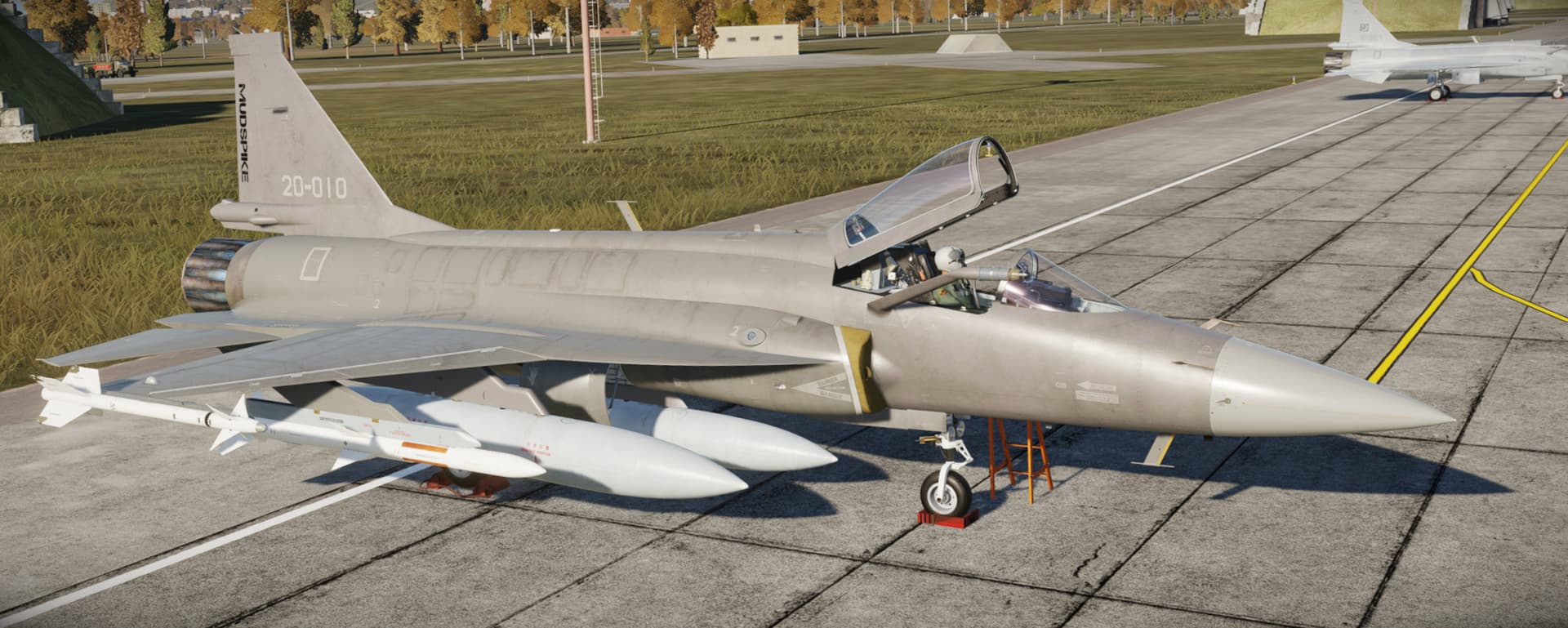
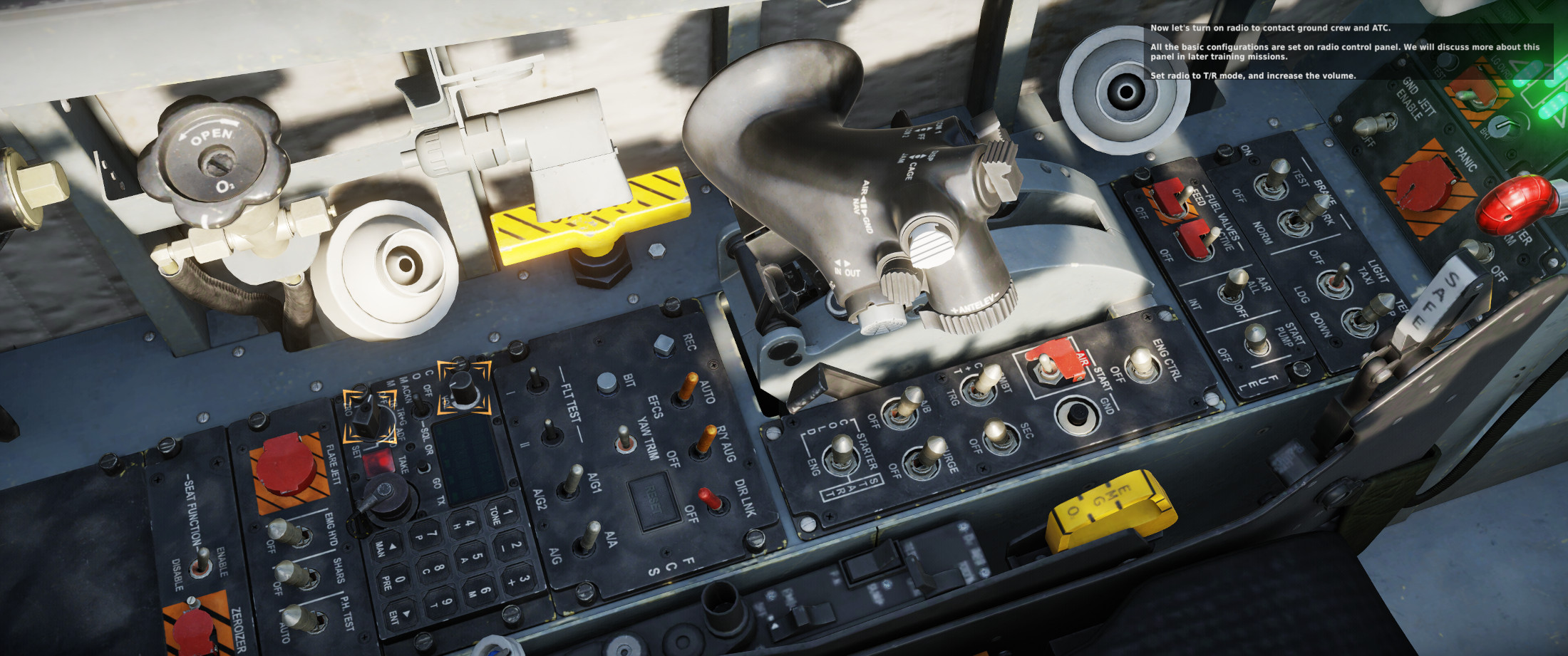
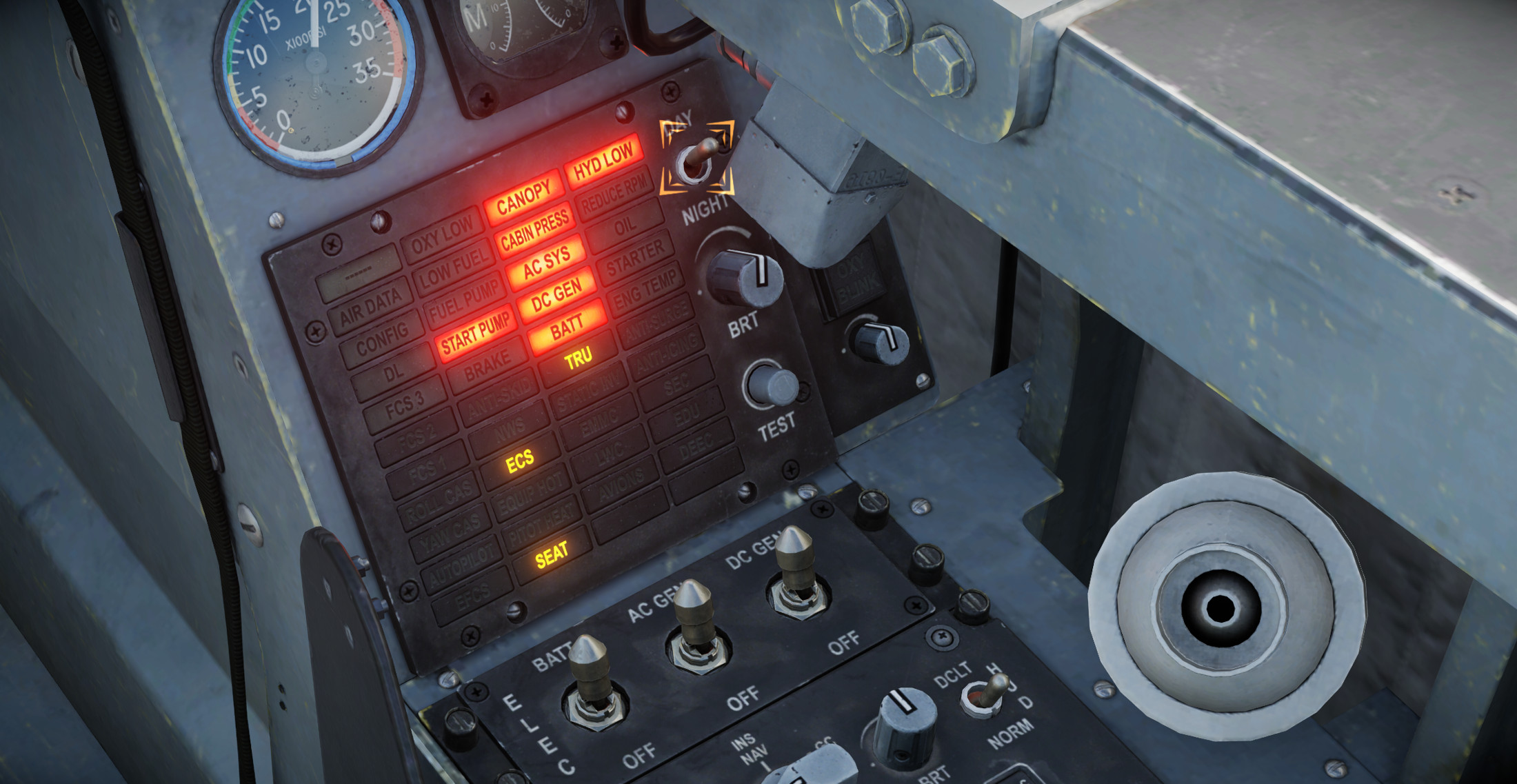
First up is the Cold Start mission where we get familiar with the flow. The cockpit is pretty nice in VR…much of the instrument panel is pretty large font…though there are some smaller buttons. Largely I thought it looks good in VR. Make sure you pull the engine covers and ladder before start…

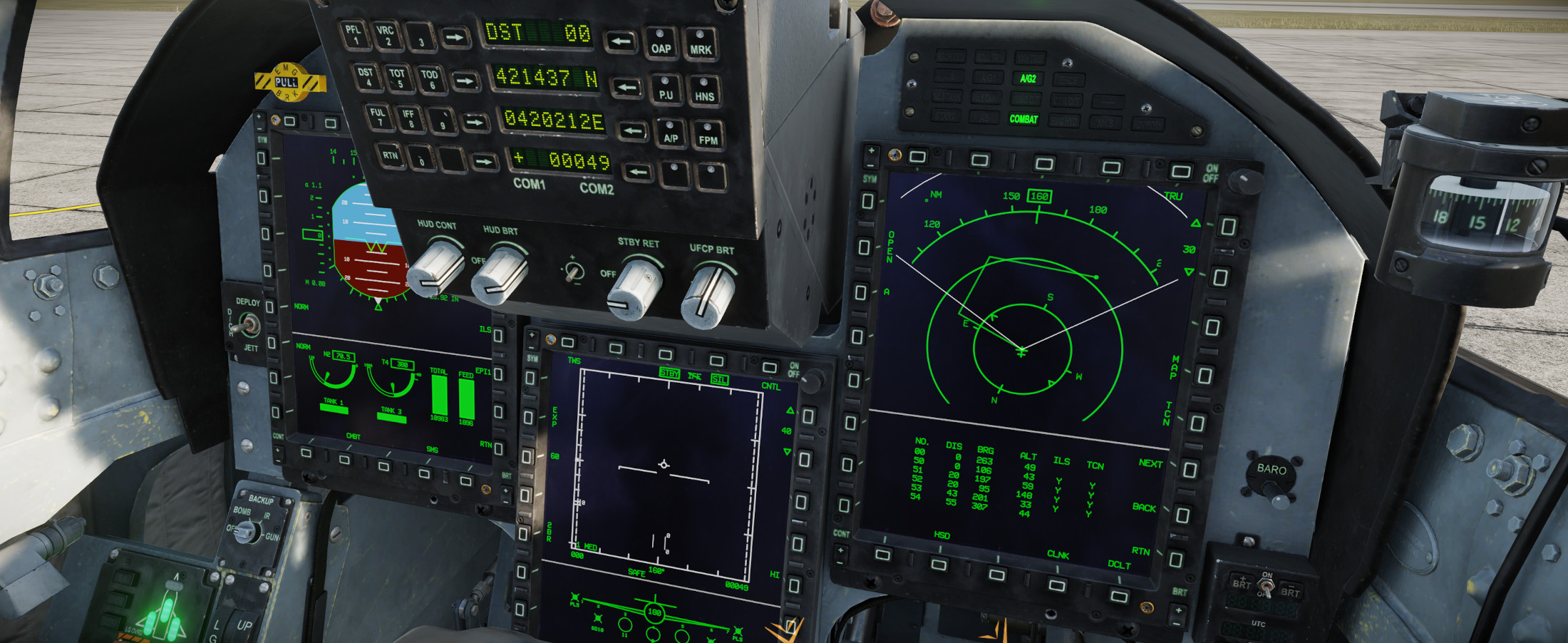
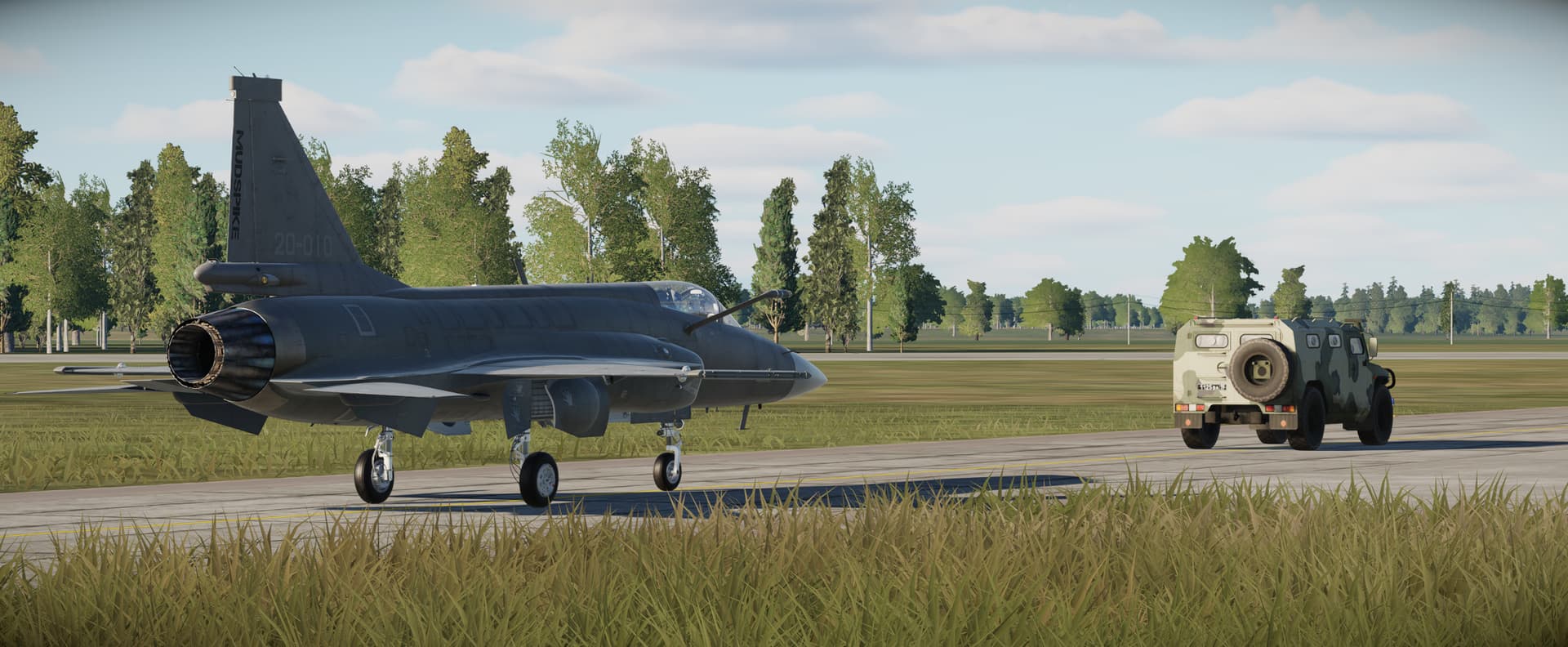
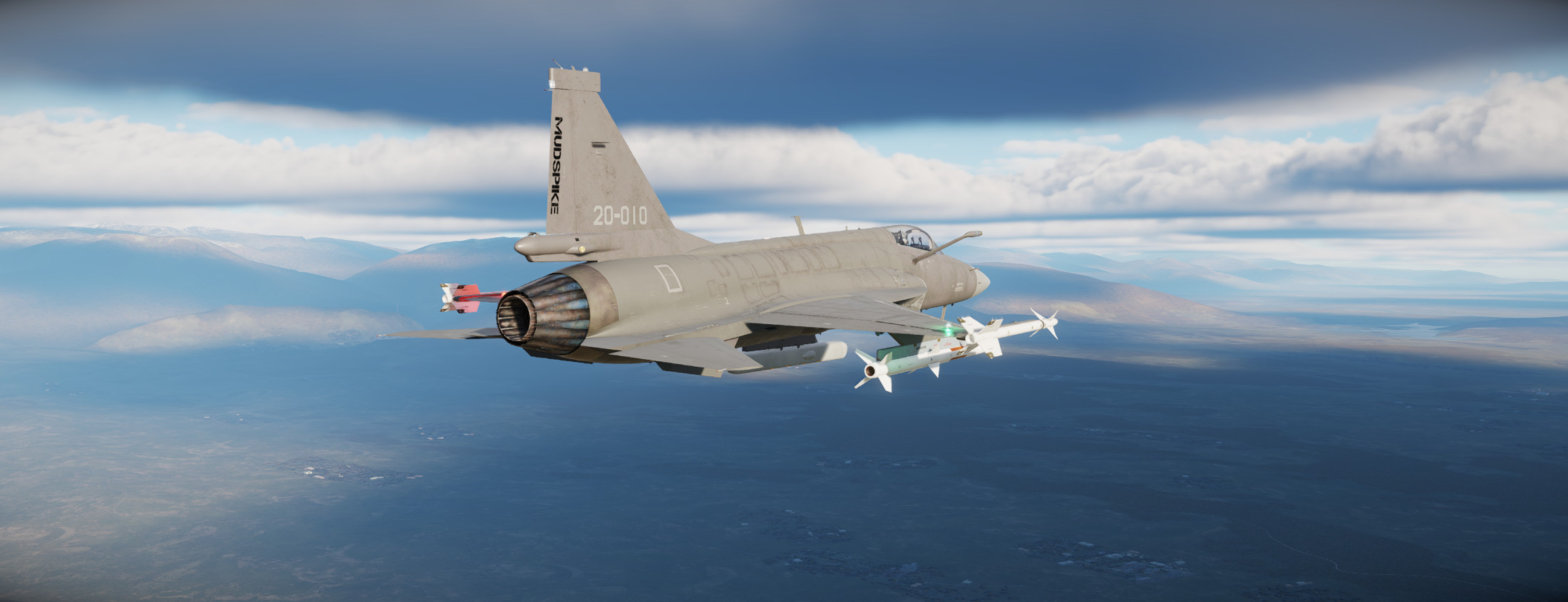
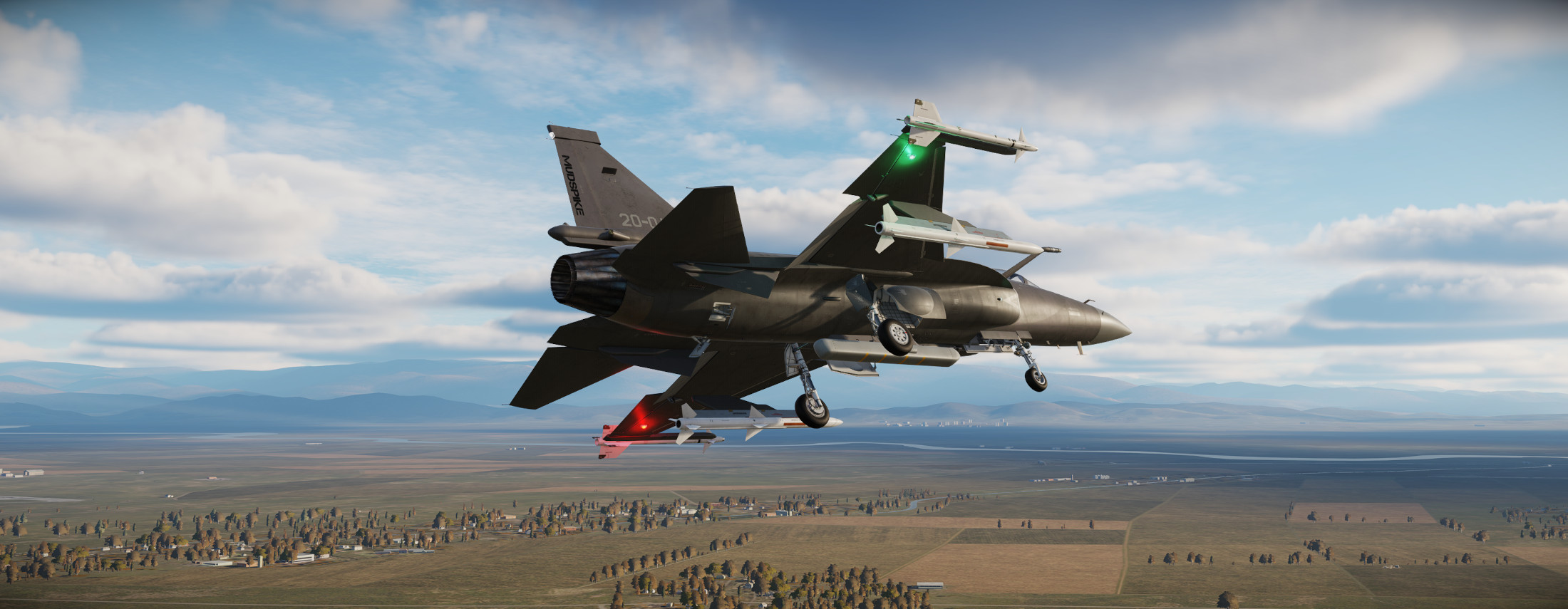
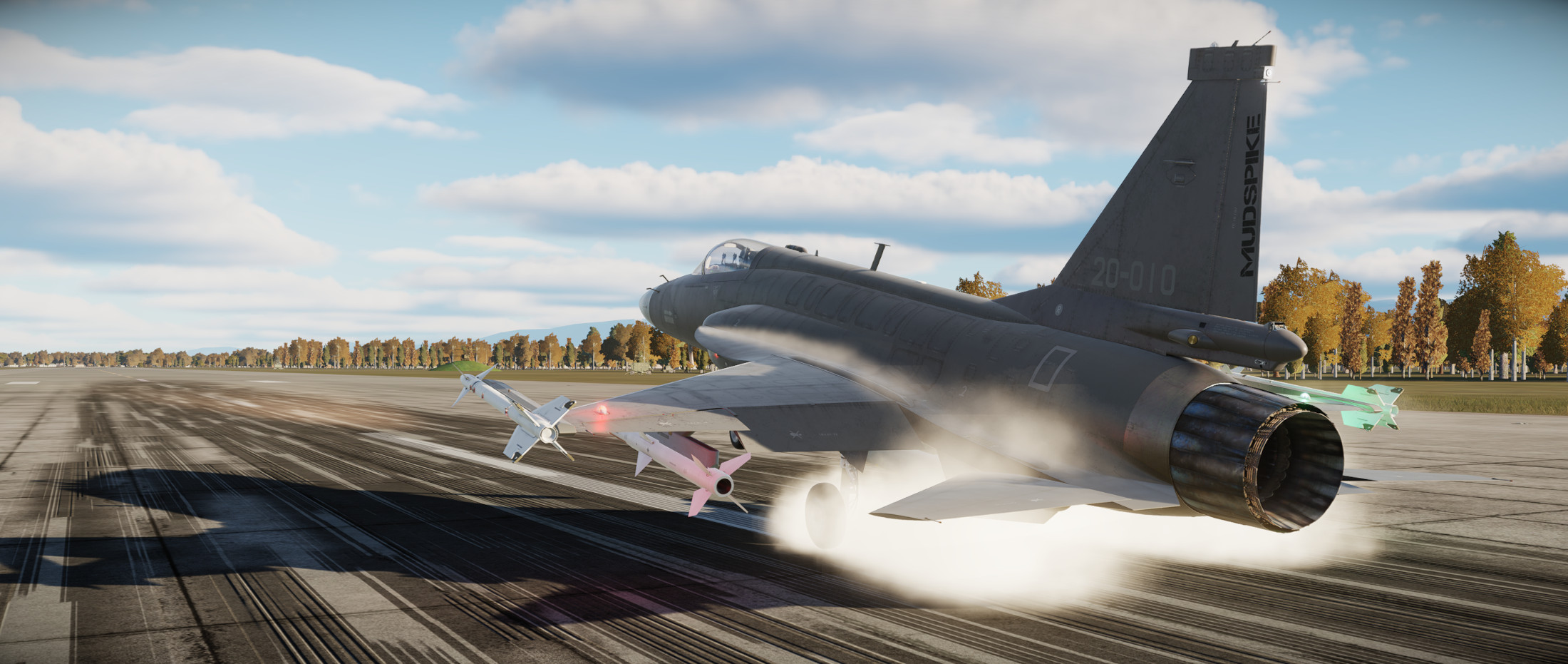
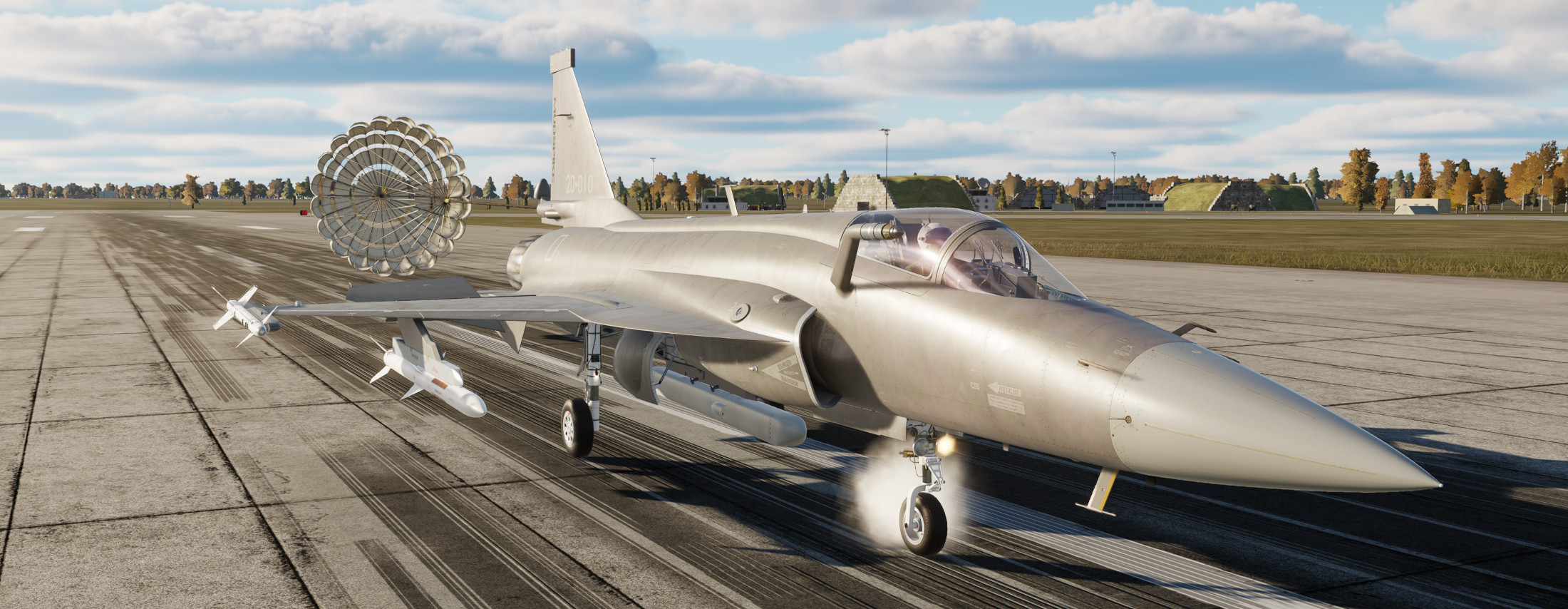
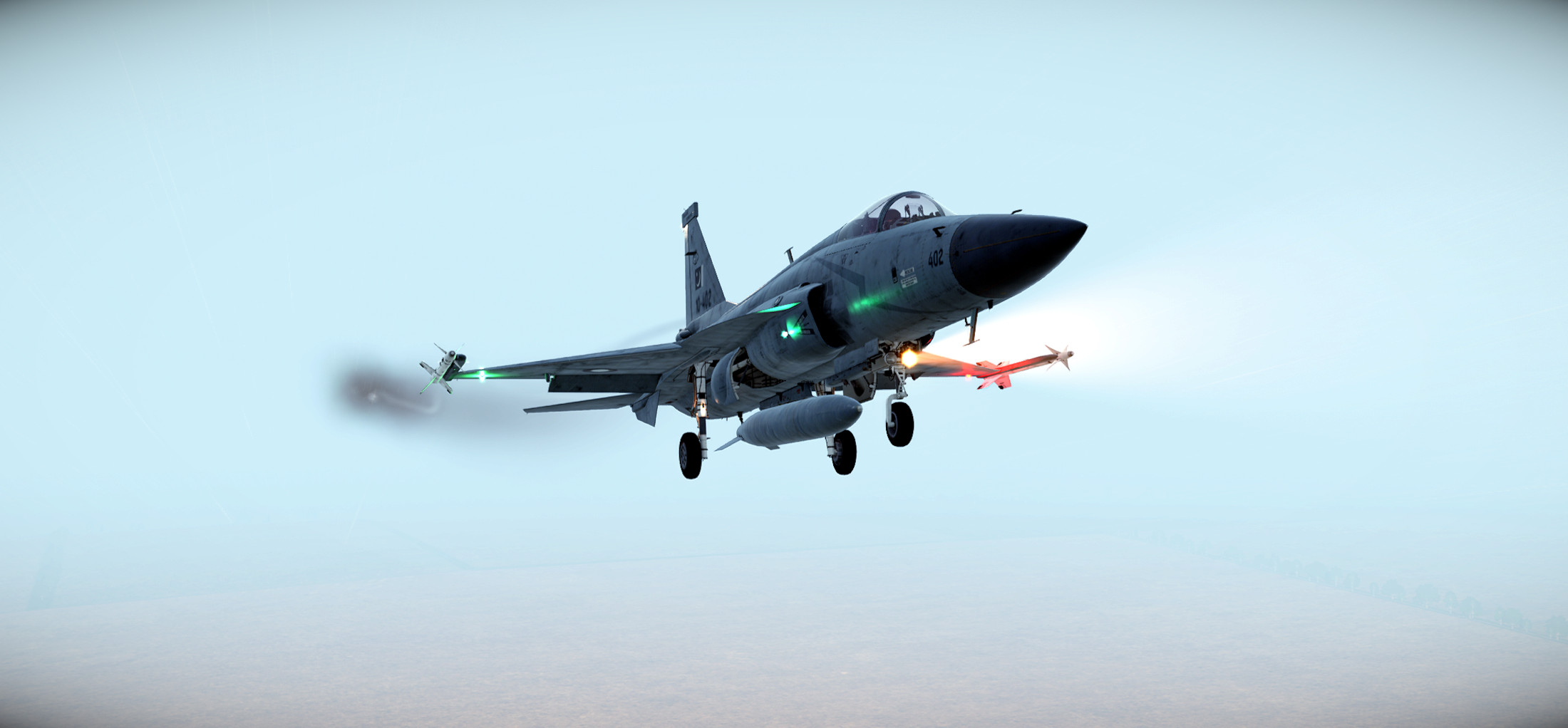
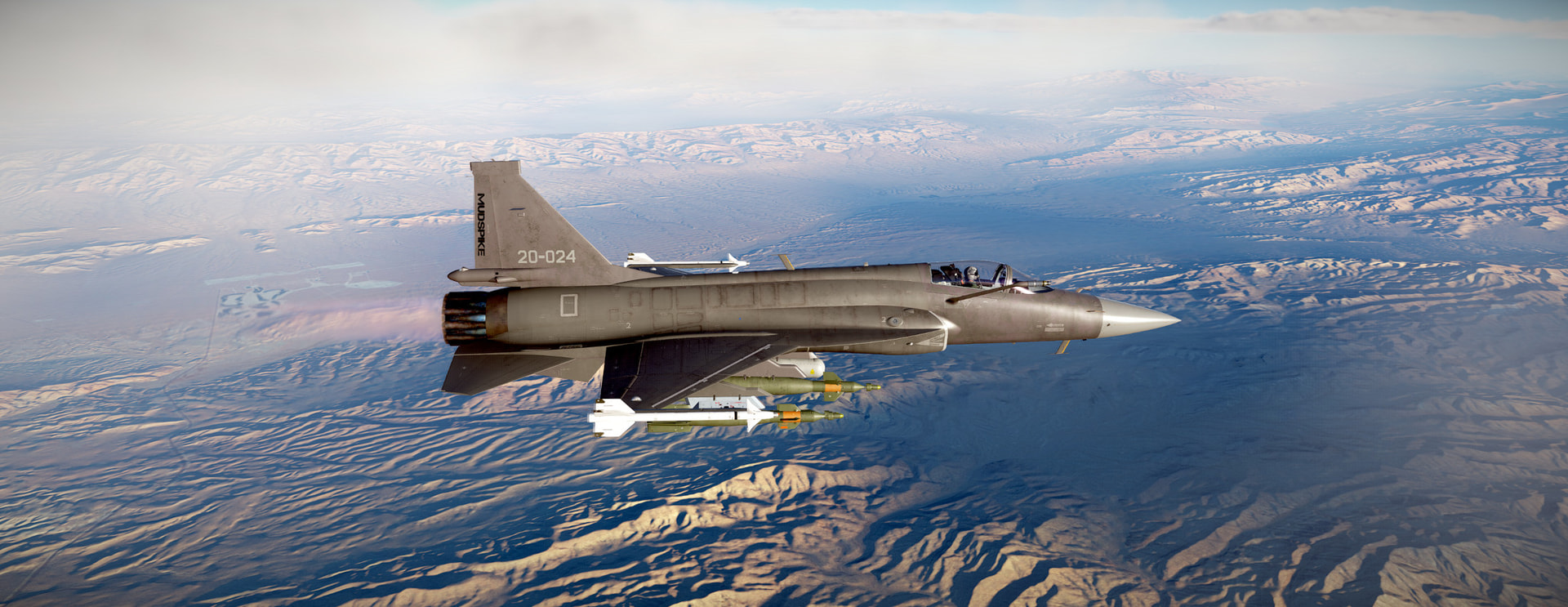
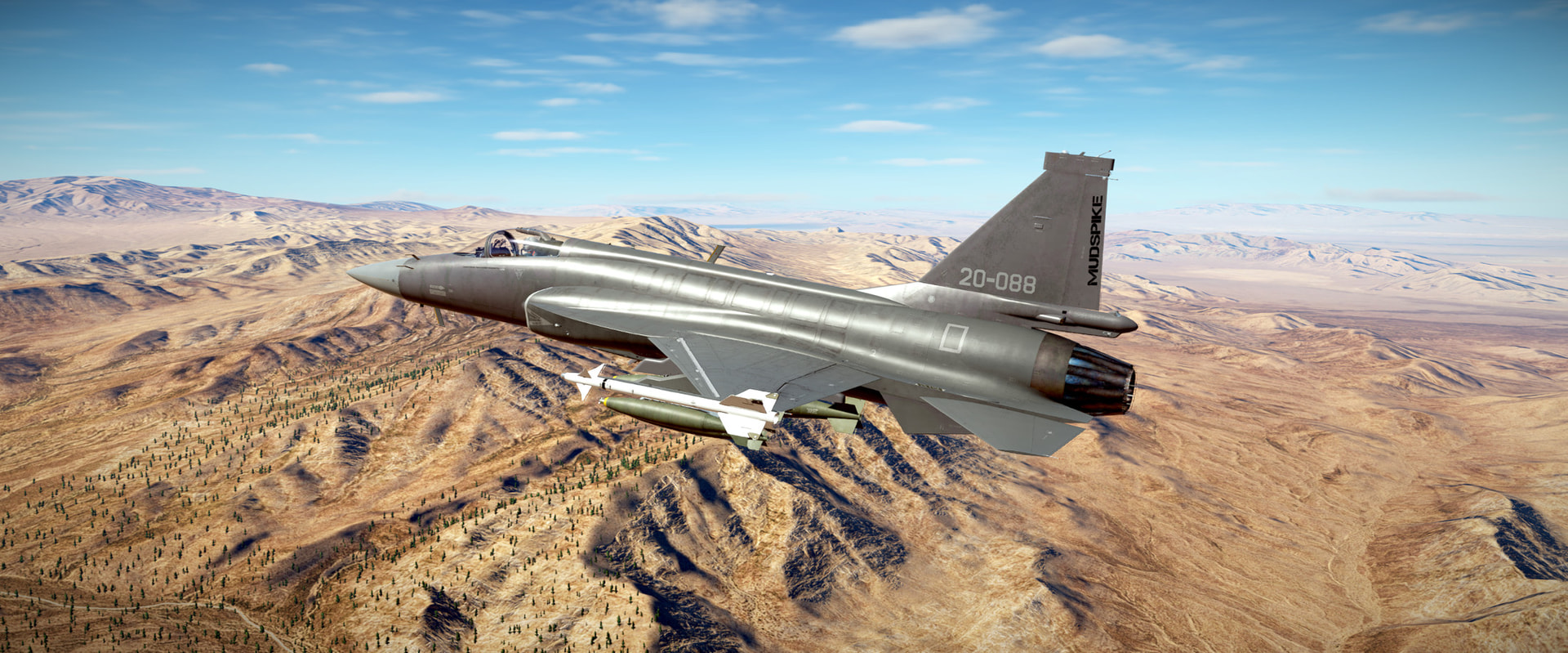
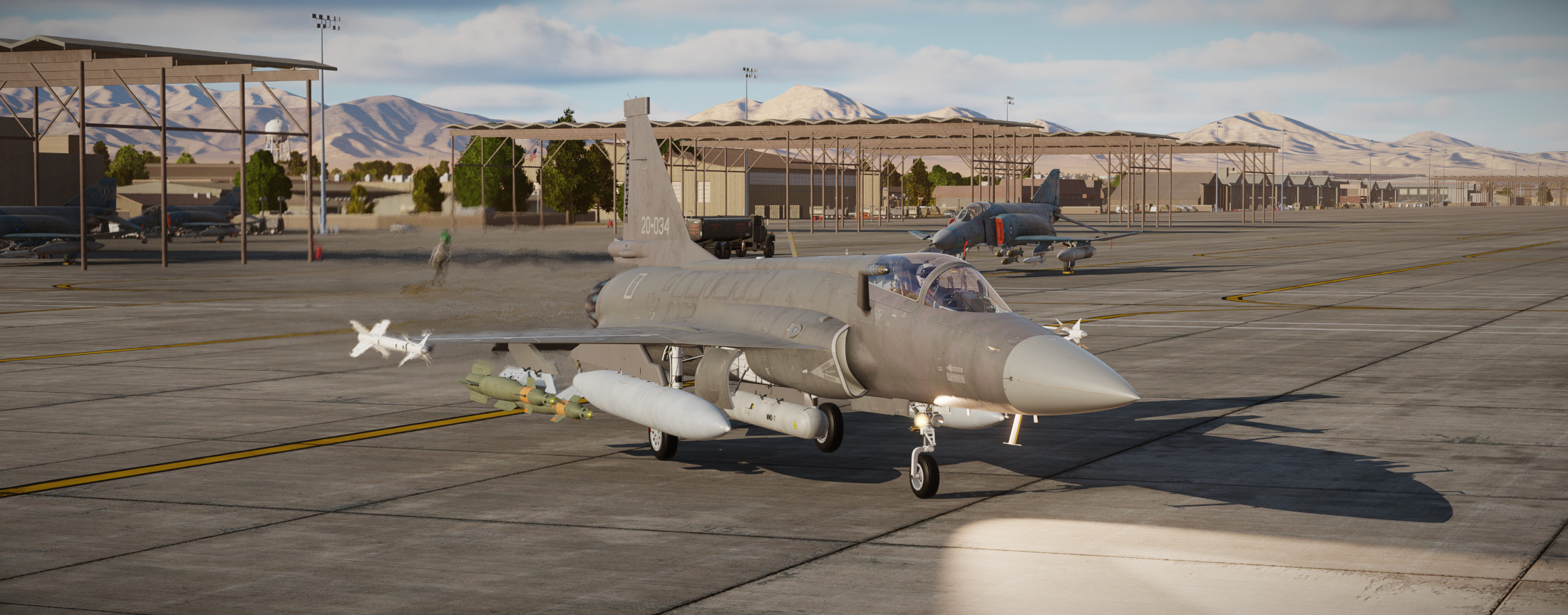
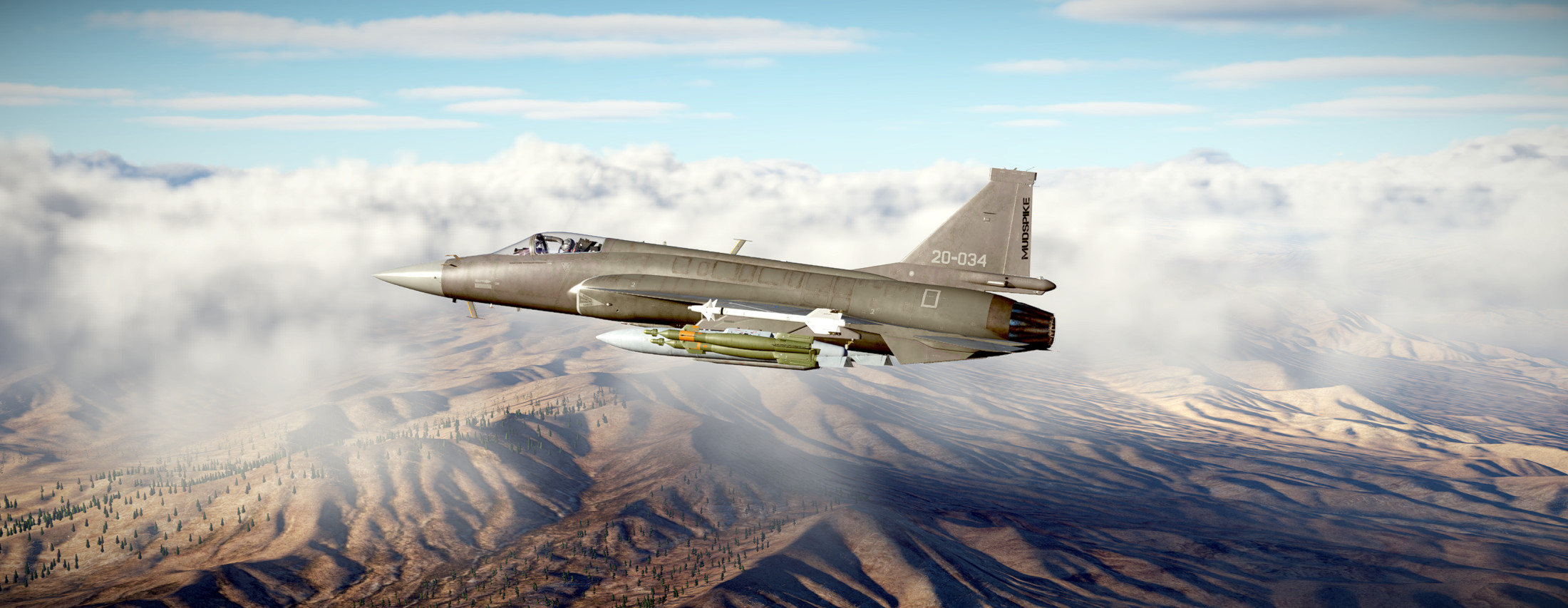
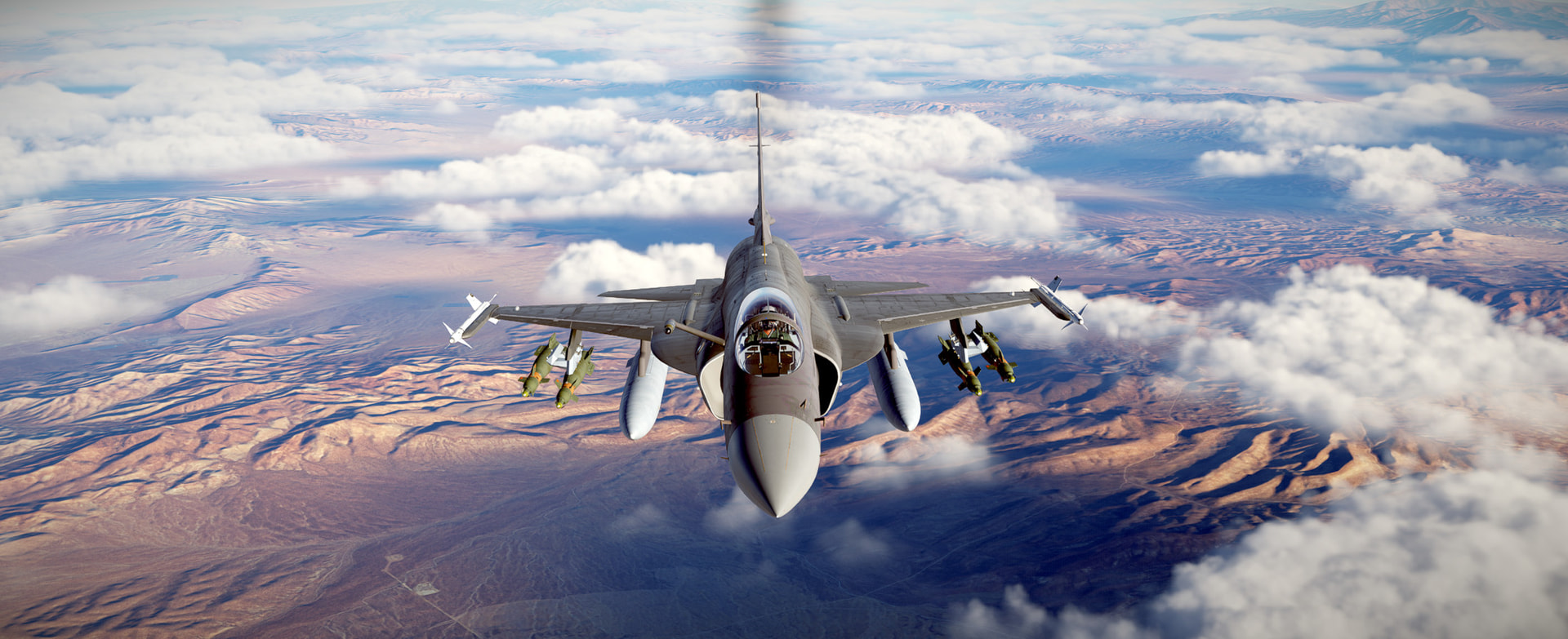
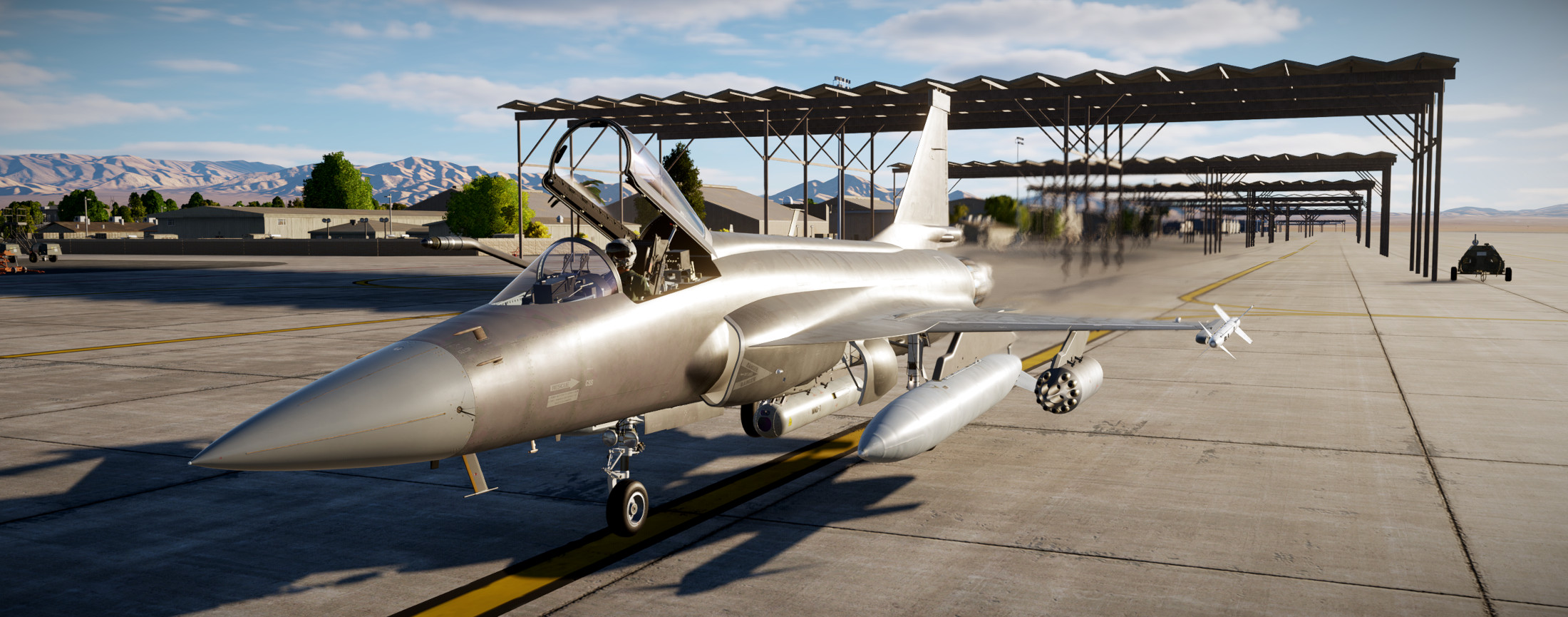
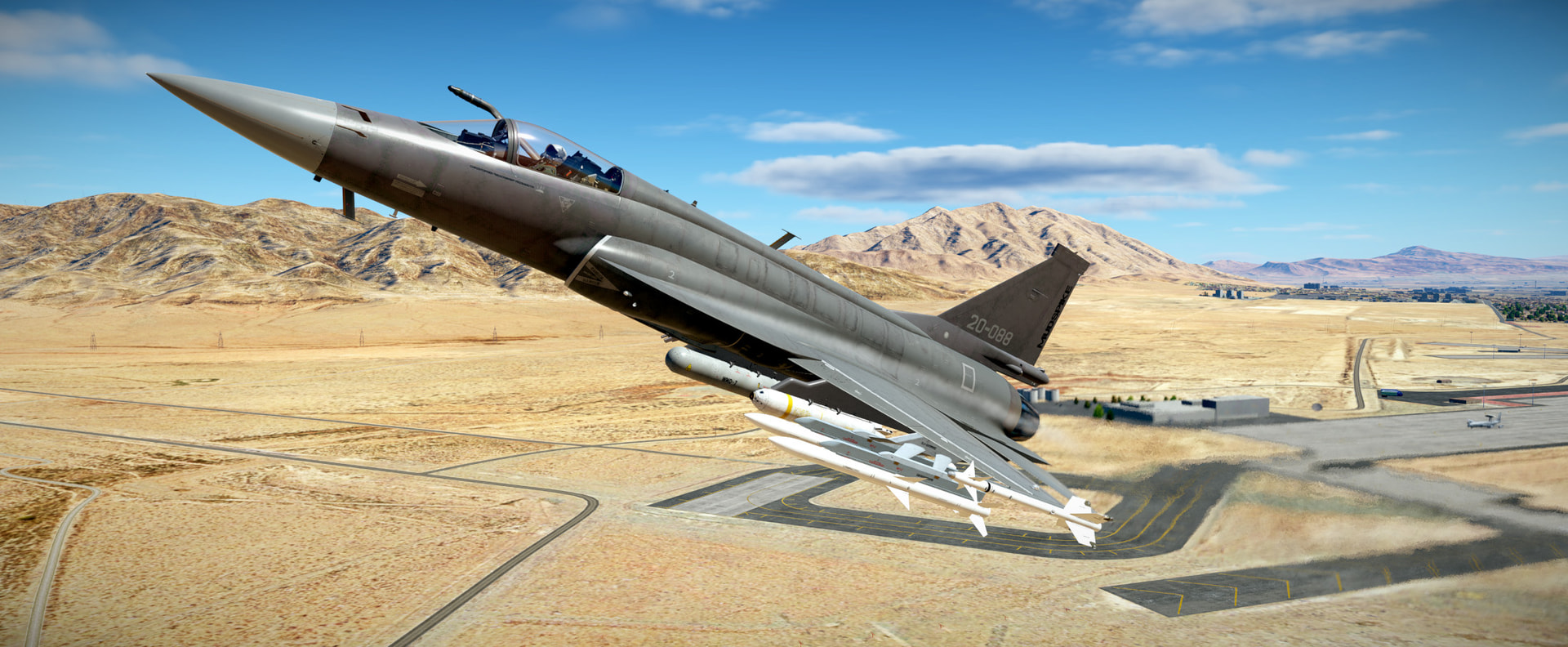
The JF-17 is a good looking airplane…no doubt about it. The cockpit feels very much F-16-ish with the Up Front Controller and three digital displays. It is very cozy and comfortable in VR.

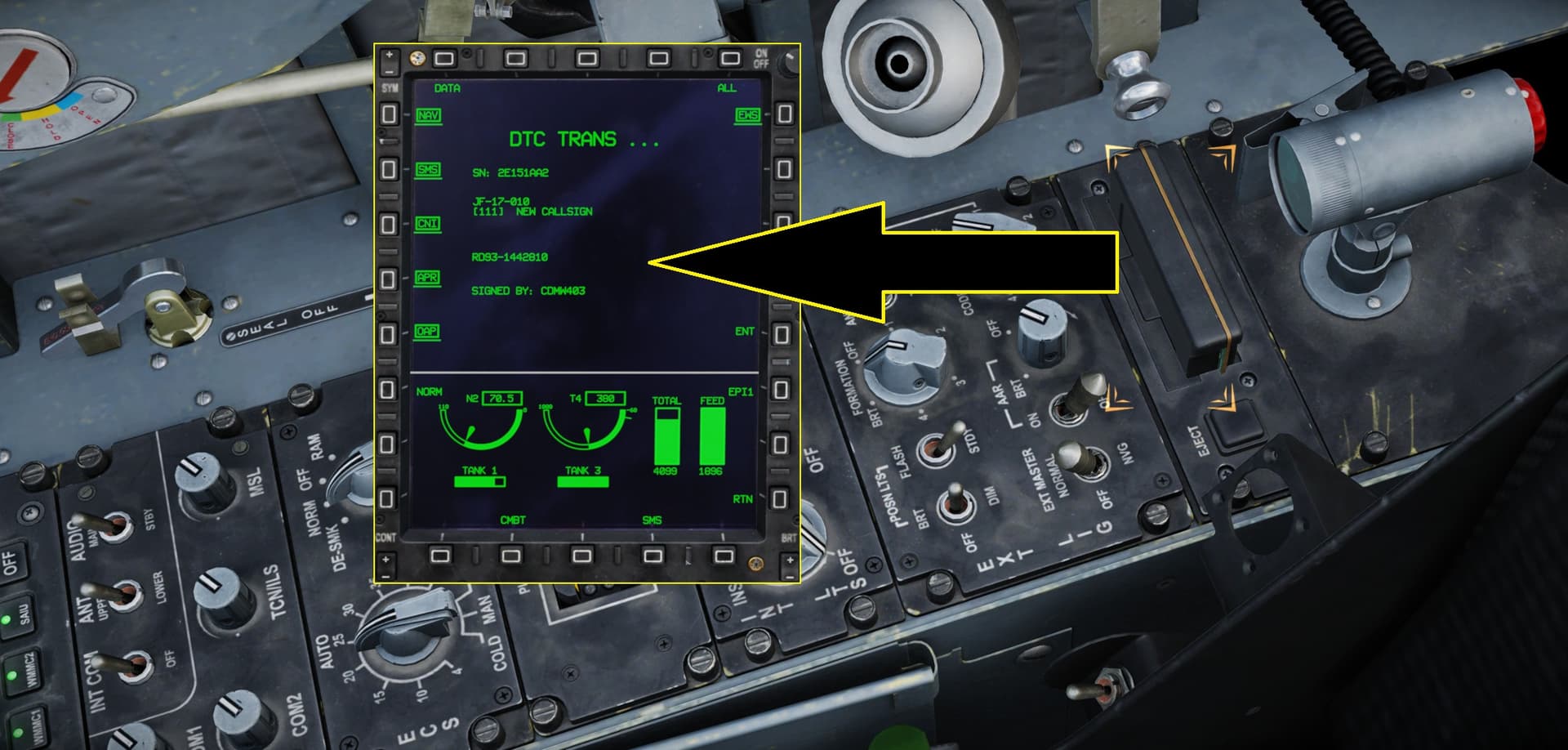
The cold & dark tutorial goes quickly. I’m pretty sure you could develop a flow check that knocks everything out in perhaps a more logical but not necessarily procedurally correct order. The data cartridge and INS loading are neat aspects that I’ll have to learn a bit more about (for instance…changing loadouts on subsequent sorties and making sure to have the DTC updated and loaded).

I will practice more cold starts until I have a good handle on the process.

13 Likes

An almost required mod in my opinion. The default JF-17 Bitchin’ Betty sounds sound like they might have been recordings of the devs daughter or something… :rofl: Nice thought and all…but they don’t sound great.
This mod fixes that:

2 Likes

This combo training session we do the taxi/takeoff and some light navigation.

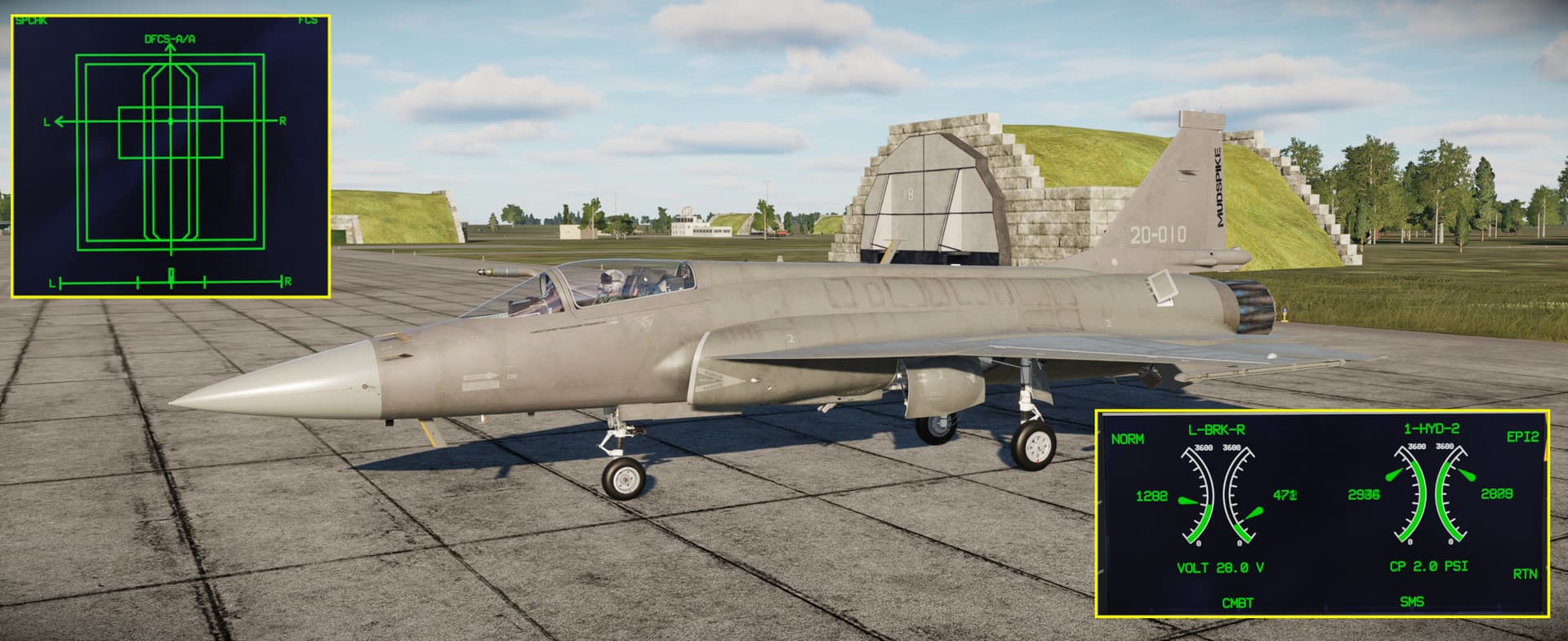
The plane starts as a hot start on the ramp. Probably not the greatest for continuity of training as far as learning the process of the hot-start…but I’ve been practicing those on my own. The taxi check goes though some additional checklist items such as testing the speedbrakes and checking the hydraulic pressures and control responses…

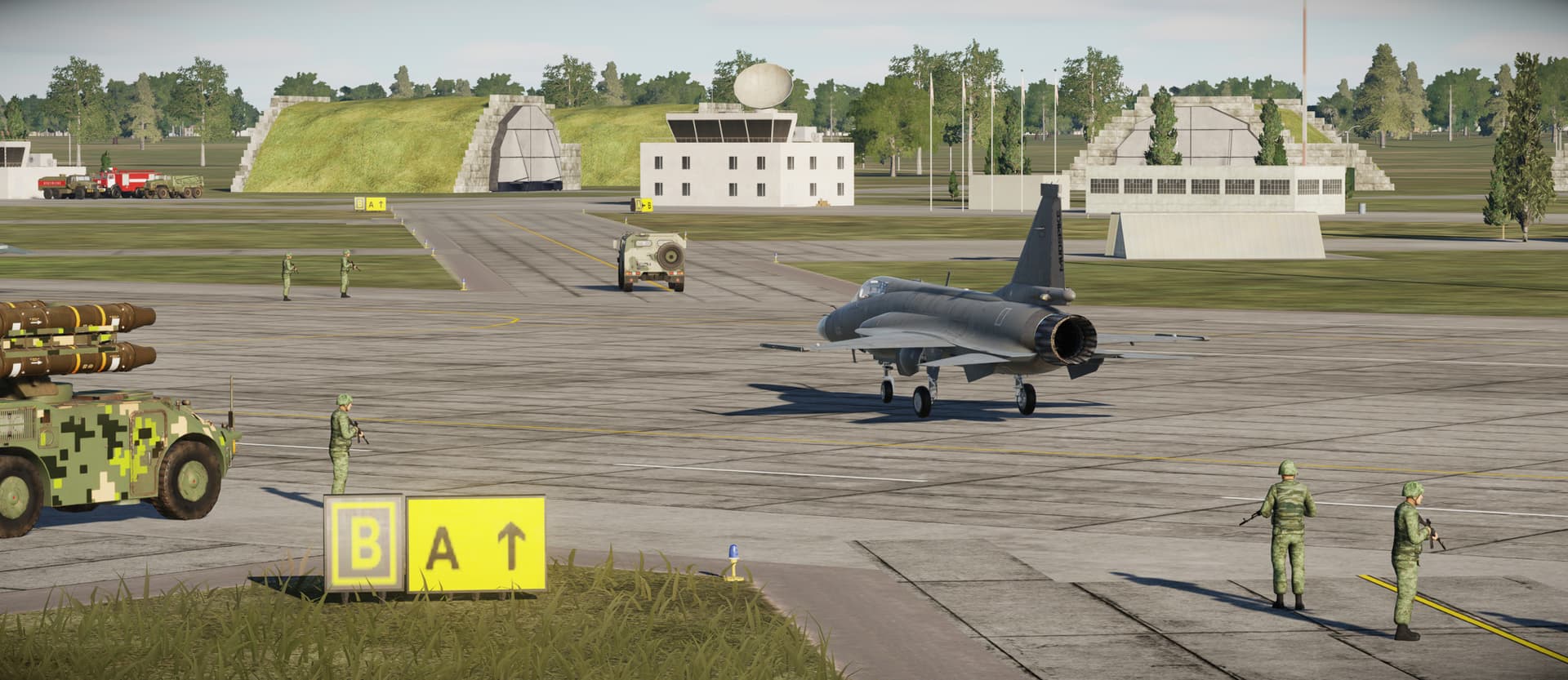
Then we play follow-the-truck to the active runway for takeoff…

The nosewheel steering on the JF-17 is very responsive…

Once on the runway…a couple more checks and we are blasting off. A couple things I did not know but found out reading through the Chuck’s Guide…there is an afterburner activation (arming) switch that allows use of the afterburner…also a switch I didn’t know about the CMBT/C&T/TRAINING engine control switch that derates the engine or something for non-critical missions…saving some wear and tear on the engine apparently. I did find it interesting on one of my cold starts I forgot to quickly get the ECS (bleed/air conditioning) on and a few minutes later I suffered an avionics overheat or something and my displays started blanking/cycling on and off. Pretty cool failure model…

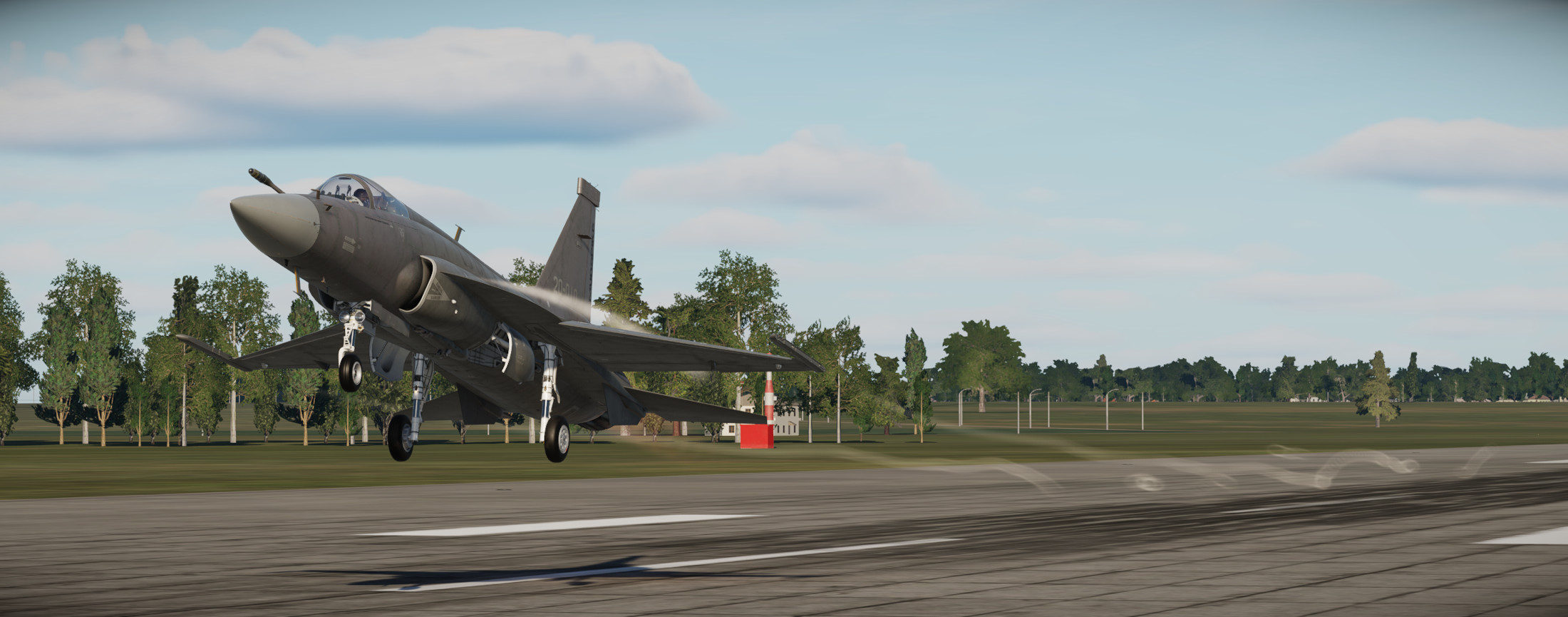
The JF-17 doesn’t use flaps for takeoff unless at very heavy weights apparently…

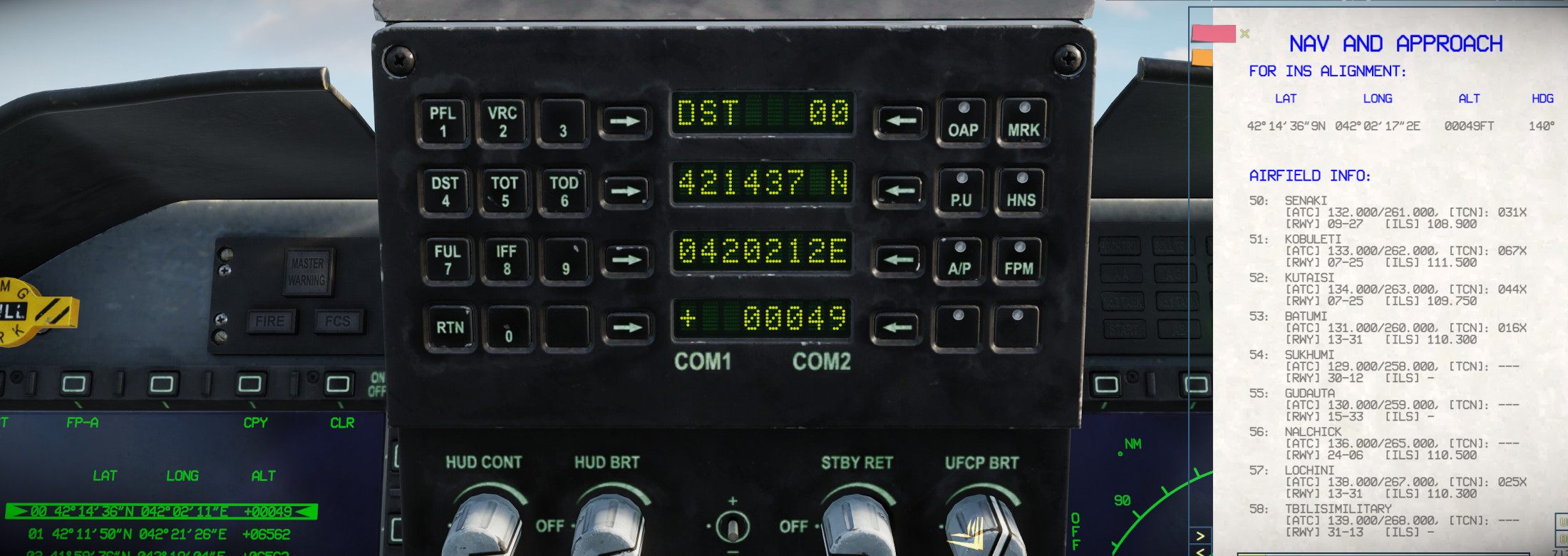
The takeoff lesson just gets you airborne…you never land…(well…I did) and then we are back in for the navigation lesson. Once again on the ramp with a hot start. Here we are loading the navigation and stores data using the DTC cartridge. I’m not totally up to speed on the DTC cartridge…I’m assuming it stores weapons parameters and map waypoints and perhaps pre-briefed threats on the map (?)…
Taxiing back out for another departure…

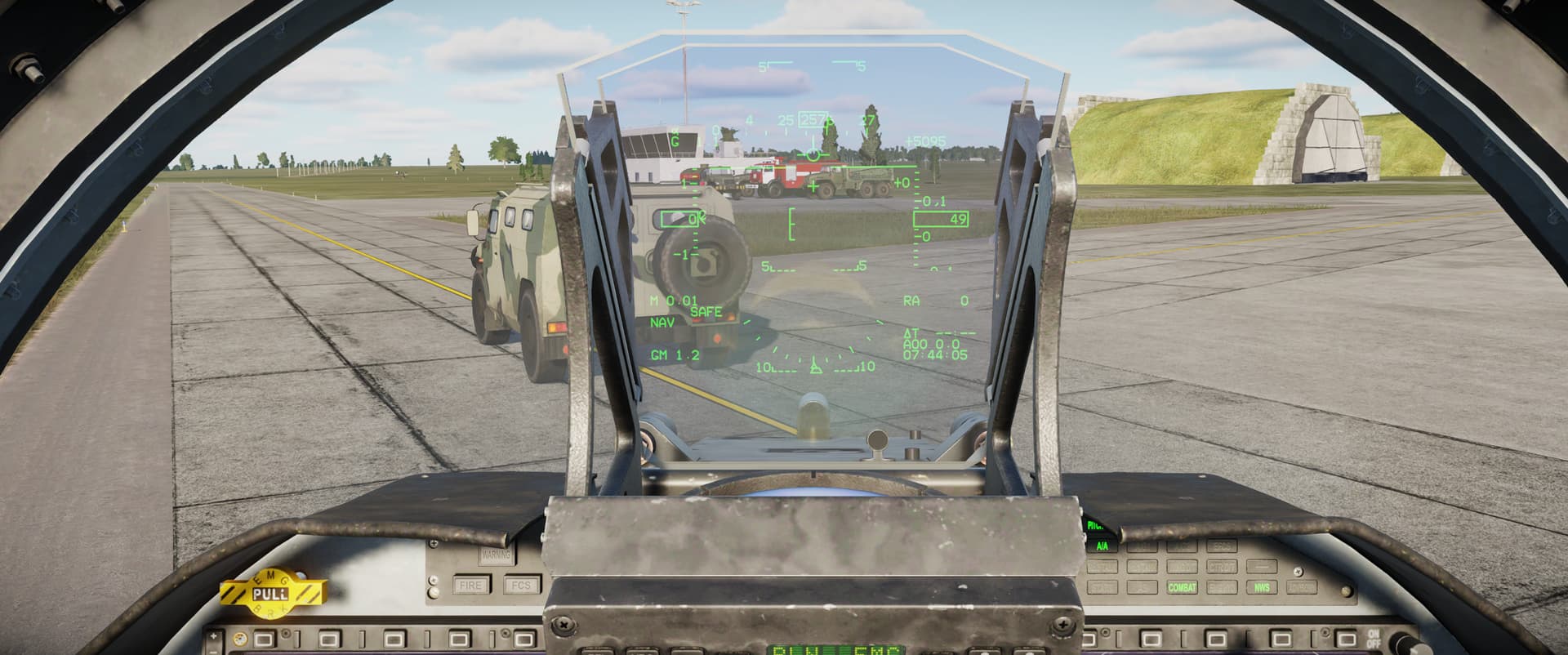
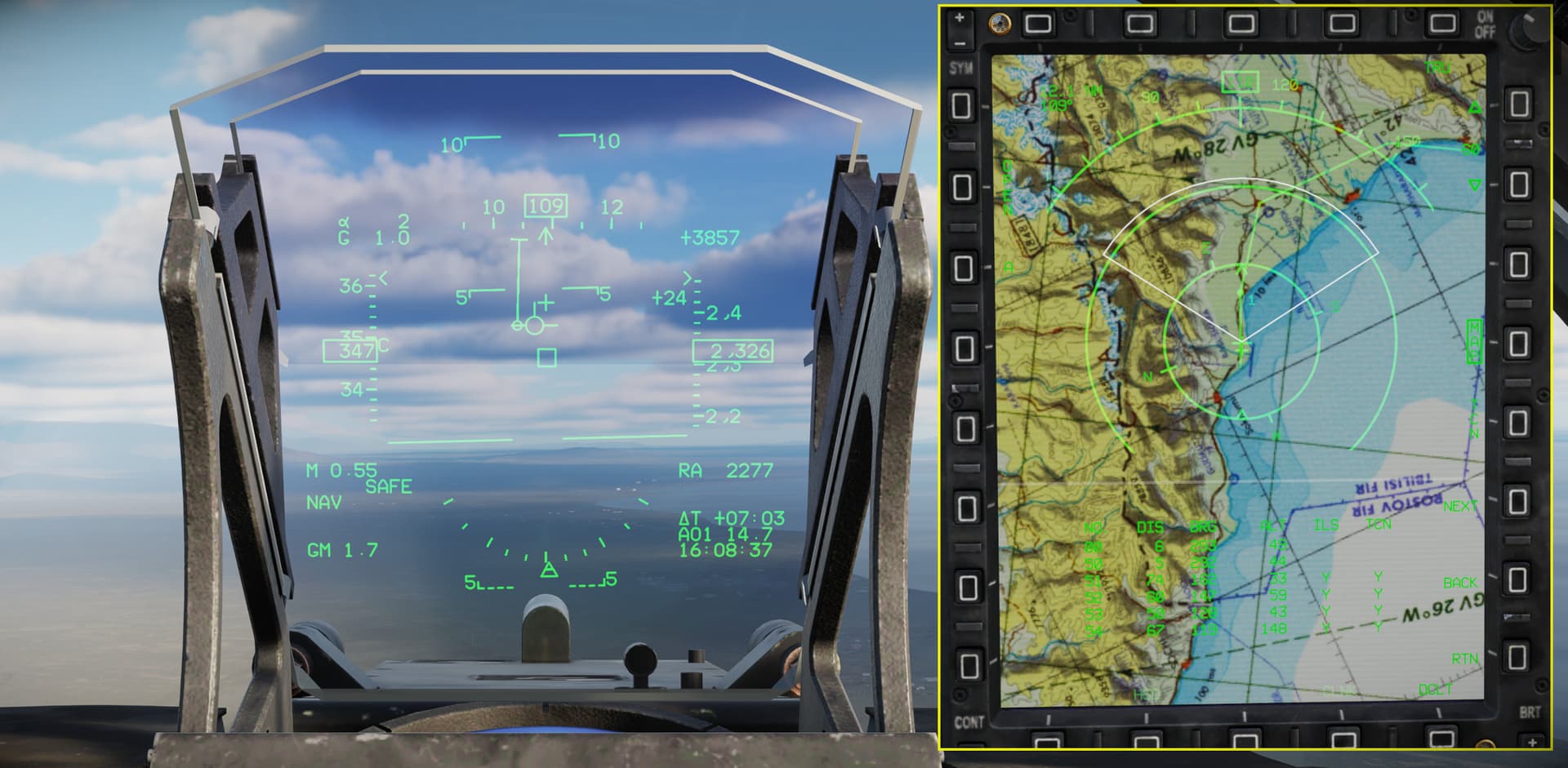
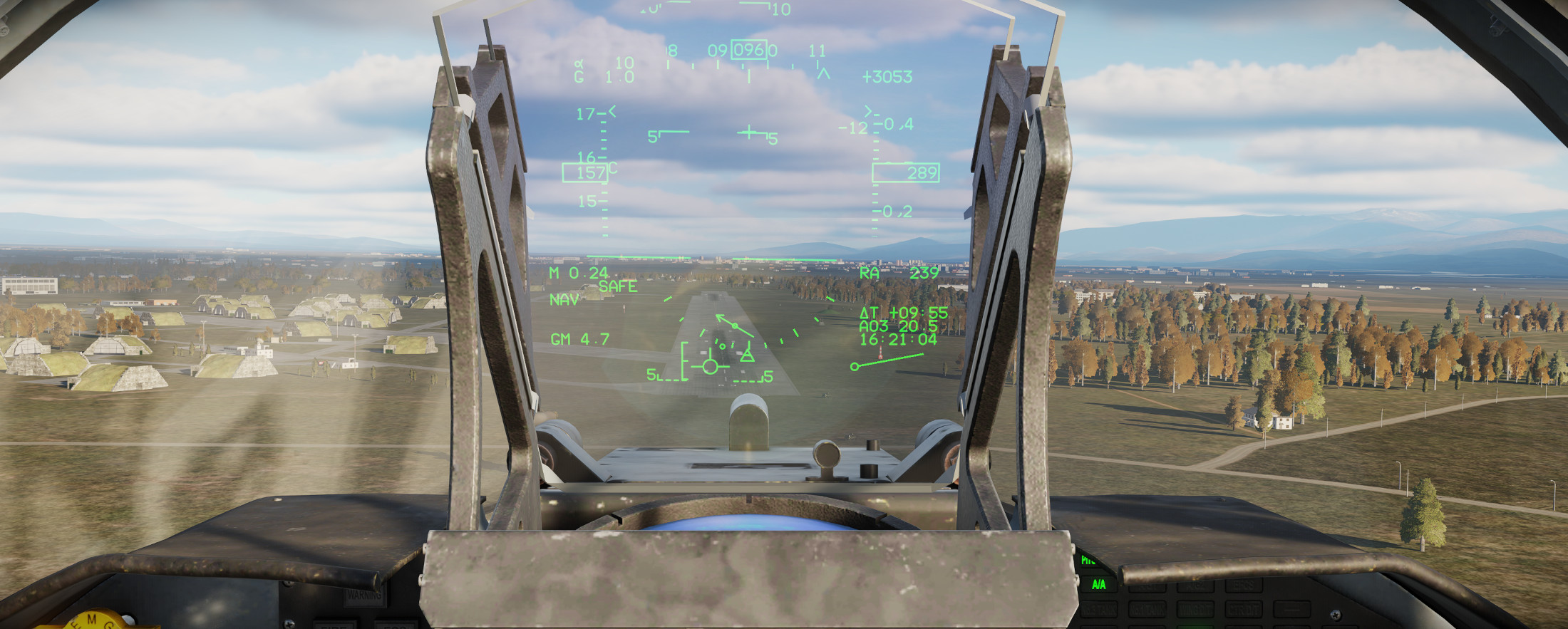
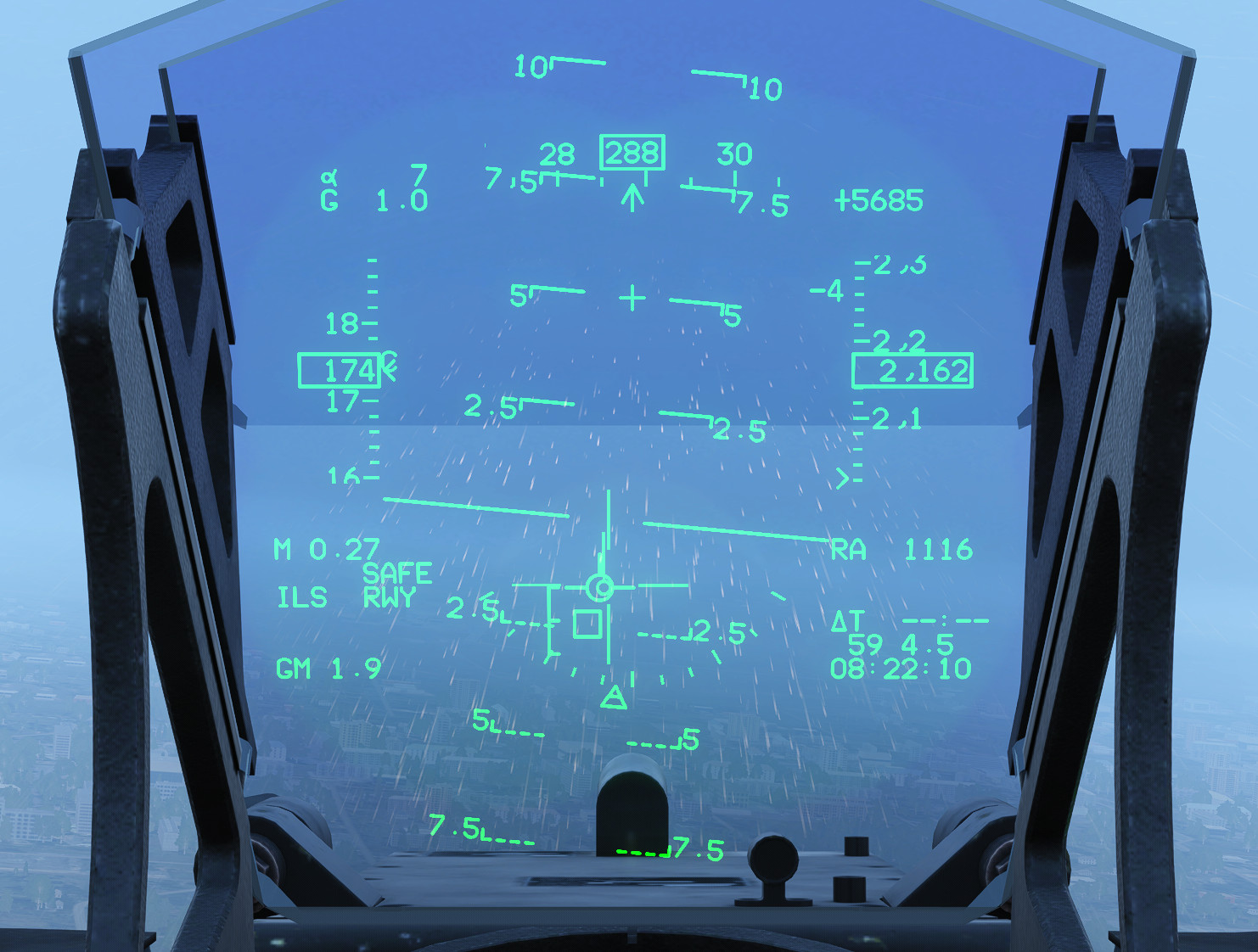
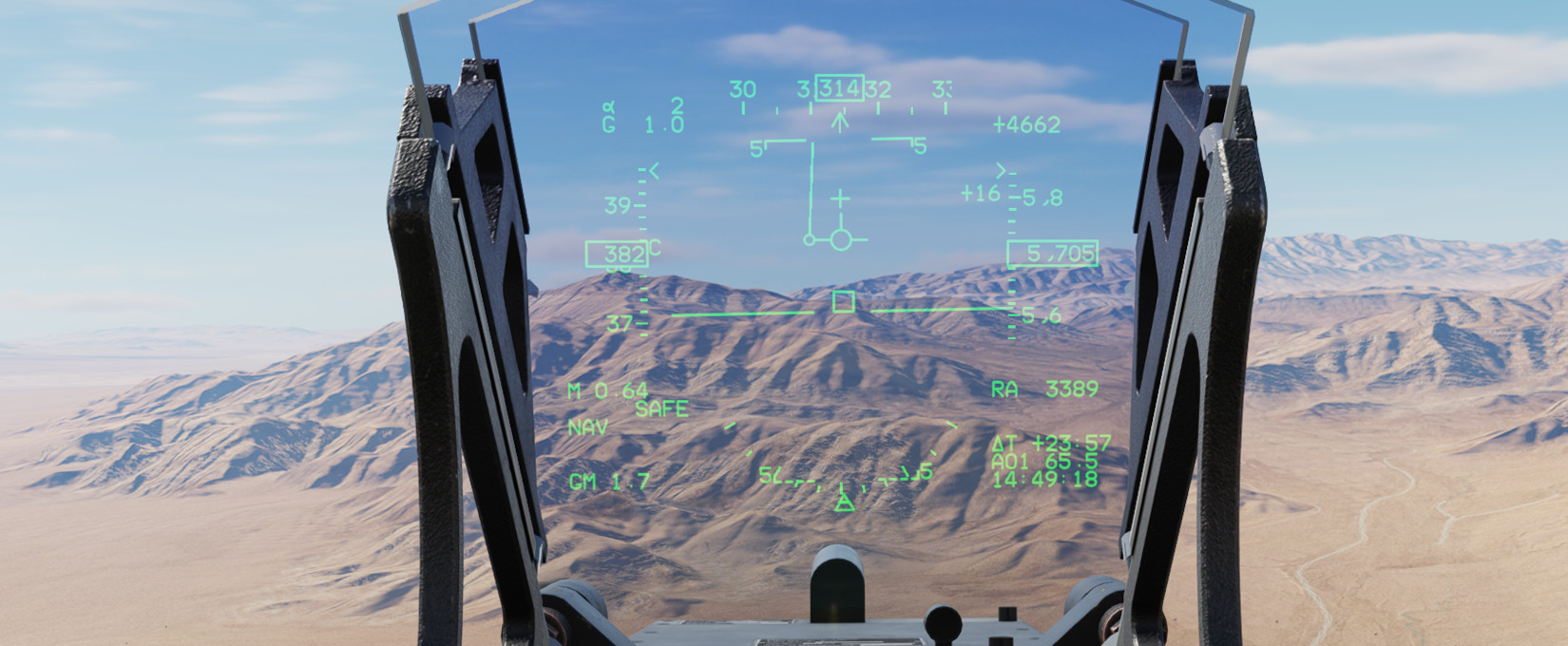
The JF-17 HUD presentation is very good…very F-16-ish. The HSD has an option for overlaying maps under the waypoints…a nice feature. All of the HUD symbology feels very familiar…

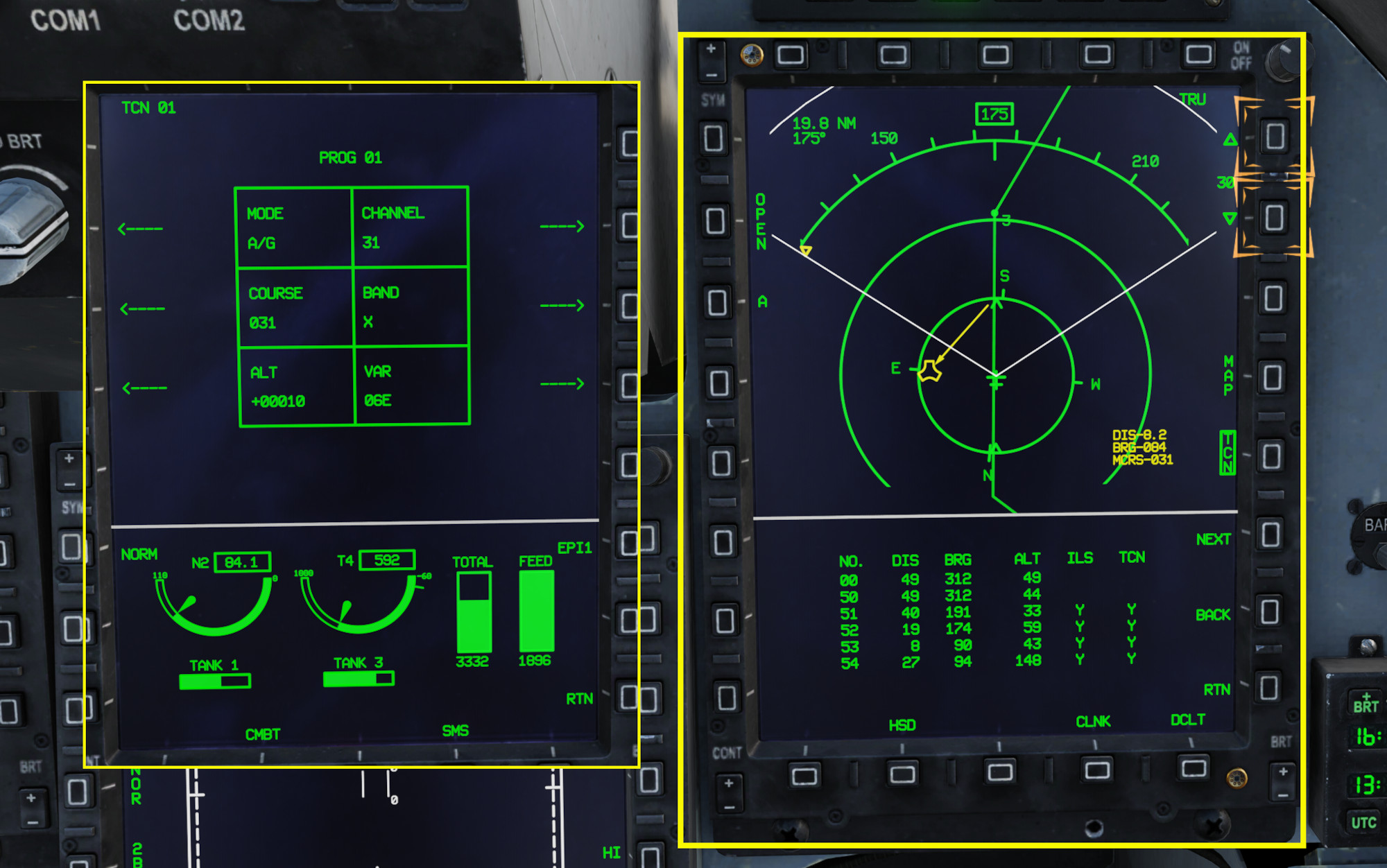
After doing some navigating to the mission waypoints we are instructed on how to switch to TACAN navigation with manual inputs of frequency and course…they depict on the HSD as well with a corresponding CDI on the HUD that is fairly intuitive to use…

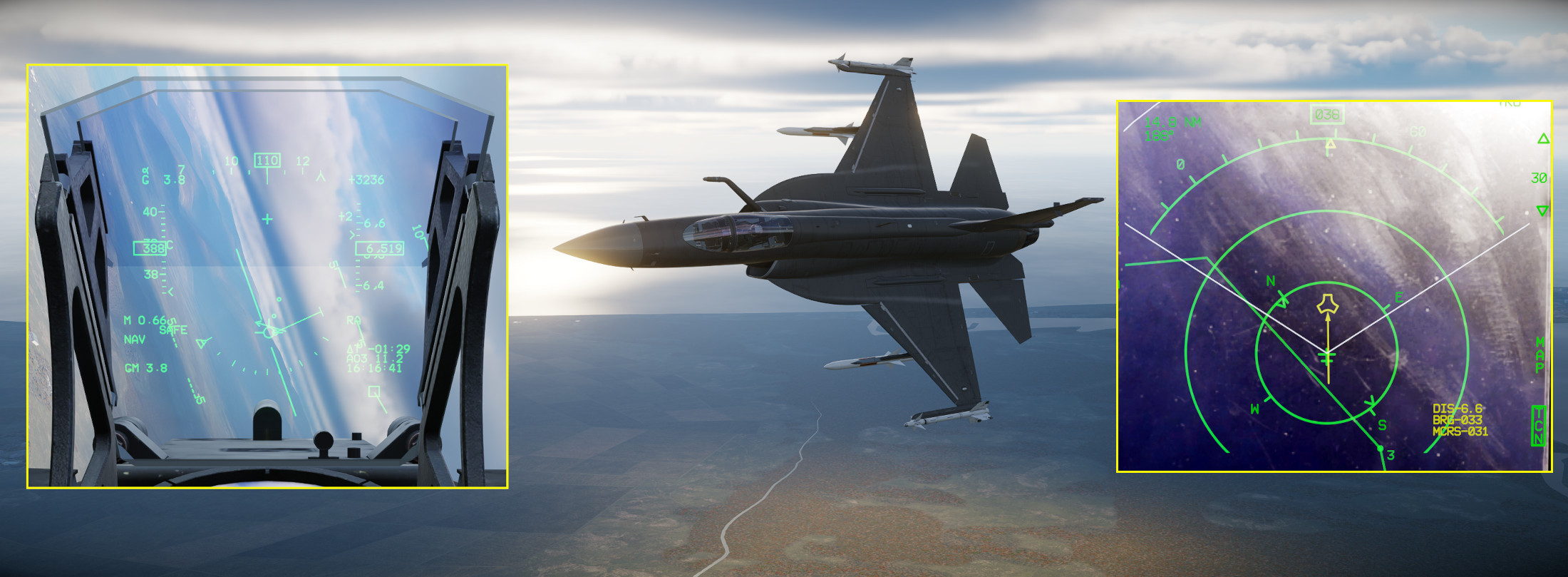
Turning to intercept the 031° inbound course to the TACAN…

Coming in for a landing. The JF-17 feels very nice…wallows around a bit…feels like a really authentic feeling flight model. Reminds me a little bit of the MiG-21 in how it feels very dynamic. I love it.
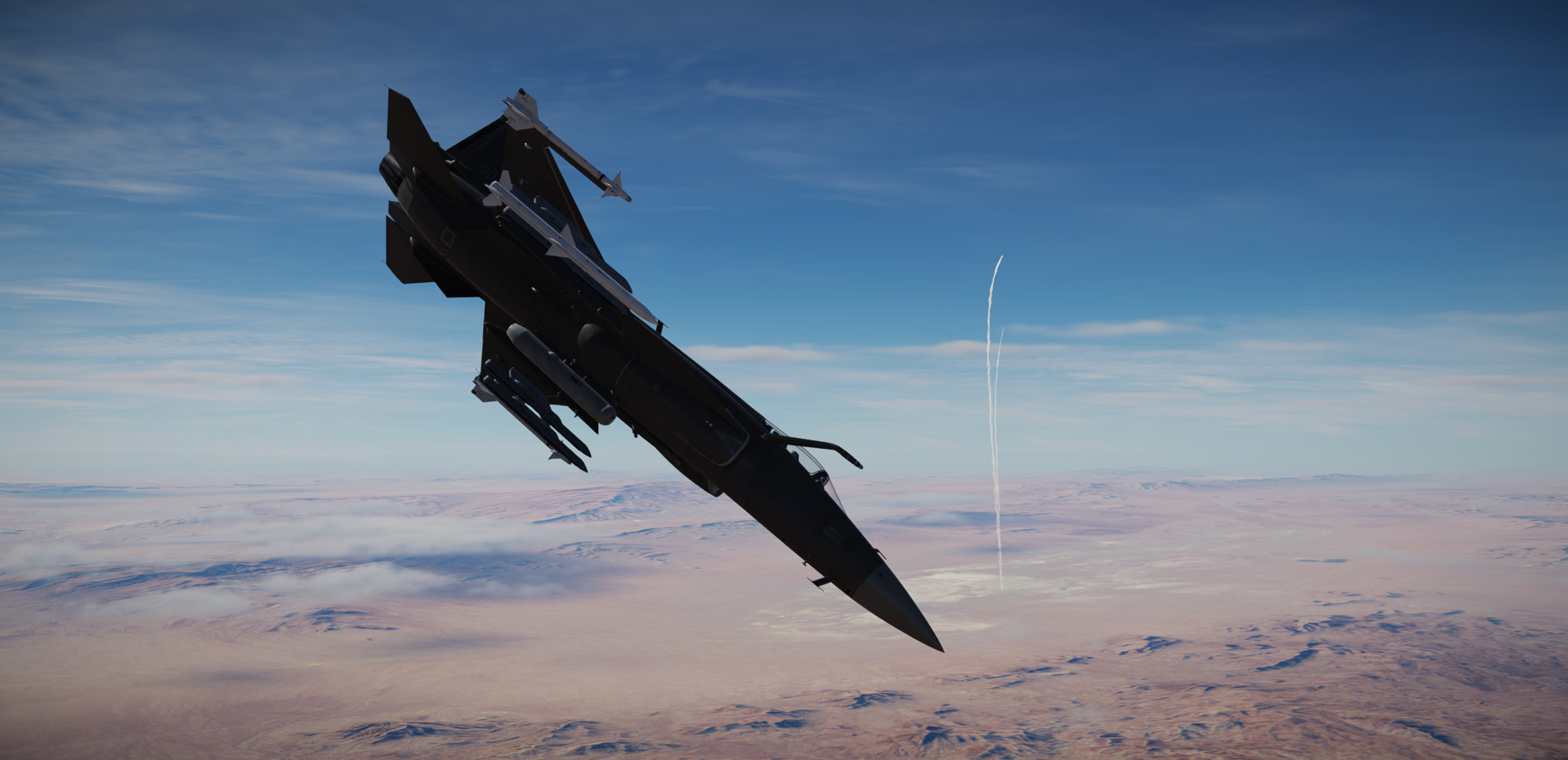
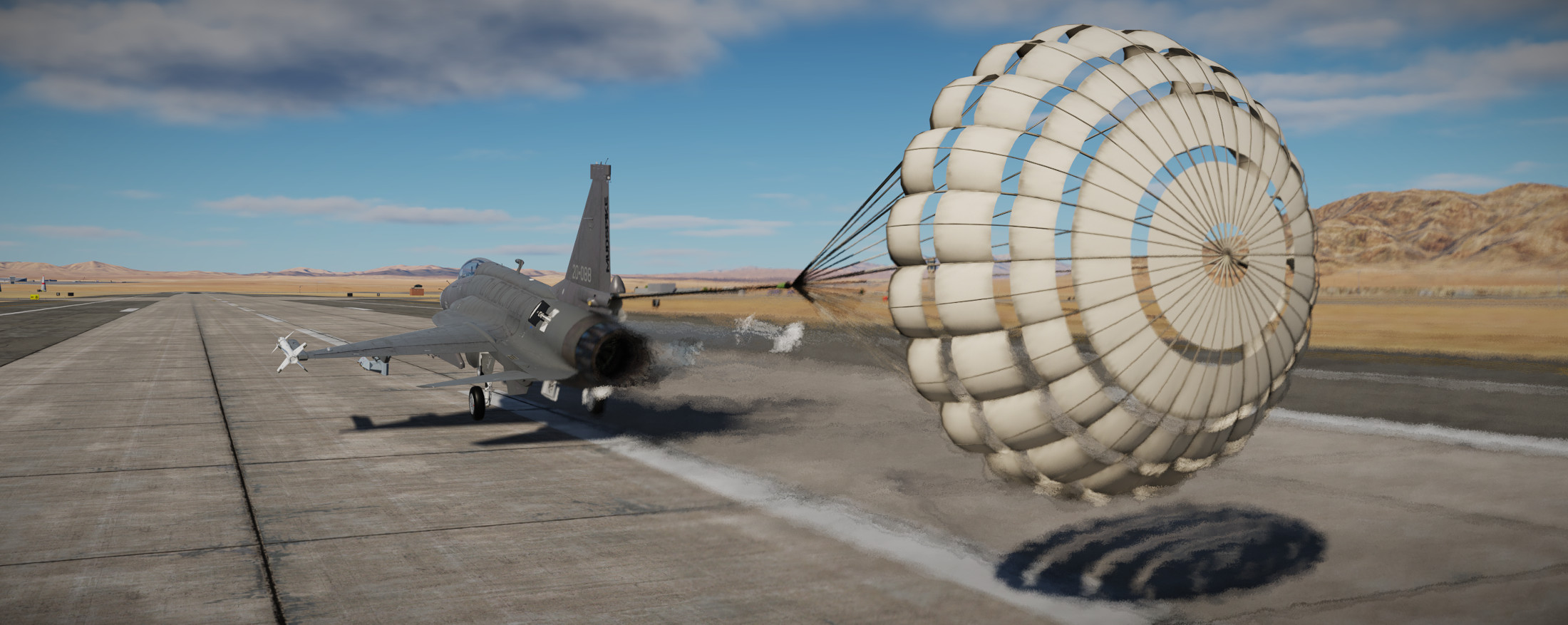
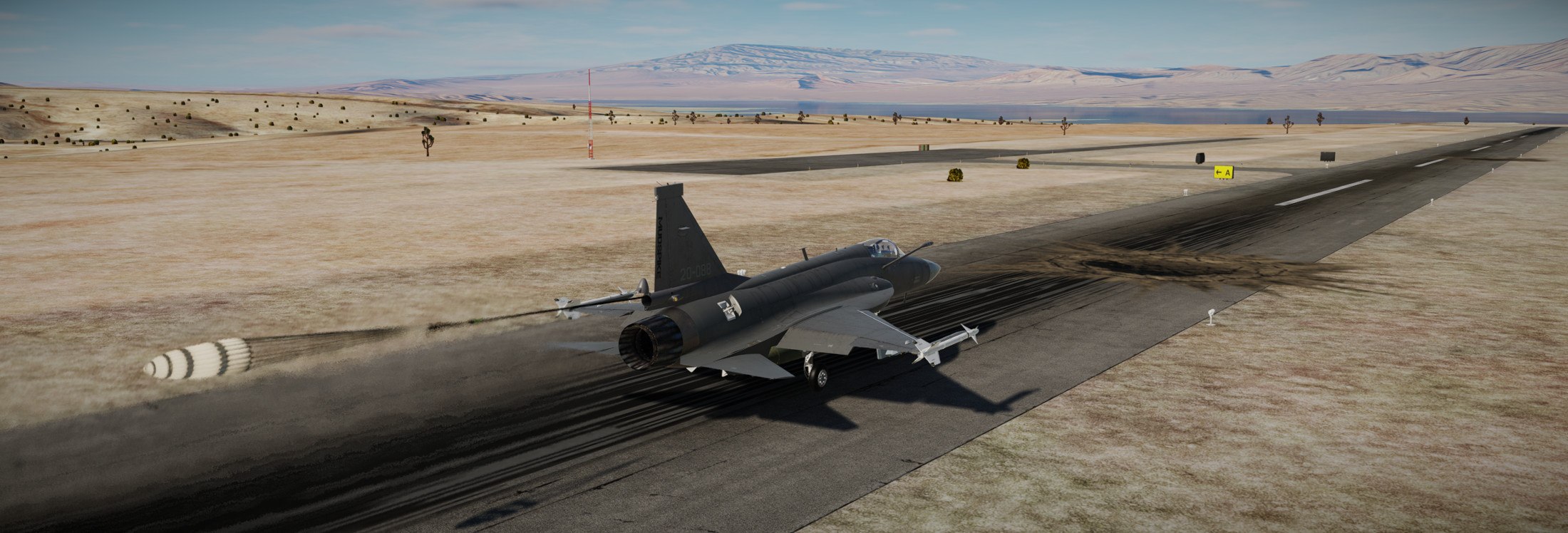
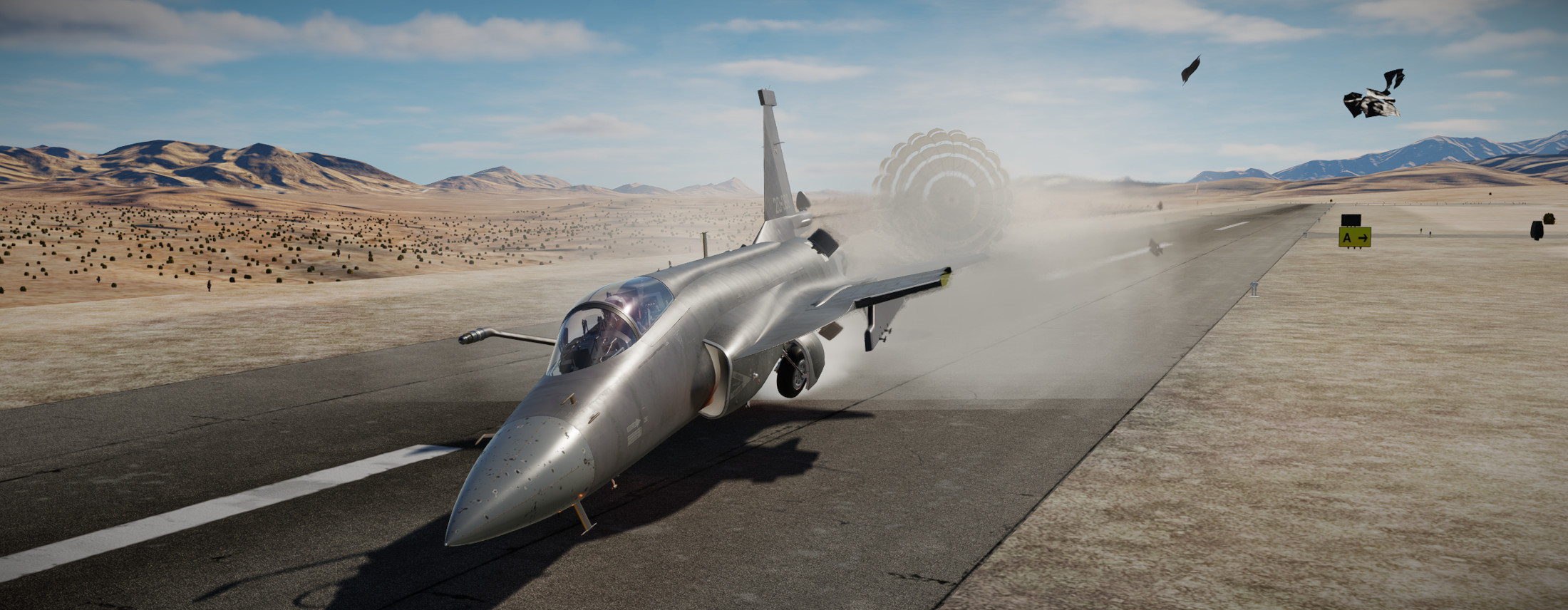
Down safely…on to the next training mission!

11 Likes

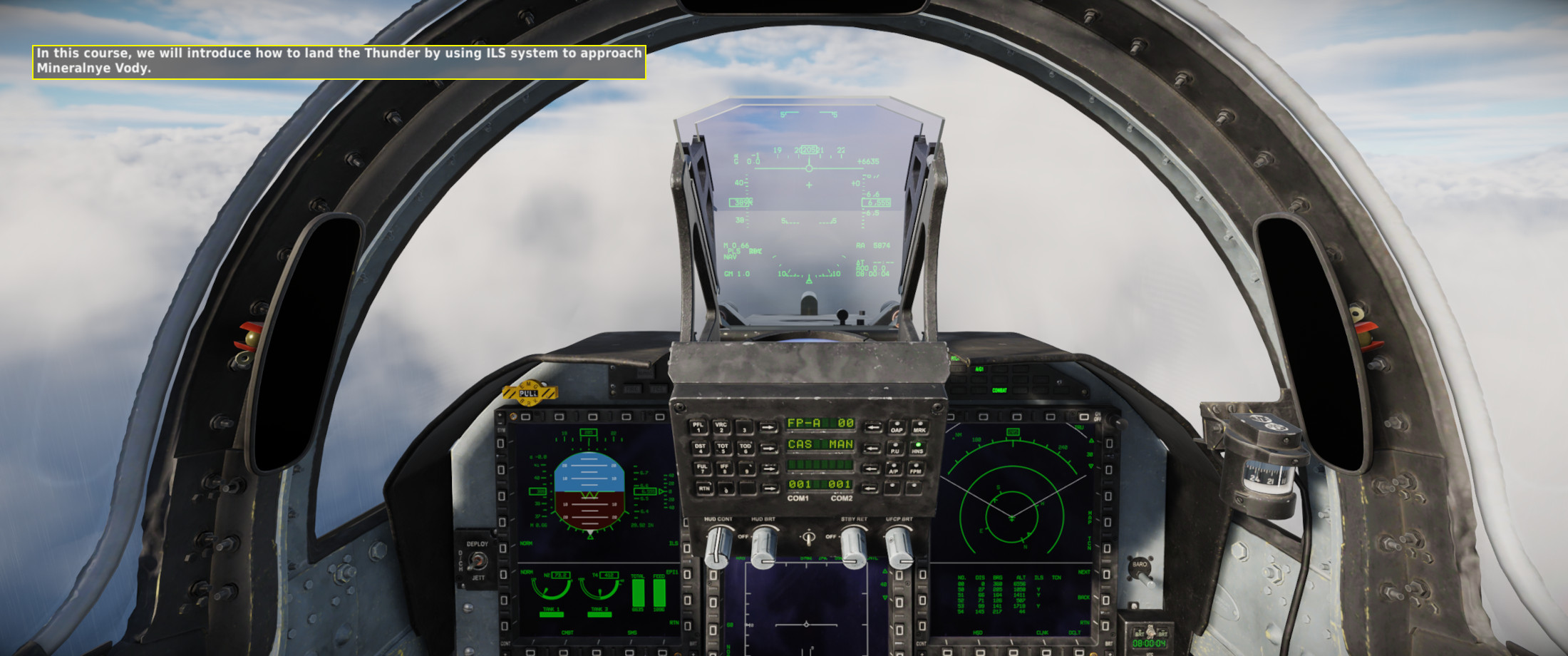
On to the next phase of our JF-17 training…rounding out the navigation portion of the syllabus (with a LOT left to learn still..these are only the basics!) we head to the instrument approach procedure.
The JF-17 is..in my opinion..a bit of a handful. I am assuming also that it has pretty short legs with it’s fuel capacity and burn rate…but I’ll look into that a bit in subsequent missions. High fuel burn = more stress in a cockpit in my professional opinion. Maybe we should fly gliders in instrument conditions right @smokinhole ? :rofl:

Anyway..since I’m in my infancy with learning the JF-17..I’m finding myself struggling to stay “ahead of the airplane”. Mostly because of the military way of doing things by pre-assigning frequencies to “buttons”. In my head, I understand the need to do this as a pre-briefed mission has pre-set phases. So yes, it makes sense in my head…takeoff..button 1, departure button 2, flight common frequency button 3..etc… But I’m used to just dialing in frequencies so I struggle with the pre-briefed stuff.

That said, most of what you are doing is done via the Up Front Controller (UFC) right in front of your face..so it isn’t too bad..but when you are flying at the same time it gets kind of busy.

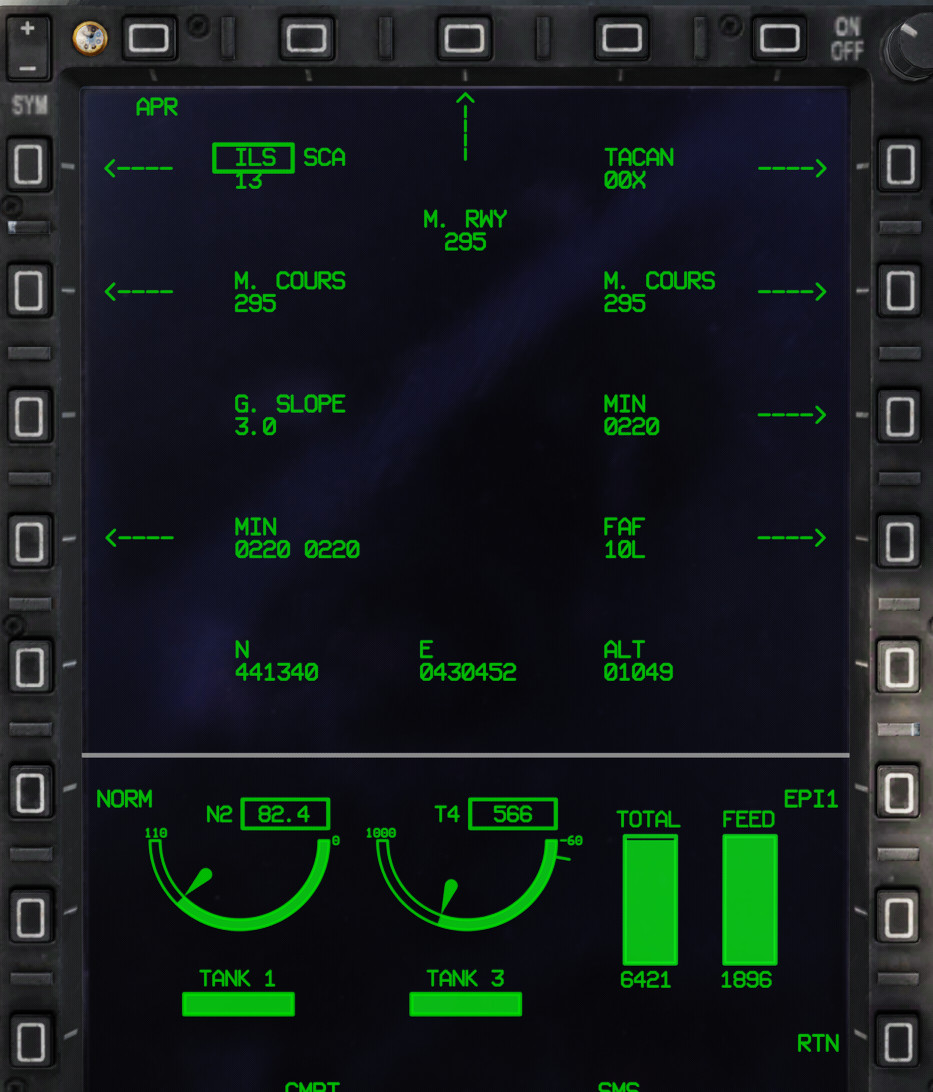
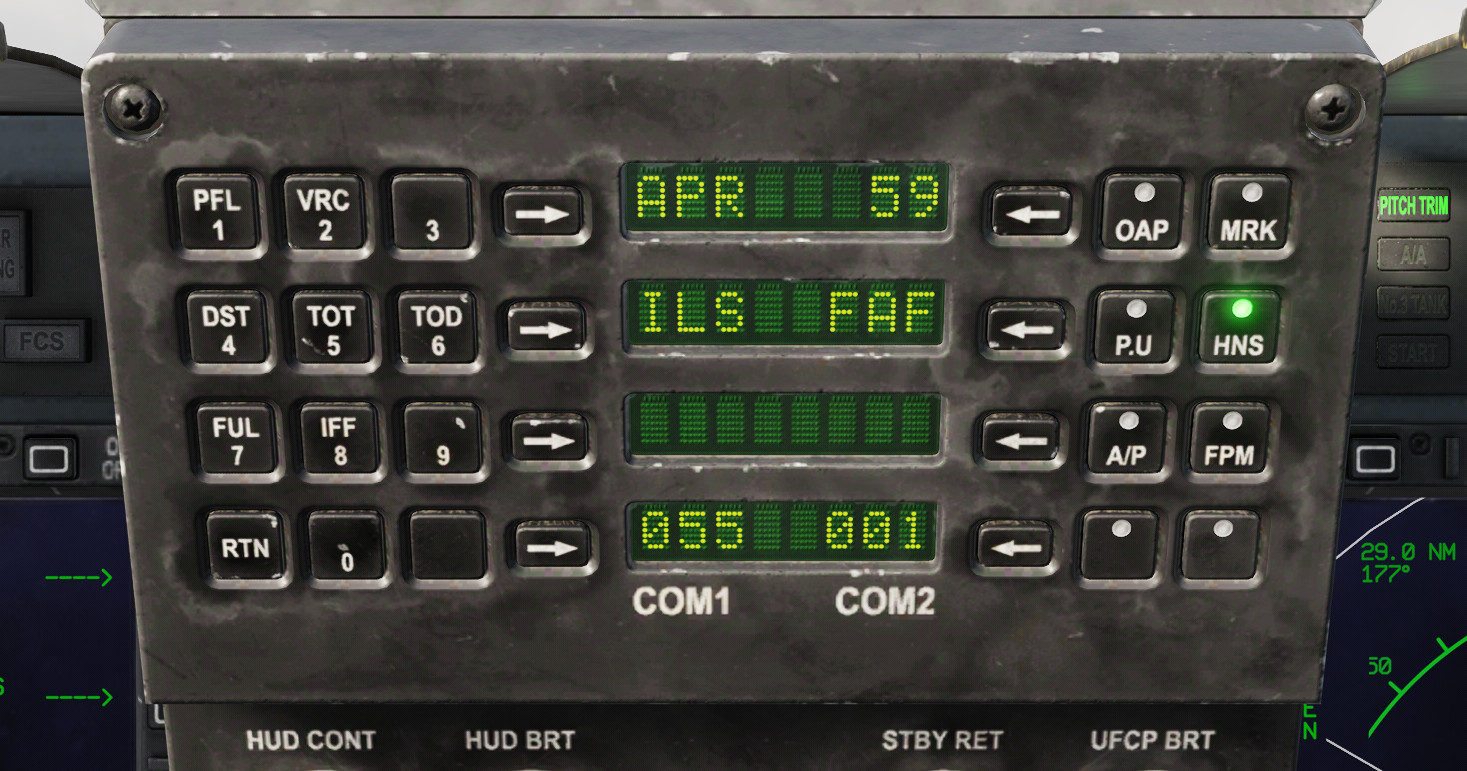
Entering in the ILS information…

During the setup..you pick some things like distances to line up on final and direction of the “procedure turn”.

Finished with the procedure turn/holding pattern and established inbound on the ILS…

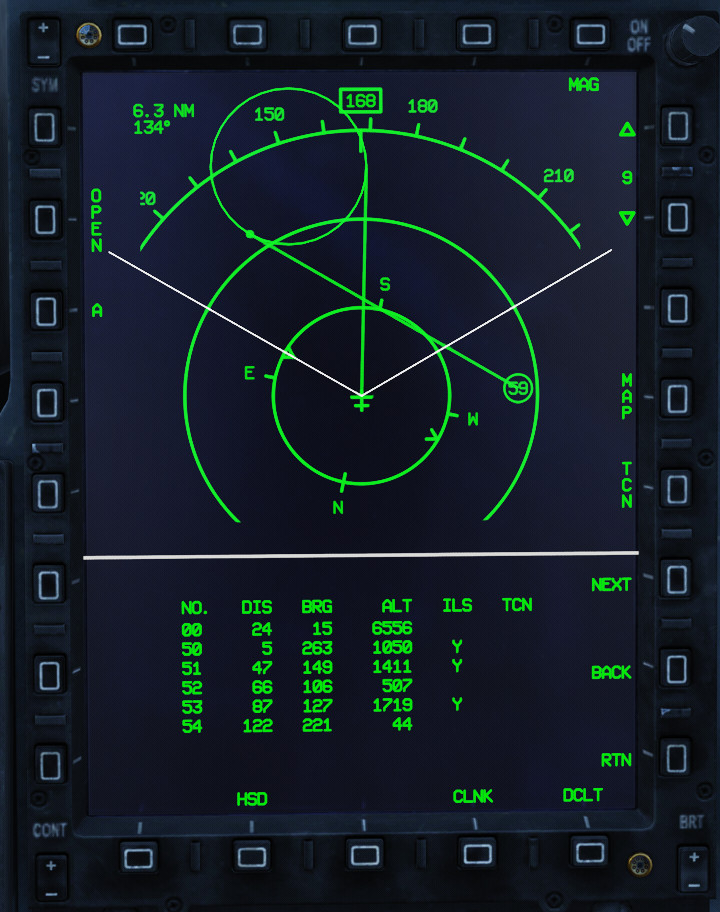
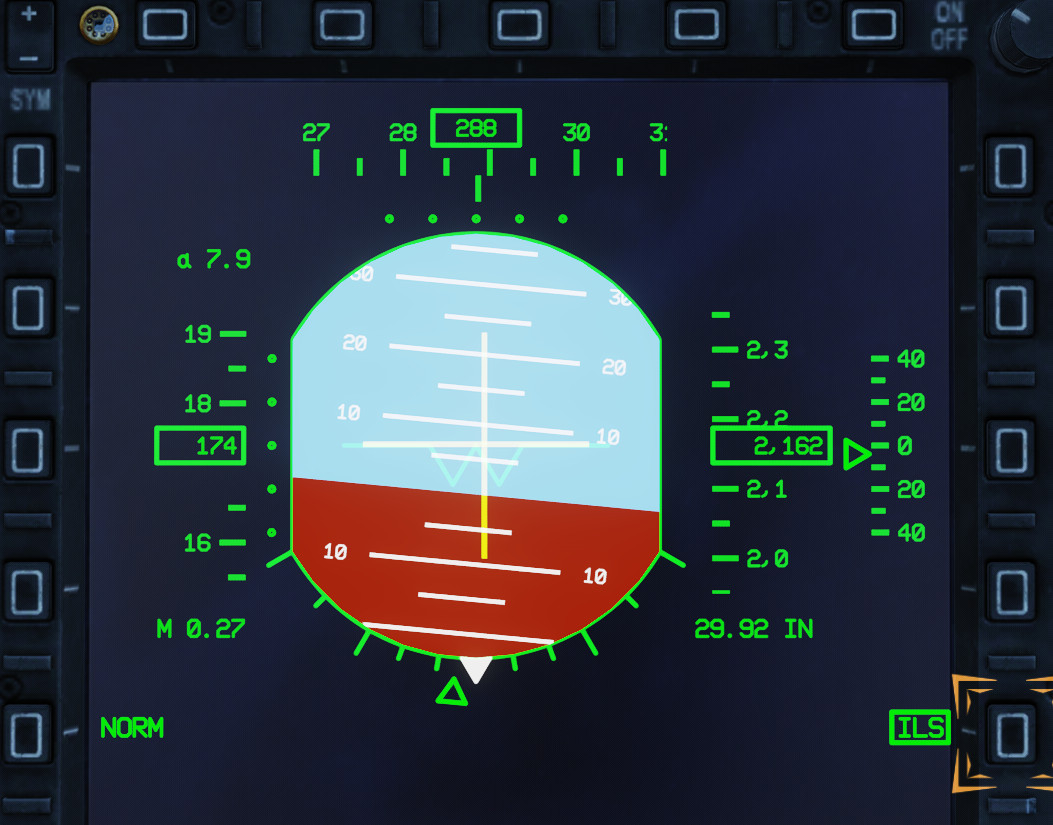
Symbology is displayed on the HUD, the ADI, and the HSD…

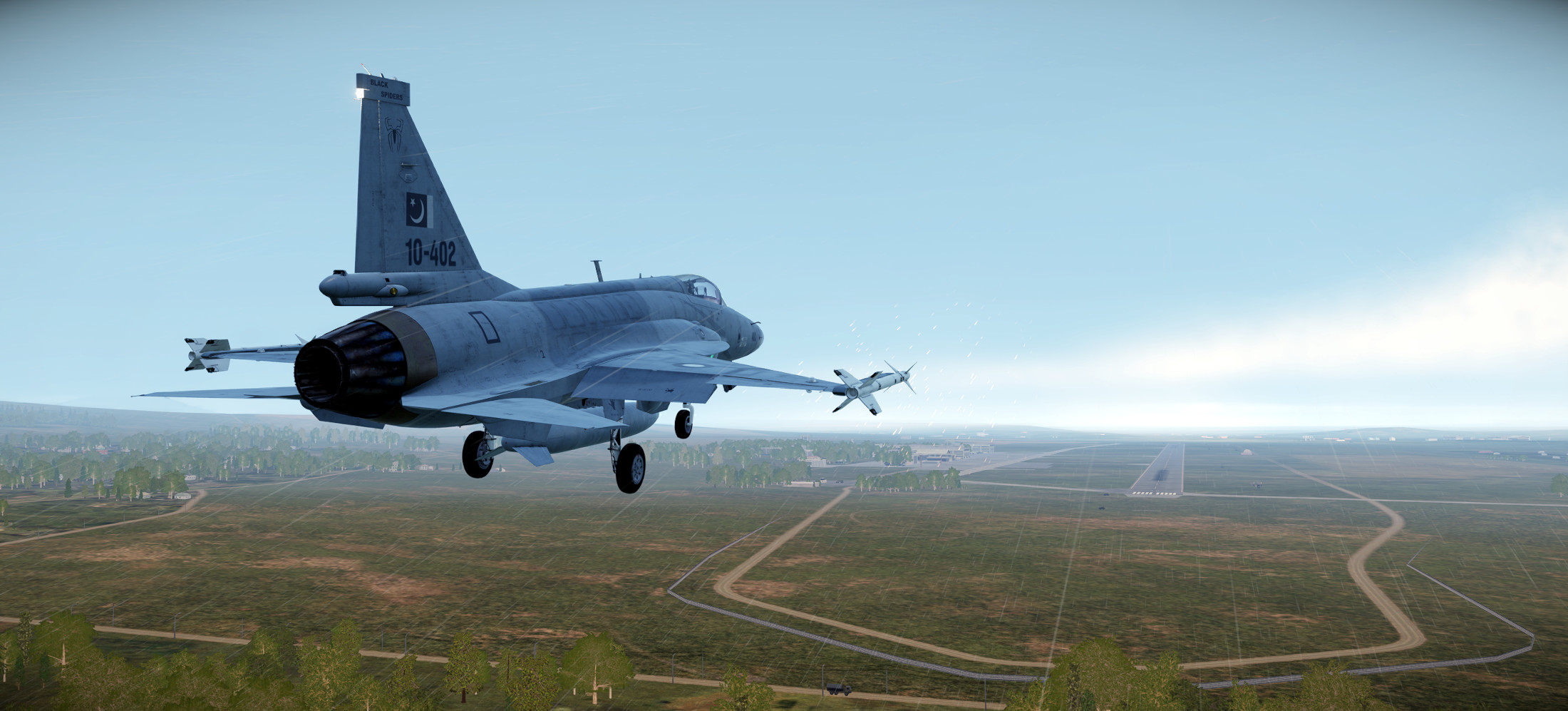
On short final..the runway comes into view..all good..

Still struggling a bit with the workflow and the avionics logic…I’ll need a lot of practice before it becomes a bit more familiar…

9 Likes

The JF-17 is one of my favorite jets to fly in DCS. There are a lot of good tutorials on YouTube by a fellow named deephack that really helped me learn the jet.

1 Like

Good to hear. I’m going to need that help because the included tutorials are pretty bare bones…

After a short hiatus in JF-17 training we resume. As we move away from the basics of startup and navigation, we head out to the NTTR to start looking at some weapons and sensors learning. These missions will be flown using some user created NTTR templates since the included training missions with the JF-17 are frustratingly poorly done. Which..as an editorial..I just can’t understand. You pour your heart and soul into building an amazing (amazing!) sim add-on…hire somebody like @Baltic_Dragon or someone to build an awesome training campaign for it. My opinion. Opinion #2 - NTTR should be free and be included in stock DCS World and all modules should have training on that map instead of the Caucasus.

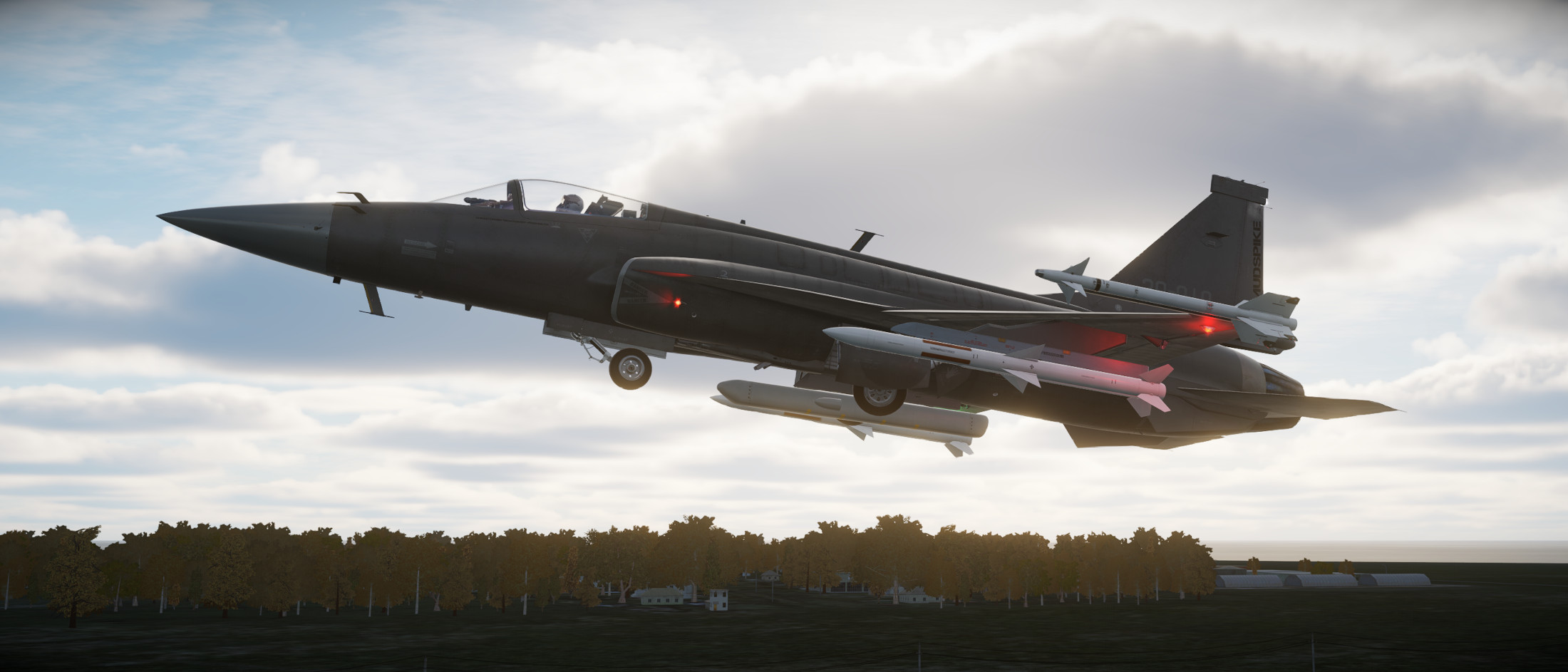
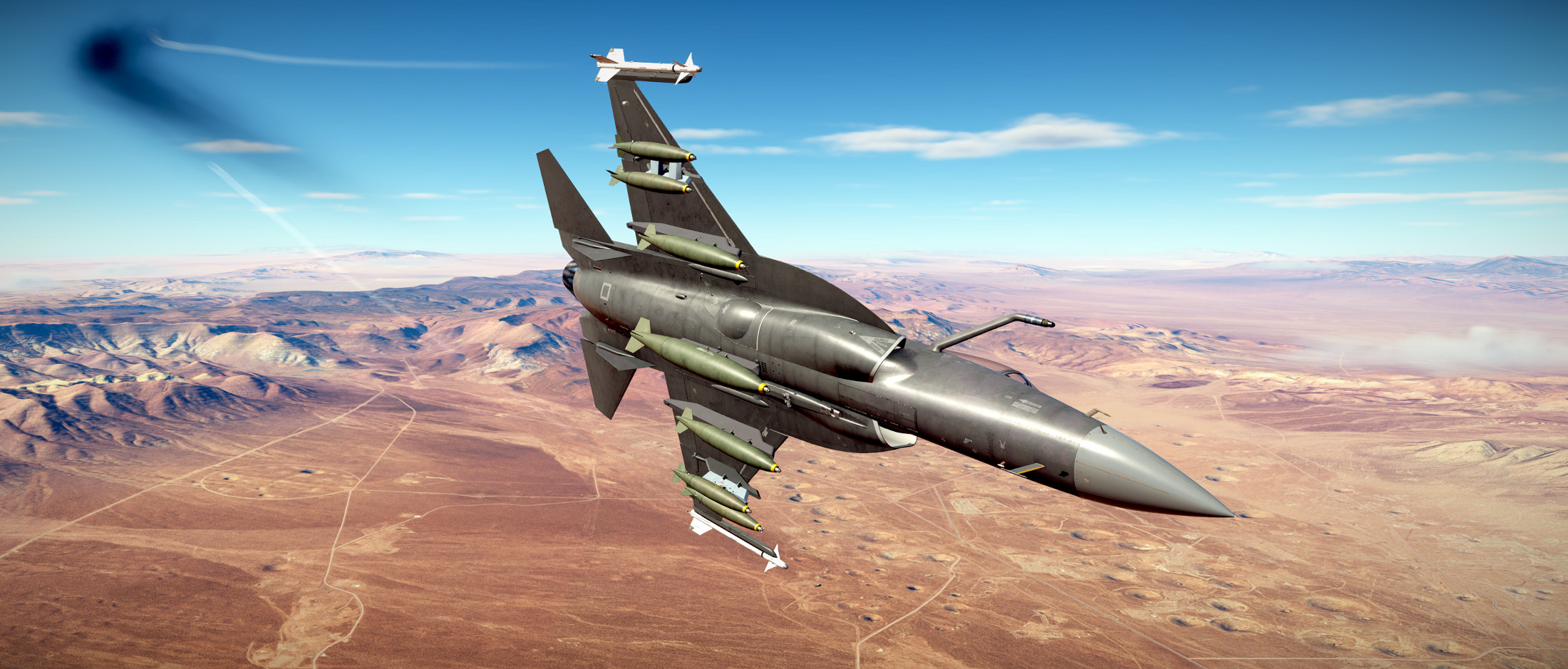
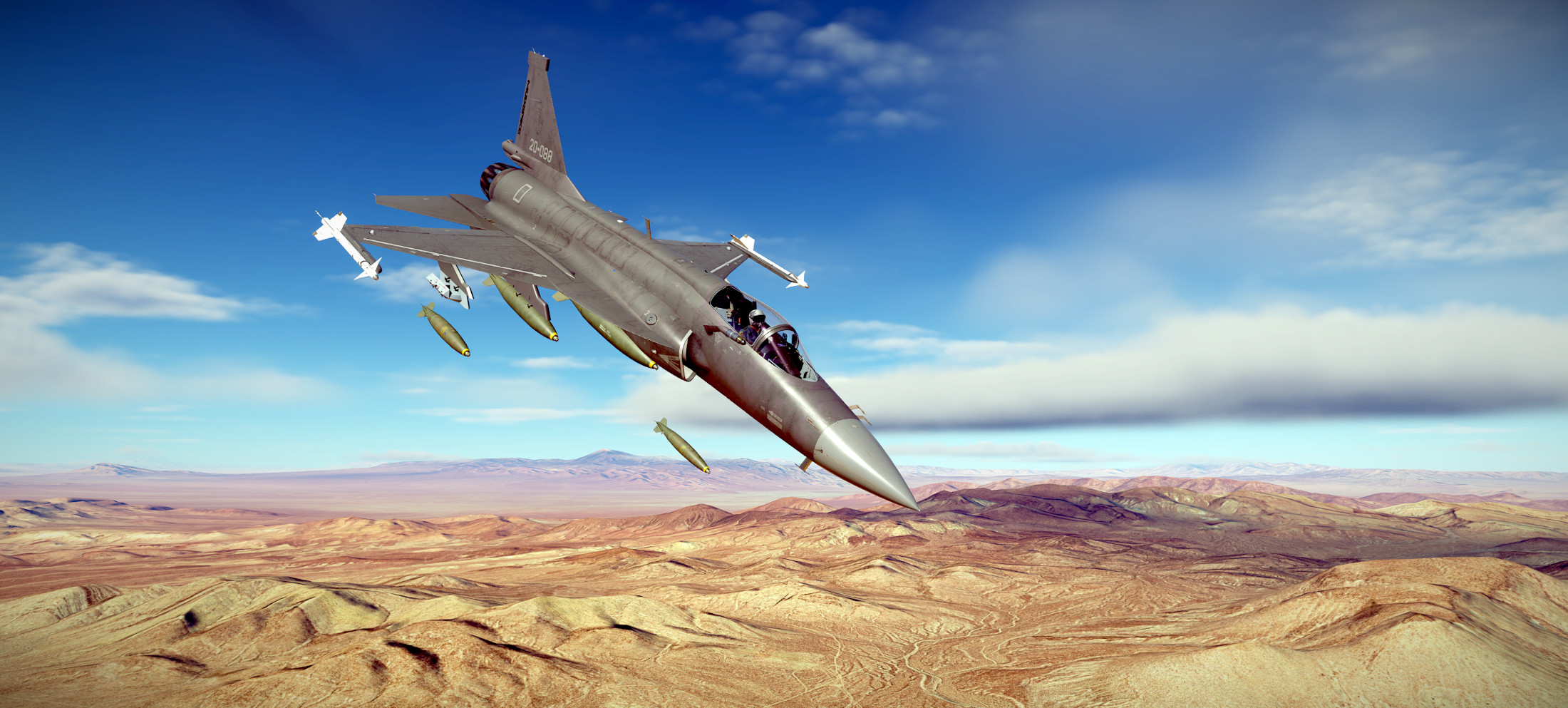
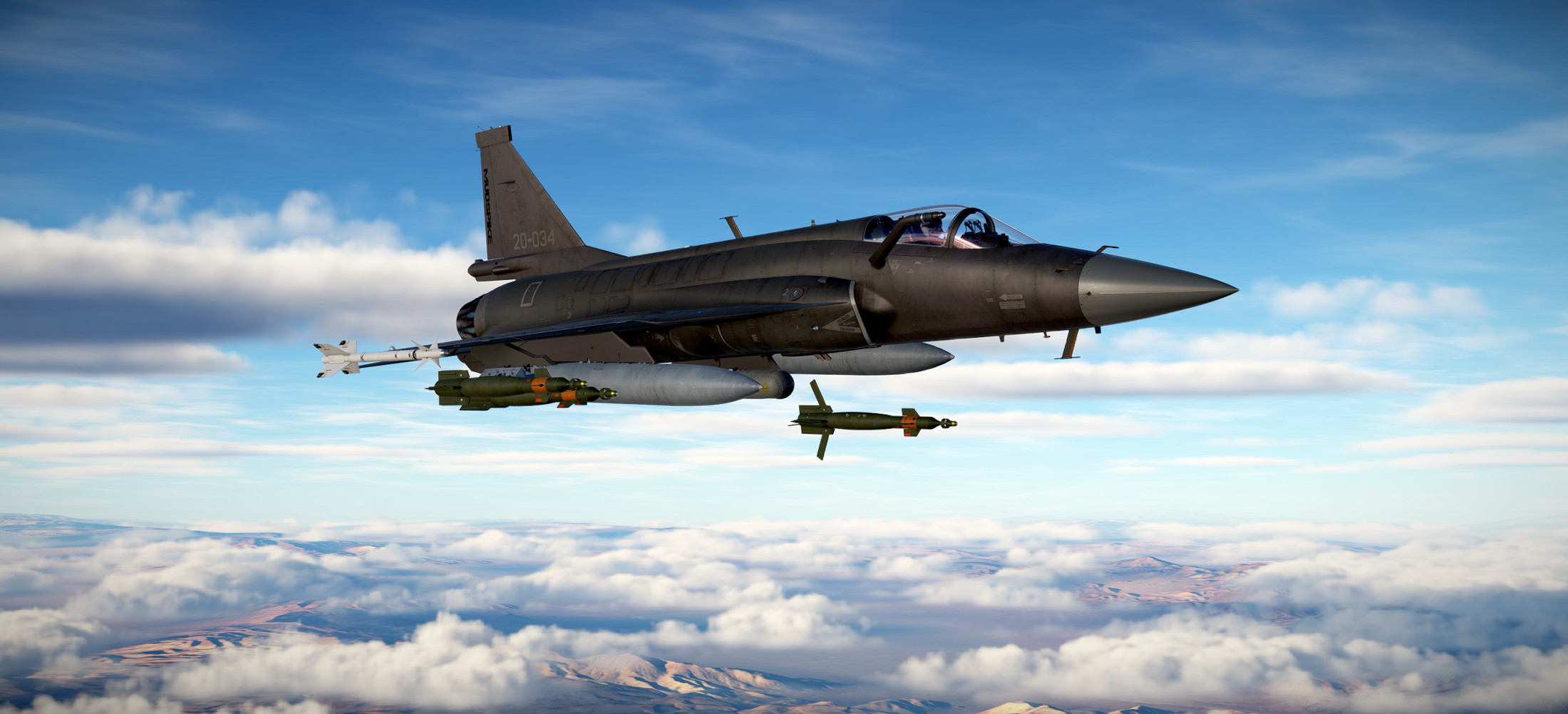
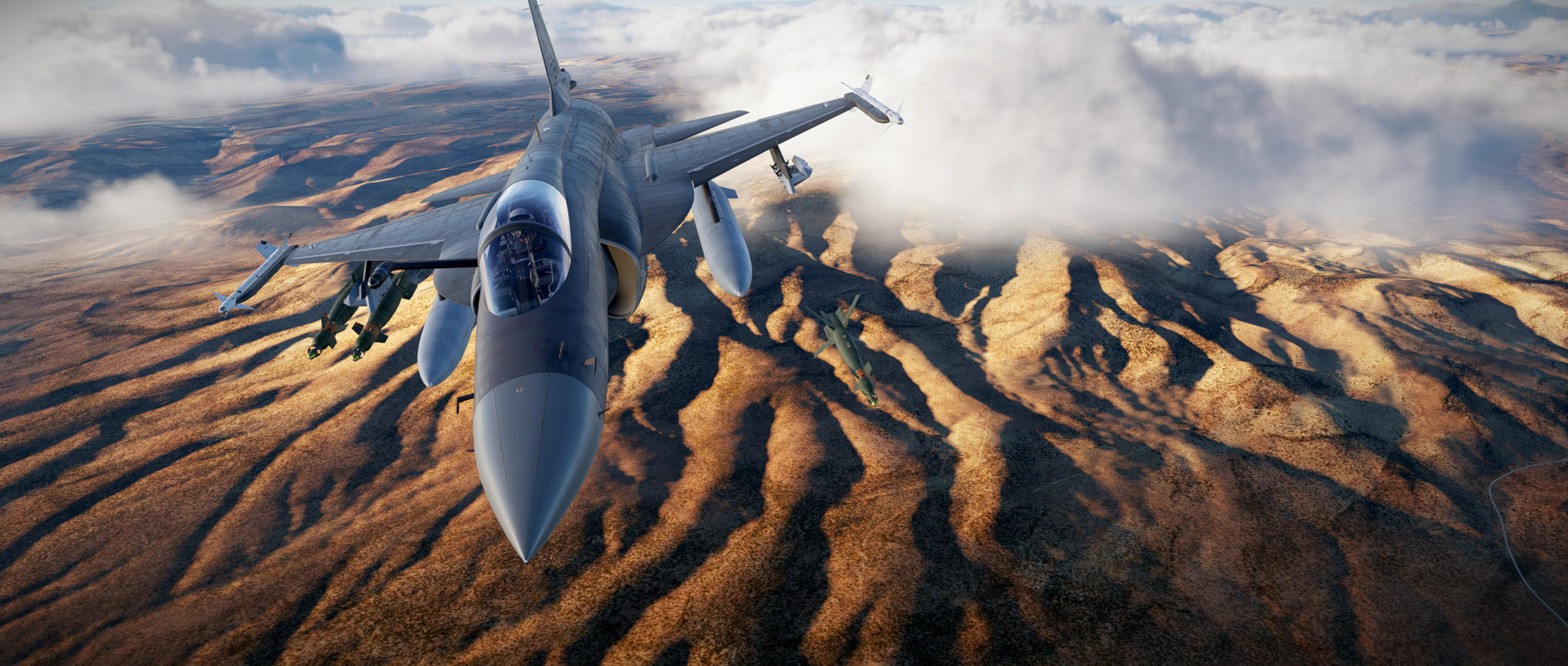
We take a purposely heavy loadout to demonstrate the draginess of the JF-17. When this thing is loaded down with ordnance, that single engine is struggling mightily to push the airframe through the air.

In many missions, tankers are set to altitudes in the mid FL250 area with tanker speed set to 300 knots..which works out to around 460 knots / M.75 or so…which for some airframes that are loaded down require quite a bit of power. And therein is always the issue..you need to catch the tanker to get fuel..and you sometimes need to use a LOT of power and burn a lot of fuel to catch the tanker. Fun times. If the mission offers it, a slower flying KC-130 is preferable to me than chasing down the KC-135 up high.

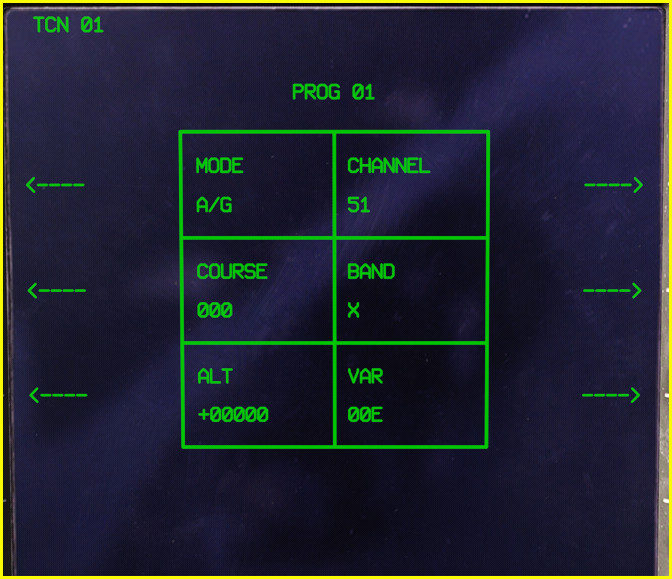
Plugging in the tanker TACAN to show it on the moving map…

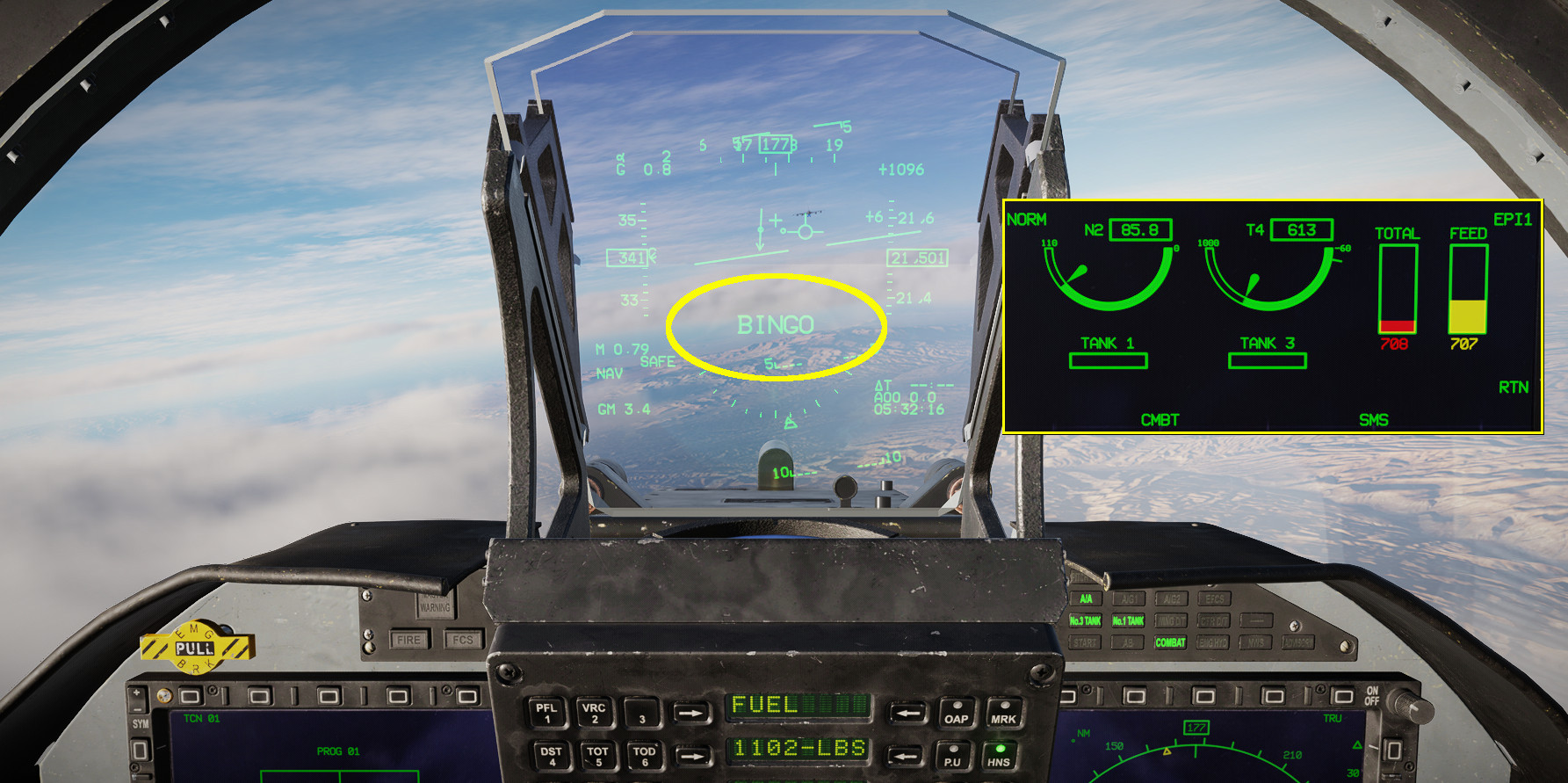
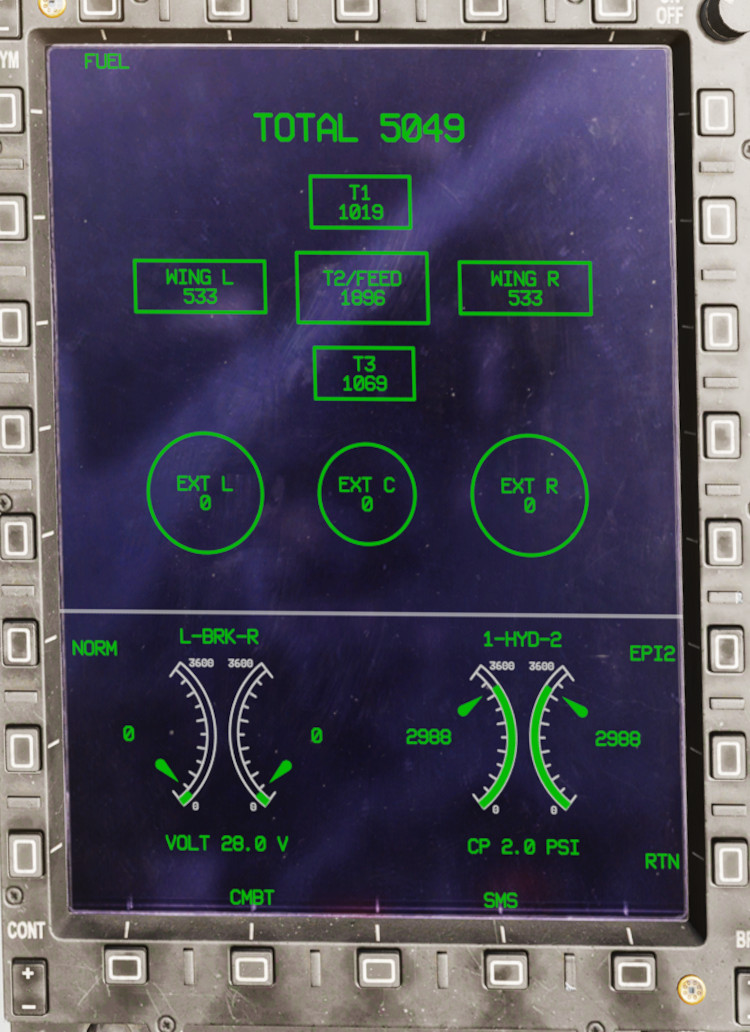
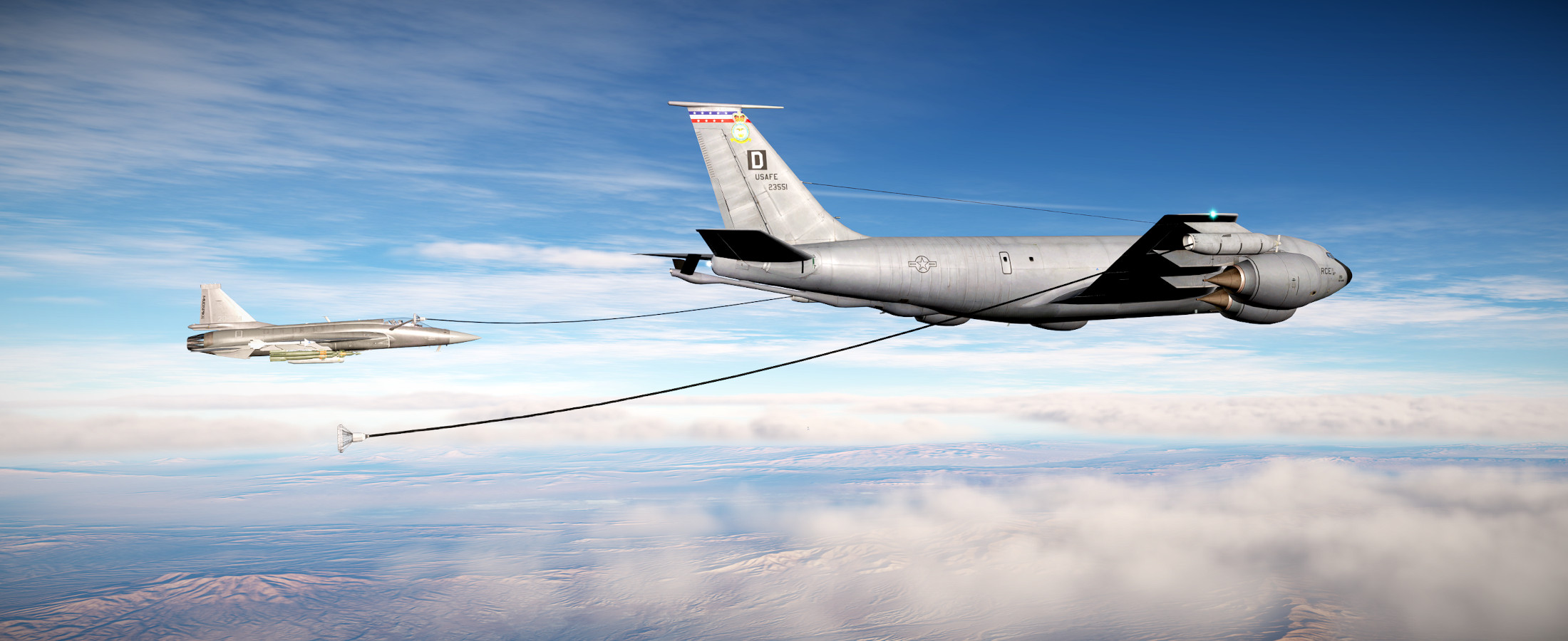
Dealing with the aforementioned issue of having to track down the tanker while it is flying away from you. I burned a LOT of gas and was starting to get nervous on approach. With a full internal tank the JF-17 can carry about 5,130 lbs. of fuel. As of yet, I haven’t found a fuel flow reading anywhere..perhaps it is buried in one of the data pages. External fuel tanks (up to 3 of them) can double your fuel available to around 10,300 lbs.

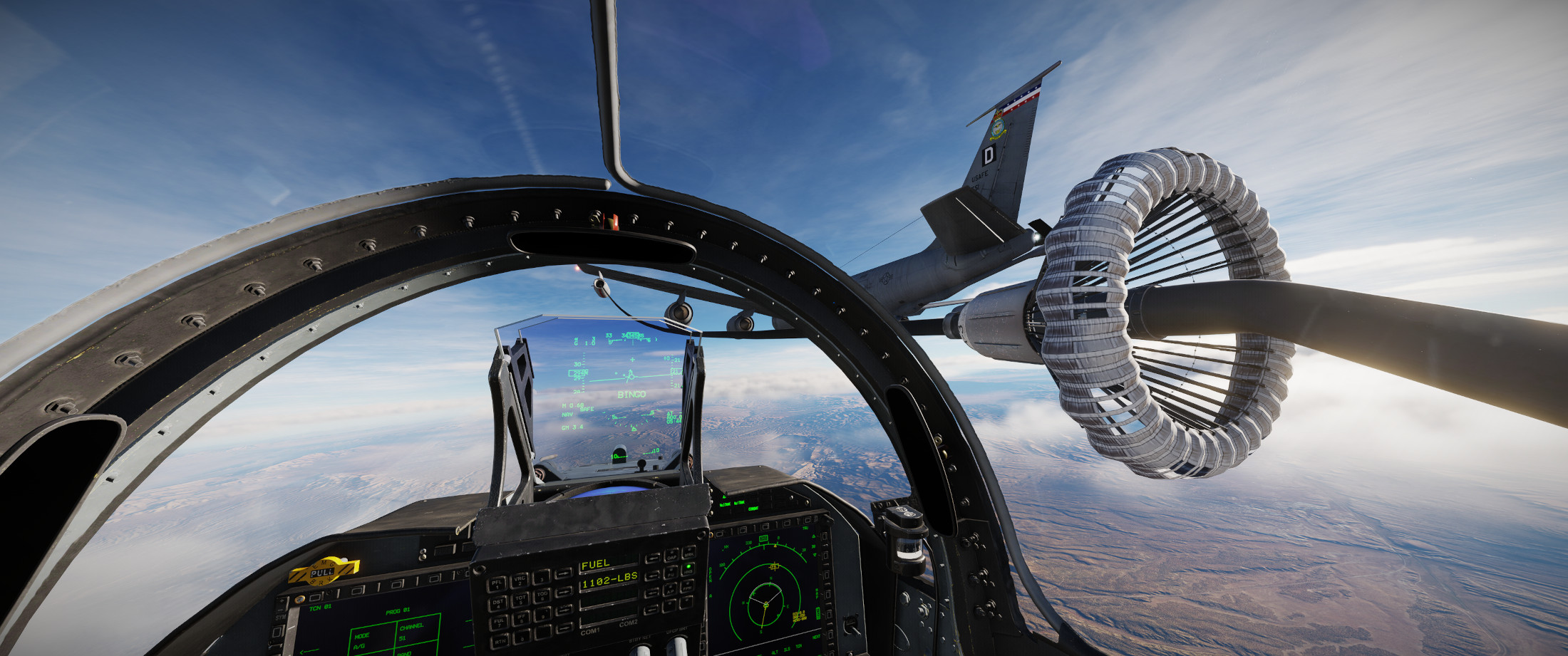
Of course..with fuel dropping below the BINGO level of 1100 lbs. and well into the red, as I approach the tanker it enters the turn. Always. The. Turn. I will say that I’ve tried refueling in 2D and VR and by far VR is much easier.

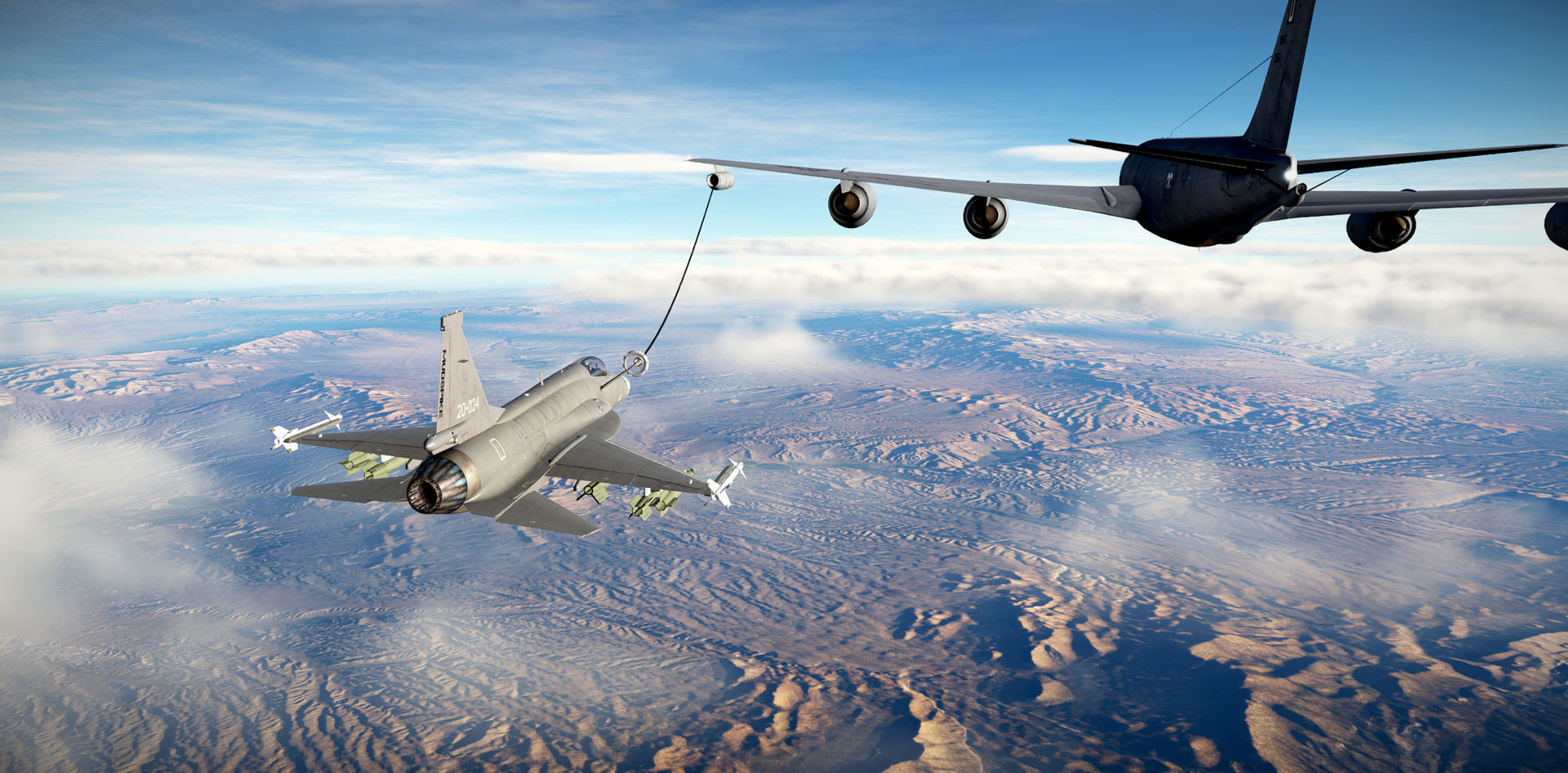
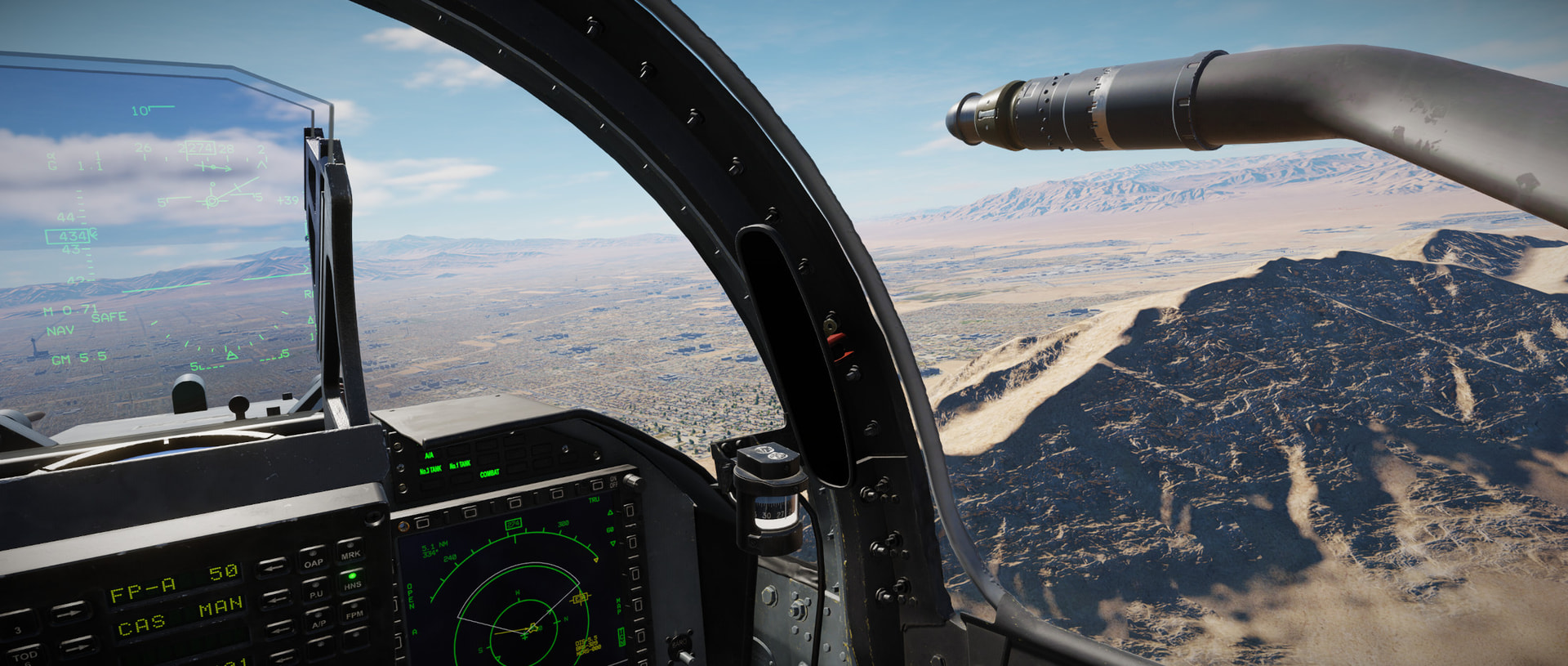
The JF-17 probe is off the right side of the fuselage (it does not retract, but can be removed by ground crew if you don’t anticipate using it)..so it feels more natural to use the left drogue station on refueling aircraft to allow you to plug in and then just fly formation off the refueler reference points.

The JF-17 accepts fuel at an astonishingly fast rate. I don’t know if this is accurate or not, but I was able to go from around 700 lbs. to 5100 lbs. in maybe just over 90 seconds. I feel this is probably too fast..but I’m grateful for it.

I’ll do some more digging into things like most fuel efficient throttle settings and such. I think the JF-17 is just a very short legged fighter that requires an efficiently flown mission profile. I doubt there will be a whole lot of loitering going on unless the plane is carrying external fuel tanks.

6 Likes

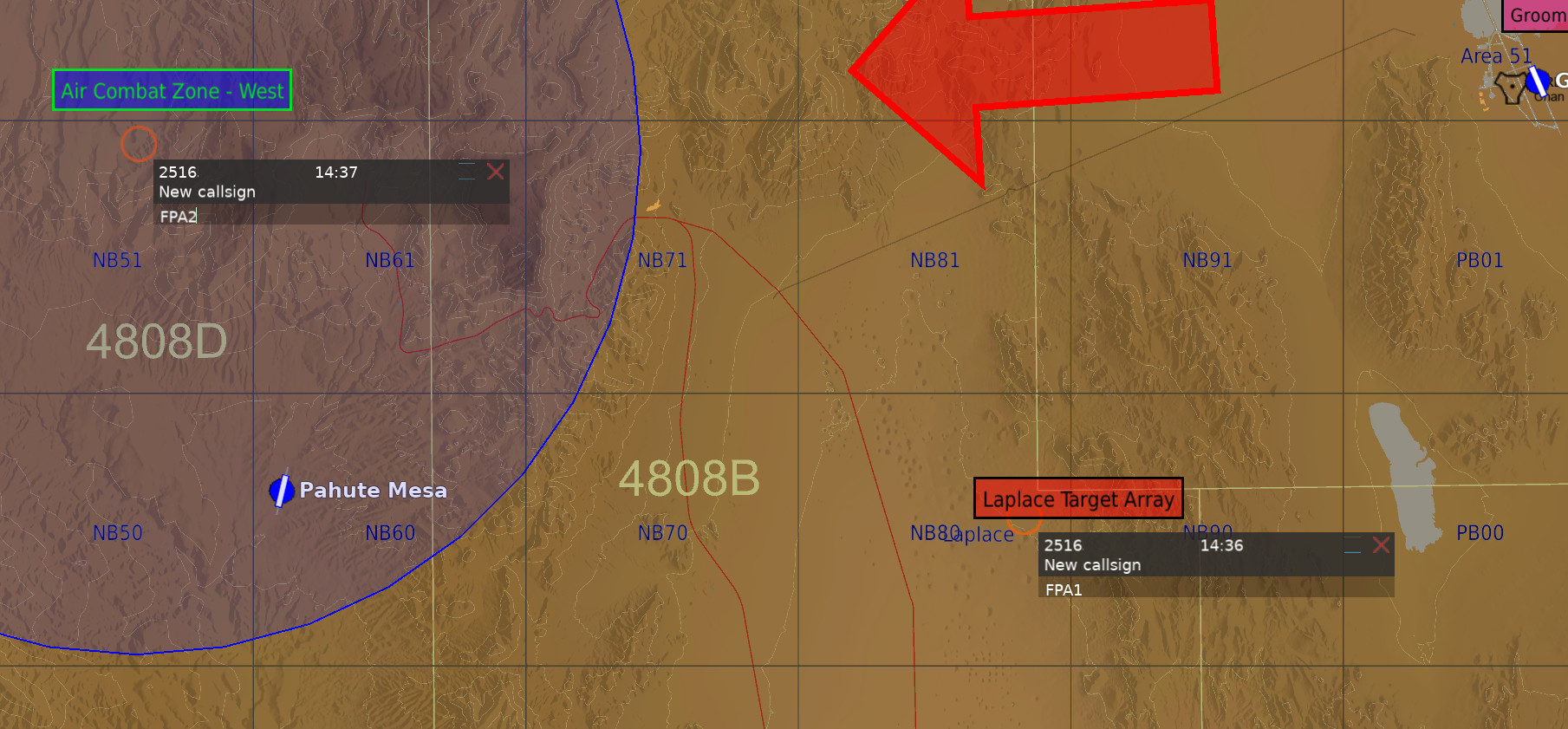
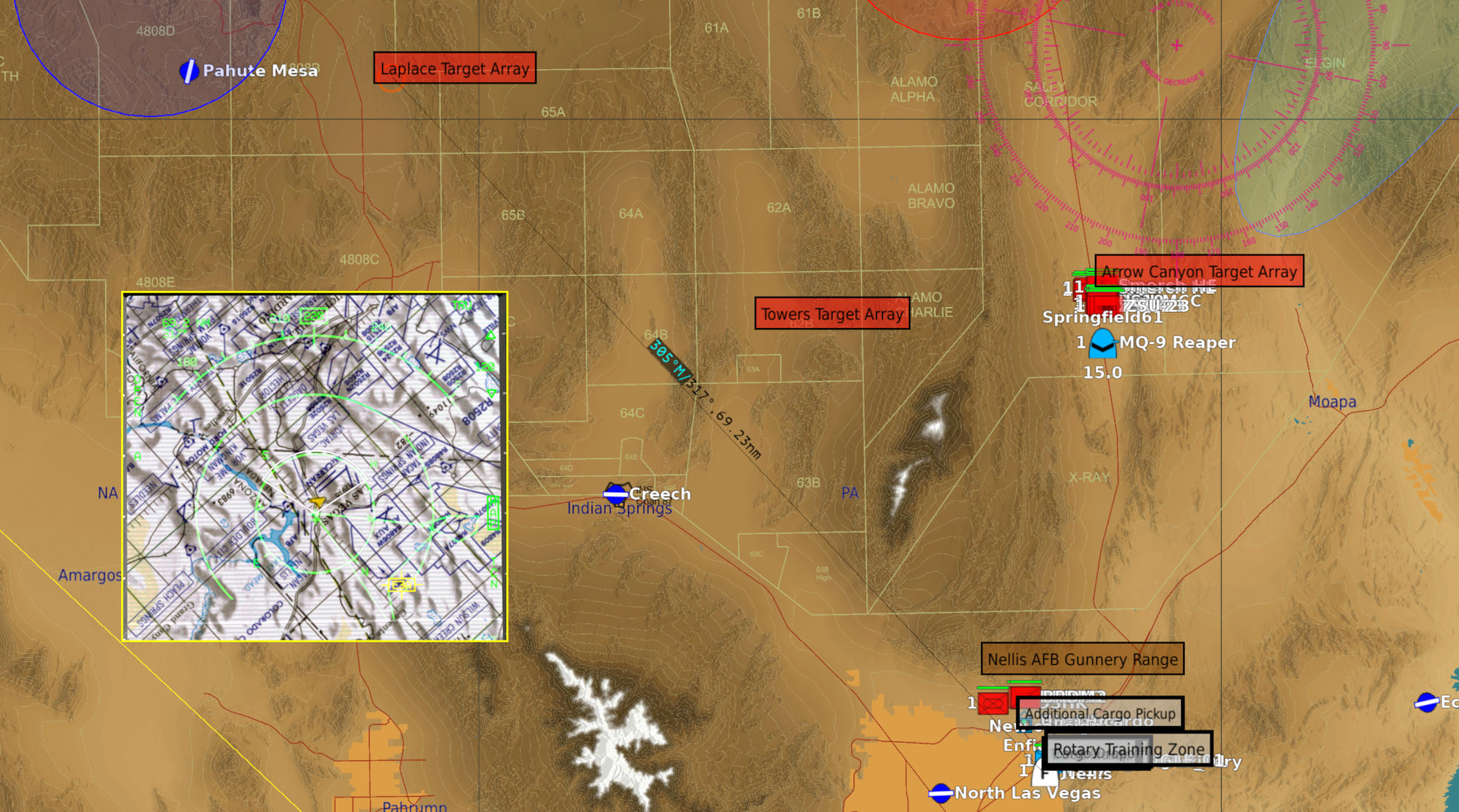
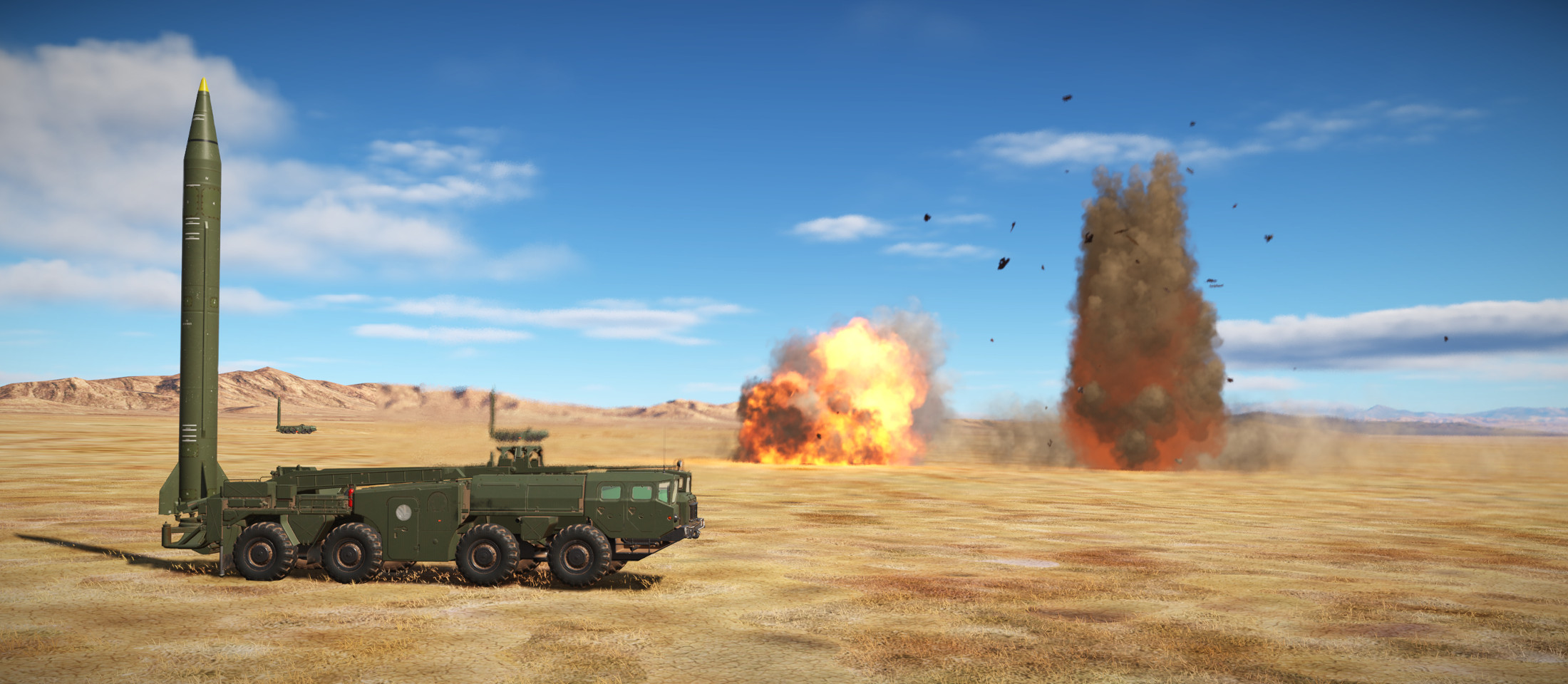
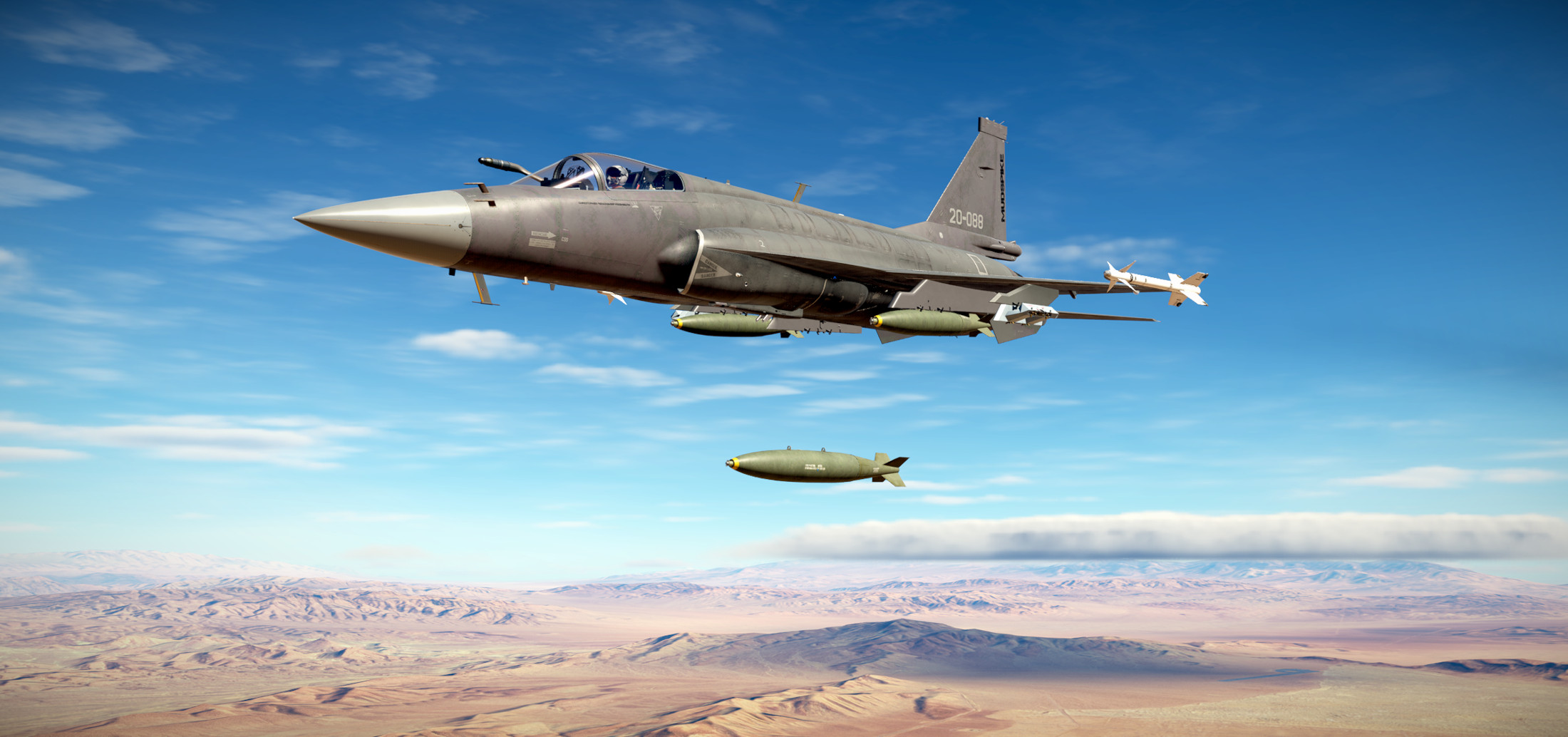
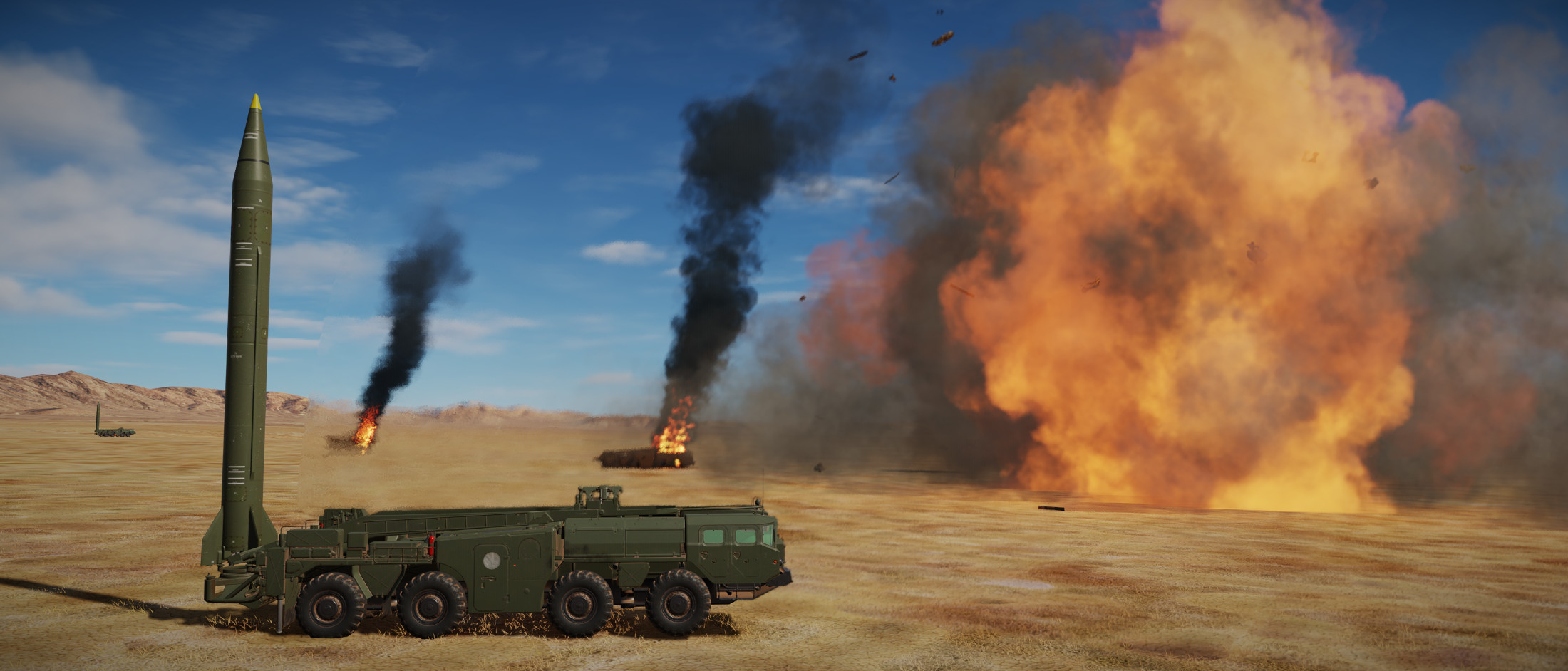
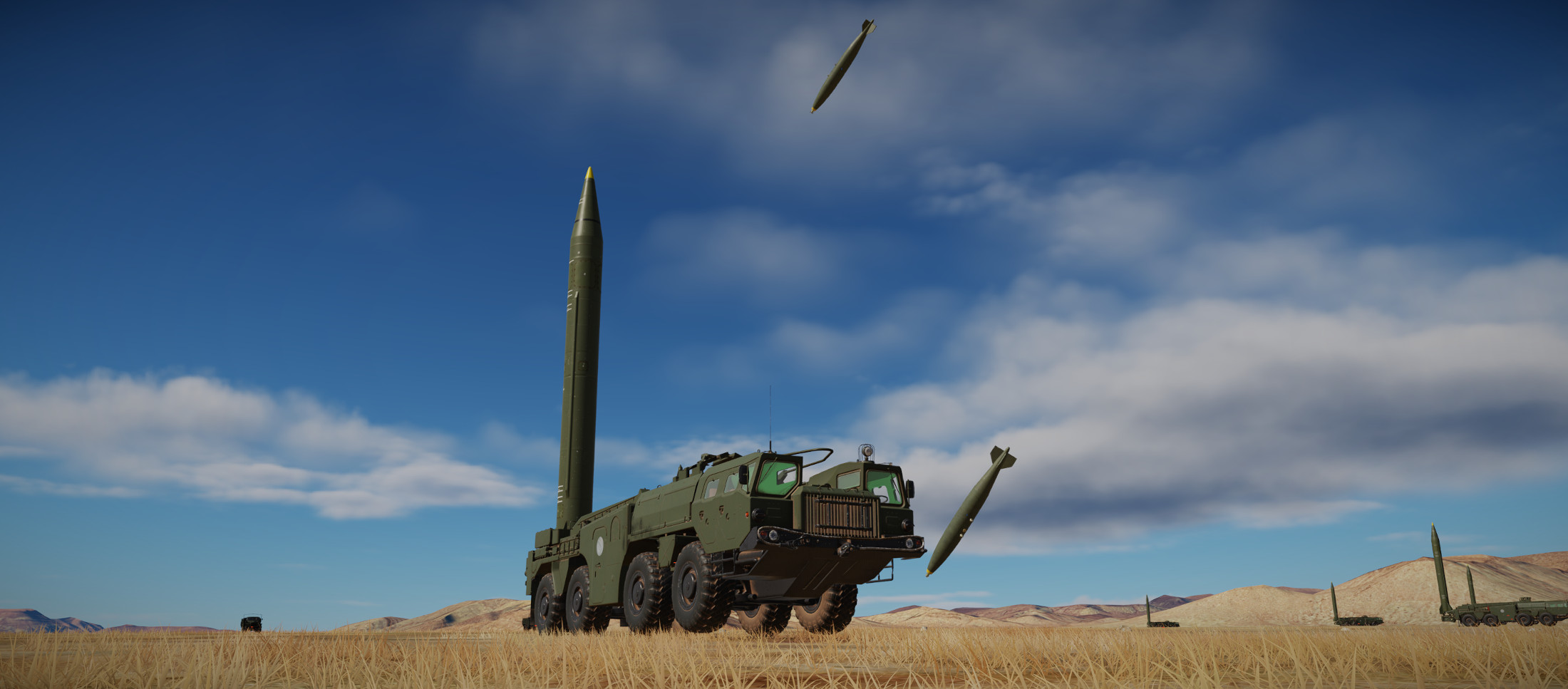
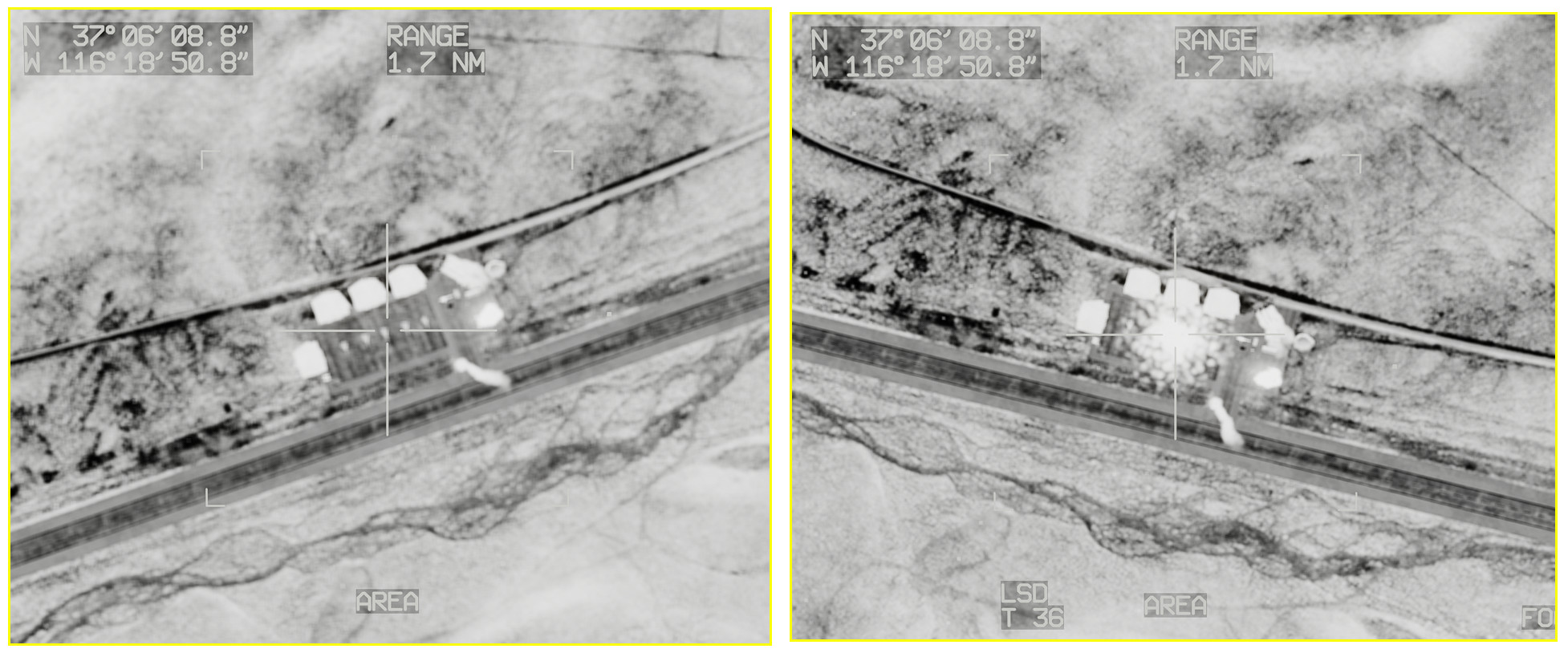
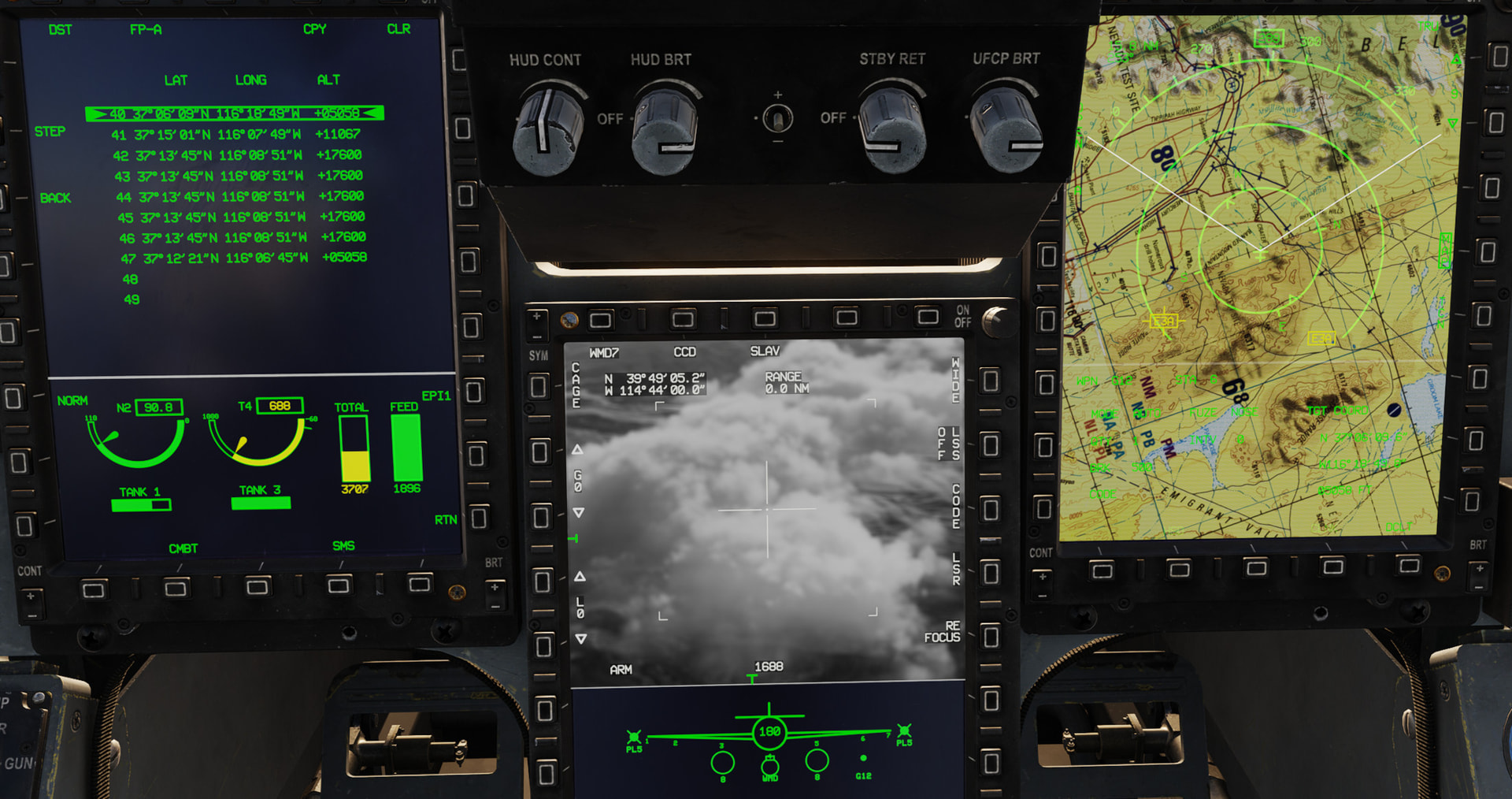
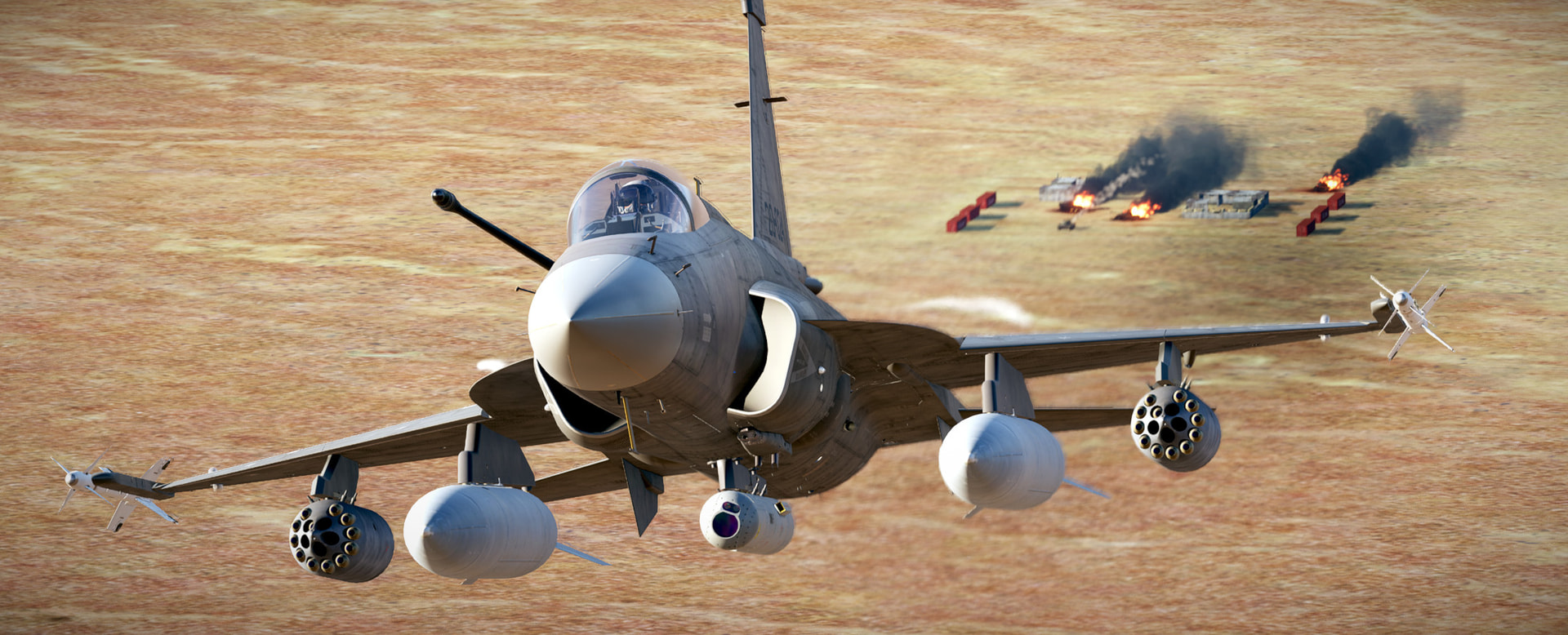
It’s finally time to blow stuff up! Woo-hoo! Pretty straight-forward trip out onto the NTTR range to drop some bombs on some SCUD launchers. This was my first attempt to loading the DTC cartridge from map created waypoints. I think it still created a little bit of a mess because when you update the DTC I think it also updates according to the mission designer’s pre-made waypoints. Regardless, I managed to get the proper waypoint loaded via the map and the DTC cartridge as confirmed by a map measurement and HUD data.

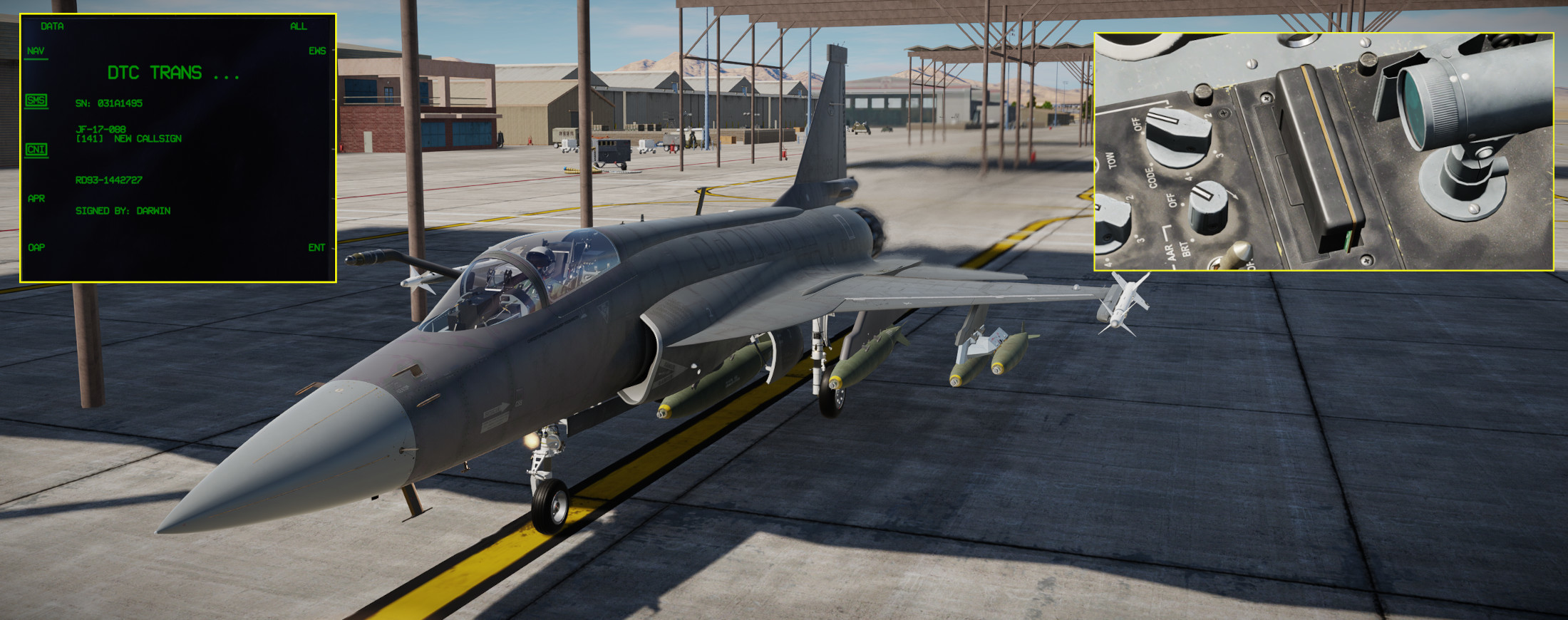
I think it is pretty cool that you must raise the canopy in order to swap the DTC cartridge. I also changed out the default weapons load for Mk-82/83/84.

Off we go toward the target range. HUD data indicates I did indeed get the proper waypoints loaded into the DTC via the F10 map.

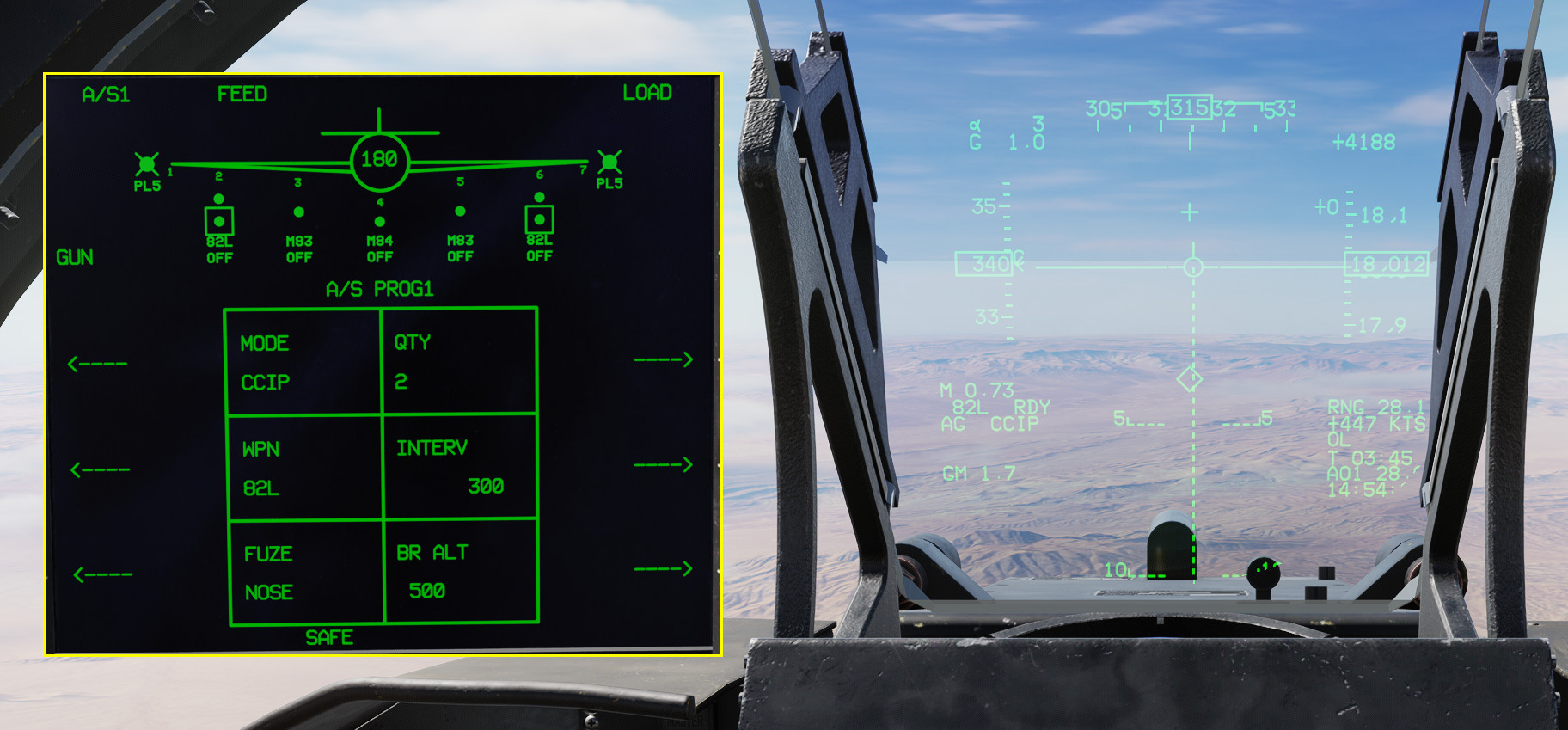
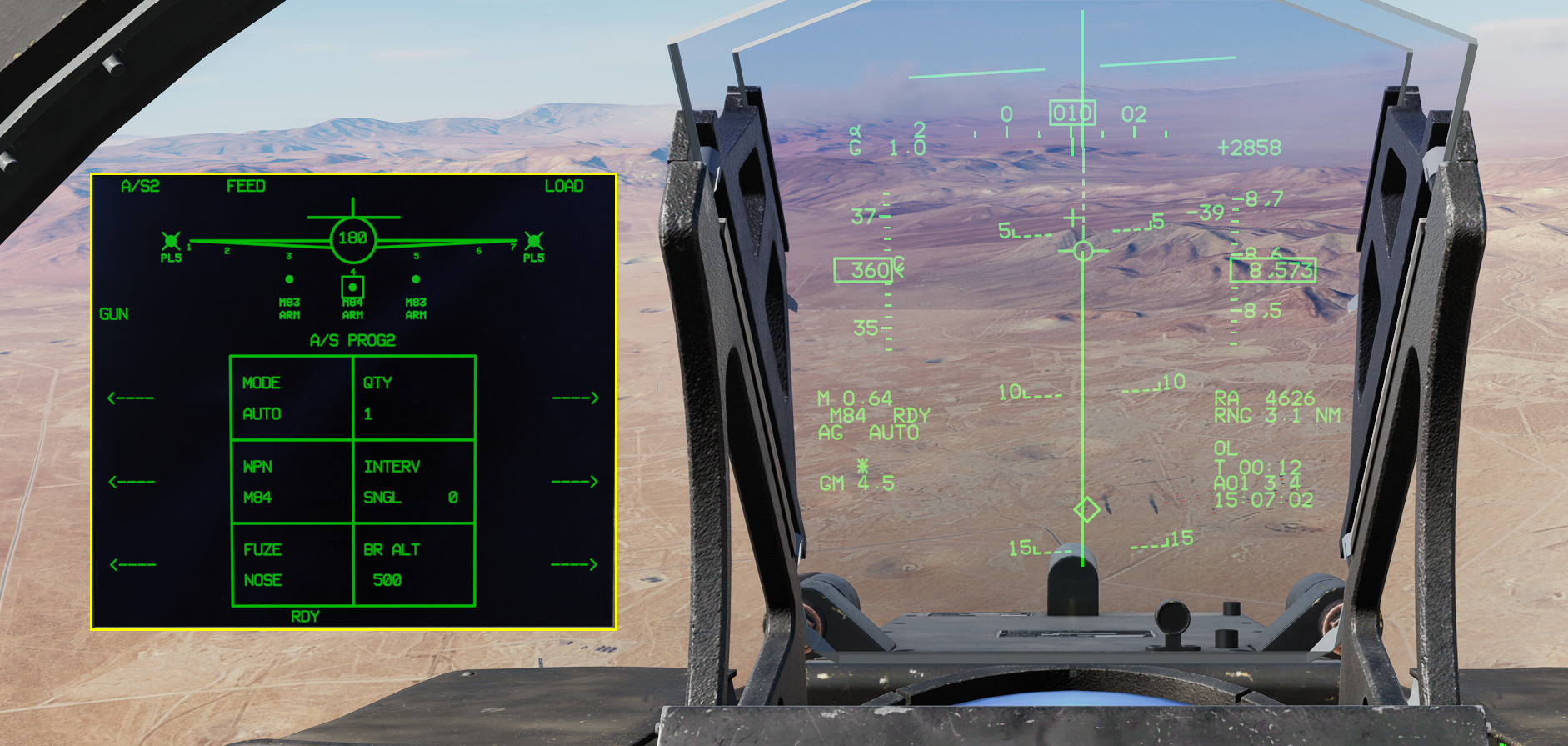
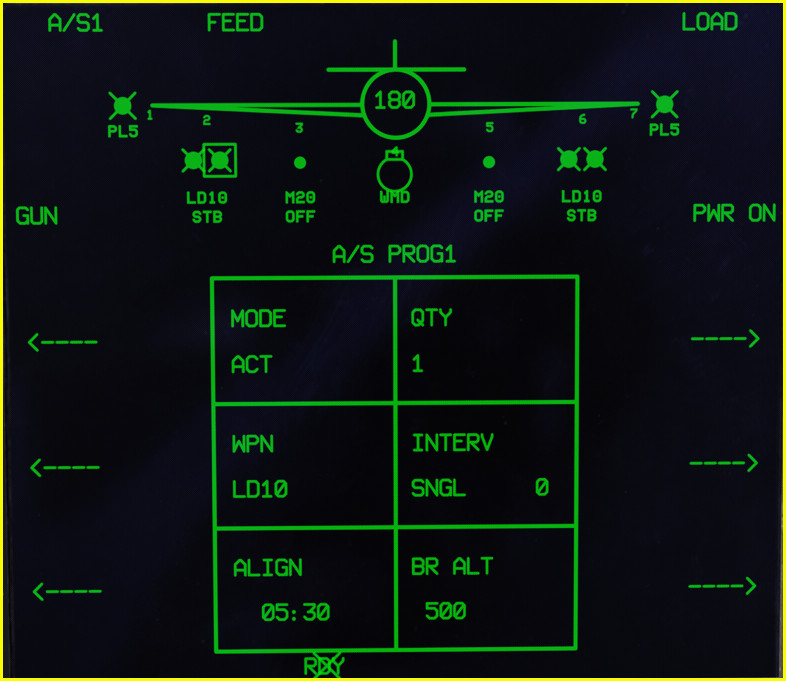
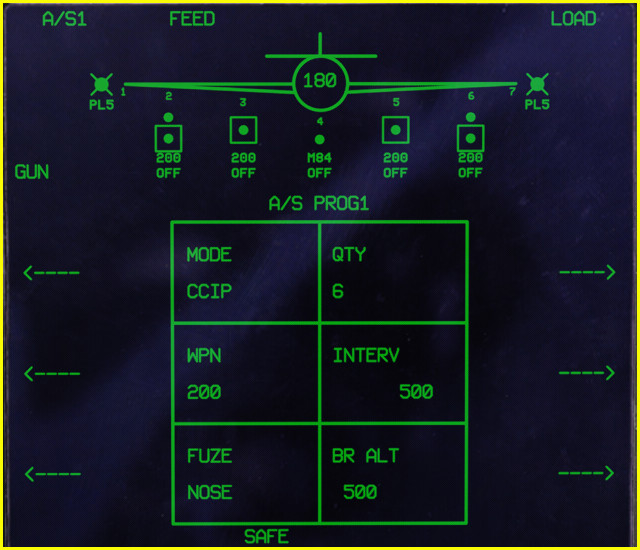
While enroute it is time to set the A2G configuration for the first pass..which will be a simple CCIP delivery. It is important to visit this page prior to reaching the target area because at a minimum you will want to make sure the fuse setting is set to nose or tail from the default SAFE mode.

Here we go.

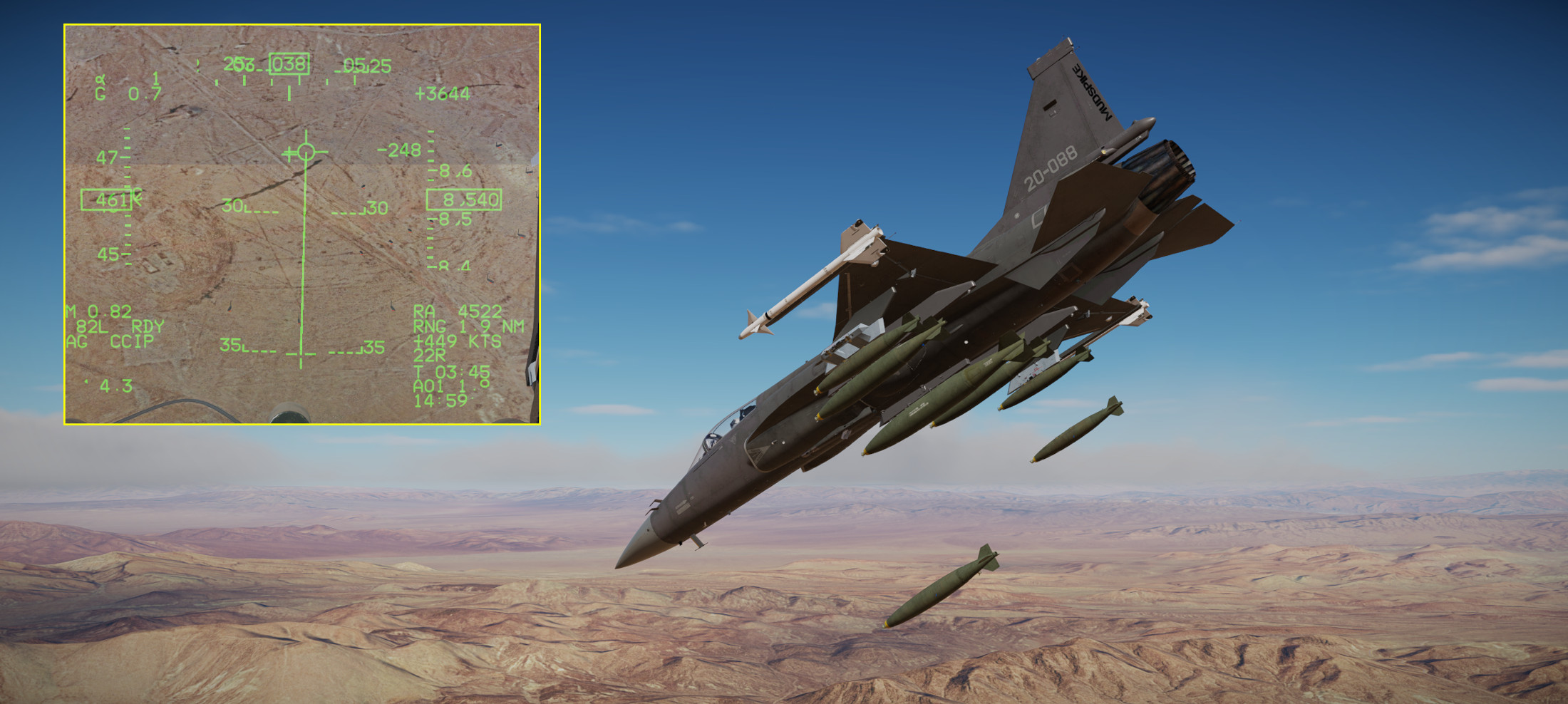
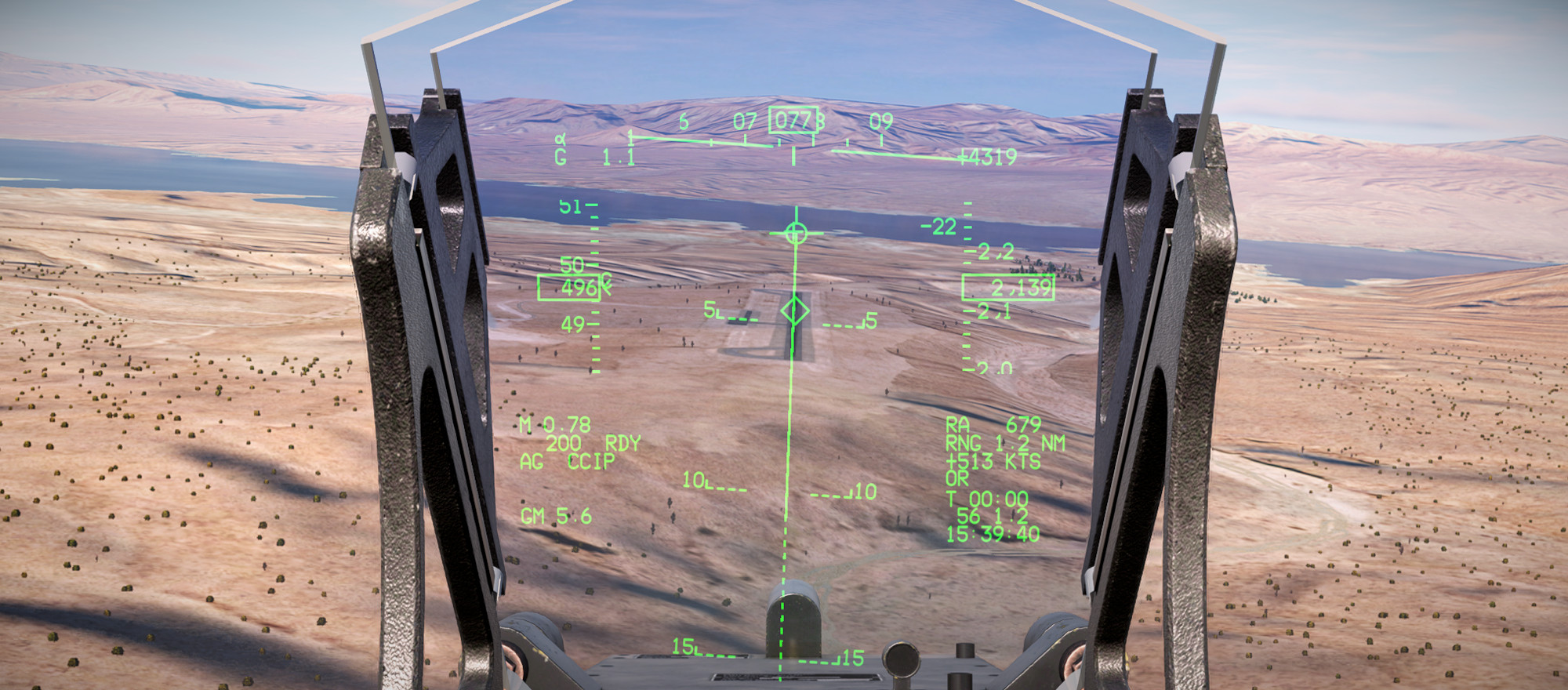
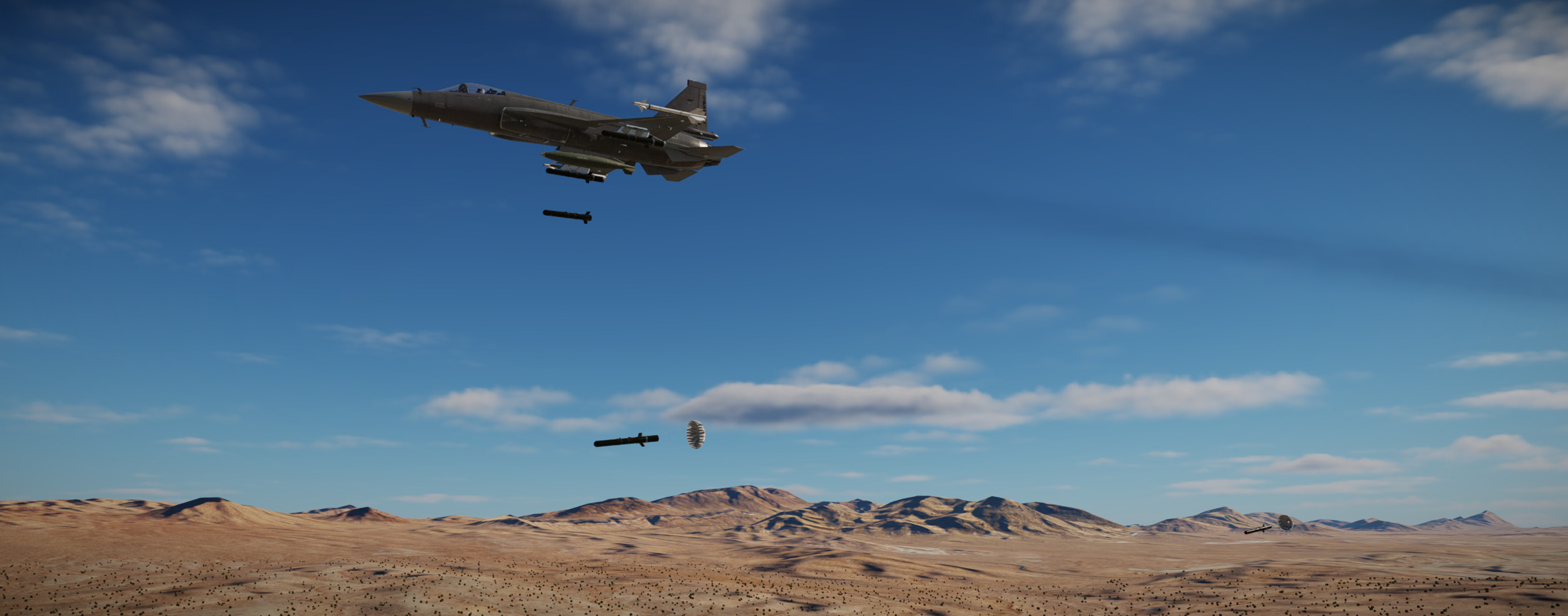
In very nice and easy old-school fashion..put the thing on the thing and press and hold the button to allow the program to kick off two bombs with a 300’ interval.

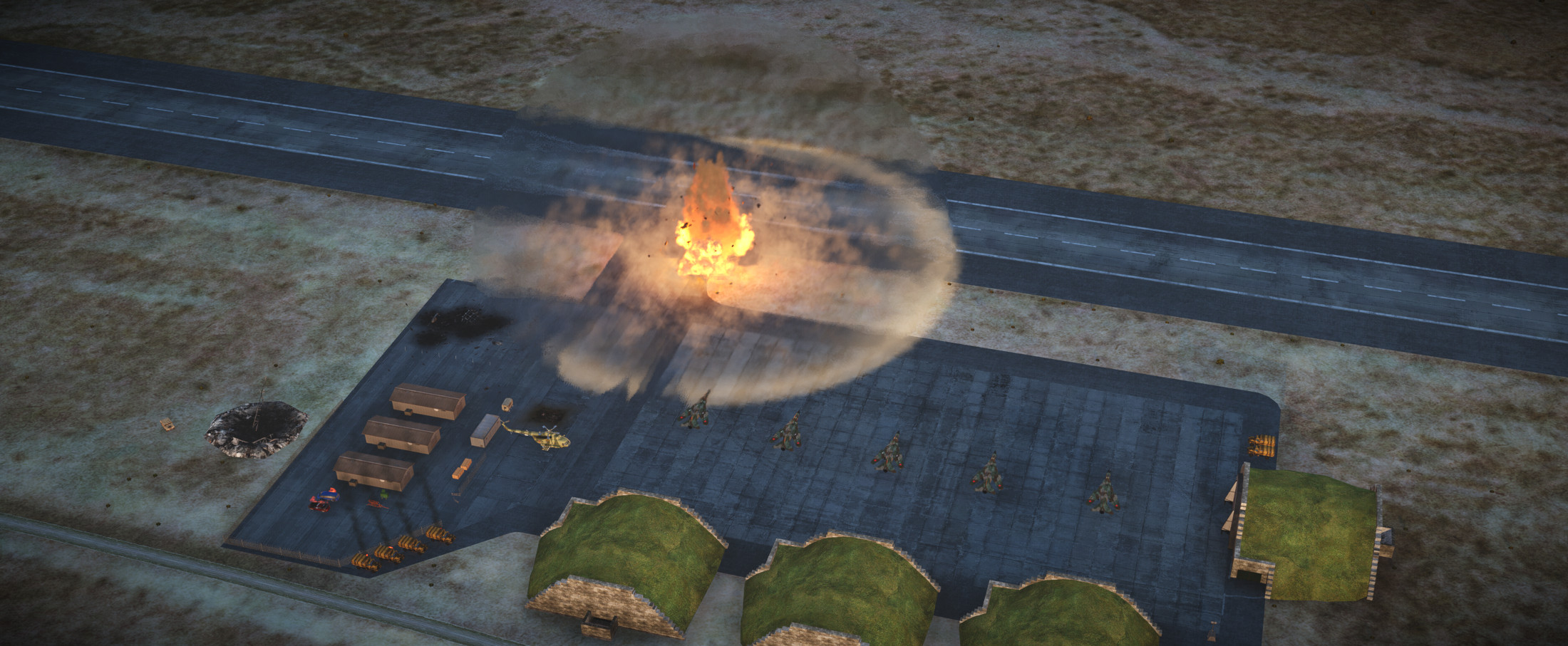
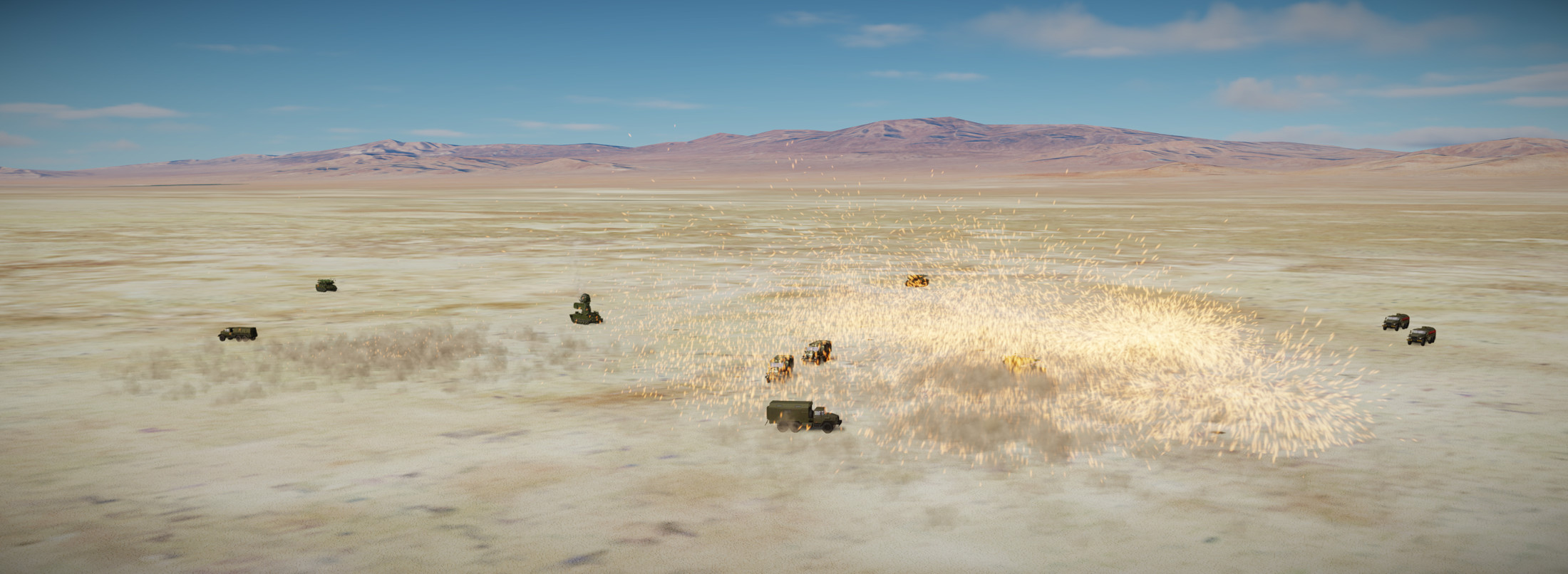
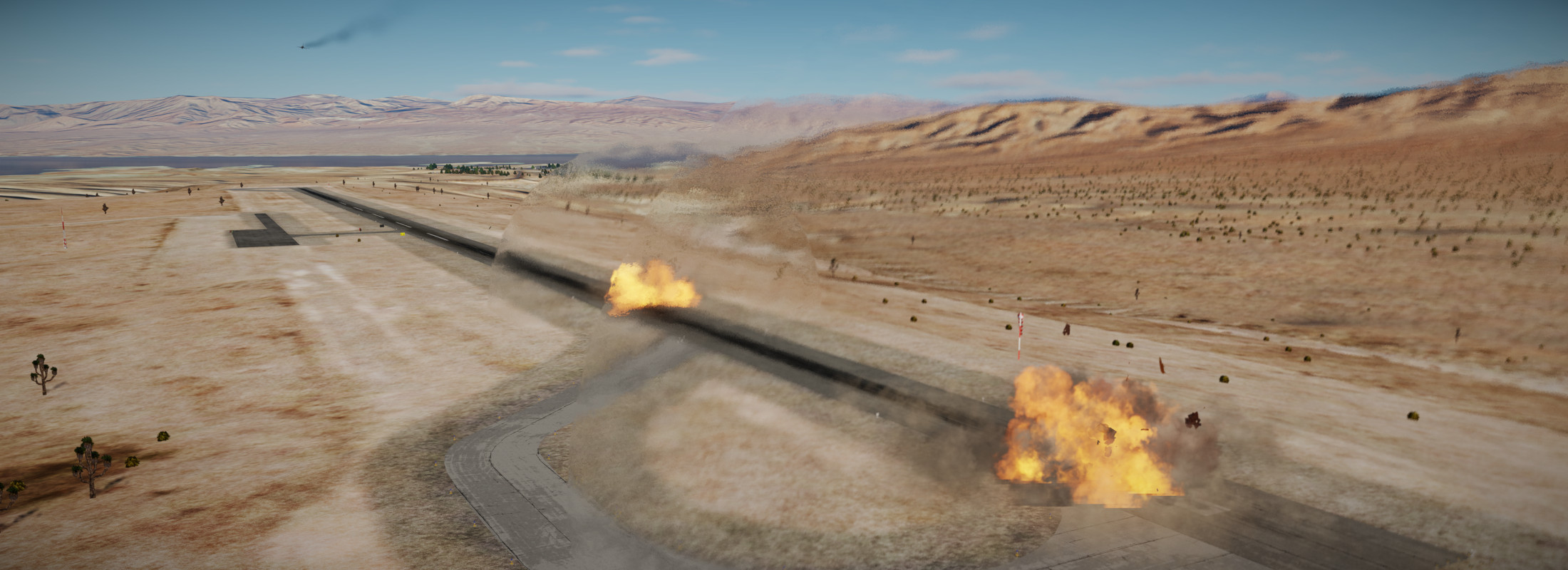
Coming back around for the second pass..a bit short but it does seem that DCS has improved splash damage in recent years…

Now setting up for an AUTO bomb delivery. This would be analogous to a CCRP where you set a target designation through a sensor and then fly the bomb fall line until the bombs release. Modes for targeting I guess include the ground radar, the HUD diamond designator (which I used), and obviously a targeting pod designation. I suppose there is also the possibility of a FAC or Predator designated target.

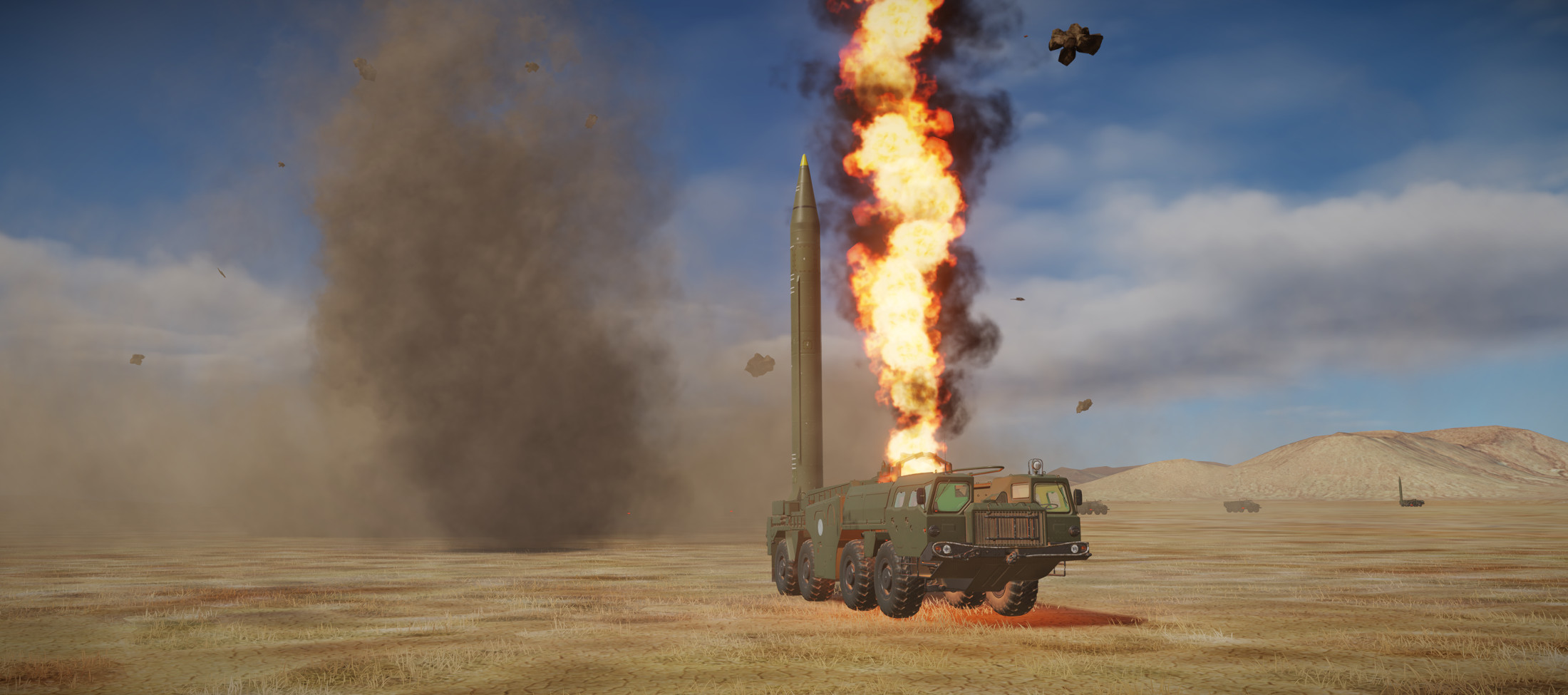
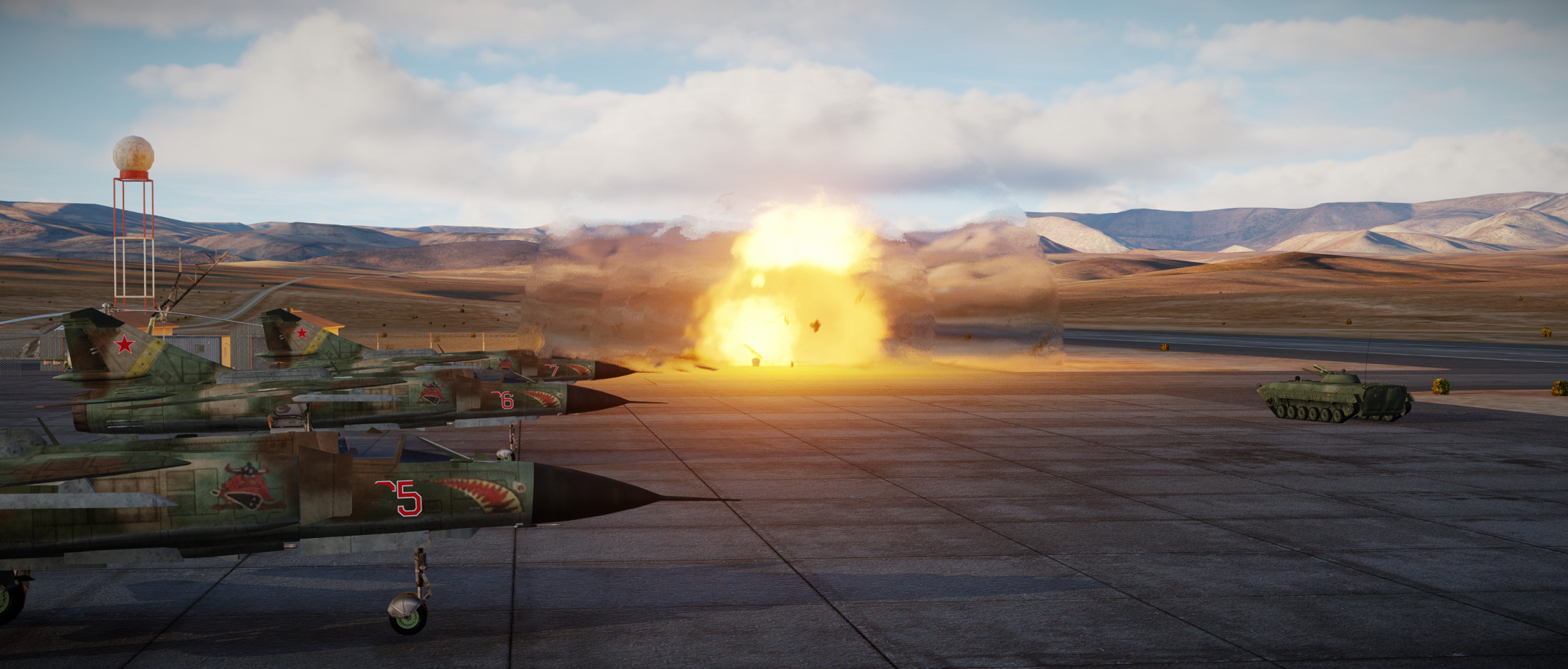
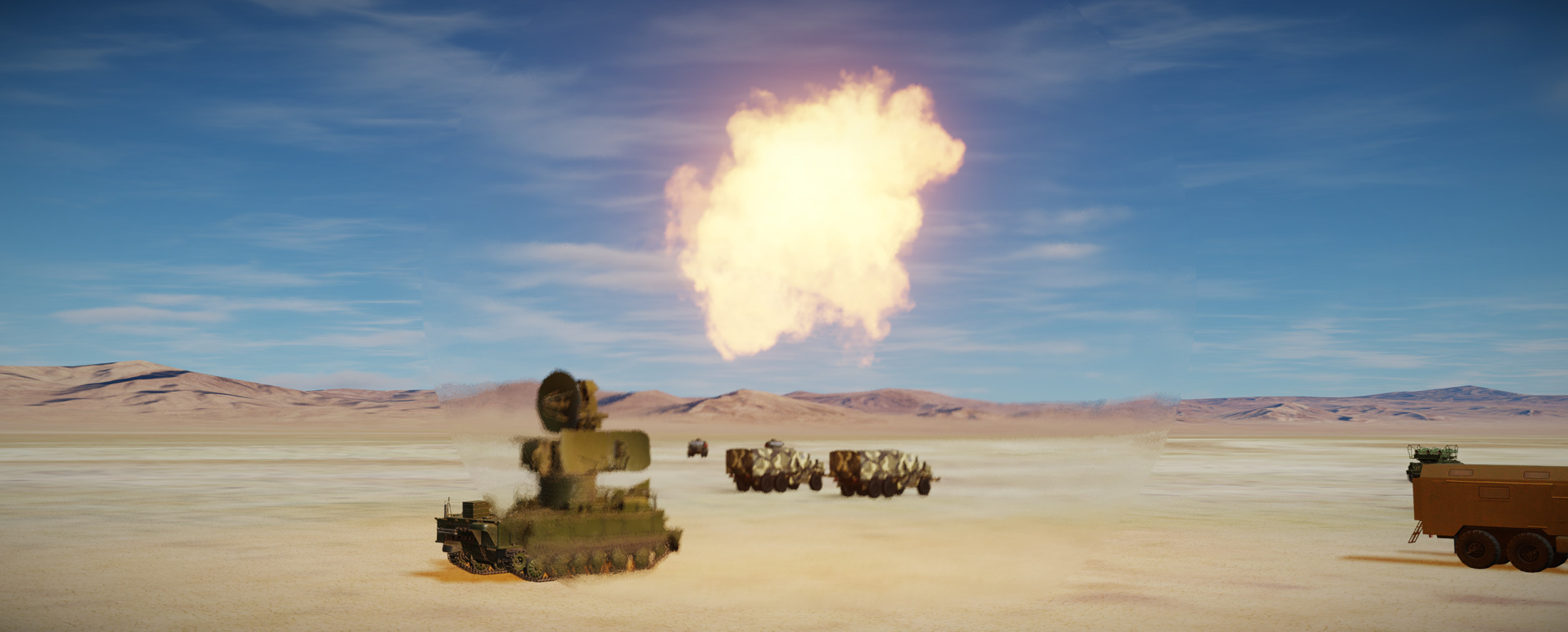
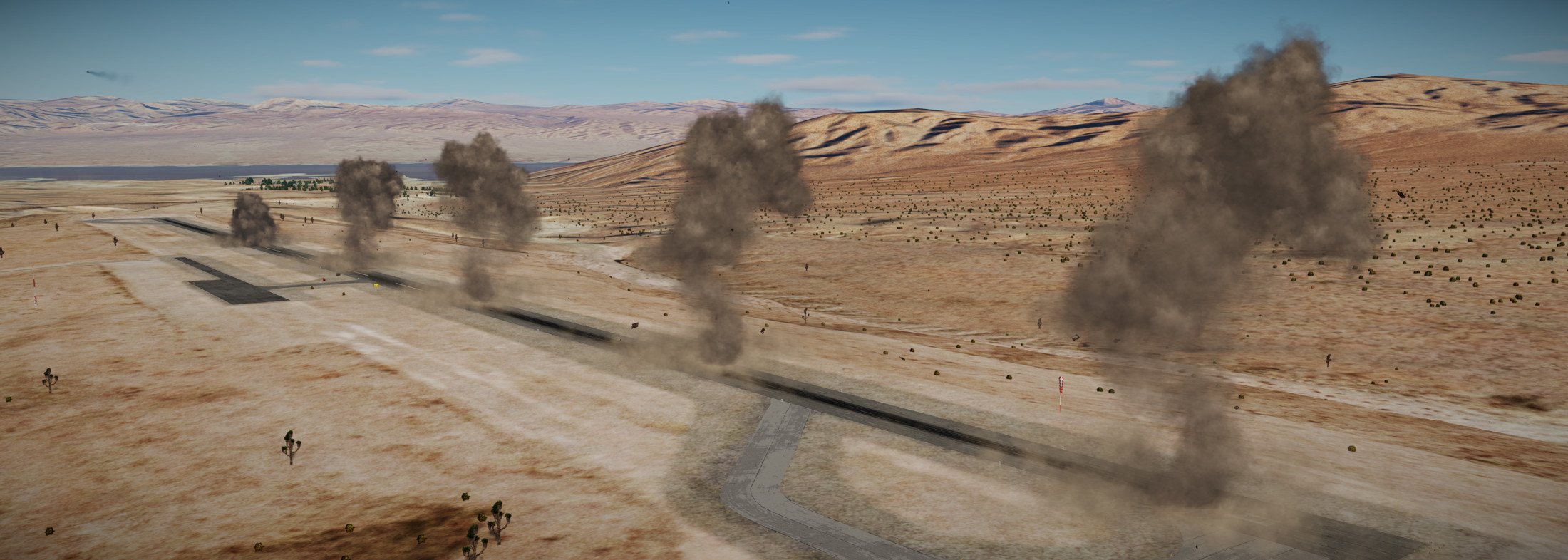
Mk-84 make big boom.

Then finally coming back around for a CCIP of my final two Mk-83 bombs…

Can’t get much closer…but nothing is shooting back at me..! :rofl:

Pulling up the kneeboard I input Waypoint 50 for Nellis and head back to base.

Still a lot going on in the cockpit. I’m getting there though.

7 Likes

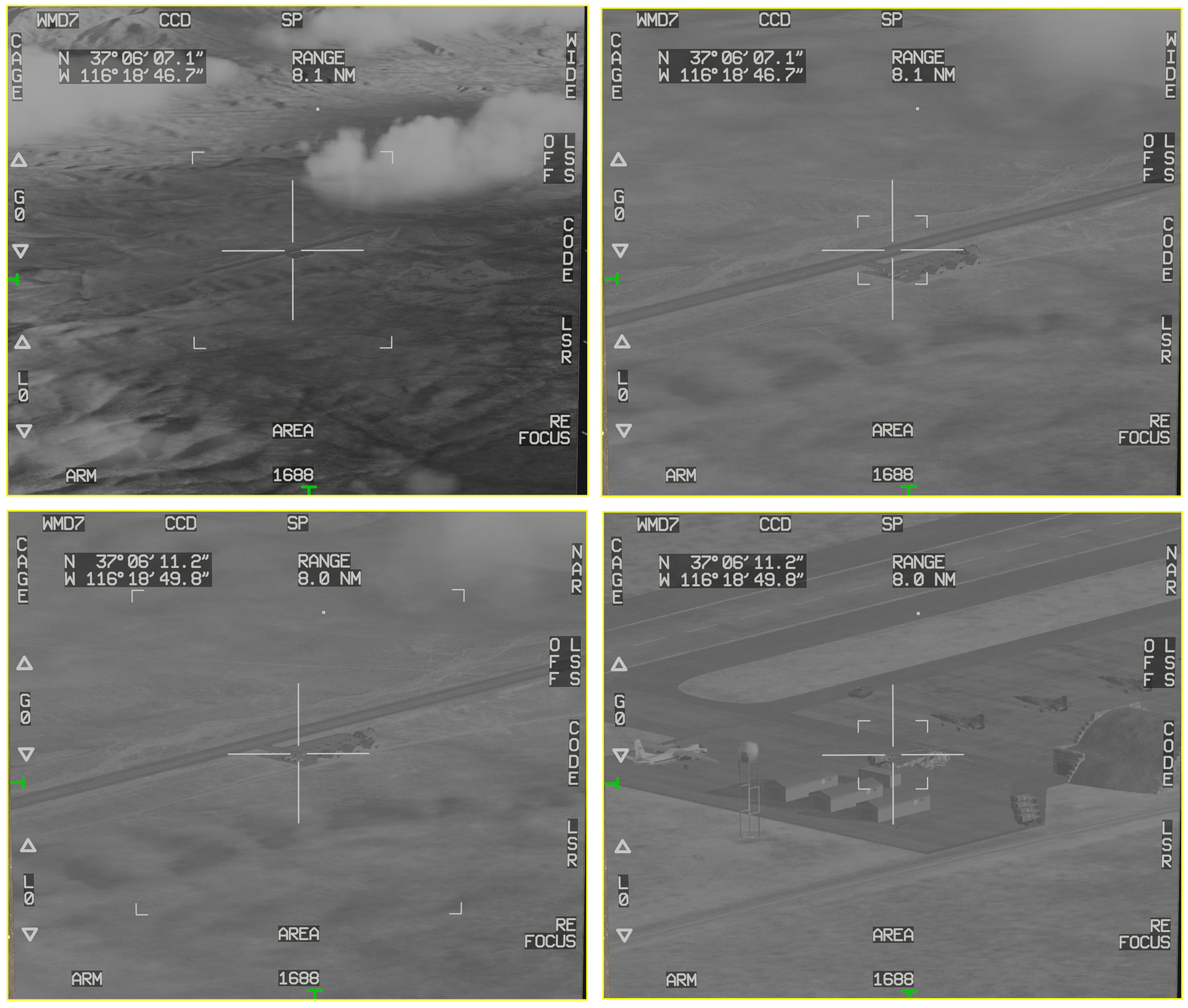
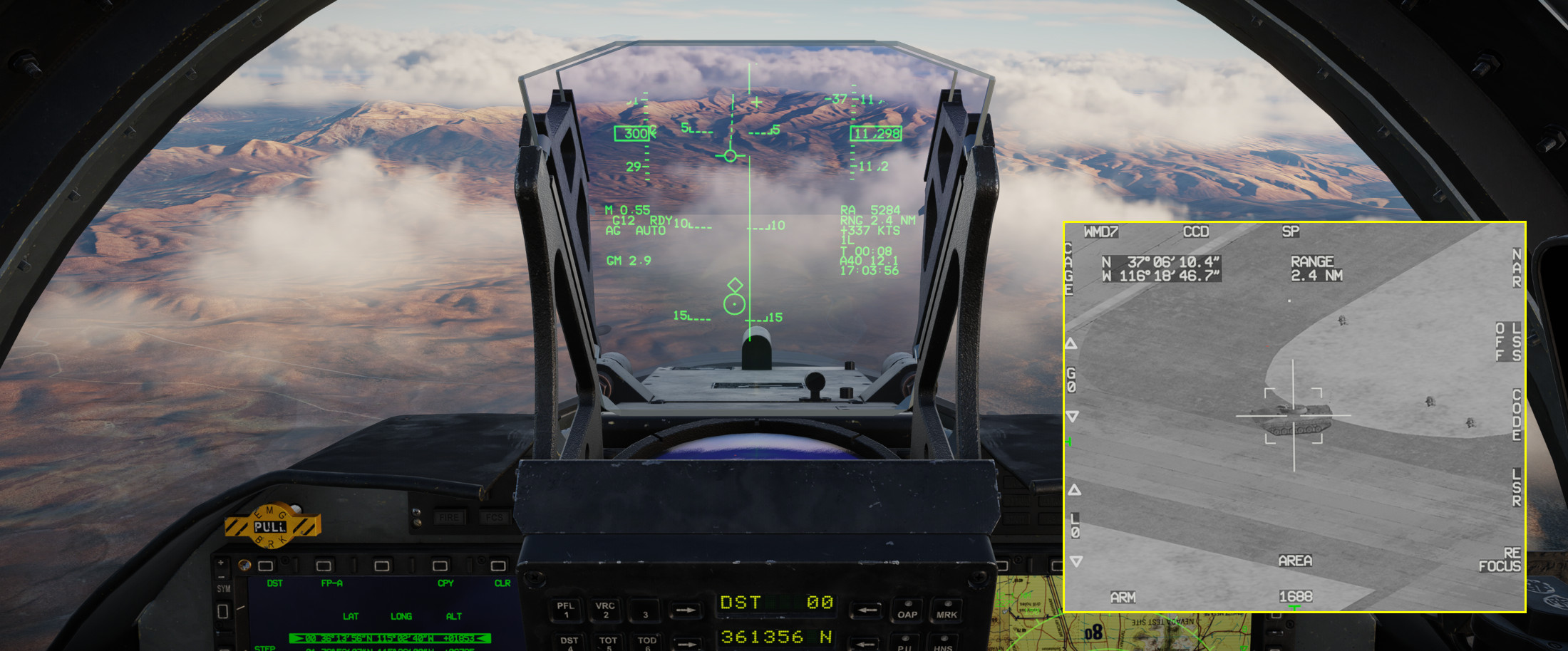
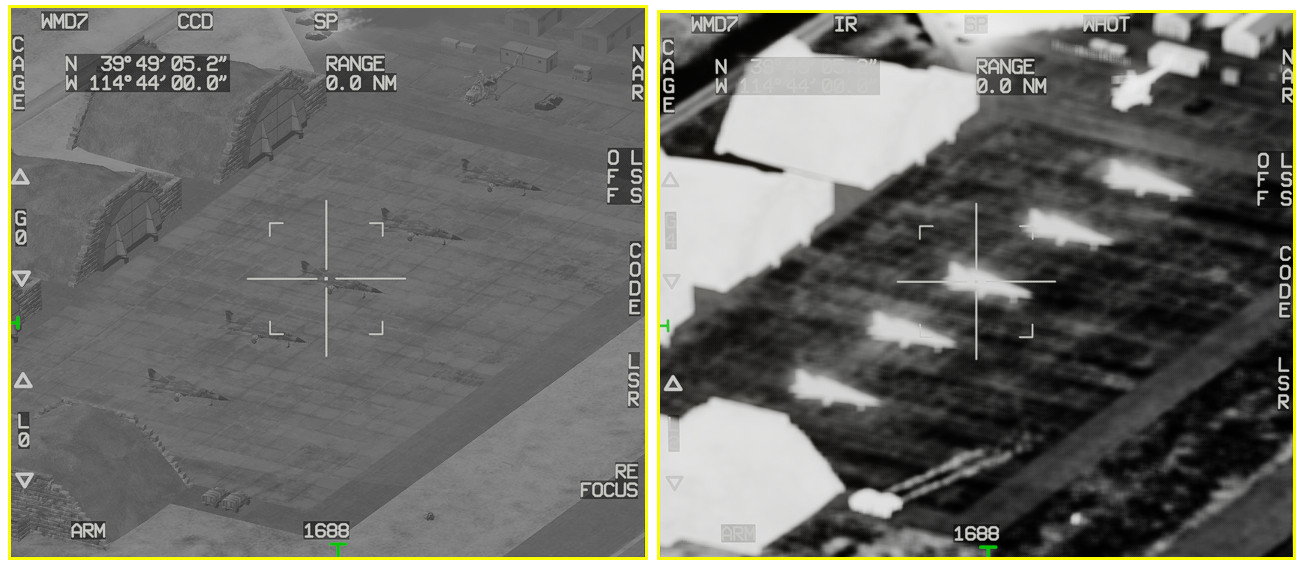
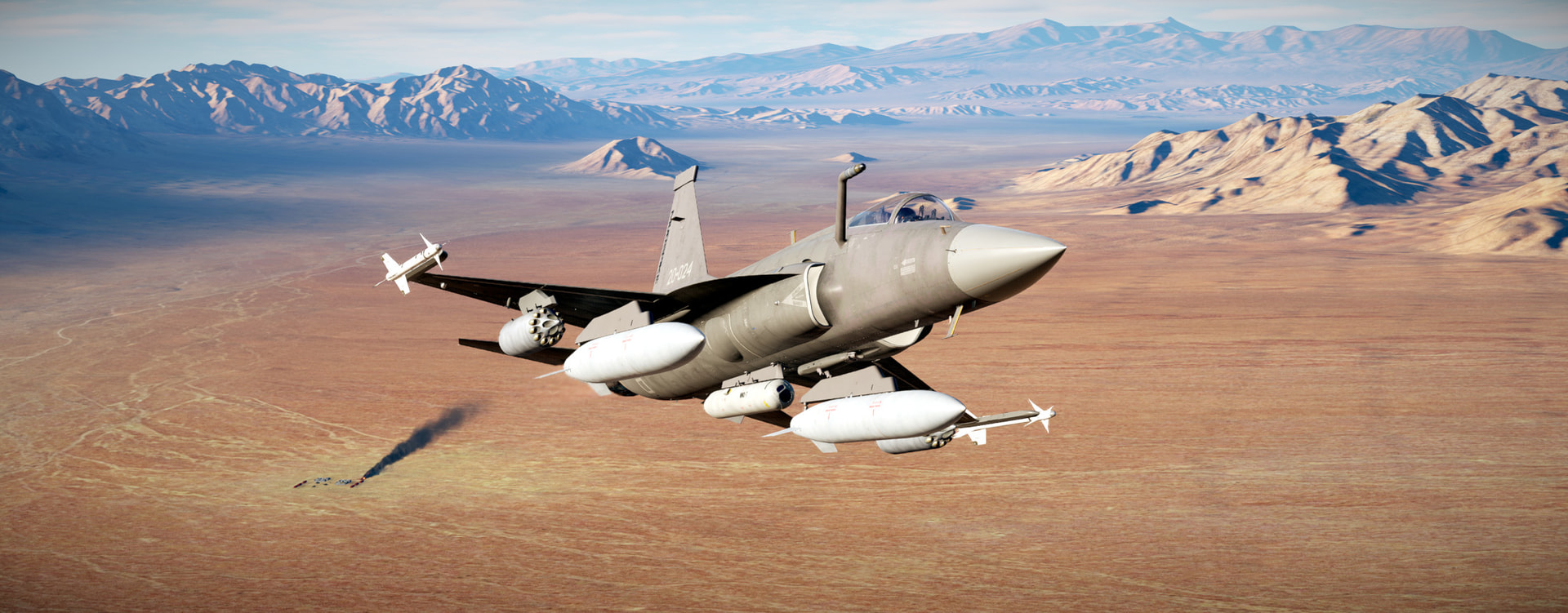
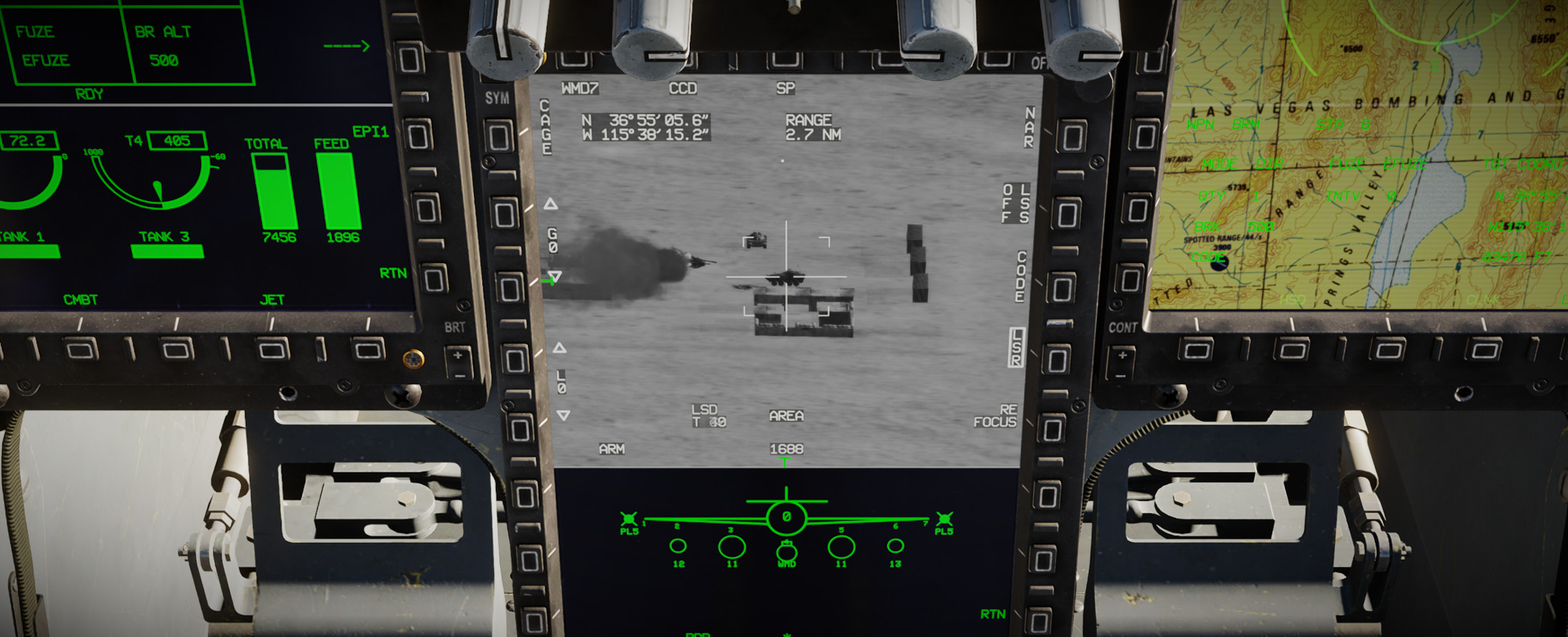
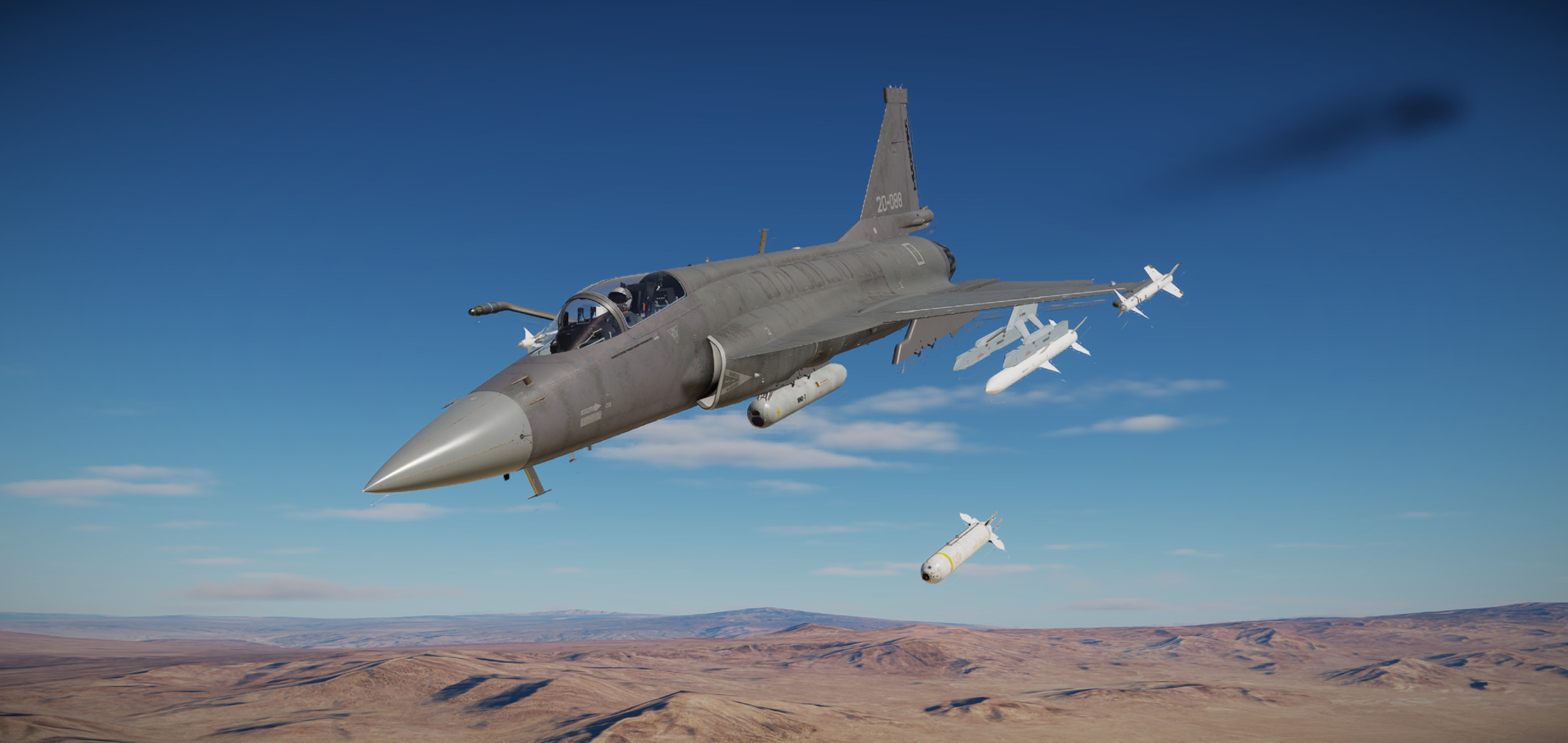
Been away from the JF-17 for a few weeks while I attended training in Houston. I flew this mission just before I left..and after going through the screenshots I think I’ve forgotten everything I learned already. In this mission we head to the NTTR target range to practice using some laser guided bombs. For this mission we’ve mounted some GBUs and the WMD-7 targeting pod, an advanced Chinese sensor featuring IR and TV sensors and a laser designator.

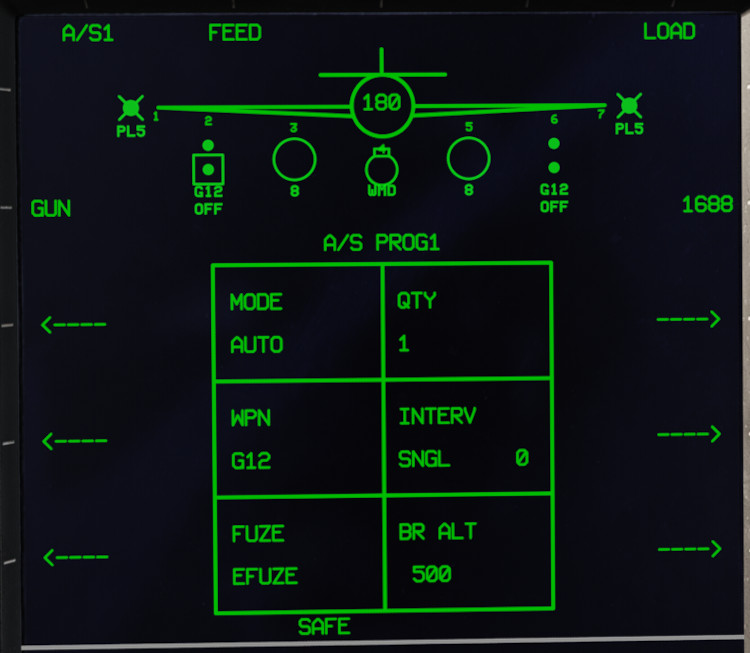
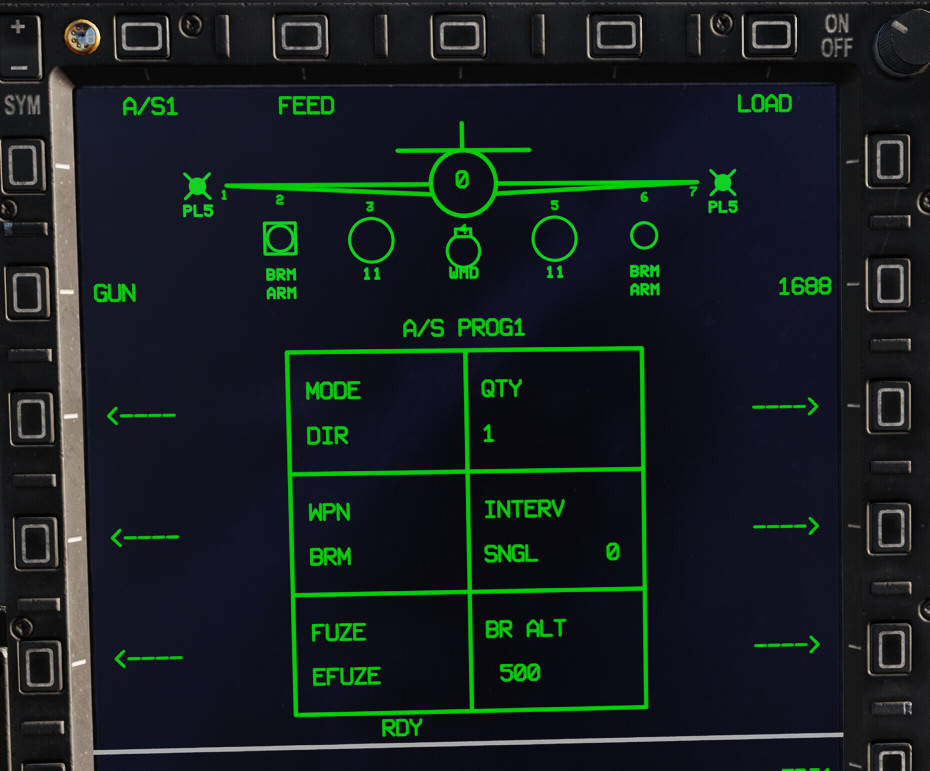
Arming page showing GBU-12, AUTO delivery, fuzing, and the laser code 1688.

The pod requires a short warm up time…

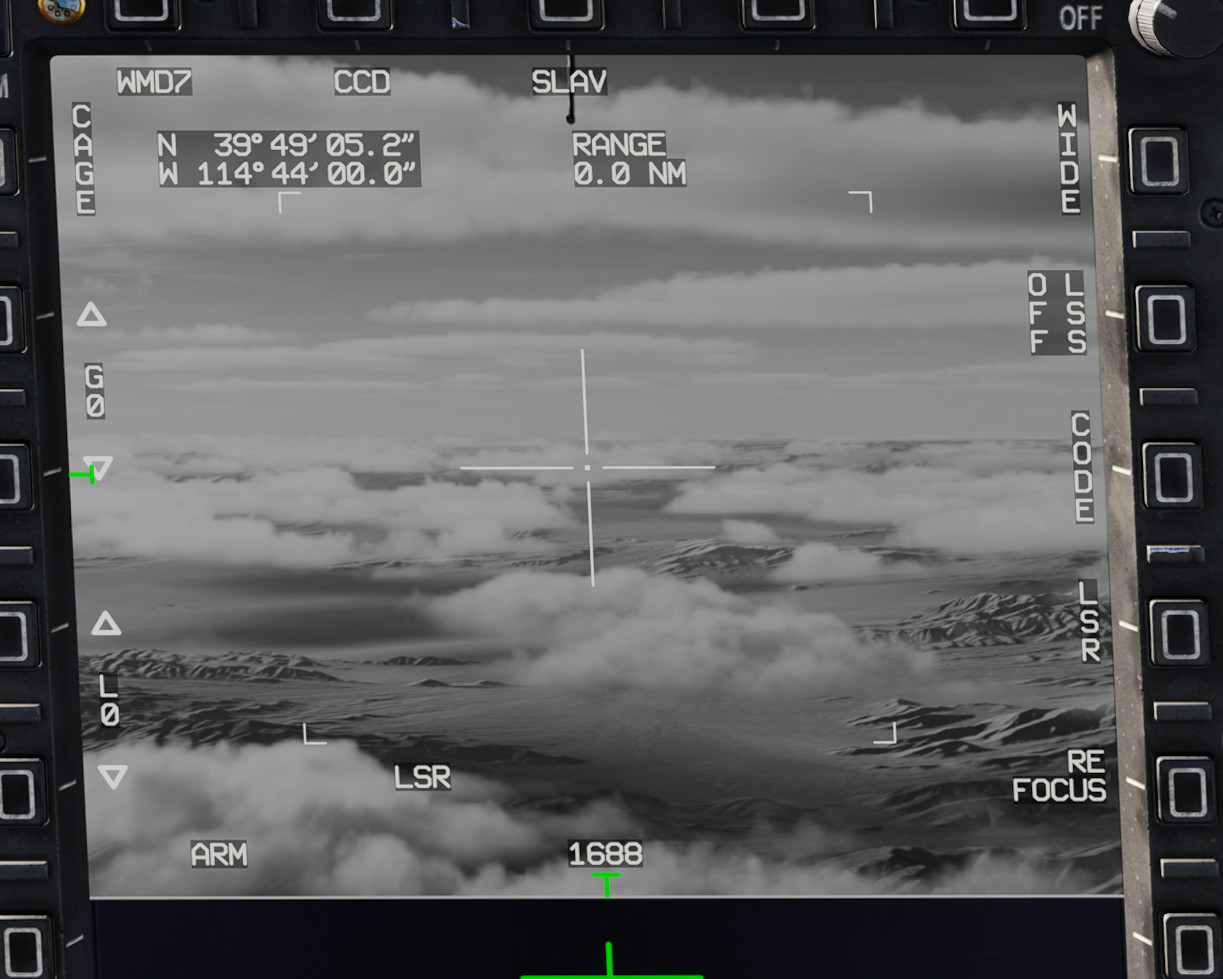
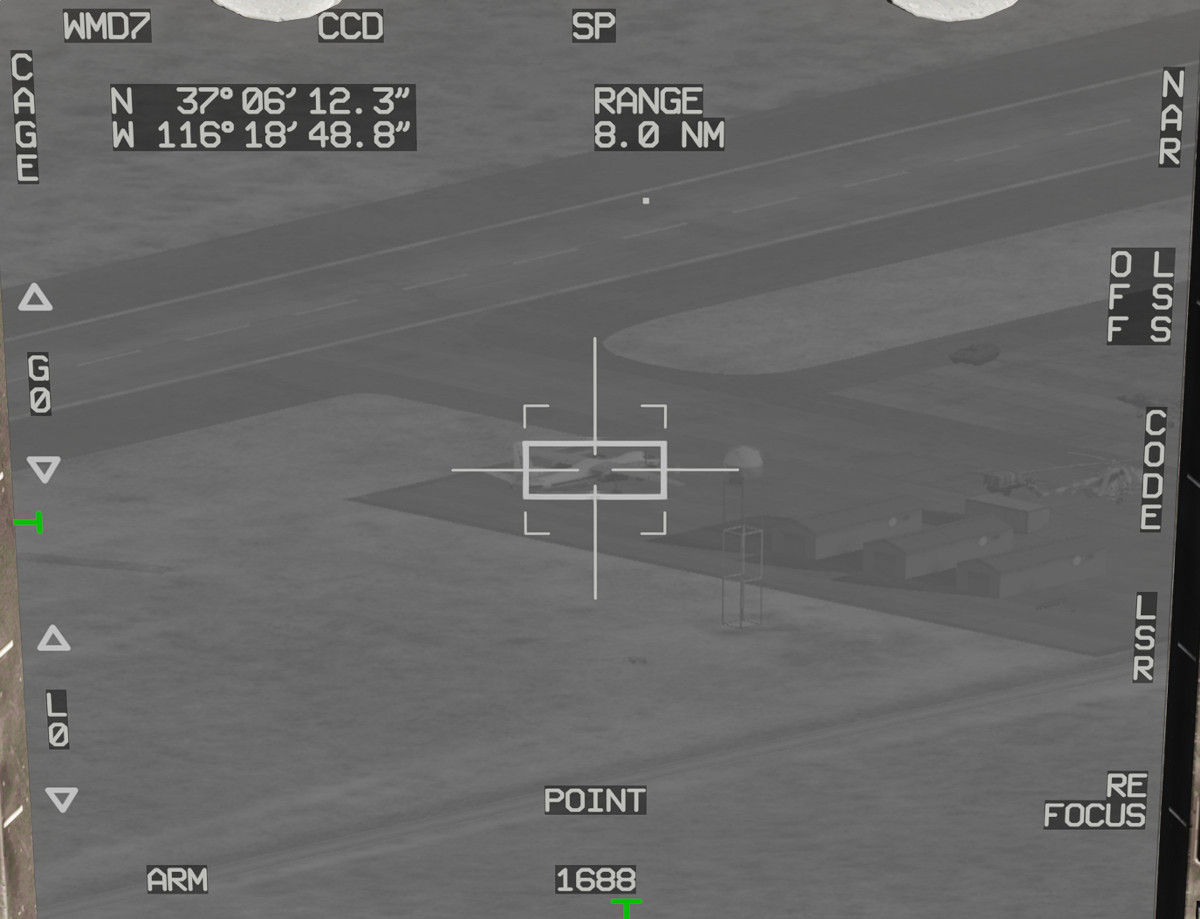
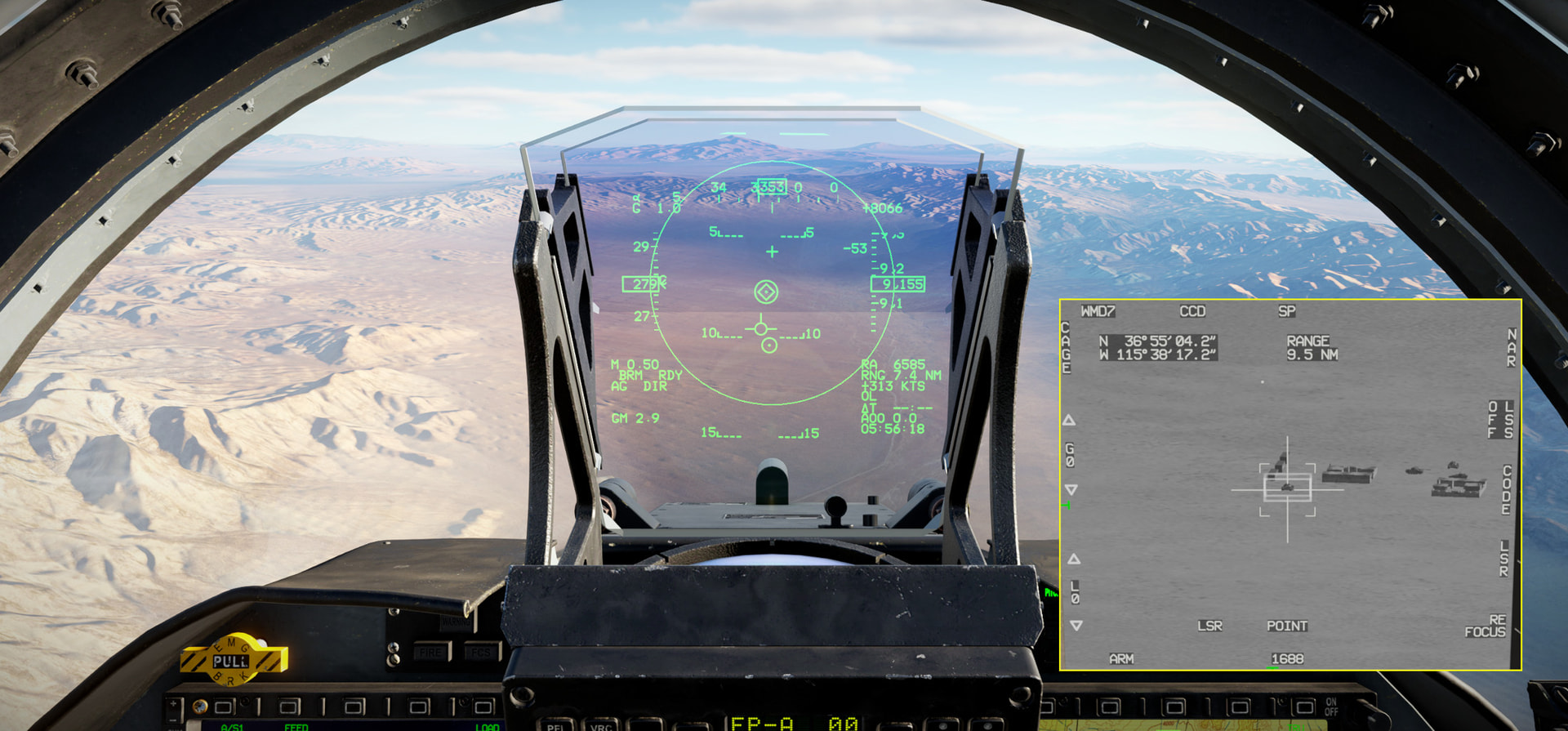
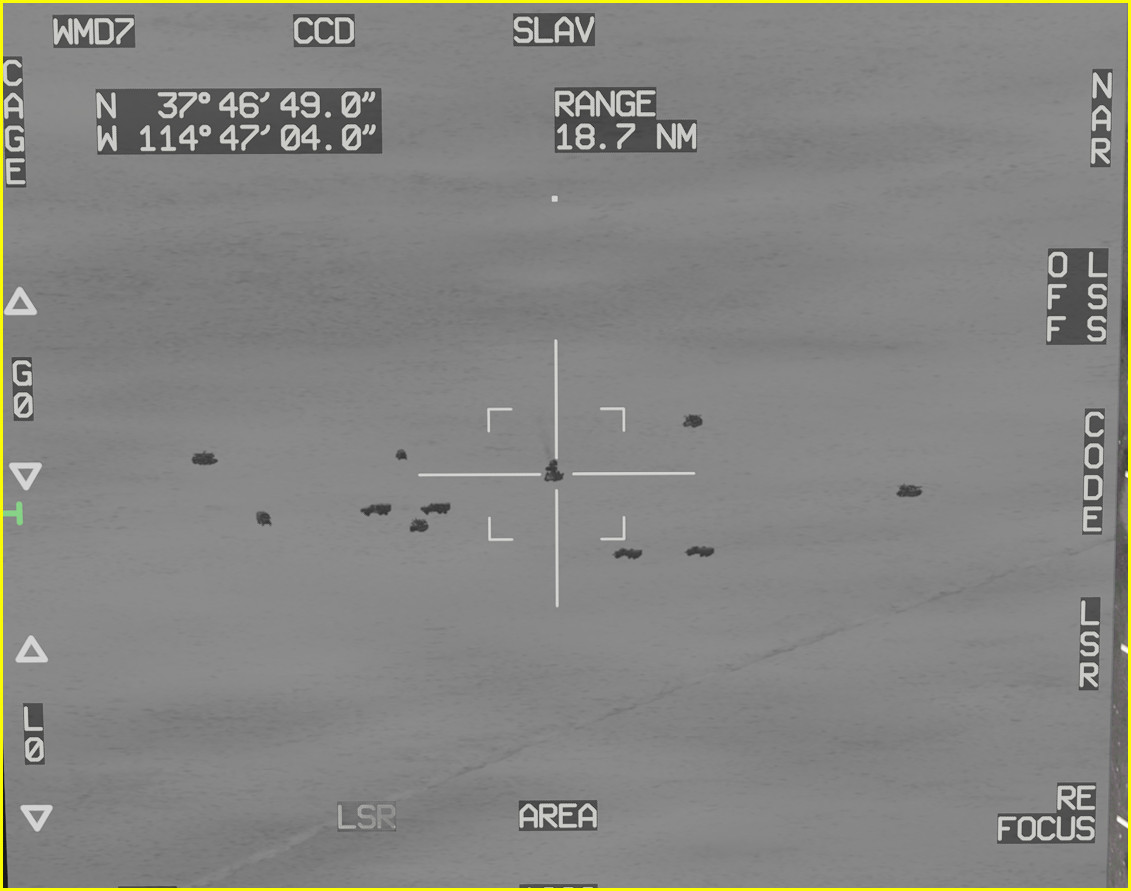
The pod has WIDE and NARROW view selections and for each of those you can further zoom using a HOTAS axis. The sensor is remarkably crisp when in focus..and there is a neat “refocusing” effect where the image may be blurry until you hit the REFOCUS line select key.

Here I have a target selected in what I think was a Point-Track mode…

Satisfying…

There are ways to designate targets through the TGP, the HUD, and the map..I’m still learning the ins-and-outs…

The TV imagery is obviously sharper and clearer (in daylight) than the IR imagery…

Still learning a bit about the MARK points and how to get the sensor pointed where I want it to go…it will be process until I have it figured it out totally. Or..never totally..

7 Likes