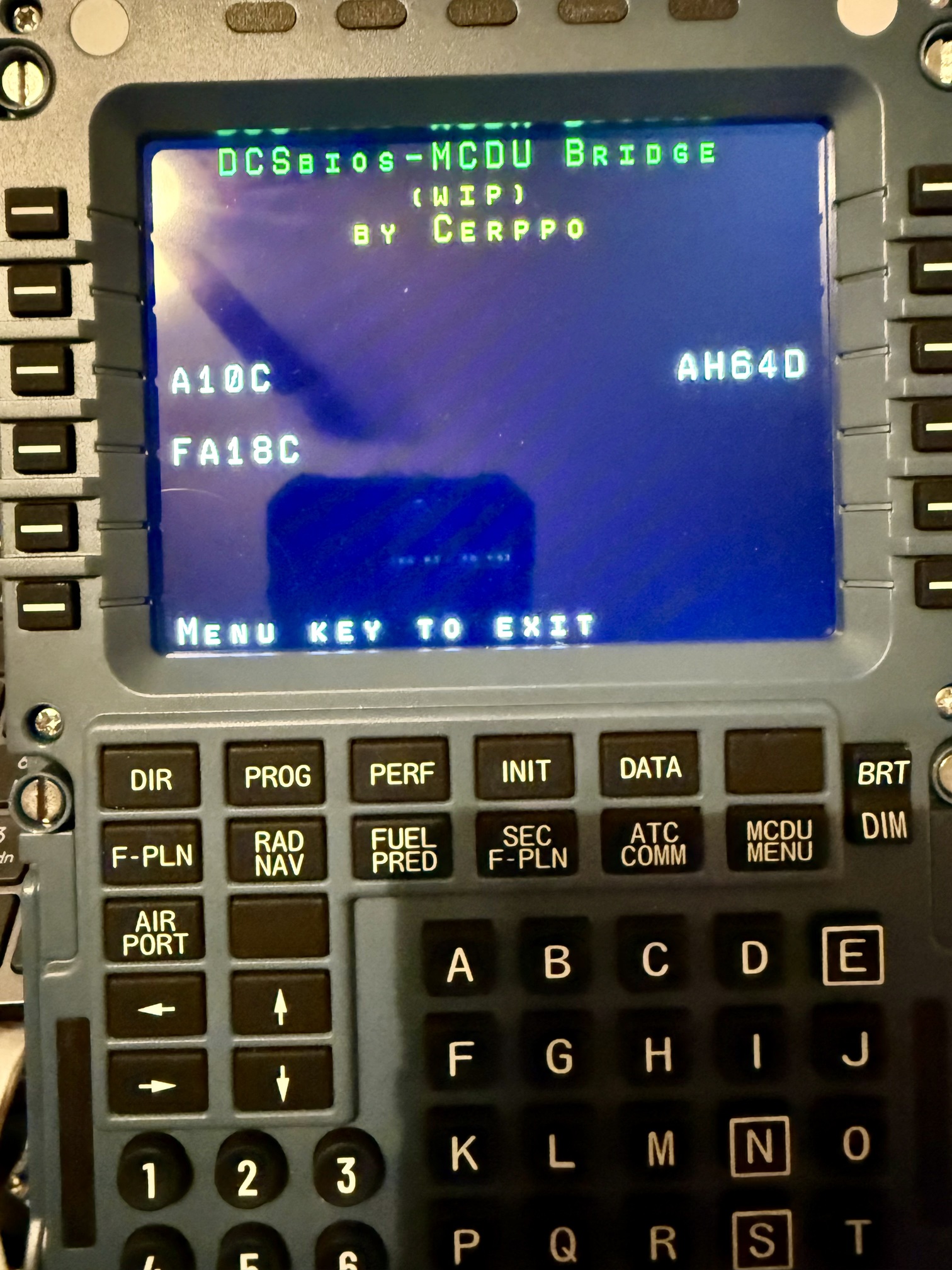
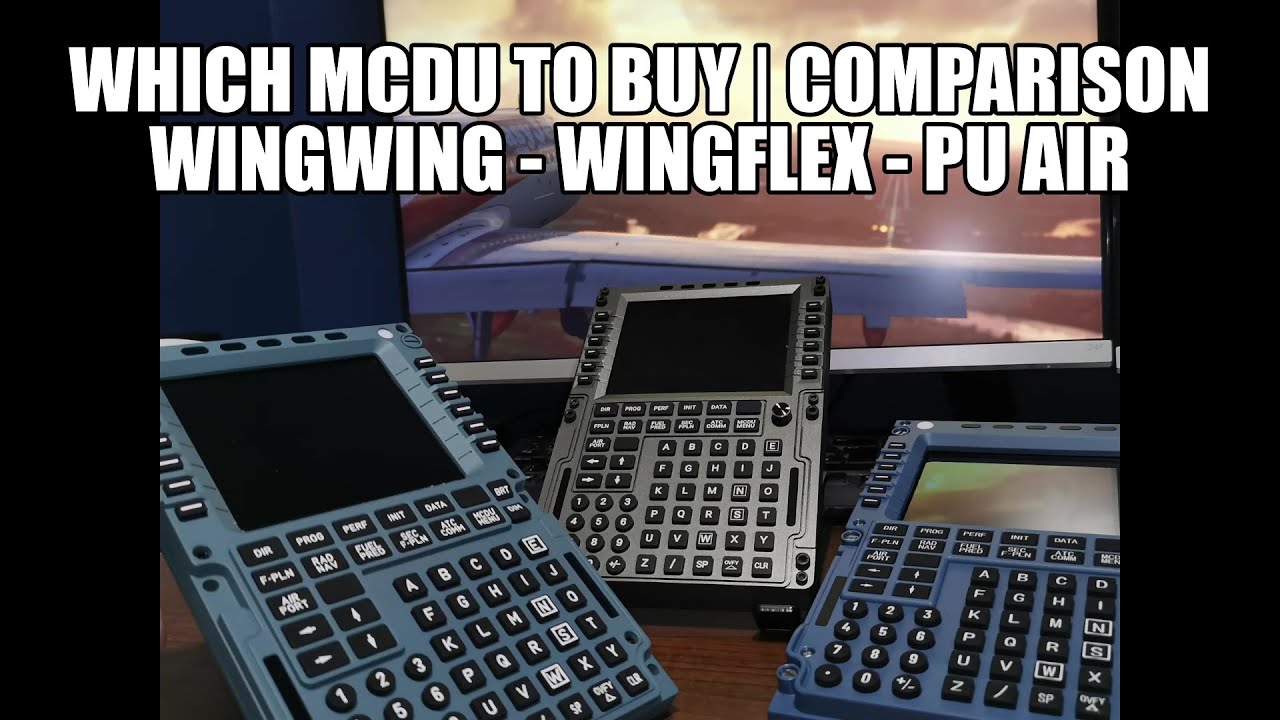
I’m finding CDU data entry one of the more tedious tasks necessary for successful large aircraft operation. Since both MSFS and XP allow VR hot swapping, I feel the need for a hardware CDU to use in MSFS and XP. I almost pulled the trigger on the PU CDU, especially since they are offering two free panels with purchase. But after watching a few reviews, leaning more toward the WinWing. The main reason is that you need to also purchase yet another utility, SPAD.next software for the PU to work with MSFS, and that it requires a dedicated video cable. The pre flight launch list is already too long.
Anyone have experience with any of the available hardware CDUs?
My idea was to use a secondary USB keyboard but couldn’t quite make the PC see it as a “different” input system so it would just replicate what I typed with the main keyboard.
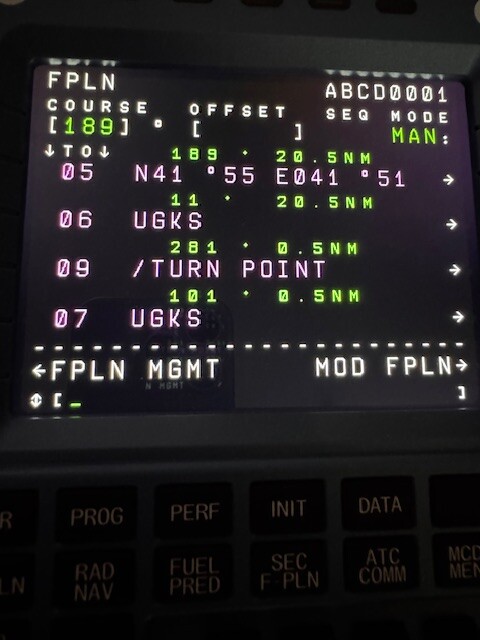
I used two USB 800x600 touchscreens for a while, displaying either the CDU of the A-10C or the MFDs with a software called Helios.
Worked decently in DCS.
But I kinda moved on from that setup. Too much hassle always mounting them to my desk and keeping everything updated and working. And I also thought I was going to go to VR and stay there (which I didn’t)
…damn I have to try if I can put those to use again…
I got a winwing CDU for cheap second hand from someone that used it once. Don’t use it much either to be honest cause it’s a bit fidly. Mobiflight works well now with it and their own software is crap. Plus I got sold on the lie that it is plug and play, I mostly fly the BAE-146/Avro RJ so wanted it to work the them but alas it doesn’t yet. JF doesn’t export the display data yet though perhaps they will one day.
It’s not bad hardware wise, feels a bit mushy but that is kinda expected.
I used a programmable modifer on my HOTAS so I could type in aircraft using the keyboard. It was a matter of pressing this key, then letting go and typing out what I wanted, then pressing the key again so the keyboard goes back to normal. To do it in DCS, you have to go into the modifers and then switches options in the controls section. It is brought up in @Chuck_Owl’s Apache guide where he named it the AH64MOD, although he didn’t use it for typing but for getting a ton of controls on a warthog hotas.
If anyone actually has a physical airbus CDU I should probably blacklist them from mudspike for financial reasons!
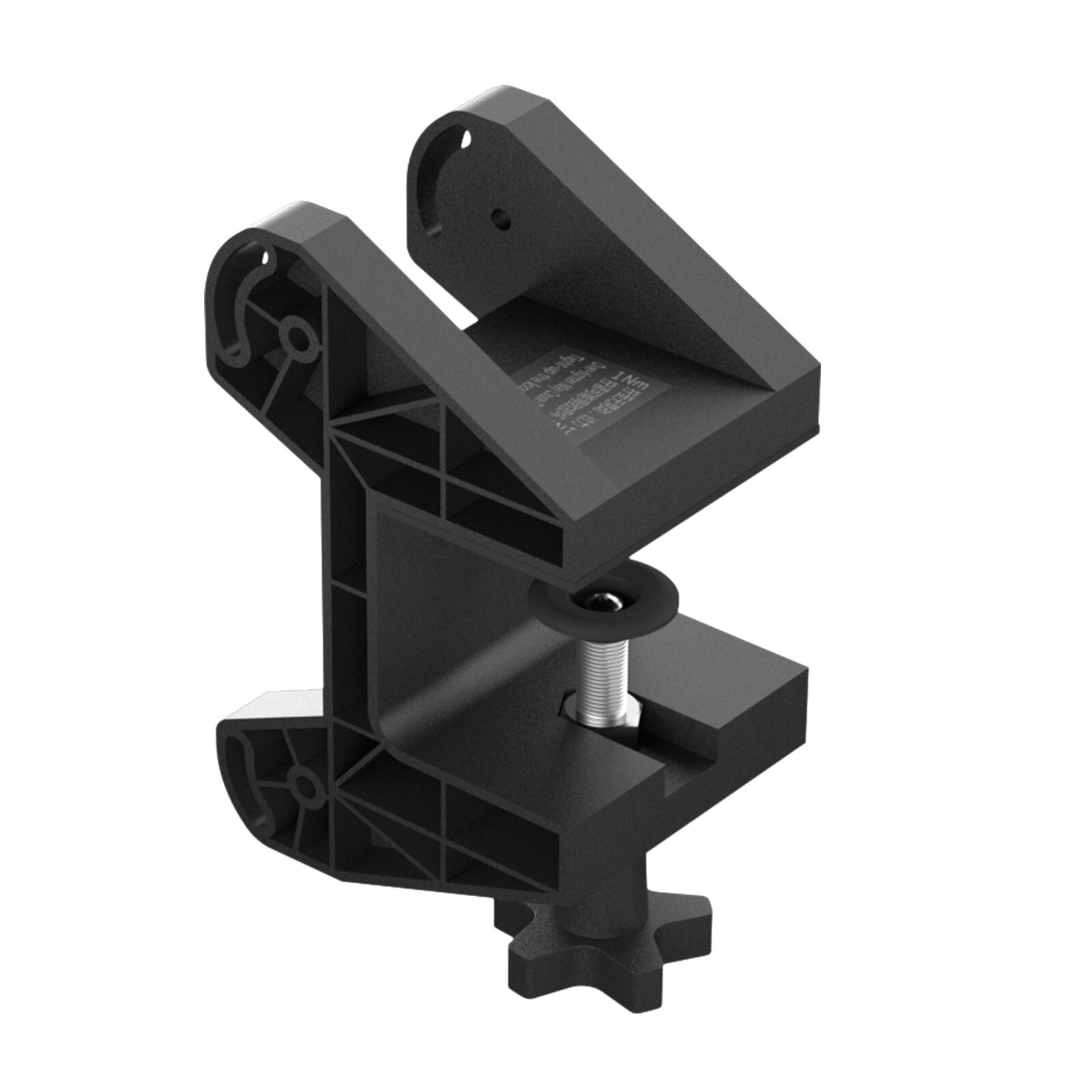
After watching all of the reviews,I decided on the WinWing, which allowed me to to purchase both an Airbus MCDU and a Boeing CDU, including desk mounts for less than the price of the nearest competitor. The WW mounts are simple affairs but allow you to solidly mount the input panels and adjust the angle, with minimal expense and hardware. Most of the reviews had them sitting on included rubber adhesive pads, but this seemed less than optimal.
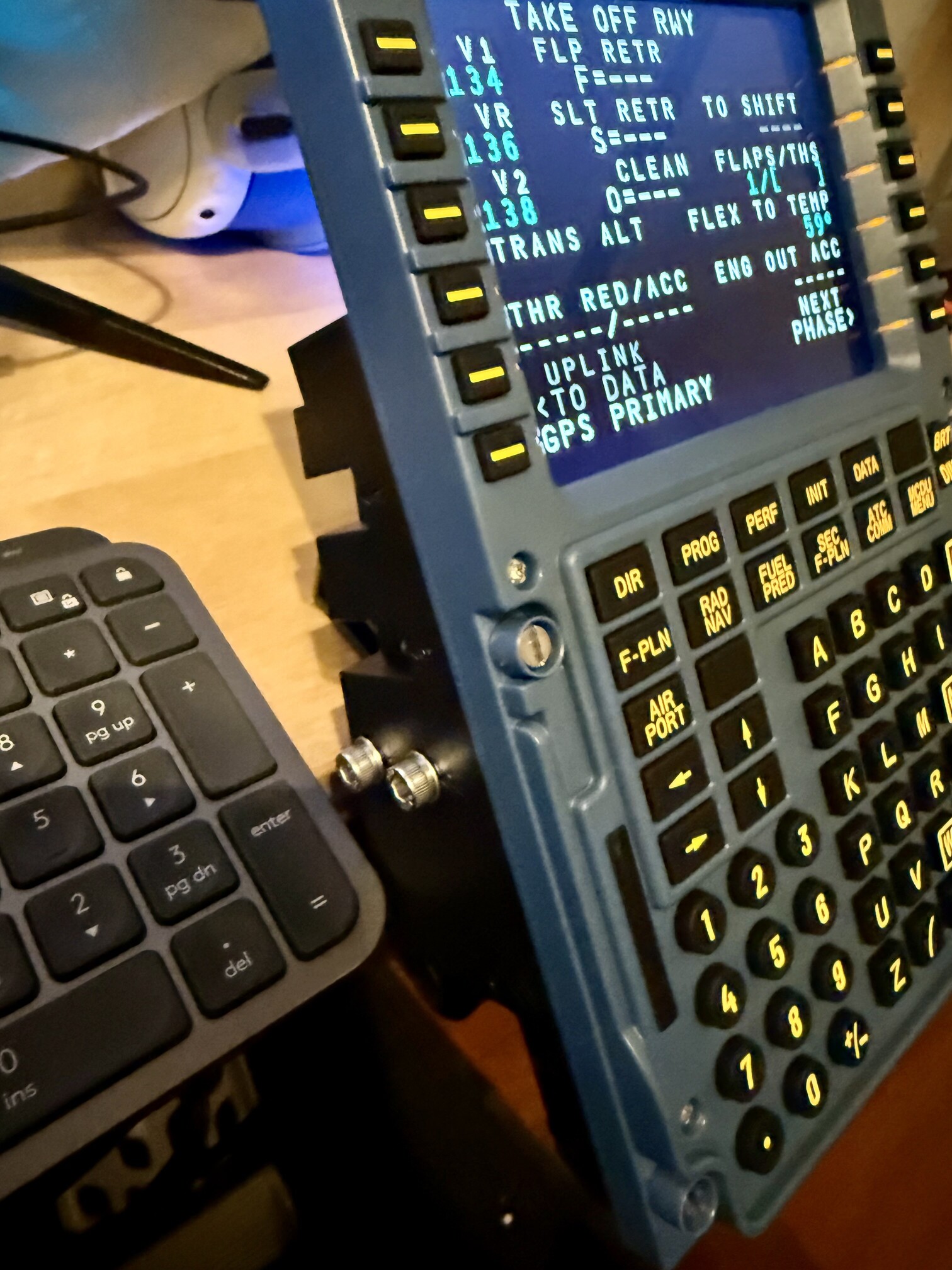
Investment made, I ran into a few issues getting what I had read were compatible aircraft to work with the WinWing’s SimAppPro software. Although somewhat dated looking, the UI works well enough to get the panels updated with the latest firmware and functional with Fenix’s excellent line of A3xx aircraft in both FS2020 and FS2024. But the FlyByWire A32nx didn’t want to work with the WindWing MCDU in FS2020. It did work fine in FS2024. That may have something to do with the FBW A320 and A380 aircraft not officially supported in FS2024 yet and the recommended way to install them is changing the install paths to the newer sim. Running FBW’s SimBridge is necessary component to connecting the panels, and I’m not sure that it was happy with this arrangement. That’s not really a big deal, since these days I mostly am happy in FS2024.
But what is a show stopper is that the PMDG’s latest B777-200LR is not being supported in SimAppPro. During troubleshooting, I found at least one end user reporting that SimAppPro isn’t aware of the newer release. The PFP7N panel is designed for the triple 7, so having it inop right from the start was disappointing. Should be an easy fix, but you never know when that will happen. And WinWing is rather non-committal on compatibility of their panels. If you go to the bottom of their product pages to the compatibility section, there is nothing listed.
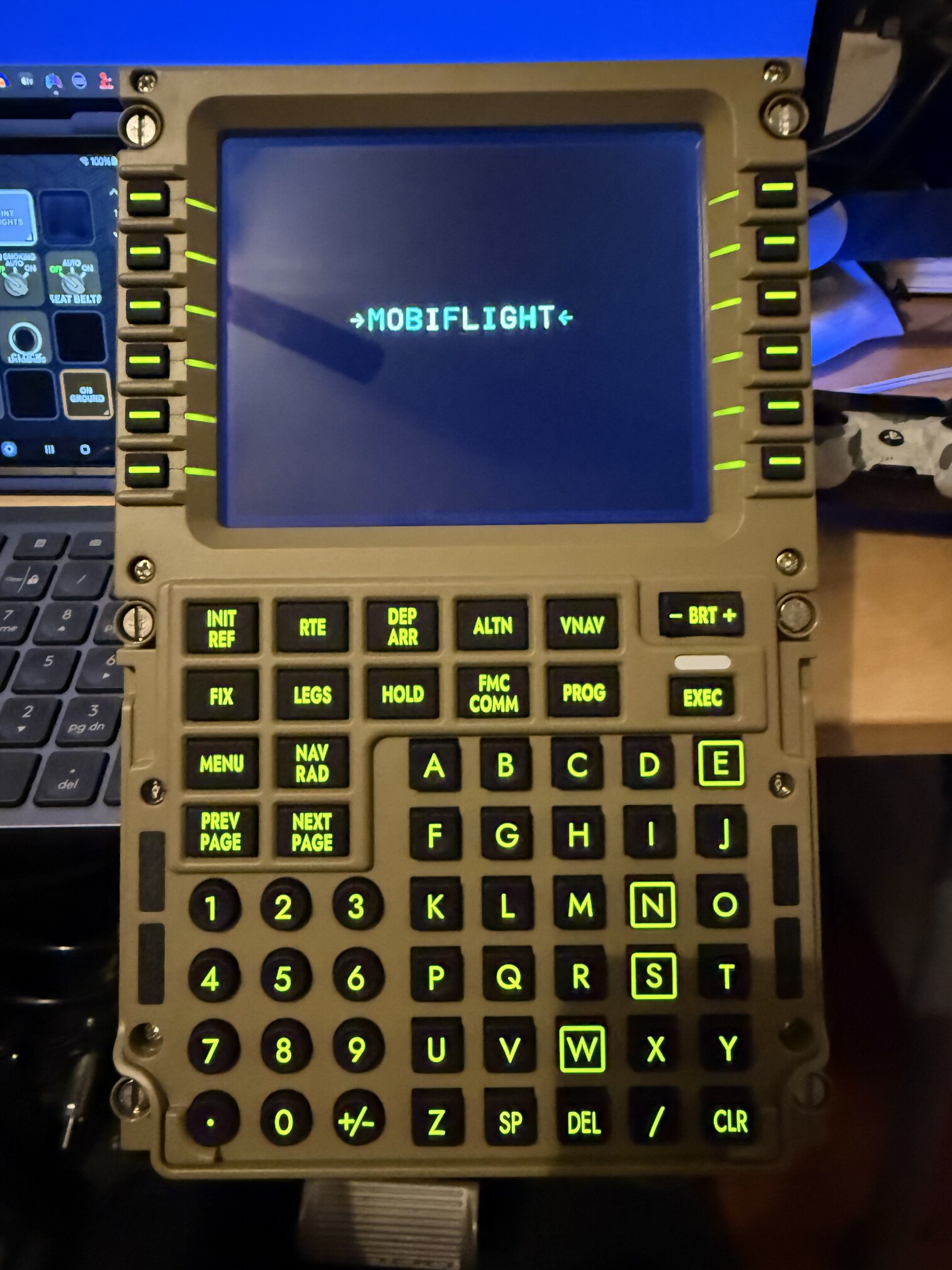
Not to worry, @TheAlmightySnark, MobiFlight, and flightsim.to to the rescue. Not being a “real” home cockpit builder, I was a little apprehensive about going down that path, but it was relatively easy. I was able to get the Airbuses working with little trouble. The Boeings took the editing of a couple of ini files, but that was it. I created a couple of cheat sheets on using MobiFlight and the community created profiles to setup the panels, if anyone needs help doing it. It takes really only about 15 minutes per panel to do.
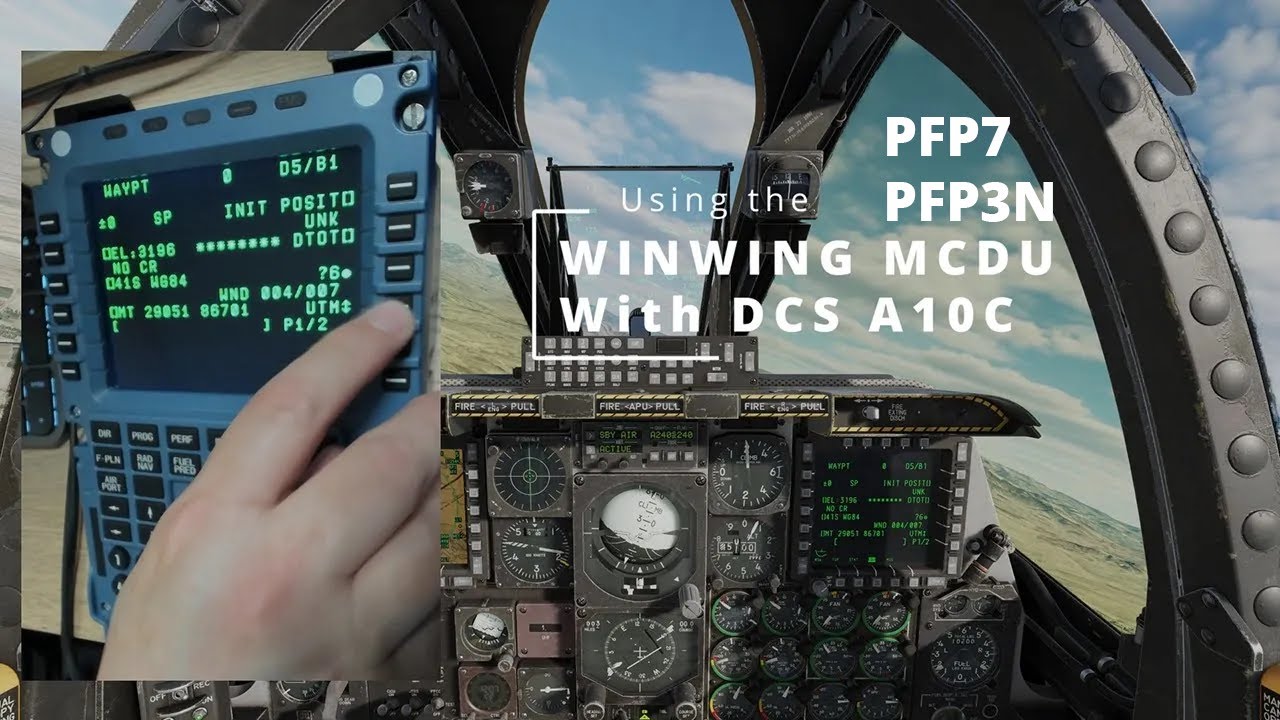
EDIT: I found last night (because I have no love life ) that the WinWing panels show up just like any other controller and that the buttons can be mapped to commands in DCS. Like TAS says, still investigating how to get the display out.
EDIT2: Found this discussion and a link for instructions.
You can turn on CC with English translation. Yeah, the CH-47 hardware looks very similar to the Airbus MCDU.
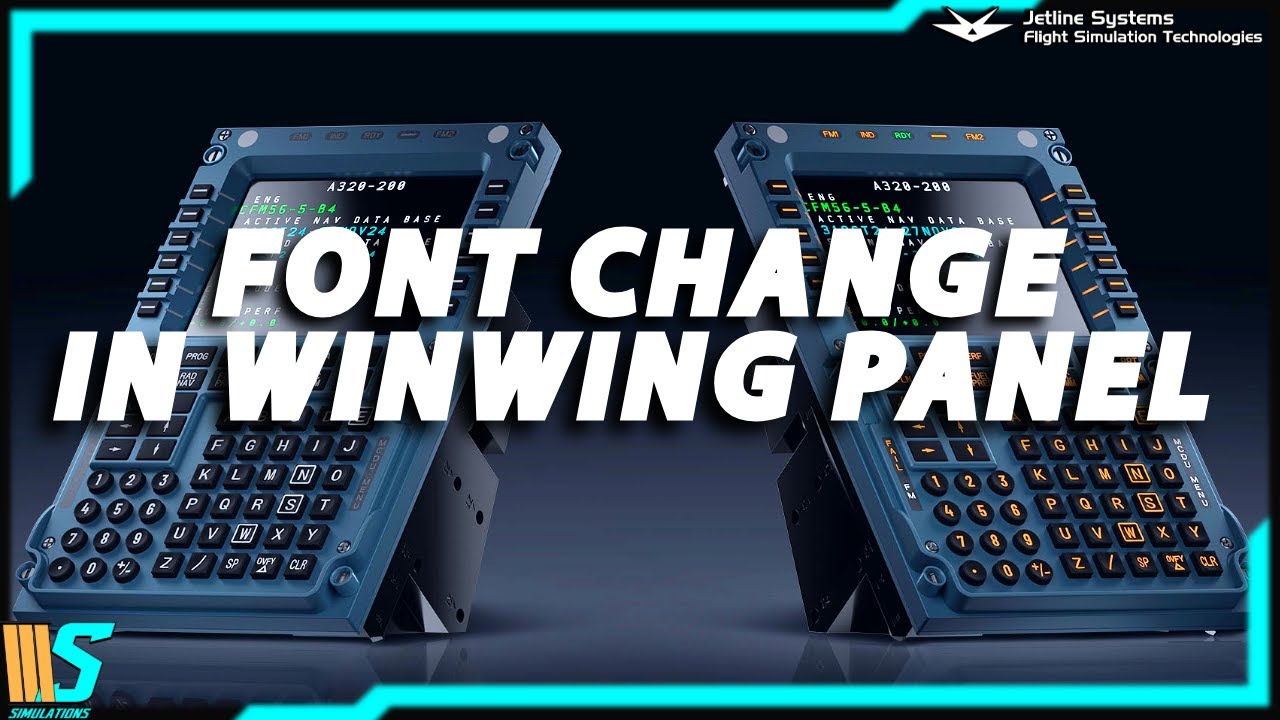
A helpful video about how to change the font, synchronize the light intensity, and change a font to the correct color in WinWing CDUs. I switched to the official Airbus font, B612 Regular, but can’t say that it’s much better than what WinWing chose. Nice to have the real deal though.
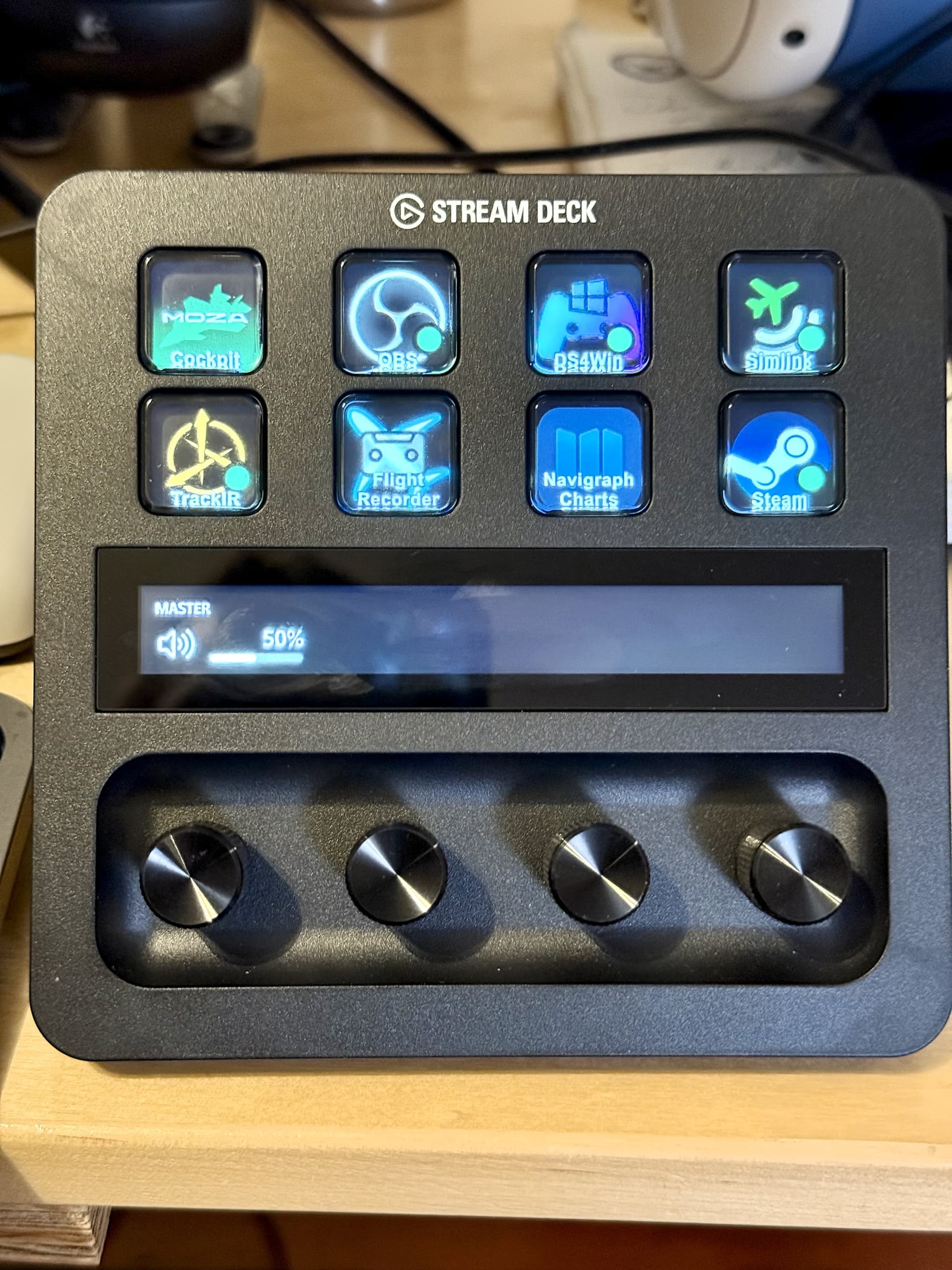
 Thanks man!
 Perhaps I should do a quick post on it if this is not widespread info.


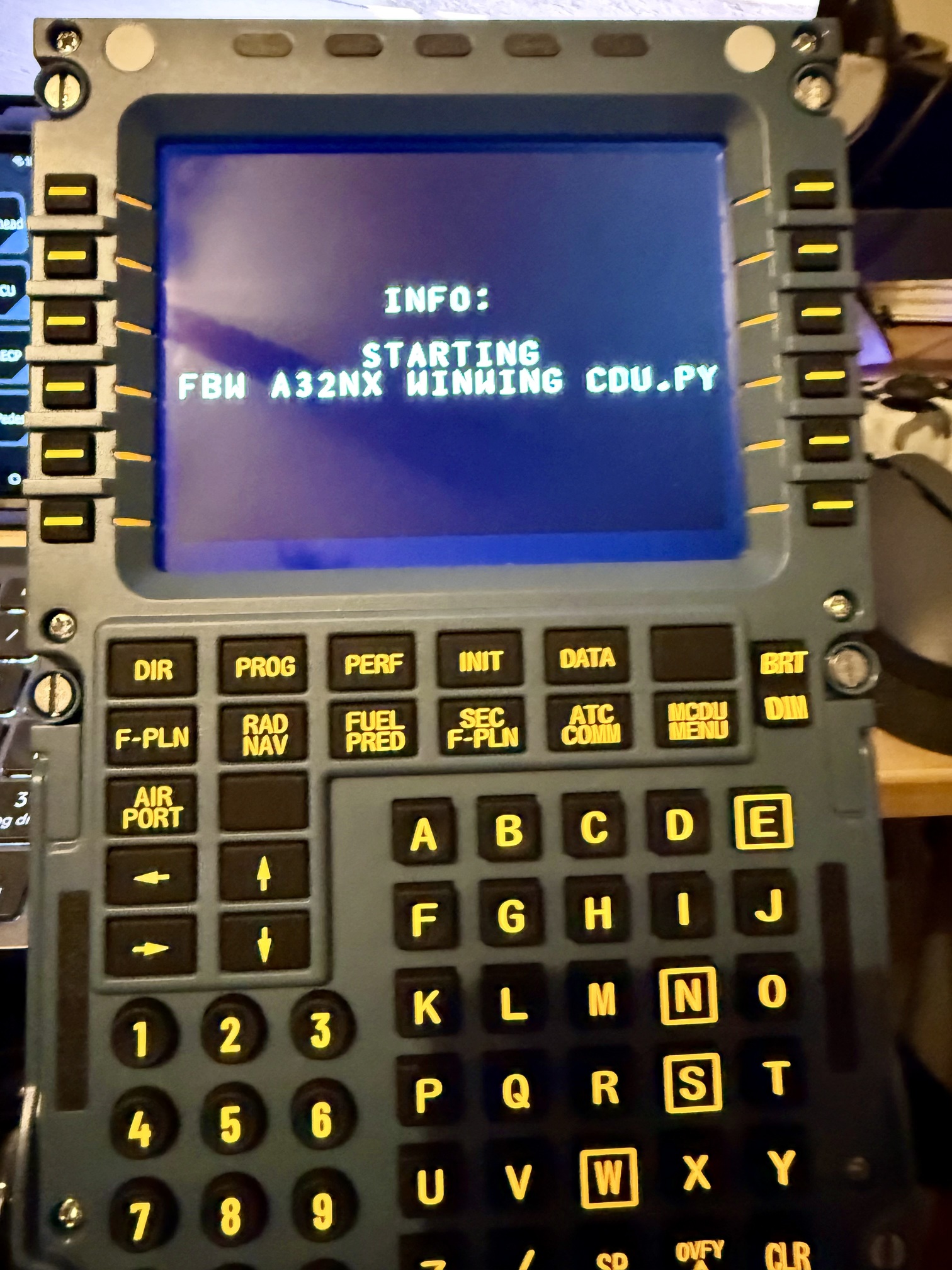
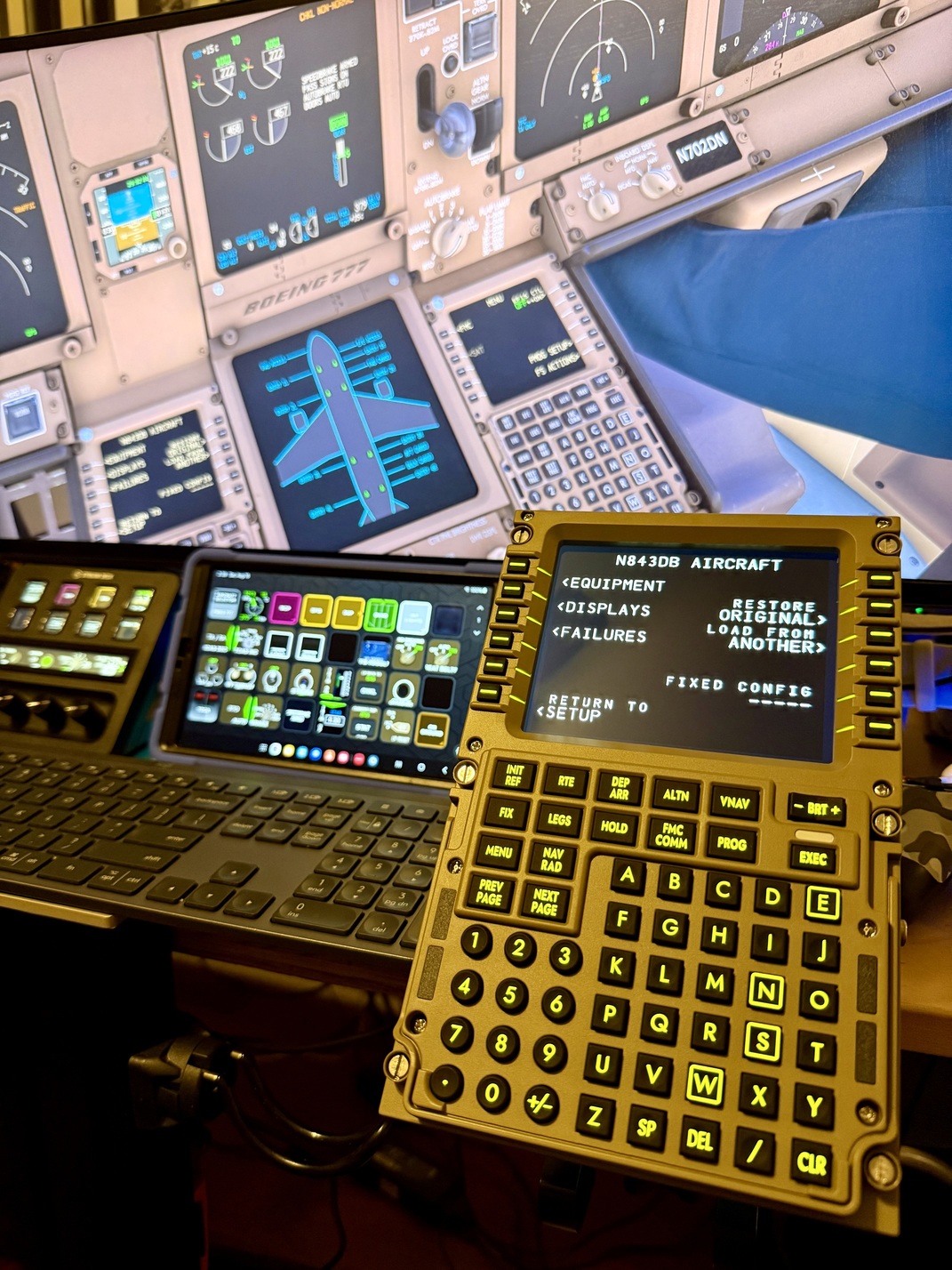
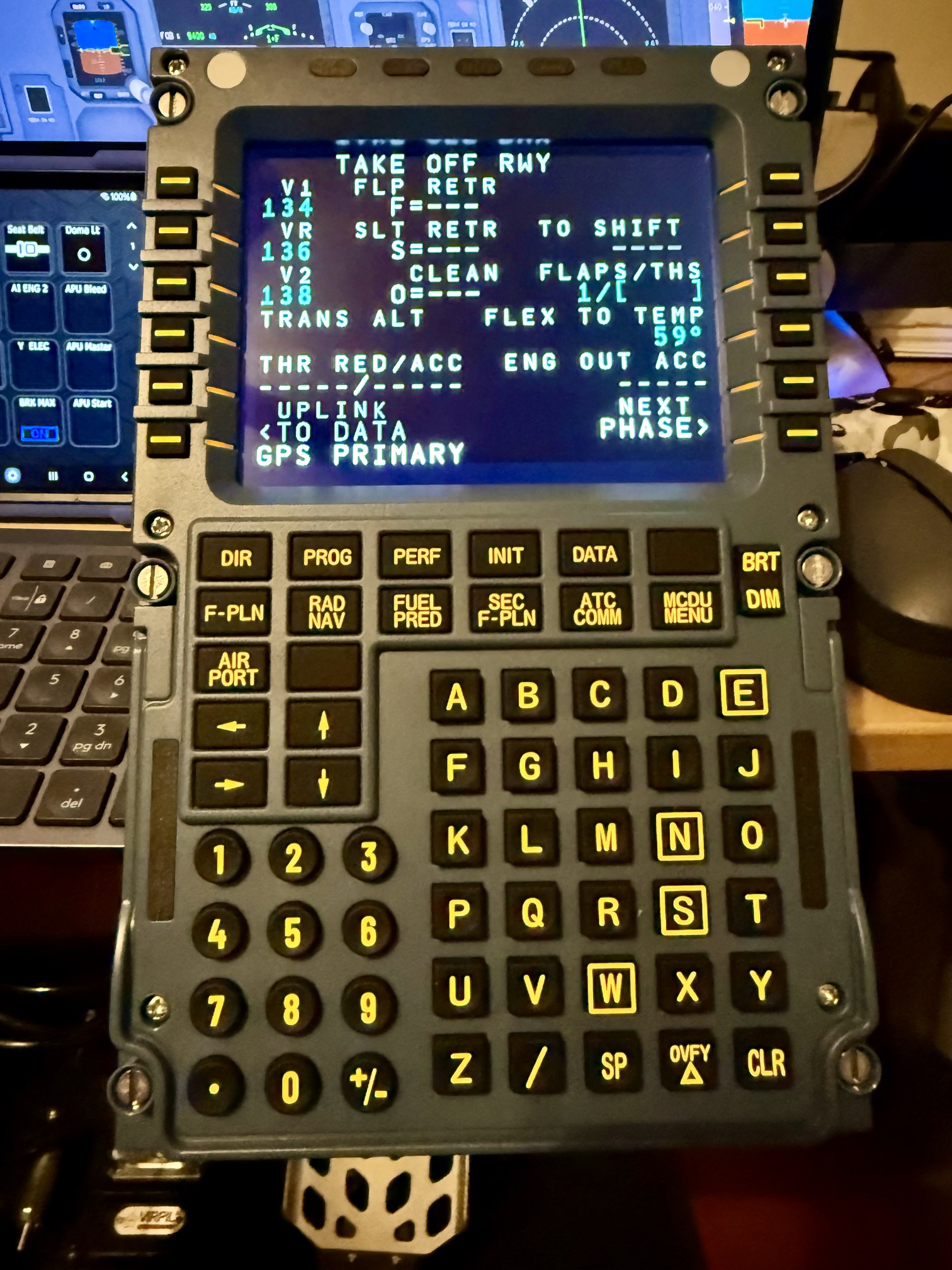
 )
) ) that the WinWing panels show up just like any other controller and that the buttons can be mapped to commands in DCS. Like TAS says, still investigating how to get the display out.