That would be something to see! 

1 Like
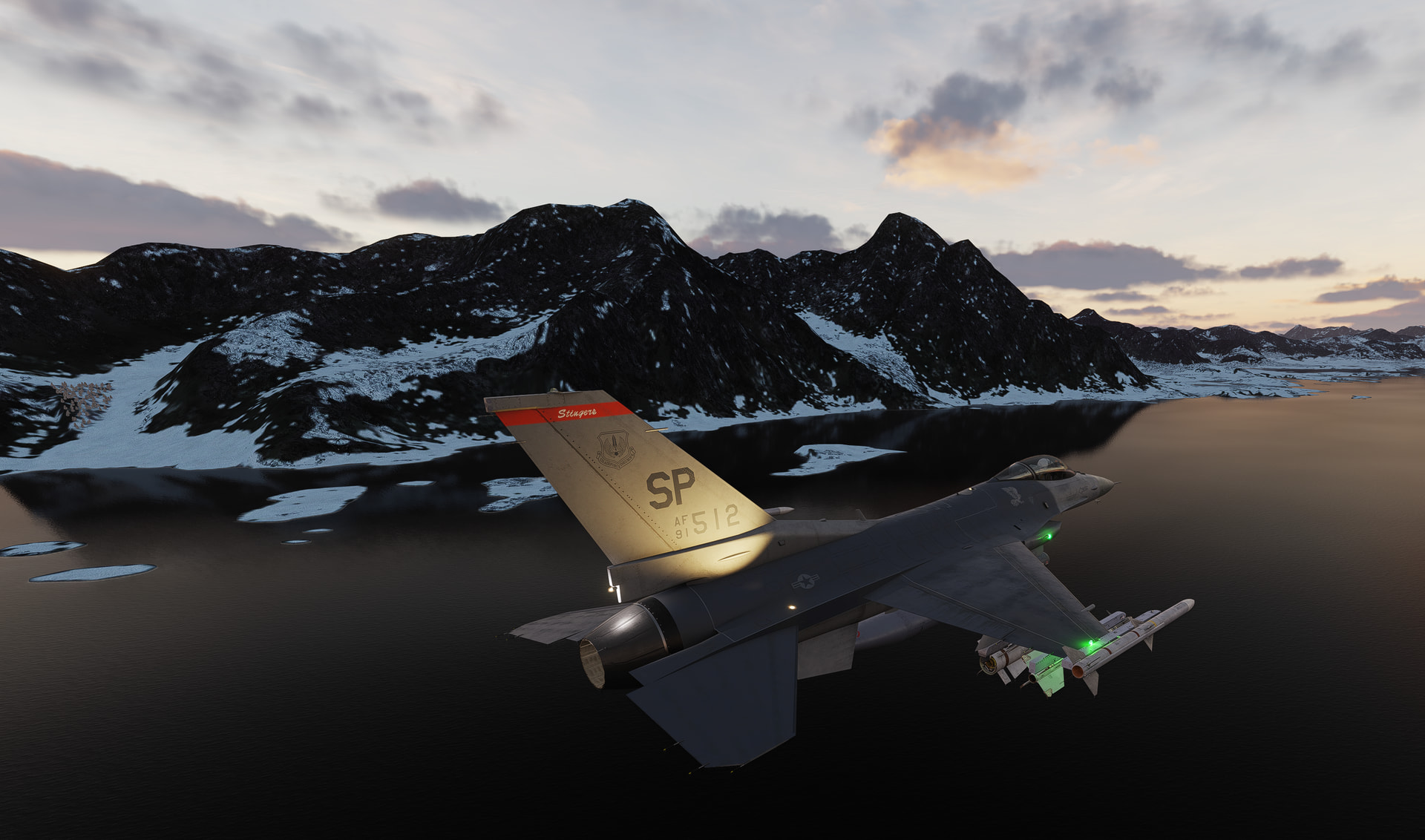
I put Kola on as a trial as why not, but it looks like DCS Store Sale ends here for those watching at home:
E-Shop: April 5, 2026 at 15:00 GMT
2026-04-05T15:00:00Z
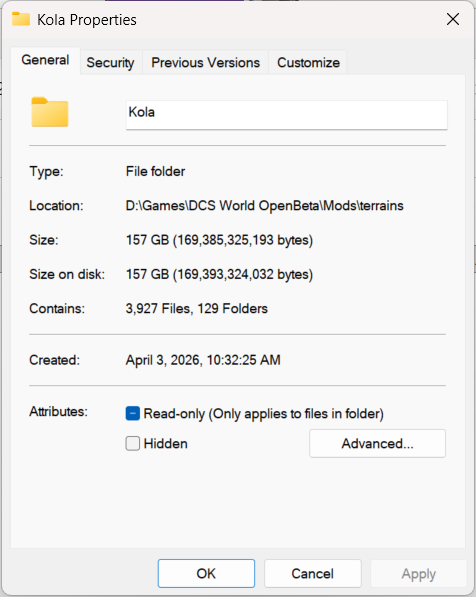
EDIT: 170 GB of tundra. Jeez.
3 Likes
I always spawn hot, hmm any chance your gun ammo slider is zero’d out?
I think this is the full installation of DCSW. The actual install is more like 60gb IIRC.

6 Likes
I’ll be on my balcony, camera ready…
3 Likes
Eep… you are correct… I have been bamboozled.
I will have to swap out CW Germany to make space for Kola (but I have all the files backed up so it shouldn’t take long)… That and learn/git gud in the chook!
Speaking of ‘learning’. Newb questions (first of probably many):
When I spawned yesterday, it was straight into the pilots seat. How do I get to the loadout screen, and how do I load cargo?
Also, are we restricted to vanilla liveries or can we roll our own?
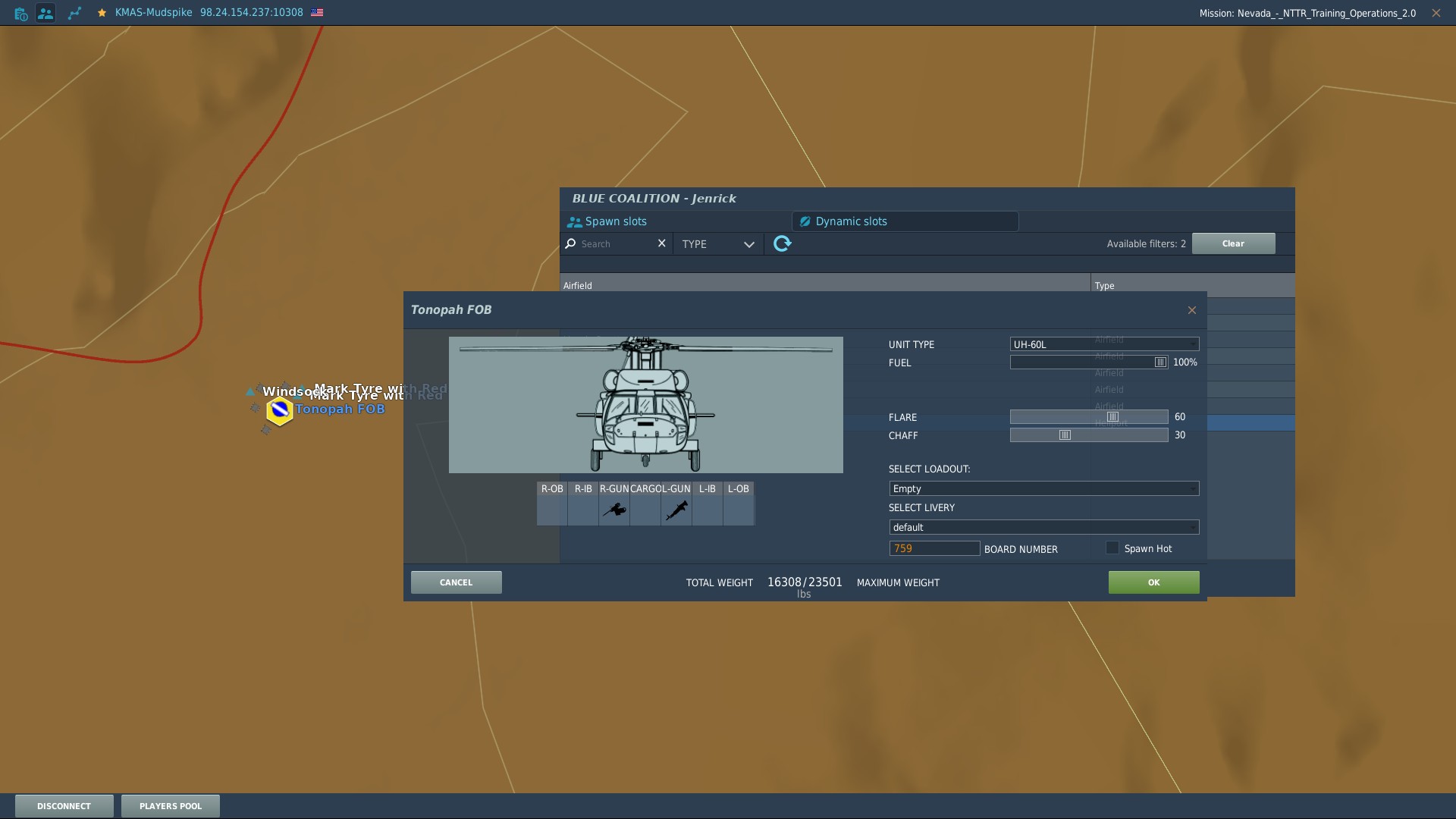
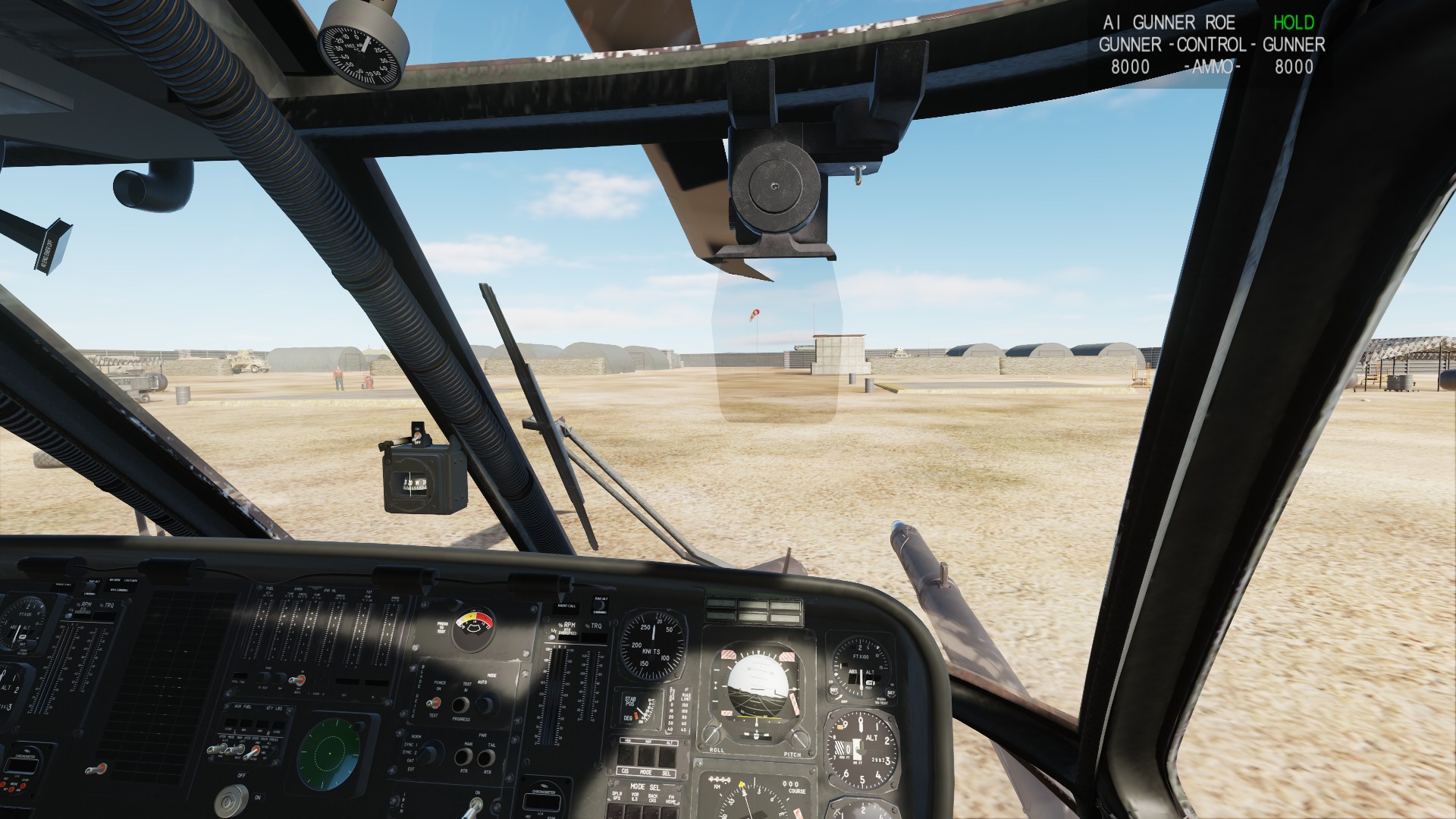
Okay, I checked a couple different spawn options in NTTR. Nellis does NOT have the “gunners” option, they show up grey’ed out. Tonopah FOB had them for both the L and the DAP.
L with mixed gunners
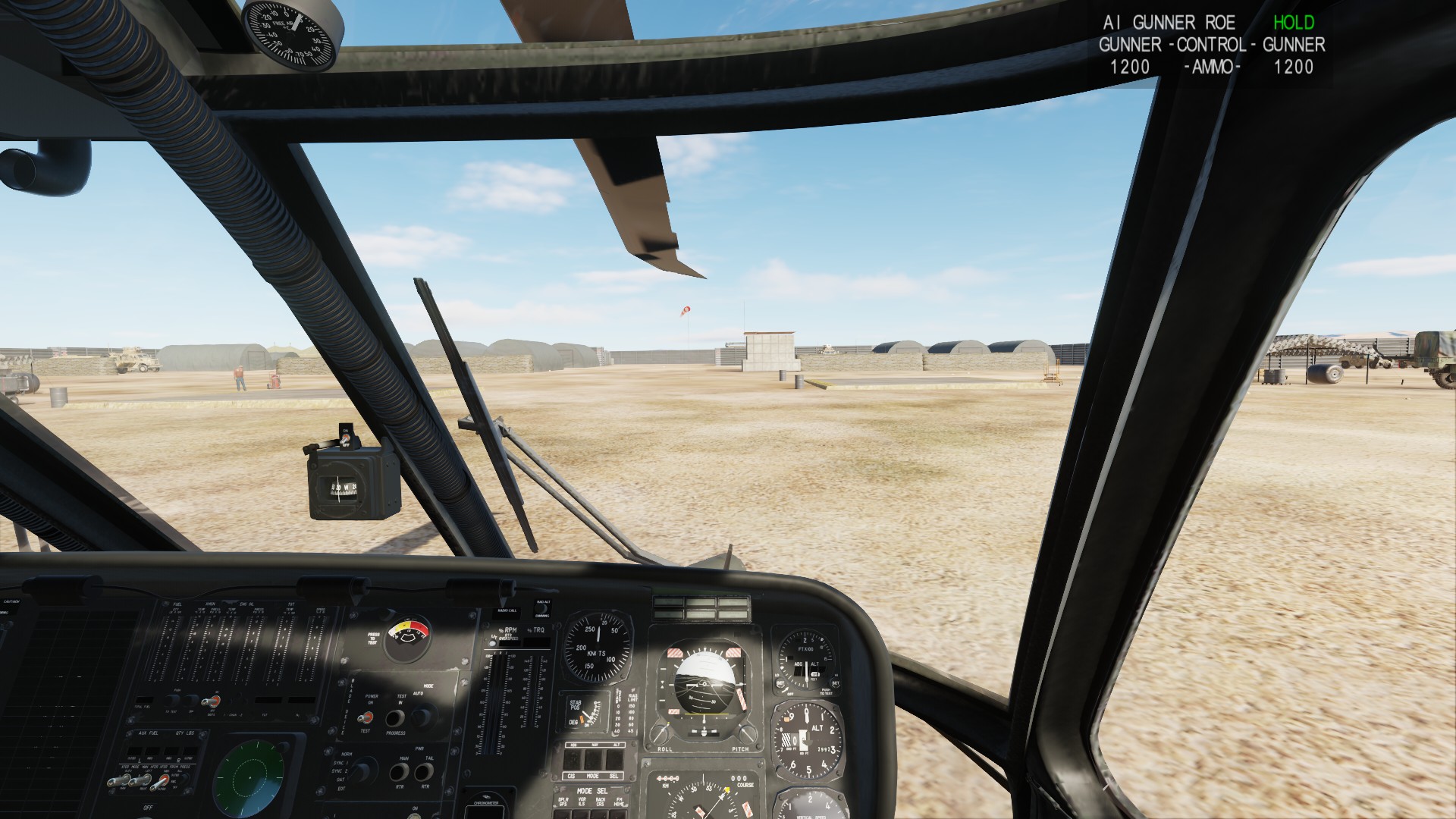
DAP with dual 134’s on the doors
Make sure to pick “Dynamic Spawn”
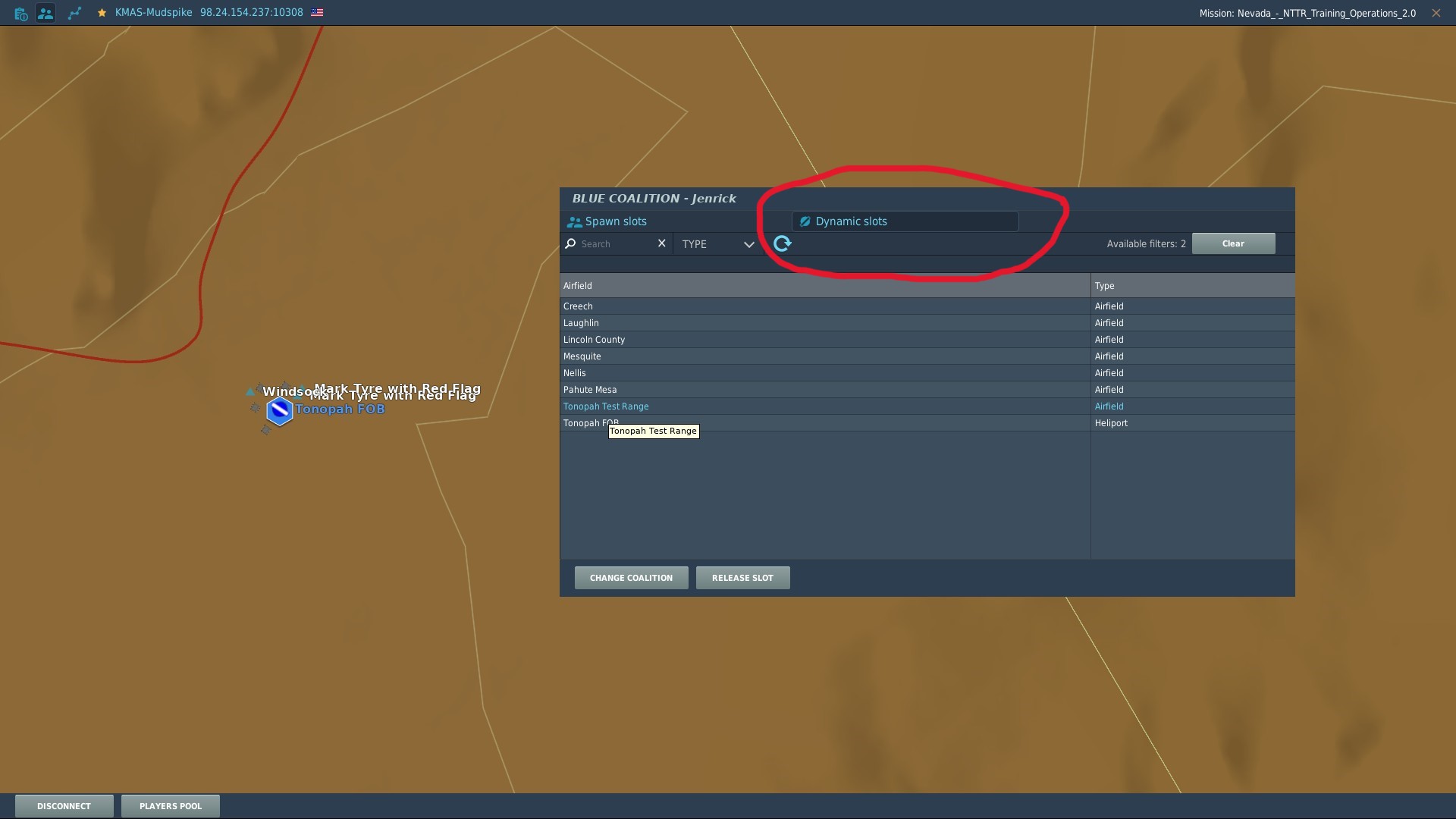
Then pick your location from there. Be aware some locations won’t let you spawn all platforms (even it would make perfect sense to be able to launch a C-130 from a 5000’ runway for example).
Once you select your spawn location you’ll get the loadout editor, the first pic in this post shows that. Make sure to check the “spawn hot” box in the bottom left if you don’t want a cold dark bird. You will spawn in parking, so make sure you have bindings to be able to taxi. Liveries, not sure I’ll let someone else handle that.
In foothold, each enenmy location will be assigned a number, and you’ll have a default flight plan that has all the waypoints already entered in it. Certain platforms can’t count too high, so if you want a custom flight plan that will be loaded into your bird go to the route editor (circled top left).
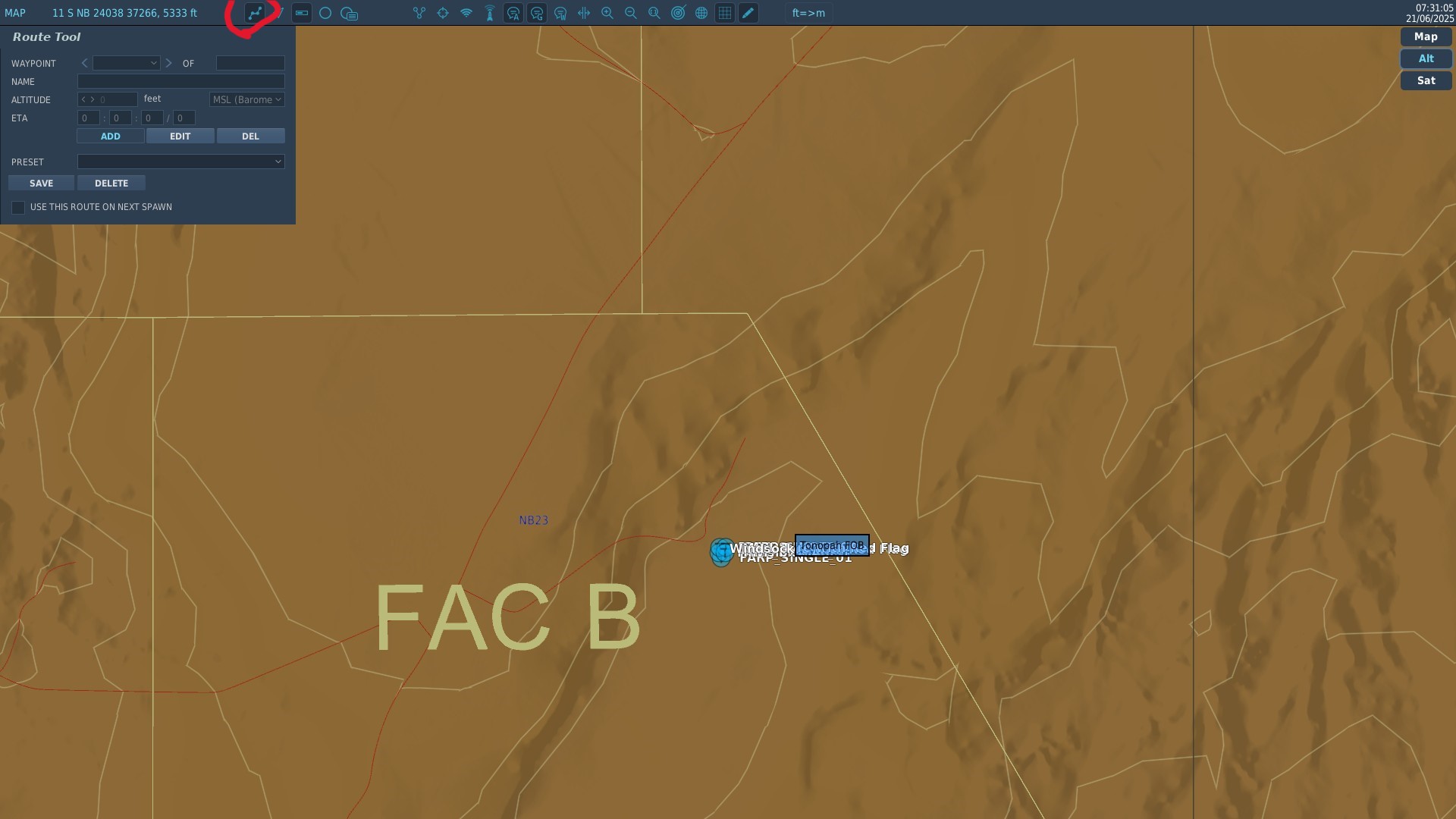
Works just like the default DCS mission editor in terms of placing waypoints, though you can’t set a speed just an ETA.
Far as I know if you use a custom livery that someone else doesn’t have you just appear as a default livery to them.
Via the radio menu, right now we don’t have a foothold mission up, so no screenshots sorry.
Other->Logistics then you’ll have a couple different options.
CTLD this is used for spawning troops and crates for things like SAM’s, ammo trucks, artillery and FARP’s. Once we get a foothold mission up, I’ll put a new post up with screen shots on how to use it (been meaning to do that since the PG mission). Basically, we can spend blue side points (that we all earn together) here to get player placeable assets that help us. The weight and number of crates (or troops) is fixed. So, a CH-47 can take an entire FARP load (4 crates) in one go, where the UH-1 is going to be taking each crate individually due to size and weight (might be able to sling load a 2nd crate, not sure on the weight). Once we’re up and running on a Foothold mission, I’ll add in specifics on how it all works.
Warehouse supply is used to provide munitions to a fixed site like an airbase or pre-existing FOB, or to a player placed FARP. There are a variety of different choices like 10 of Everything, 10 Rockets, etc. You have to have base of some kind to drop them off at to resupply them. The weight of these items is fixed, so a 10 of everything crate is something like 7700 lbs, while a 10 rocket crate is less (don’t recall that one off the top of my head).
Zone supply is how you capture and upgrade zones. Whenever we kill all the important REDFOR units, the zone (airbase, FARP, possibly even just a random piece of land) will go “neutral.” At that point whoever gets a crate of zone supplies to the zone first will own it. There WILL be a REDFOR Mi-8 with a slung crate headed towards any zone we turned neutral, the question is just how long we have till it lands. Zone crates are sized differently depending on what aircraft you’re flying. A zone crate in the Huey weights less and is physically smaller than a zone crate for the C-130, but they have the same effect. The idea is to allow any logistics player to capture a zone pretty much regardless of the platform their flying. All helos besides the AH-64, Ka-50, and OH-58 can now carry zone supplies I believe.
A zone crate once unloaded/unhooked (safely) into the boundary of the zone will “capture” the zone for blue. After that, when you look at the map you’ll see a “1/3” or similar notation, indicating the zone can be upgraded. Upgrades add things like air defense units, armored unit for security, etc. For each upgrade it requires 1 zone supply crate. A CH-47 slightly above it’s rated weight can haul 3 zone supply crates, allowing it to capture and upgrade a zone to a 3 in one go.
Additionally, zone supply crates are worth 30 of every munition and can be used to resupply player placed FARPs. It’s definitely unbalancing to be able to bring a Huey in with 1 crate of zone supplies, that provides the equivalent of 3 warehouse supply “10 of Everything crates” that it can’t even carry 1 of.
3 Likes
As a child of the 60’s who reached adulthood in the eighties, I like the old stuff. And the mere existence of new stuff with new-stuff capabilities (Fox 3, long range Anti-SAM, radar hellfires) makes flying old stuff dull. But that’s me. DCS is for everyone. I am reminded often that…I am not.
2 Likes
Thanks heaps. Now to get some learnin’ done… Starting with the CH-47 thread here.
1 Like
That was it. I tried Tonopah Heliport and everything worked as it should. We are blazing!
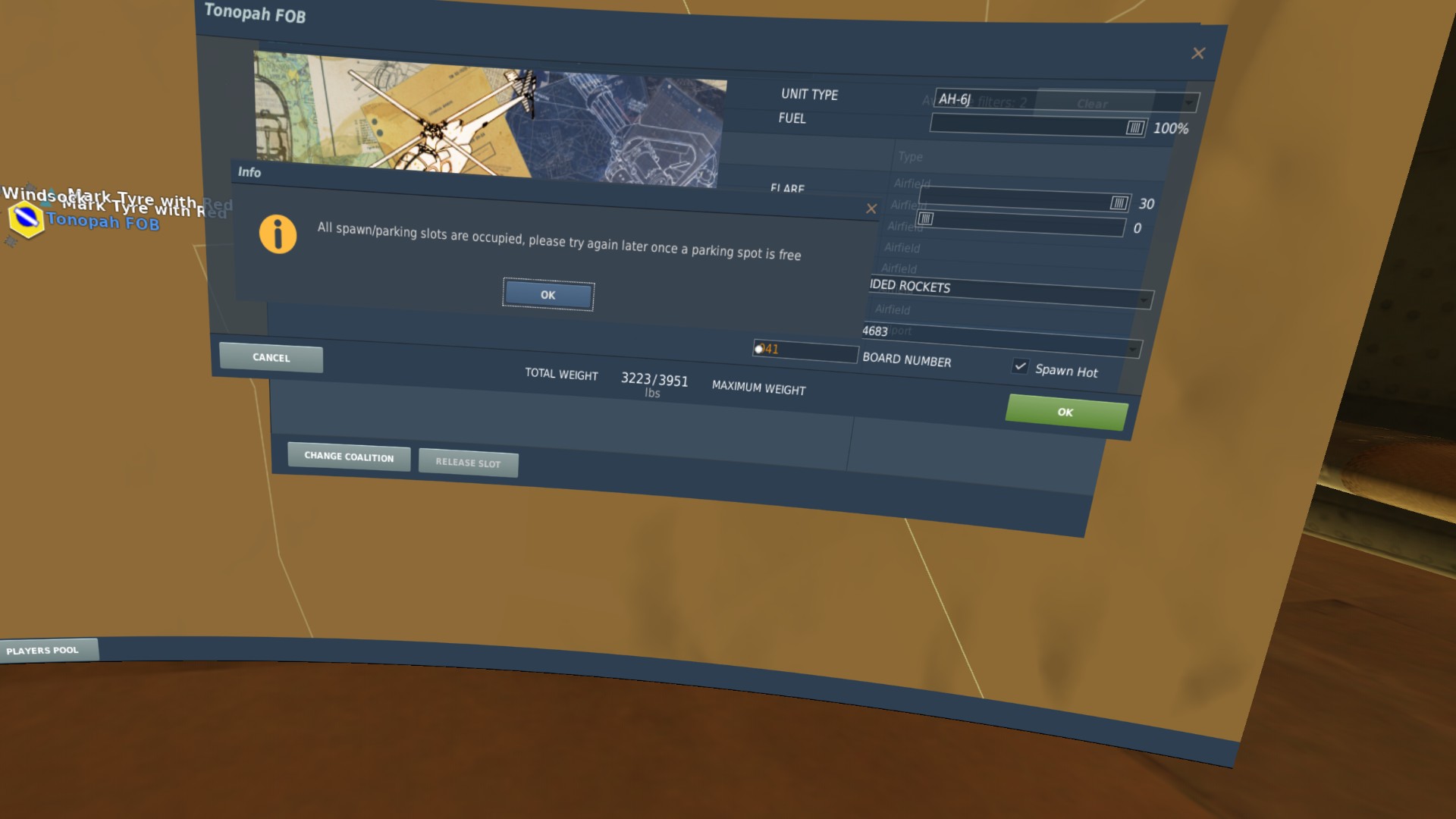
This is not a deal breaker, but would sure be nice to have. At both Nellis and Tonopah, I was thrilled to see that the AH-6J is available. But when I tried to spawn, I received a no spawn spots available message. If anyone needs the mod, shoot me a PM.
2 Likes
Same, I resorted to practice it offline.
Final settings are being made. Server is down at the moment while I make some tweaks to Kola and I will post the configuration shortly.
Time now is 1000 Eastern / 1400 UTC …Foothold Kola should be up by 1100/1500 today.
3 Likes
Yah!
1 Like
If I remember correctly if you use the Insert Date / Time feature it automagically shows everyone their local time.
2026-04-04T15:30:00Z→2026-04-04T17:00:00Z
Wheels
4 Likes