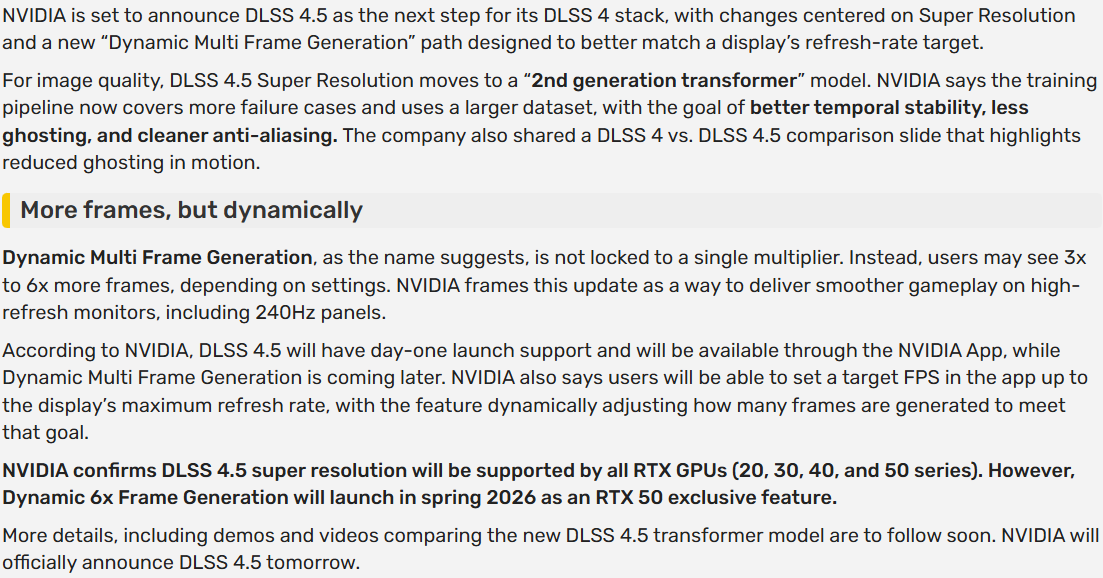
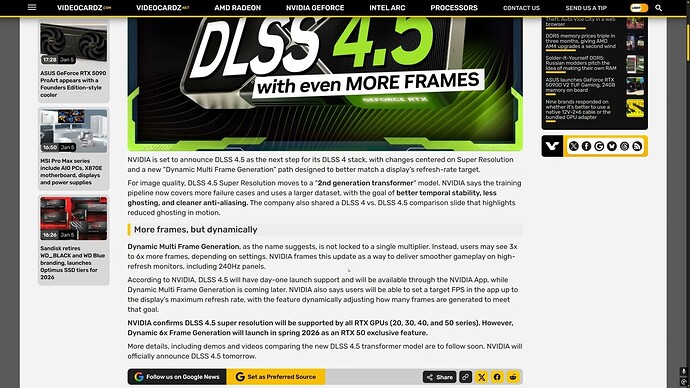
Frame Gen: my thoughts on this will be [up to!] 6X more skeptical than the OEM version (for what I do anyway) 
I’d like to be surprised, but I’ve been around…
Released: GeForce Game Ready Driver 591.74 | Windows 11 | NVIDIA Driver Details | NVIDIA
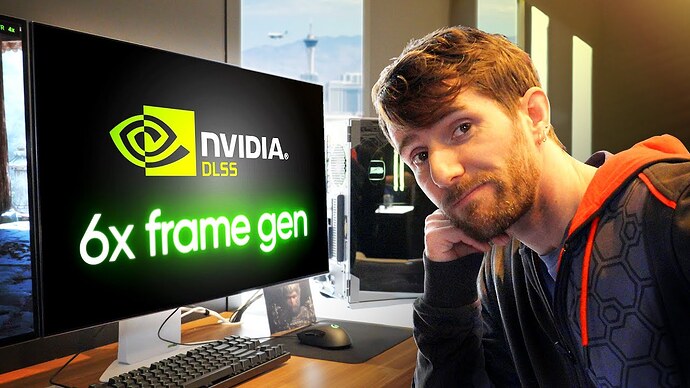
Will this reduce the ghosting in DCS? My experience has been that DLSS gives very steady frame rates and reduces shimmering significantly compared to MSAA, but at the expense of heavy ghosting on moving objects like aircraft and helicopter rotor blades.
What’s the phrase, “You can check out any time you like, but you can never leave.”
There are ways to reduce it, mostly dependant on what profile you pick. But no, I don’t think that it ever goes away. Sure saves fps though. Like making a deal with the devil.
Seems like it, check this timestamp:
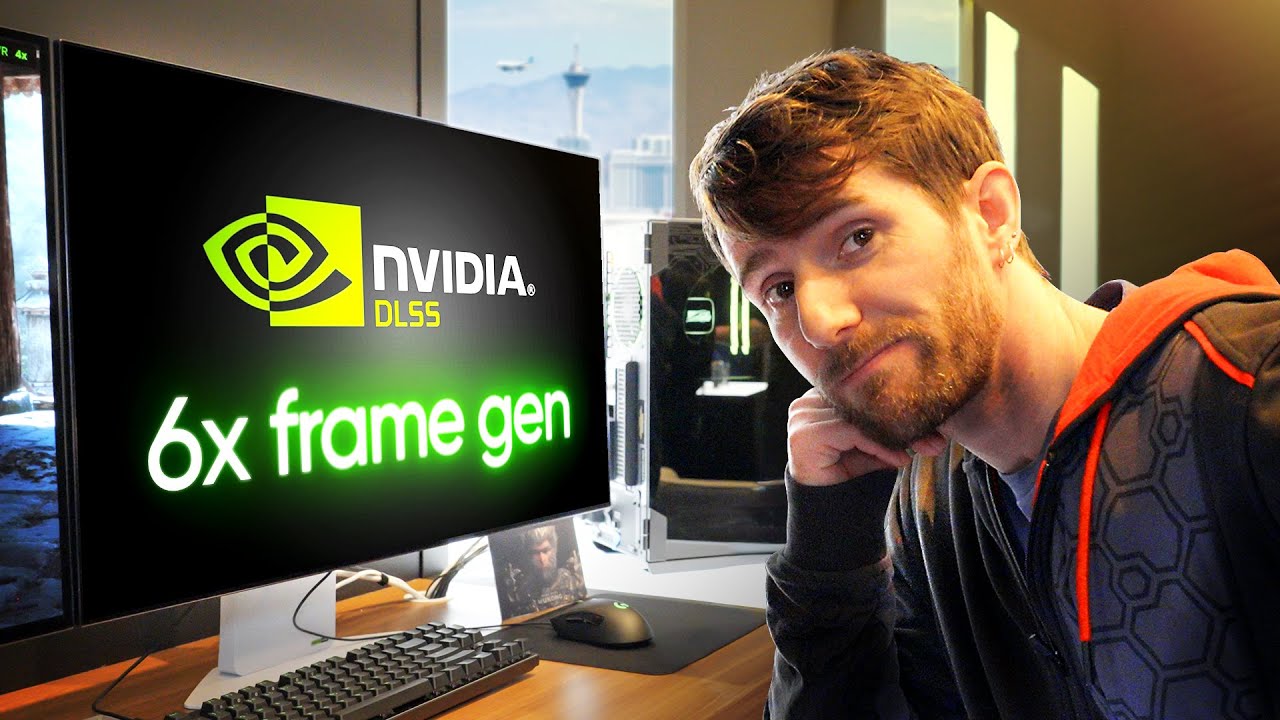
Noice. I’ll definitely give it a whirl.
Ok, so the bit at the beginning, roughy, “…it only does Frame-Gen when it needs too…”. That’s sounds okay.
Lots of good info in that. Thanks for posting. Interesting that VR Flight SIm Guy says to use DLSS Swapper, but the version difference seals the deal for the Nvidia app, IMHO.
I didn’t use DLSS Swapper, just updated via the Nvidia app to the latest version and made sure it was set to use the ‘latest’ preset, per the guides. L and M presets were not listed, strangely (which seems correct, but disconcerting).
Only had time for a brief whirl in DCS but the ghosting does seem vastly reduced! Not gone, but better.
Now, next thing to tackle is some micro stutter when turning or looking at the 3 and 9 that started happening to me a month or so ago. There’s always something…
Thanks for the info.
How about the frames? Similar to the old version with all other settings equal?
I will chime in with my experience. Flying the M2C vs MiG21 was beautiful over Marianas. There was some added stability and no ghosting. Then I switched into the Corsair over WW2 Marianas and flew against the 190. Lots of ghosting. So i guess it depends… My frames are locked in at 60fps. I flew all this in VR.
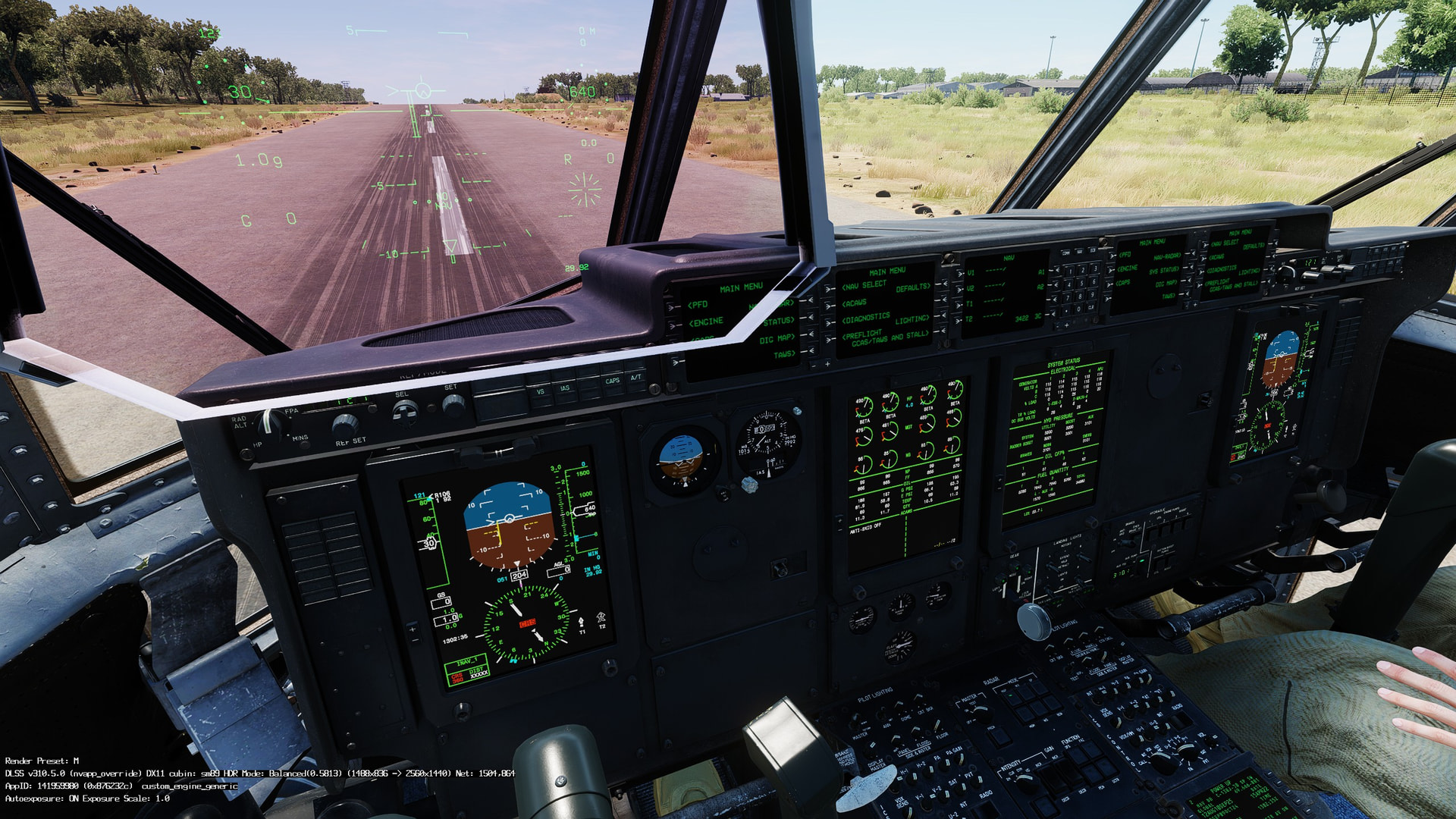
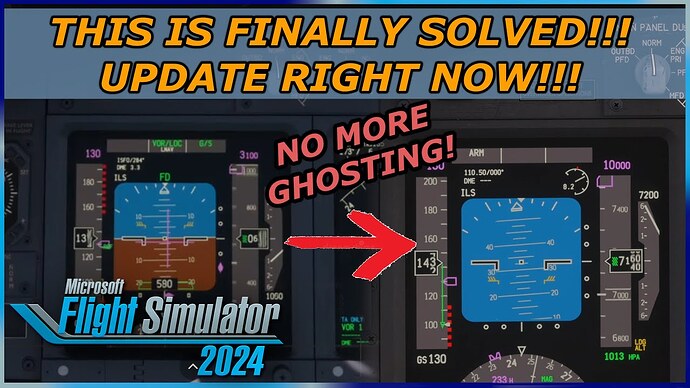
Last night, I uninstalled DLSS Swapper after reverting all applicable sims to their native version of DLSS, then updated them using the Nvidia app. Even though I didn’t check the beta box as recommended, enabling the DLSS status display showed that I have version 310.50 with the M preset. I checked DCS, FS2020, and FS2024 and they all showed the same DLSS version. So, IMHO, the Nvidia app is the way to go, no beta version needed.
2 Likes
I am just a little wary about Nvidia- after all the sith they are pushing and previous drivers that melted cards… 
If there’s no issues reported I guess I’ll update too.
More data (hopefully useful)
Yeah, I’m waiting a little while too. I turned DLSS off a while back. It seems to be an addmission that “We can’t get past the physics so…’hey marketing department, get on it!’”.
My $.02.
In VR, both in DCS and MSFS, it consistently adds like 10+ FPS, which has a meaningful impact on smoothness. So, I’ve been tolerating ghosting. But now, with ghosting reduced, it really makes sense.
And for a stark comparison, check out a sim that doesn’t support DLSS, like X-Plane, in VR. That is, unless you lower your settings quite a bit. And doing that is a pain, since XP doesn’t support graphic settings profiles. Granted, it does allow switching in and out of VR without restarting the sim, something that I wish DCS had.
Good to hear. I haven’t had a chance to try it yet.