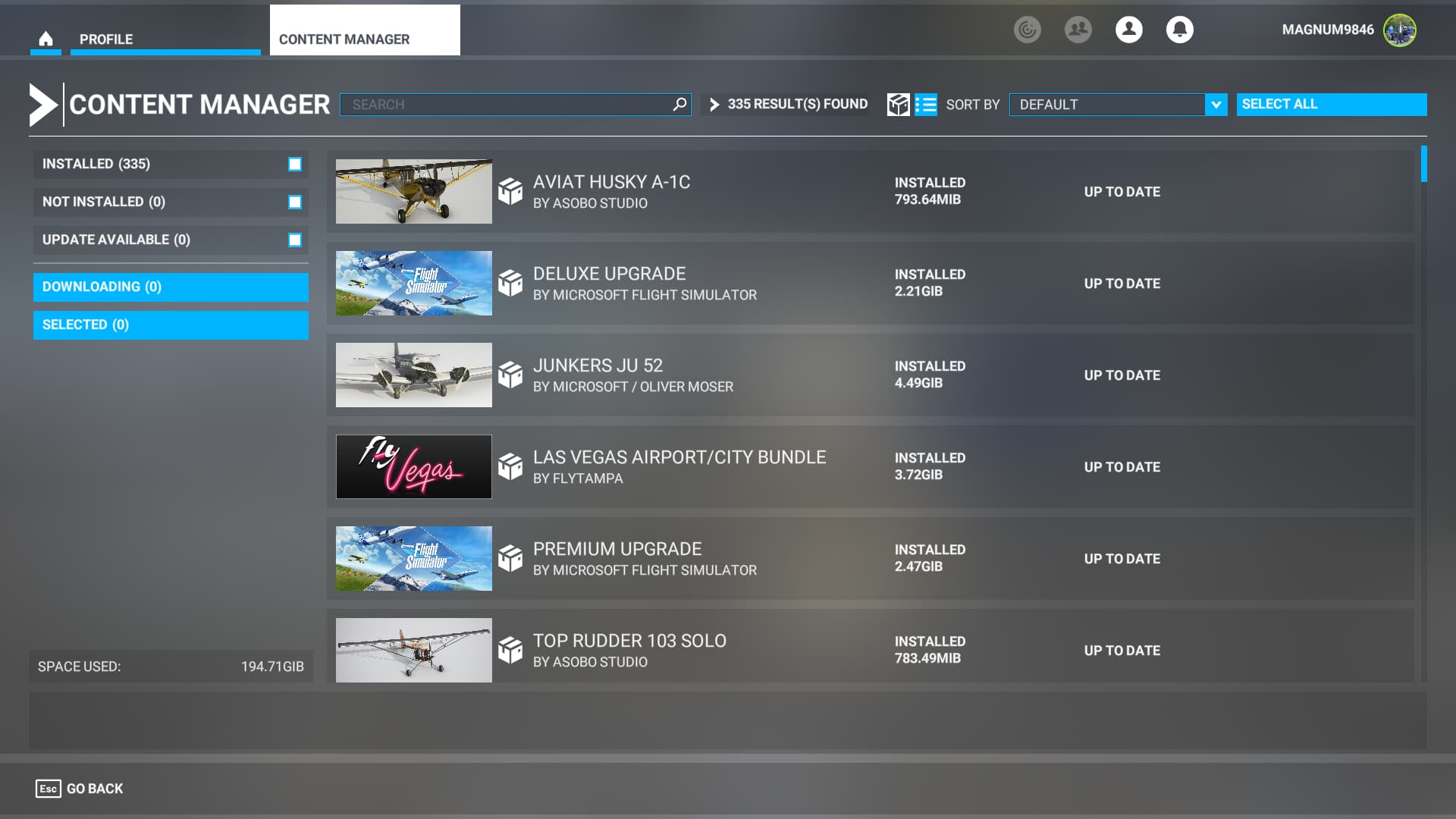
Everything was working fine with MSFS, including the nearly 300 add-ons all bought or free and installed in game via the market place… then yesterday I was checking the installation tab when I had 3 updates, so I selected them and installed… during one of the installs the game CTD.
I can now load it up in safe mode, but not normal mode, CTD every time. It never said what 3 add-ons were being updated so is there a way to find out so I can remove that one add-on?
I don’t think there’s a smart way to do this unfortunately. If you didn’t see the what got updated then I don’t think you can sort Marketplace updates in update order. The only two things come to mind:
Microsoft sort of dictates everything has to go in the Windows Event Log for load errors rather than a decent log text file. You might see a clue in there, although it isn’t that likely.
The weekly dev updates say which Marketplace add-on has been updated. If you check the ‘Updated for PC’ section (example below) then you might spot one you own that got updated. If it’s been a while since you updated then you might need to check back a few.