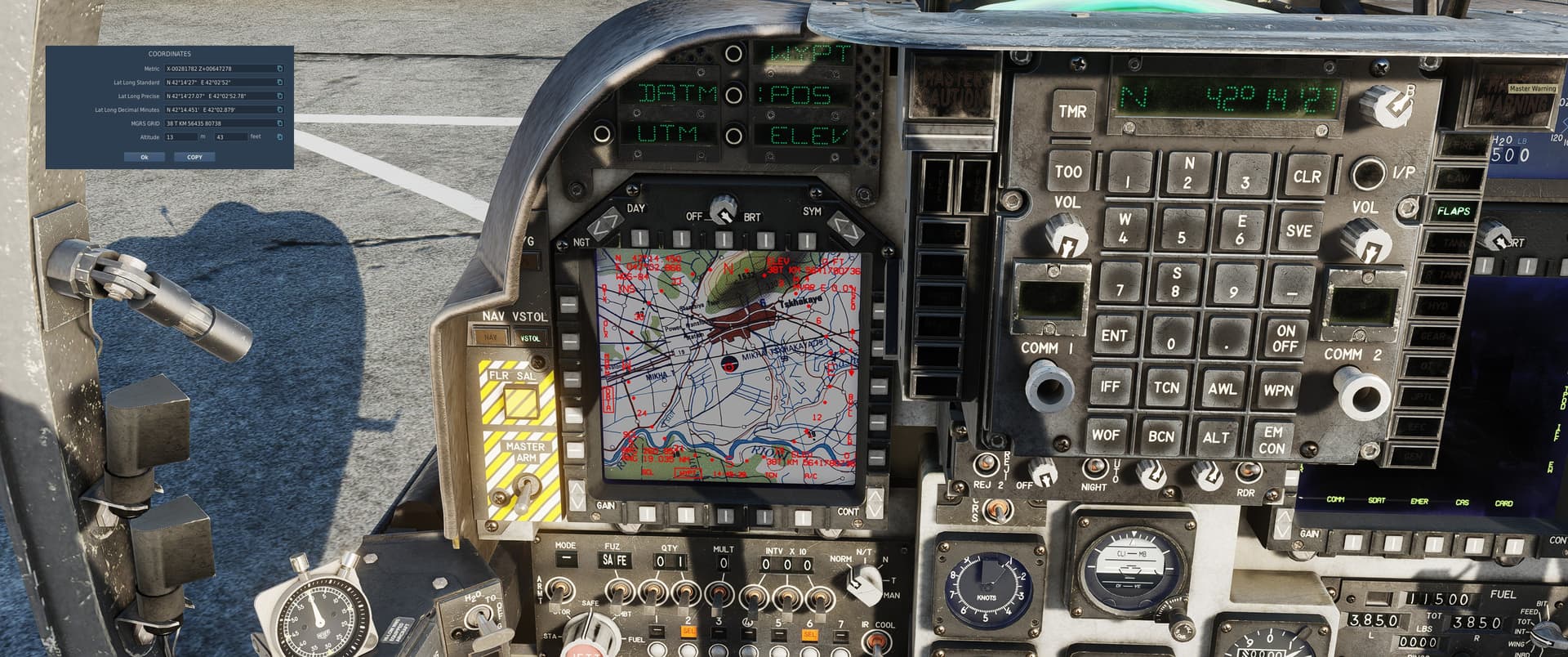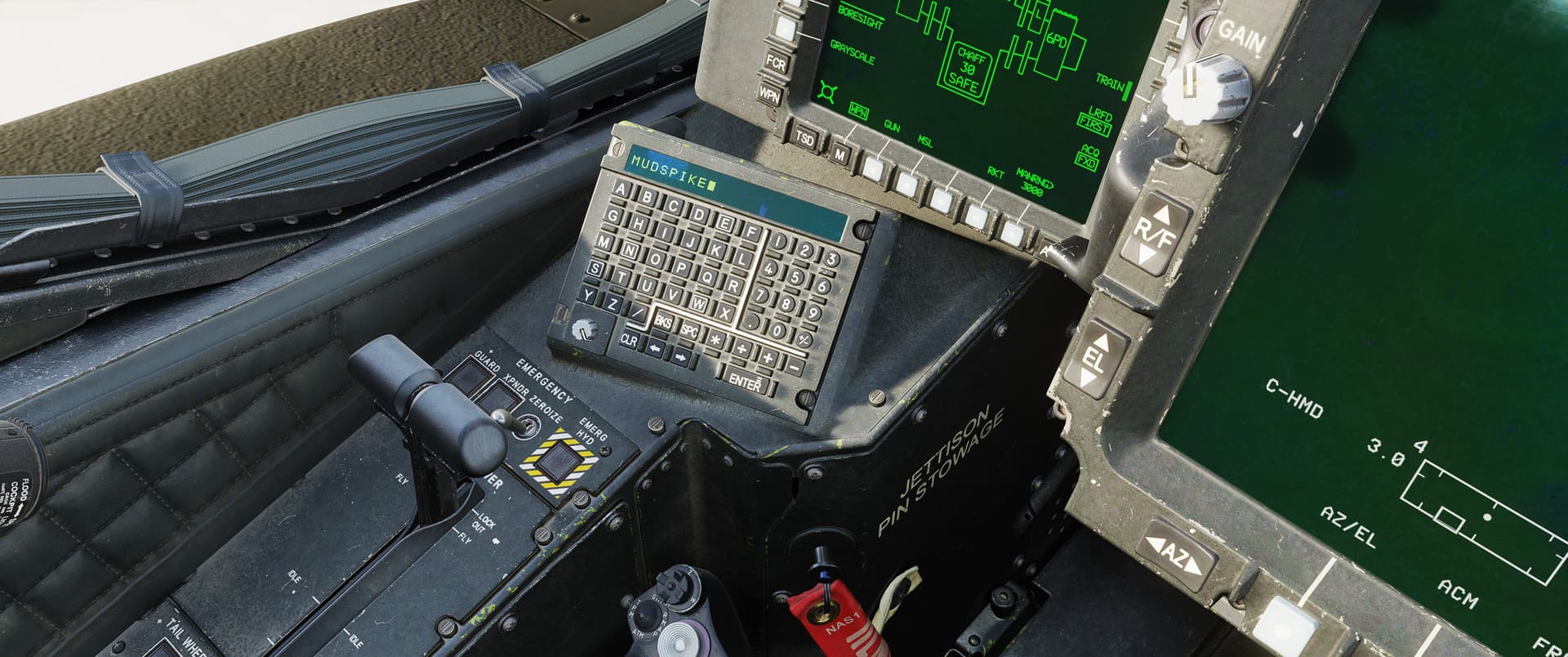
Inputting data into our DCS aircraft by mouseclicking the buttons can be a bit tedious. Oftentimes, they have shortcuts that involve holding down several modifiers such as LCTRL + LALT. This means two hands are still needed and this could still be seen as unergonomic. Today I wanted to share my tip of setting up a switch modifier for this in DCS. By doing so, you can press this button once and then let go. Then you can do all the typing you want using your keyboard. When you’re done typing, you can press the button again and your keyboard functions will revert to normal.
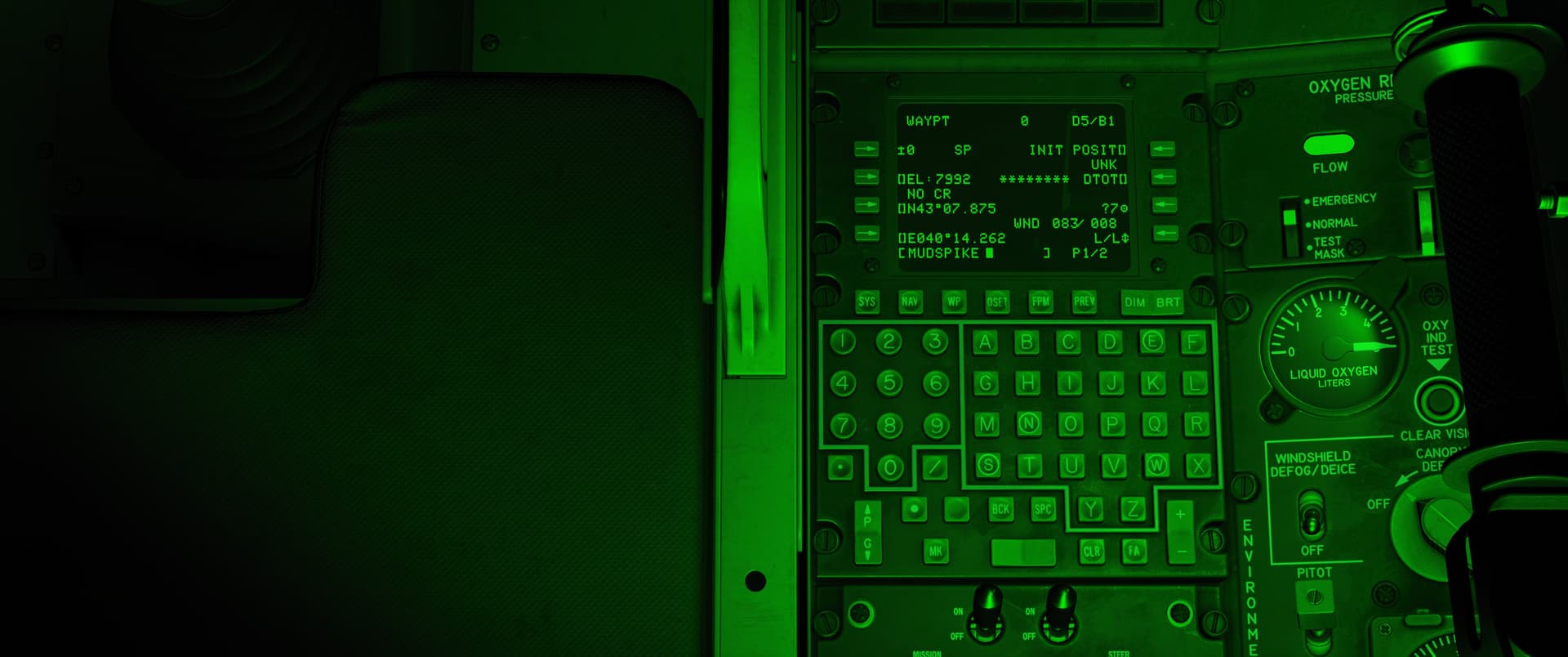
Allow me to show you how to set it up if you’re interested.
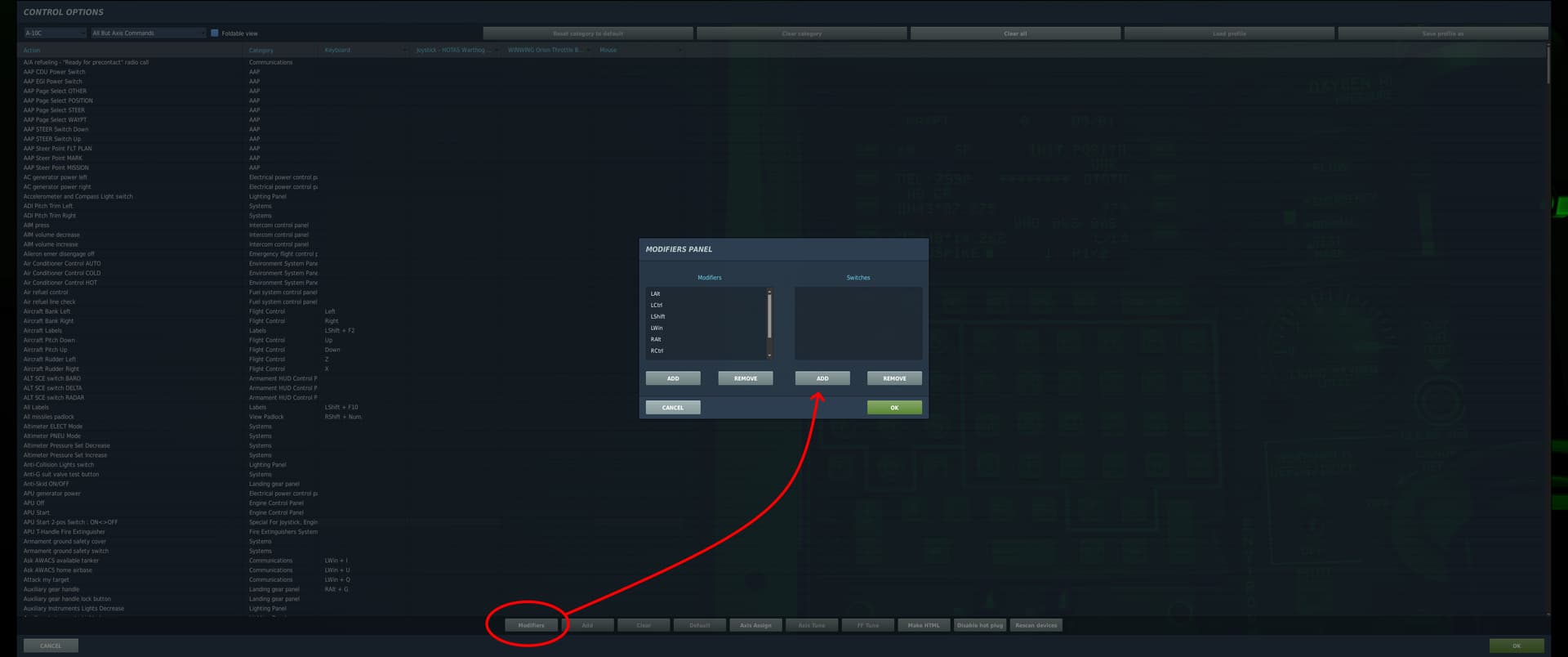
In the bottom of the controls menu, you’ll find the modifiers button. Pressing there will take you to the menu as shown. Here you are presented with two sides. Modifiers are things you would need to hold down to work, but switches are something that will remain active until pressed again. Let’s press ADD for a switch here.
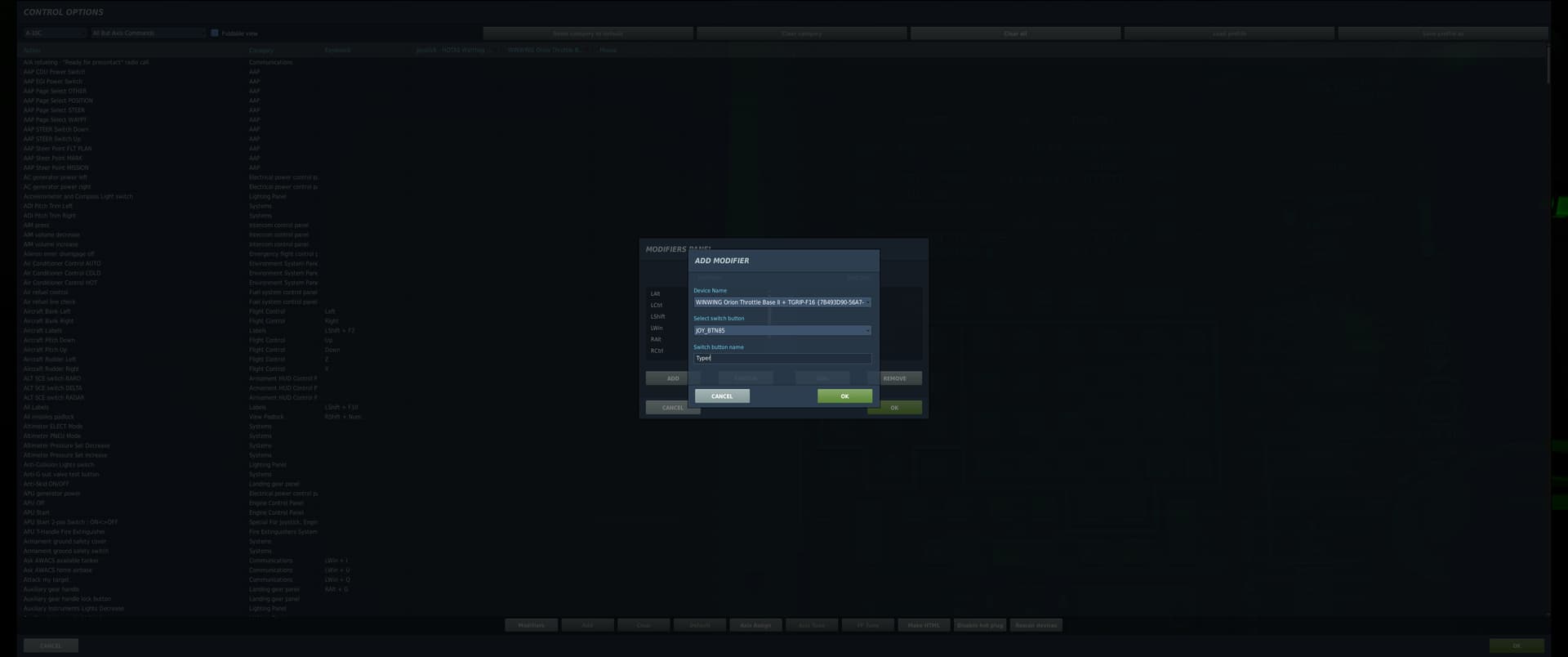
You can set up a button here that you would like act as your switch. It can even be on the keyboard if you prefer. In my case, it is set to push-down of the JHMCS Brightness knob of my Orion 2 throttle. Something that is rarely used for actual control. The name will default to the button but you can give a custom name. I prefer to do that so I can easily recognize that it is a switch/modifier instead of JOY_BTN85 or something like that. Now, for the unfortunately tedious part (the last time it will be tedious, I promise!)
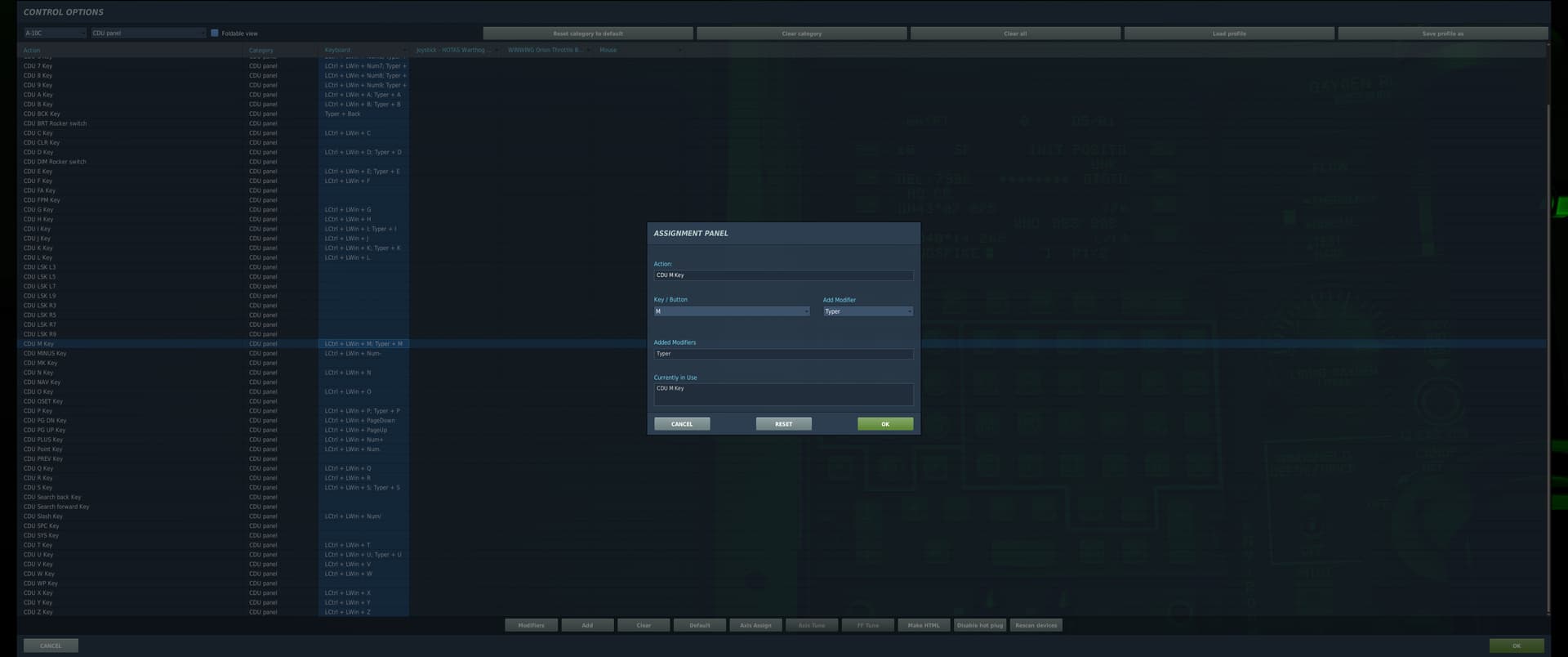
You should go into controls and find the keyboard keys for your avionic. Then for each one of them (yeah…) you should open it, press your switch/modifier button and then the corresponding key. Do it for all and save them all.
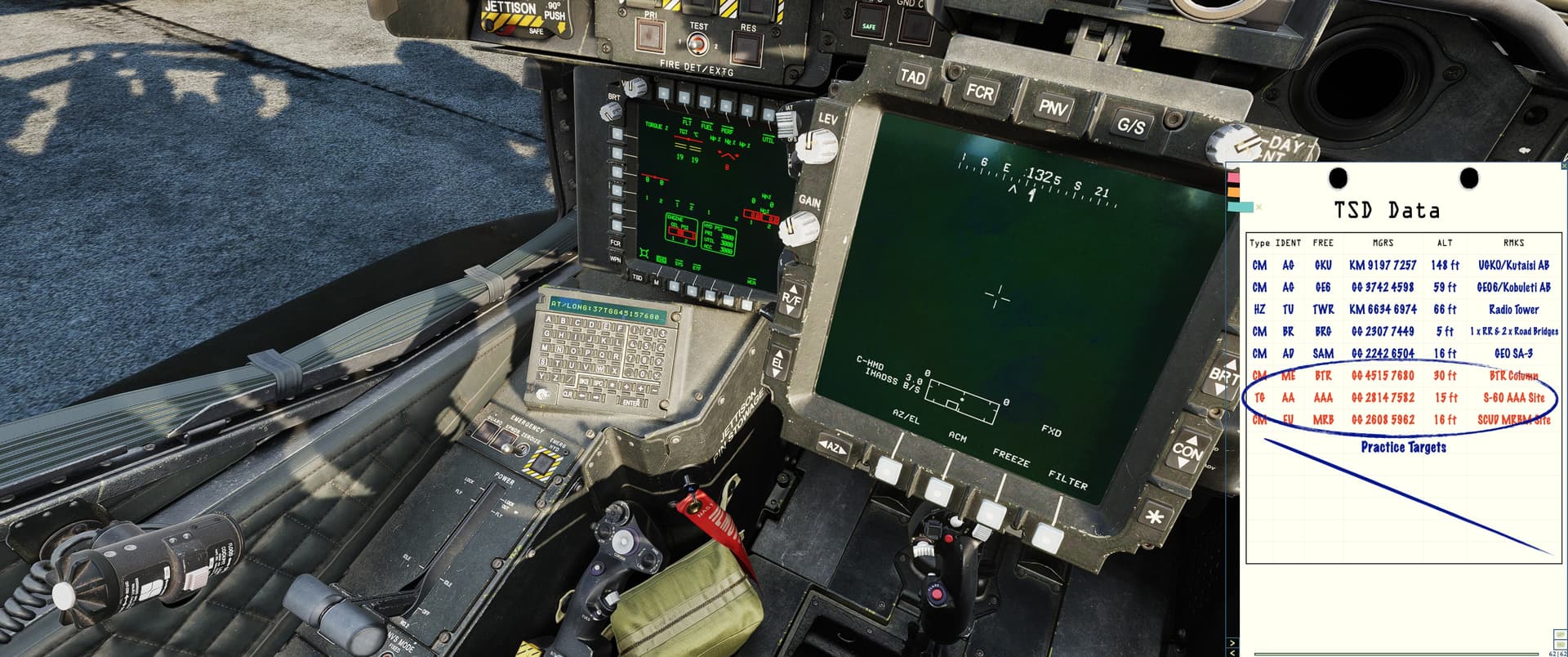
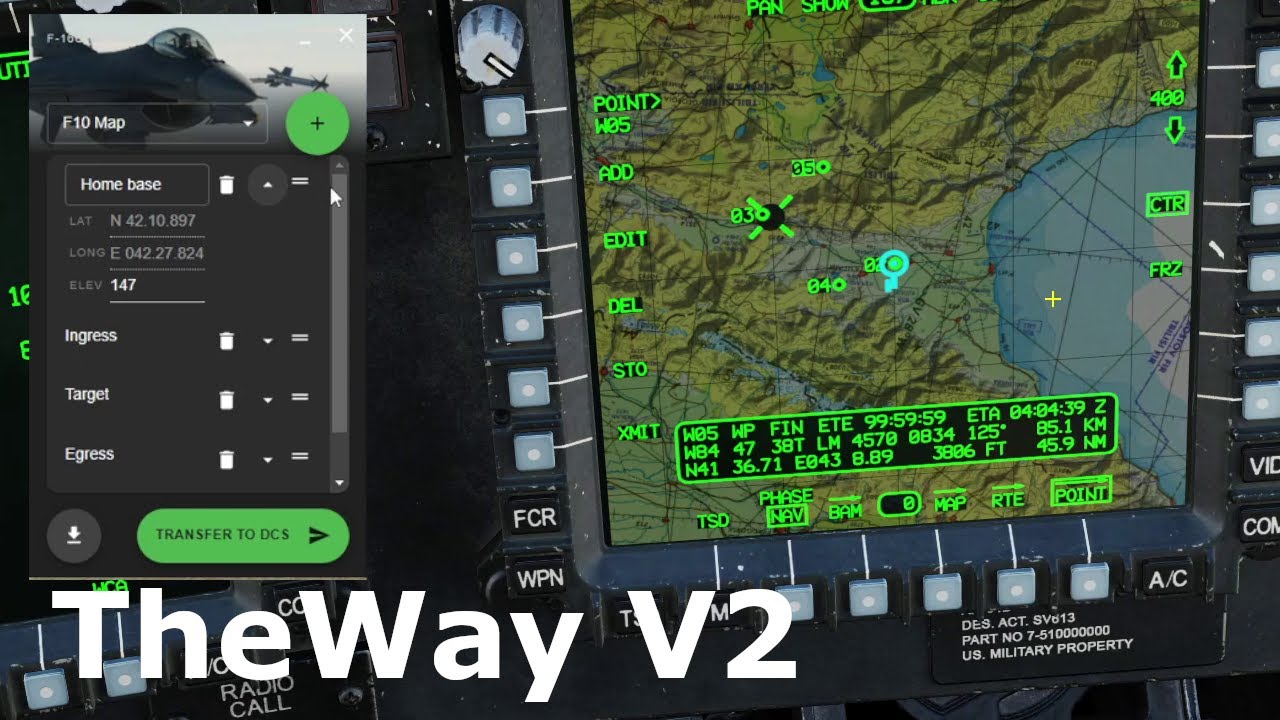
Now you can enter a ton of data really quick! Activate the switch, do all the typing, then press it again. This way, I find it possible to enter all this TSD information before allignment is even complete. If I had to clicky click all the buttons, I would never be done on time.
I hope this information may help any simmer out there. Of course, the switch can used for many other functions. For now, I wish you happy landings!