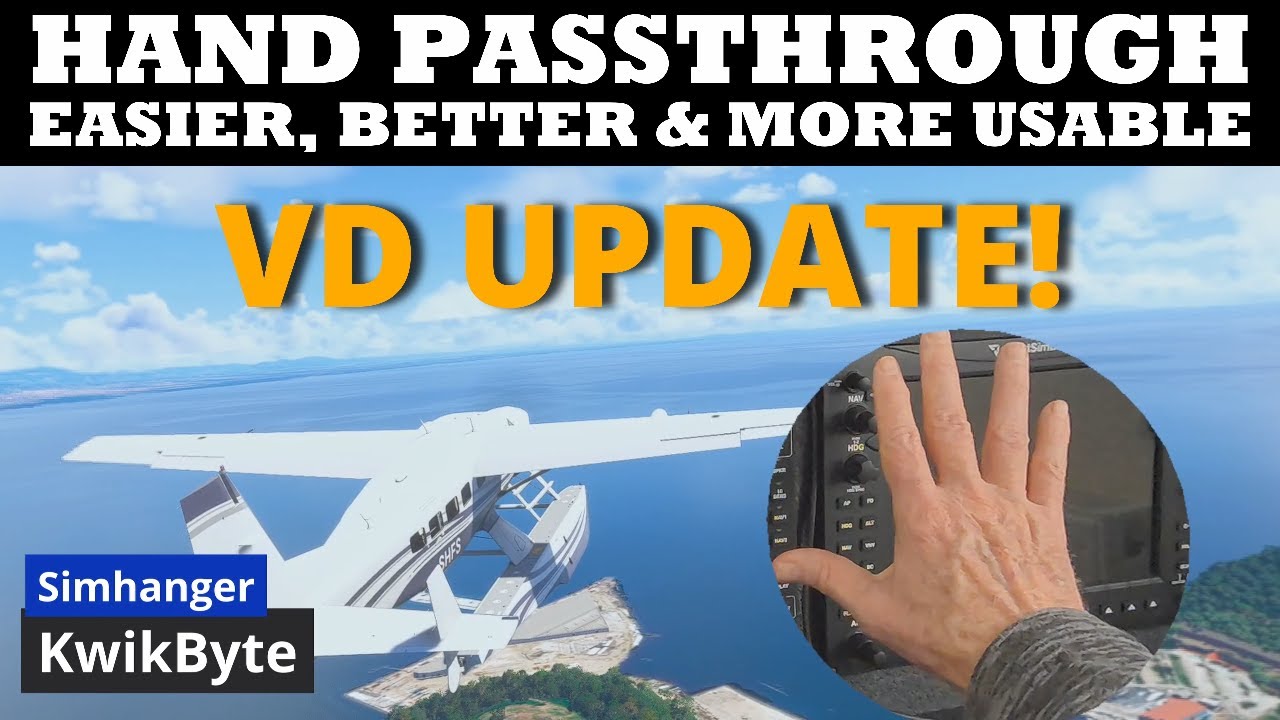
I’ve been trying out hands passthrough the last couple of days and have pretty much decided that it is the way. The ability to see one’s physical flight controls, button boxes, wheels, CDU, etc with minimal interference with the 3D pit has become a must-have. No more brail searches for a particular button or switch.
A minor annoyance is that I haven’t figured out a way to toggle it on/off in DCS, though that works perfectly in MSFS 24. DCS must be trapping the command before it can interface with Virtual Desktop. Probably a setting that I’ve missed, even after digging as much as patience will allow. But the truth is that I’d probably leave it on 90% of the time regardless. It would be a bonus if you could assign it to a HOTS/HOCAS button.
If you haven’t tried it yet, this video gets you 95% there for DCS.