So, how are guys handling the rudder pedal issue? In other words, if I move my chair far enough back enough to reach knobs and switches below desk height, like carb heat in a Beaver, I can’t reach me bleedin’ rudder pedals 
We want rotary craft shots and a good write up of how good they are just to tease me some more. 
spike them into the floor at the appropriate place for VR. You don’t need to use your keyboard anymore anyway. All other uses are irrelevant.
1 Like
Ok, @BeachAV8R, if you could stop posting superlatives about XP11 VR until I’ve have passed my final release on monday, that’d be great. Thanks!
3 Likes
On the way…!
I’m still heavily using my keyboard…just for things like zoom and changing seat position and moving around external views. I’m getting around (awkwardly) the whole desk and keyboard thing by just using the arrow keys and moving in closer to the panel or segment of the cockpit where I want to use the manipulator/Touch together. Overhead and side panels are obviously the easiest…there is rarely much obstructing my real space in those instance. But that forward instrument panel and particularly low subpanels are a problem.
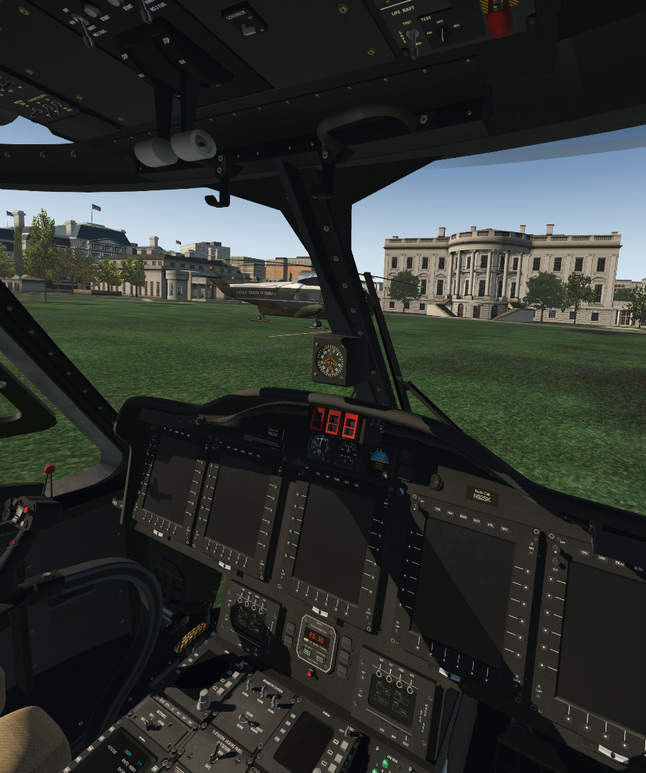
Spent all morning in helos. It is insanely good. I’ll have to format some screens tonight…but man, it is so fun..

I’m also experimenting with that LOD auto-adjuster script and I’m having good success with it. Will report more later…
3 Likes
I have been consoling myself making tiles for the UHD mesh of the Alps. Lake Geneva area is looking very nice. Probably need to find a library pack for alpine villages 
Keep the screens coming thanks
Seeing your NYC screens above made me a little jealous. But I’ve realized that object density and HD scenery is not the killer. The autogen NYC on High Object Density is smooth. What gives me “jedders” are animated objects. That’s why I think I struggle in spots over 3rd party airports like Jamestown, VA and 1N2. Flying blue sky only has also been a big help.
Hmm…that’s interesting. What’s weird is, I can fly over that payware New York City and Washington DC with fluid frames, but if I load the default Boeing Field, I get like 10 FPS. As I fly further away from Boeing Field, frames get better. There is some object in that scenery that I think is like vampire sucking frames…but I don’t know what it is.
In another experiment, I loaded that Lufker-Spadaro scenery and was getting judders off one end of the runway while on the base leg (it looked like add-on buildings in the community was causing it?). Then I loaded that ILODYOU plug in and set it to FPS_MIN=45 and FPS_MAX=48 and the judder went away. I tried that tool while running Boeing Field and it didn’t work.
I turn my SkyMaxx Pro and Real Weather Connector plug-ins off when I load the sim in VR since the clouds aren’t displaying correctly anyway. It will be interesting to see what they (Laminar) come up with in regards to clouds, because the way they are projected seems like a fundamental part of the sim…I’m curious how they are going to address that.
1 Like


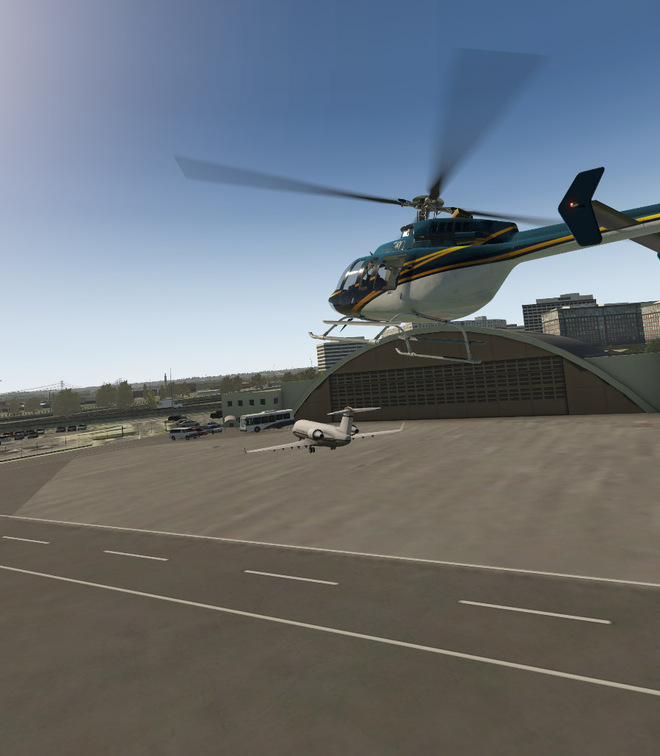
Dabbled with the helicopters yesterday. The X-Trident Bell 412 is awesome. The screens are lower res because I accidentally left my monitor windowed. Most of the controls and switches seemed to work..and the cockpit is as good as you can get in VR with nearly every instrument a true 3D gauge.
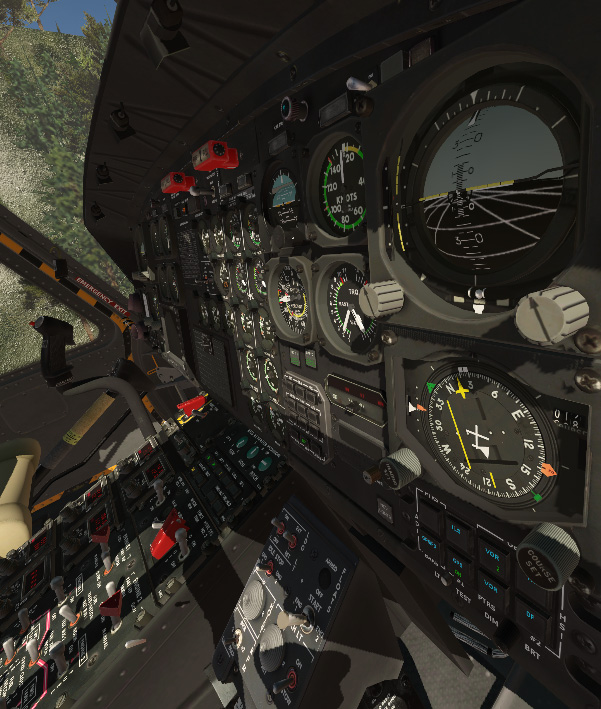
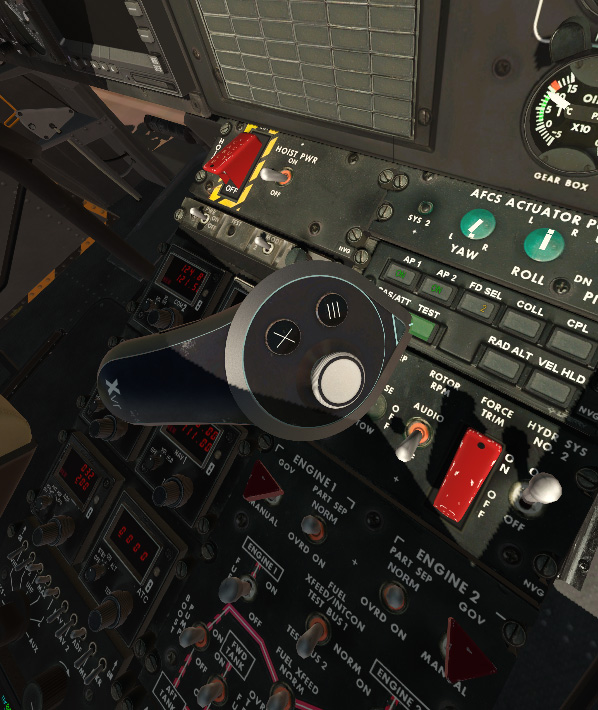
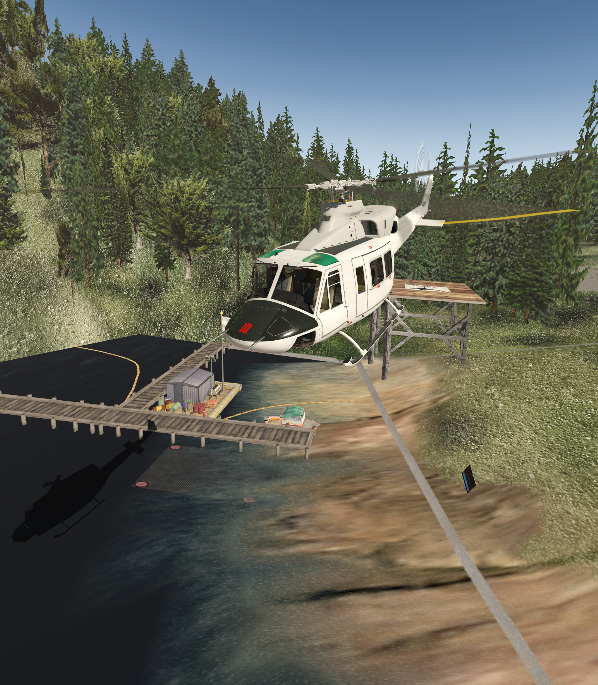
I flew out to the carrier and, just like all VR sims, position keeping and judging distance is just so much easier than what 2D views allow for.
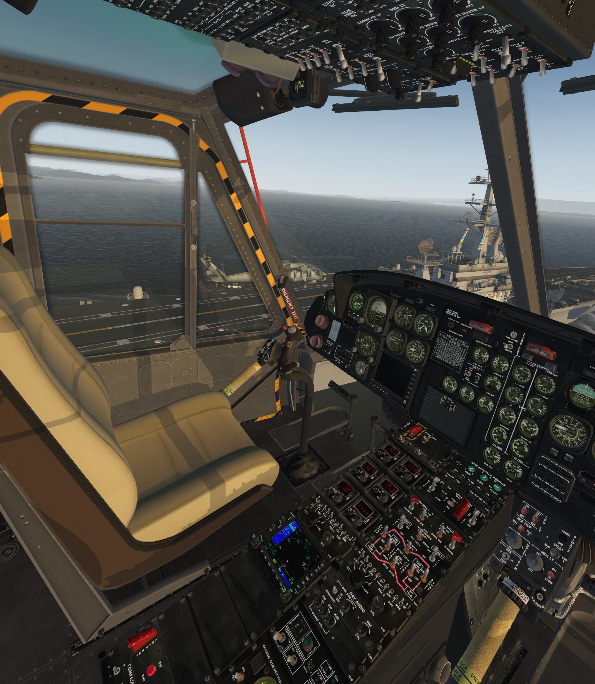

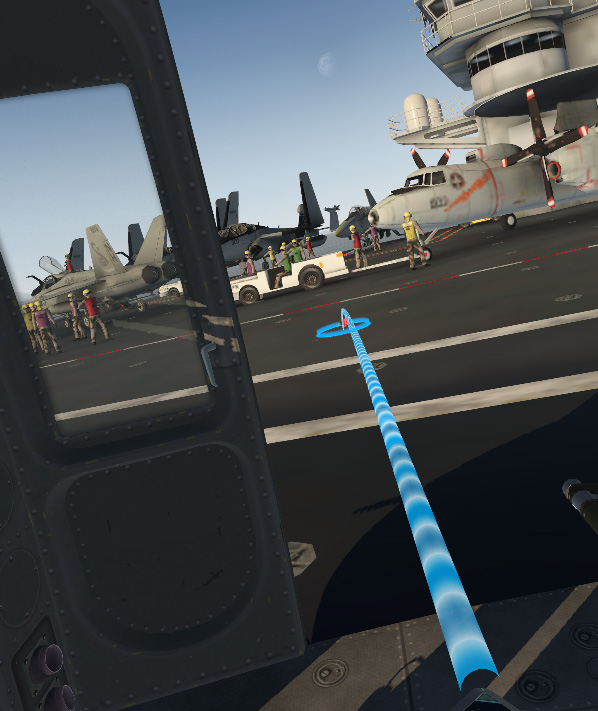
You can move your viewpoint to the cabin, use your Touch controller to grab the sliding door handle and pull the door open. Then use the teleport tool to move around. One problem though, when you teleport onto the deck of the carrier..well..the carrier is moving..so you slide off into the wake (the helicopter stays right where you left it though!).
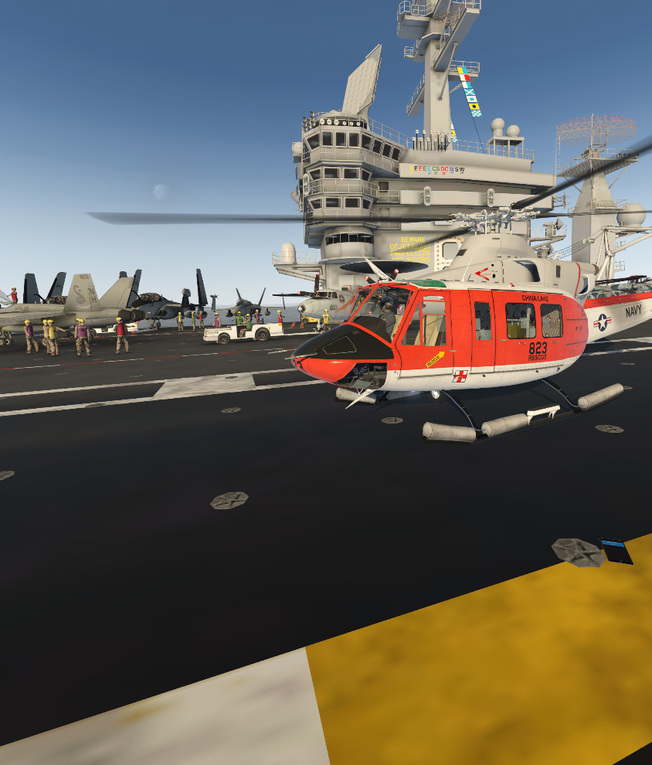
The AS350 seems largely functional, except the display aren’t working in the XP11.20 VR BETA. I’m guessing it has to do with the other reflection/lighting issues that have been reported.
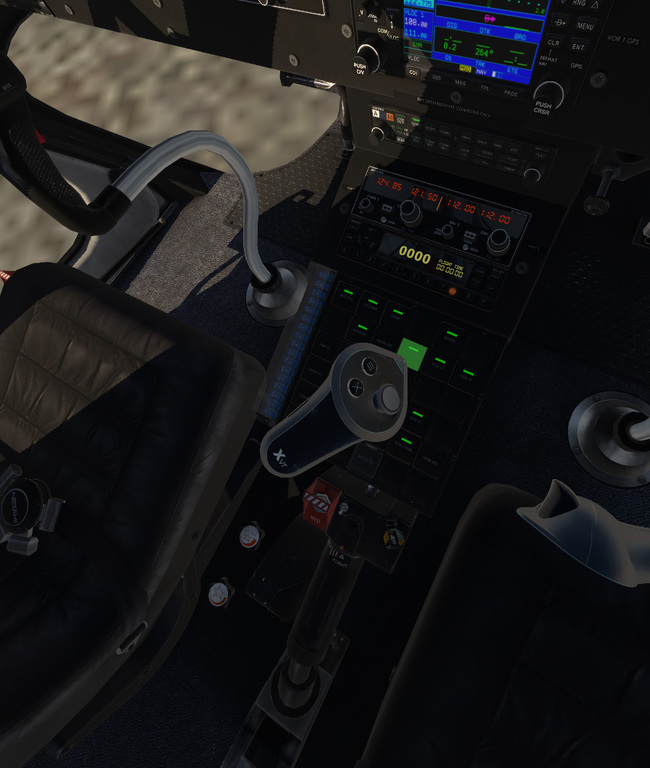
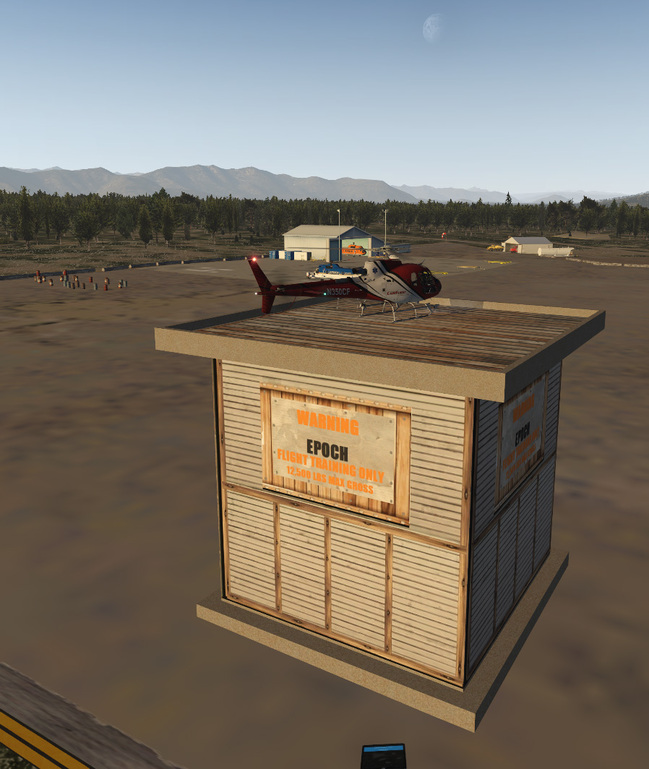
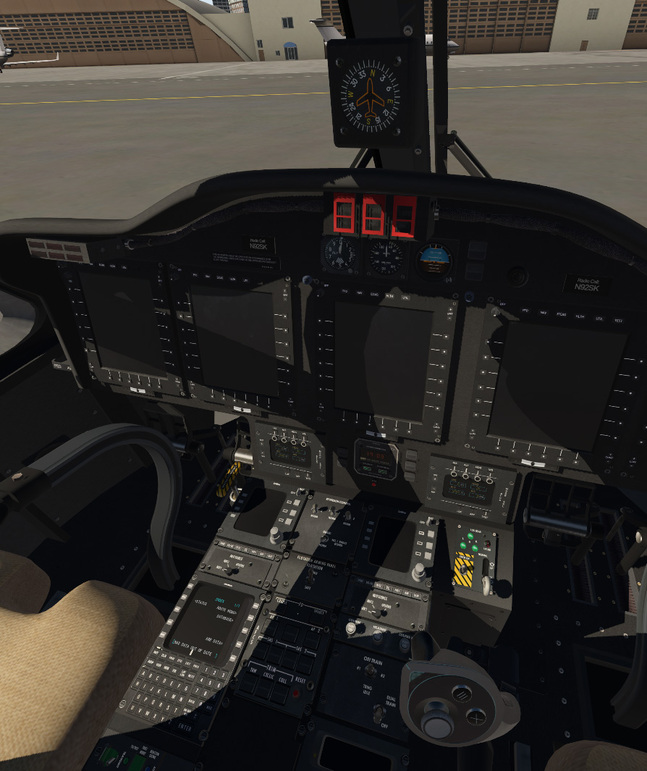
Next the S-92..which works, but lots of the buttons don’t work, and again with the blank MFDs due to the beta I think…
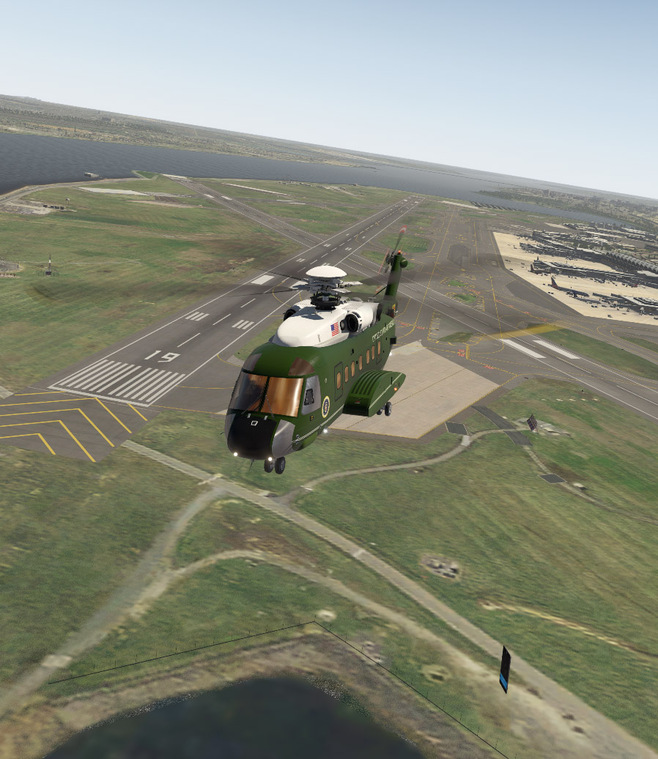
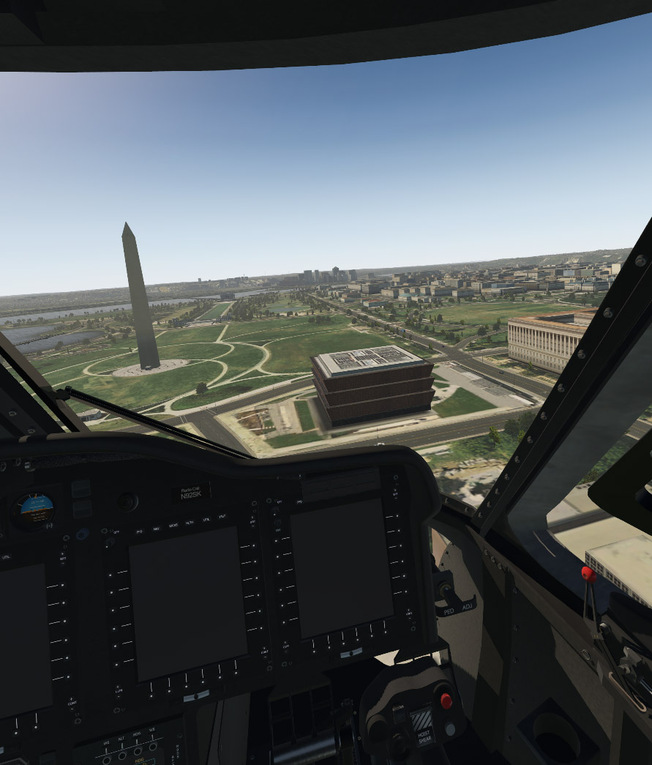
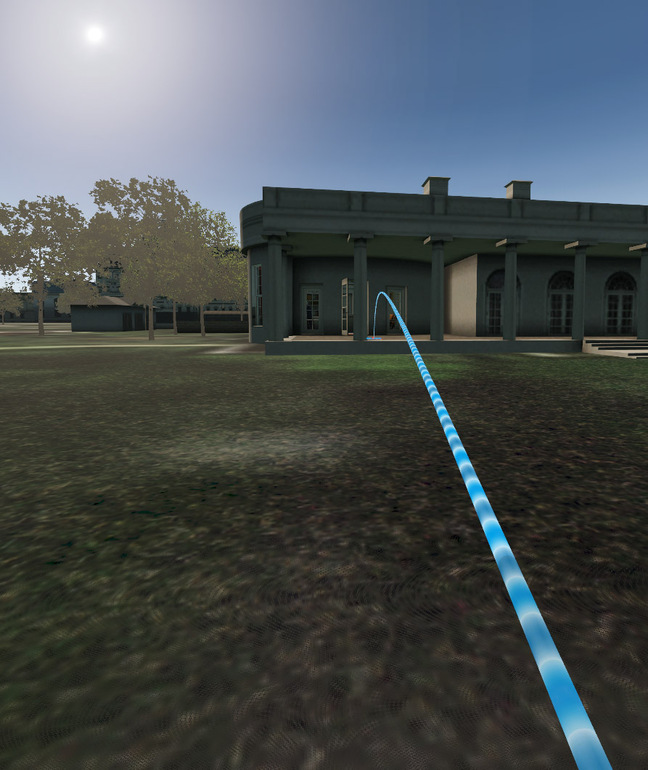
Landed on the White House lawn, opened the door, and teleported over to the Oval Office…
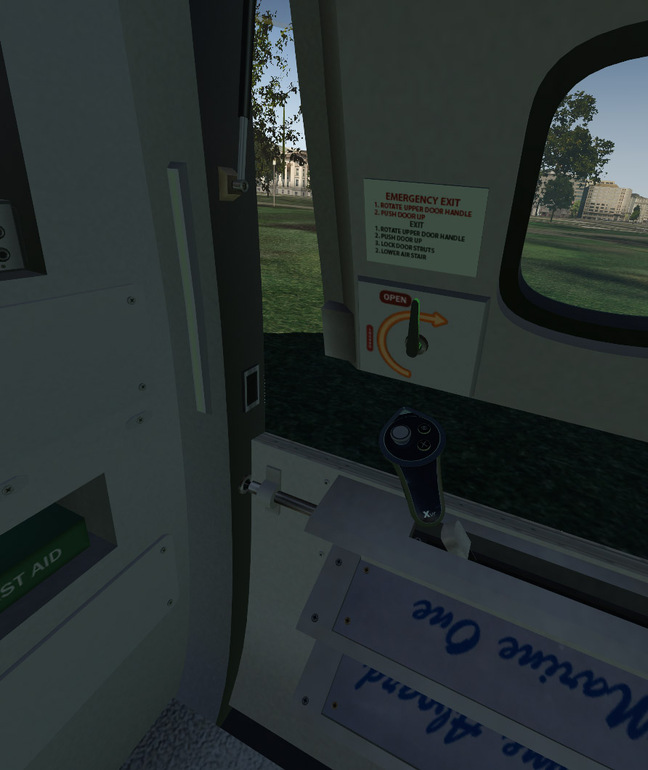
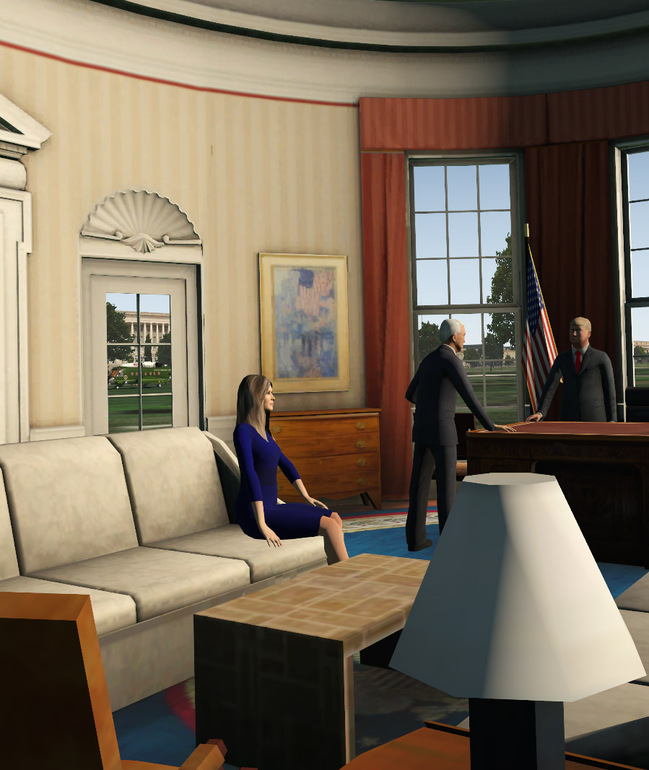
This is the insanely good freeware Bell 429. Everything appears to work, but I do have a persistent LOW ROTOR RPM warning that I couldn’t seem to silence.
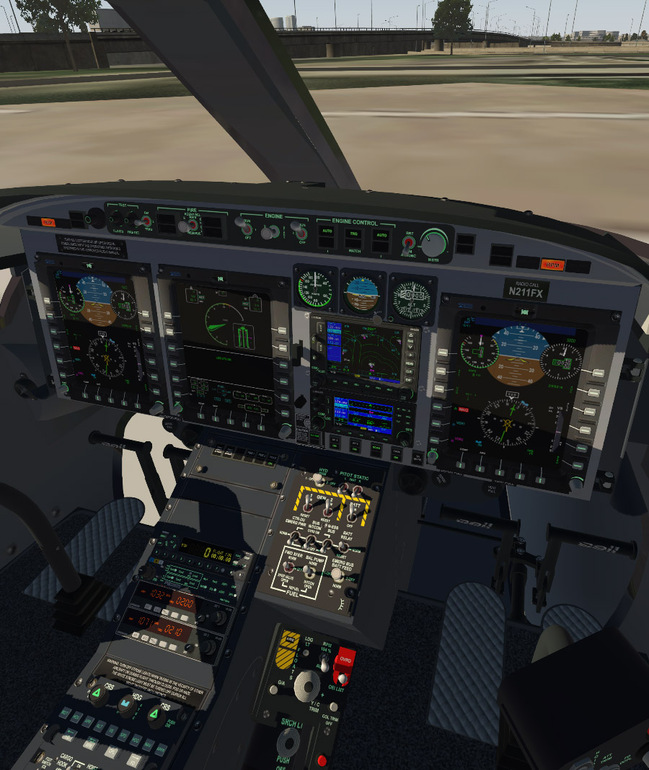
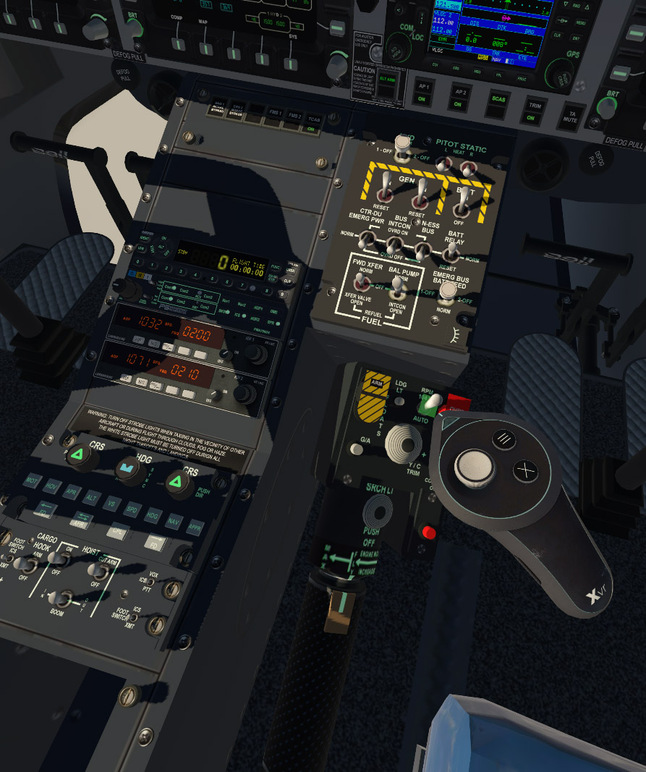
The Dreamfoil Bell 407 is fantastic too. Looks great in VR and is just a super fun bird to fly..
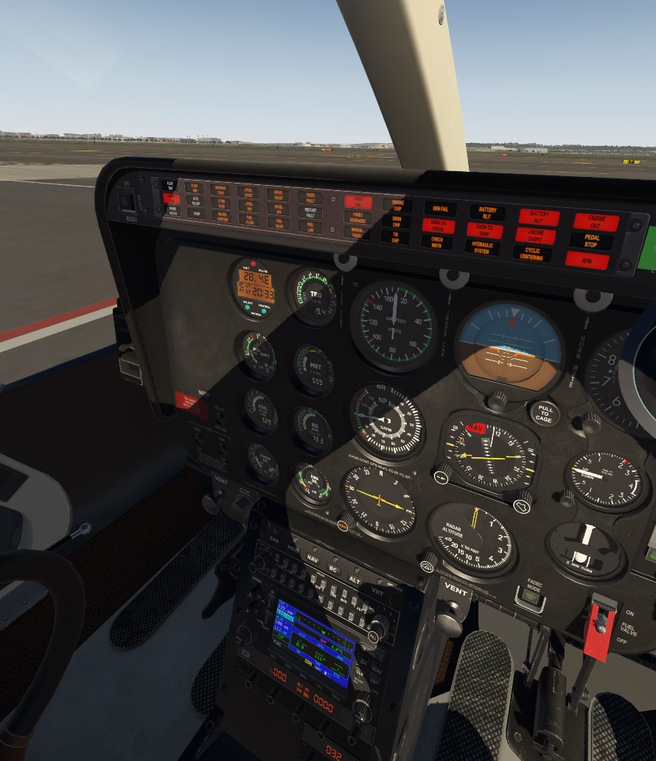
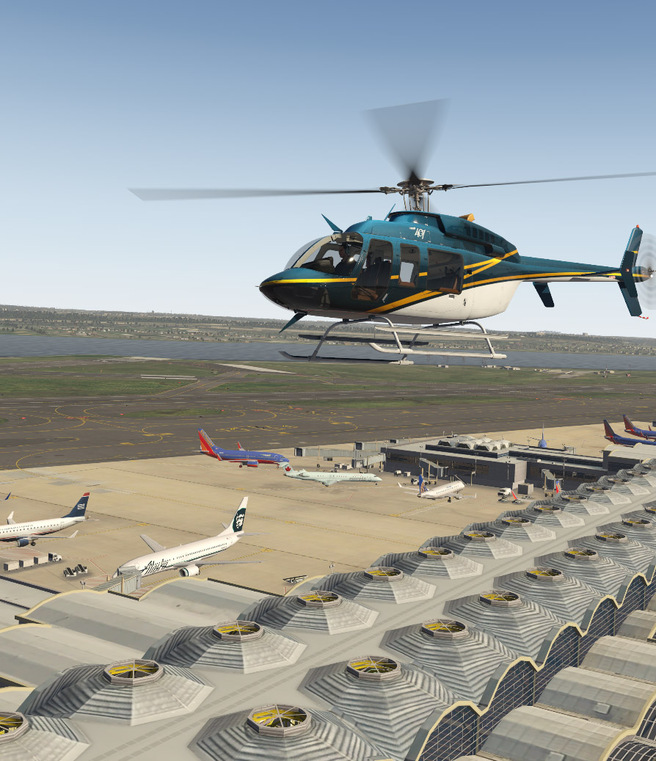
Flying around the payware DC scenery..I was surprised at how great my frames were. Totally playable..but on occasional dropped frame here and there.
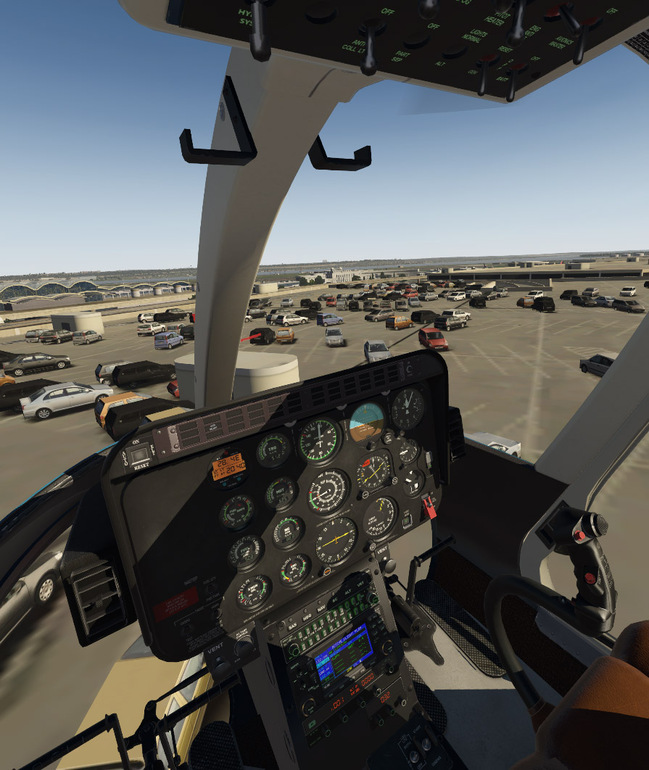
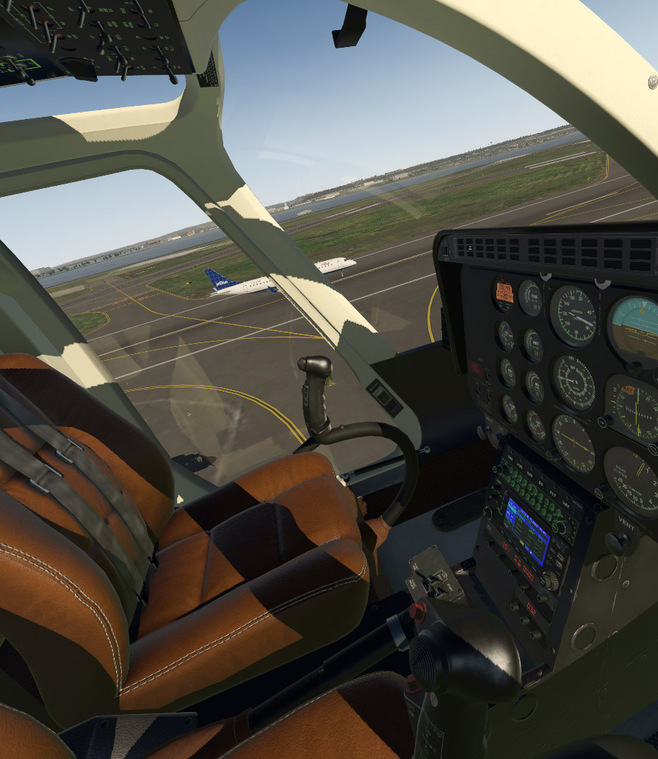
Nice to see Signature DCA. I haven’t been on that ramp since September 11, 2001.
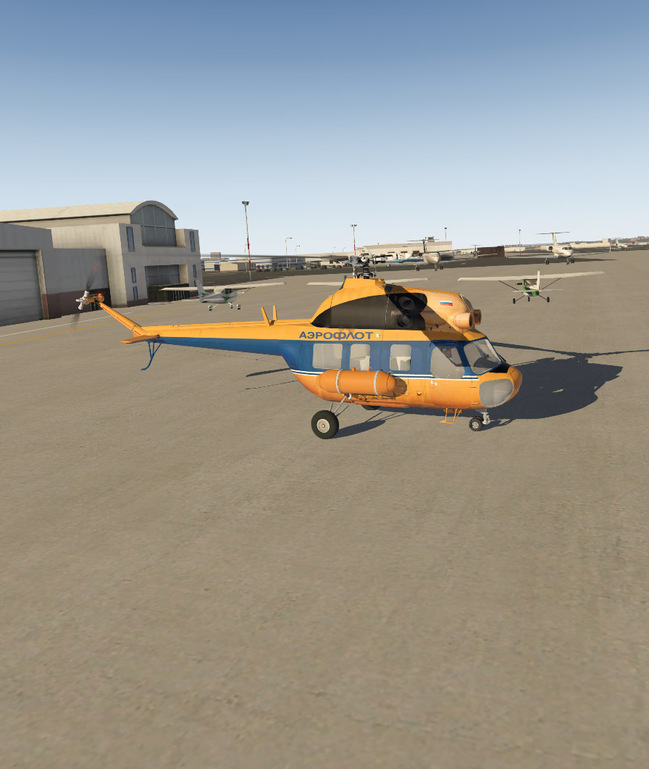
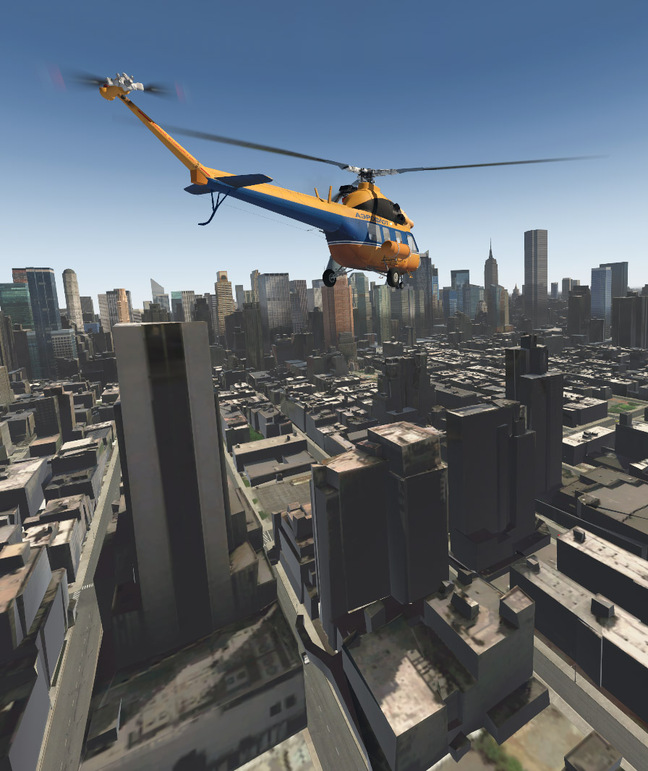
One of my favorite helos..the freeware Mins Mi-2 seems nearly completely functional. All the switches I tried work..and it flies great..!
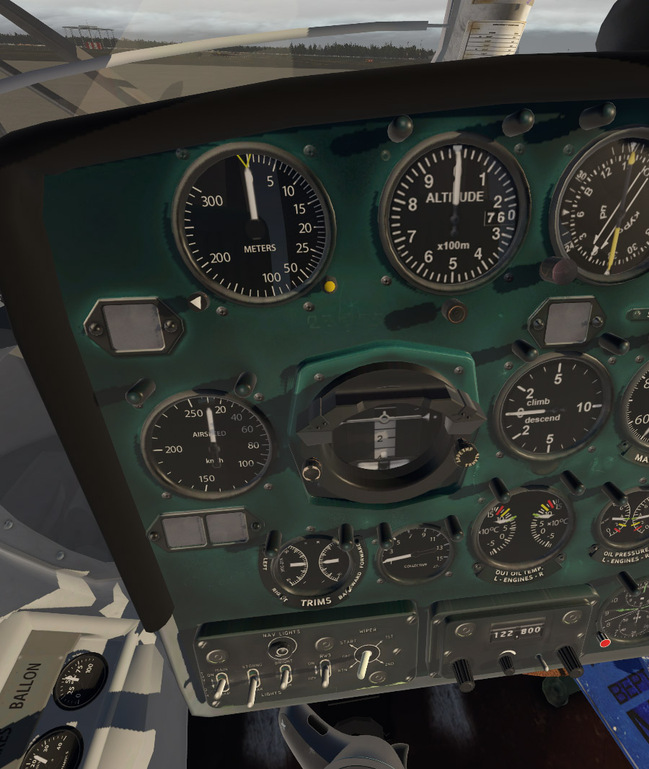
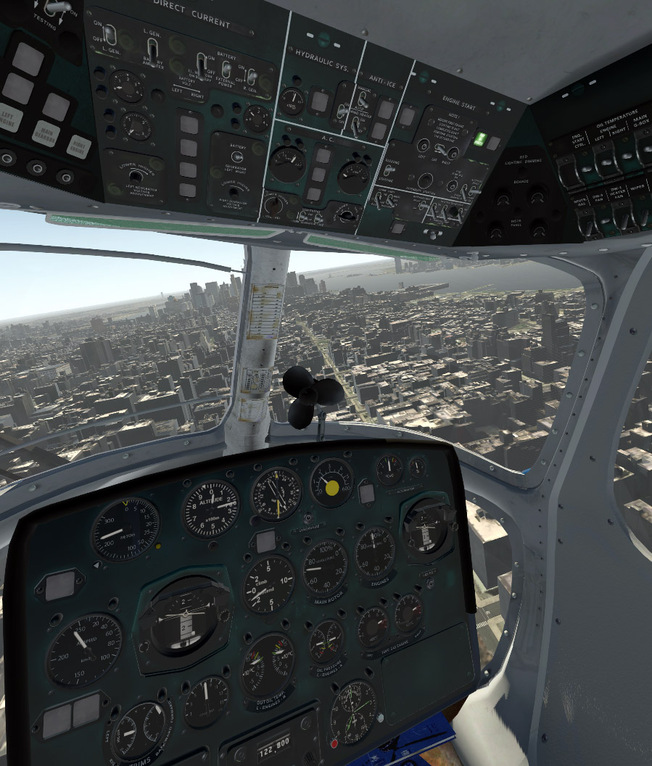
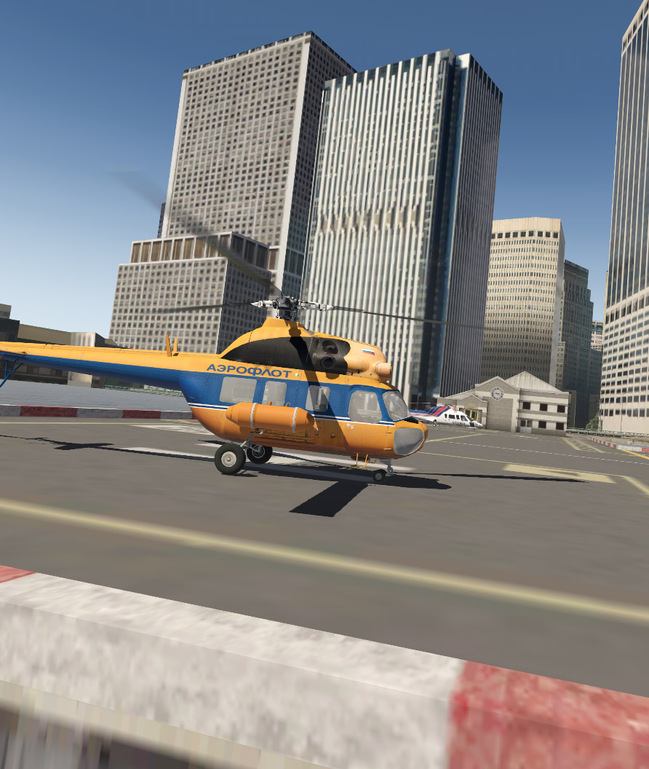
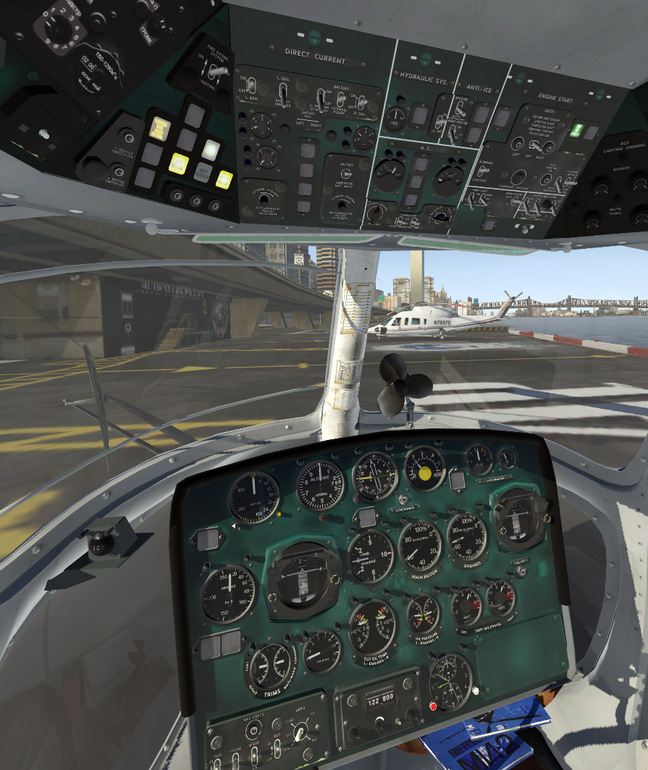
Back in the 429…

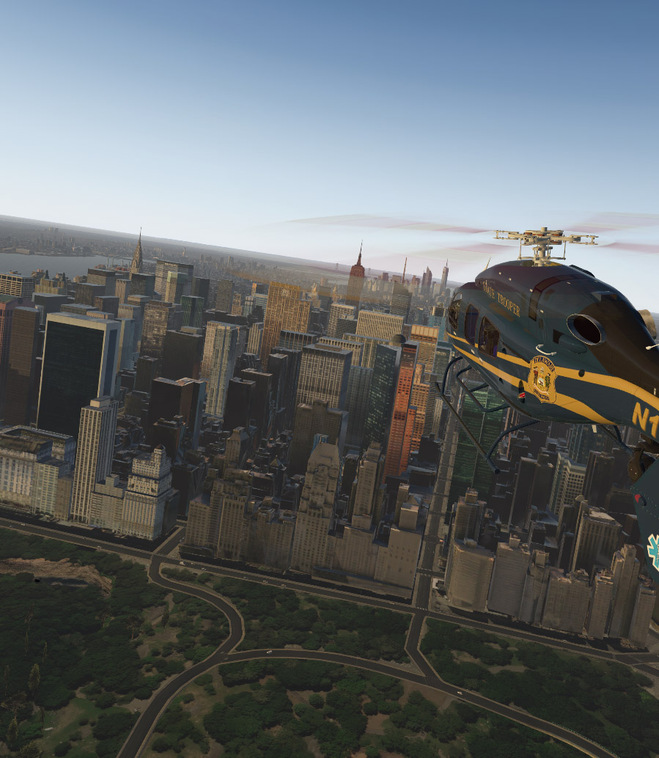
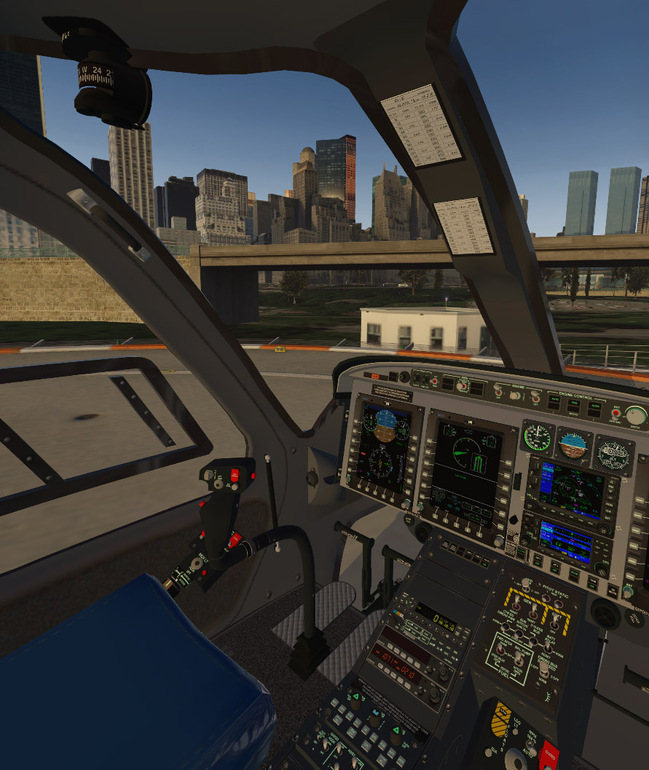
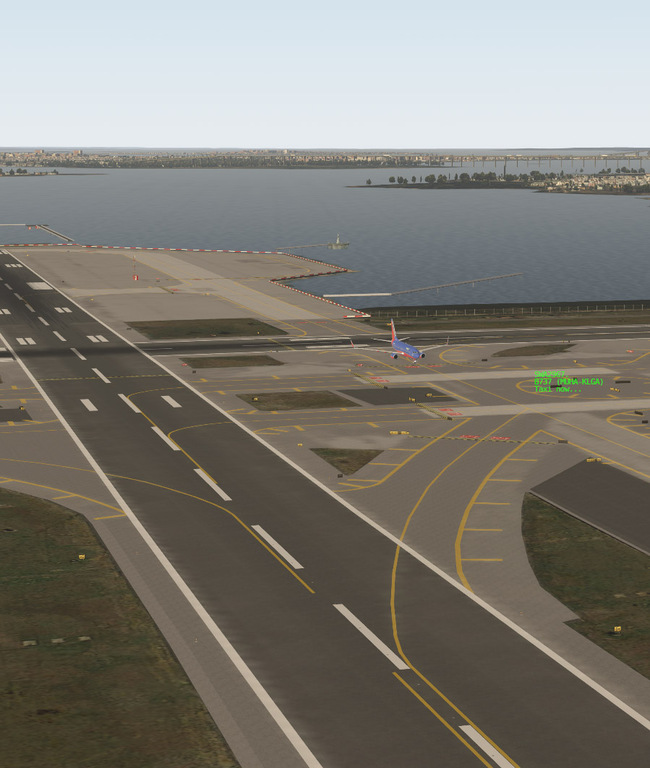
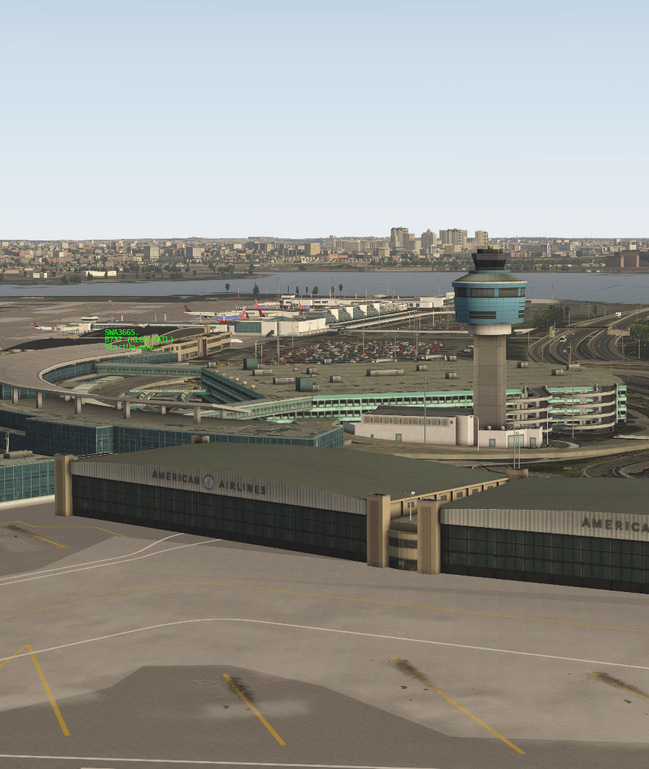
Over to LaGuardia…night and day…
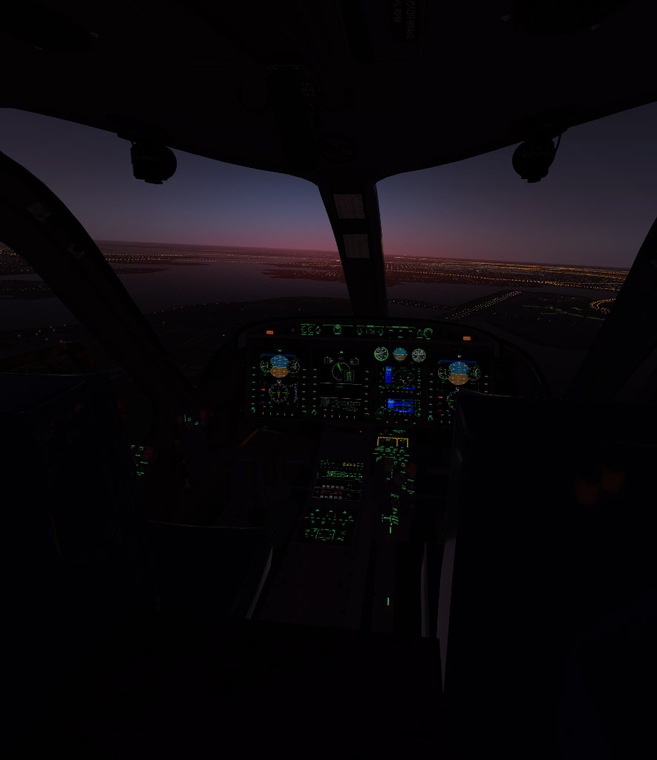
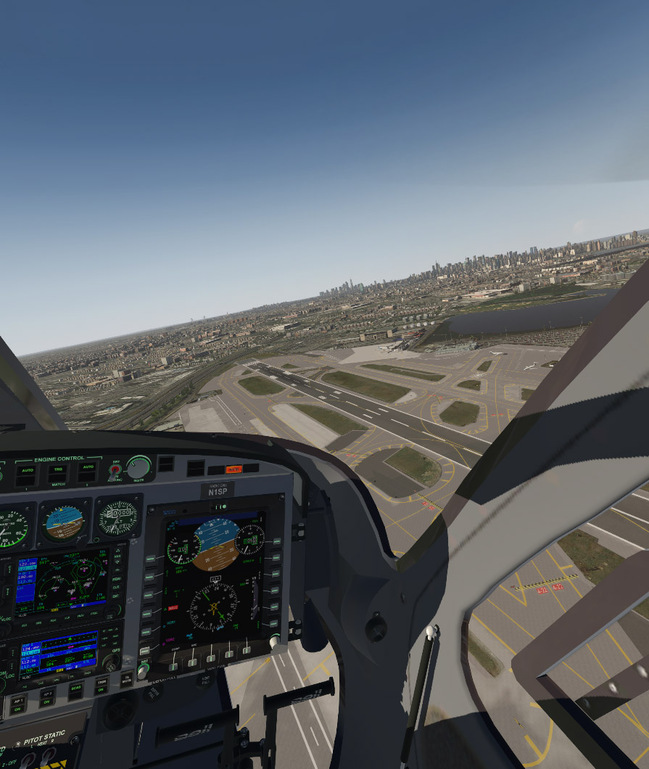
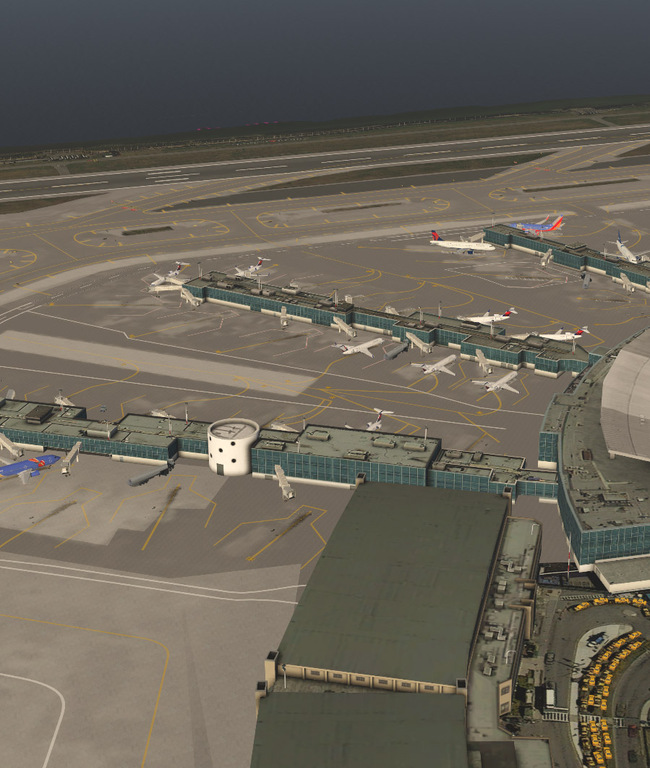
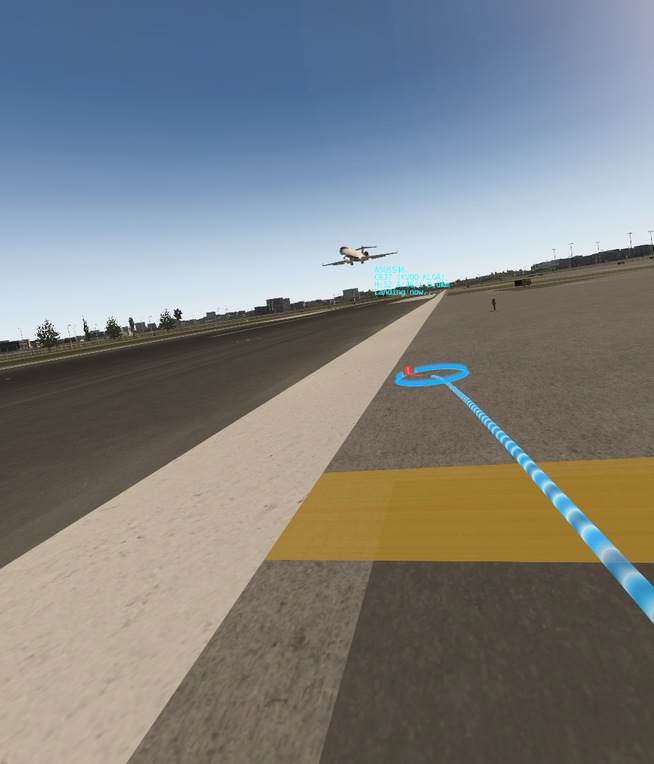
For giggles, I turned on X-Life and after a few moments it started populating La Guardia with AI traffic. It was awesome..and a negligible frame-rate. It was super cool to be watching all those planes do their thing around me. You could even go plane-spotting in VR at the side of the runway and watch the arrivals and departures…
6 Likes
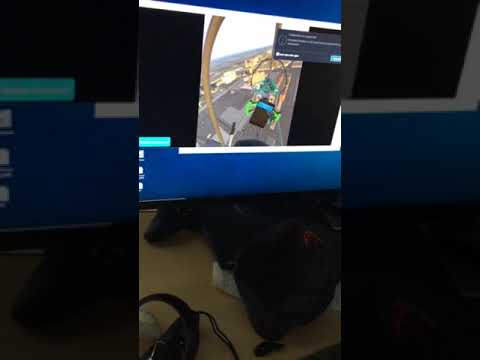
Being with out controls for a few months I am stuck with the surprisingly fun Aerolite 103. This might just be the best input method to teach a kid to fly. Here, my 12 year old is exploring the freeware Vegas. After I stopped filming, she landed successfully but not quite on the runway.
3 Likes
That’s really cool SH. I’ve often thought about setting up one of my older gaming rigs that still has FSX on some sort of small desk with controls that the kids can reach. They love sitting in daddy’s lap and flying.
She’s a natural…! That looked like a pretty fluid experience.
Two things that that video reminded me about. It would be really nice to be able to turn off that virtual tablet…as I find it is useless pretty much since I use the keyboard to center up my view. The reason I’d like to turn it off is that it shows up in odd places in the external views.
Second - it’d also be nice to get some sort of chime whenever a message pops up on the 2D monitor since that blocks whatever screenshot or video capturing you are doing.
Cool video. I put my son in VR flying the VSkyLabs Aerofox the other day and he loved it…
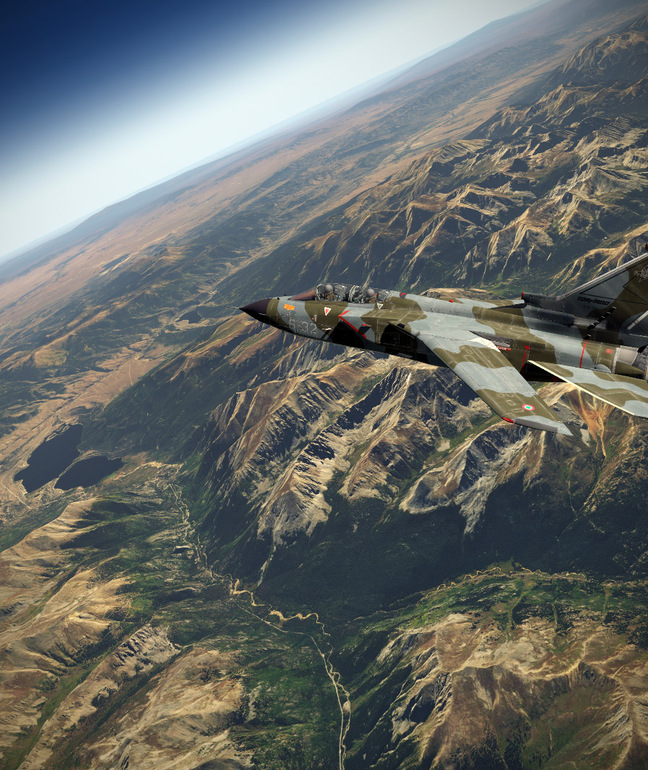
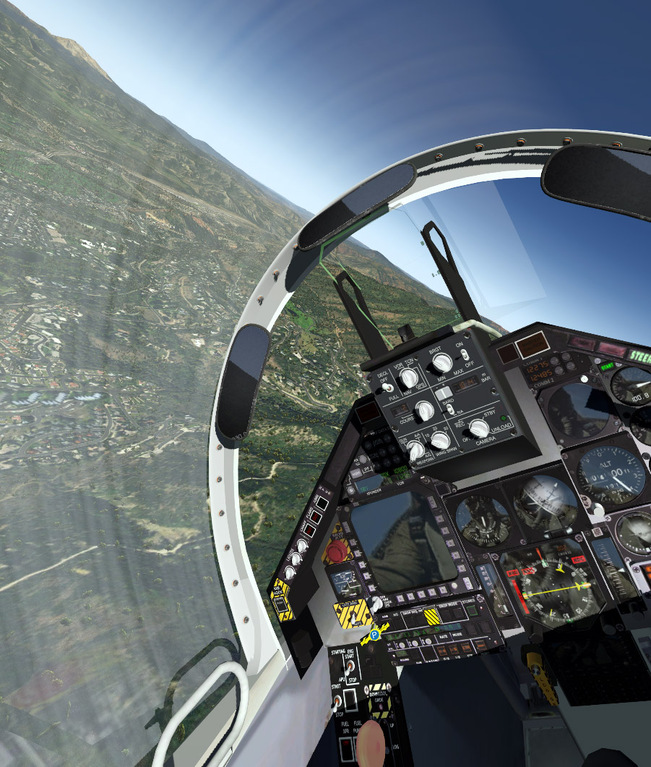
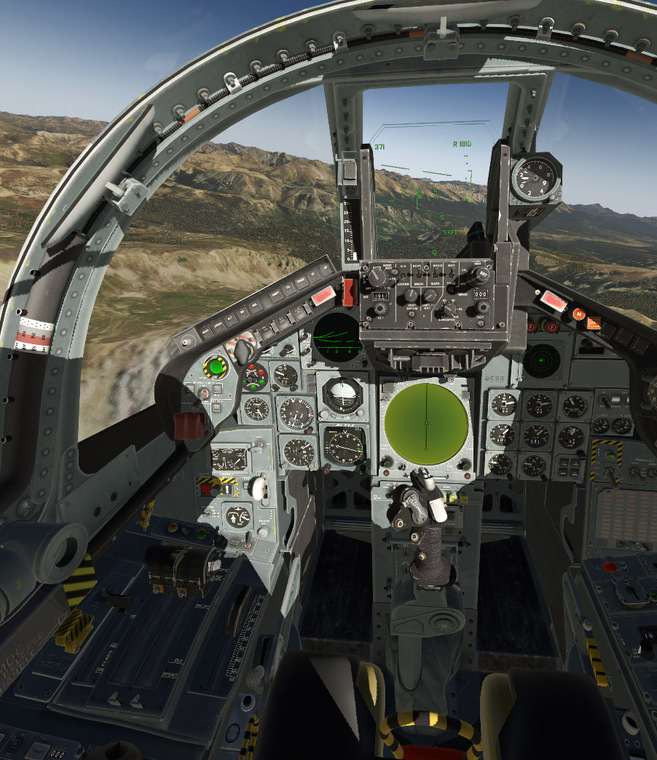
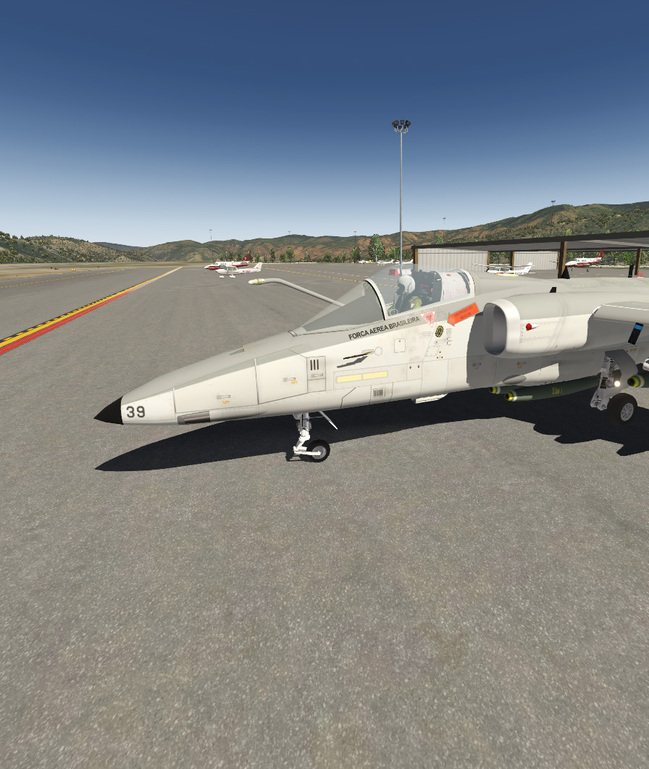
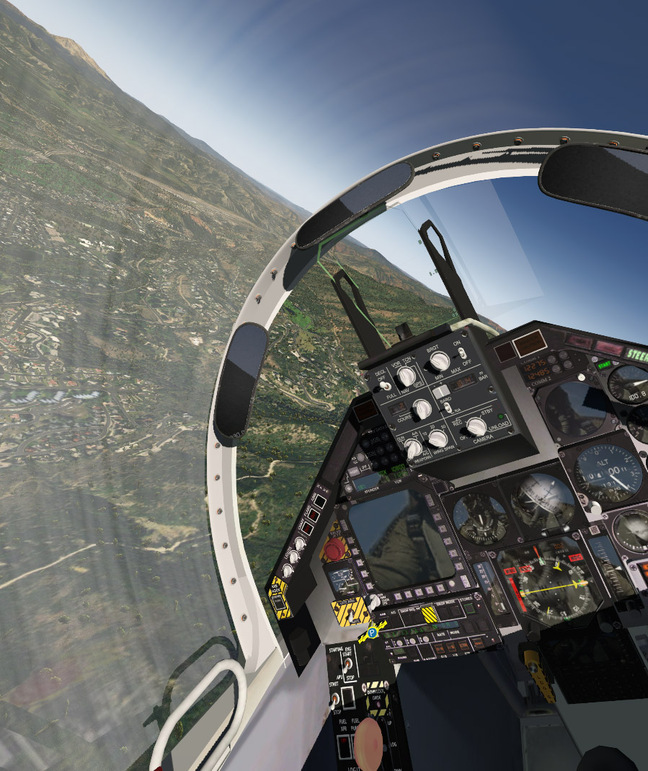
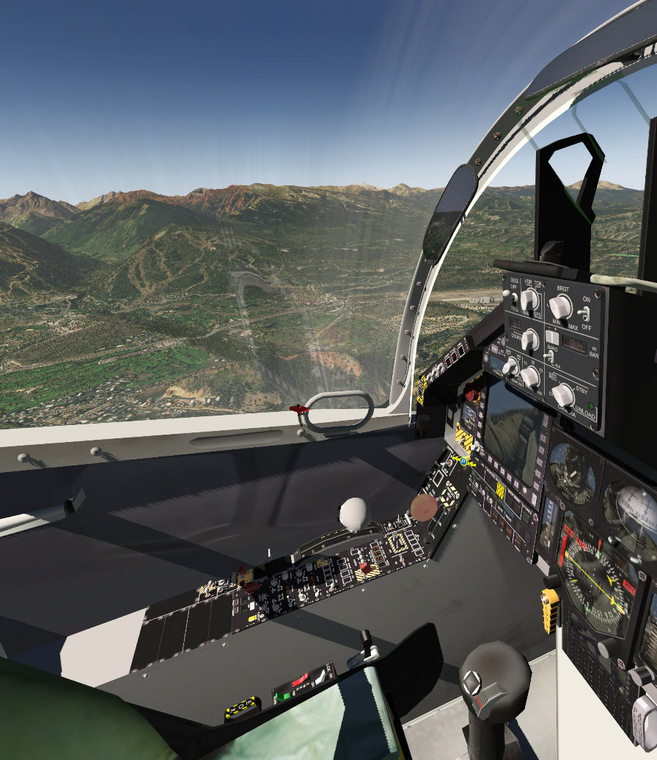
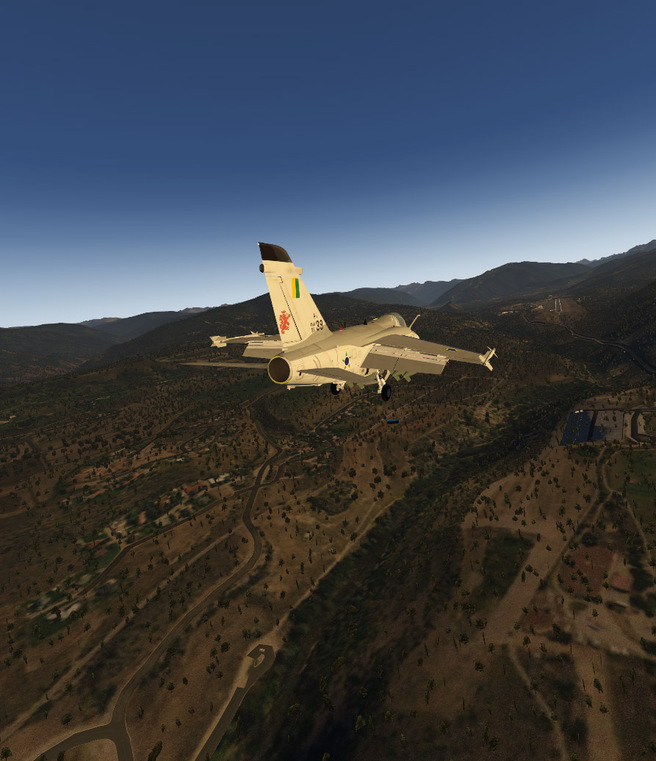
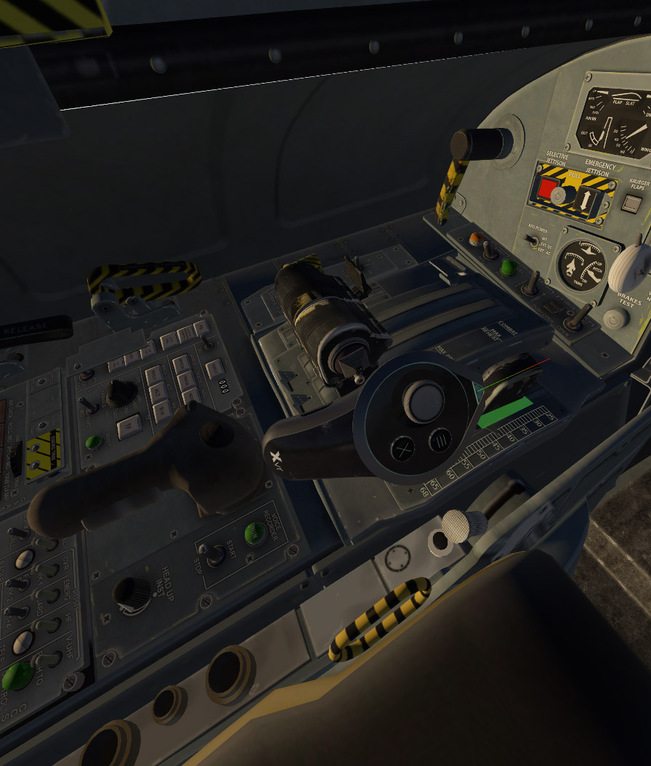
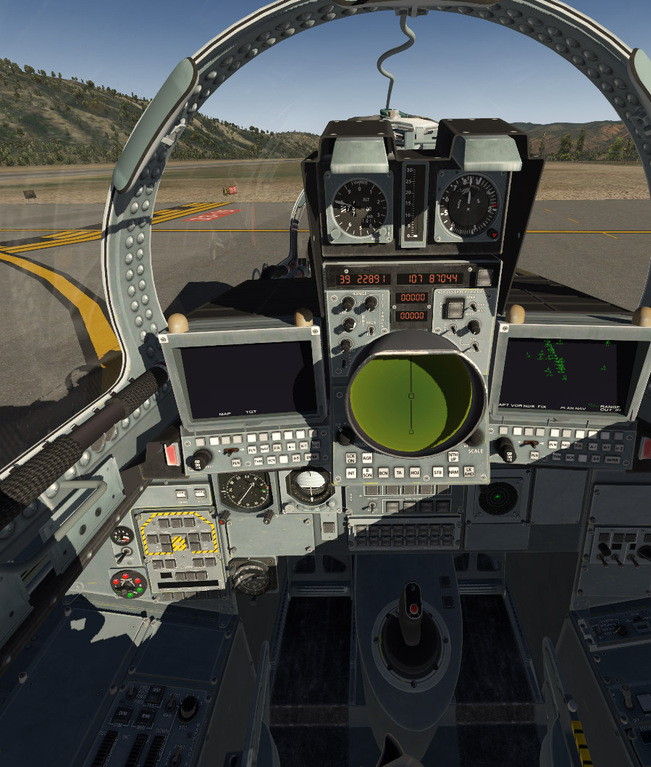
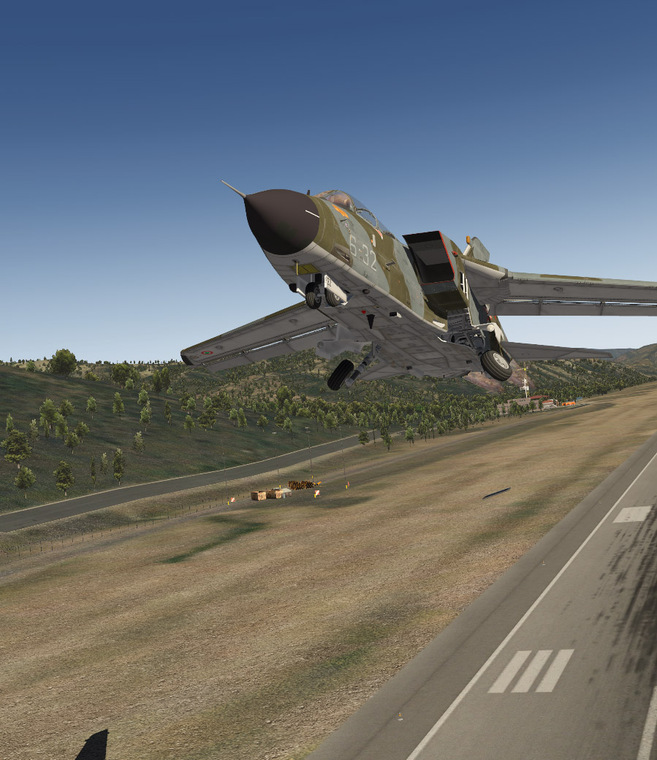
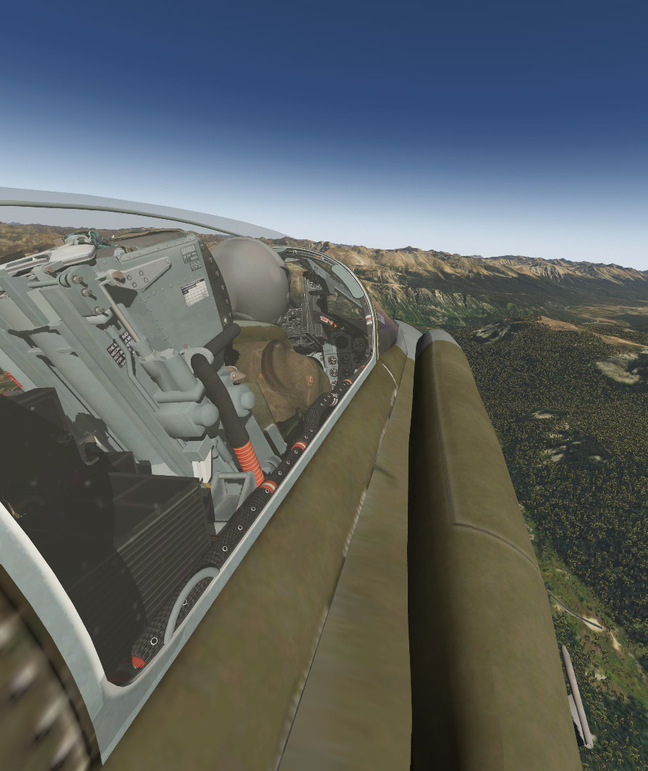
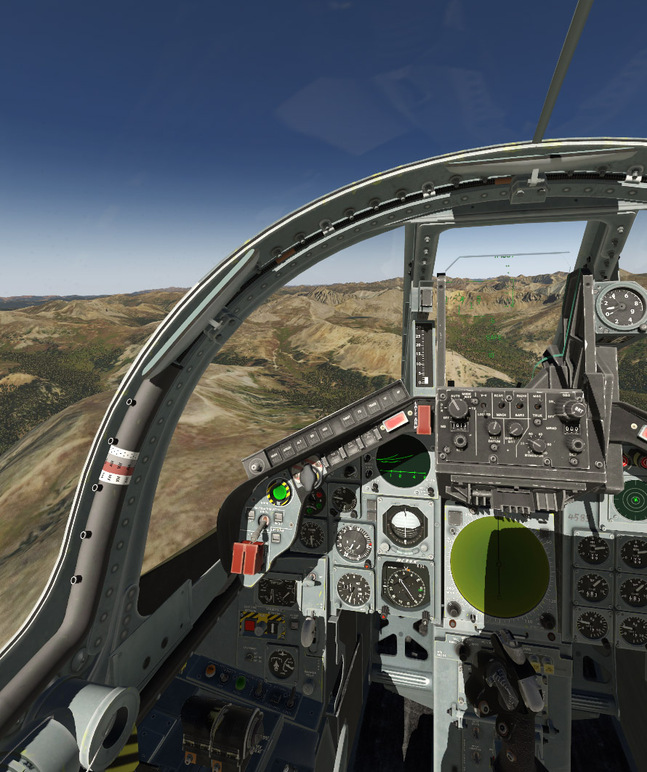
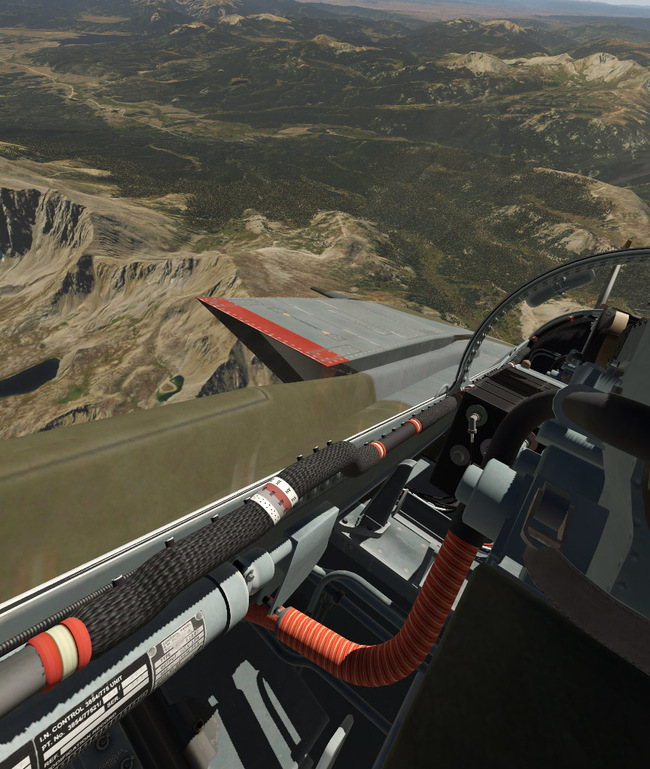
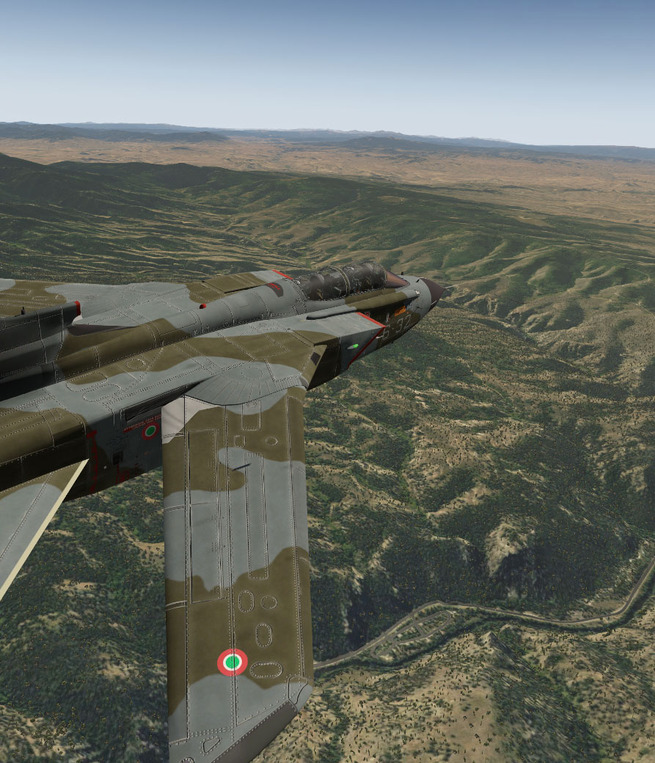
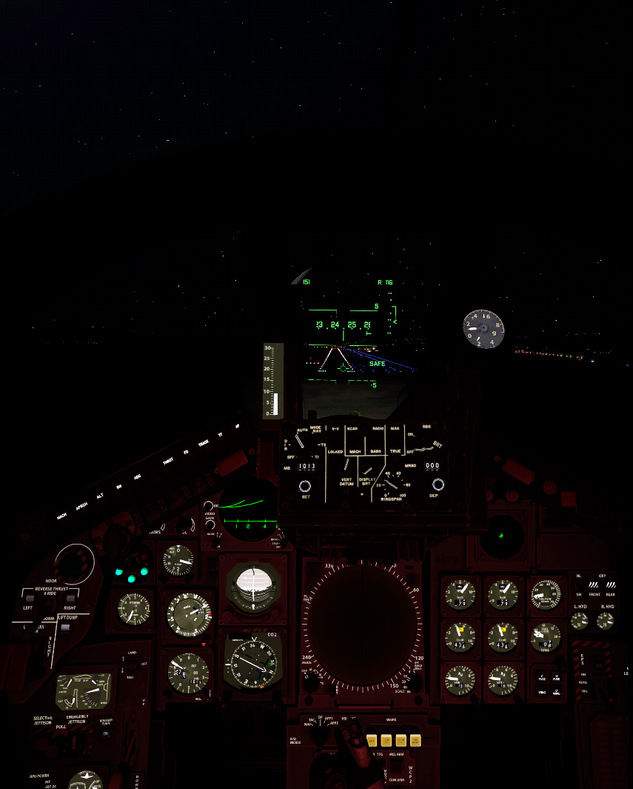
So I tried some fighters last night. The X-Trident AMX and the X-Trident Tornado. The AMX is one of their older products…but it still works well in VR. The Tornado is the more recent product, and nearly everything works in VR. The HUDs actually work pretty well in VR. The Tornado pit at night is really cool..the AMX, I couldn’t get the rheostats to work..so until we get a mouse pointer we are out of luck on that.
The fighters are super cool to fly though…and the Colorado area ortho just makes it even better. What is really cool is moving your view outside of the cockpit like the camera is a GoPro and just flying along at low altitude. It is insanely fun…
All of this has me seriously considering buying the Colimita F-18..just for the giggles of doing carrier work in VR…



4 Likes
Beach, your enthusiasm has slowly eroded my resolve to wait for mouse control. I tried three helicopters last night and came away fairly satisfied, once I learned how to slide my chair away from my desk, setup the aircraft, and then slide back in to reach HOTAS. My initial forays into XP VR had not nearly the outstanding visual results that you were getting, so I revisited those last night and think that I’ve found my happy place, getting in the low 50s in the 412 around KJAC. I also added some Ortho photo tiles for Wyoming to my vanilla XP beta install, for some exploration in the Schweizer, 407, and 412. Again, it’s apparent that VR and rotors go together like Hall & Oats. It’s so much easier to fly helicopters in VR, that it feels like cheating. Like you said, the 412 is absolutely amazing.
Need to try Oculus Mirror next time.


One disappointing observation, is that while some aircraft are superb in 2D, they don’t quite look as keen in VR. The Thranda Kodiak and the ASDG Super Cub are two that could be better.
Thranda LR G1000 version. Looking more closely, it’s the bezels around the G1000 and other instruments that seem out of place. Should be an easy fix though.

4 Likes
I was checking the developers blog and the next patch was due last week so we could get mouse support anytime soon Fingers crossed
1 Like
Oh…what is that? (Off to Google I go!) Hopefully something that makes the screenshots less VR-like?
Yeah, they did a great job on that bird…
Also - a tip is to turn off all clouds if you can handle the stark view. Well, at least for me…it gives me an extra 15 FPS because mine are SkyMaxx Pro ones. I might try the default ones and see what happens…