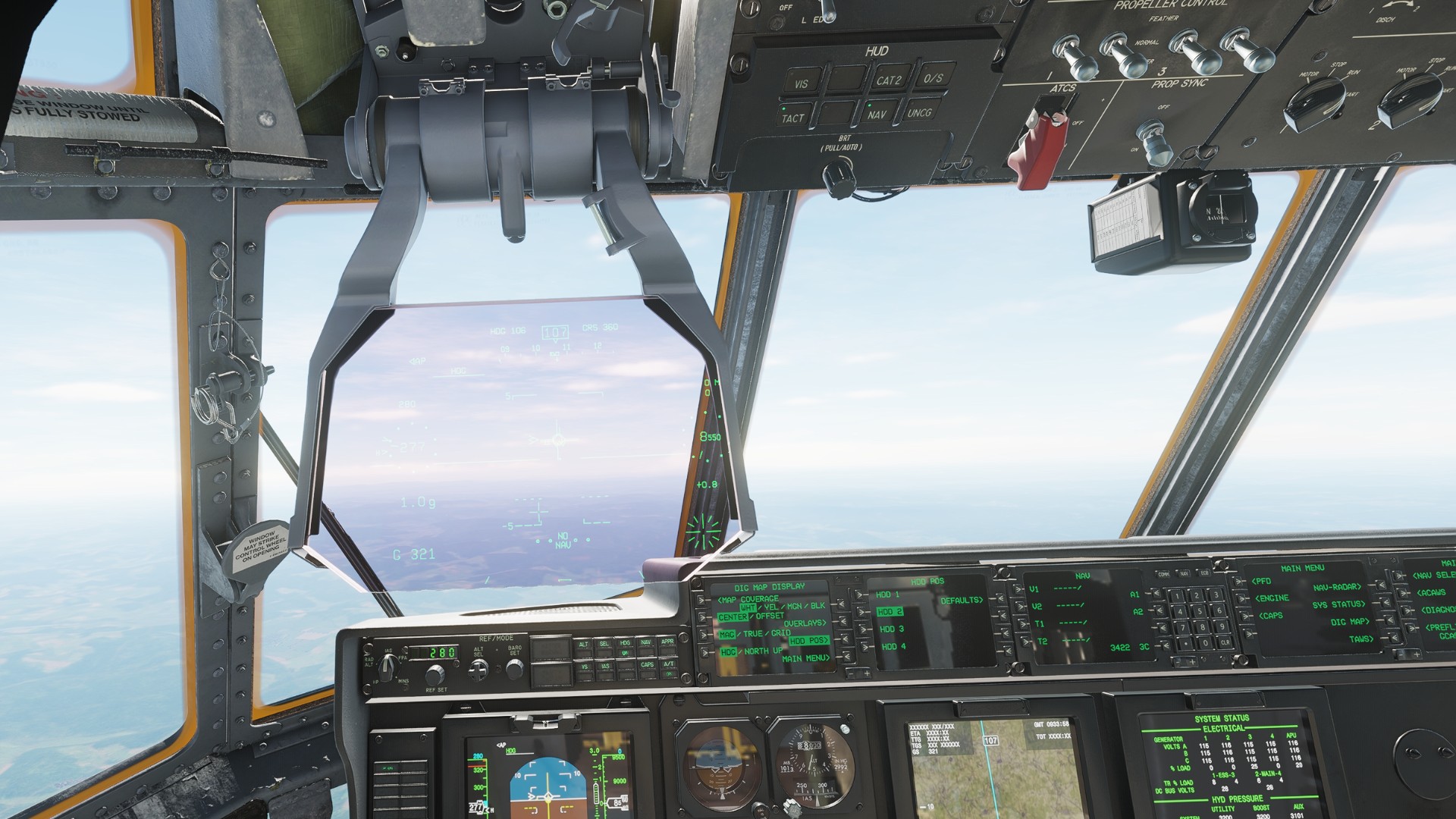
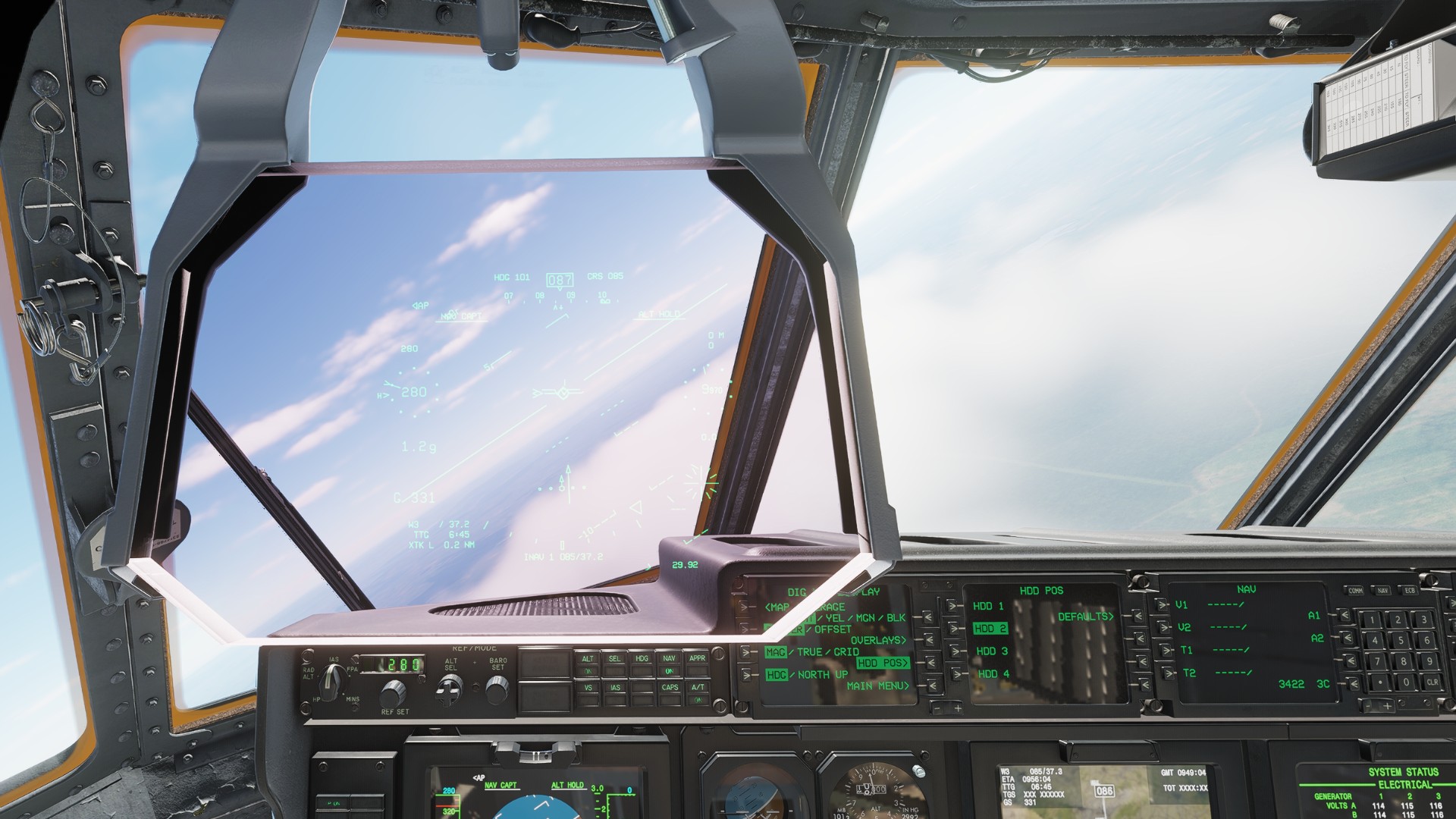
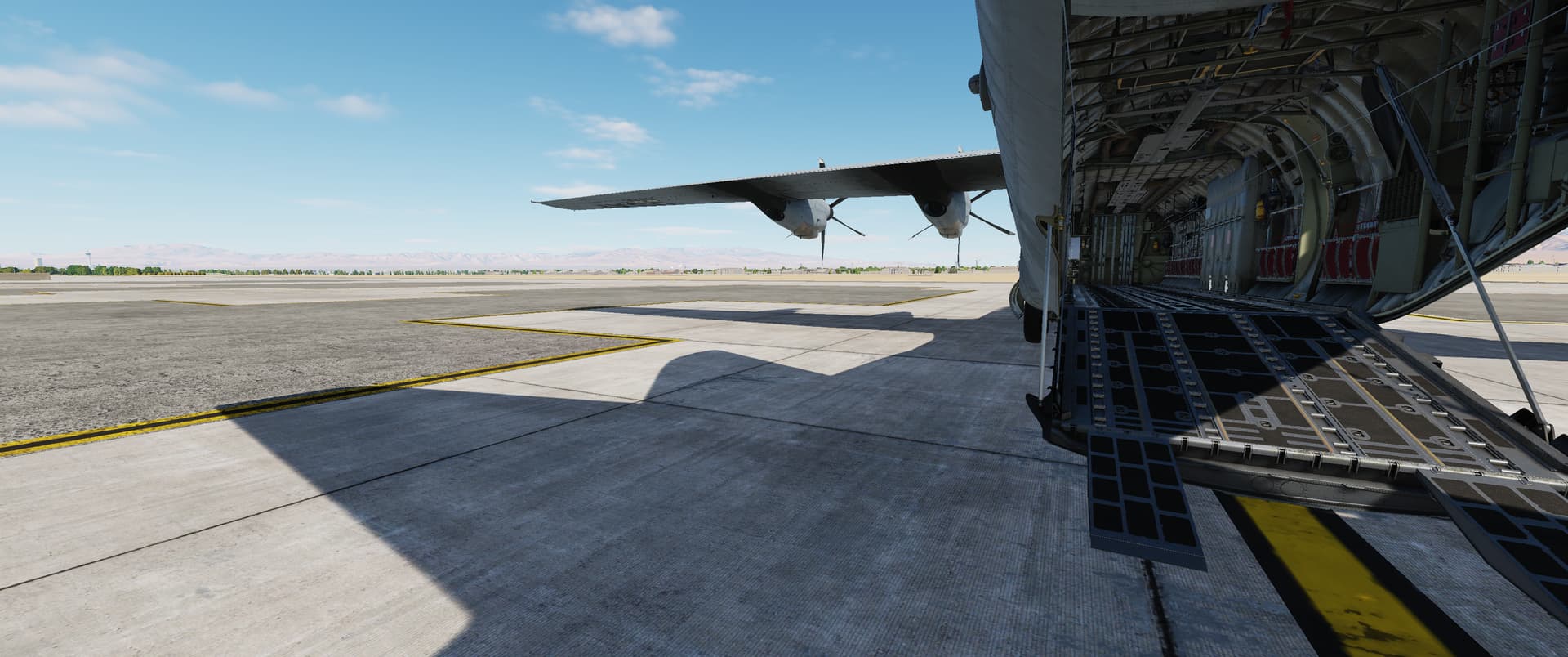
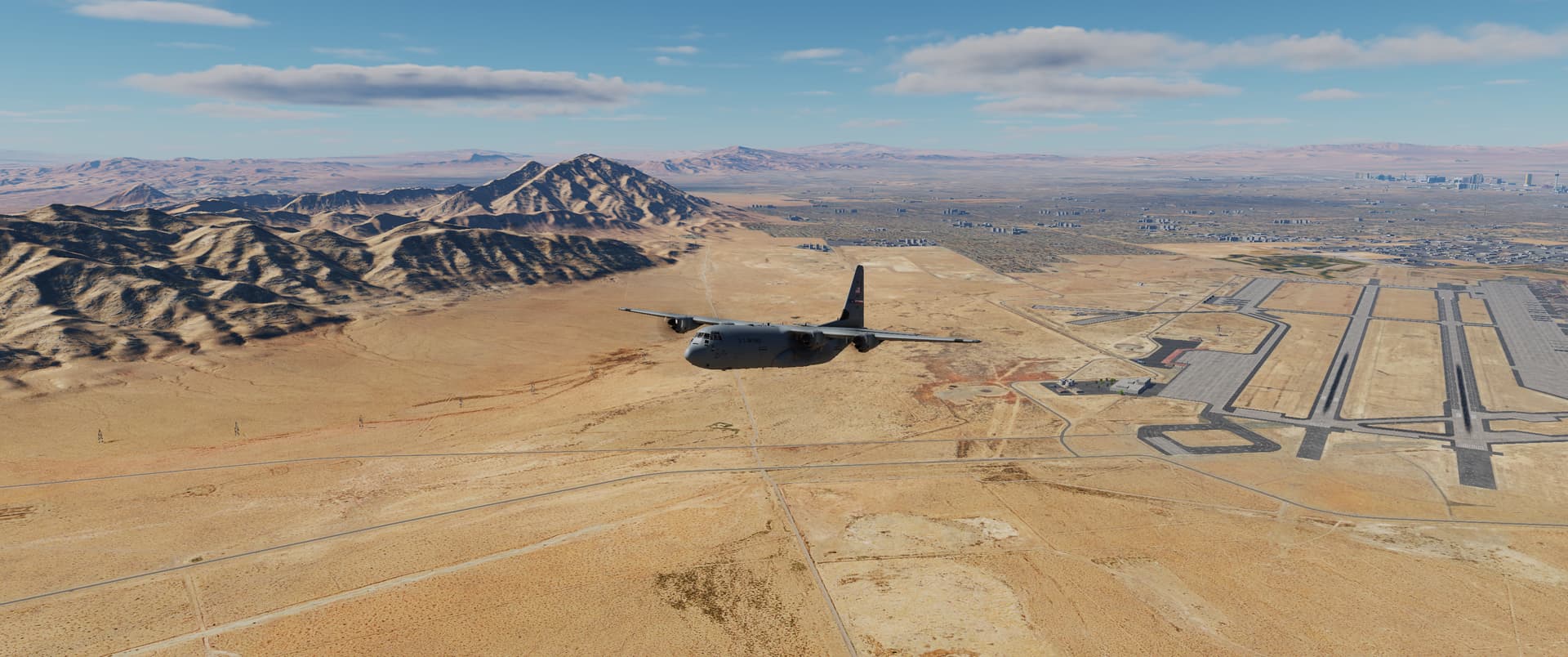
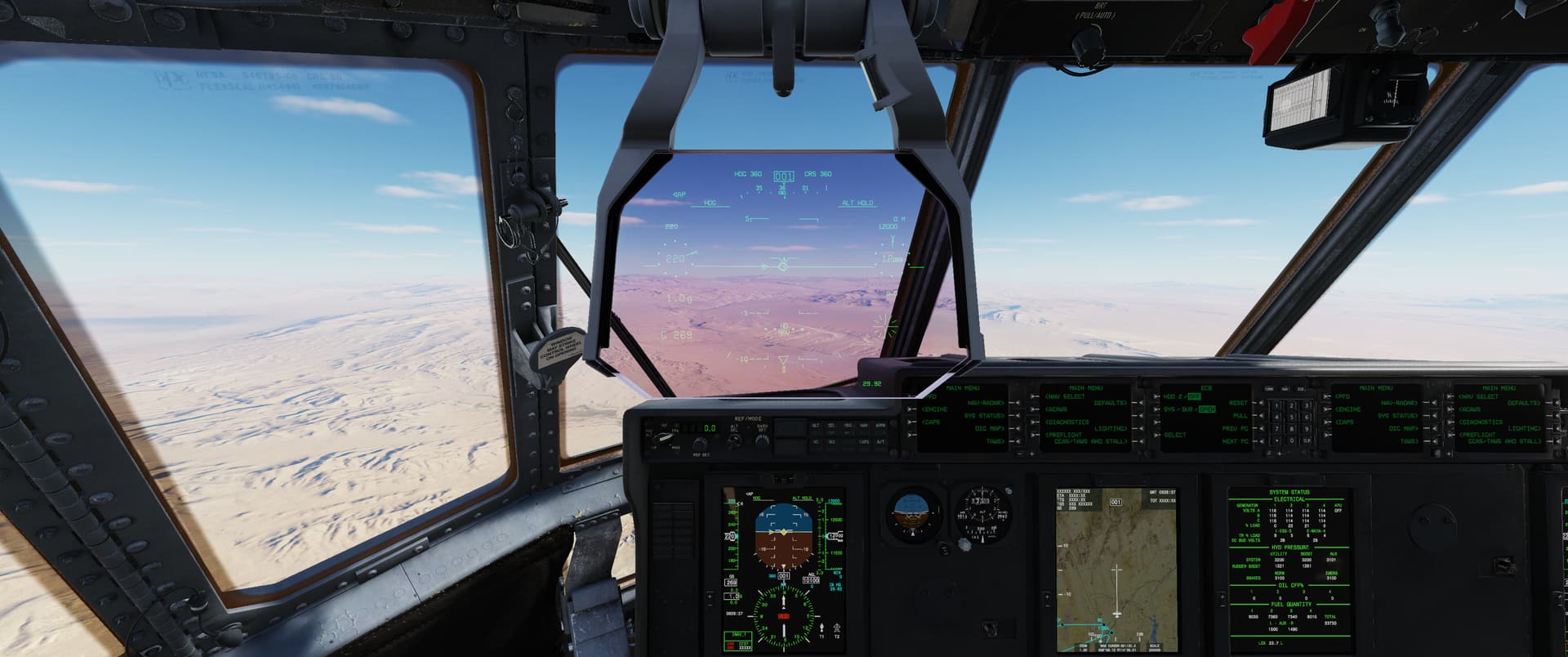
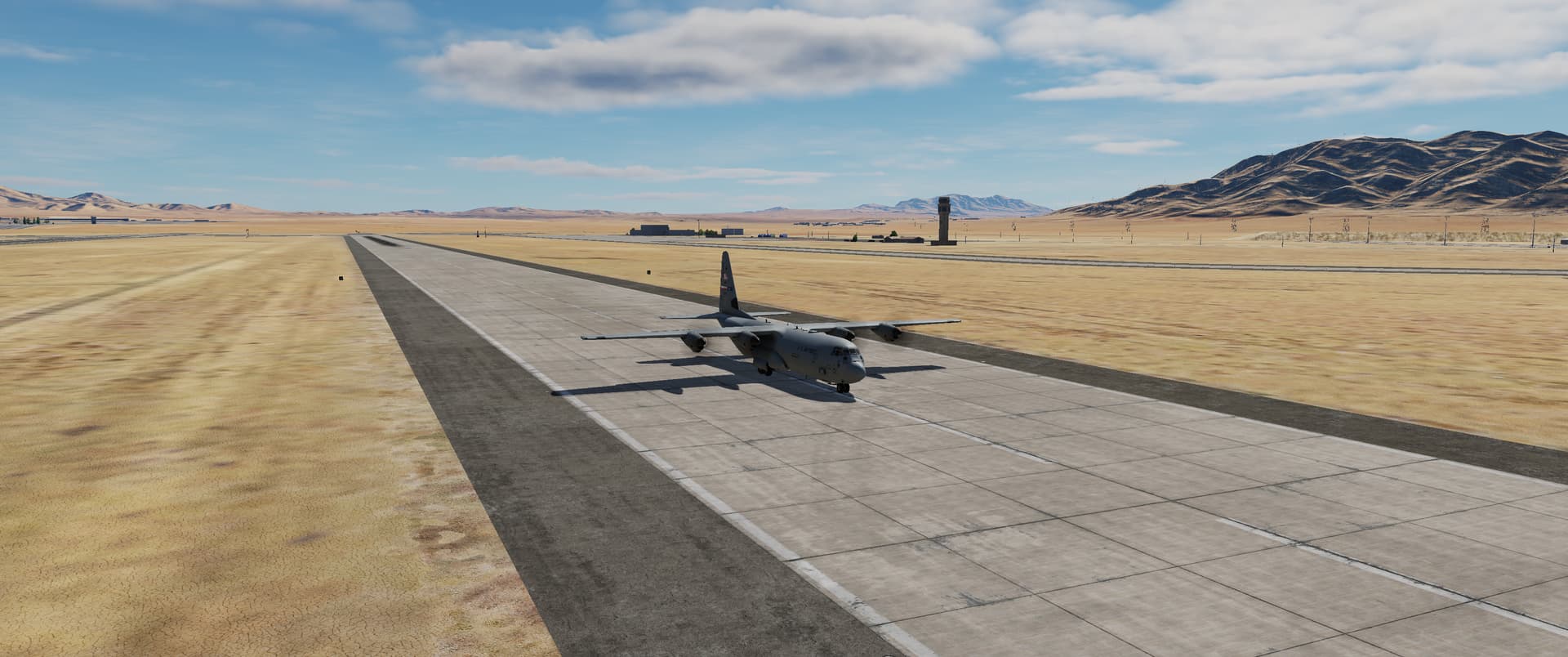
Me, realising that I can just delete a discontinuity in the route
YES, yes we do!
No, defninitely not! it is much much more complicated 
Me, realising that I can just delete a discontinuity in the route
YES, yes we do!
No, defninitely not! it is much much more complicated
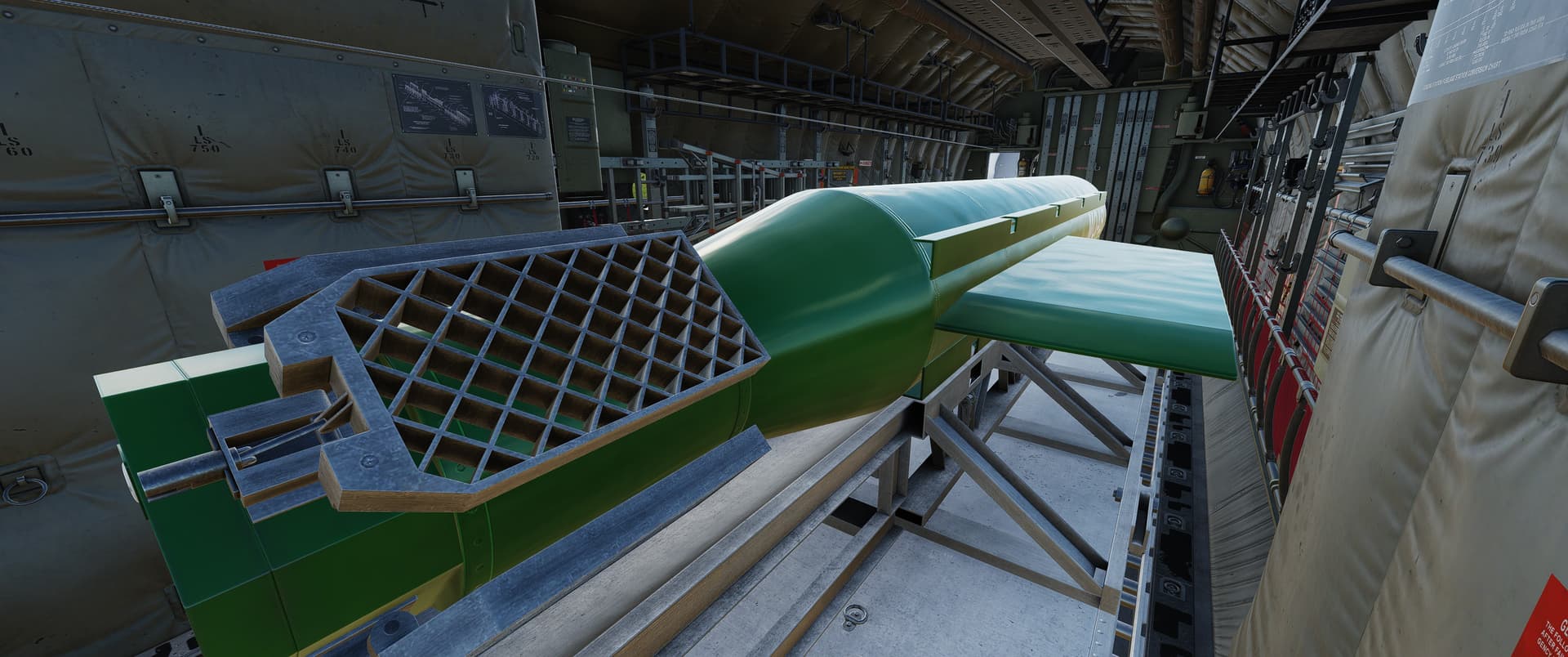
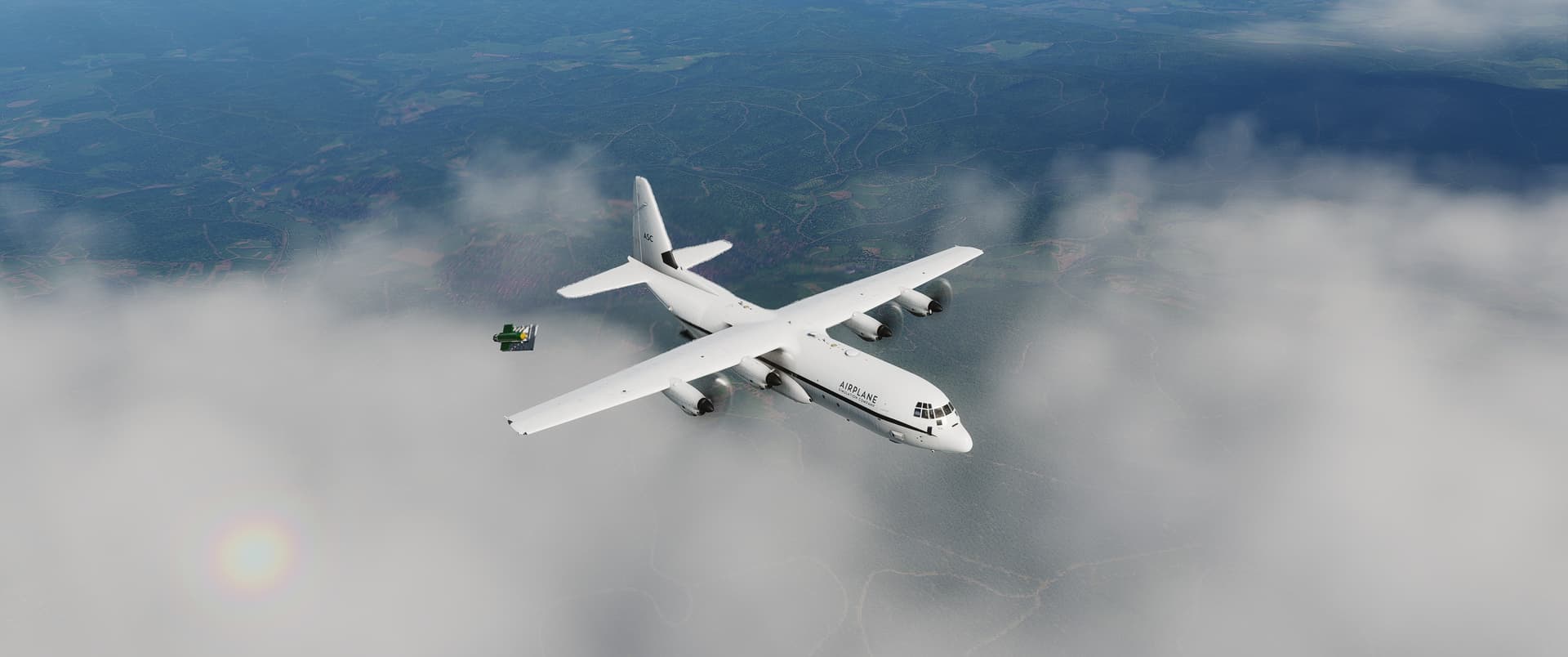
I’ve absolutely no idea how to program the GPS or anything about the MOAB, and I can find absolutely no documentation even mentioning the bomb. But if you drop it as-is it’ll twitch its control surfaces a bit here and there until at some point it hits something  I suppose I should study CARP and see if that somehow transmits coords to the MOAB.
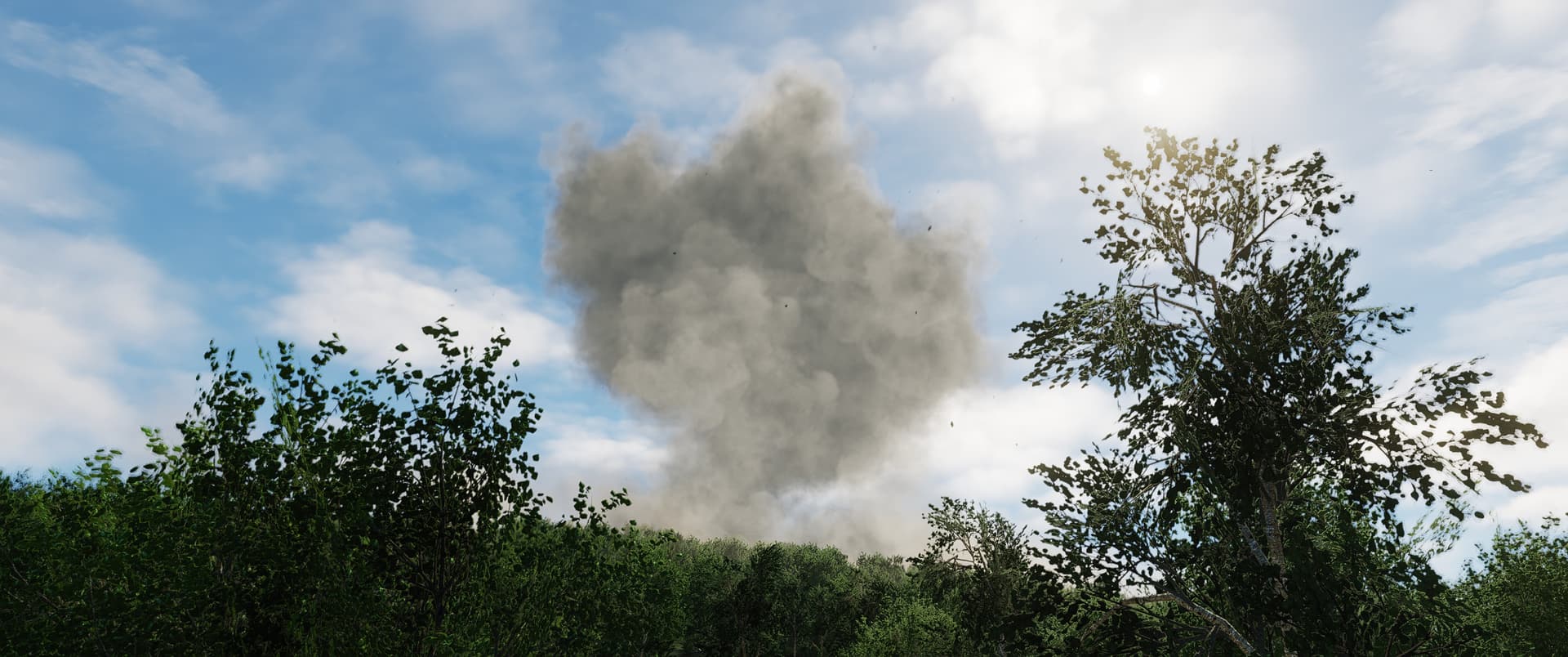
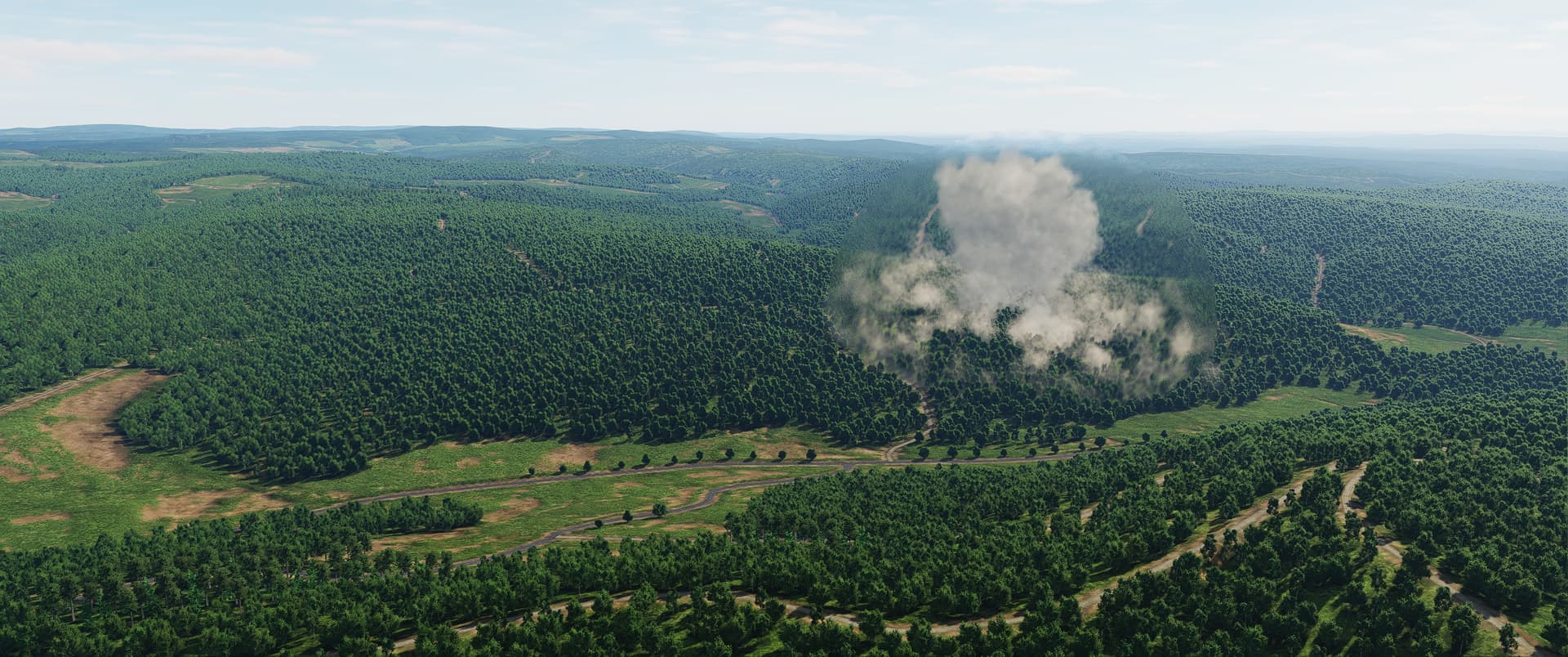
For now, it is absolutely confirmed to be a big blast, though.

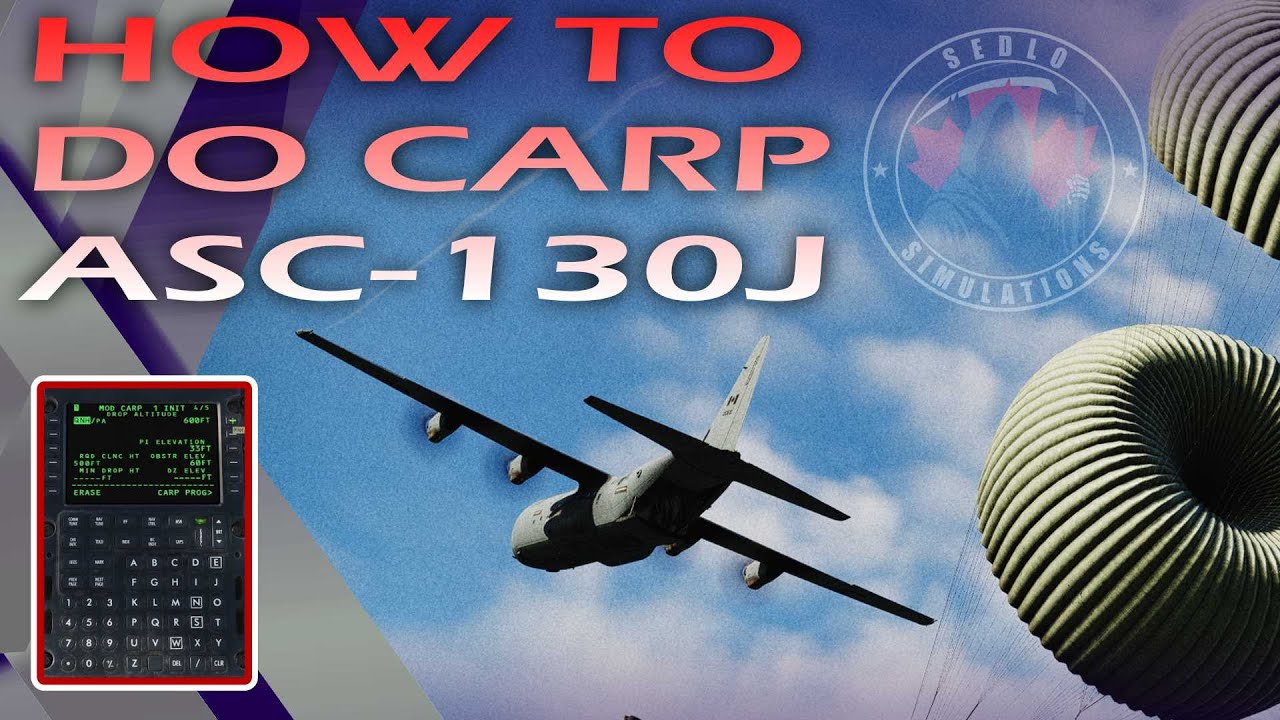
I’m following all these tutorials and checklists but a lot of things aren’t working for me:
Make sure the emergency brake is off, there’s one other thing I can’t remember that prevents the autoskid from activating.
Can’t help you on this one, I usually put the nav radar on HDD1 myself.
If you set the drop height first it wont let you do the obstruction elevation, that got me a few times.
Might be because my parking brake is still set. Only thing I could find in the manual was that the “off” warning is caused by the switch being off and/or the parking brake on.
Turns out the HUD needs to be down and on for HDD1/4 to be changed.
I did indeed mess that up.
A few of these “gotchas” here would be nice to have in the manual and tutorials.
And I finally figured out tonight that if you don’t set an obstruction height, it won’t generate a CARP plan on the route. So always put something in the obstruction line to get an actual CARP route you can drop on.
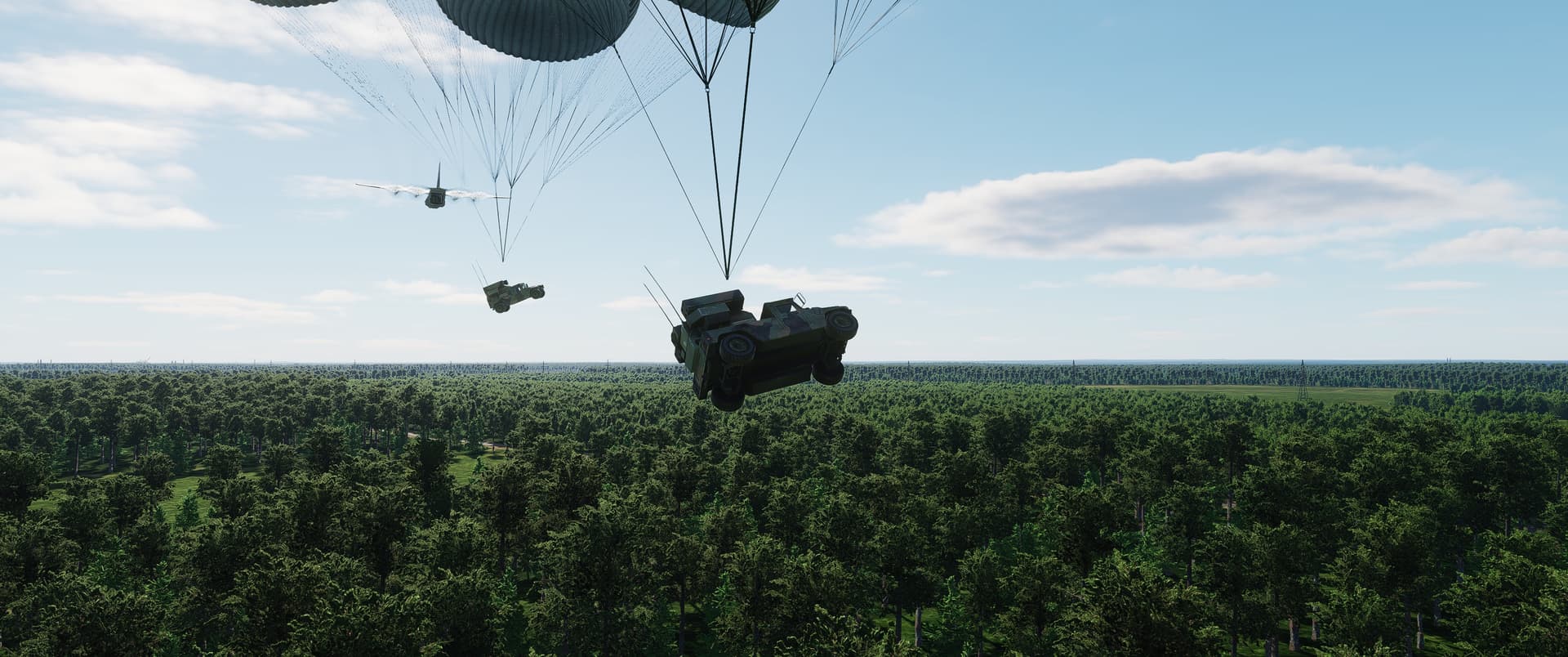
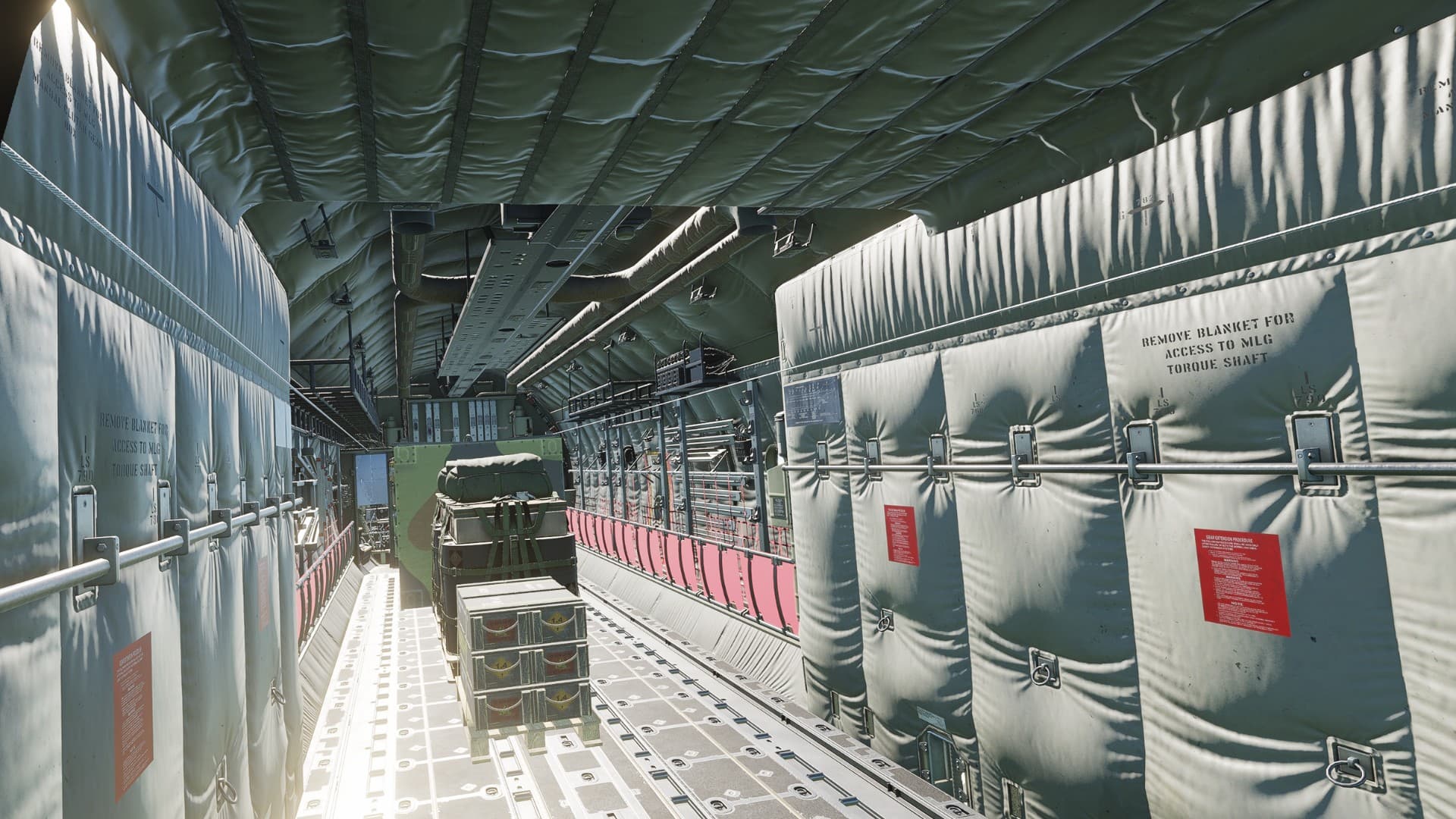
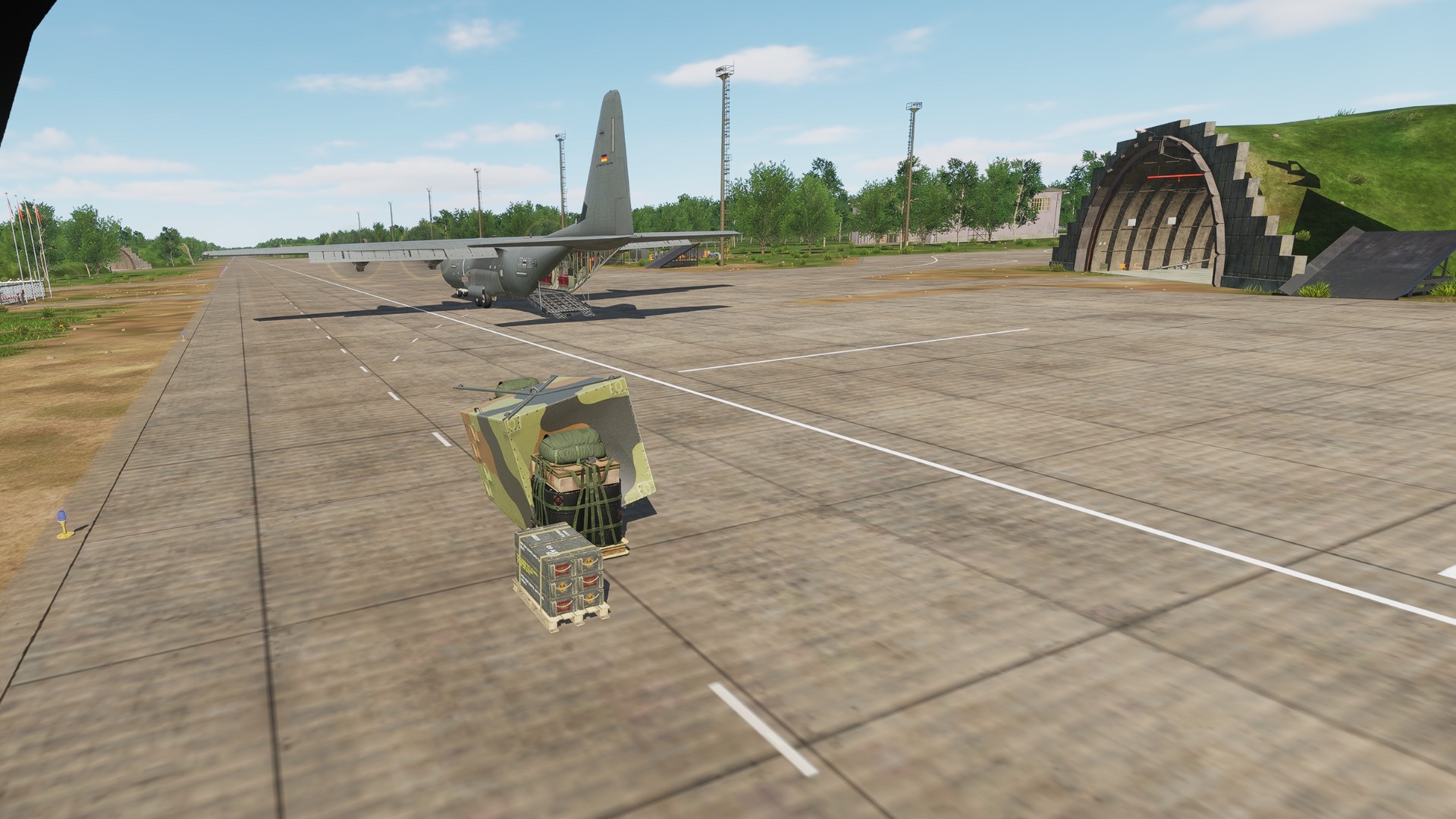
Yep and I keep forgetting the obstruction entry is MSL not AGL. I finally managed to get one drop. I switched to the load master view and when I did, I inadvertently put a slight bank on the aircraft. The bank caused the cargo to shift, sliding in the direction of bank and spinning as it went out. So apparently there is cargo physics modeled
Hmmm would it be possible?  Why not?
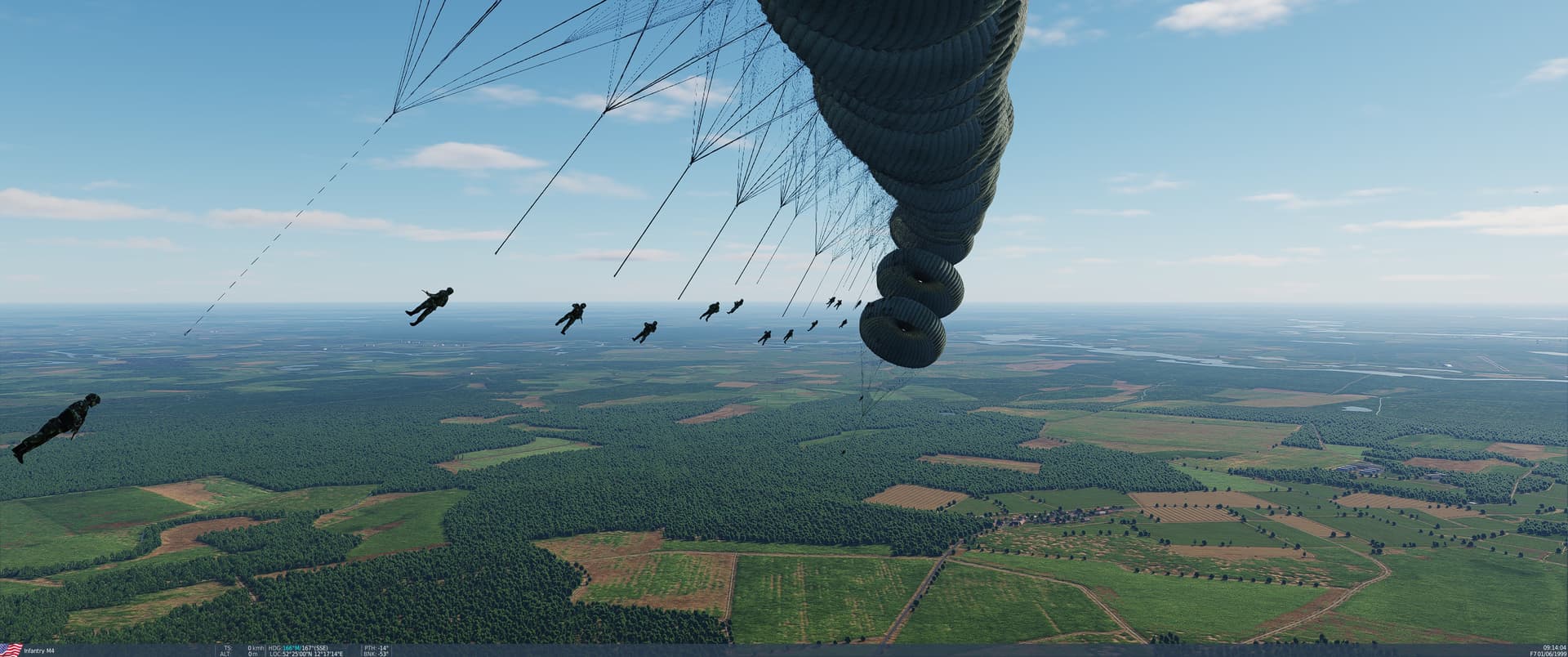
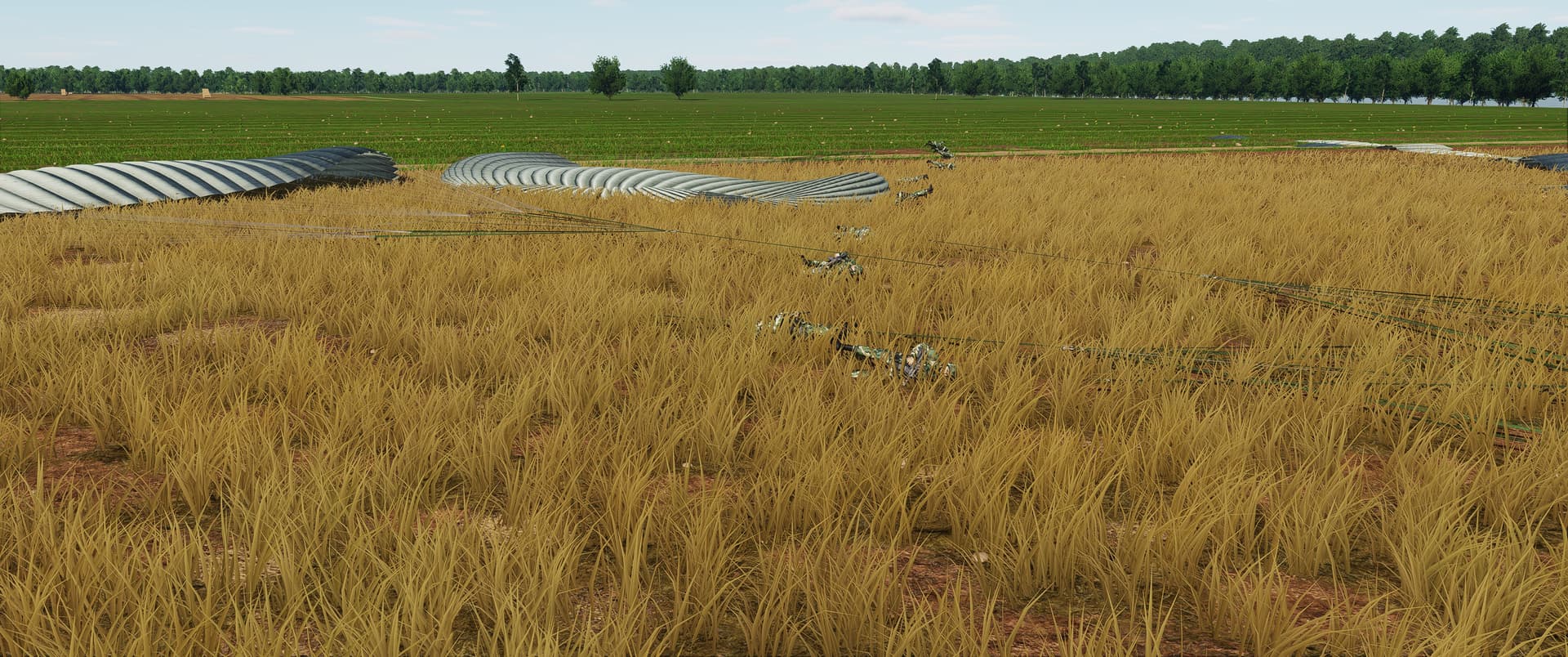
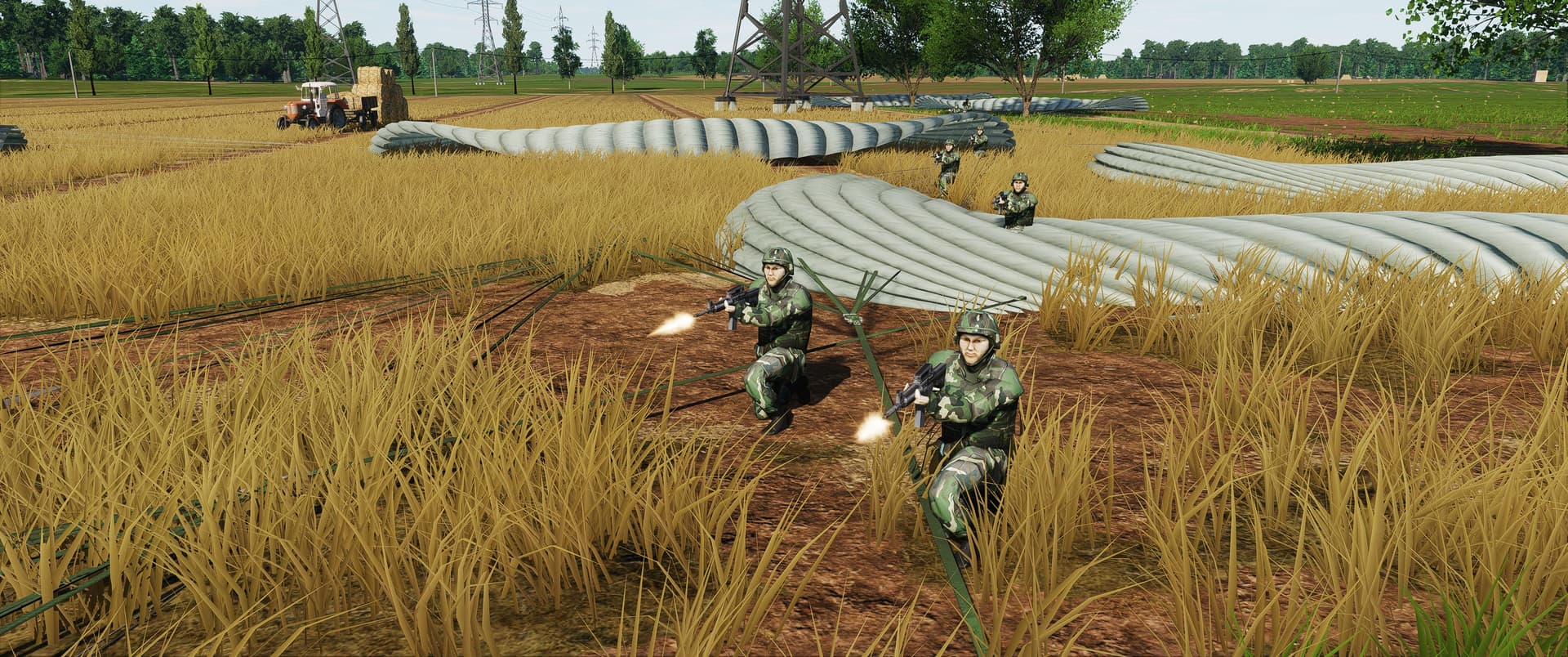
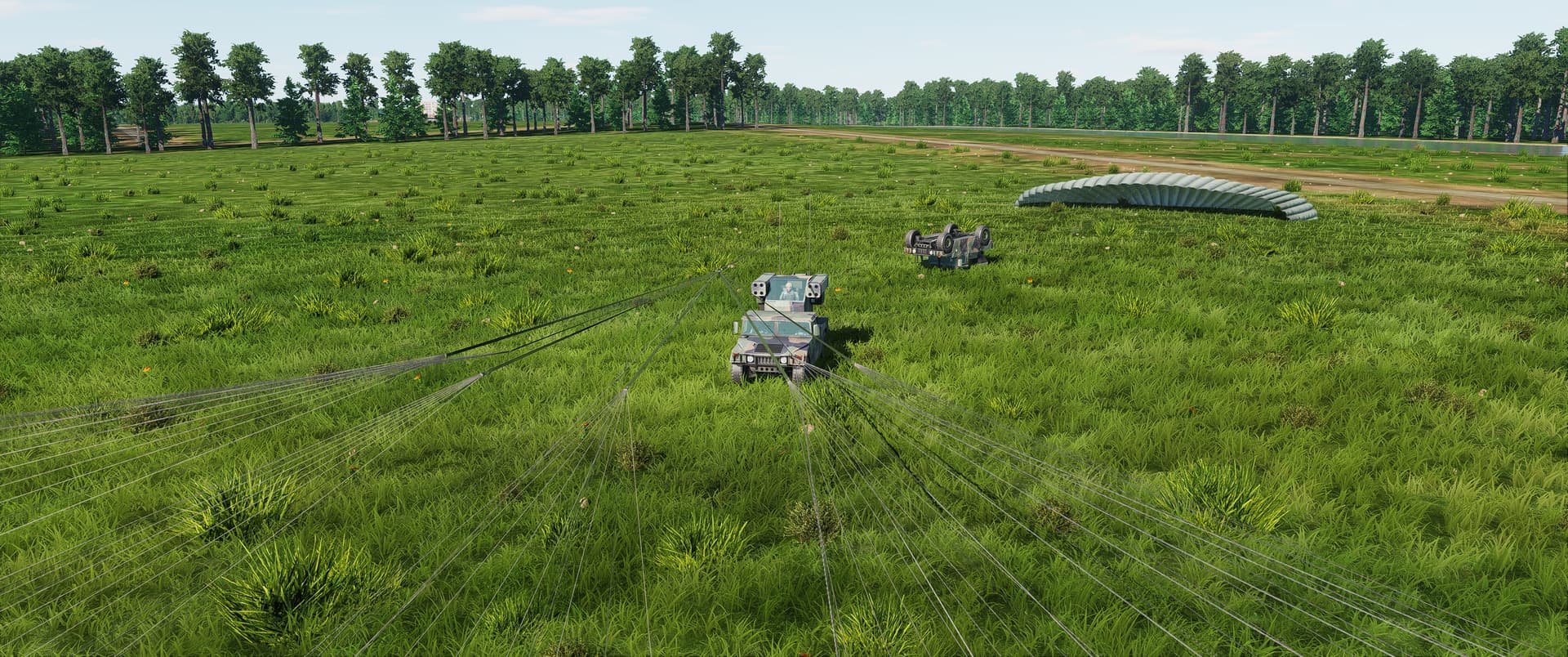
and here lies the problem… they tip over and then fall over and stay there laying on the ground… further experiments required…
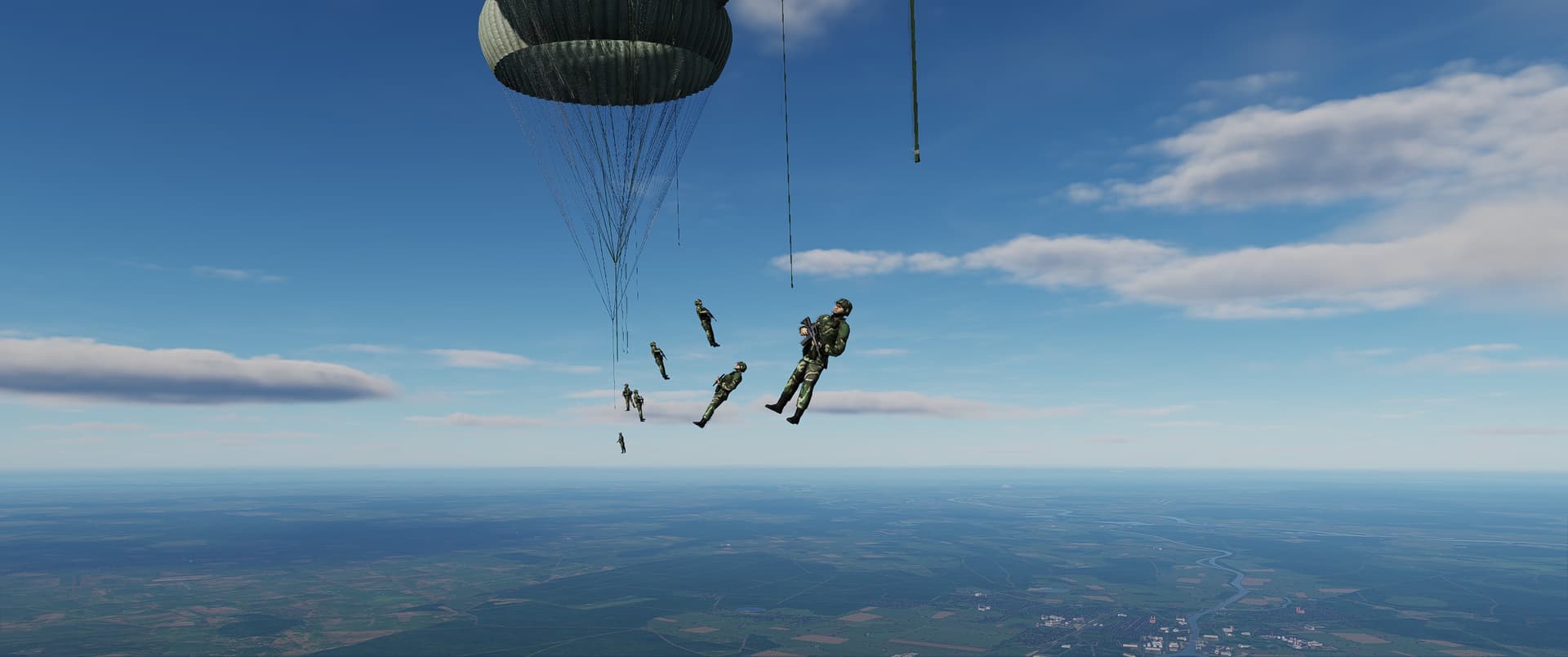
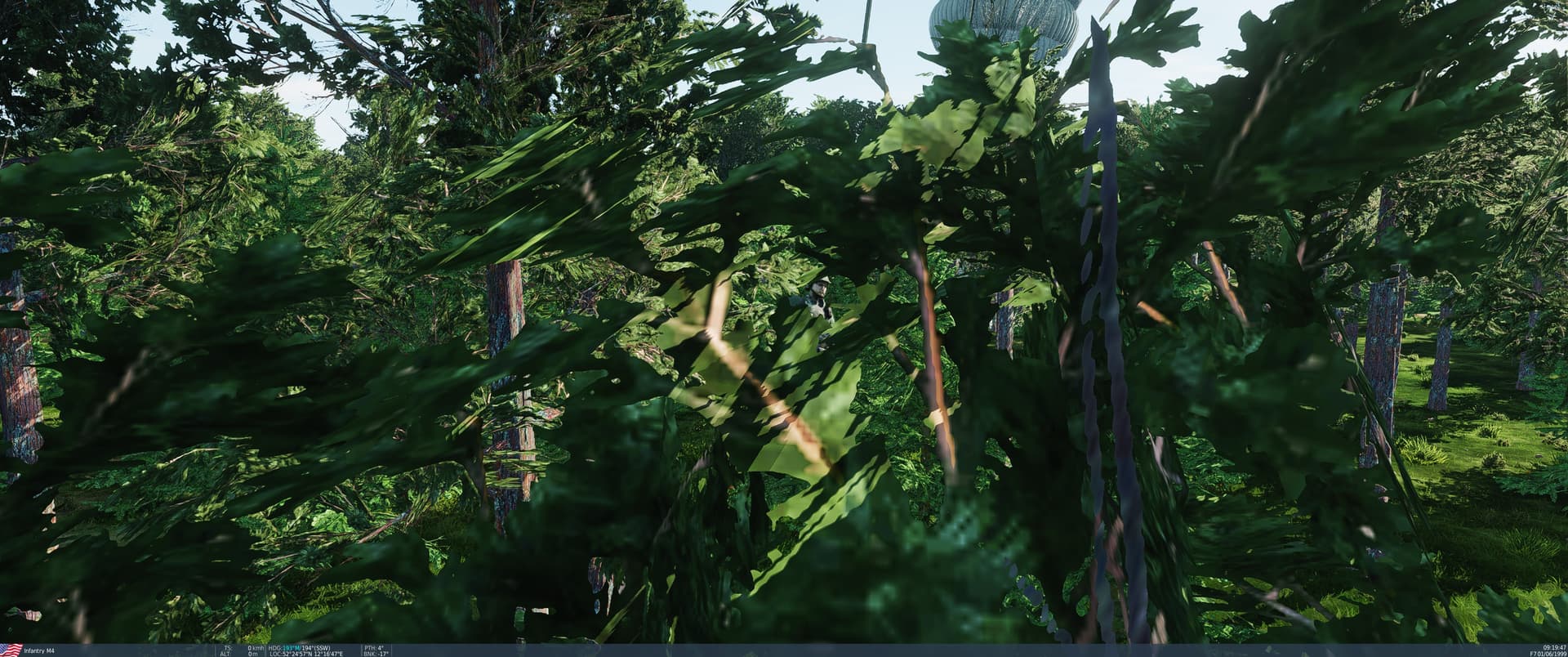
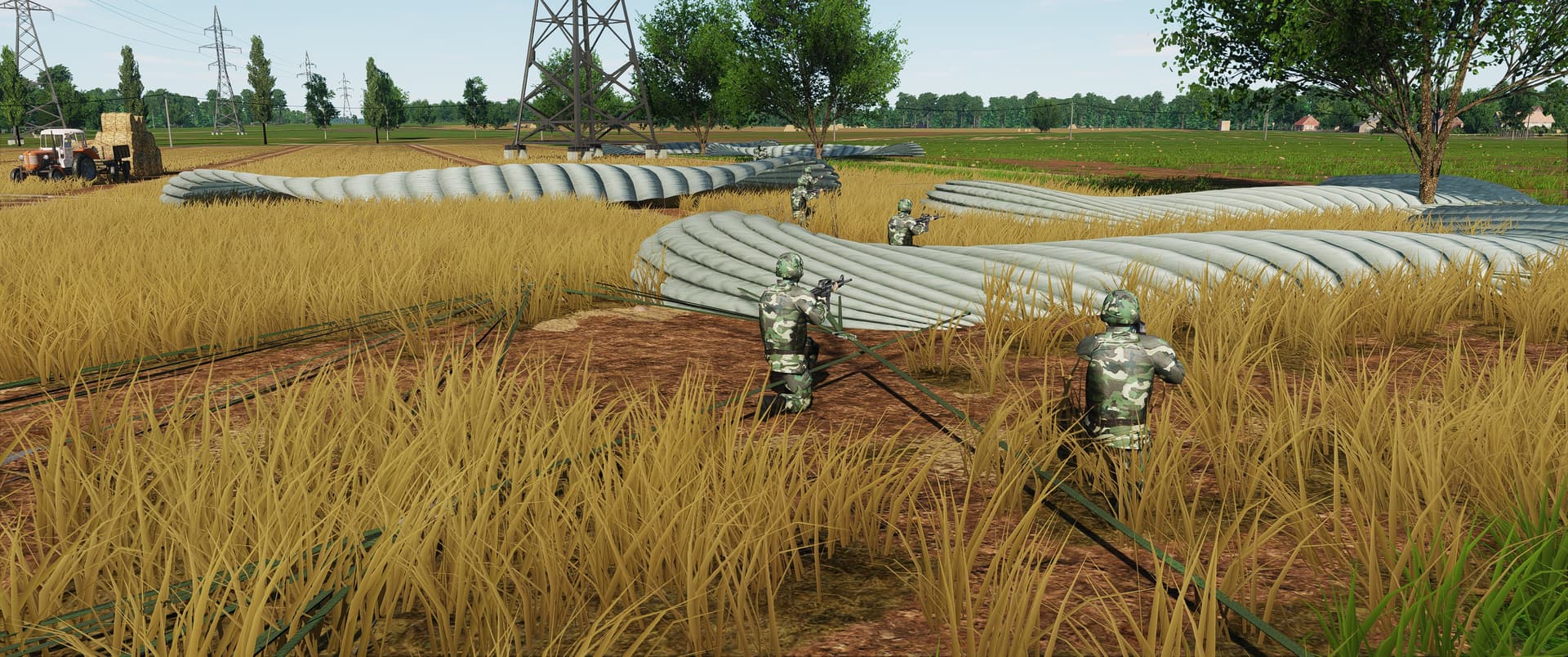
…and even shoot at said something. But no matter what I try they wont move as if they are still stuck to the chute or something.
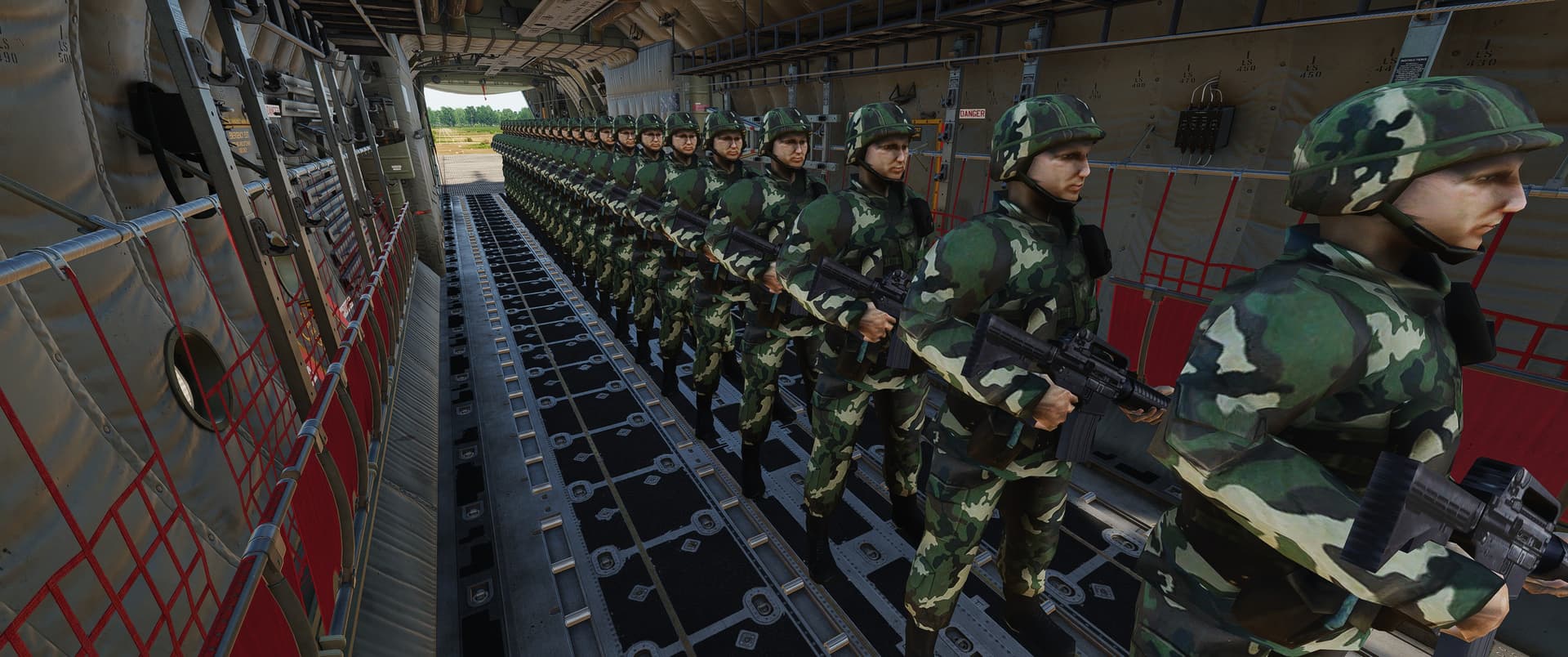
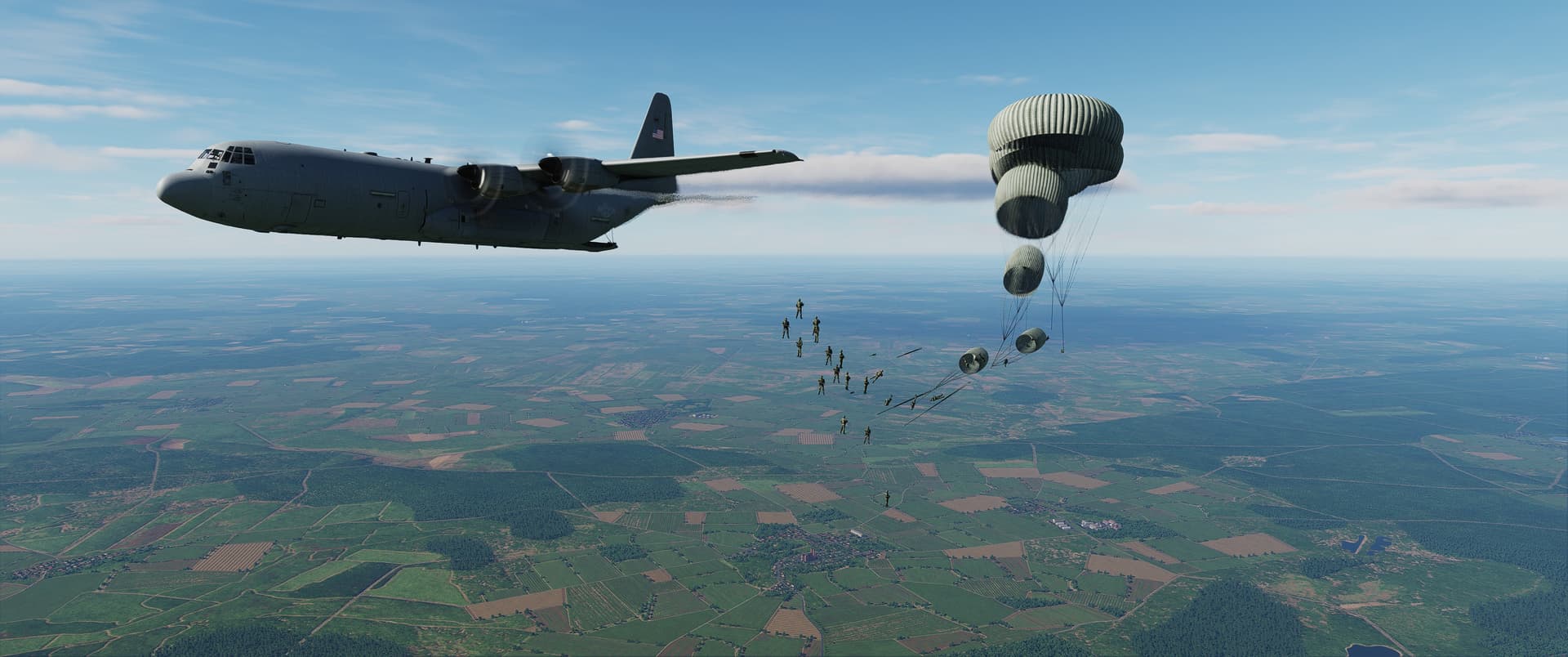
Do they only come out one door? I thought they’d be staggered from both doors for spacing. Also fairly certain they’d be using smaller canopies.
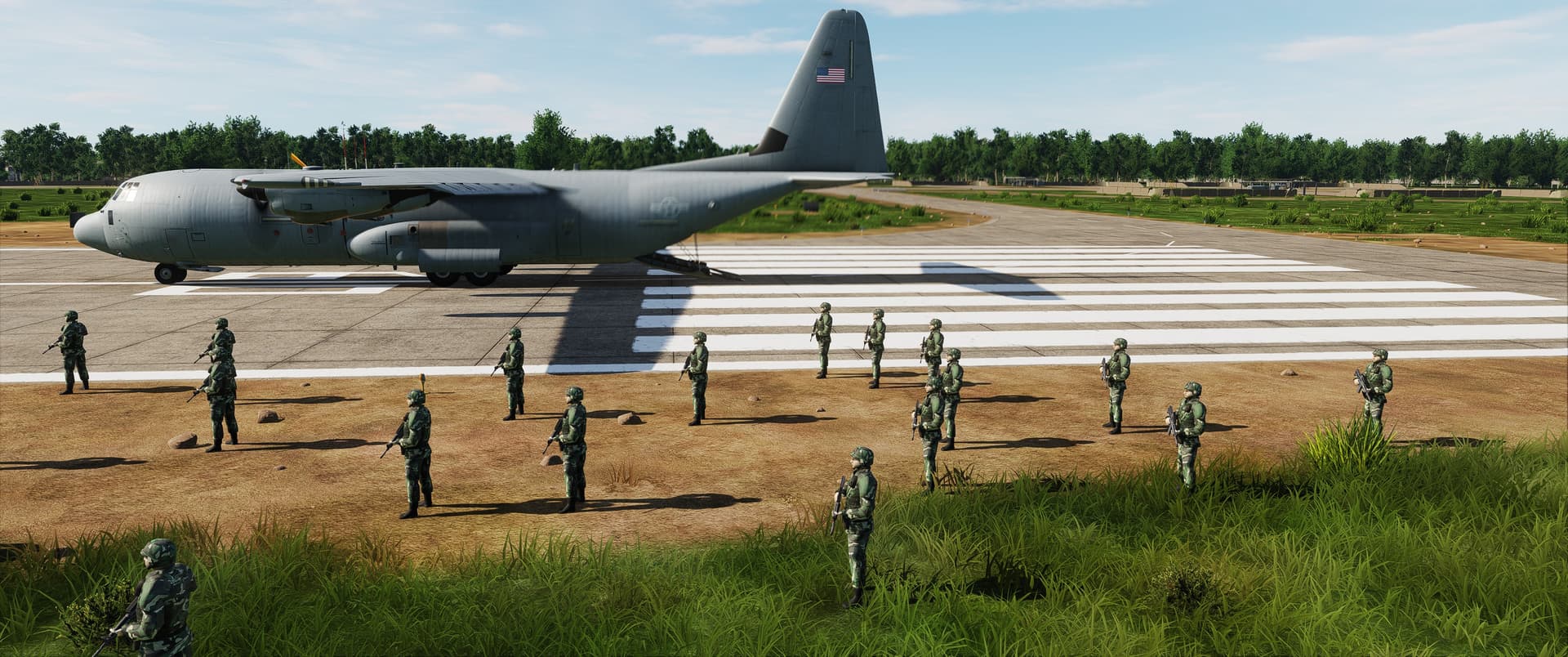
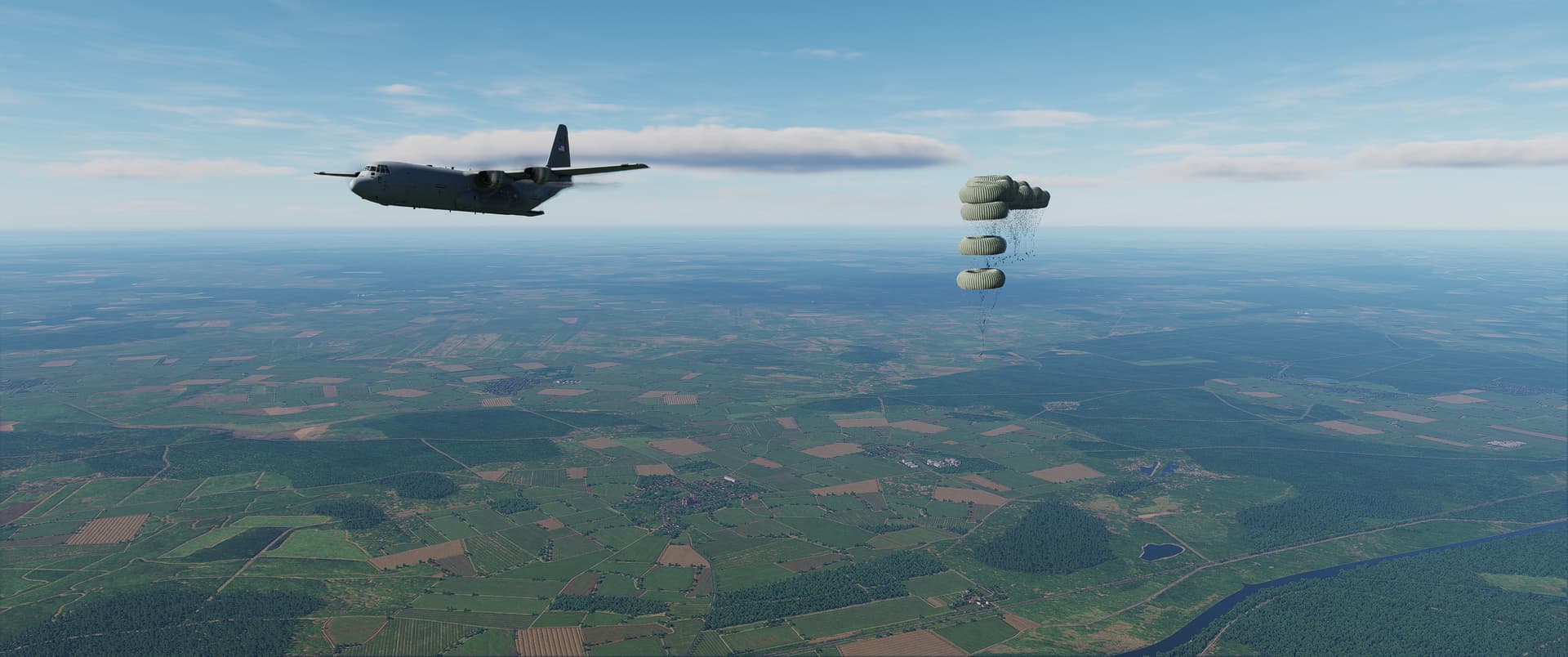
So @clutch I have to admit here that I am using the functions that is meant for airdropping vehicles on simple, regular army infantry. Just to see what is possible with the simulation right now. When I give the command, they litterally roll over the floor as if they were wearing roller skates. You also spotted very well that that is a G-12D cargo chute, not a chute for paratroopers.
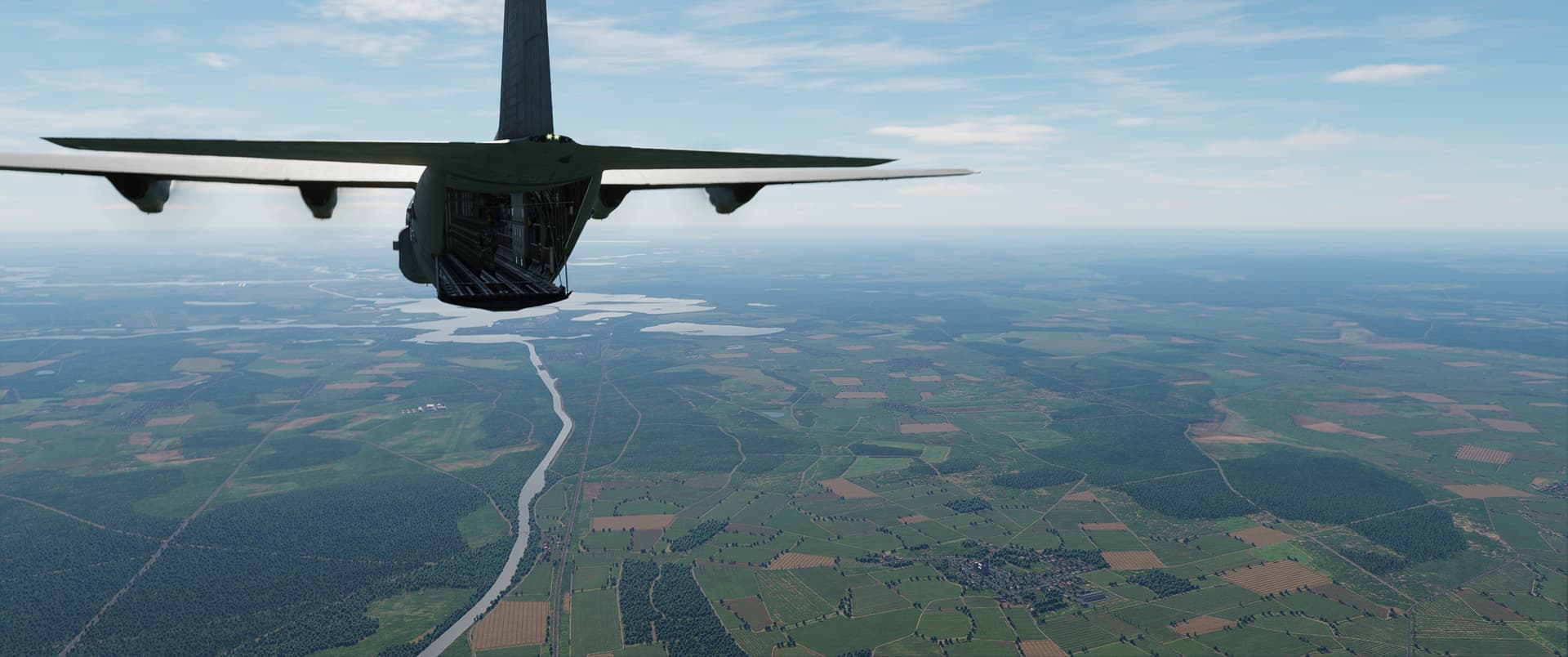
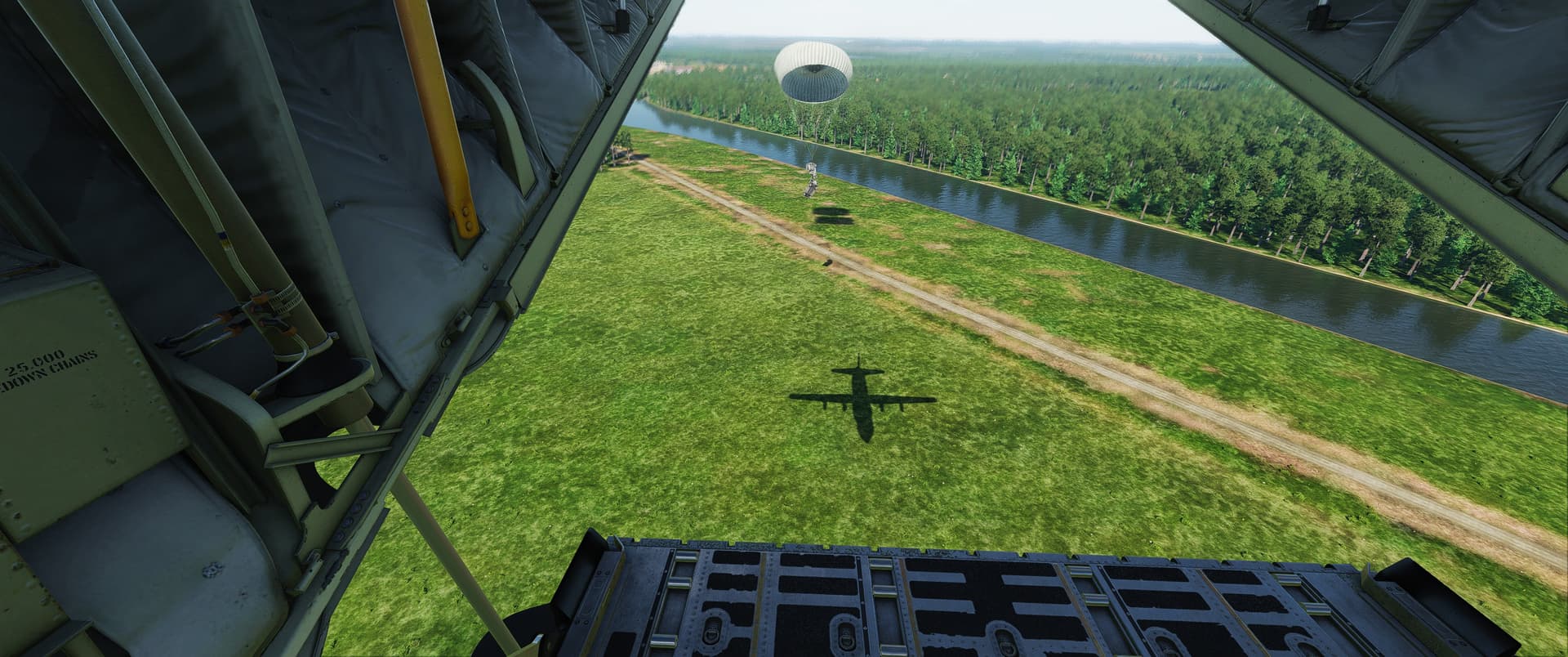
So yeah this is me fooling around and dropping them out the back cargo door. Proper support is coming later. If you spot something, it’s on me and not on ASC
Hit! That is amazing! The possibilities are endless 
just did my first full cold start, take off and landing, those checklists are very good.
don’t have a clue about navigation or getting the autopilot to work, but that will come.
also how can you spot a Hercules pilot, just quote a seemingly random list of numbers at them starting with 408,409 
Standard drop, Always drop a spare just in case.
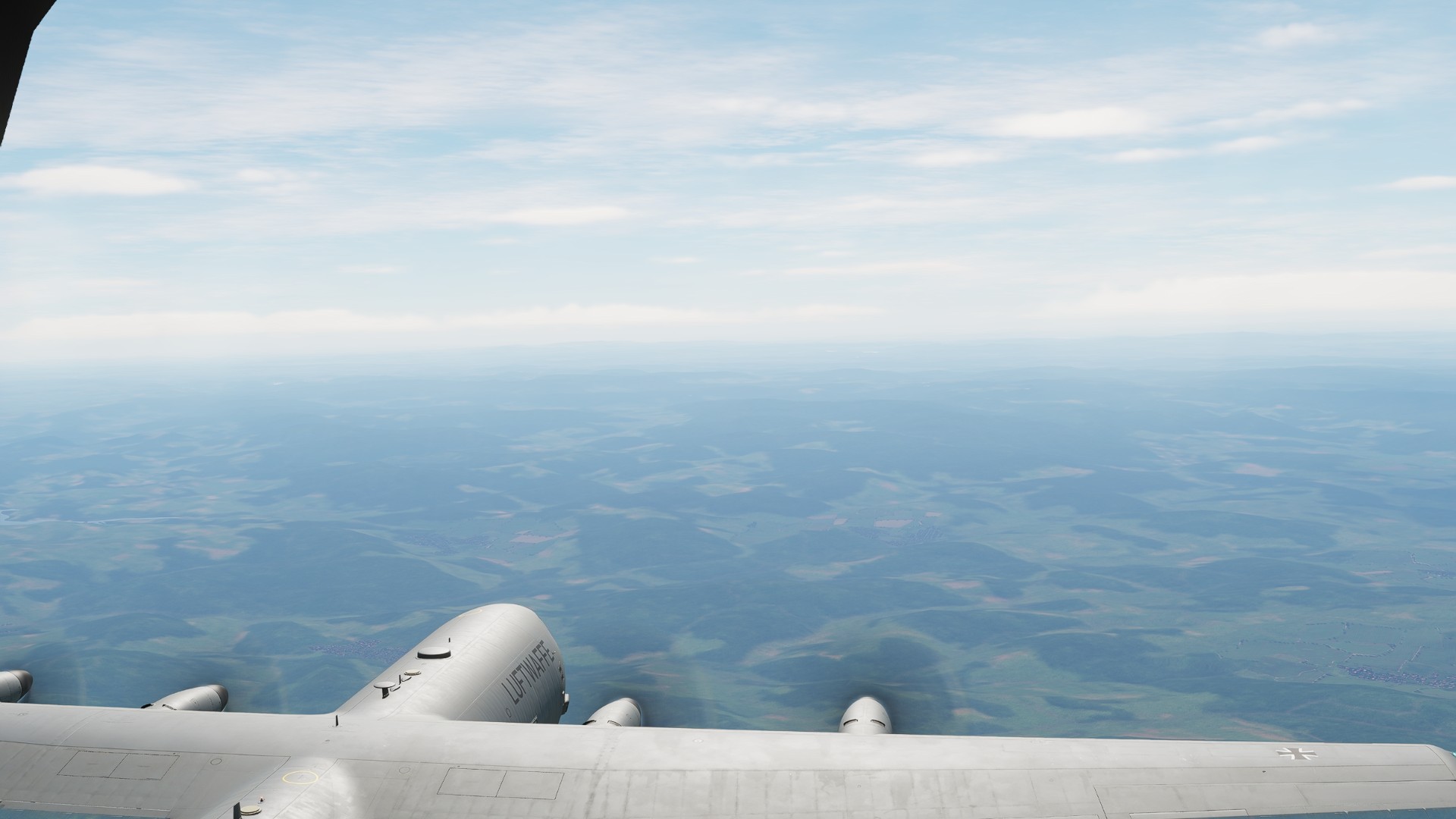
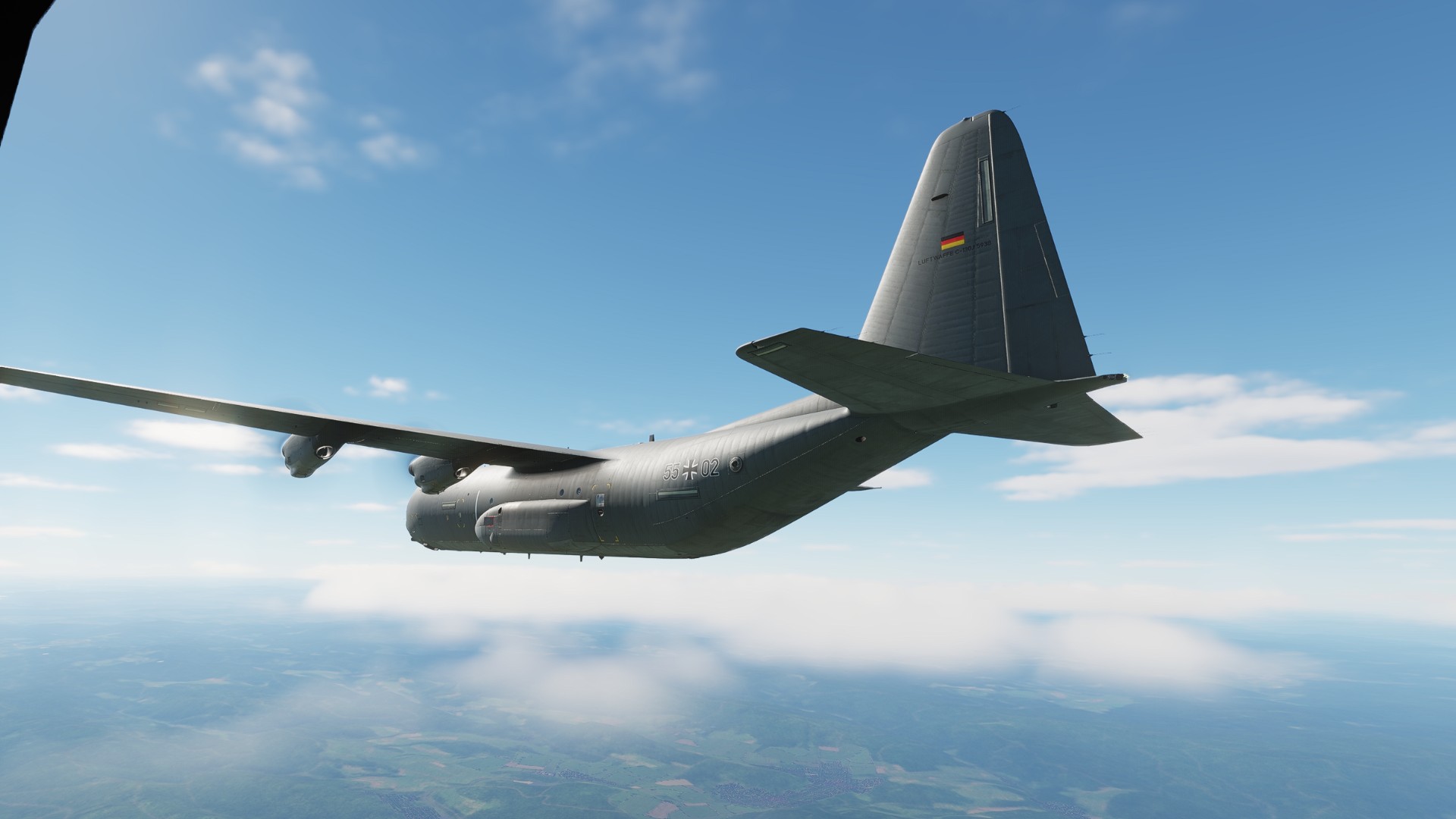
that was amazing, rocking over a 1980s germany at a sedate 280kts with kim carnes Betty davis eyes banging from the headphones. whilst trying to wrestle with the CNI to get it to accept the route I had put in from the mission editor.
and it semi worked the plane turned on the waypoints and i got to where i was going. I think I would defiantly be classed as one of those people who knows just enough to make themselves dangerous, but has no idea what they are actually doing, and makes up for it with random button presses 
Managed to start up and take off and land. Betty wouldn’t shut up about random stuff.
Also is there a flaps indicator somewhere?
Double tap the AP disconnect that should get some of them, master caution and warn are on the brow panel.
Flaps indicator is dead center of the main panel at the bottom, basically between and beloww HDD 2 and 3.
Sweet, Yeah i think I turrned the AP off wrong, That was that problem.
I saw the flaps indicator on the pedestal. Wish the HUD or display had an indication of the position. Thought I had it correct but on take off she was talking away about flaps. THen she wouldnt shut up about Baro, At least i think thats what see said,
Normal procedure apparently is 50 degrees for takeoff and 100 (full) for landing.