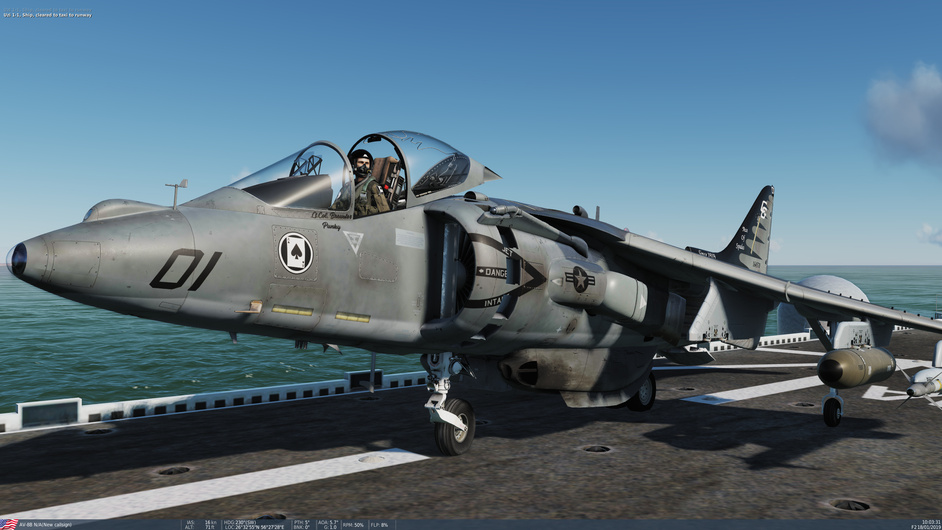
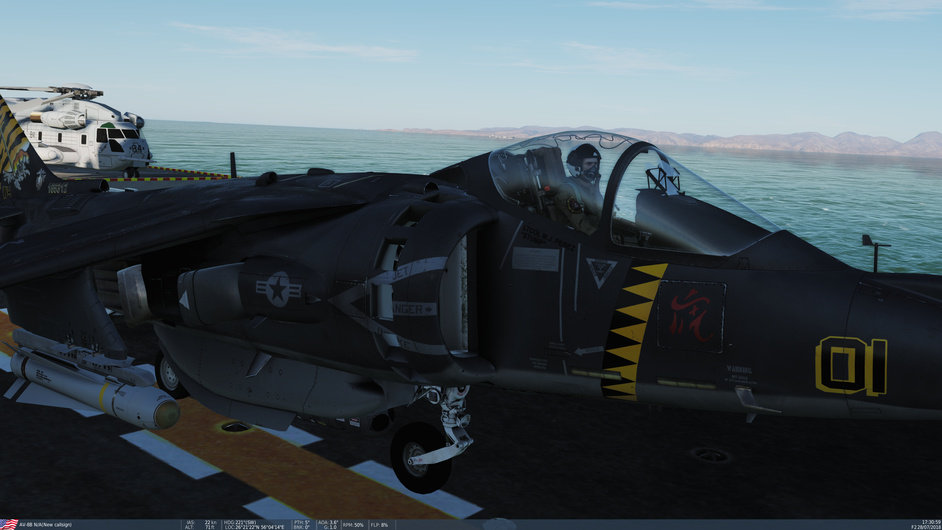
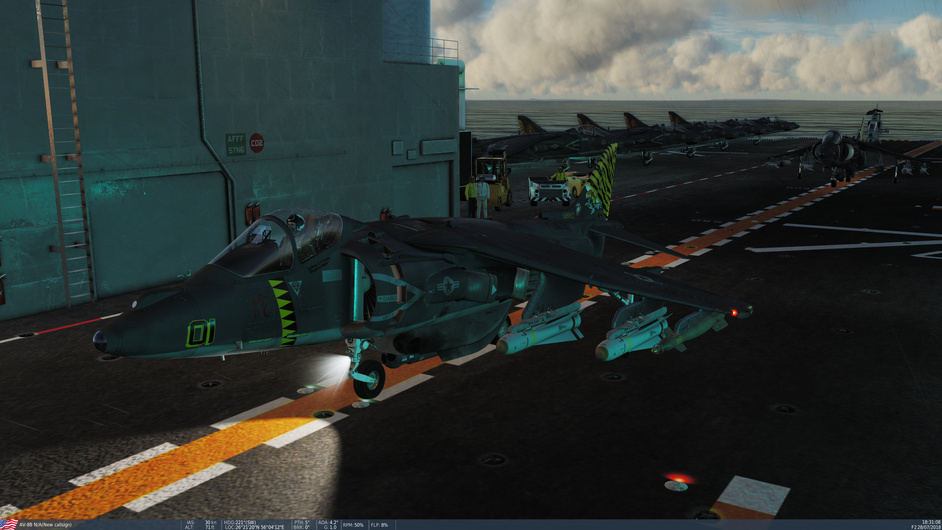
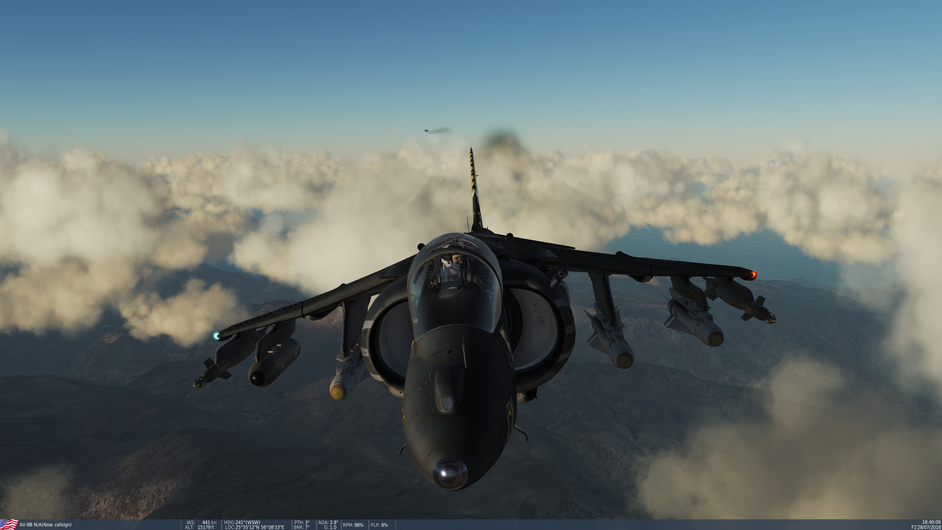
You must first learn how to open the canopy, from the outside… And that’s no mean feat!
I have always wondered how the very clever designers at SAAB came up with the mind puzzle that is the external canopy control lever.
Now I think I know why…
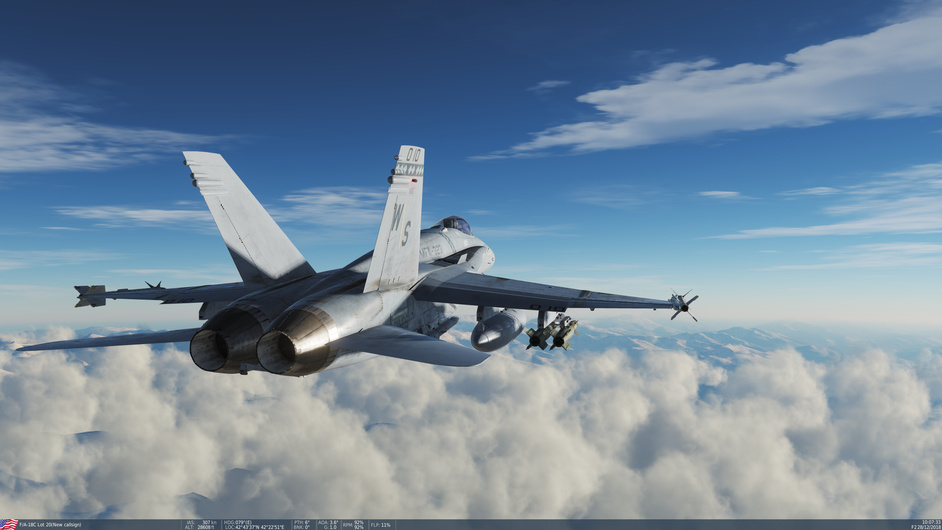
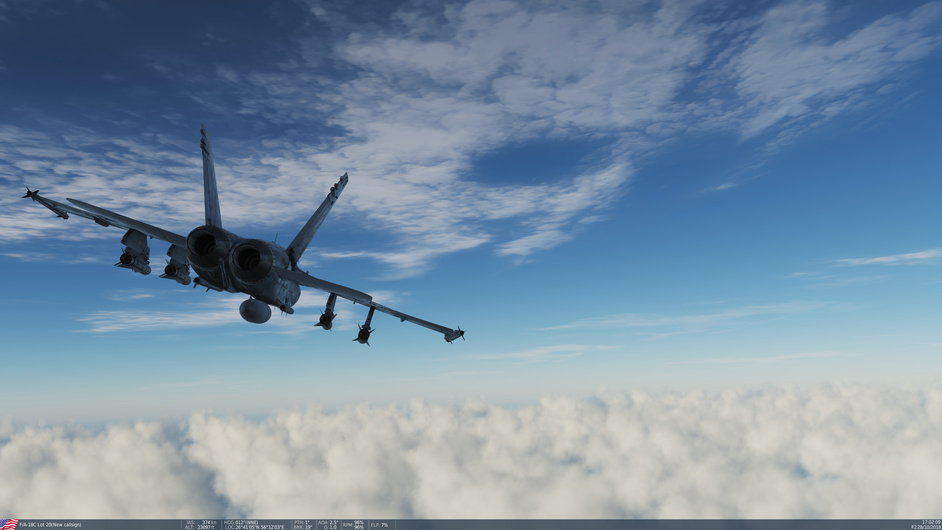
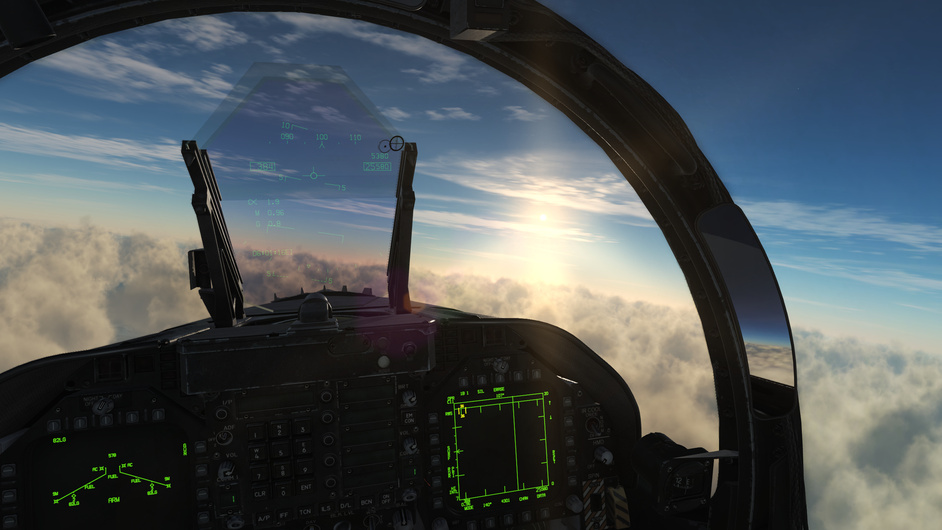
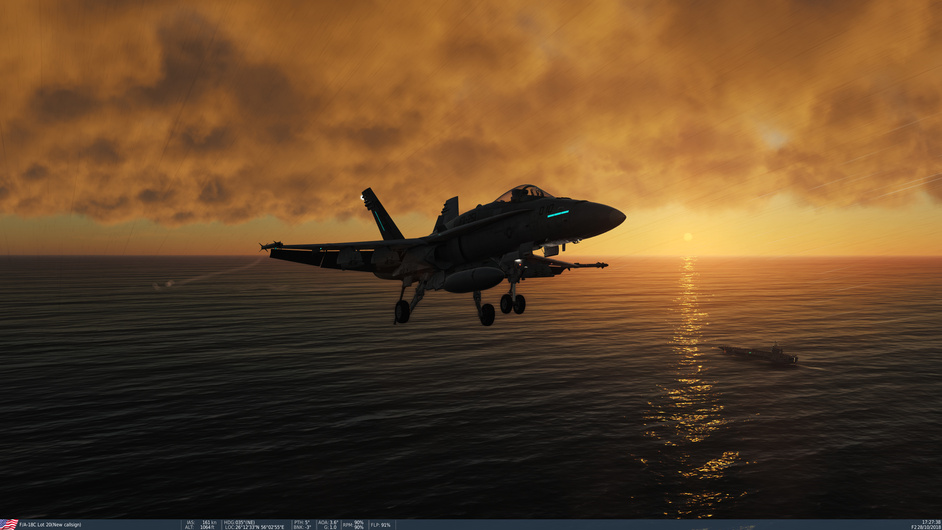
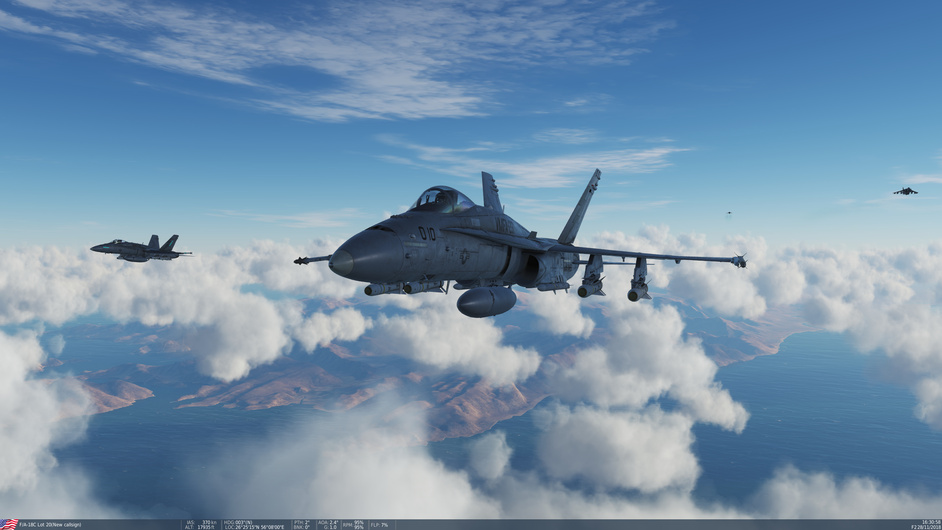
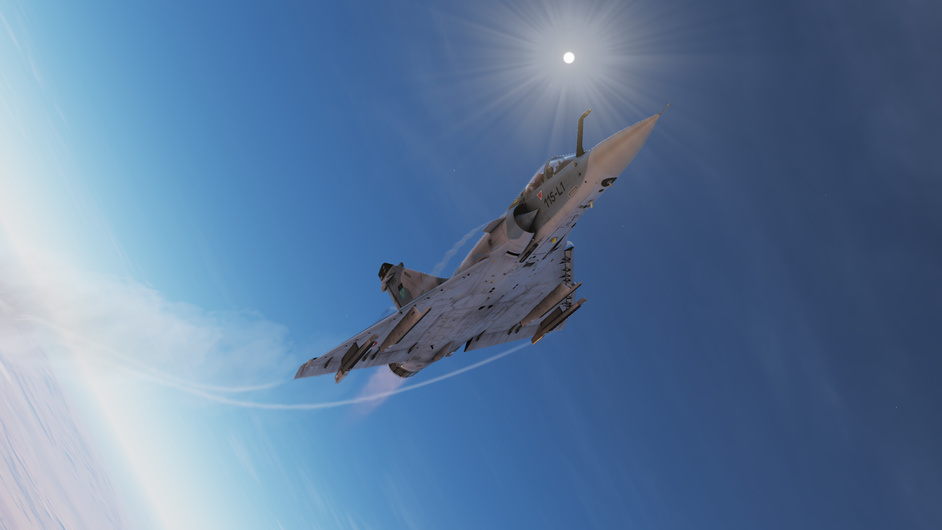
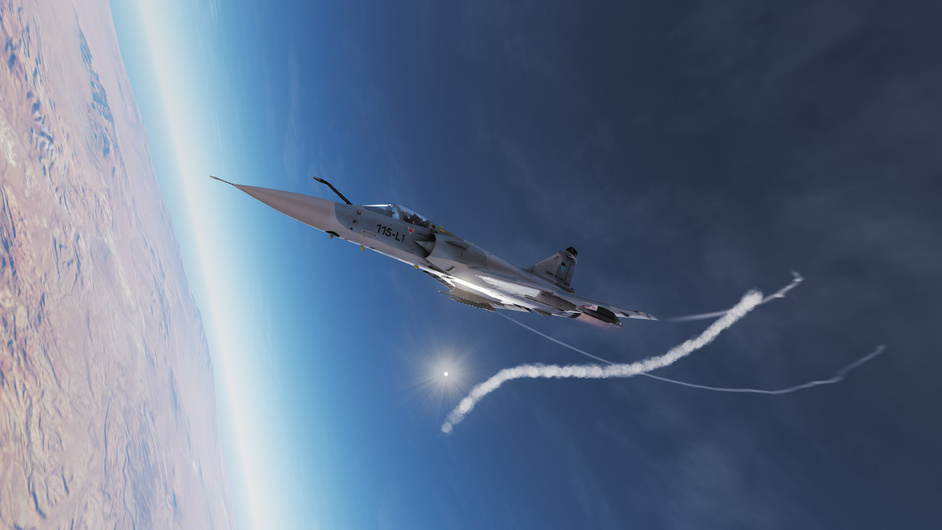
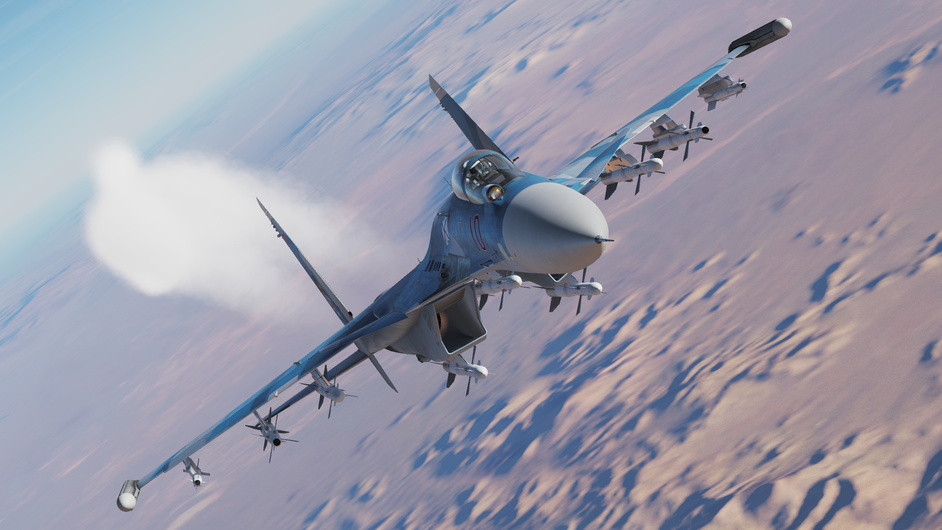
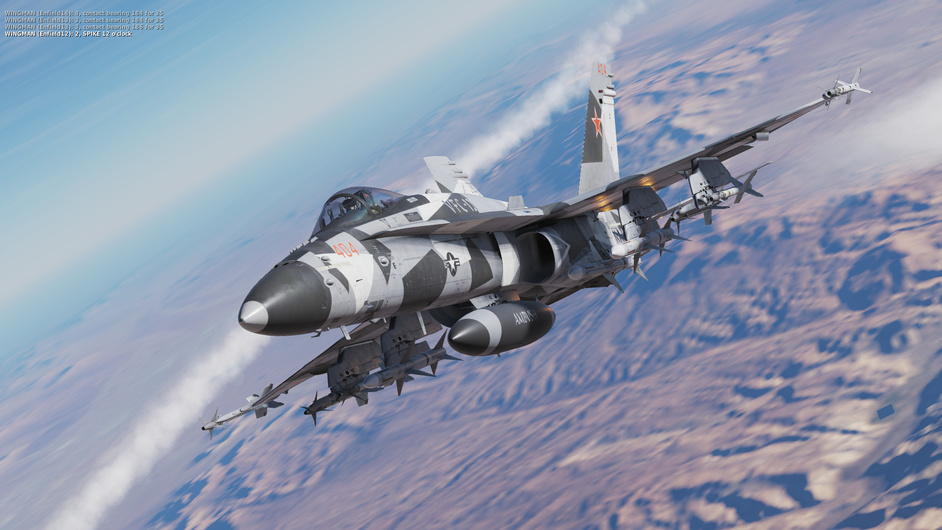
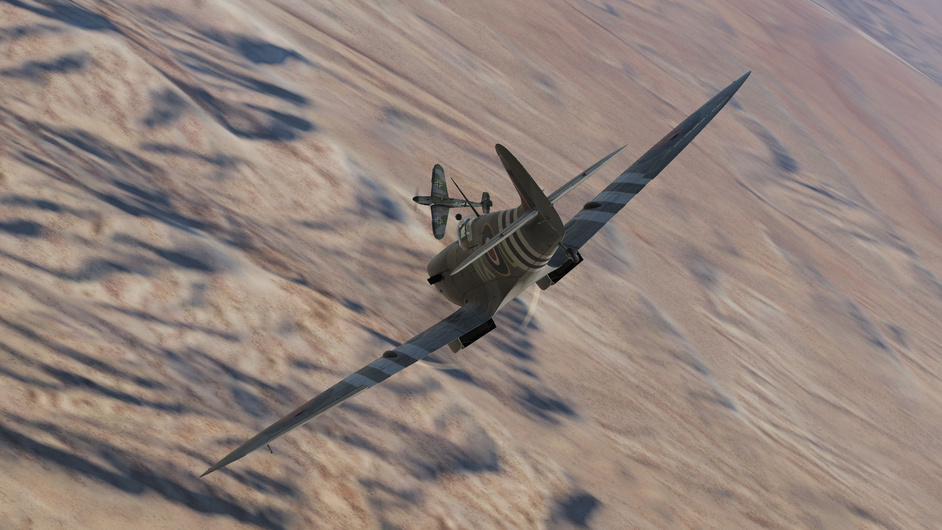
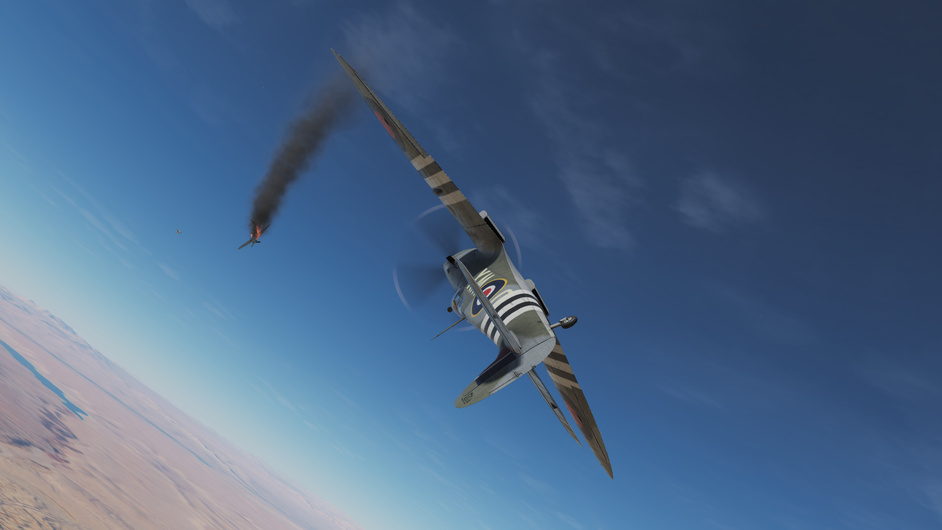
Maybe someday I’ll stop flying around taking screenshots in DCS and actually do something useful…like fly a real mission or practice my carrier landings. It’s just so damn gorgeous.
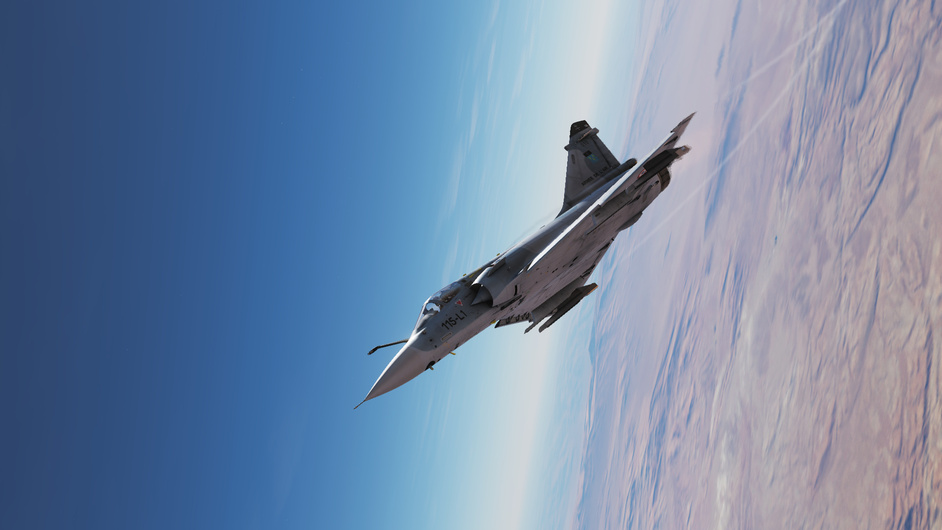
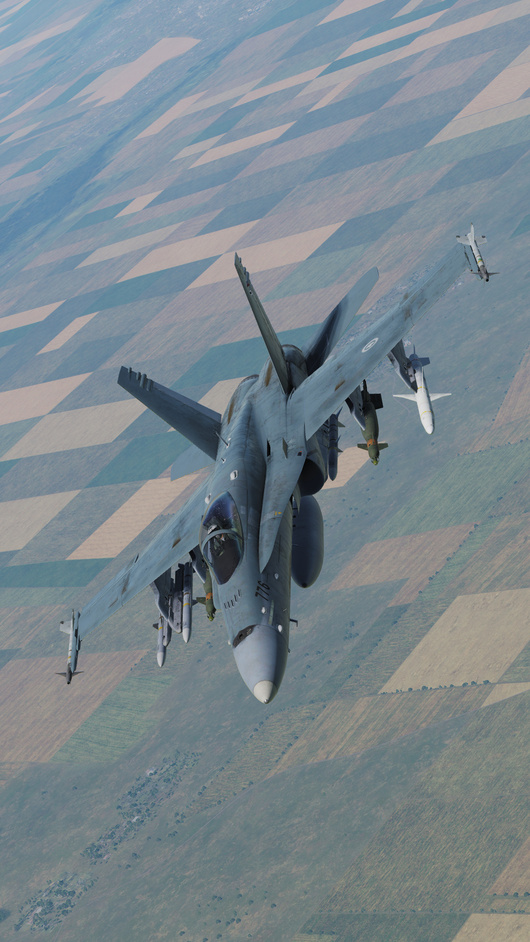
Would anyone have any tips on taking a portrait oriented screenshot? I ask because I want to make DCS my iPhone wallpaper. Zooming in on a 1080P screenshot to fill the vertical space starts making the images pixels noticeable, and requires a zoomed-out view to avoid horizontal cut-off which means it’s low detail to start. I have an XR the which displays in 1792x828.
Tried a bit, but I’d like the ground to still be down, zoomed in camera. I was hoping there was a control to roll the camera view manually - but there’s doesn’t seem to be. Although I’m now thinking to try the F4 camera.
I want to jump back into Madamoiselle Mirage, but part of me wants to wait for the promised midlife overhaul of the systems first, so I don’t have to relearn the avionics twice.
@Franze I mean ya, just fly with us guys in the Bug and we’re like awacs by comparison. You’ll have a full picture before anything appears on your scope. Or at least, that’s how it seemed to go.
Only thing was that by the time we could actually engage them, I could see the individually on my radar display and lock them up as desired. So weaker radar, but easier to pick out contacts.