GOTHQ Get Out The Hangar Queens Mi-8 HiP

I’m finishing up an Iranian Police mission…terrorists/gangsters/ bad guys have taken control of the Persepolis ruins and are threatening to blow them up if they don’t receive a hefty ransom. The have also taken control of a nearby SAM site.

The bombs are radio/electronic controlled so what needs to be done is to place a big electro magnetic pulse (EMP) generator near the bombs…which will have to be sling loaded in under small arms fire. But!!! The helicopter will be in the SAM envelope so the SAM site needs to be taken out first. To make matters more challenging, the helo starts at Shiraz airfield. So the mission is:
Phase 1: fly from Shiraz–the last 25 km in nap-of-earth-to knock out the SAM site.
Phase 2: fly to a nearby staging area to pick up the EMP device, get it to the Persepolis ruins and place it near the bombs, before the terrorist deadline expires and the bombs are detonated.

It’s actually more straight forward than it seems.

I’m working through an issue regarding the ability to repair the helo if it is damaged too much in phase 1 and cannot do the sling load. Repairing can’t be too easy to do…helipads don’t support a ground crew and I think placing a full FARP too near the mission objectives would be counterproductive to the scenario. Its a thinker :thinking:

I started out with grand plans for a short-5 mission-Abkhazia Campaign that would have elements of what @Bearhedge described. Got side tracked by the CORVID19 stuff… I may do two of missions that are unique in what you need to accomplish. :smile:

3 Likes

I :heart: it @komemiute, thank you very very much mate!

4 Likes

Finally got some time in the HIP. Work has been extra busy as I was declared ‘essential’ - which, although a nice compliment, means that I am the only one in the office keeping the lights on and servers running so that everyone else can work from home. I’m ok with that but my days have been quite busy and by the time I get home, strapping on the VR goggles and spending a couple of hours in front of a screen seems … tiring :slight_smile:

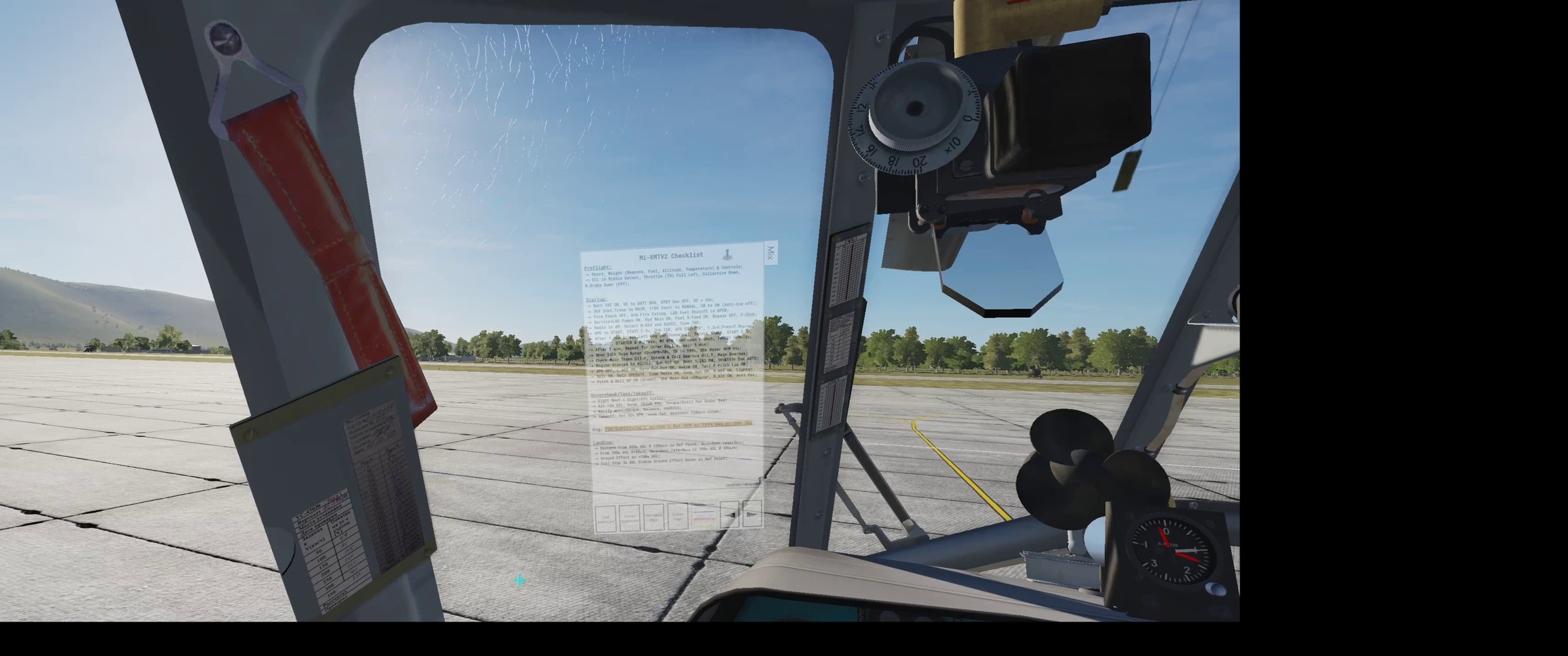
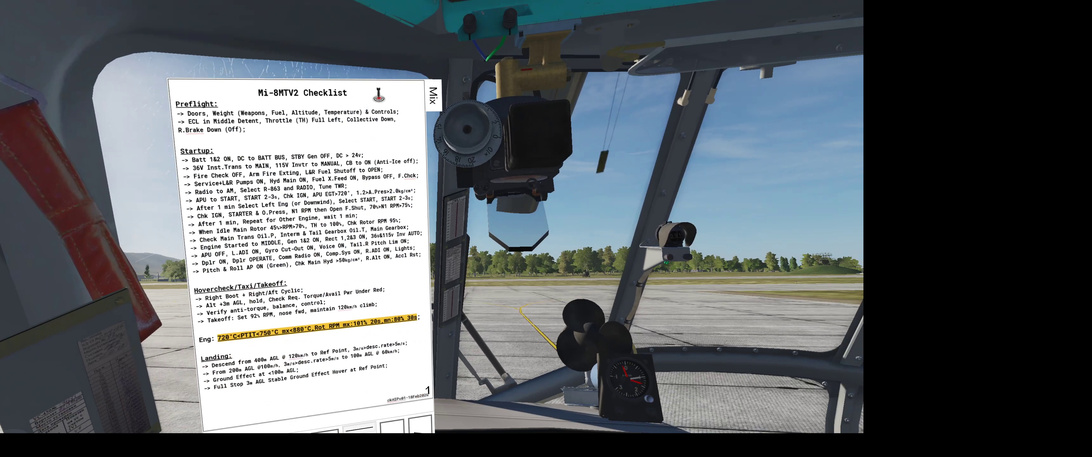
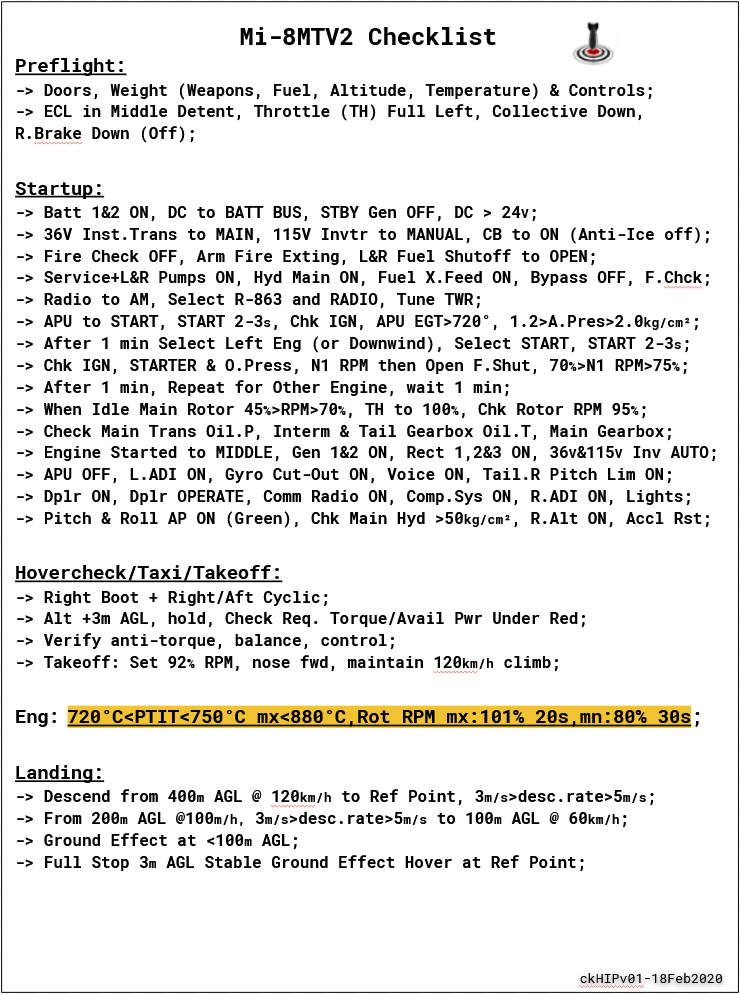
Anywho. First order of business was to install this: VR Kneeboard [ED Forums Link]. After some short setup, and loading my kneeboard images into a mission (.miz) so that the app could read it I get this in my VR view:

If I ‘focus’ on it (ie: centre it) it gets larger. You can also move it by using the trigger on the VR hand controller, which let me move it here:

And if I focus, I get this:

Which is pretty sweet. I think that I will fiddle with the config and make it larger by default, though not as large as it’s ‘focused’ side, and have it ‘on’ be default all the time. Given that you can move it with the VR hand controller, it is easy to move it out of the way.

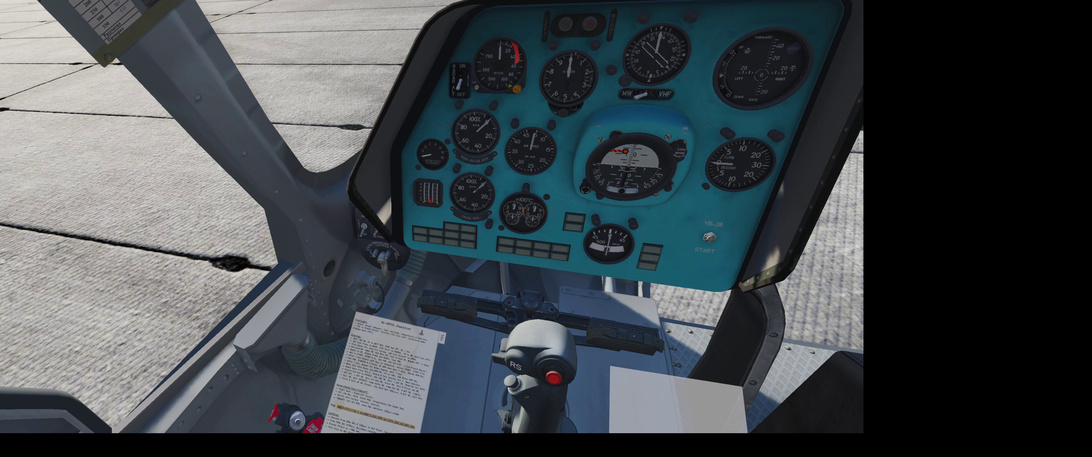
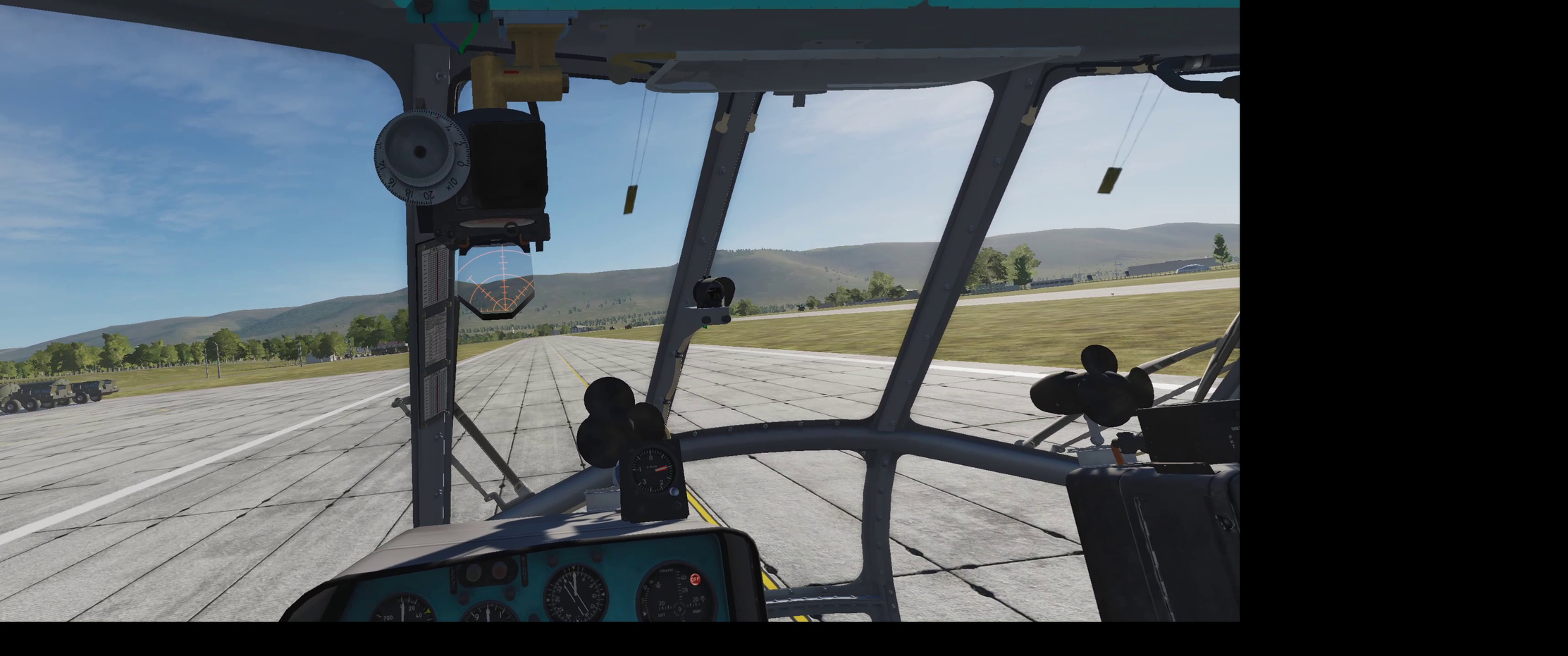
Off the the HIP, I was able to get through the start sequence with only a little confusion as I stared at the cryptic notes I had made for the kneeboard, but soon enough I was up and hover-taxiing to the active runway.

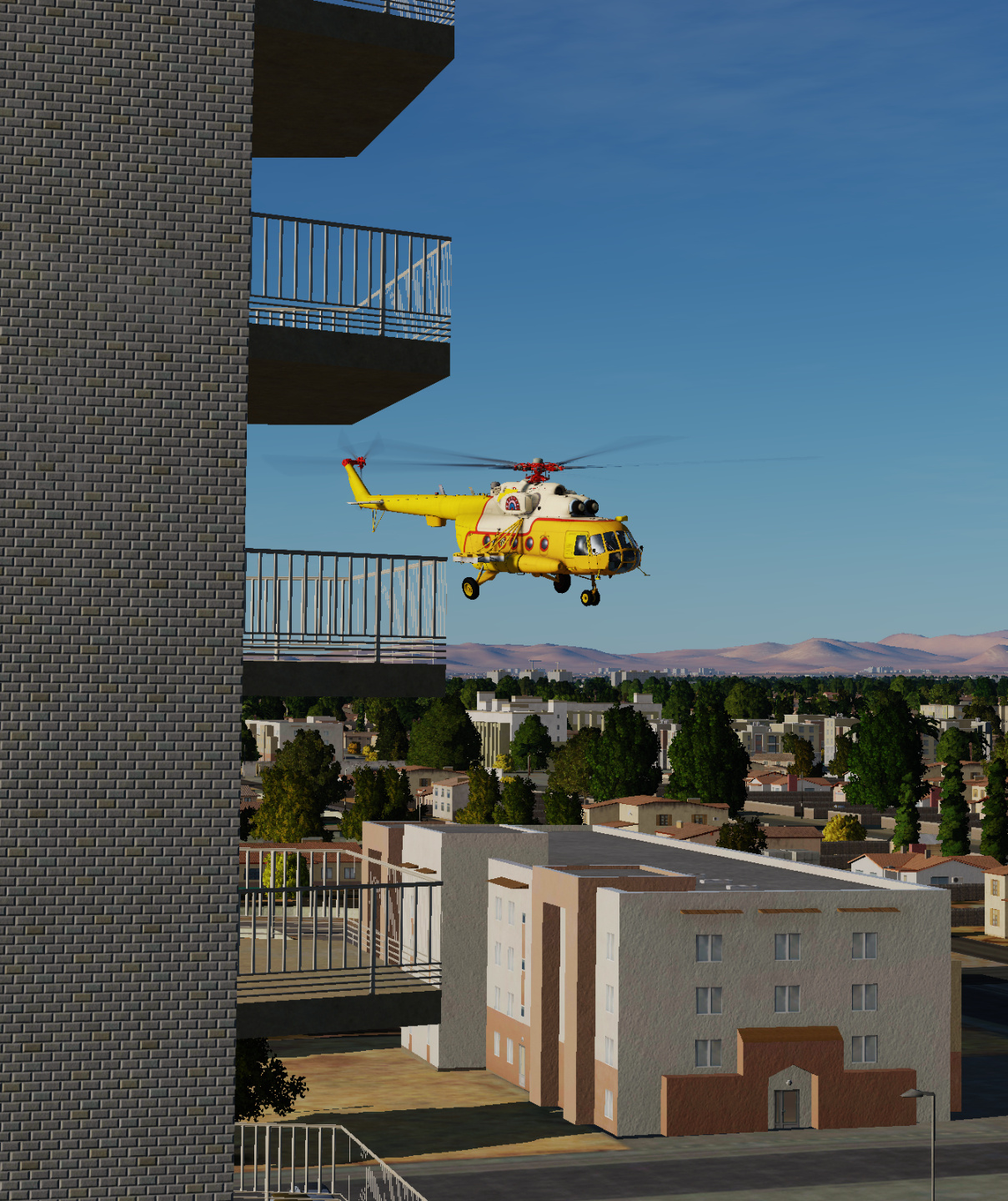
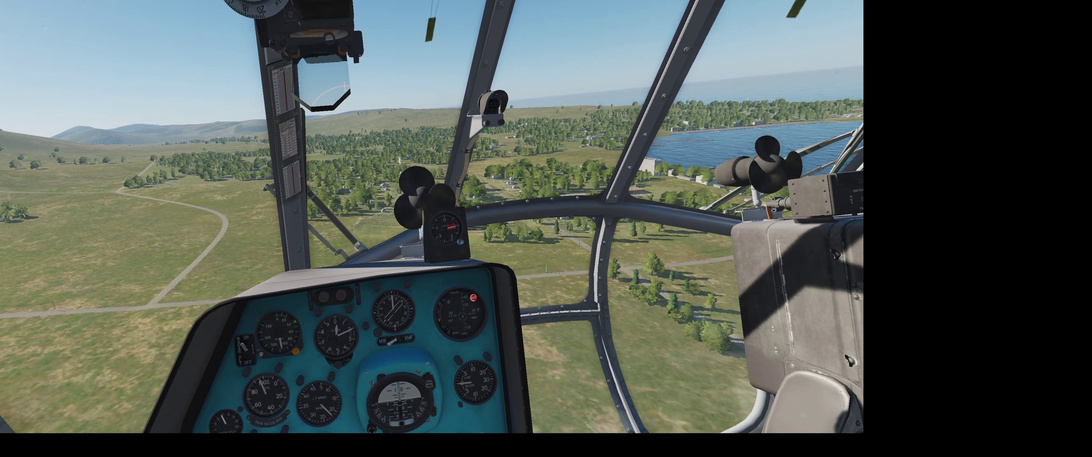
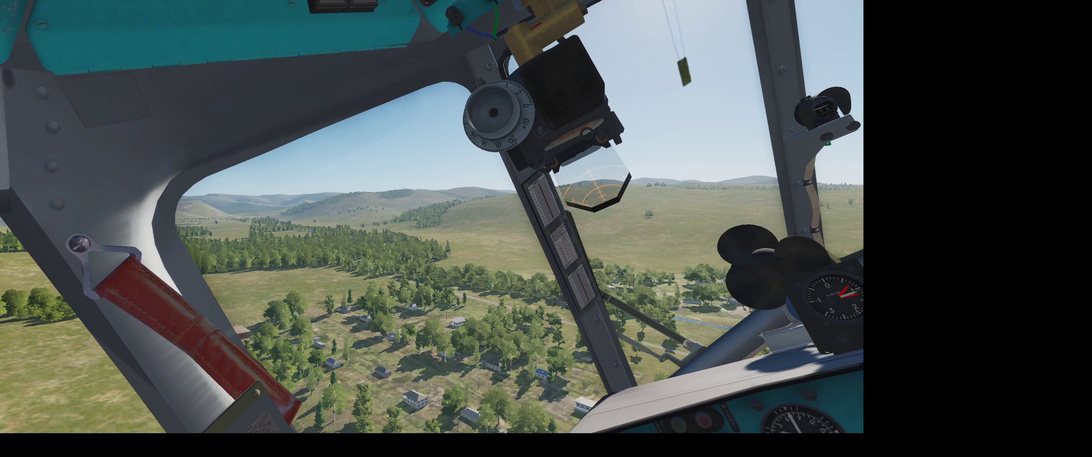
After takeoff, I went looking for a convoy that I thought I had placed in my mission. Turns out it was set to ‘Late Activation’ (I want a have a cargo drop off make it active) and, well, it was still back at it’s starting point. Here is a shot of the search though.

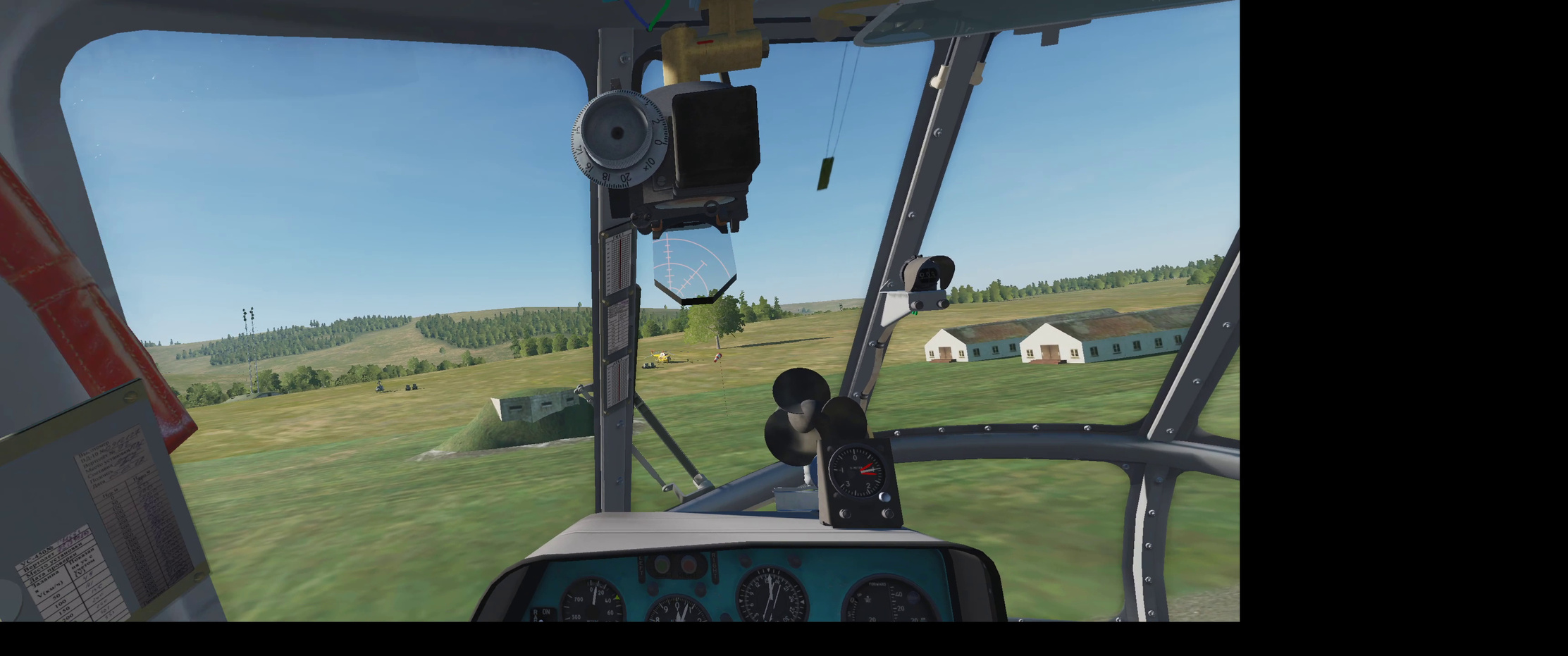
Instead, I went to practice my approach to my cargo sling loading area. Adding more here in the future but it is going to be interesting to get in there, hook up the cargo and get out without hitting anything :slight_smile:

Then it was off to check out the cargo route to the FARP. Looking pretty good.

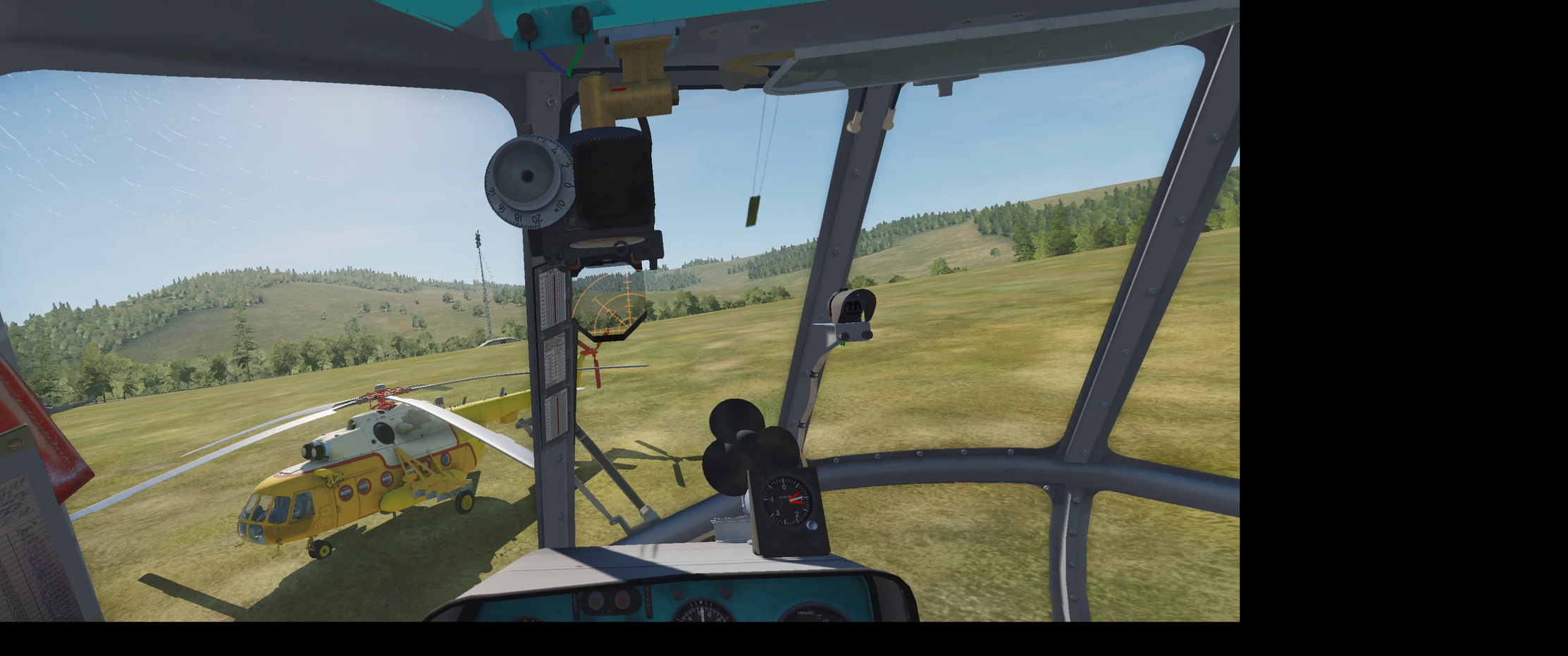
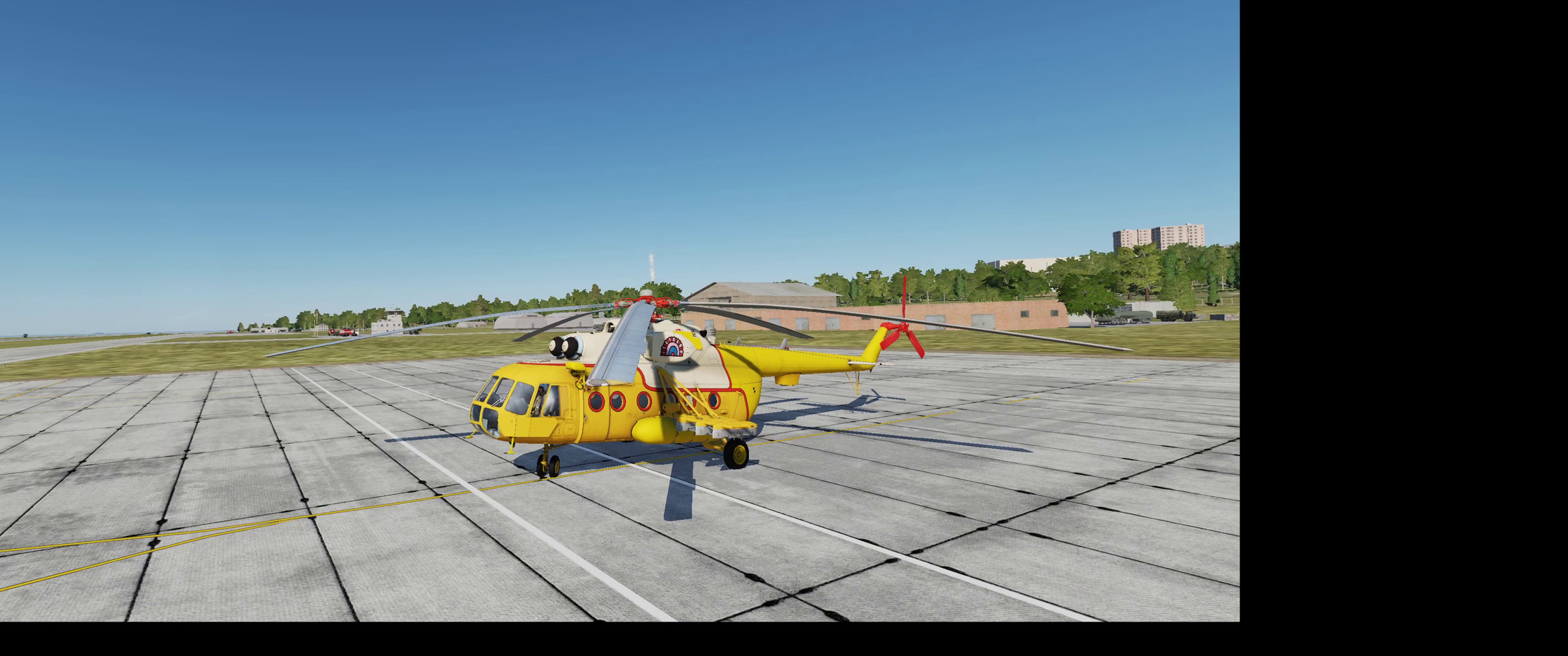
Approaching to a hover just in front of my anticipated delivery area, I notice a strange, beautiful paint scheme on a static HIP. What’s that over there?

Oh nice job @komemiute!

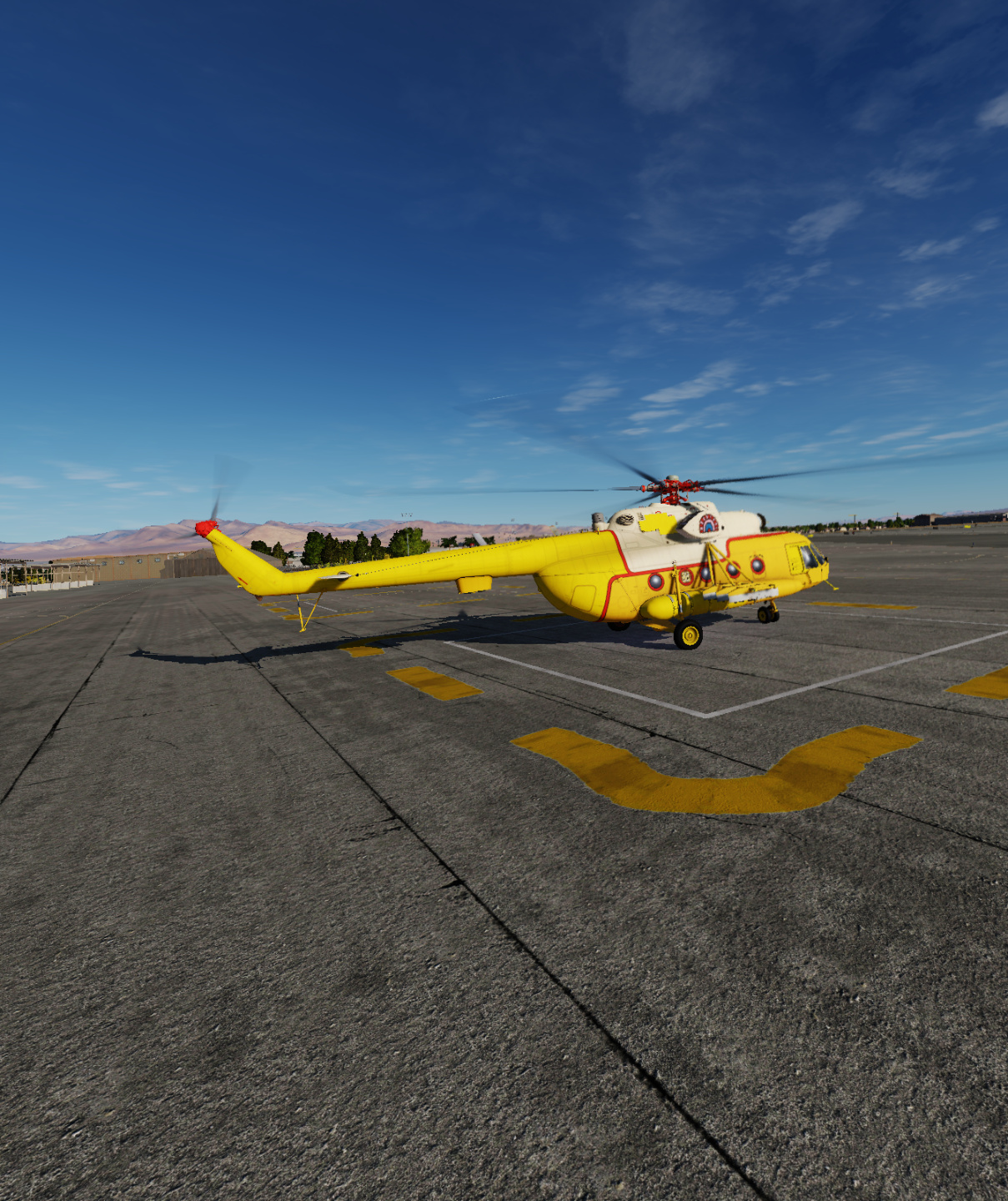
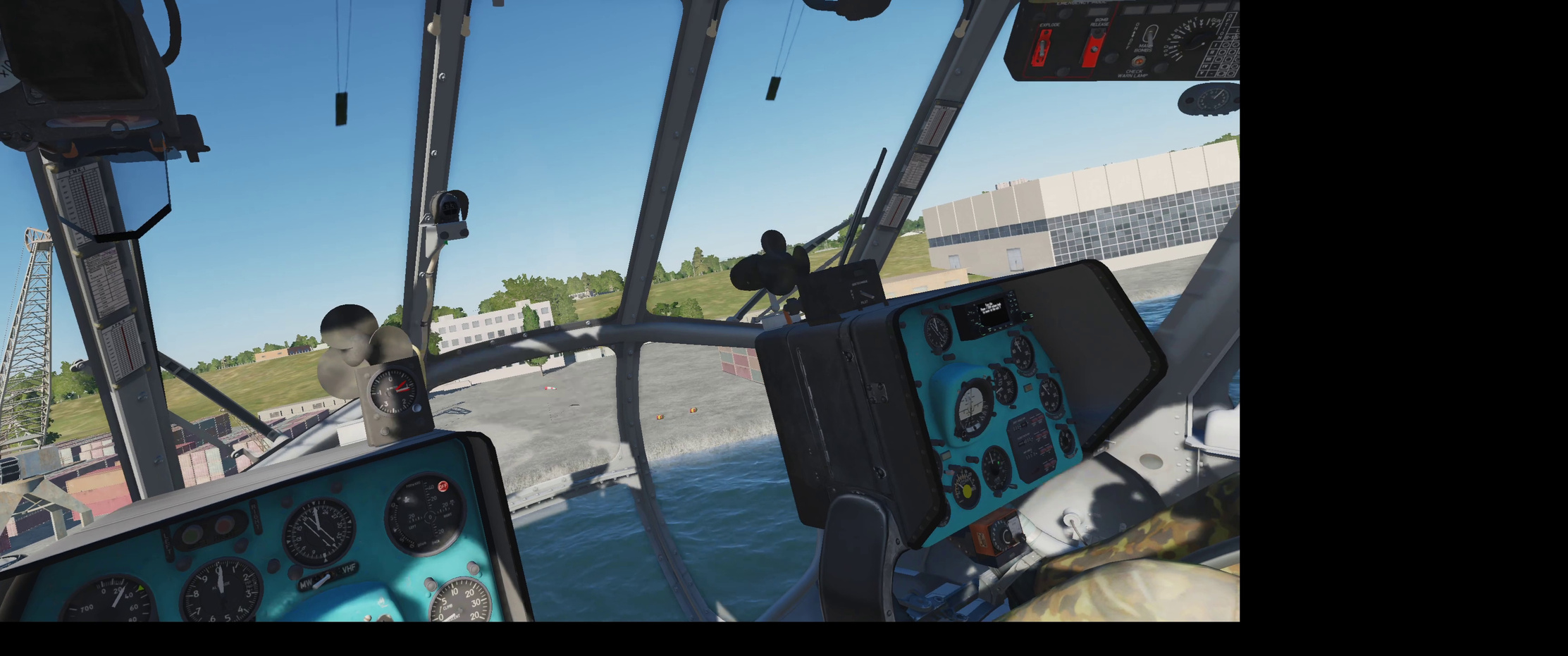
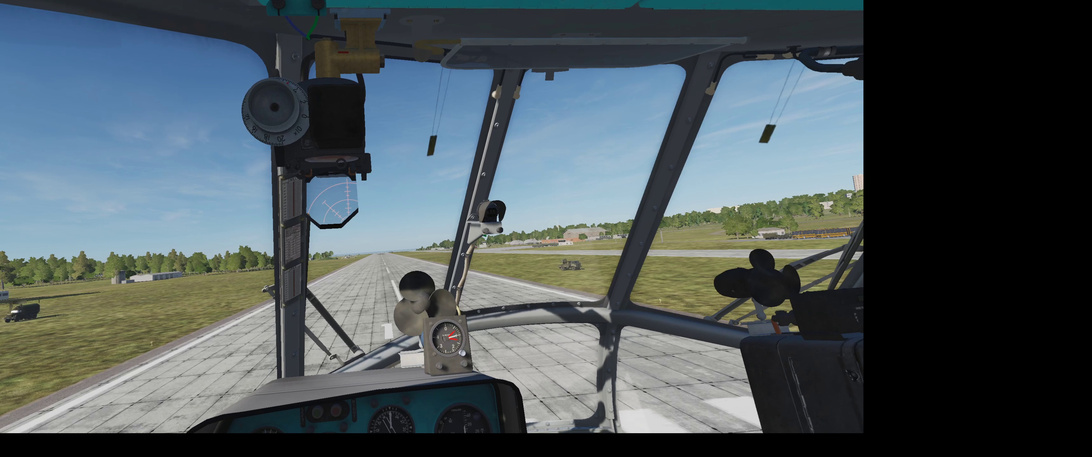
Heading back to base I get in position to land and hover taxi back to parking.

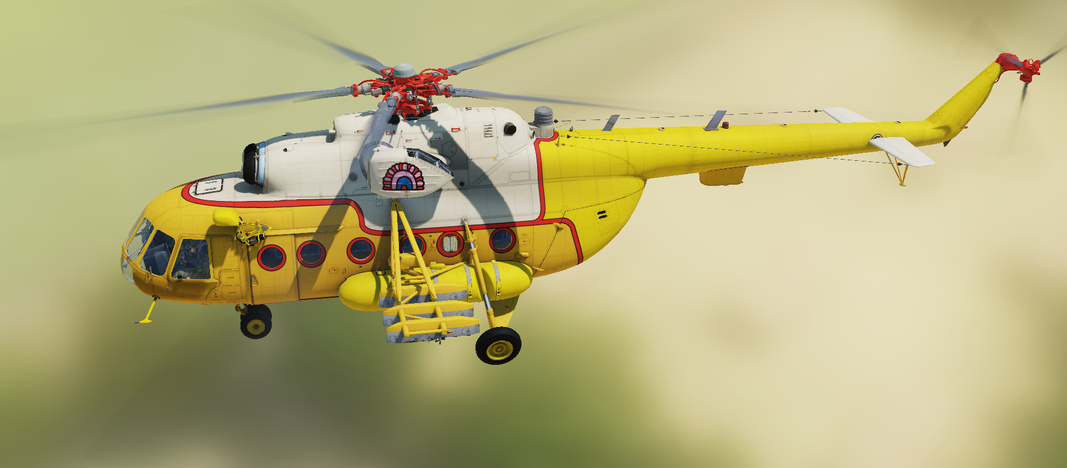
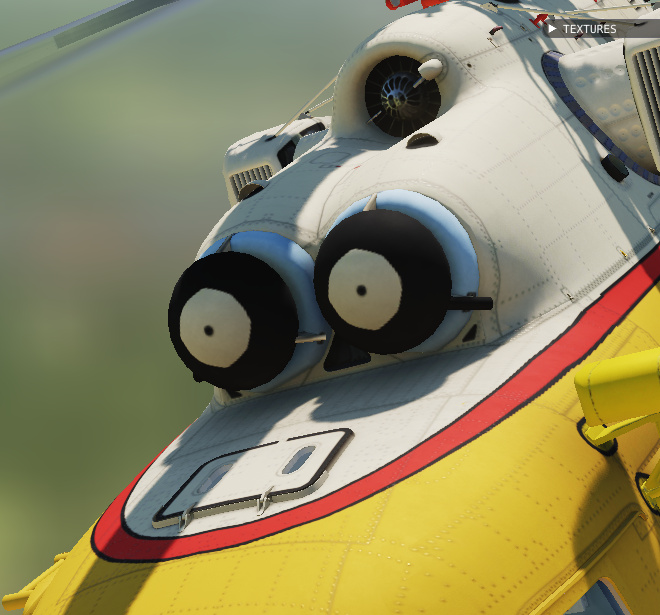
And take a look at the better detailed version that flyable client/player assets get over the static versions.

Nice job @komemiute! Colourful and bright!

Hopefully, tomorrow I can actually sling some cargo out to that FARP.

These screenshots were all taken from in-game, recorded by OBS using the OpenVR plugin for OBS. Reviewing the video makes it very obvious how much our eyes and the image processing systems in our brains filter our all the the head movement and jiggle. I was trying very hard to keep my head steady but … well obviously not enough to share it :slight_smile:

7 Likes

I’d be interested to know whether the cargo loading view is somehow implemented for VR or not - in non-VR the pilot pokes his head out and looks down from the side window.

2 Likes

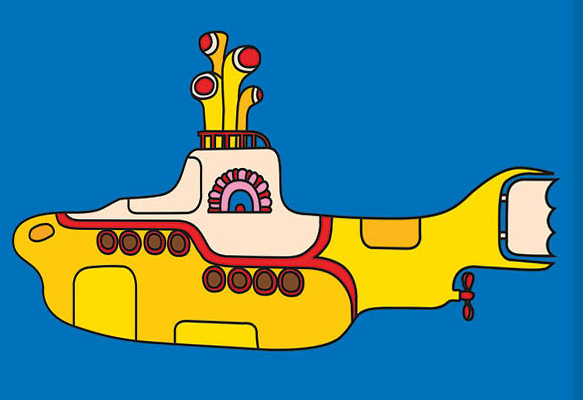
Just in case anyone forgot where I got my inspiration from…

and

image

9 Likes

:star_struck: Scycolelic Soviet Sub. Love it Man!

4 Likes

Love it @komemiute!

2 Likes

Its such a good job. Love it

2 Likes

That is the best starting check for the Hip that I have seen. I wrestled through the default KB checklist which is a bit illogical (turn on the SPUU52 early? Why? No power to it.) and eventually came up with a new version…which I promptly accidentally deleted right after I posted it.

I’ll be using this one from now on.

A couple of questions/comments:

  • I assume that flipping all the CB gang bars on happens during preflight. Interested in whether you power up the weapons systems (left 3 gang bars) at start up or wait until airborne?
  • I’v e been powering on/lff the Stby Gen with the APU. Not necessary?
  • I’ve been setting the PU-26 mode selector to GPK (gyro) after Comp.Sys ON. I assume you are keeping it in MK (mag)? …and does this even work or is it just another switch to fiddle with?
  • I didn’t see a radar altimeter check. I have been doing it as soon as I get power to it (after Gen On, Rect ON, Inv ON) - for me it seems to take a couple of minutes to go through its self check.
  • QNH vs QFE: I normally set one altimeter to QNH and the other to QFE (set automatically) - I do that durning the waiting time of engine start.

Again, great CL! The best! :grin:

1 Like

Looking forward to your Led Zeppelin- inspired MiG skin. :grin:

3 Likes

Oh yeah, and @Wes could build a MiG-21 mission called Kashmir!

2 Likes

What’s the next plane? MiG 21?
I might have a funny idea for that too but… :wink:
Too early to talk about it…

I should have shared my kneeboard here. Sometimes I miss the obvious! :slight_smile:

  • I have not touched the weapons yet but when I do, I plan on adding a page to deal with those :slight_smile:. Right now I am turning on all the CBs (except icing systems) because I am afraid I am gonna miss a system and not be able to figure it out. During tonights run, I will leave them off and see how it goes. I’d like to only turn them on when needed/wanted;
  • I have not been powering on the Stabyby Gen at all really. Chucks guide, which provided the basis for my one-page checklist never touches it (I think, unless I have made a mistake :slight_smile: ). I am not checking many voltages either, which may be (ie: likely is) something that the flight engineer knows more about. I am assuming she did it before I even got there;
  • Yeah. For me that is implied in the steps. R…Alt ON means turn it on and monitor it for it’s self test. I will pay better attention to that tonight.
  • Altimeter is being done as I take the runway, because the ATC lads are hesitant to tell me beforehand. I plan on enabling a ATIS system in MOOSE tonight and see how that works. Will report back;
2 Likes

Cough cough bunny fighter

1 Like

I’m pretty sure you only need to use the standby generator if a) you want to drain the batteries less during startup or b) your 1 & 2 main generators are failed. In this instance you’ll get power to the barest essential systems & gauges for about 30-40 mins from battery & stby gen, whereas battery only with no stby gen runs out in 7 mins.

3 Likes

I think @Bearhedge is on the mark…also think that it may impact lighting for night flights - IRC at some point the red-light gauges and panels controlled by the rheostats turn on/get brighter.

Oops - my bad - thought that was an alternator. The pain about the R Alt is that it takes a bit. What I’ve been doing - and admittedly probably not a best practice - is to turn it on and adjust the low altitude bug to 0. Then as one of the last steps before TO, adjust the bug to the desired min alt setting.

1 Like

Comrade, remember the old Russian proverb: rushing will get you nothing except ugly children! :wink:

3 Likes

Is it just me or do the fire extinguishers on the Mi-8 not work worth a damn…I think I’ve seen them put out a fire only once. :fire: :open_mouth:

2 Likes

Well I got stuck in the Mission Editor tonight. Trying to script the building of a FOP (Forward Observation Post) from cargo deliveries from a helicopter. Fun … but it robbed me of my flight time. Doh!

So I did a bit of testing earlier in the month around this - had an engine fire set up to go off a few mins into the flight and did cold starts followed by engine fire drills.

The answer is - they do work with a level of reliability, but you don’t have a second to spare to react or it’s too late.

When the engine catches fire, IMMEDIATELY ascertain which engine it is, turn off the correct fuel lever, fuel cock and pump, turn off fuel cross feed, and watch the fire system lights like a hawk.

The first extinguisher charge should be automatic and put the fire out. If the lights show a fire after that, fire the secondary charge.

Then watch - if you see more fire / the fire spreads into other compartments, shut off the other engine’s fuel lever, switch, the remaining fuel pump and service pump, fire off the remaining secondary extinguisher to the compartment on fire (if not used up yet) and drop your collective for an immediate autorotation landing before the rotor rpm falls.

On the way down, switch generators to center, batteries off, stby generator off (in case it is on).

The above appears to be the only way to avoid the whole chopper going bbq if the fire spreads…and sometimes it spreads despite you doing all that quickly. But the quicker you shut the fuel to the engine on fire and the crossfeeds, the higher chance there is of the extinguisher working, it seems.

You only have two charges, note…there’s primary and secondary buttons for different compartments but there are only 2 x 5kg Freon-filled spheres onboard…so once one primary has fired, you only have one secondary left and pressing the buttons after that does nothing.

5 Likes