@BeachAV8R is the king of flat screen VR integration.
2 Likes
My mind immediately went to @BeachAV8R and his attempt at SF2 integration  I’d try it but don’t have it installed anymore.
EDIT: Ah HA! I knew it (my previous query on the G2, WMR). See the first video here:
The question is when.
1 Like
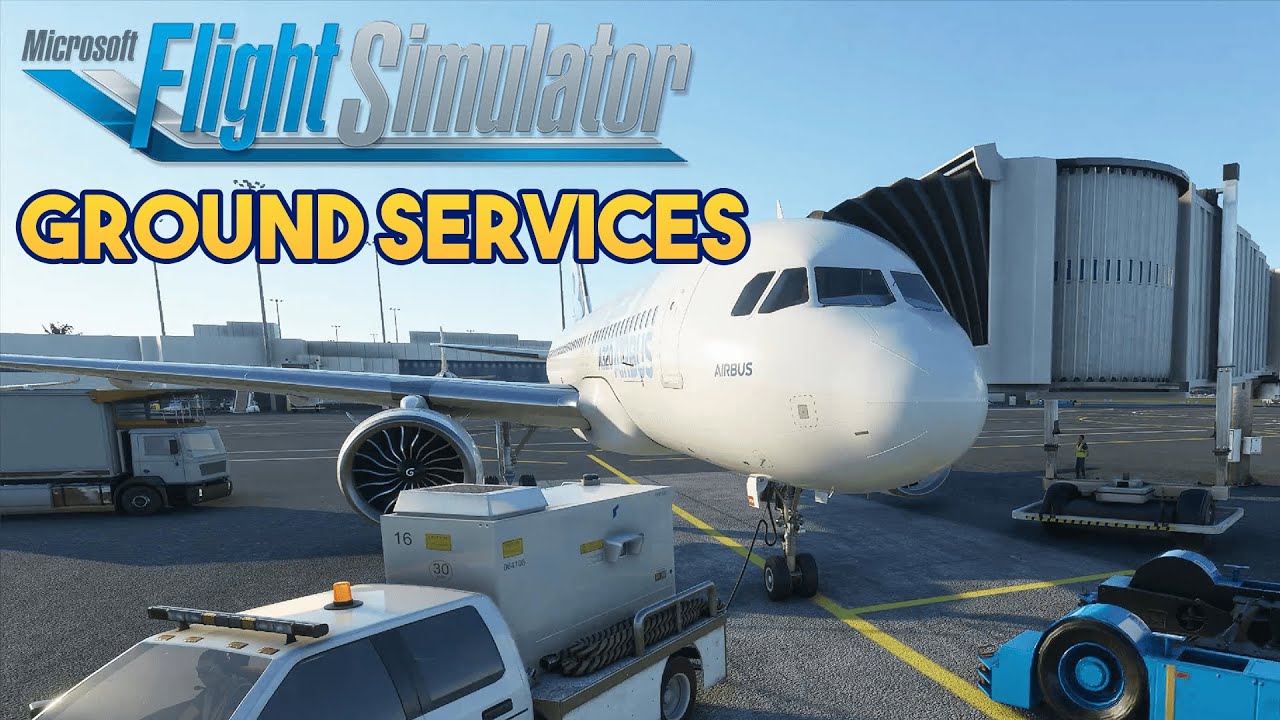
Ground services look good as well.
1 Like
Anybody…?
Steam for me.
1 Like
Leaning that way myself… Any obvious downsides?
Besides the 30% steam tax? Not that I can see. But then we don’t know the specifics yet.
Might be like elite dangerous which insists on steamvr if you run it through steam.
Steam
A 2080 Super is still pretty much close to the top end for today. There are only 2 cards faster, and the prices for them mean very few have.
A 6700k is indeed a bit dated, I went from that to a 9700k myself earlier this year. It helped my minimum performance a good bit, but it didn’t change the top all that much.
True. Though I believe a big raison d’être of the huge ecosystem around FSX was the fact that the platform was abandoned and therefore… well… kind of stable for a long time.
The main reason I say it’s not really top end is the 8gb of vram. Even though a 2080 super is technically faster than a 1080ti, I think the 1080ti would perform better with that extra 3gb of vram even though it’s slower. Two more weeks, we won’t have to debate though. Interested to see how the game handles out in the wild.
As Schurem noted, VR integration could get weird and more importantly we just don’t know either way what the true shortcomings are. For VR, one would think it would be preempted by some sort of WMR based UI, but who knows?
A few other possible hooks:
-Not sure if DLC expansions will be on a lag, like with BoX or DCS
-requires running Steam in background. A minor downside to be sure, but it’s likely to be a “take every ounce of performance you can” type of program…
-Will likely require all the Xbox Store bits and bobs anyway (profile logins and such), so it’s not like you’re side-stepping any of that.
To me, it’s really just that you’ve put another platform between you and the title.
Plus, I’m actually keen on the xbox/pc game integration thing, so I’m not above exploring the platform a bit more.
I’ve not had a chance to watch the video (at work and typing betwixt waiting for large data files to crunch), but FPS might not matter as much if they’ve got the Temporal treatment going on (forget the exact term).
As I understand it, It’s the effect that VR uses to help give the (perceived) boost to frame rate by interpolating frames with the projection of what they would be. I dunno, I’m probably bungling the science here.
But, I’ve seen what it can do for titles like DCS in VR where 40 FPS feels like 60. I also saw it at work this past weekend with Ghost Recon: Breakpoint. I went to turn it off, and it was stutter city on my now aging machine (CPU is a mildly overlocked Core i5 circa 2013, GPU is a respectable but waning 1070), but with it on, everything just seemed fine. Nice and smooth. It “felt” like a solid 60 FPS (any higher is past the refresh rate of my monitor.
If FS2020 features this, it can be an absolute game changer.
1 Like
I’ve heard that often and tried it a few times, in DCS, but, at least on my rig, it always felt better without it - just straight up no limiting, run as fast as it can all the time. I think it has to do with the range of the ‘excursions’ in FPS. But, again, probably GPU + CPU + Settings dependent. And it may just be my ‘eyes’.
1 Like
If there is one thing I know with absolute, concrete certainty about the flight sim community, it’s that the launch of any title will do nothing to curb debates around what will increase performance. 
1 Like
No doubt that “real” FPS is better than “Synthetic” FPS. I see it more as:
Bad: Stutters/ FPS in the teens
Good: Synthetic/temporal FPS
Best: Real/non injected FPS
1 Like
1 Like
I did it with MFS and even have a video of it, but I can’t share it because of the NDA (I do have a request in to lift my NDA for press reasons)…
1 Like

Painful to watch that video … what’s he getting, like 5 fps? 
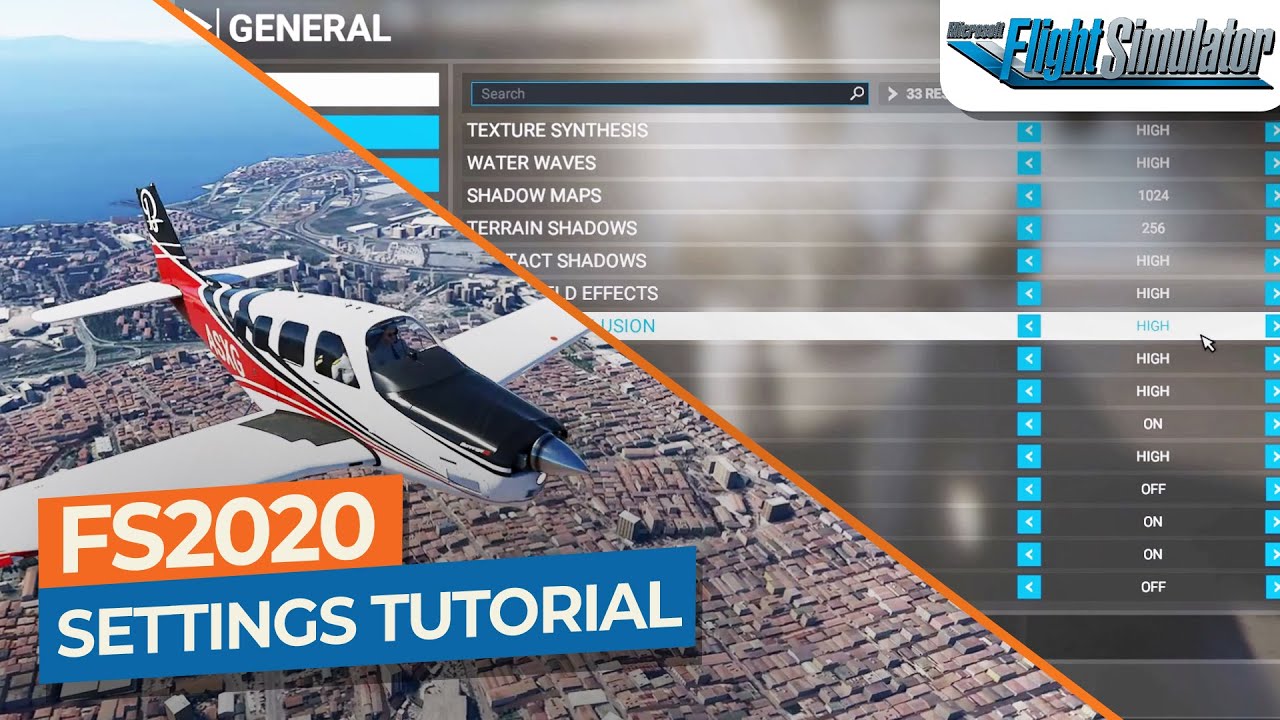
Painful to listen to the Graphics Settings video … the guy is a severe uptalker. What I did garner from it is the “Rolling Cache” setting at around 23:10 where you can put the streaming data cache anywhere you want and set it to whatever size you want … I think THIS is where an NVMe M.2 SSD is going to come in handy to prevent stutters. I plan to always be online with MSFS2020 and set my bandwidth to 800 Mbps (I have Gigabit internet service so this is just being conservative )