2 Likes
KSEZ looks amazing in the videos I’ve seen; even though I don’t live out there anymore it will probably be my main ‘territory’ (West Tx, NM, AZ)…curious to see what White Sands, NM looks like; there’s never been a sim outta the box that came even remotely close in this (or surrounding) area.
I’m planning to wait for a while before buying it, not least because my SSD isn’t big enough for MSFS and DCS together and I’d want my Rift-S to work in it, but watching some amazing videos makes it hard to postpone.
Froogle’s video, despite the trackir glitches, looked just incredibly smooth and lifelike, way beyond FSX even with addon scenery. An amazing product, can’t wait for it ( but have to).
I’ve thought about that. Going to see how it does storing on a 3tb HDD first - I hate to waste that drive. Even then it won’t be large enough for ‘heavy metal’ flying long distances.
For bush flying I hope it’ll be enough, when flying in a primary area. Though, depending on how they structure the files I may be able to move things around from my [smaller] SSD to the larder HDD as necessary. Shoot, someone is probably already working on a tool to do just that, or similar.
We’ll see…
PS: I mention the above only as I have a reliable INet connection [finally] yet it’s not real fast.
1 Like
I could fit it on my HDD, but i reckon an SSD would be optimal.
I saw Ausflightsimmer on YT demonstrated gear up landings and a nose-over. Good to see belly landings are possible with appropriate sounds.
Just scrolled through all the 200 posts I missed in this thread recently and am positively surprised that release is close.
One question though. Is my tactical thinking correct pls? I will go for that XBox game pass for 1 buck and will be able to test MSFS this month (as it is included in that game pass).
Then, if I like or not, I cancel my game pass at the end of this month and go out to buy it somewhere or not.
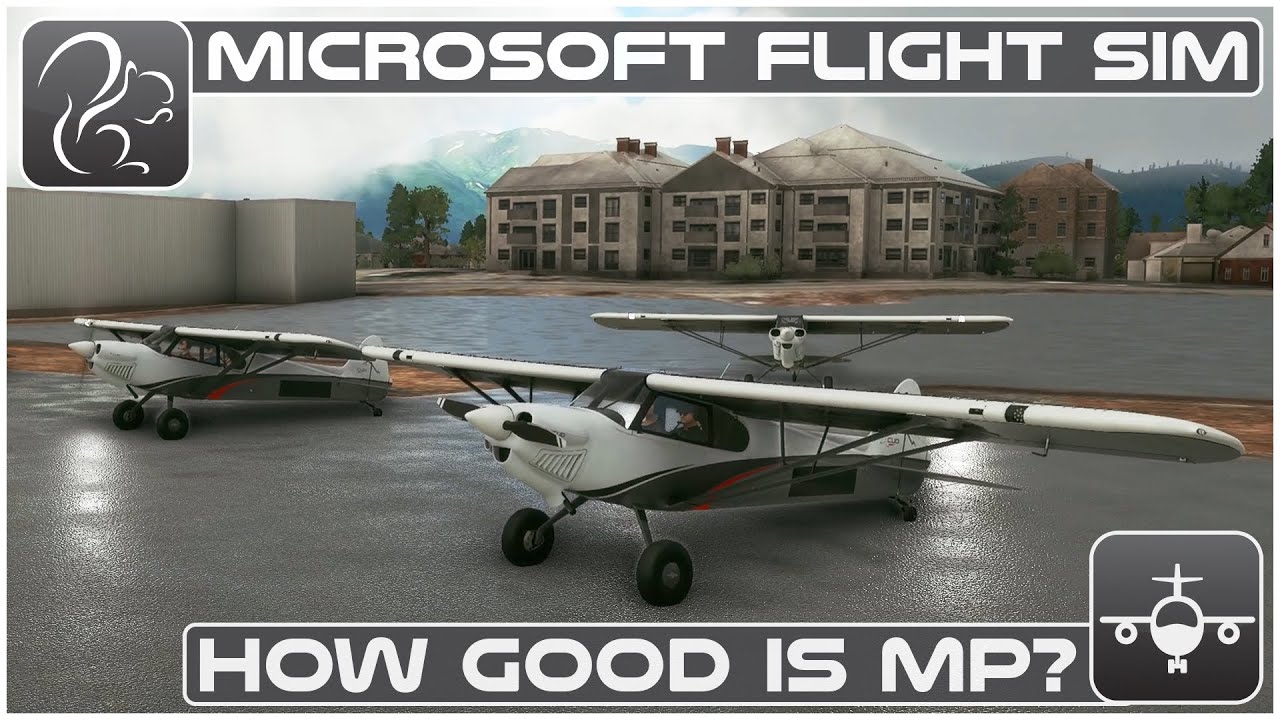
Btw multiplayer bush flying seems like fun.
Yup. That’s an option.
I bought a 2TB SATA SSD (it was WD I believe) from Newegg a few months ago at a pretty decent price. The NVMe that size still charge a premium, but as mentioned in the hardware forum recently, you don’t really see a big difference going from SATA to NVMe. Not compared to the jump from HDD to SATA SSD, anyway.
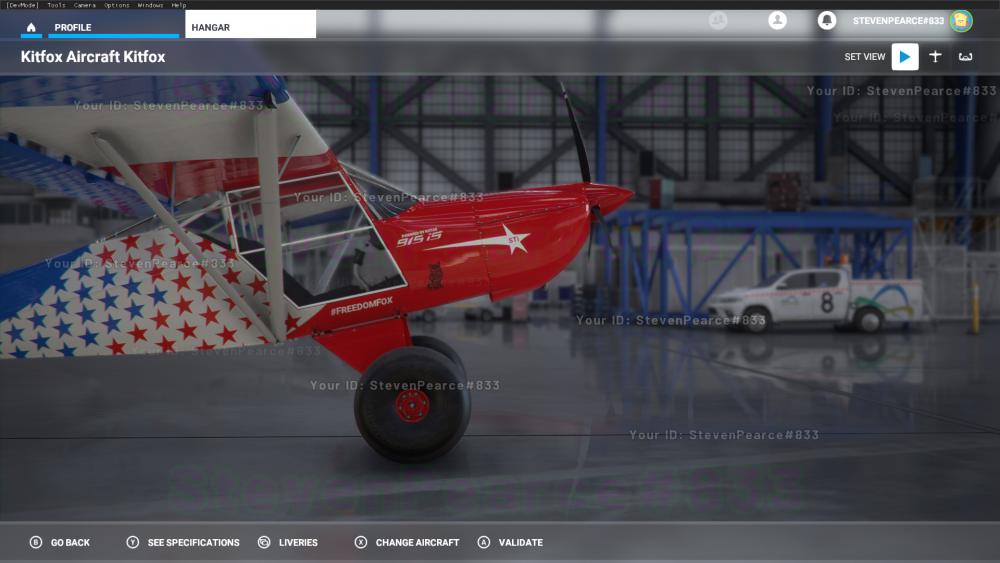
Free only if you previously purchased the X-Plane version. Still, it is a generous gesture from the developer.
2 Likes
Not only that, but a working plane from day one? It seems the MSFS Marketplace will not take long to get busy.
Nice. I want a DC-3 study SIM level.
2 Likes
Interesting overview of low-medium-high-ultra settings on visuals from ObsidianAnt.
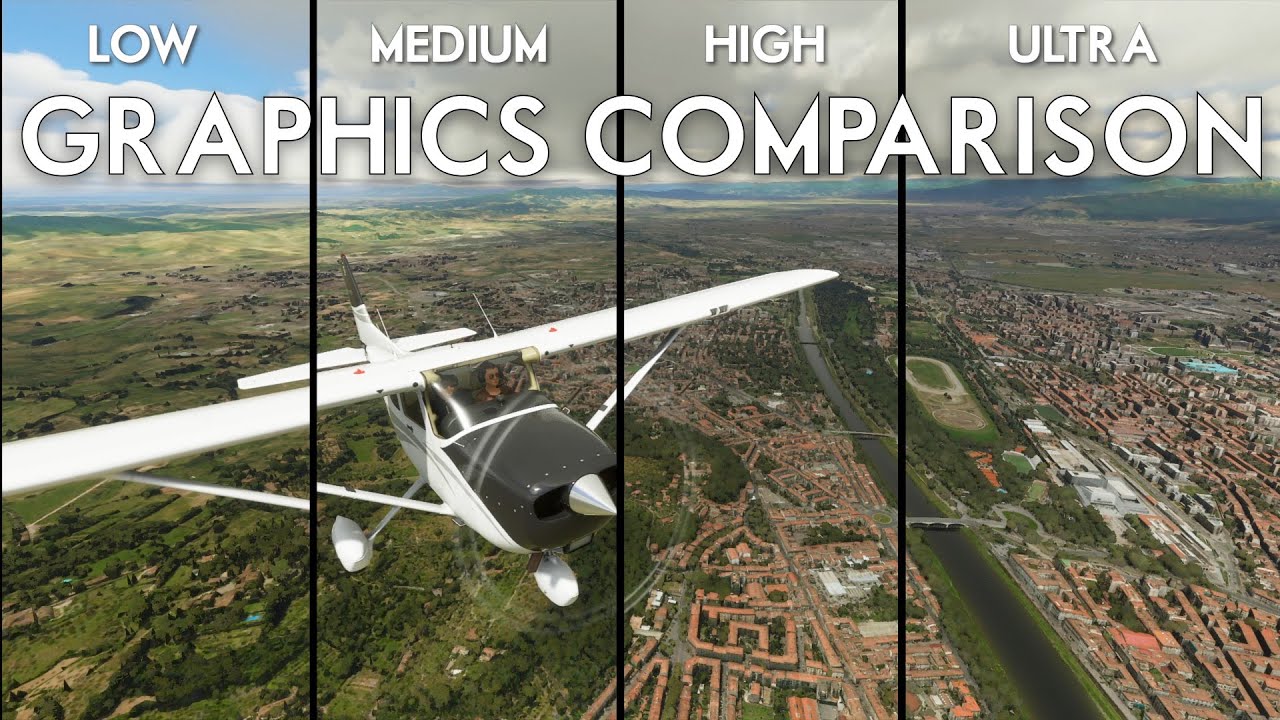
Pitty he does not show FPS.
I suppose we could set clouds independently of other presets? At medium they look kinda… ugh 
2 Likes
Yeah I liked that video. Like you said, should have shown the FPS. Even without numbers you can see it chugging on ultra and high. Granted be doesn’t have a top of the line (for 2020) system either. 6700k and a 2080 S with 32gb ram. Honestly the medium looks really good compared to stock xplane or p3d.
2 Likes
I have a fricking huge list of planes I’d love to see in MS2020. But they are so not ever gonna happen its depressing.
If this one is truly going to replace FSX and gain the sort of ecosystem that one had, you’d be amazed.
1 Like
I really hope so. I’m not after study level (it would be nice obviously) aircraft, just decent flying representation of some beautiful planes would be perfect for me.
Some tankers, some cargo, few random combat aircraft and an Mi26 Halo. Ooh and a chinook plus a Pave Low 4.
I’m not asking much. Just hundreds of man hours, low sales and probably only me buying them.
2 Likes
This came out a few days ago. Concerns a ‘hack’ to use VR in FS2020. I have not of course tested this as I’m not in on the beta program.
NOTE: This is likely not in 3D of course (no depth/perspective); think TrackIR with a monitor strapped to your face (you VR headset).
EDIT: Go HERE for a quick[er] overview of what’s happening and a more representative image. This is his previous video. Hmm, wonder if this would work for other non-VR sims? He uses this for ArmA3 for instance…