I have to wonder how long it will be before Navigraph is ready to roll with MSFS2020.
1 Like
I’m not seeing any in the X-Cub either…
Flying the X-Cub from Sedona over to Flagstaff now. It is actually quite a nice plane once you start to get a handle on the Garmin G3-ish system it has in it. Much easier typing flightplans in rather than trying to get the darn click spot on the knob manipulated G1000!
1 Like

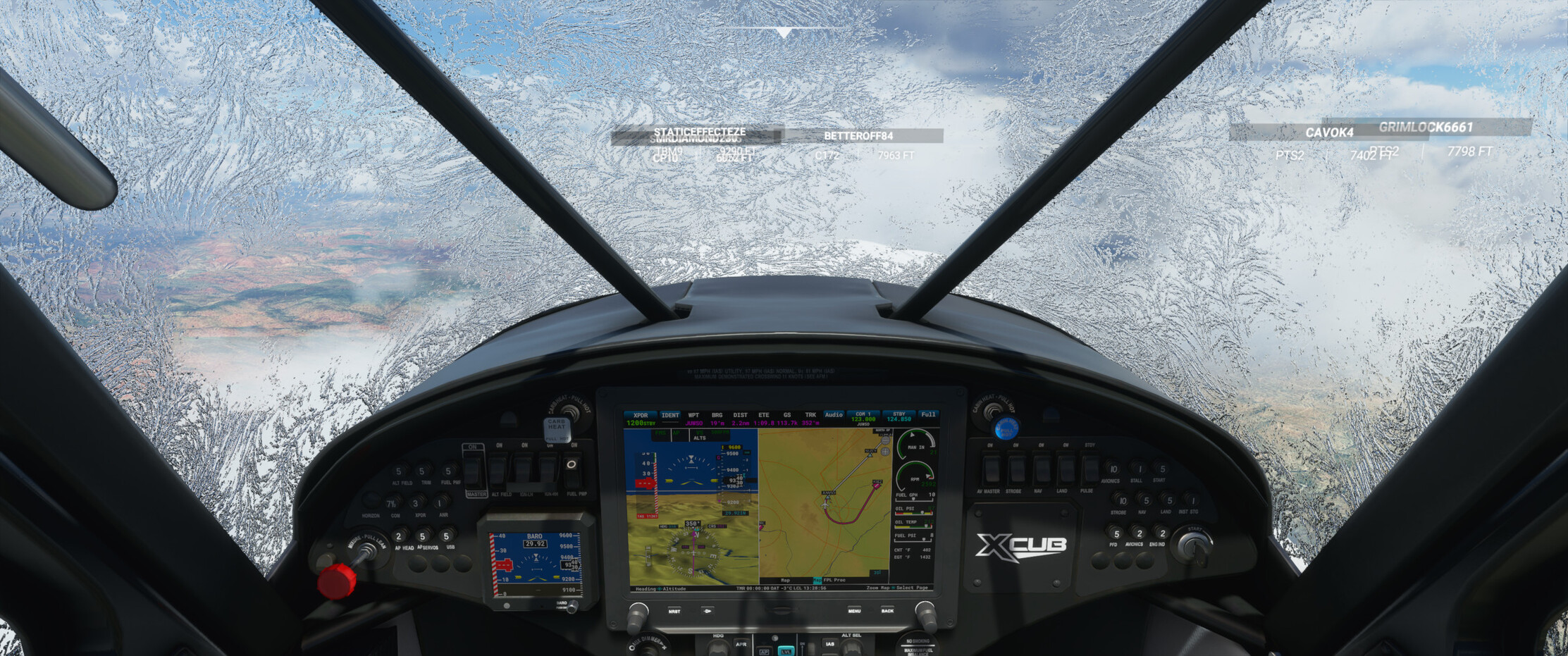

So for all the randomness and craziness that you DO see a lot of in MSFS when you are just out flying among the hoardes…there are moments of really cool stuff scattered throughout. And I don’t really mind the craziness…I just watched an Airbus run into the mesa cliff edge at Sedona and I thought it was hilarious. But earlier in the evening I was just doing circuits at Donegal, Ireland in the X-Cub…and there was another guy (or gal) in a Cessna 152 flying what I deemed to be honest to goodness traffic patterns that I would be proud of my students to have flown. Good altitudes on the various points in the pattern, good judgement of the base turn distance. So we did a few each giving each other space. Quite enjoyable.
8 Likes
Are there any handy guides on the different airframes in the sim? I’m reasonably familiar with the 152 and 172, but keen to try out the other GA options. Just looking for best climb speeds, operating tips and the like. I was hoping if I clicked on a plane in the hangar I could get some specs, but it seems pretty dry (or I’m looking in the wrong place).
Had something similar during my Africa flight. There was a guy in a 320 that flew perfectly by the books, and I guess we both enjoyed flying around the airport together.
(I was a bit slow to taxi for example, and despite another available taxiway he just followed me around calmly.)
2 Likes
I’m always a bit impressed when someone pulls off on a taxiway to give way or otherwise yields in some fashion instead of barging through with their ghost powers… 
3 Likes
Not seen much - some of the check lists are more complete than others in game - wonder if they will become more complete over time for each aircraft.
Am I going crazy…or was the non G1000 Cessna 172 removed from the Aircraft Selection list??
EDIT - Ah…apparently it disappears from the list when you are in Developer Mode…even if you exit out of Dev Mode it won’t appear until you close and relaunch the sim.
Not on my side (also in developer mode). The steam gauge C172 is still in the list.
1 Like
BTW are their external models identical?
I have a bunch of liveries for the G1000 Skyhawk but not for the other one. Can I copy them over?
Any news about a patch?
Is it worth getting? 
It’s out…I just installed it. About 330 Mb, so not huge. I haven’t had a chance to test it yet.
I went flying after applying the patch (now shows 1.7.14.0), unfortunately the performance issues are still present (freezes / stutters), so whatever they fixed it was not related to that.
This video shows that MFS can easily make use of 20 GB of RAM:
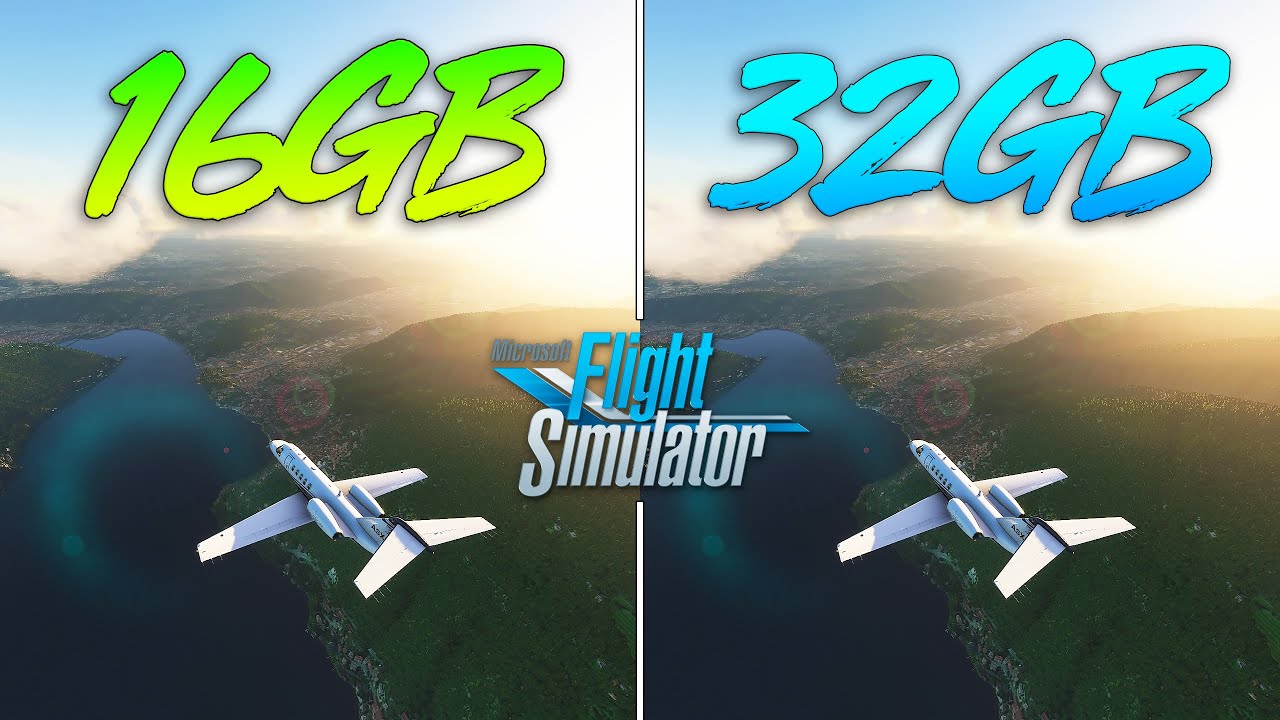
So the 2nd sim after DCS to use over 16GB finally has arrived!
1 Like
How is it installed? I loaded up MSFS this morning to see if it would download, and nothing. Not sure if it’s handled within the main UI, or Xbox launcher.
Edit: NM, looks like it’s via the UI:
And ^also has patch notes.
A pretty modest patch, from the looks of it.
I have to admit that I haven’t really run into the problems the patch addresses…so nothing much has changed for me at this point.
1 Like