Don’t forget to calibrate your throttle detents on EFB.
1 Like
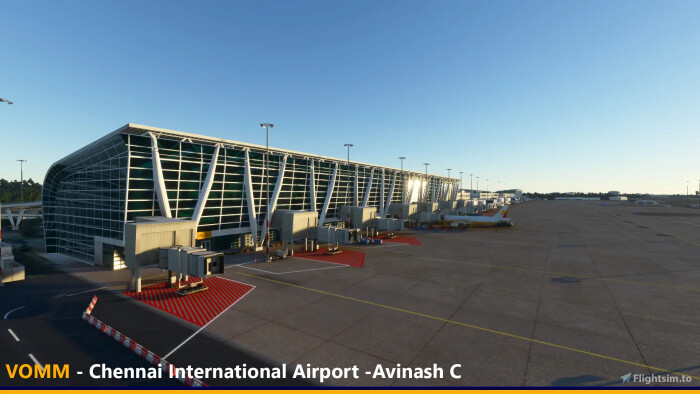
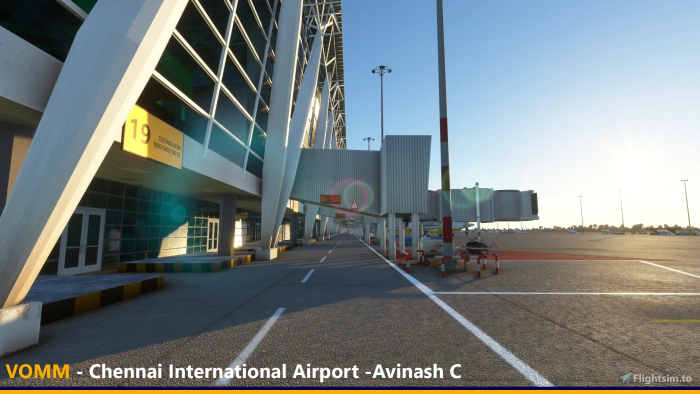


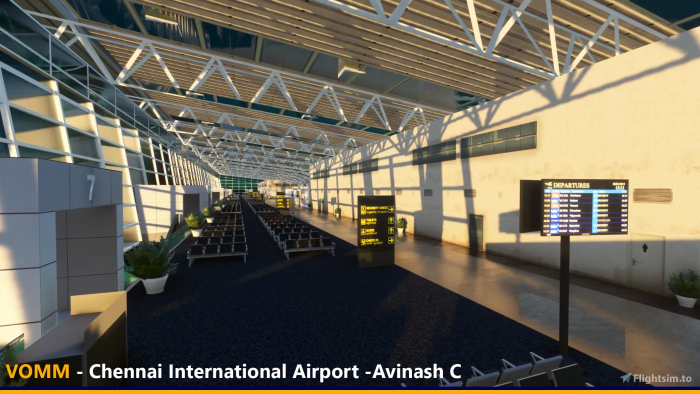

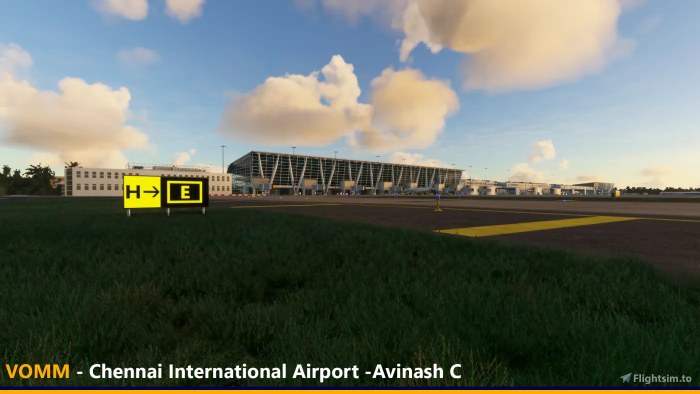
How’s it in VR?
Oh I haven’t tried that. I wouldn’t subject my PC to that torture if I’m only getting 20-30fps on the monitor.
2 Likes
JustFlight’s Arrow III just got an update:
v0.2.0
- Icing effects added
- Propeller animations fixed
- Improvements to exterior surface detail and decals added for higher texture resolution in previously lower resolution exterior and cockpit areas
- GNS 430/530 - Power functionality and backlighting added, 2D pop-outs fixed
- Fuel selector can now be controlled using ‘FUEL SELECTOR 1 LEFT/OFF/RIGHT’ assignments
- Tweaks to autopilot roll control
- Improvements to FDE - idle RPM fixed, vibration/wobble reduced
- VR compatibility fixes
- Support added for the following ‘set’ control assignments - Battery, alternator, beacon light, landing light, navigation lights, strobe lights, pitot heat
- Landing light illumination area increased
- Cockpit texture resolution no longer reduced with lower graphical settings selected
- Autopilot and navigation lights circuit breakers now affect associated systems
- Autopilot heading mode active without autopilot engaged - fixed
- Tutorial flight files added
- Engine priming and start tweaked for greater realism, manual updated to provide more information on engine priming before start up
- Wind direction reversed on EFB - fixed
- Navigation mode will now default to VLOC/NAV unless state saving is enabled and GPS mode was selected on previous flight
- CDI on NAV/OBS 1 now responds correctly to GPS course
- GPS 100 sometimes stuck in self-test mode - fixed
- Manual changes to transponder code sometimes not triggering response from ATC - fixed
- Transponder mode changes not being recognised by ATC - fixed
- Rudder trim direction reversed - fixed
- COM and NAV audio idents - fixed
- EFB and GPS 100 displays no longer refresh when not in use for improved performance (FPS). EFB automatically turns off when hidden.
- OAT indicator fixed
- ELT set to ON when selecting cold & dark state - fixed
- Environment (e.g. cloud, taxi markings) sometimes visible in footwell - fixed
- inHG barometric setting option added to altimeters
- Mixture ‘decrease incrementally’ assignment fixed
- Custom registration decals now remain visible at a greater distance (lower LOD)
- Gear mechanism animation fixes
5 Likes
I had some observations of the T-45 flight model, but a restart of the system changed it dramatically.
Edit3: Just based on a quick second spin, the plane feels less weird than I had initially thought, but probably not quite 100% either. I think those that have flown other military jet sims will find this a fun ride (and a pretty one) but perhaps not quite what you are used to. I’m gonna guess this is probably more an issue with MSFS than this aircraft.
One thing that is unfortunate is that the HUD looks fairly accurate, but is actually kind of wonky. There may be some eye point adjustments that will solve this, but as it stands in non-VR/TrackIR the HUD horizon line does not match the actual horizon for me. I’ll need to try again in plain old vanilla view mode. As a consequence you can’t really “put the thing on the thing” in this implementation.
I’ll try out some other things and let y’all know if I find a solution.
Recommended by the Working Title team.
@everyone Heads up. Talented modeler/texturer @MoreRightRudder (Mike) put a lot of hard work into it and now released his CJ4 Cockpit Texture mod over here https://flightsim.to/file/10547/cj4-cockpit-texture-mod
It comes with many great enhancements to the visuals of the cockpit and you should really try it out.
While being seen as a direct contribution for the plane, the texture mod comes as a separate package so you don’t have to redownload it with every release of the CJ4 mod itself and so he can update it on his own schedule.
Thank you very much @MoreRightRudder (Mike)
1 Like










That calls to my Hungarian blood!
FTFY 
1 Like
We don’t speak about that side of the family.
2 Likes

4 Likes


4 Likes
That’s brilliant. Is your PayPal account debited $277,777.78 per minute ($400 million per day) while you use the mod?
3 Likes
No but it routes the payment round the cape
1 Like
So whos gonna be tha’ guinea pig?
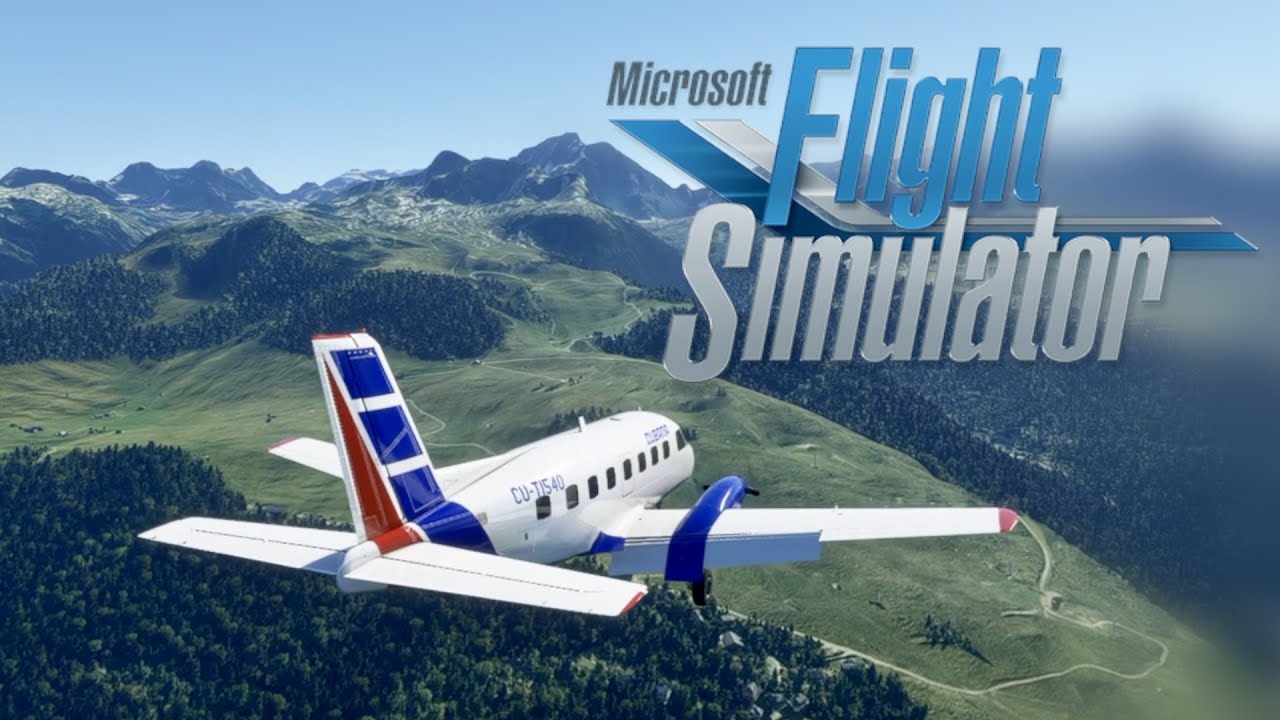
After months of hard work and a very stringent development and testing, NextGen Simulations is thrilled to bring you everyone, the Bandeirante for Microsoft Flight Simulator , the most sophisticated and high-quality rendition ever made of the EMB-110 for this magnificent platform.
Bandeirante consists of a simulated rendition of the EMB-110 Bandeirante and developed for use with Microsoft Flight Simulator (2020), developed by Asobo Studio. This product features a professional, yet simplified systems programming, featuring also the full potential of the Garmin GPSs and avionics included by default with the flight simulation platform, allowing you as well to enjoy the simming experience while bringing you a good look-and-feel of this popular aircraft.
This package includes:
- Three accurately modeled variants of the EMB-110: EMB-110P, EMB-110P1 & EMB-110P1K (freighter version of the EMB-110P)
- Frame-rate friendly models while keeping good look-and-feel
- Fully MSFS SDK-compliant development, featuring native GLTF format, high-quality PBR-ready textures, native rain effects and scratching details in windshield windows and frosting effects in the aircraft structure
- Ramp Manager EFB with possibility to animate doors & take control of ground handling equipment
- 12 different liveries in total between all variants, of different EMB-110 operators from all over the world. More details below.
- Full use of interactive in-sim checklists
- Accurately rendered 3D virtual cockpit, with virtual cabin included
- Custom-coded animations and systems logic virtually everywhere in the aircraft
- Fully modernized avionics for better modern flight operations, including an easy-to-use autopilot system
- Authentic PT6A-37 engine soundset plus cockpit sounds, thanks to the full potential of Wwise
Liveries Included:
EMB-110P
- Cubana
- Trans Brasil (Green/Blue & Orange/Red)
- Standard White
EMB-110P1
- TAG Airlines
- Atlantic Southeast Airlines
- Air New Zealand Link
- AIRES Colombia
- Loganair
- Standard White
EMB-110P1K (P1 Freighter)
- Wiggins Airways
- Standard White
1 Like
I’m very on defensive on that one. In one way looks not bad inside and out (i’m not much annoyed with the lack of weathering, when we have a new fresh aircraft it looks new), BUT some people complain about sound and the weather display not working is a kind of annoying to see a so big gauge inop. About sound and maneuvering complains i can’t judge because i not yet listen one neither piloted one.
1 Like