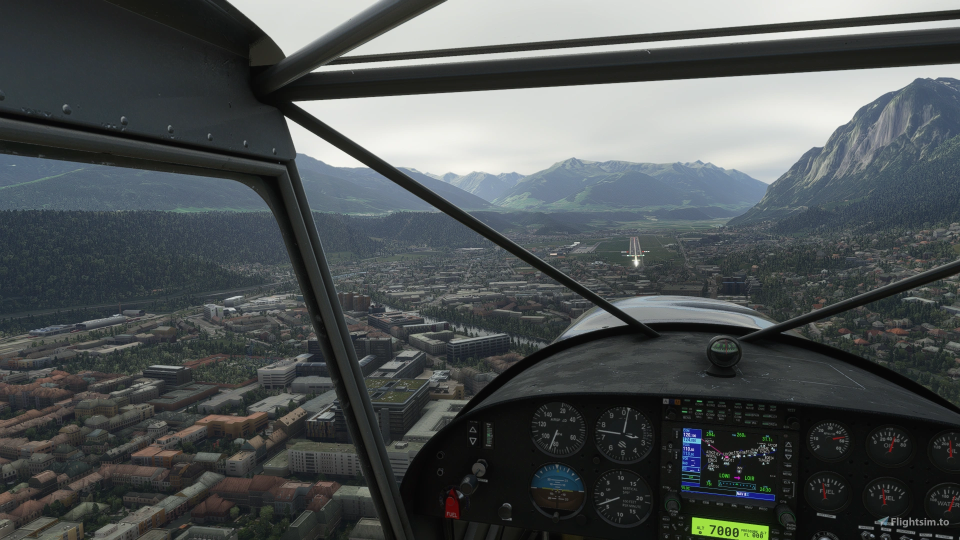
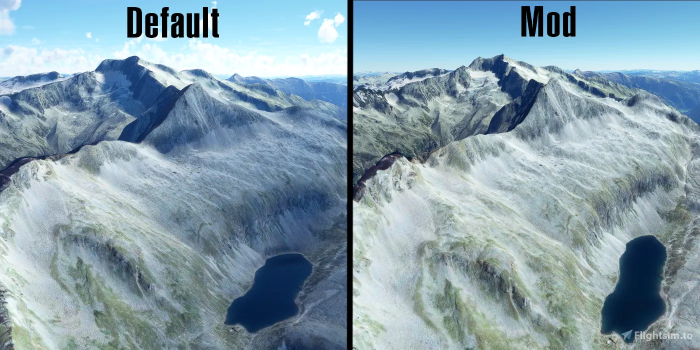
He said, while resting his feet on the plexibubble…

I think I only have about 20 hours of multi-engine piston time.  I think it took under 5 hours in the Seminole for the ME rating…never got my MEI…then various hours in 402s and Barons before I got hired flying King Airs and Citations. No wonder if felt like I had a tiger by the tail those first months flying King Air 300s and Citation Vs…
Thinking back at those days when I flew single pilot, ME piston, IMC… I have never been a better stick and rudder pilot.
It’s been downhill ever since.
I can’t fly worth a crap…but I can type eighty words per minute…
I got my ME rating in a busted old Seminole in Dallas in August.
That thing could barely fly on TWO engines!
I’ve never done anything more dangerous before or since!
My ME examiner wouldn’t let me shut the engine down for the restart demonstration during the checkride unless we were directly over the airfield… I could see his eye twitching as I pulled the mixture back into cutoff…
Mine was about 30.
He looked like this:

The Seminole is so slow that it actually defies that whole time/space continuum and causes even faster aging. And any Piper in Texas in summer? 
BN2 Islander at max weight could just maintain height on one engine. It might have been able to climb a bit by utilising the curvature of the earth.
What do you guys think about this Electronic Flightbag : https://sim-efb.com/
You think it’s worth it money? I’m looking for a good eflightbag. I’m flying the Just Flight Arrow III, VR only and try to stay in VR all the time… I’m now using a free eflightbag tool that works nice but needs some time to organize for a flight.
What I noticed for this new one,
Pro’s: The way you organize you flight plan looks a lot easier, gives the links were you can “grab” the chars for routes an airports, VR scaled up images, it got a scratch pad in VR to make notes!
Cons: $$ , no online options when in sim (how many of you real pilots are still flying without online tools?)
I am using the eBag from flightsim.to for the moment.
Just read the Sim EFB description and watched the video and will give it a pass.
I need just charts. So the day Navigraph makes its own VR implementation (I do not fancy charts displayed on MFD + what about steam gauges birds?) I will get it  Though I am not sure they want to go this way.
What online tools are you using in flight?
Not using any online tools in VR ( are there any?) Not sure if I need it. I add it as a Con because for a new payware tool you might expect some online functionality. I mean, not being a real pilot, using this tool looks like a great way to prepare your flight like in real collecting all the maps an airport Charts you expect you need for a flight. ( the oldfasion way?)
I’ve installer the Garmin 750 (pms50-gtn750-premium) and this works nice but without map and charts, You need a navigraph subscription to get the charts. 
OK, I could not help myself, I had to get this. https://sim-efb.com/ after 3 hour use, yes I’m impressed. It really does what it says!
You can make a perfect collection of maps and charts and take them on a flight. The management software helps you on your way when you add the departure and arrival airports. It will start web links were you can get publicly available maps, charts and info of the selected airports and automatically adds some Skyvactor info in the notes.
You can add extra web locations were to seach for charts in the setting. I added the “Chart fox site” from vatsim and it gave me an extra webbrowser tab with some airport charts that Skyvactor didn’t showed.
You can manage the the charts you “screen grabbed” with an build in grabbing tool. If you want you can config charts as moving maps. All charts that you added to an airport are stored for a next time you plan a flight from or to an already configured airport.
One thing to keep in mind, when you in the cockpit, you only got the charts and maps that you prepared for this flight. The rest of your collected charts are in you database but not reachable one’s you in the sim. So you should plan ahead what you need before making a detour halfway you flight. You do got an online moving world map (street view)
An other thing I am missing, you got you charts organized by three tabs. Departure, flight plan, Arrival. This means if you do plan to take some extra charts for (alternative) airports , you have to store them in de Flight plan tab… it works, but somehow feel not the correct place. So extra tabs for extra airports in the next version? That said, you can store al kind of documents in there. And they are to my surprise very clear and readable! (using a Oculus rift CV1 !) So bring you doc’s 
Yes I’m very pleased not needing a navigraph subscription to get a moving airport map in the Garmin 750. I think 28 euro’s is a lot of money for a tool, but for what I’ve seen for now it is really worth my money. One note, It looks like the tool was just released so I’m an early user, but checking the product forum I’m sure the developer will answere all question if I have any.
O, did I mention that there is a mouse scribble Note pad!!
UPDATE: I have to correct myself about storing all kind of doc’s in the Ebag. This is not correct, you make screenshot’s and store the images of doc’s and PDF’s not the doc’s itself. Does not really matter for the functionality. It works very nice!
Still progressing and in development phase, but it is already fantastic and looks very promissing!
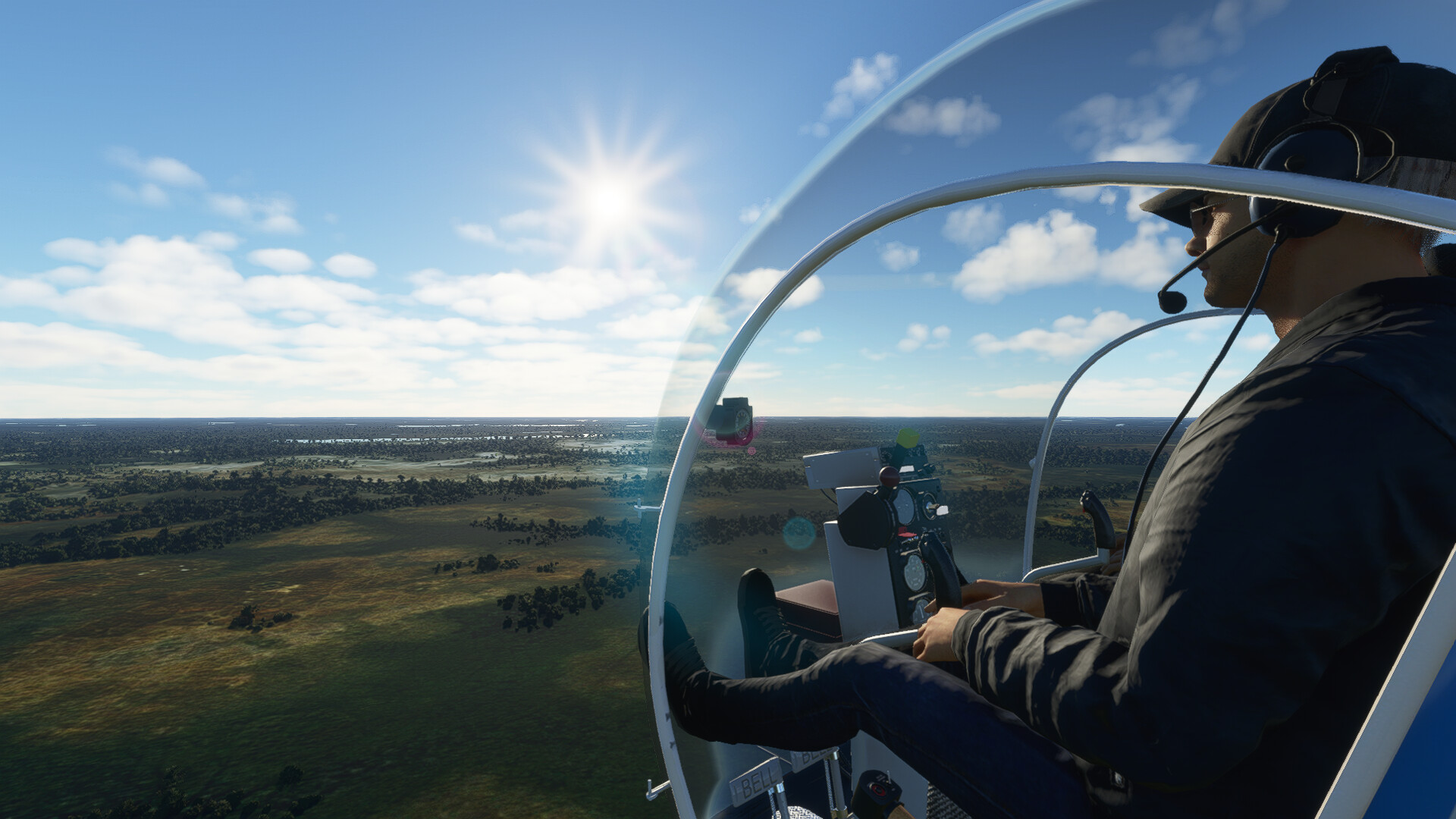
I’m strongly looking forward to this jewel:

That Bell 47 has my attention badly. I’m on a chopper kick at the moment, the existing EC135 in MSFS isn’t really doing it for my realism desire but is incredible for VR sightseeing.
I was planning to snap the Huey for DCS, but may go with the Bell instead.
Also, I’m late to the party, but the Mil Viz Corsair is incredible. I’ve not flown it in 2D, but in VR it’s a wonderfully challenging beast to tame.
The Corsair is IMHO the best Warbird available right now…it’s just a lot of fun flying it and learning how to manage the engine. I’m really looking forward to the Aeroplane Heaven Spitfire Mk1A which should be released fairly soon.
The Bell 47 is also well worth the purchase. I like the H135 (and the price can’t be beat), but you really have to fly the 47 and it is very satisfying when you get the hang of it…and you also have to be careful with the engine.
Bush Talk Radio… if it works, sounds like a cool feature for pilots like me who play MSFS as a tourist…
Bushtalk Radio adds thousands of audio tours to Microsoft Flight Simulator | Rock Paper Shotgun
Sorry, not checking this huge thread to see if already posted. lol
Cool.
I thought of you last weekend - we had to drive a short segment of the Blue Ridge Parkway above Boone, NC to get where we were going. What a great place to ride a motorbike…
Last weekend… cool… my daughter and her boyfriend was up there for the weekend for her birthday… hiking it. lol