45+ on pancake and I’m a happy man.
2 Likes
Oh gosh no please do not. I’m very curious what people are getting in various GPUs and headsets at various graphics levels. Like I said..I’ll post up my stuff in a bit..just working my way through work stuff that I’m obligated on.
I did put on the Quest 3 last night and fired up DCS multiplayer just to practice cold-starting the JF-17. I’ll have to go back and take a screenshot of my graphics settings because they were tweaked from one of the presets…but all I know as I was getting a rock solid and very enjoyable 70FPS on the Persian Gulf map on one of the YA Training servers (something -YA..I can’t remember..). It was…awesome. Even if my INS alignment steps didn’t work.. 
6 Likes
To correct the record: Varjo Aero, Eye-Tracking/QuadViews & DCS
My observation about turning off QV & ET in DCS was incorrect.
Been several months since spent any time ‘playing’ in DCS, in VR, and some things changed. Kept wondering why I wasn’t seeing the low-resolution, outer edges. It was always hard to spot (a wall of text, like reading the briefing, was where it stood out).
Did some research (there’s not a lot on this) and found out that you DO need to have ET & QV turned on in DCS. Here’s a blurb from Varjo:
Some forum posts led me to this.
Does it help? Hard to say. Maybe a slight bit. I have a feeling that my 4090 isn’t breaking a sweat even when I push things that I believe would strain it. So basically I’m still CPU-bound, a little.
The CPU temperatures are where I want them to be though. This over-engineered chunk of sand needs to last.
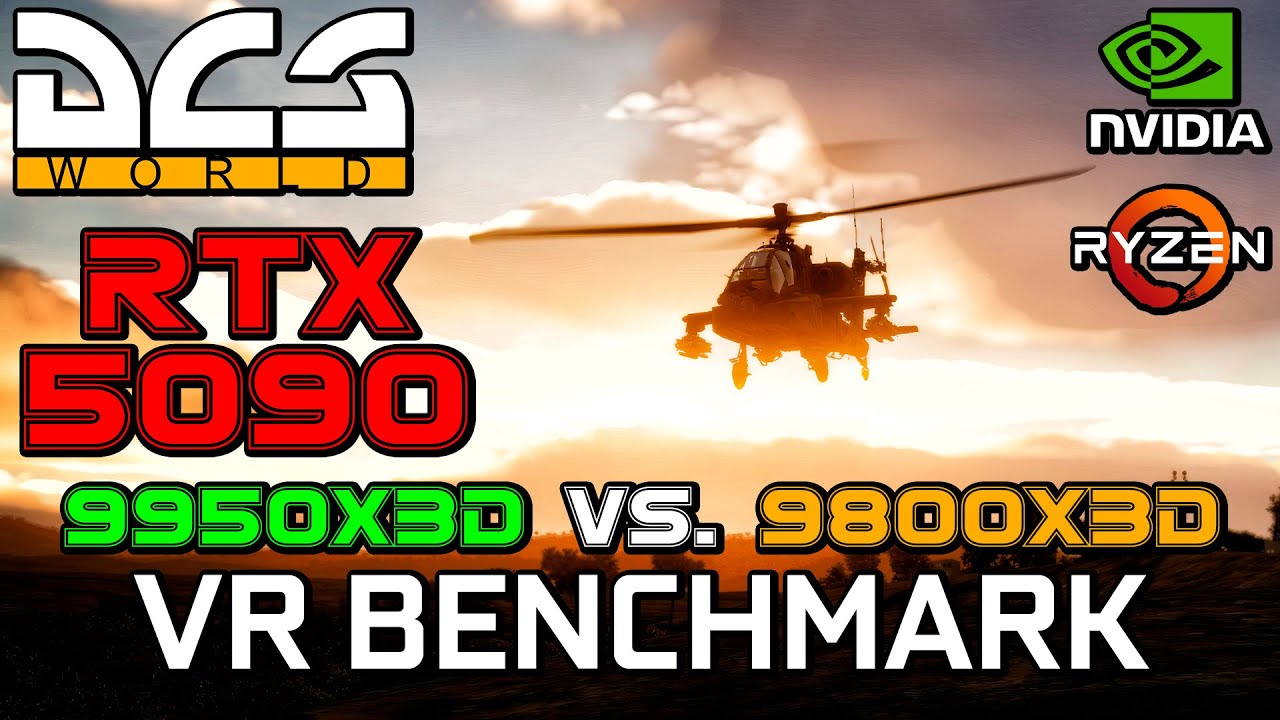
Yes, it clearly shows in VR Benchmarks for DCS. I’ll see if I can find it later today but there are Benchmarks on Youtube that clearly show the 9950X3D to be better in DCS VR than the 9800X3D, albeit very slightly. The advantage does increase if you record and stream in VR but that’s still not worth the higher price imho, however inb terms of pure performance the 9950X3D is the absolute best CPU for DCS VR right now.
Even the 7800X3D while still far ahead of anything from intel is not nearly as good as the 9000 series X3D offerings.
2 Likes
Every time I see this thread I want it titled “New Computer, Who dis?”
1 Like
Cool, thanks.
Assuming my AI query is accurate, yeah UP TO!!!….3%. Which includes 0%. Be silly to say not worth the extra cost after spending what I did in the first place but the 9950X3D simply didn’t generate enough smash in my mind over its predecessor; the ability to run other stuff while playing isn’t a factor for me - I don’t do that.
What Mr. AI says, a small portion of it:
Frame Time Consistency:
In DCS World, the 9950X3D has shown a significant advantage over the 9800X3D in reducing frame times (up to 3ms on average), even when average FPS remains similar
.
Multitasking Strength: The 9950X3D is superior for VR users who run intensive background applications alongside DCS, such as Simshaker, Discord, SRS, or OBS. Its extra 8 cores (without V-Cache) can handle these background tasks, allowing the 8 cache-heavy cores to focus entirely on the simulation.Average FPS: In most gaming scenarios, the 9950X3D and 9800X3D perform within 1–3% of each other. In Microsoft Flight Simulator 2024, the 9950X3D was measured at roughly 1–2% faster than the 9800X3D.
I’ve left my “make it all run slower” sliders set to where they have been for some time. In VR it is, finally, “fluid”. The world around me; up, down, left, right, behind me - surrounding me. With an actual simulation going on. The “World” part of DCS World. At least s best I could build with little experience…
In my Benchmark scenario (I abandoned the assigned mission), for grins, I took the Viper from Bagram 400+ miles south (at .9 Mach and 500 feet AGL - had to plan it with pre-positioned tankers in mind) to do a ‘show of force’ pass over a FARP, said “hello” on the radio, then punched out.
Took just a few mouse clicks….and 3+ years of coding. Thank goodness DCS supports the idea of “…make your own fun’“ - Nick Grey.
1 Like
The big thing here is how flat the frametimes are with the 9000 series CPU’s. Even with the 7800X3D you see dips that simply aren’t there with the 9000 Series X3D CPUs and intel CPU’s are even worse. Of course DCS makes it easy to simply overload the CPU even if you spend the money to get a 9950X3D. You can always bring any CPU to its knees with DCS.
I found one of the Benchmarks I had in mind, as you can see it’s very marginally better than the 9800X3D:
2 Likes
I might be able to make that happen. You REALLLY don’t want me messing around in that Control Panel settings page though.
2 Likes
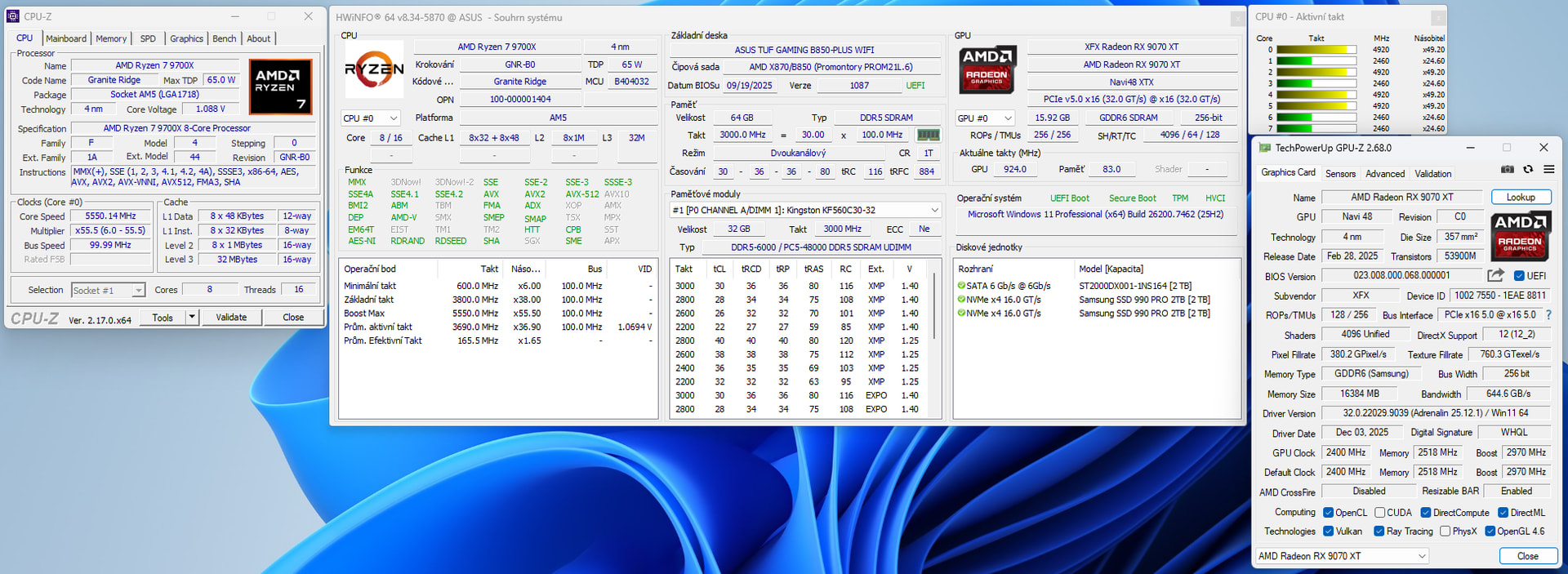
The final version of my new PC. I don’t want to spend any more money for 8-10 years. Well, maybe the VR Meta Quest 3 is another one. 
The performance of the AMD RX 9070 XT is incredible, better than the RTX 5070 Ti for less money. The XFX Gaming version of this GPU is quiet and cools very well, including VRAM, etc. Not a big surprise due to the massive cooler.
Cyberpunk 2077
1440p Ray Tracing Ultra without FSR 4/FG about an average a 55 fps! 1440p Path Tracing + Ultra with FSR 4 an average a 45 fps!
7 Likes
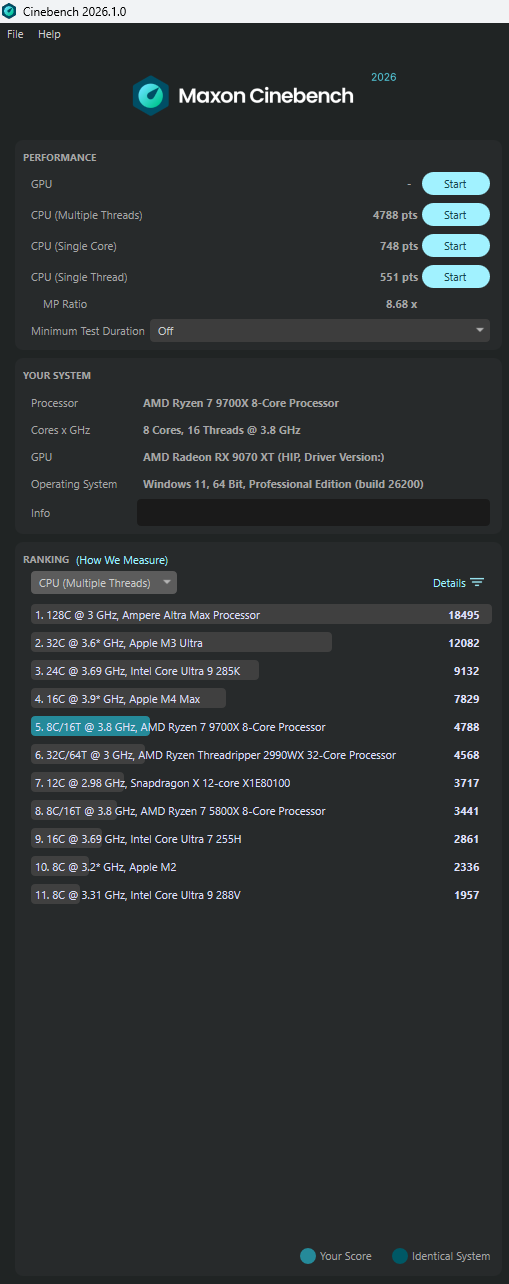
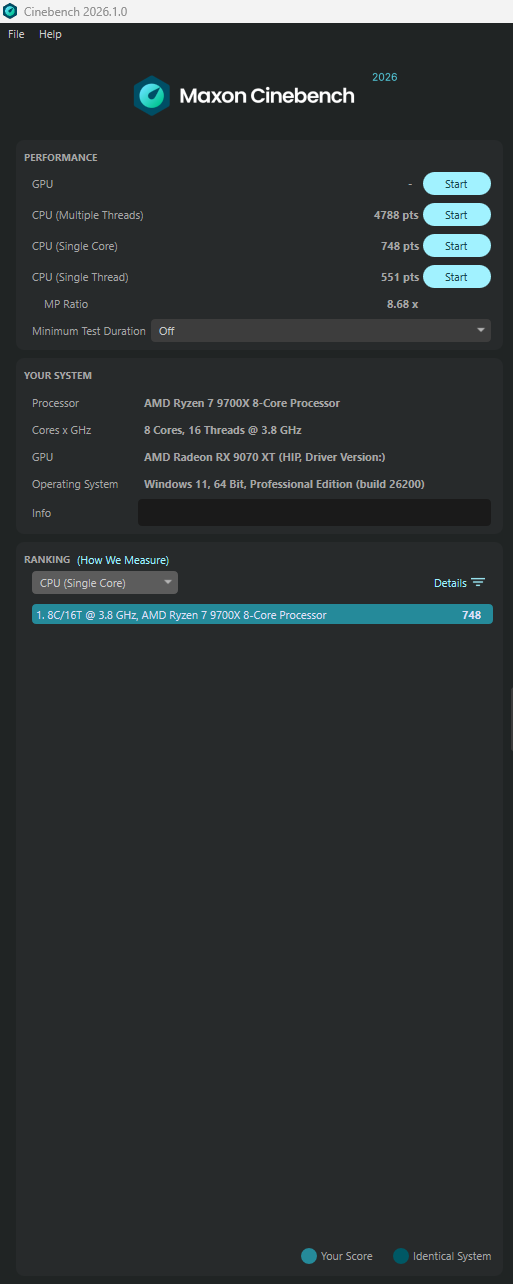
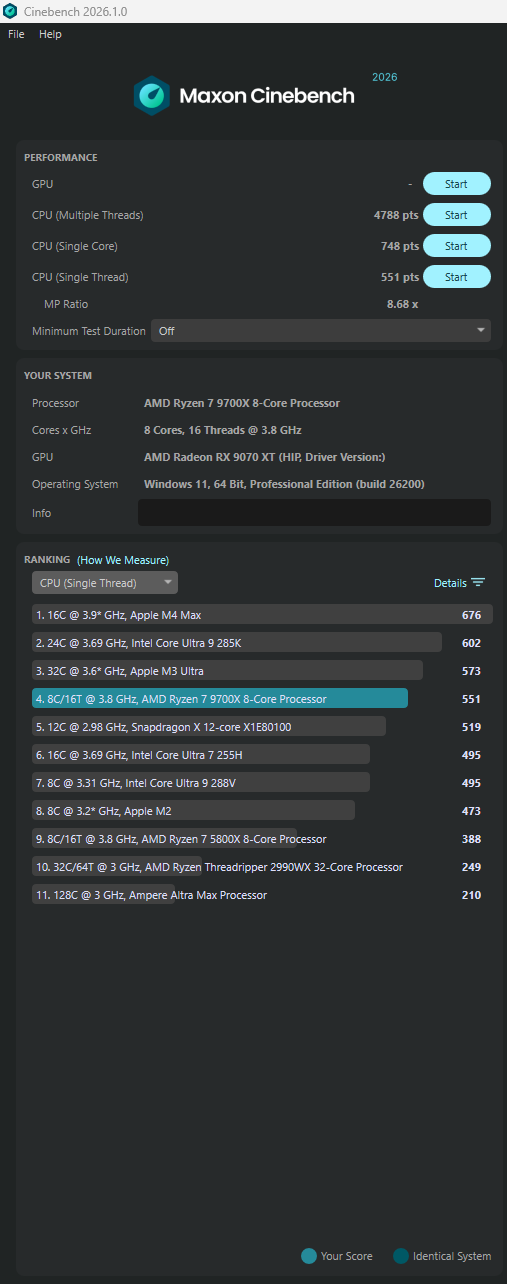
All default, no CPU or RAM optimalizations except EXPO enabled. It’s funny, but an apple is stronger. 
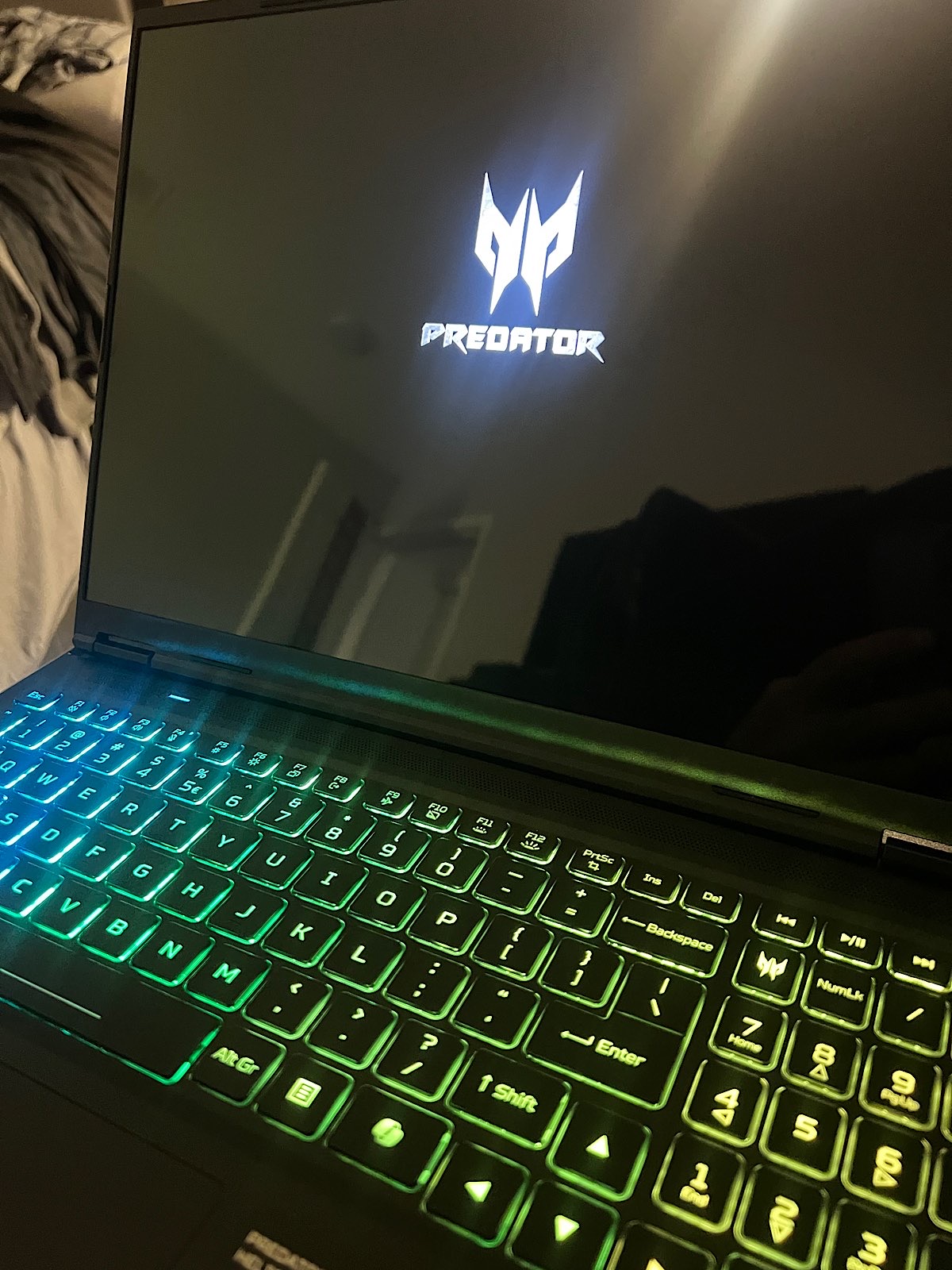
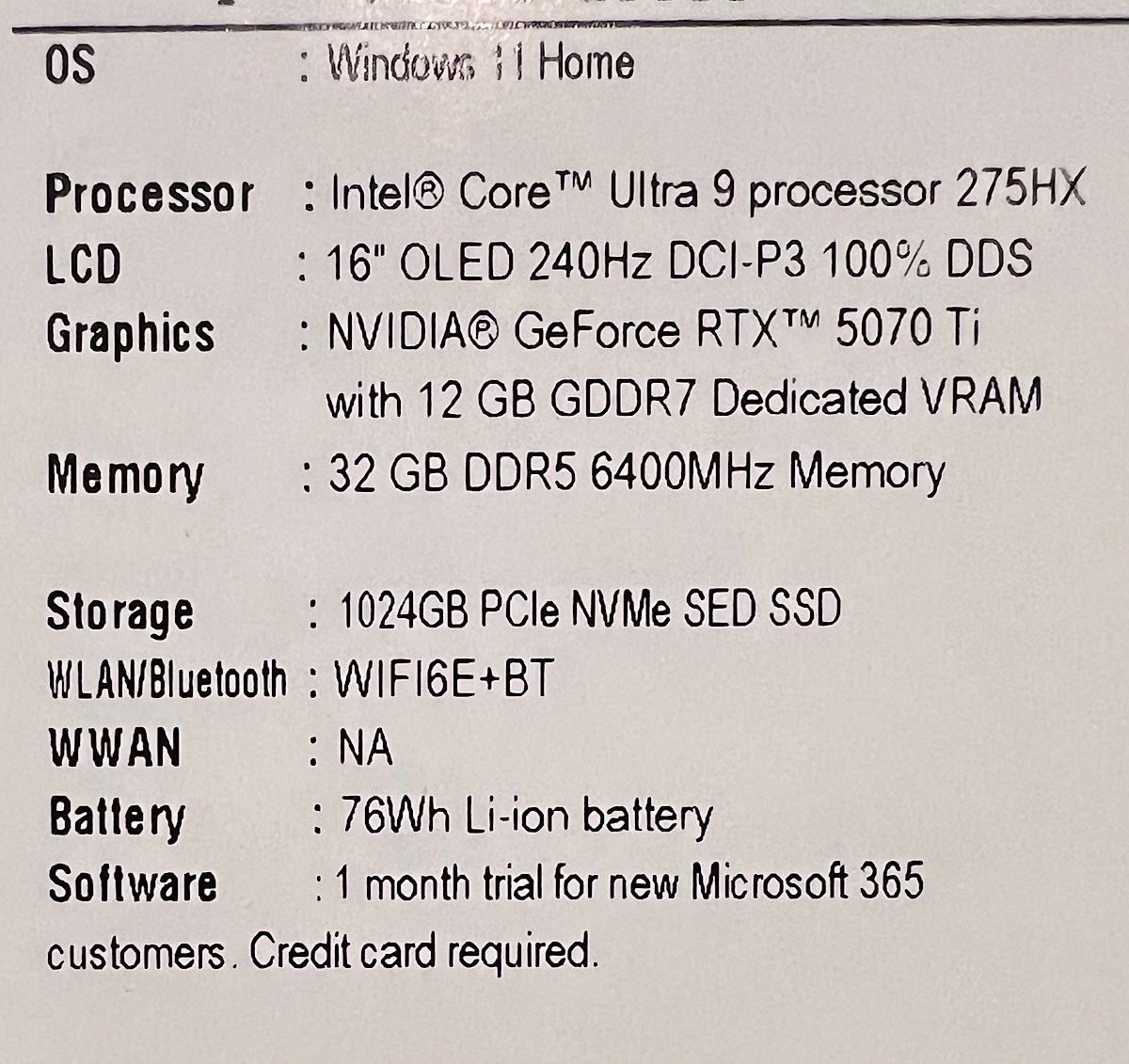
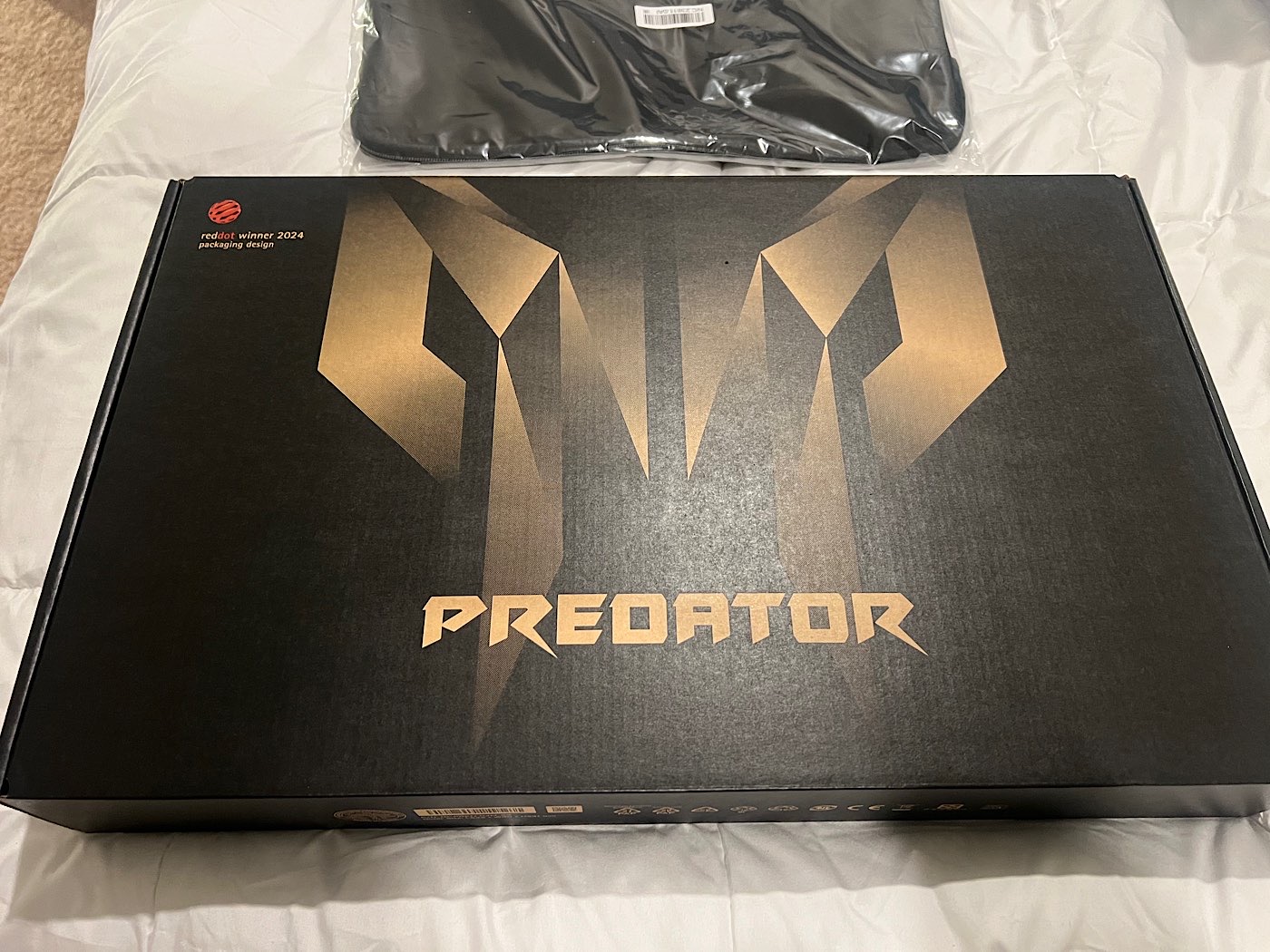
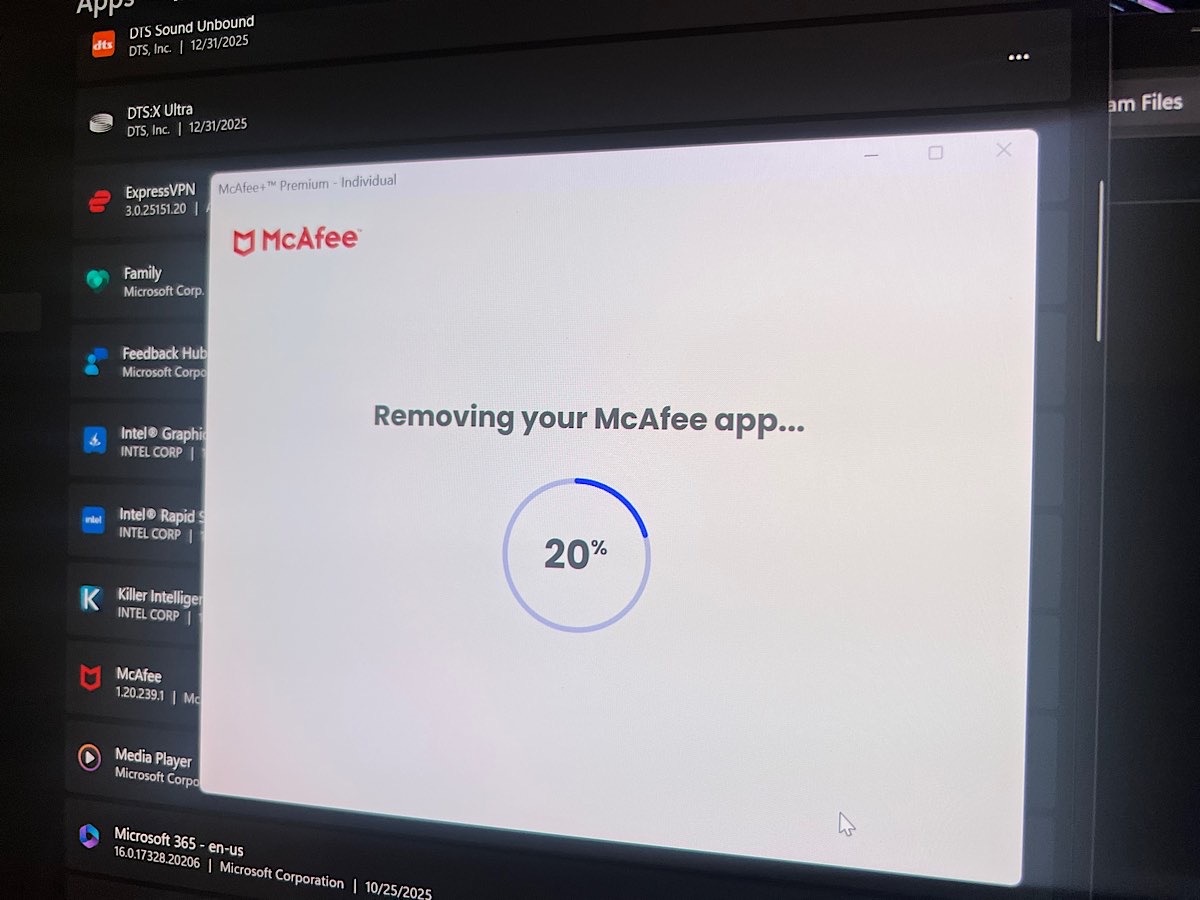
Well..went ahead and rounded out my Christmas splurge and picked up a VR ready travel laptop. I’ll have to crack it open and add a 4TB SSD. I was amazed at how much bloatware this thing came with. Always fun though setting up a new computer.
7 Likes
That CTT thing I mentioned above. Good place to start. Watch a couple of his videos too. Helps. Spent an entire day fighting back: Me vs Windows. Now, keeping it clean…seems like I never really kill the infestation. Way back in the day when Norton Anti-Virus first came out I thought, “ok, good idea”. By version 2 I realized it WAS A VIRUS. Feeling same with Windows 11.
3 Likes
@BeachAV8R I was proud of myself when I added a 1tb ssd to run alongside my other 1tb.
4tb? How much we looking at for that? The boy has steam DOWN now, so installs a 60gb game to play it for 10 mins then ignore it totally. This would be handy, as I am massively struggling for dcs space. I buy a great deal of stuff, but hardly play it now due to space issues not fulfilling my mood at that particular time of the week.
Sometimes I want to fly a sabre like an absolute Newb, sometimes it’s a tomcat, I still haven’t even tried the herc, work reasons mainly, but also space reasons
1 Like
Yeah. That is what I’m looking at. With only 1TB it is severely DCS limiting. Right now I just have a clean install of DCS w/ NTTR and the JF-17…and X-Plane 12 bare bones with just N America.
1 Like
I don’t know. I’m guessing in the $450 range perhaps. I don’t know if I’m up for the nerves of cracking my brand new laptop case though. I did watch the video on how to do it..12 screws and some prying and disconnecting the battery and such. Honestly..I might just go to MicroCenter when I’m in Houston and have them do all of it.
Question - if I wanted to splurge and swap out the default 1TB, can MicroCenter mirror the OS/install of what is currently on the drive and put it on a newly installed 4TB..so I’d have 2x 4TB…?
1 Like
If you have something external or redundant around, you could even clone it yourself. I googled if they offer the service and they do but they charge for it: Clone Hard Drive Service I also don’t know how much your windows copy may like it if it’s an OEM edition (tied to that computer, it may not like it if it can’t recognize it as its own anymore) but windows retail (unbound) keys have become mighty affordable recently.
2 Likes
Yes, there are multiple utilities out there that will let you create a disc image and then duplicate it onto a new drive. If the only change is the drive size it USUALLY goes off without a hitch. So, paying them to upgrade it to a 4TB system drive and 4TB second drive shouldn’t be a problem.
2 Likes