Considering it was second hand, from Marketplace no less, I’m assuming you didn’t lick the box? (actually, I’m really really hoping you didn’t)
1 Like
So I cashed in on their discout for upgrading headsets and got the Crystal Lite. Except it’s been 10 days and hasn’t shipped out yet. Did you guys have shipping delays when buying direct?
1 Like
I did not buy mine direct and did not have much of a delay. I bought it on NewEgg but it was in California when it shipped I think..
Maybe they are still lagging from the lunar new year festival they had. You could contact them and see what is going on I know I would if it has been 10 days..
2 Likes
Absolutely a possibility. I sent them a question and didn’t receive a reply until after the Chinese Newyear. Seems like they close shop completely for a month or so…
1 Like
The last 3 coments sums up Pimax. Irresponsible marketing.
And @BeachAV8R said it ALL. Tere is not much i can say after his comments.
I ordered my Quest 3 at about 11 am. It was at my door by 4. Im in Seattle. Did i mention Amazon is a 1/4 mile away?
Unfortunately i was busy w friends last night but got it connected right before bed. First thing i noticed is that you cant go by the advertised weights of the two headsets. Crystal is bulky and huge. Moves around and u really feel you are wearing a motorcycle helmet for the first time. By contrast the Quest is small and slick. My thought was, “I bought a better strap?” The BoboVr arrived at 5:30AM today. Just like the Quest it screams Quality.
The visuals are not as nice but not to the point where i care. Pit looks gook and i acn still dogfight as before. There were some tweaks to do and still i am working it but i am Very happy.
The Crystal was exhausting to wear and im not much for supporting a product that falls apart in two years. I feel the Meta will be better and mych more durable. I would rather support it.
The see through is amazing. Not having to take the headset on and off just to set up a session goes a long way. And using it wireless will be fun too.
Summary: Great Product. Excellent value. Amazing software. Durable and available support. Pass through is incredible.
2 Likes
It seems like everytime i go to the Oculus Debug tool i have to set it again. Is there a way to save it?
Just an hour or so of tweaking and i have great clarity in Vr. The Quest rocks
This is why I am ordering a Q3 (plus PC cable) more than anything else. Guess this guy will approve?

That BoboVr thing looked good too, so i threw that in the cart. 
1 Like
BoboVR with two batteries is the way to go. 
2 Likes

4 Likes
Do yourself a favor and go ahead and buy Virtual Desktop. I used my Quest tethered for awhile..and while it was OK..using Virtual Desktop to stay wireless to my PC has been amazing. With two spare BoboVR batteries I can pretty much play unlimited if I keep swapping the depleted battery back onto the charger. And by depleted..I mean the depleted battery..while the headset itself is still in the 90% charge range…
2 Likes
What router specs does Virtual desktop need to work well? I tried it on my Quest 2 and had a horrid experience with lag and fuzzy visuals that took a few seconds to load clearly. My biggest complaint with the Quest is the battery, particularly after 6 years of use. After a 60-minute flight my battery is down in the 60-70% range despite being tethered. If I have it in powered USB hub it will stay nearly fully charged, but I’ve burned through two hubs already. For whatever reason the power demand eventually destroys the AC adapter.
For best results you need a Wi-Fi 6 or better router and you PC needs to be connected to it by Ethernet cable.
Alternatively you can get a VR ‘bridge’ like the PrismXR which I can highly recommend.
The advantages of using a device like this is that you get a dedicated connection for your headset and it doesn’t need a wired connection to your main router.
2 Likes
Well Pimax Japan support got back to me on the shipping issues and things are…disconcerting. No reason given for the delay, they said they would tell the warehouse to accelerate shipping, and it was AI translated to Japanese…along with an automated reply from the same Pimax support account saying my Paypal account had been blocked. In German. And I hadn’t paid with Paypal.
Quite discombobulated.
4 Likes
I have put in an order with a Europe based webshop that is also a Pimax retailer. They operate with a Norwegian legal storefront and are subject to our consumer laws, so I will be dealing with them, not Pimax, should I have a problem. I’ve been shopping with them before and had one RMA case that they handled perfectly.
1 Like
I got faster support through the Pimax Japan Discord lol. Apparently they had stocking issues at the warehouse. Really bizarre though, mainly on the random German email.
2 Likes
Good Luck @Clutch buddy, Hope the force is with you.
@BeachAV8R But Im scared of letting the wire go…And I just paid for a Zuckerberg cable too… Waaaaay to expesive for what it is.
But seriously, I would love to try this unthered Reality. ESPECIALLY now with Passthrough… How do I know if my router is a Wi Fi 6? I got it last year when they installed my internet. I am hardwired to it cos of my fear of wireless I already mentioned lol. So I am one step ahead. Now let me take your bad advices and spend more money… hahaha
Disregard, testing will continue…
"To know if your router is Wi-Fi 6, check the physical label for “AX” or “Wi-Fi 6” in the model name, look for the logo on the box/manual, or check your phone/PC settings while connected. In Windows 11, check “Properties” under Wi-Fi settings to see “Wi-Fi 6 (802.11ax)”
2 Likes
I jumped into IL2 FB in the Quest and it was amazing. The next time I started it, it was on Steam VR and it was an absolute mess. So I deleted Steam VR and now I cant get it to play. Do I need to run it in Steam VR? Am a missing something here? I had such a good Session in the Albatross. I want more… 
IL-2 Great Battles/Flying Circus use Steam VR by default.
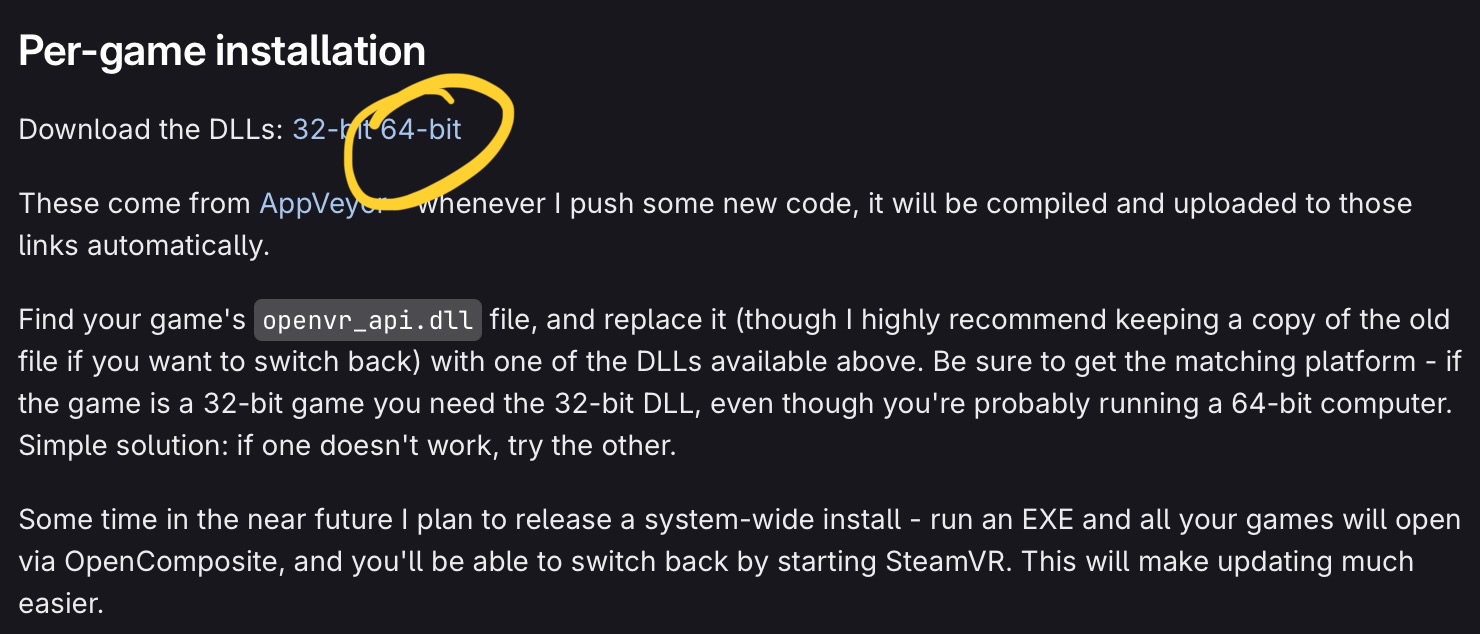
But by substituting the openvr_api.dll in your IL-2 installation with the one you find here:
Look under Per Game Install and click the Download DLL 64-bit link.
This will make IL-2 OpenXR compatible. I guess you also need to set the Meta software to use OpenXR..?
2 Likes
Not happening… ( When I go to add the game I get an error that says path not supplied. I downloaded Open Composite and told it to start IL2 in Open composit.