VTOL VR

I’m perfectly happy using the VR controller for my stick hand. My arm rests nicely on the arm of my chair and it’s quite intuitive. It would make no sense to have to put down the VR controller to operate a physical stick and then have to pick it up again to operate all the cockpit buttons switches and knobs.

My throttle hand is a different story. I have to push my physical throttle aside so that I don’t bang my VR controller into it. Then I find the arm of my chair interfering with operating the virtual throttle and it’s not so intuitive. I definitely wouldn’t object to HOT implementation. :slight_smile:

3 Likes

Just slide your chair 3 feet away from your desk. Once VTOL is loaded there is nothing on the desk needed to enjoy the experience. If you use pedals, slide them aft as well.

I use my pedals to play. It makes it so much better to land the AV42C. I love that he includes that integration

1 Like

Ya, but the arm of my chair still gets in the way. I feel a chair modification coming on. :slight_smile: Still wouldn’t mind hand on throttle implementation though … would be cool to map some of those Warthog switches.

Leap motion did that as well and Oculus has added hand tracking for the Quest.
In a few years, it will be mainstream… :slight_smile:

v1.1.0p11

General

  • Added “greyhound” as a voice recognition missile callout
  • Fixed capitalization of IR Flares and ECM Chaff in equip configurator
  • Fixed: “AUTO” text on joystick adjuster was unlit in F-45A and F/A-26B

Localization

  • Removed unused template keys in F/A-26B
  • Added key for “completed” text in campaign selector
  • Added keys for equipment full names
  • Added keys for equipment HUD sub-labels

This a challenge with using VR controllers that operate in real space.
And it’s why PointCtrl works so well in DCS.

v1.1.0p12

General

  • Fixed: explosions usually did no damage to ground units with a certain type of hitbox
  • Fixed: IR Chaff/ECM Flare text was missing in equipment configurator

Localization

  • Translated equipment name did not display in vehicle configurator, new equip notification, SMS, EQUIP MFD
  • Translated IR seeker mode did not display in equip options
  • Fixed: translation of tutorial name and description stopped working
  • Added keys for CMS release rate/mode options
2 Likes

v1.1.0p13

F/A-26B

  • Fixed: HSI showed incorrect distance unit until activated by landing request
  • Fixed: Disabling radar would not cause pre-pitbull AIM-120 to lose tracking

Localization

  • Added keys for Radar/ASL altimeter mode for altitude warning settings
  • Fixed: center minimized MFD tab in F-45 did not get translated (“BLANK”, “Open Menu”)
  • Added keys for RWR mode in F-45
  • Fixed: “Completed” text did not get translated in campaign selector
  • Fixed: Release mode setting did not get translated in CMS settings page
2 Likes

https://youtu.be/hL74yj1aeU0

4 Likes

That aircraft that looks like the F-15 sure can carry a tremendous amount of weaponry on what looked like a heck of a lot of stations. Nice!

1 Like

v1.1.0p14

General

  • Various minor performance optimizations

Localization

  • Fixed: “Completed” campaign text gets untranslated when exiting campaign screen and returning
  • Fixed: RWR mode not translated until pressing mode button
  • Added entries for newer tutorial labels
  • Fixed: Error when returning to intro scene from editor and attempting to change the language

v1.1.0p15

General

  • Fixed: ARAD missiles stopped working in p14

v1.1.0p16

Localization

  • Added search function for in-game localization editor
  • Added keys for TGP targeting mode and sensor mode
  • Added keys for S-Cam labels
  • Added keys for environment settings
  • Fixed: “Completed” campaign text gets untranslated when exiting campaign screen and returning (actually)

v1.1.0p17

F/A-26B

  • Fixed: damage to wing aerodynamics could be fixed by toggling wing fold switch

Localization

  • Fixed: Changes to VTOLVR_Strings in Localization Editor did not get applied until game restart
  • Fixed: Error when changing back to english from another language when VTOLVR_Strings.csv is not present
  • Fixed: Certain strings did not get translated when switching languages without restarting game
  • Added keys for credits titles

The oil industry is serious about security.

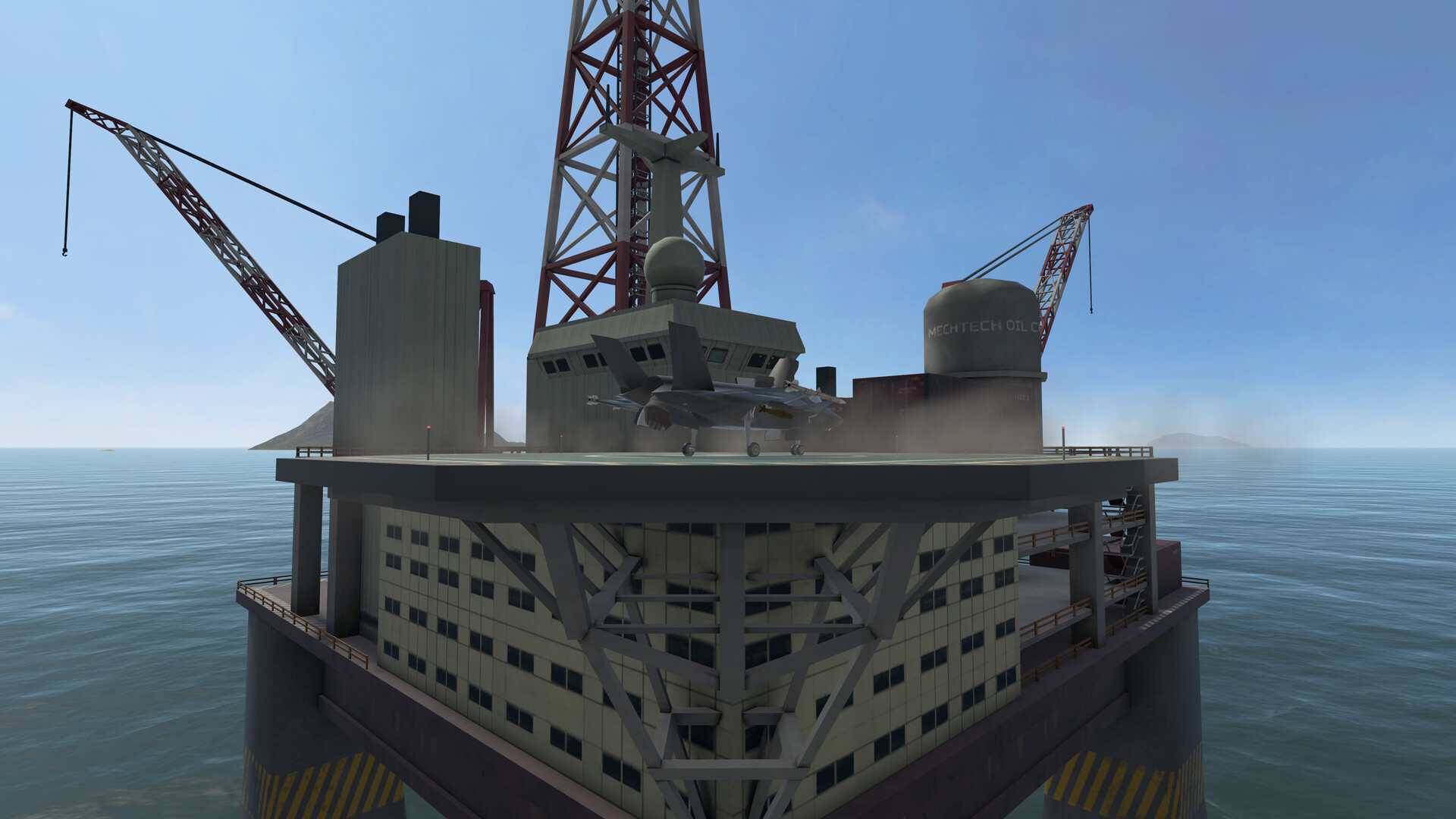
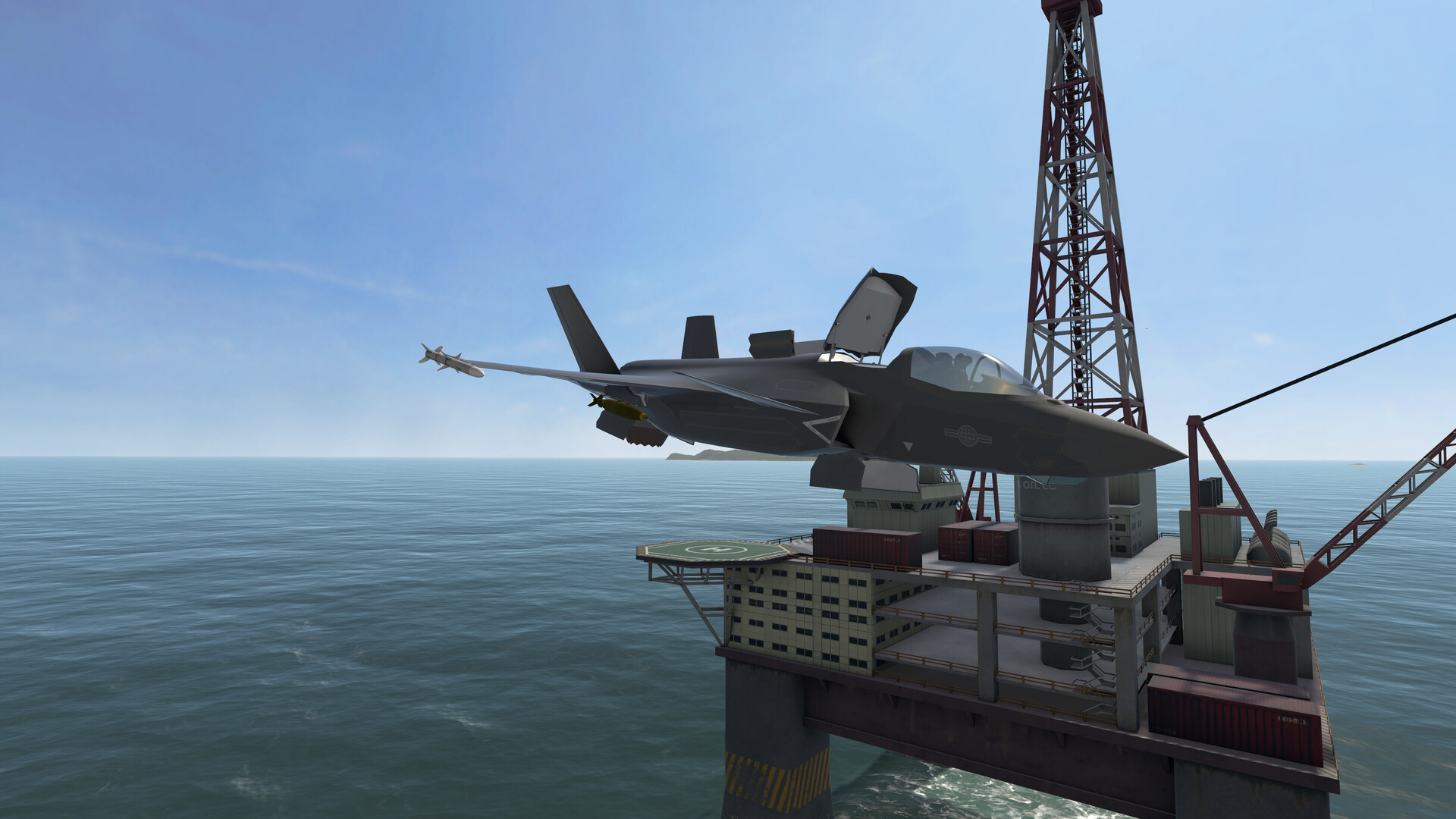
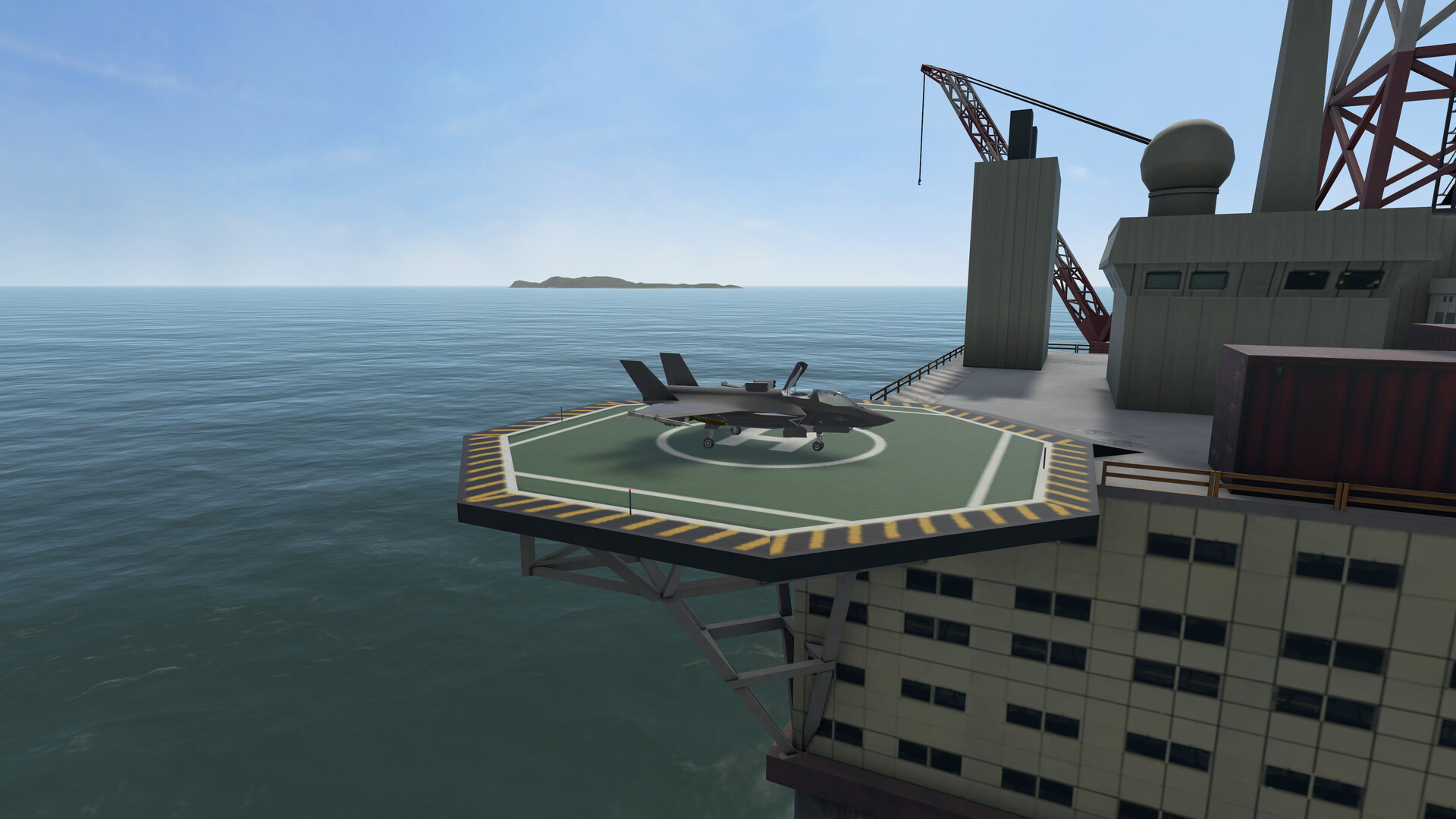
I recently found this F-45A campaign that has you operating from an oil platform. I found the missions fun to fly, reasonably well designed and challenging but doable.

4 Likes

talking to my self in the other thread, so will ask directly…

@Sryan, what VR headset you use, and whats your specs pls? Feel free to post in the linked thread ( not want to detour this thread), tia :slight_smile:

VR Headsets Comparison Summary 2020 - Hardware & Tech Questions - Mudspike Forums

break break

@BeachAV8R, did you already tested your G2 with your laptop? whats your impressions? Also pls feel free to post in the above linked thread, tia

I have used my G2 with my laptop and thought it did pretty good. The laptop has an RTX2070 in it…whereas my desktop is a 2080ti, so there is a bit of a difference. I"d be happy to try to get some FPS numbers if you’d like.

I can answer quickly that I am not running anything impressive :slight_smile: The original Rift with a 1080Ti. Both were very kind gifts from a fellow mudspike virtual pilot. I took these screenshots with VTOL’s nifty 4K screenshot feature, so that is not very representative of what I see through the lenses. VTOL VR dus run silky smooth on it, though! 90FPS in lighter missions and 45 in more complicated ones (ASW makes sure 45 FPS looks very smooth)

Definitely, some fps nums from XP and VTOL on the laptop would be great.

1 Like

lol, was trying to figure out headset type from the resolution of the pics.

Thx for the nums.

Oh cool, finaly somebody not taking him self so seriously, good fun!