
8 Likes
I really should get back into VTOL VR. That looks awesome!
2 Likes
Welp, time to get back into VTOL VR.
1 Like
Definitely have to try that.
Btw, do you VTOL veterans have any tips how to best hold the controllers for this game? Do you use physical support or any other tips to live with the virtual controls.
I found it awkvard to know the virtual stick position and very often was inadvertly steering to wrong direction etc.
For the stick I just rest the controller on my right leg. Similar for the left controller once I have grabbed the throttle. The little controls indicator is quite useful to keep half an eye on at times.
2 Likes
Sounds like a simple and robust solution. I think I first tried using chair arm rest, but it can sometimes block other motion.
Need to experiment more today. Thanks for the tip!
I tried out both the A10 and OH6 mods… fun! We really should do some multi-player sometime (either modded or vanilla).
4 Likes
Definitely. Absolutely. It is my absolute favorite game/sim.
1 Like
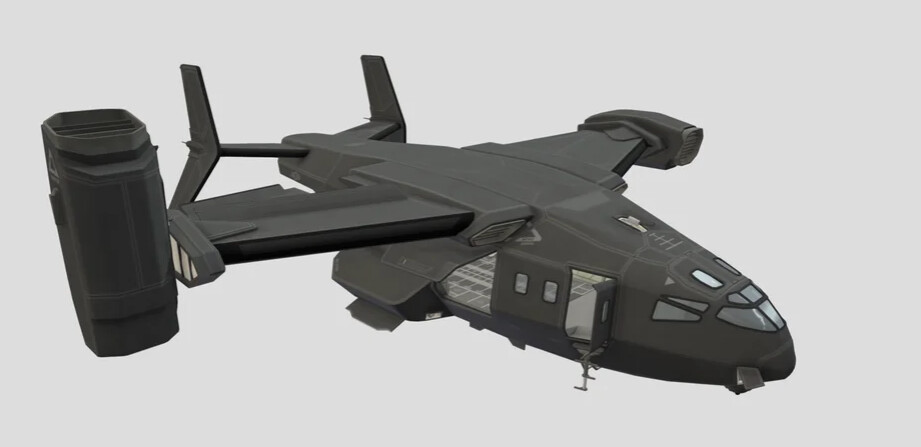
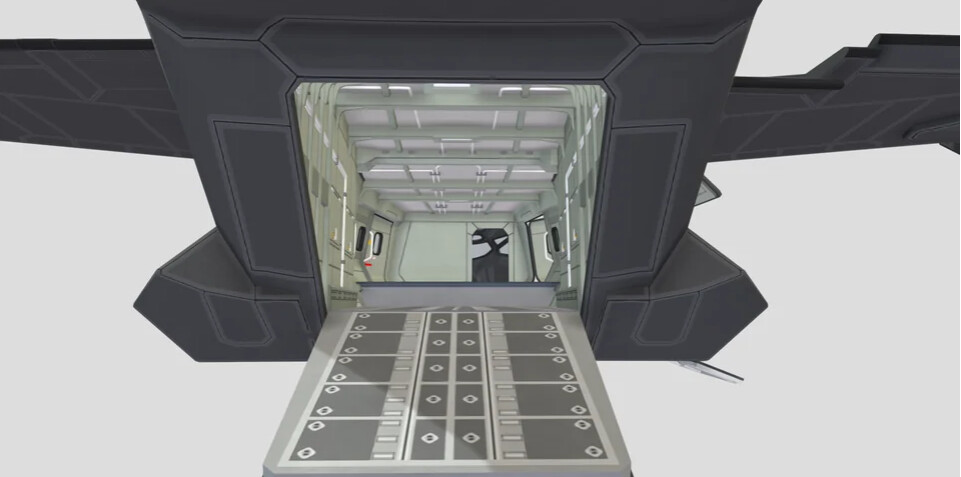
Q: Dual seat?
A: I believe so, as well as possible plans for gunners in the back but don’t quote me.
7 Likes
Can you imagine how loud that monster would be?!
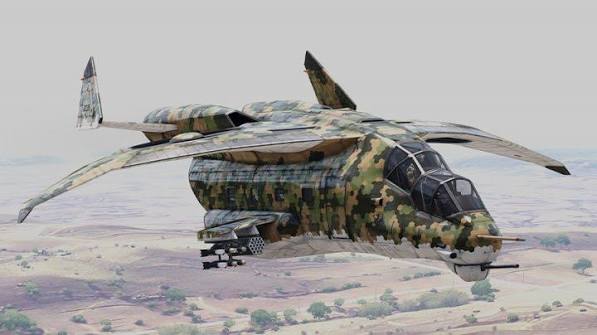
I love fantasy VTOL aircraft. The Xi’an Y-32 looks so cool in Arma 3… That wing loading…must be stupid… 
8 Likes
Physics is for sissies!
4 Likes
Spoken like a true Pitts pilot… 

4 Likes
4 Likes
5 Likes
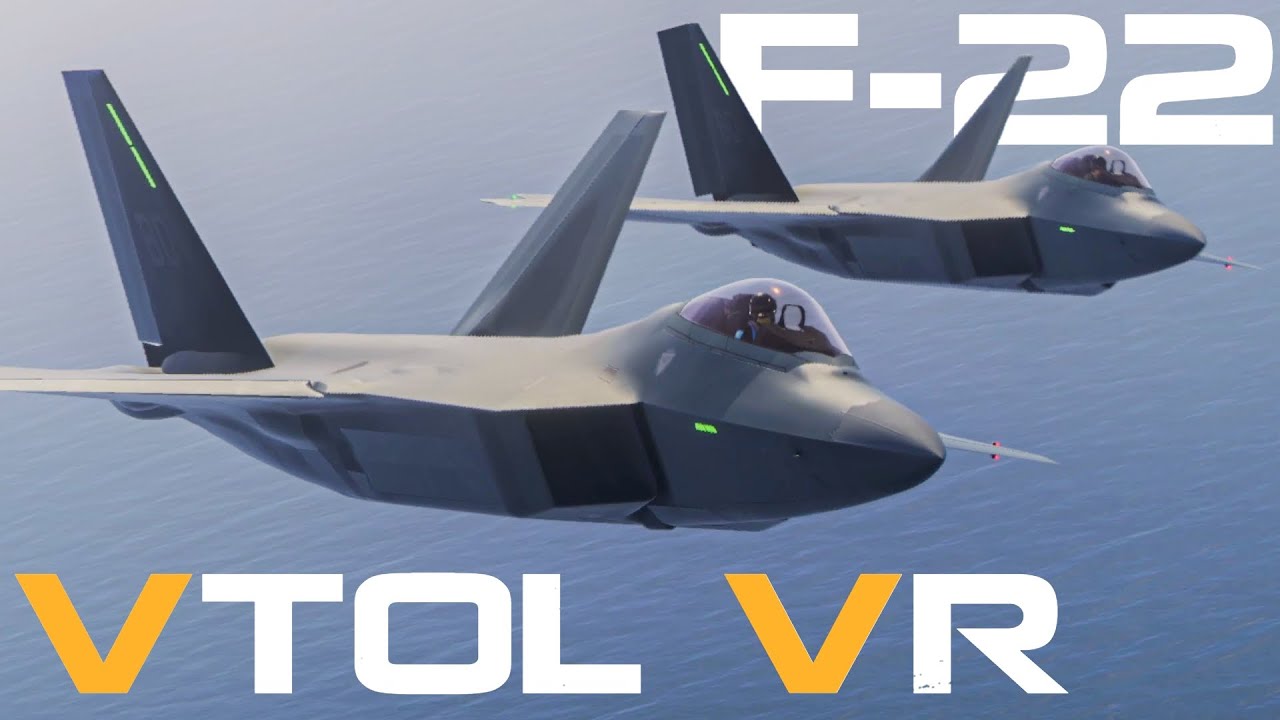
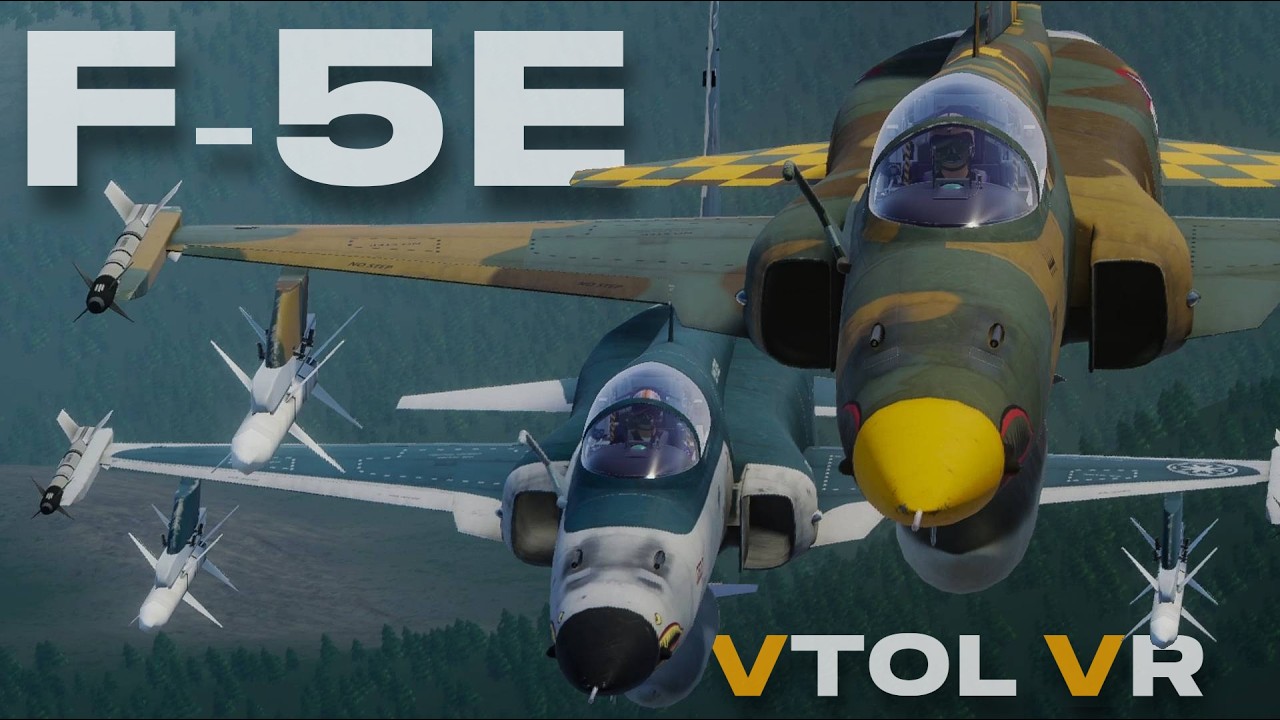
Me am sad. VTOL VR is one of a few sims that will not play nice with my set up. I’m that one day I reinstall it and the stars align. That F-5 is mad!!!
1 Like
What is your setup? What happens?
I am curious too. I’ve always seen VTOLVR as a game that will run on anything above a TI calculator. My rig is dated (13th gen I7, 3080) and the game is butter.
1 Like
I’m running a Ryzen 7 3700X, RTX 3080, 32GB RAM (so I believe my combo isn’t the issue). I also keep my drivers up to date. My headset is a Reverb G2.
The issue I have is that the interface click spots are inaccessible, and I can’t get the view to reset or adjust within my limits. That said, I can’t interact with the interface or any of the clickspots. I suspect the issues are related to my G2 boundary, which is set to seated because I only use the headset for flying.
I haven’t gone back into the sim since migrating to Win11 and the Oasis drivers. The thought actually slipped my mind.
UPDATE:
I reinstalled the game and tried it. Good news: I made it to my first aircraft, but then I ran into the problem of not being able to access several of my switches. My desk was getting in the way. I also learned how to reset my view from an Internet search. Problem solved. Yay!!!
New problem: The game now hangs, and I’ve given up after several attempts, including updating to the latest Nvidia drivers. Sooooooo
1 Like