Writing from my phone.
Last night’s (18 November 2025) Windows update borked my system.
On restarting it presents me with a BlueScreen-adjacent screen reporting some errors. (last night I was too tired to take notes, but today I have a late shift so soon I’ll try to analyze that)
Luckily I have a secondary partition with an old Windows 7 installation, so before going to bed last night I booted it up and it worked okay.
I wanted to at least make sure that physically my SSDs were all working and luckily they are all fine.
The SSD with the Windows 10 partition was a 500GB with basically only that and Elite Dangerous on it. I call it "Drive S:"
A quick check revealed no damage to the SSD itself so it’s just something that happened with the restart after the update.
Through the secondary Win7 I can copy everything I need out of Drive S:\ unto my 4TB SSD that is half empty (My Drive D:\ dedicated to DCS) so if push comes to shove I will simply format S: and reinstall it - and copying over again the stuff I saved on D:
I am mostly writing this as a warning and for Journaling my process of recovery.
If anyone feels like chipping in their 2 cents to give advices, please do. It’s always useful to hear another opinion.
First thing I’ll do is check the error messages again.
If you can access the crashing OS‘s drive, you can try to get to the crash dump and analyze it with that little bluescreen dump analyzer tool.
It‘s usually a driver running in ring 0, taking it all down. Not too uncommon to see it‘s your mainboard vendors crappy bloatware. Because RGB needs direct kernel access, yeah…
Maybe it’s an update I delayed, don’t know.
But here was the yellow dot beside the start button on the taskbar, that indicated an update was queued up and ready to install.
Yeah they borked the fast boot in Win10 for some reason, seen multiple reports of slower booting now that support has ended. It is just Microsoft doing a Apple.
Agree 100%, which also compunds on the fact I can’t play BF6 because I can’t activate the whole Secure Boot as my main Partition is not GPT and I don’t trust the OS with converting the partition without making a mess out of it.
I thought that was only for those who paid or ‘subscribed’ via creating/signing up for a Microsoft Account? Gee that sounds awfully like an opt-in thing, I didn’t think MS did that… But I guess there was a lot of stuff we couldn’t opt-out of either
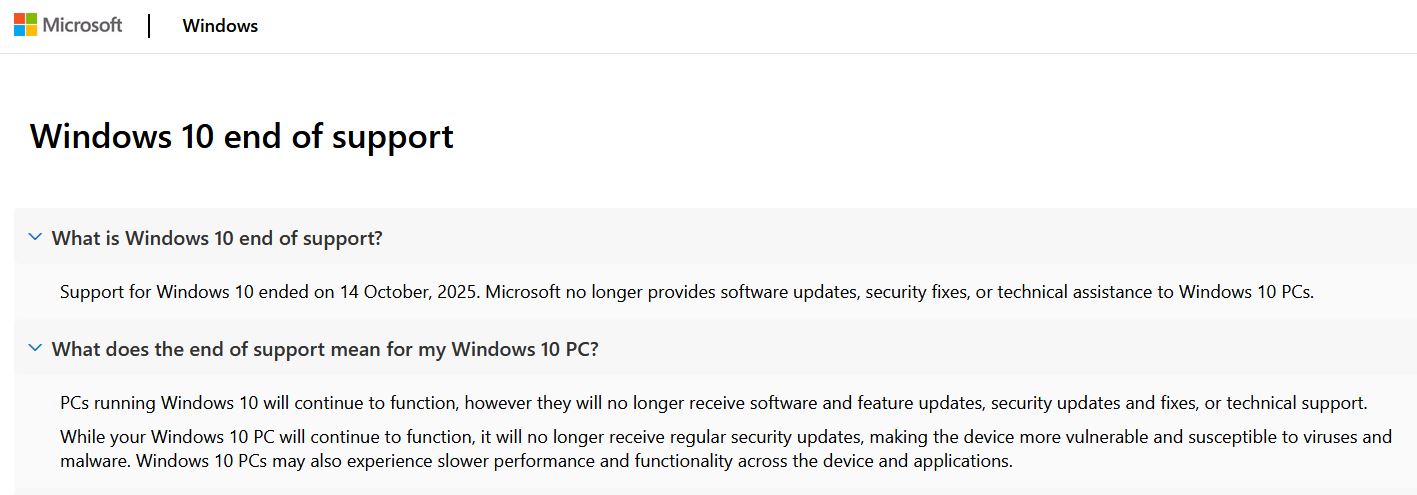
Becoming just another data point to be sucked dry in the name of AI slop for an extra 12 months of their crappy OS was something that I refused to do.
You don’t need to do this. If your CPU is SSE 4.2 instruction set capable, just download Windows 11 ISO, mount it, and follow the instructions in the video (with subtitles) to get an upgrade to Windows 11 25H2. There is no reason to stay with Windows 10.
Mount ISO
run cmd (Command Line) as Administrator and type: f:\sources\setupprep.exe /product server
Note: f: is a letter of your attached ISO. It might be different.
This is from the This Week In Tech guys, who said that at first MS wanted to charge, but thought better of it and instead, require a login. I have a Hotmail (sexy) email account, so logged in and moved on. Not a big deal honestly. Nothing that Google or Apple don’t do. I have a PC where I edit video (DR) and let the kids play games on, that works so well, I would rather not migrate it if possible. The mobo won’t support Win11. Good to have another year to contemplate its fate.
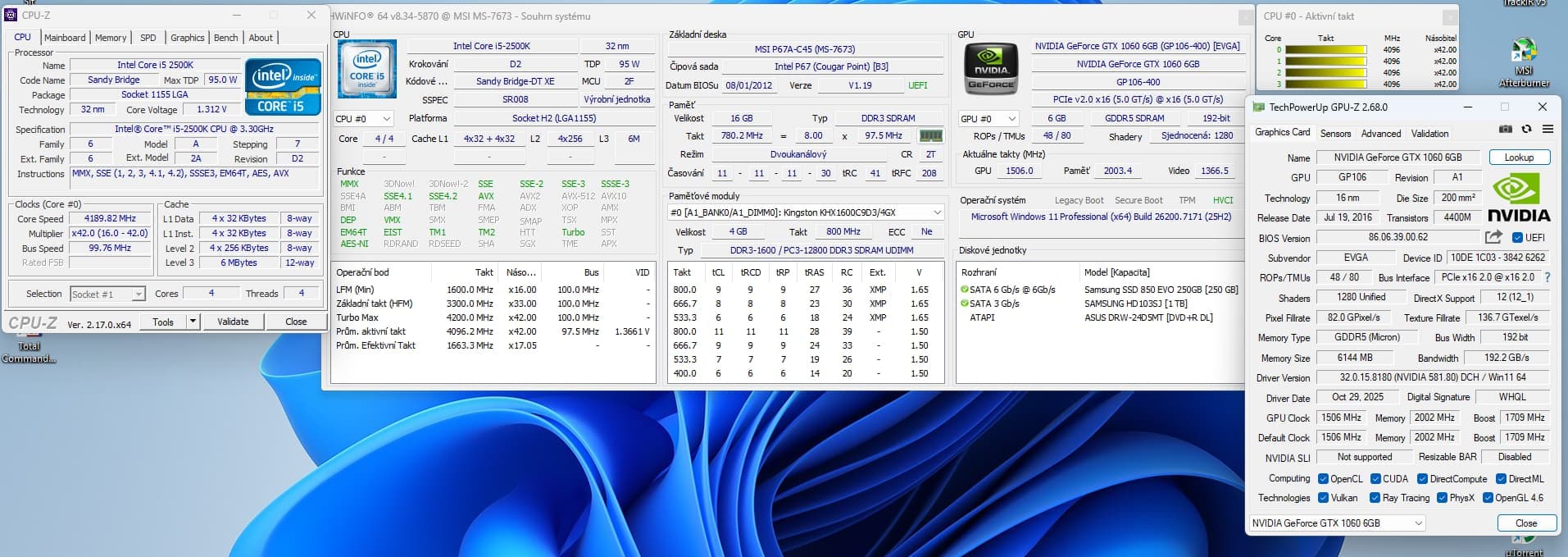
Here is my MOBO that does not support Windows 11 officially, but because of SSE Here is MOBO that does not support Windows 11 officially, but because of SSE 4.2, it can be installed W11 with /product server switch
Never going to happen. Currently migrating everything to Linux (mint, because that looked the easiest for a newb like me). I am keeping this PC with a Windows 10 partition, for now and basically all it will be used for is DCS and VR games (until valve release their new headset & console and I replace the G2).
I don’t have a Hotmail account, or any social media accounts. I only have a Gmail address because I needed to download third party AV andone of our Rural Fire Service apps from the app store to my phone. Which are the only two I have downloaded, and uninstalled every other app that I could or disabled them, if possible, e.g. Chrome.
I have taken as many steps as I can to reduce or obscure my digital footprint. Win 11 is a backwards step IMHO.
If you knew where I worked before I retired you would understand.


 I can save everything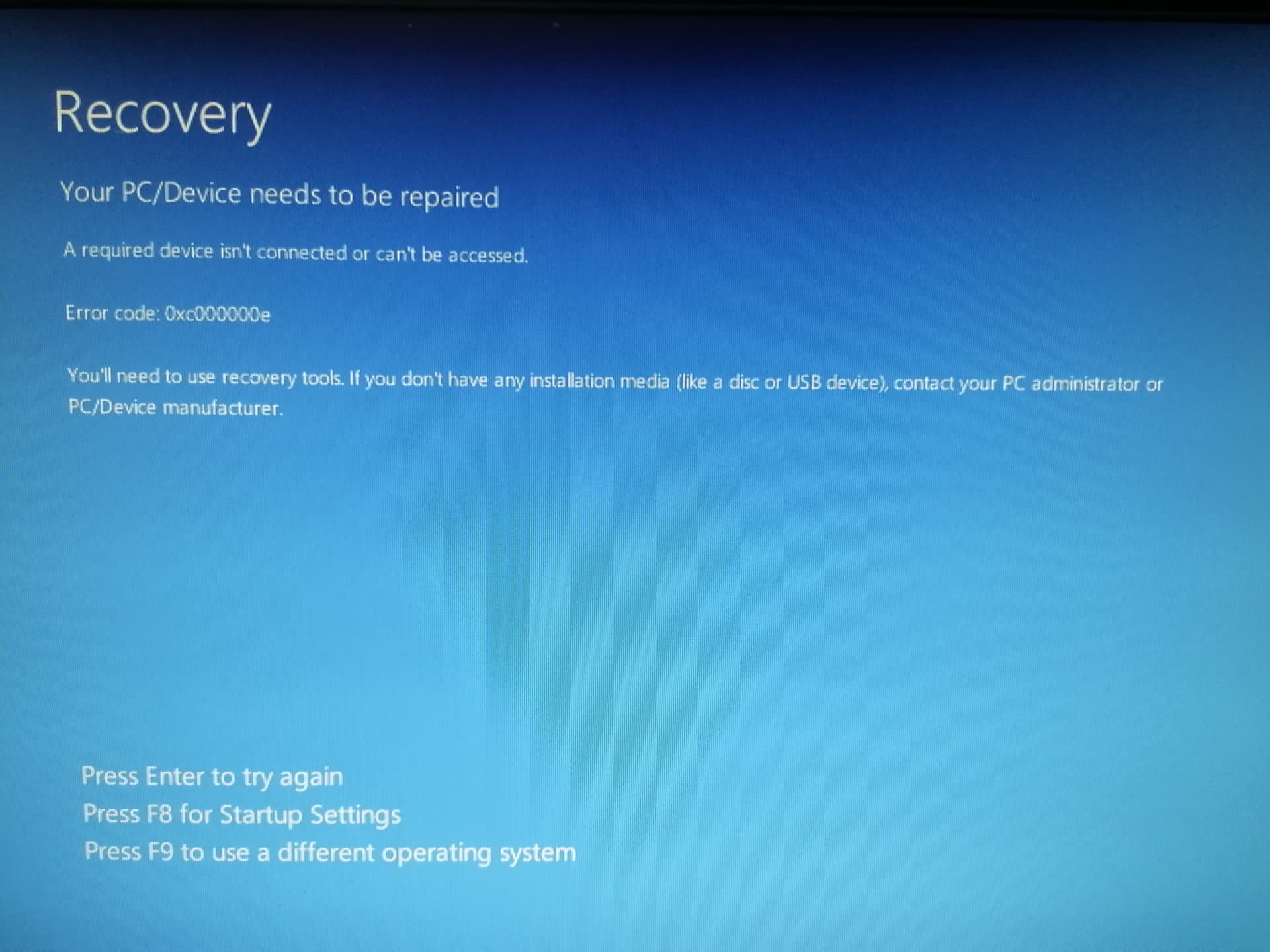


 and I don’t trust the OS with converting the partition without making a mess out of it.