@Maico, mine neither, which is why I was very glad to stumble on this solution.
You need Notepad++ to modify .lua files
Open the following file with Notepad++: /DCS World OpenBeta/Scripts/UI/RadioCommandDialogPanel/CommandMenu.lua
Look at lines 46-48; they should appear as follows:
local fontSize = 12
local fontSizeCaption = 15
local menuCaptionHeight = 20
Change the values to a higher number; mine are below:
local fontSize = 15
local fontSizeCaption = 16
local menuCaptionHeight = 24
Enjoy larger on-screen radio menu fonts!
Note that every time DCS updates, it will change these values back to the original ones, so you will likely want to start using OVGME or JSGME if you are not already to get around having to change these after each update.
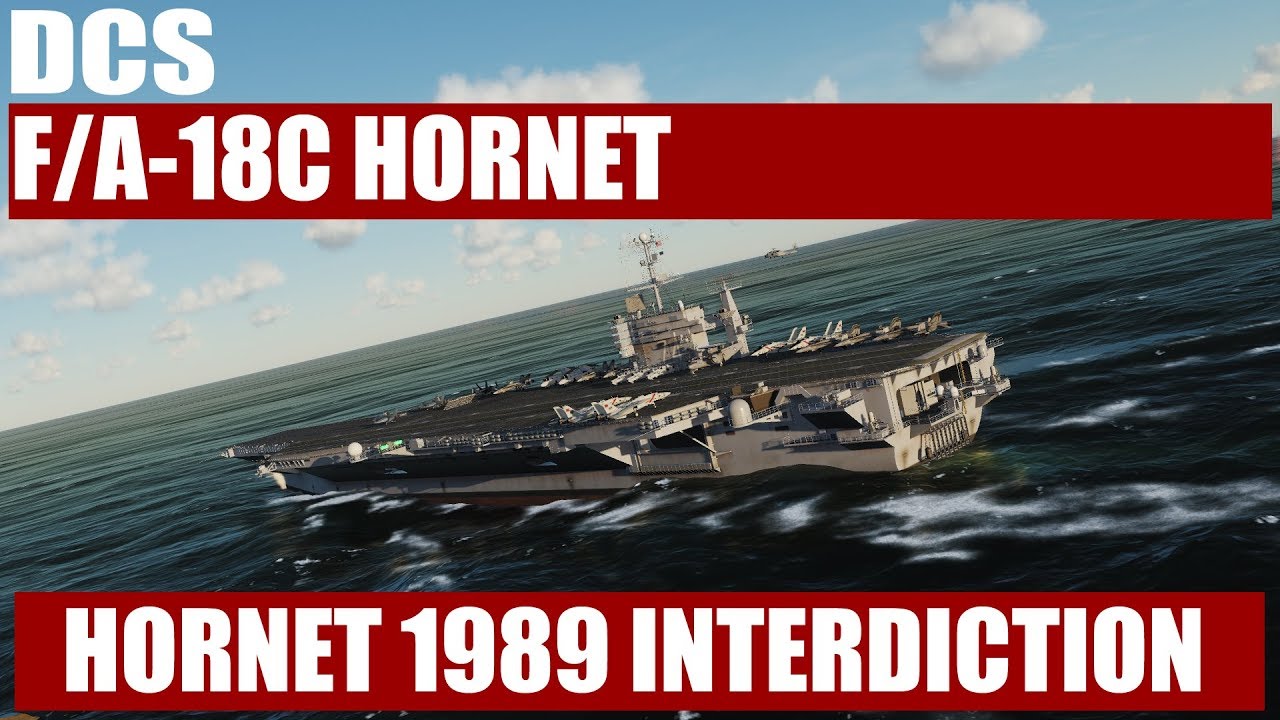
Here’s a small segment from a single mission I’m creating for the Hornet. It’s an interdiction strike in the Caucasus map. Should be coming soon.
A set of single missions for both the Caucasus and Persian Gulf Map are in-progress. Once these done, a free Hornet campaign for the Caucasus map is planned.
First off, let me tell you how grateful I am that you took the time to help me Peaches. As it turns out, I have a bigger problem than small unreadable text. Every time I try to modify a lua, I lose whatever I am working on. I tried to modify my labels and ended up with no labels. I try to modify my text, No Text… Now momma did not raise me to be a fool, so I back up my stuff and all is back to original. I cant figure out why none of my mods are working… I tried adding this in the saved games as well as the game folder. No dice. Sorry.
that has to do with character encoding when you save your edits. Use a tool called notepad++. It is free and safe. You can set it to use UTF-8 encoding for the characters and that will keep your edited DCS files viable.
Of course it is still very easy to make a tiny error like a space or dot in the wrong place and F up your file, but that’s the way of things. Check, check and double check. When you are fiddling with your settings lua’s such as labels and sensors you don’t need to exit to desktop between tries. Just load a mission (instant action is perfect for that) to see the result of your tinkering.
Here’s my method: Boot up DCS. alt-tab out and boot up Notepad++. Get the files loaded I want to tweak. Tweak it. Save file (but dont close!) Alt-tab to DCS and hit a mission such as AIM-9 Instant Action for F/A-18. Exit the mission. Alt-tab to Notepad++ and correct my obvious dumb error. Hit save and alt-tab to DCS. Hit FLY again. etcetera ad nauseam ut victoria.
Ahhhh, so just using notepad don’t work? I see. Thanks again schurem. I will have to get Notepad++
NO. I decided to do it now. Work can wait… LOL. I got it to work. The text on the right is good size now. So Big Thank You to all of you. Is there a way to edit the text on the left?
I’m very happy for the support guys. I got the font looking good. It’s XL now lol. This made my day.
Is there a lua that controls the subtitles? As in what is being said? Can it be edited the Same? I’m feeling adventurous now…
Thanks shurem and Peaches.
After a week of vacation where I was away from home and another half a week where I was traveling for work, I finally got the chance to get a little more learning time in on the F/A-18 this weekend. Wow, what a fun module to fly and boy is she different from my previous learning machine of choice, the A-10C.
Am I the only person that struggles with 3 position switches in cockpits in DCS? I swear it seems like what a right mouse click does on some switches is different from what a right click does on others. Is there some uniformity that I’m just not picking up? Is a right mouse click always pushing the switch away from you and a left mouse clock pulling the switch towards you or vice versa?
Thanks Texac. I’ll give that a try! How would that work on a switch mounted on the front panel as opposed to a side one?
I figure after 30 or so more attempts to memorize startup, I’ll be able to move onto figuring out just how the heck to figure out where I’m going and how to get back Navigation is a pretty useful tool to have in the bag of resources!
It works the same way. A little correction or addition, when viewing the 3 position switches from their right side, it will perfectly align with your mouse. Or imagine your mouse rotated 90° counter clockwise, sometimes 180° as some switches are positioned differently.
For example, the A & B Fire test switch works perfectly with the mouse rotated 90° counter clockwise as well as the UFC controls, flaps switch, sensor switches or electrical panel switches.
For the hydraulic switches behind the oxygen panel or the antenna switches above the volume control panel it is best to think of a 180° rotated mouse against the clock.
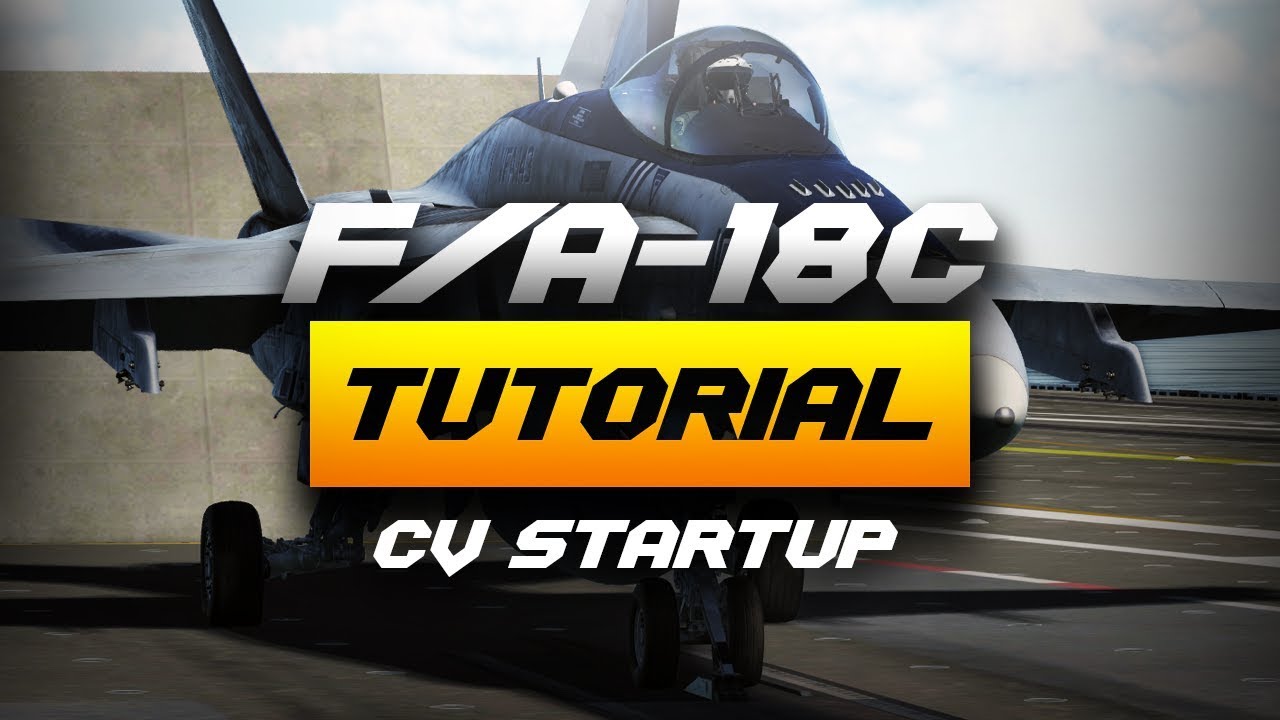
Tricker has posted a nice video on starting up the 18C on the carrier as it was explained to him by an 18C driver. Awesome video with great little inserts.

 Carrier Qualified