Thank you @HiFlyer that did the trick. I don’t know how I did that in the first place but your solution has fixed it for me. Thank you, thank you, thank you!
In career, you’ll encounter a soft-lock if a passive income is received.
When switching lights on/off, especially when keeping the “$” (TOGGLE_ALL_LIGHTS) key/button pressed, there is a risk of the sim entering a deadlock - fixed in upcoming beta builds.
Stability & Performance
Fixed a crash when closing / opening the weather panel multiple times
Optimization of renderer
Fixed instancing draw distance and limit its min size to 0.25%
Fixed some infinite loadings
Fixed a crash when opening the Aircraft Capture Tool
Performance optimization of the terrain engine.
General Bug Fixes
Fixed snowflakes and rain not being illuminated at night
Fixed material emissive not being reset when turning lights off
Fixed an issue where name plates were disappearing too fast when getting away from traffic
Fixed non-Latin text rendering on banner
Fixed access to some LLA Variables affecting radio var
Added a sound when switching between tabs in the options
Aircraft
Fixed an issue preventing AI Rotorcraft’s rotors from properly operating.
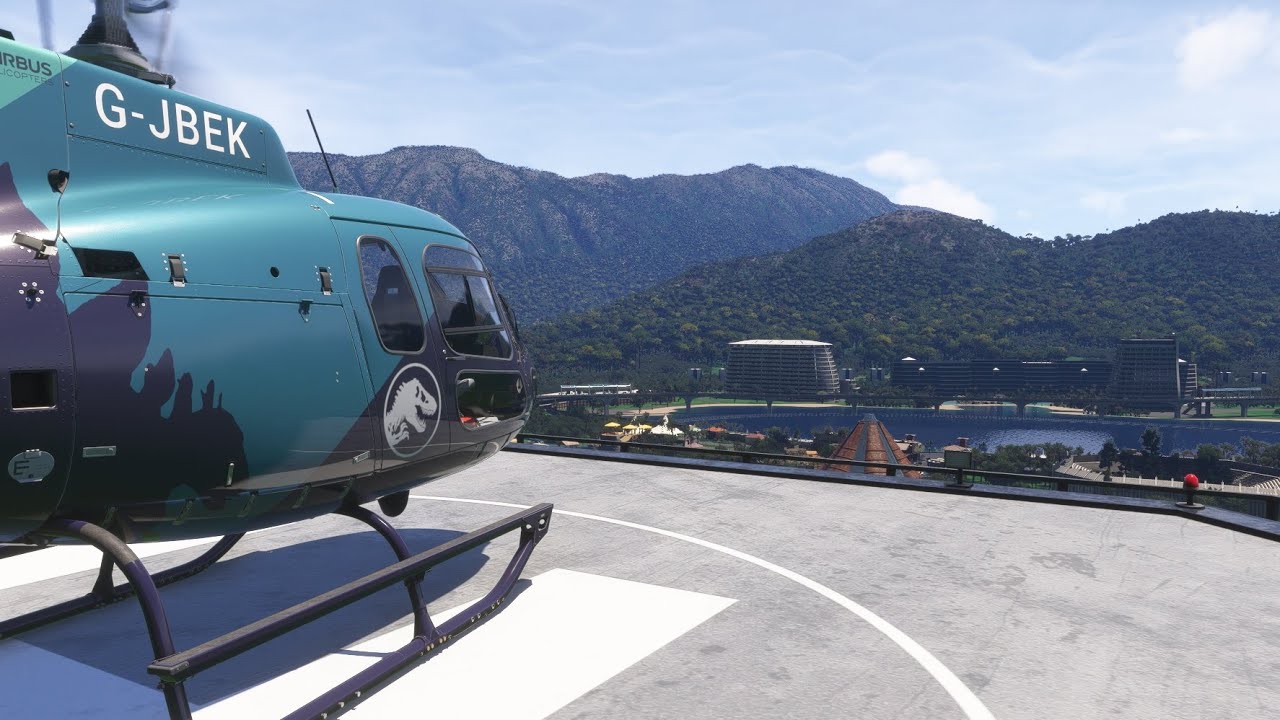
Airbus Helicopters H125
The H125’s bottom display’s brightness can now be controlled using the INST LIGHT Knob.
Aircraft Core Systems
Hydraulic System
Fixed an issue where the legacy hydraulic system did not work in SU4, which caused problems such as missing wheel braking on several aircraft (see forum topic: “No wheel braking (Several aircraft)”)
Career
Fixed mission failed when crashing right after the skip to shutdown
World
Fixed Blurry Sepia Night Lighting: Corrected night lighting to remove excessive bloom, and sepia masking - cities and surrounding land will appear darker and more realistic.
Traffic
Road Traffic
Fixed traffic vehicles not moving on residential roads
Controls
Fixed some actions not displaying in the control settings for Helicopters
DevMode
Scenery Editor
Added forced altitude for VectorPlacement . Fixed instancing snapped to the ground too slowly.
SimObject Editor
Fixed unable to remove some optional parameters from the UI
SDK
WASM API
Fixed call to execute_calculator_code causing ctd
Fixed WASI fd_write function returning an error when unable to write the requested number of bytes
Fixed WASI fd_pwrite function missing conversion of iovs & nwritten pointers from linear memory to host memory (could lead to crashes)
Fixed WASI fd_read function returning an error when unable to read the requested number of bytes
Fixed WASI fd_pread function missing conversion of iovs & nread pointers from linear memory to host memory (could lead to crashes)
Fixed fsVarsEnvironmentVarGet in Vars API
Exporter Blender
Cleaned up shader nodes dedicated to export that remains in the original material
Added warning when exporting presets with zero layers selected
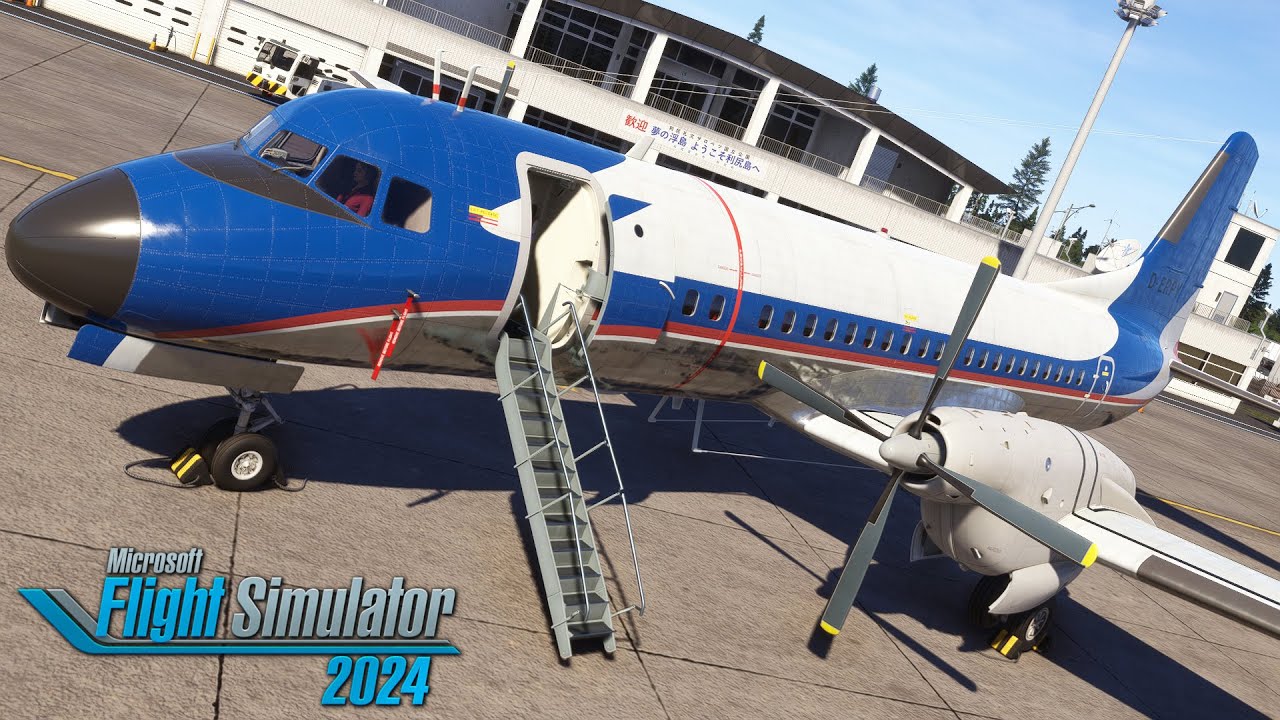
I wanted to get this aircraft because I grew up flying on the HS-748, which is very similar and uses the RR Dart powerplant. The Dart has a very distinctive sound. I had a freeware HS-748 for FSX, and a YS-11 for P3D. The sounds of those aircraft were amazingly close to the real thing.
Sadly, for me, the soundset in this one is a little disappointing. I’m hoping that someone makes a better one before I consider getting it. Still, it’s not a bad deal at the $20 price point.
Correction: Thanks to my discussion with @stavka, I remembered that the YS-11, along with the HS-748, was also for FSX. My P3D aircraft was the Justflight HS-748 because I wanted to replace my freeware version. My apologies for the age-related brain fart.
Sadly the sound of msfs aircraft all all weak comparing with what you have usually on P3D addons, i think one of the reasons is the core sound engine of msfs.
Aside of the sound you recommend that aircraft? about the systems is “all” working?
Sorry for the confusion. I have not bought the 2020 version, although I originally intended to do so. My sound comment is based on videos I’ve seen. As for the P3D version, it was not Majestic or PDMG level deep, but you did have to manage the engines, otherwise they would overheat and shut down. It is mid-level.