Terrain Following Radar Autopilot TFR-AP (Freeware)
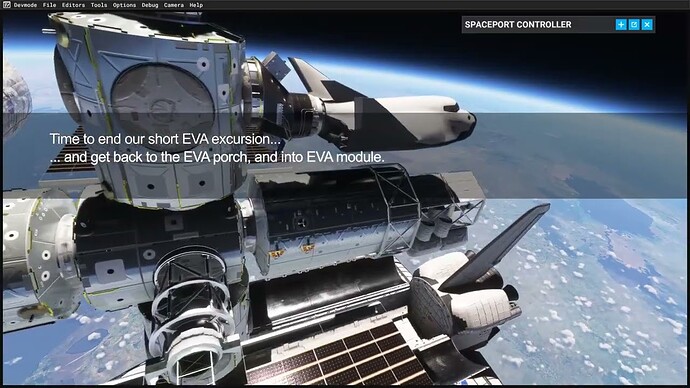
The Terrain Following Radar Autopilot (TFR-AP) is an add-on for Microsoft Flight Simulator 2020 and 2024, designed to enhance low-altitude flying by using a standalone terrain database to scan ahead and adjust the aircraft’s elevation accordingly. Configurable for most aircraft, it can operate down to 200 feet. The add-on features user-friendly settings and maintains compatibility with the default autopilot for navigation and speed control. A manual is included to assist users.
I may need to clarify my question. I was setting up the controls for a helicopter in MSFS. TAOG’s OH-6.
Why is it possible to set aileron and elevator, for a helicopter?
When setting the throttle axis, there’s a bunch of different commands to chose from.
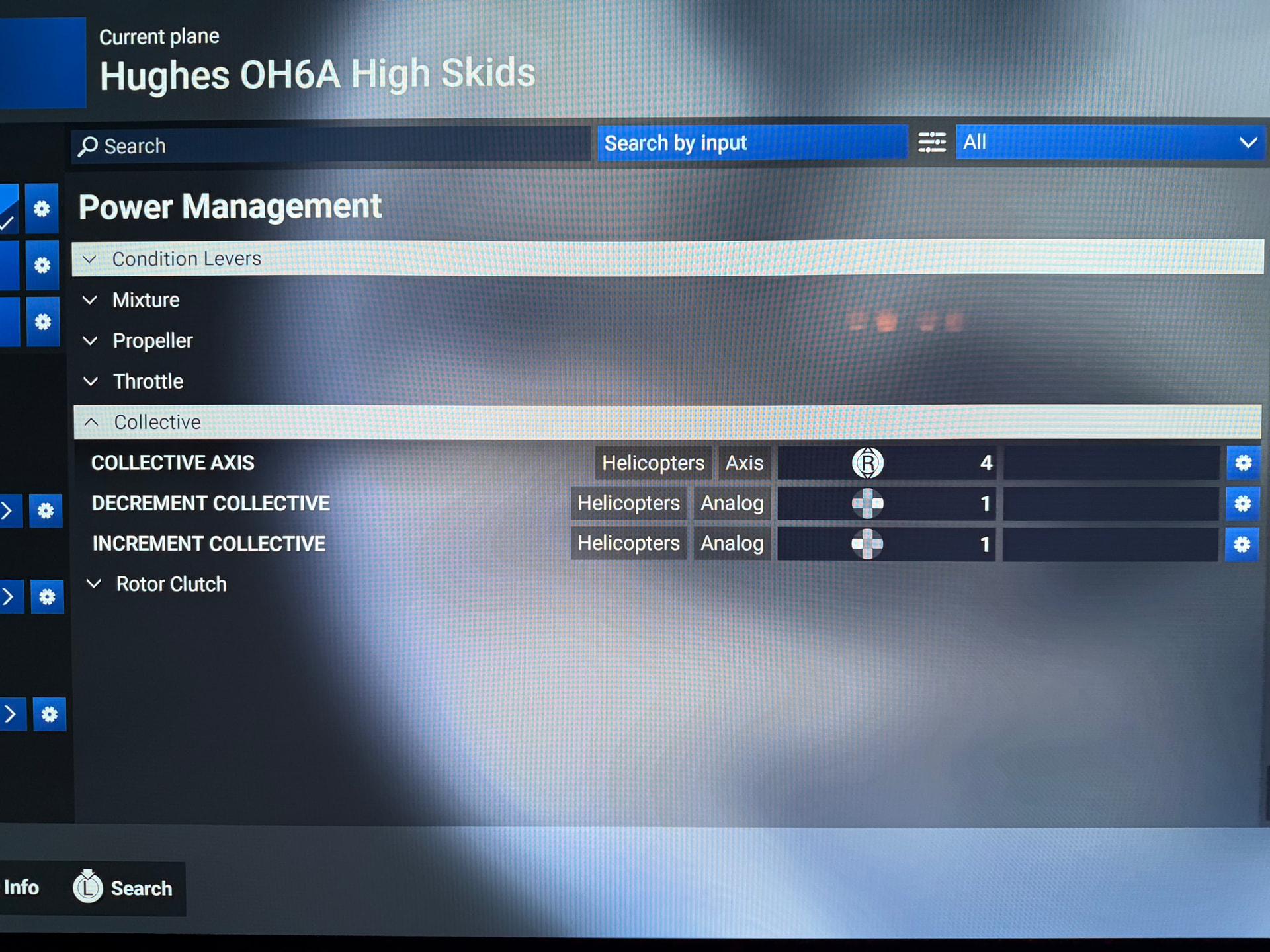
I mapped Throttle axis. Nope! That competed with the collective axis. I then mapped Throttle 1 axis. Nope, not that one either. No, the correct control to map is the Set Helicopter Throttle axis…
If the controls have no or the wrong effect, why can you map it?
Sorry for the gif, @smokinhole! BTW, you were right about the misaligned mouse pointer in VR. Works perfectly in the OH-6. Go figure.
I don’t have the throttle mapped as I lack the axis for it. I only roll it on and off during start up and shutdown anyway.
I hope you enjoy it as much as I have. Crop dusting with it is therapeutic. However out of snuff I may feel, I spin this thing up and all my gyros are back in alignment.
It’s been since COVID with me having not written any code. Back then, I eventually got the Class thing down through much trial, error and brain twisting. But that one shot of Class: Animal def dog (Animal) is brilliant in simplicity. I doubt I’ll ever need that knowledge again. But I also know that I will never forget it.
My throttle and collective assignments using a VPC throttle. Funny thing is that when I lower the throttle, I can see the RPM drop, but the twist grip animation is not working.
Edit: I see what’s going on with the twist grip throttle. It only shows the grip twisting on your side of the cockpit. I’m unsure if that is the same in the real bird, but think not. Might be a limitations of the sim. Anyway, working well today.
BTW, if anyone can decipher the trim settings, let us know. I’ve setup the hat for increase/decrease longitudinal and lateral trim, but haven’t detected any changes in the aircraft. In fact the TAOG’S Hanger manual, points out that trim is not simulated as on the real aircraft. But Quick Trim might be working. Still testing. Regardless, this is becoming my favorite helicopter in FS2024, albeit maybe the sounds could be better.
Tough one, I like the B-47, but I’ve also had good luck with Cowan’s B-222. I think you’d do well with either of them. I don’t have the Jet Ranger from either of them so I can’t speak to specifics on it.
Bijan Habashi’s Seasons Enhanced 3.3 for MSFS 2024 Released.
This is a major vegetation overhaul, adding diverse species, fixing Southern Hemisphere seasons, introducing blossoms, updating deserts, and reducing overly dense trees for enhanced realism, available from simMarket, focusing on immersive low-level flying with detailed regional fixes for Australia, Alps, Japan, etc., and offering performance benefits by replacing default trees.
Key Features & Improvements (Version 3.3 & recent updates):
Global Fixes: Corrected missing seasons in Southern Hemisphere cities (Australia, NZ, South America, South Africa).
New Vegetation: Added spring blossoms (cherry blossom, jacaranda), new bushes, Royal Poinciana, palms, bamboo, banana, date, and coconut trees in relevant regions.
Density & Realism: Replaced excess rural trees with bushes, removed trees from oceans/high elevations, reduced photogrammetry trees, and adjusted tree sizes for natural appearance.
Color & Biomes: Added varied green shades, corrected vibrant colors, introduced terrain masks for natural grass, and enhanced desert vegetation.
Regional Updates: Specific fixes for Scandinavia, Alps, Himalayas, New Zealand, Japan (Shunan Bamboo Forest), Hawaii, Texas (pine forests), and more.
Performance Boost: Can improve frame rates by reducing default tree density.
Installation: Easy installation via the Community folder with options for 3D trees, boats, islands, and terrain masks.
I don’t have either so can’t offer much. Cowan’s latest S-76 is very good. Some flaws but they are to me minor. I had issues with his R66 in MSFS. The MSFS24 R66 is far superior. I think I would buy whichever is more recent, either as a new release or as an update. Cowan keeps a Discord channel where he responds to and does not hide criticism. You may find some frank information there.