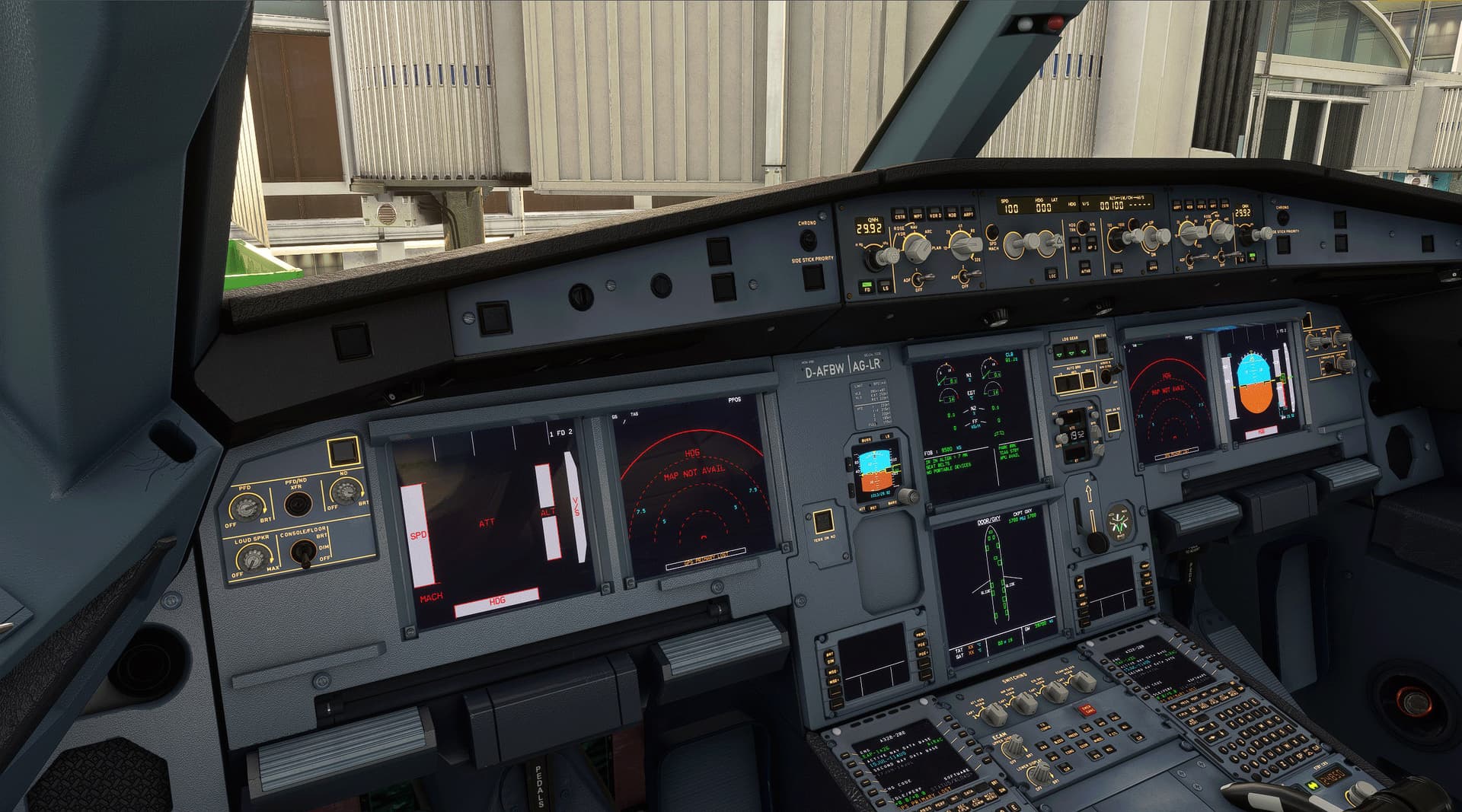
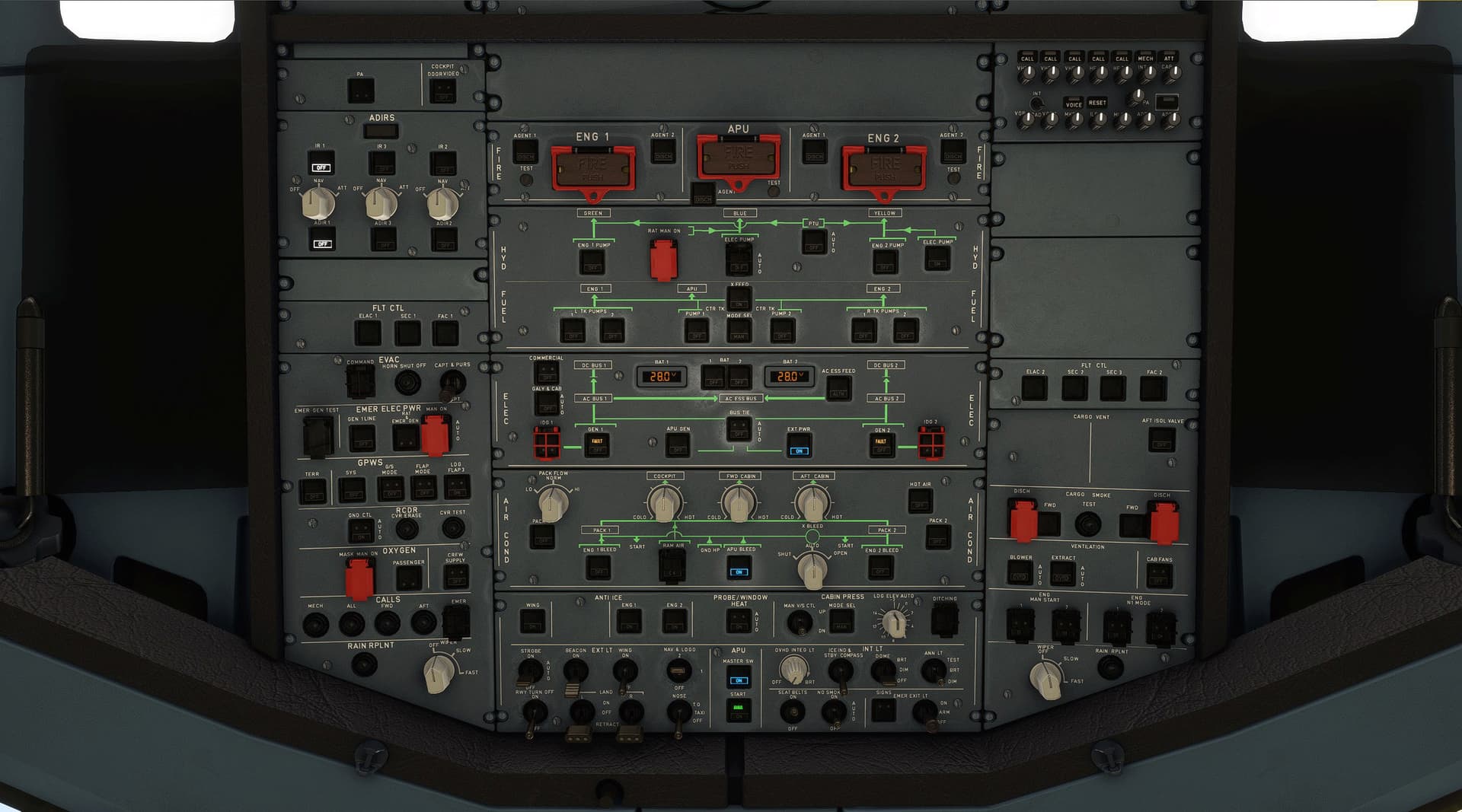
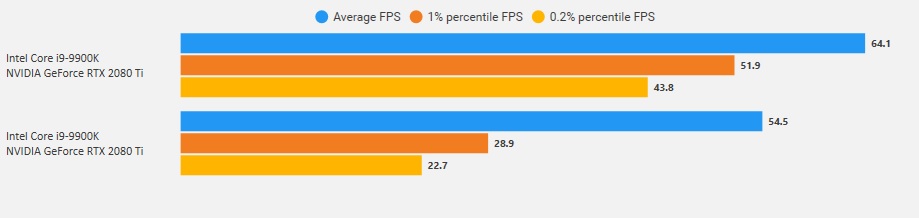
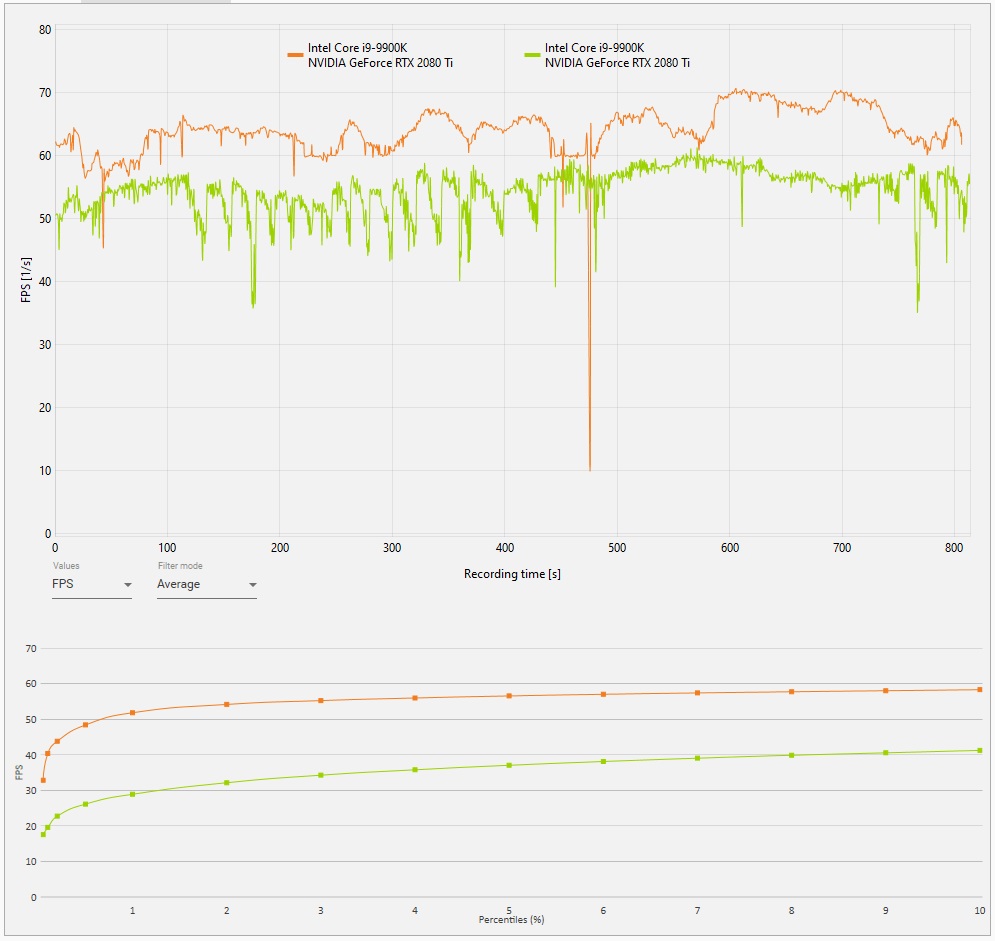
Just out of curiosity, I prepared a little test flight before Sim Update 5 and today re-tested after Sim Update 5 to see how the performance improved in scenario I usually fly.
System: [email protected], 2080ti, 3440x1440 flat screen (yeah I am stupid for not running the test also on my G2)
Test flight:
Speyer - Mannheim - Mainz, 12:00LOC, Scattered Clouds, 2000ft msl
Default Beech Baron
Difficult to say what exactly changed visually (seems like at least the clouds look a bit worse) but all in all I am a happy simmer.
Just tried Cessna Longitude over Los Angeles with photogrammetry on and I was pleasantly surprised by how fluid the experience was in VR with reprojection on auto. Same over London, even though the photogrammetry over there is of much worse quality and it took longer to load.
For me the sim kept crashing in the menus too, and I did not even have any Community packages installed.
As for the jerkiness in cockpit in VR, I actually had that too but did not say it because I haven’t flown MSFS VR in a looong while and thought it might just be my settings
Well… MSFS is a different beast, that’s for sure. Different to me, at least.
Finding the community folder, for one… Ok, nothing there.
I found this video, giving some hints.
First, over 20Gb of content download available, post update. Not even a slightest hint from the content manager about it?
The rolling cache on the C: drive, even if I have MSFS installed on D: Not sure it matters, but why? Deleted it and changed the location. Also increased it from 8 to 100 Gb.
Did a short testflight and no stutters this time. Smooth as silk. Sure, some reprojection artifacts from the propeller arc, but that’s to be expected.
Need to get to know all the settings in this sim, as there are a gazilion of them and not all are intuitive to me.
When this sim runs well, it’s glorious! I just hope I have stopped the CTD’s and stutters now…
Update.
MSFS plays along nicely after I did the above…
I’ve been playing around with OpenXR settings a bit. I even disabled motion reprojection and it was totally flyable!
I managed to get the update installed but unfortunately ran out of time so didn’t get to test it before heading out on the road. Maybe not a bad thing though as it seems my email inbox is exploding from all the 3rd party update notifications that are coming in already. I guess I know what I will be doing Monday afternoon.
Based on reports in this thread, I cleared the Community folder of everything except Orbx installed products, managed my Orbx Central, which I had updated prior. Deleted and the rebuilt the rolling cache. Updated everything in Content Manager. Then tried the sim. No discernable improvement in FPS, many stutters, and CTDs. Did not get as far as trying VR, since 2D was so unstable.
Applied the latest update this morning, which got rid of the stutters and CTDs. FPS still unimpressive, but the sim is smooth so not too worried about that. RESOVED. Found Navigraph Charts that I had missed in the Community folder to be the culprit. Uninstalled until they update it. Now 2D fps is pretty good (65-70 with Ultra settings). VR was a mixed bag. Reset the VR preset to default, OpenXR res at 100% and disabled Motion Reprojection, which caused much shimmering and warped edges of objects. Did not test fps before/after, but with these settings it is smooth. VR UPDATE: found that MSFS is much happier with OpenXR by turning off Custom Resolution and Motion Reprojection. The image is superior with a Custom Res set here, but less stable in MSFS.
My main complaint is that there doesn’t seem to be a VR zoom feature assignable other than in the cockpit. Since the pit is pretty clear, that is of minimal use. Not being able to zoom outside of the pit is a big annoyance since objects begin to get fuzzy beyond a couple of hundred feet from the aircraft. Which feels like VR hasn’t really gotten much better for low/slow pilots whom want to explore that planet Microsoft/Asobo has given us. Am I missing an assignment that would allow me to zoom outside of the cockpit in VR?
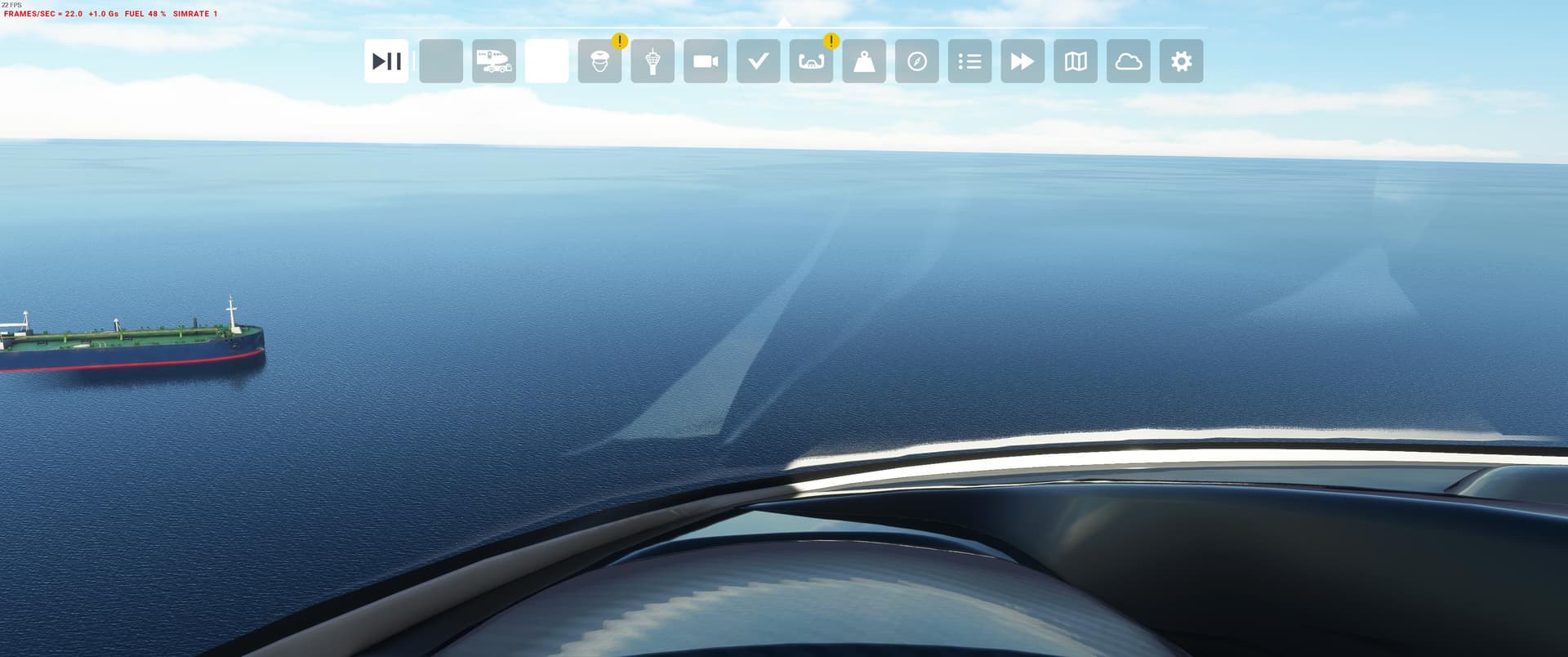
Also, in 2D the menu locator is perpetually on at the top of the window after the update and patch…
My Community folder is empty, that’s how often I play MSFS^^
Unfortunately it seems I have to babysit the updater for this patch and I’m not going to waste my sunday with that. This shouldn’t happen honestly, I’ll fly DCS instead.
I was about to ask if anyone knew if the Working Title enhancements play nicely with SU5, but decided to check their discord server. The one that I use most is G3X in the XCub and there is an update which fixes an issue with SU5. It can be installed over the last version. The G1000 is now in the Market Place as G1000 NXi. Delete the old version.
nat (ninjo) — Today at 10:31 AM
Version 0.4.0 | @everyone
Hey everyone! We are excited to release our biggest stable release as of yet, featuring long-awaited features such as integration of the WT flight plan manager, allowing the implementation of direct to functionality, holds, route changes and more! In addition, we have revised SimBrief to work properly for airways and coordinates, added TCAS traffic to the ND, added numerous VNAV and autopilot features, added a fully functional fuel jettison system, as well as much more.
[FMC] Custom Flight Plan Manager from WT integrated, allowing directs, holding, route changes, custom waypoints etc. [FMC] Added direct to functionality. [FMC] Added holding functionality. [FMC] Route changes are now possible. [FMC] Custom waypoints, such as precise coordinates and waypoints based on distance are now possible. [FMC] Redesigned FMC DEP/ARR, RTE and LEGS pages. [FMC] Added new FMC hold page. [FMC] Added new custom font to CDU. [FMC] Updated VNAV pages layout for accuracy. [FMC] SimBrief now properly uplinks airways and lat/long points. [FMC] Fixed FMC failing to initialise bug. [FMC] Corrected FMC cruise altitude formatting. [TEXTURES] Added new decals to cockpit panels. [SOUNDS] Added minimums GPWS callout. [SOUNDS] Added new OVERSPEED warning sound. [SOUNDS] Enabled Asobo “SINK RATE” and “PULL UP” aural warnings. [EICAS] Added reverser “REV” indication to upper EICAS display. [AUTOPILOT] Target MCP alt can now be actively changed when not in ALT hold modes. [AUTOPILOT] Autothrottle now uses more thrust in FLCH SPD and VNAV SPD. [AUTOPILOT] Fixed FLCH bug below 3000’. [VNAV] Added VNAV ALT mode, VNAV will now stop climb/descent when reaching MCP altitude. [VNAV] Custom climb, cruise and descent speeds can be set in VNAV FMC pages. [VNAV] Pushing ALT knob now sets new higher cruise alt in FMC in climb phase, and no longer changes it in descent phase. [VNAV] Fixed bug causing FMC to enter Descent mode when step climbing in VNAV. [A/T] Tuned A/T PID for better autothrottle response. [PFD] Added altitude alert system when approaching MCP altitude with aural warning. [PFD] Redesigned heading indicator on PFD. [PFD] Polished some cosmetic elements on PFD. [PFD] QNH can now be preselected on PFD when in STD mode. [PFD] Added new pitch limit indicator (PLI) to PFD. [PFD] Fixed stall tape sometimes not being visible. [ND] Added TCAS traffic. [ND] Added track line to ND. [ND] Heading bug dashed line now hides after 10 seconds of not being moved when not in HDG SEL or HDG HOLD. [ND] WX radar returns from behind the aircraft no longer show. [ND] The temporary flight plan dashed line no longer draws beyond what is needed, increasing performance. [ND] Minor cosmetic changes. [EICAS] Pressurisation info is now hidden from upper EICAS when not displaying ENG. [FUEL] Added fully functioning fuel jettison system. [FUEL] Added EICAS messages related to STAB tank pump operation. [MODEL] Adjusted default state of various knobs. [MISC] Slightly shrunk the size of all displays to add a “deadzone” edge area as present on the LCDs.
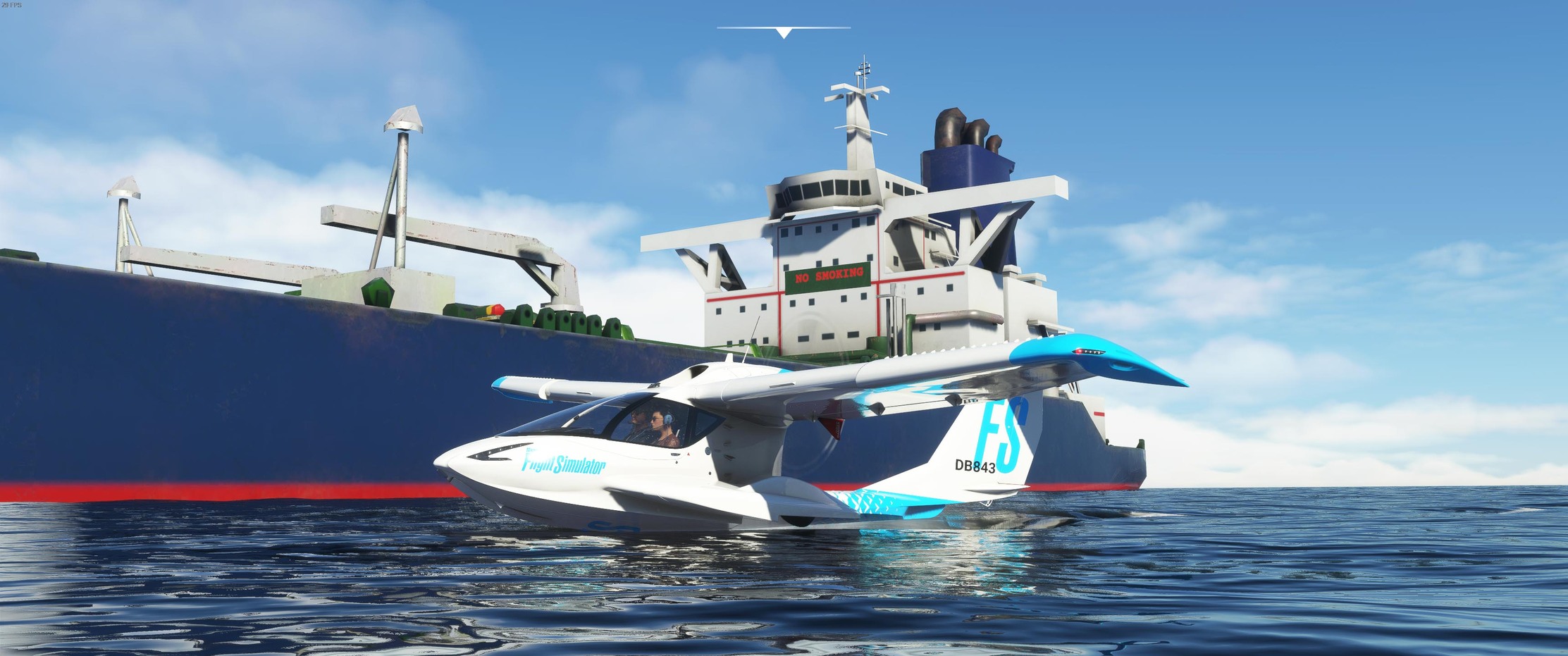
I had my first opportunity to try the new update this afternoon. I have to say that it really makes a difference in VR. Something else that was cool is that the seaplane wakes are more than just a texture on the water…there is a 3D element to them as well…
 Ok, nothing there.