How do WarBirds behave in this MSFS?
I have heard a lot of good things about both the FlyingIron Spitfire and the Milviz Corsair.
Edit: here’s a vid: https://m.youtube.com/watch?v=btvLH7JmWPI
1 Like
I don’t have any
1 Like
Definitely!
Didn’t FSX acceleration add-on have air-racing…?
I remember the old Xtreme Air Racing was pretty fun!
I think I read about a $14 pricetag.
2 Likes
Isn’t this an issue of all ‘our’ sims? 
Mee too. Though I’d wish it was a C-47.

4 Likes
Anyone else running into issues getting the updates to download?
This is the first time I’ve tried to update MSFS for a month or so. The download speed starts at a non-zero number but quickly reduces to zero and then nothing happens.
I’ve ran a speed test and using internet on the same PC as we speak, so the connection works.
I’ve checked the firewall settings and MSFS is allowed. It worked before.
I’ve restarted the client a couple of times with the same result.
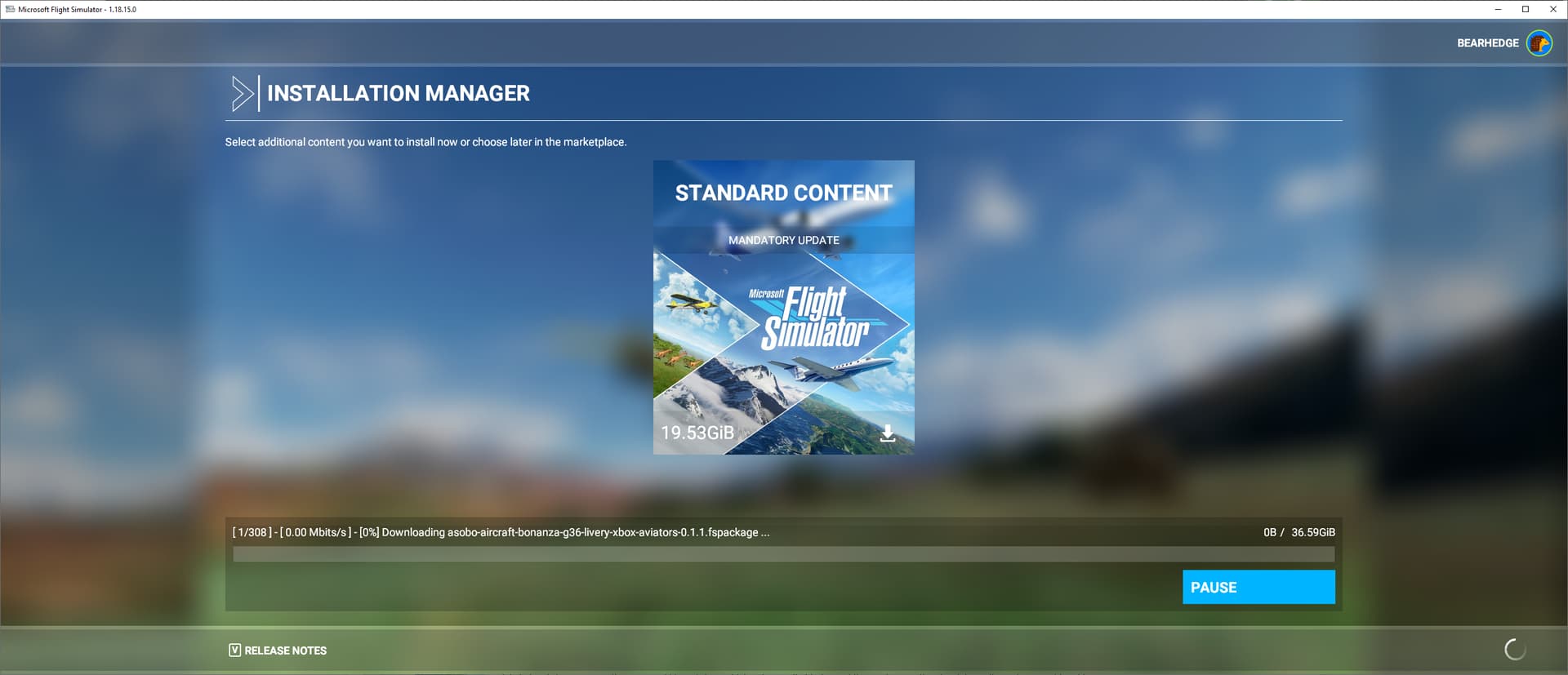
Yes, it sucks. DCS Updater is so much better.
ED made the updater scan what changes it needs, then download the changes, then extract (unzip) it all and apply.
With MSFS, it seems to be much more basic: it knows what files it needs, then downloads and extracts those files one by one.
I think the constant switching makes it so slow, as well as the small file sizes.
I don’t blame them though. The DCS Updater can do some pretty amazing things. It is quite a complex tool.
Asobo had to go live with a flight simulator after a pretty short development period, whereas DCS World is much more mature.
2 Likes
Yeah, I ended up having to redownload using the Xbox app…so that’s about halfway through now.
It’s a bit of a shame but basically MSFS hasn’t worked for me as an experience yet at all…I only have short stints with the gaming PC at the moment and they can be weeks apart.
DCS is fine because you can bypass the patch and fly instead. With MSFS, I’ve only flown it once ever because the updates are forced when I turn on the client. Frustrating, lol.
I feel you.
Last time I had to catch up with updates, I had to leave my pc on all day when I was gone.
Which is normally not an issue for downloads… but these happen in the MSFS main menu which completely fries my GPU! I ended up setting a severe underclock to somewhat limit the energy waste and the strain on the 6800XT
2 Likes
Just pull up the AMD menu via hotkey, enable Radeon Chill, set max frames to 144 and min to 30 or 60. It will see that there is no input and throttle down to 30 FPS.
Thanks for the tip! I tried to enable Radeon chill and all other kinds of framerate limiters but nothing worked so I resorted to halving the clock speed. I will try this through the hotkey overlay next time I need to update for sure.
I used this guide to set up a 60 FPS limit with RivaTuner. A lot less hectic now in the menus.
2 Likes
FROM THE WORKING TITLE DISCORD
“Hey @everyone, we are excited to announce v0.5.0 of the G1000NXi is launching in the Marketplace! This update includes some exciting new features, such as user holds, auto CDI slewing and switching, a revamped autopilot/FMA, many more map options including weather and traffic, and more. This update also addresses a long list of bugs – you can see a summary list, along with a more complete list of added features, in the release notes. As always, this is an Early Access Opt-In Beta, so there may be bugs or missing features! Please give us feedback and reports on Discord in our nxi-early-access channel. Head to the sim Marketplace to grab the NXi, or go to Content Manager to download the update. You can find the release notes here: https://www.workingtitle.aero/packages/nxi/2021/08/26/nxi-release-v0.5.0.html Thanks and enjoy the update!”
New Features
- Automatic CDI switching for ILS approaches
- Automatic CDI slewing for ILS approaches
- TCAS traffic display on the MFD and PFD maps
- Completely overhauled AP guidance system including new ILS guidance and manual hold guidance, and all proper armed modes
- Revamped FMA with new FLC speed value, proper arm → active transition green alerting, failed mode yellow alerting, and AP disconnect yellow alerting
- Ability to select map terrain modes (Absolute and Relative)
- Map waypoint display settings
- Map declutter
- NEXRAD
- Settings persistence for wind display, SVT, baro units, map terrain, NEXRAD, waypoint display options, traffic, which PFD map is displayed, and more
- Manual holds via the FPL menu
- ADF tuning and selection of an ADF bearing pointer
- Display of the approach fix type from the nav data on the flight plan and FMA (IAF, FAF, MAP)
- Overspeed caution colors on the airspeed digits
- Overspeed barber pole
- Better XPDR menu now using sim-integrated ident events and simvars
- FPL page autoscroll and cursor disable
- New additonal VNAV toggle H event for hardware users (AS1000_VNAV_TOGGLE)
- Flight plan load from world map is now skipped for bushtrips (a plan can still be entered in the avionics)
Issues Resolved
- Fixed an issue where the PFD select airway menu would not close when the airway was loaded
- DF legs in the navdata should no longer ignore the provided turn direction
- Fixed a number of issues with incorrectly selected and/or calculated hold entries
- Corrected the mask of the attitude indicator ladder to avoid unwanted overflow
- Fixed an issue where some procedures would not load from the world map due to bad data from the sim
- Selecting an approach should no longer always cancel a DTO
- Fixed issue where vertical deviation indicator would disappear in APR unless VNV was armed
- VNAV vertical path calculator will no longer improperly consider departure constraints
- GPS bearing pointers should now show the bearing to the leg terminator
- Horizontal deviation indicator in HSI map mode should no longer show 0 deviation when in a NO DTK/NO XTK conditions
- CDI needle for GPS guidance should now properly hide where there is no lateral navigation guidance computed
- Airways should no longer be duplicated multiple times when a world map plan is imported
- On DTO and DF legs, XTK/DTK indications should immediately show the values for the final track to the fix instead of the initial turn
- Fixed an issue where the airport icon rotation on the map would rotate in the opposite direction for some icons
- Fixed some issues where approach navdata that indicated angle data was interpreted as an altitude restriction
- Fixed an issue where LNAV would sometimes immediately sequence past altitude-termination legs at the beginning of departures when they were first loaded into the flight plan
- Active VNV Profile should no longer show the wrong altitude when in a DTO
- Adjusted the artificial horizon, map, SVT topo colors even more towards the real units
- Fixed a number of SUSP issues related to procedure turns and holds
- Fixed an issue where approach altitude restrictions would sometimes fail to display when an arrival was loaded previously
- MFD page menu should now close using the CLR key
- PFD marker beacon alerts should no longer display out of sync when moving over markers rapidly
- MFD page menu now has the appropriate MFD specific styling
- Altitude restrictions should now apply to the beginning of, and not end of, a procedure turn or hold
- On the wind overlays, when wind speed is zero the direction arrows won’t spazz out
Known Issues
- Outer large COM knob only reduces frequency no matter the direction the knob is turned. This is an issue with the cockpit panel behaviors in the sim and has been logged with the MSFS team, but will not be able to be addressed in the NXi package as it is an issue with the base planes.
- Sometimes the flight plan loading from the world map screen is loaded incompletely; this can usually be solved by restarting the flight - we are working on nailing this down.
- World Map imports from Navigraph and Simbrief do not include airways, so airways will not be added to the G1000 NXi flight plan when the plan was imported to the World Map from one of these sources.
- User holds are currently supported for the destination or for runways; this is coming in the future.
Heads Up!
- GPS, LOC, and VOR modes now ARM! Be aware that you will need to be on an intercept course and within capture distance of the desired flight path before those modes will become active.
- The GPS flight plan sequencing will enter SUSP under the following conditions: when reaching a manual termination leg (holds, manual sequence) and when reaching the final leg of the plan. This is actually correct behavior. To exit out of SUSP (for example, if you got to the end of a plan and then loaded more waypoints), hit the SUSP softkey in the middle of the PFD.
- Changing the CDI source drops the autopilot into ROL mode. This is the correct behavior, intended to keep the airplane held in the same attitude until the pilot reselects appropriate guidance.
- When exiting a hold, do not delete the HOLD as it will cause flight plan issues. Press the SUSP key to continue with the flight plan sequence or go direct to another fix.
4 Likes
Working Title Simulations #wt-news
SERVER
— Today at 11:01 AM
Hello @everyone, we have a small update now on the Marketplace for the G1000NXi, bringing it to 0.5.1. This update addresses the numerous key bindings that were nonfunctional with the new autopilot system, as well as rectifies the excess decimal precision of the FLC speed on the PFD.
As always, this is an Early Access Opt-In Beta, so there may be bugs or missing features! Please give us feedback and reports on Discord in our nxi-early-access channel.
Head to the sim Marketplace to grab the NXi, or go to Content Manager to download the update.
You can find the release notes here: Working Title /NXI - v0.5.1
Thanks and enjoy the update!
Cool, they added EDDS and improved LSZR.
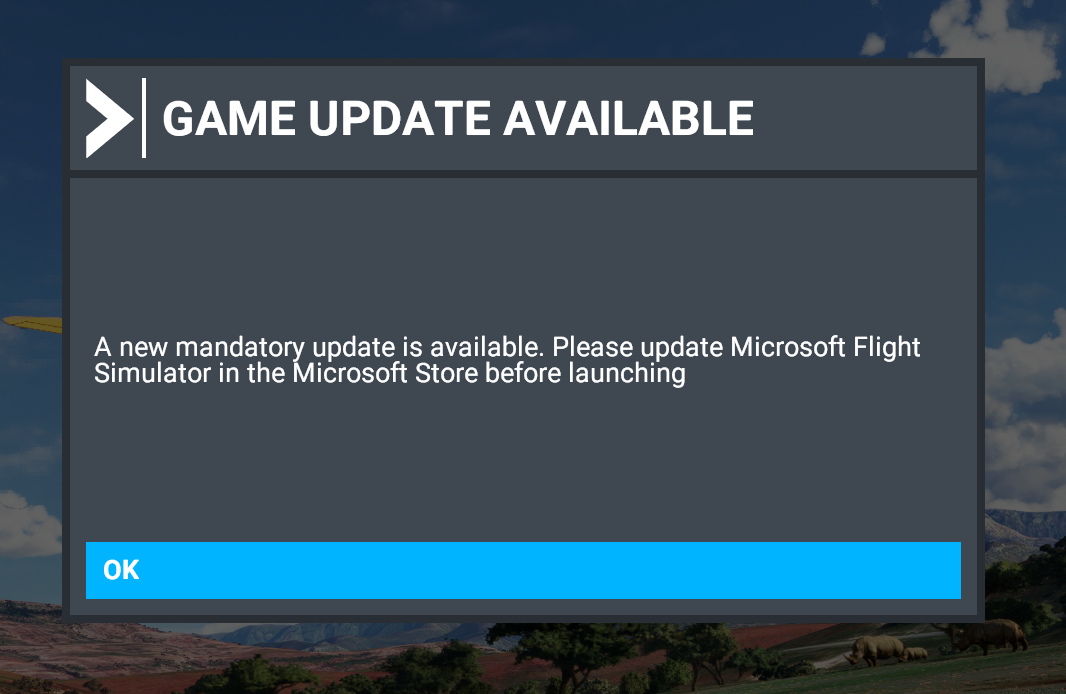
Got it sorted. Saw the same issue on the MSFS forums.
- Download and run the Xbox app. It auto signs in for you
- Sign out of MS Store.
- Sign back into MS Store.
- Update (~500 mb)
- Launch the game and there is another lovely 2.67GB to download
“Microsoft”… 
2 Likes
You need to head to the MS Store and update from there (top right). It’s a 509mb update. Next it will install a 2.6GB update when you load the sim. That doesn’t include the new scenery content which you have to download from the content manager.
Oh, don’t forget to rename your community folder an put a new, empty one in it’s place. They really should make this process easier.
2 Likes
Thanks @PaulRix . Yeah I wasn’t seeing the update after clicking the 3 dots in the upper righthand corner. I was just going in circles. But the MSFS forums found the work around and we’re all good now. Back to Neofly!