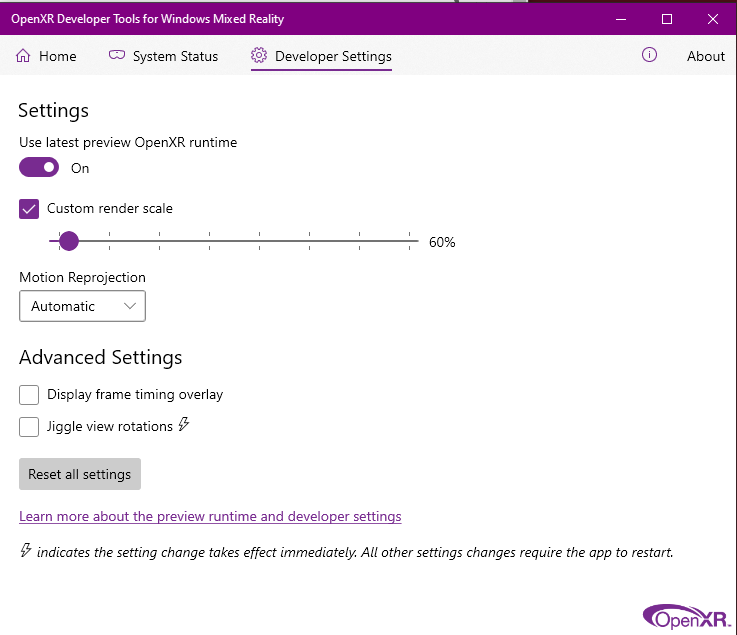
fpsVR is SteamVR only, so if using the WMR OpenXR thingy you can’t see it unfortunately. You can tick this guy ‘Advanced Settings / Display frame timing overlay’ to see an in-headset frame counter, that will also tell you what reprojection mode is working. Other than that, you can use the sim’s ‘Developer Tools’ and then see a framerate counter on the mirror view on the desktop - more info on that here MSFS Developer Mode
In a lot of ways it’s almost better not to look
 and base it on how it feels when flying.
90 TAA + 60% will look nice on your system for sure and you can probably push the clouds up to medium, AF to x8 etc.