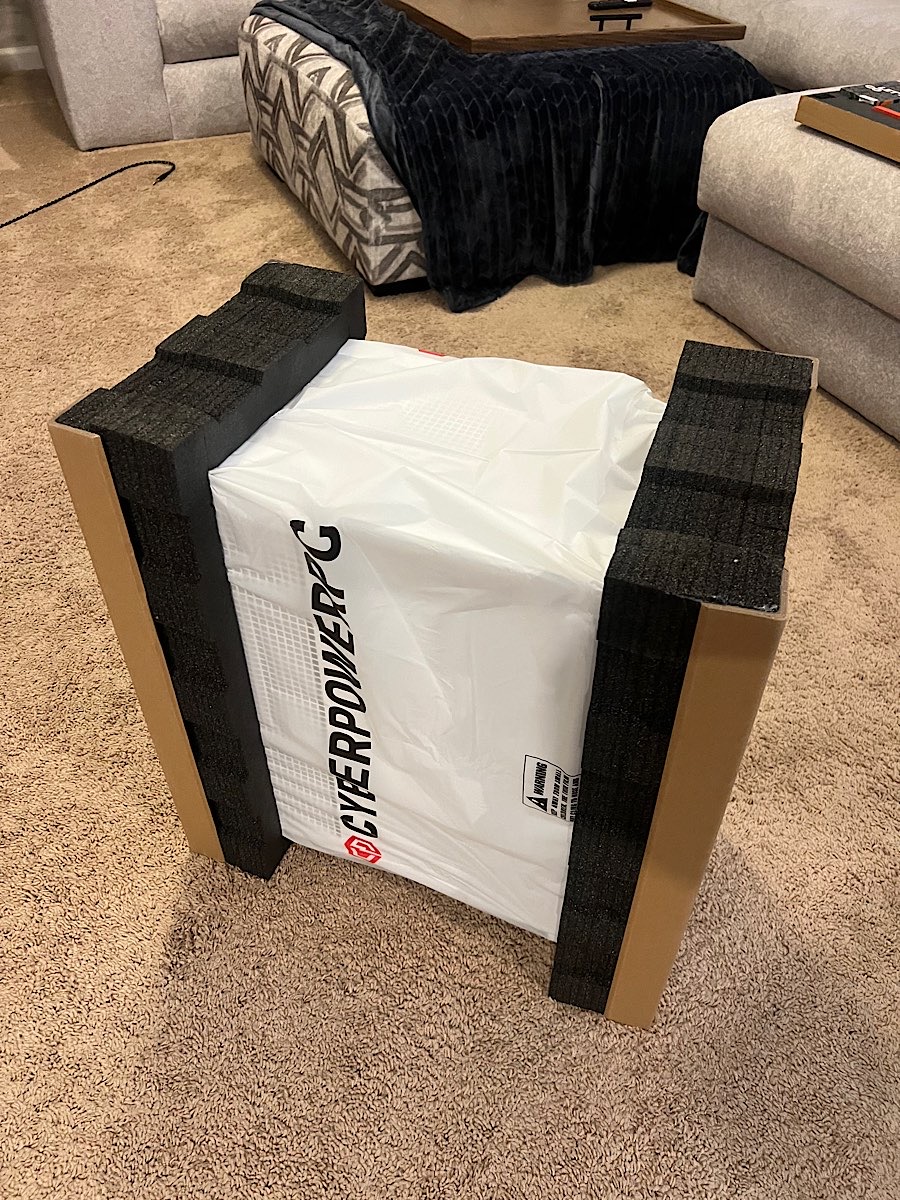
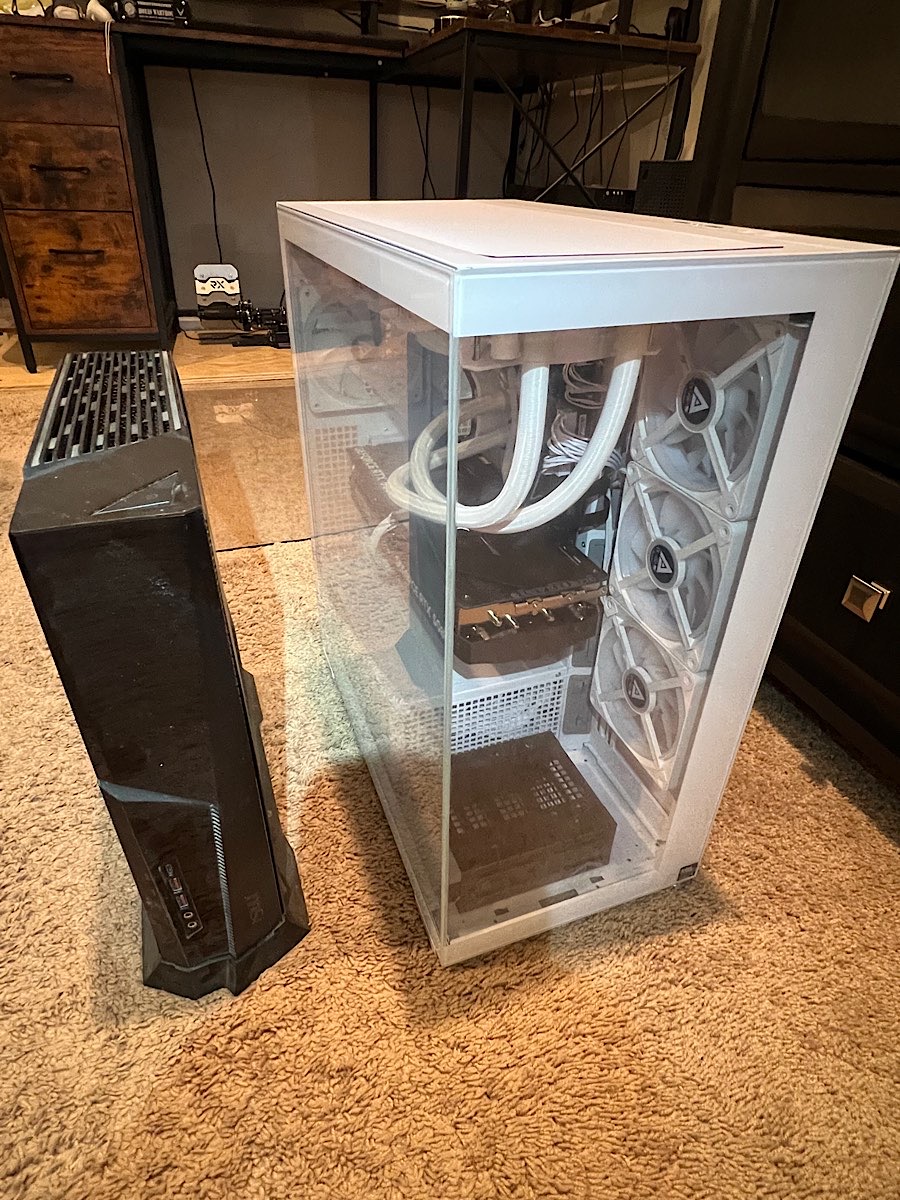
Yeah…tracker stated delivery on Monday. Had an event to attend that evening (UPS/FedEx always arrive in the evening here). Sent a request to simply place it at the BACK door (is sheltered from rain too) as I wouldn’t be home til ~2000L. Reply was, “…delayed until [Tuesday]”. Cool, I’ll be home all day/night. What great service.
Get home from the function and there it was, on the front porch. Naked and afraid. And only slightly (thankfully) moist from a drizzle. What can you do?
Sounds like there’s a slight chance we may both be firing our new super-computers up at the same time? Wonder if they’ll be able to detect the lights dimming from space?
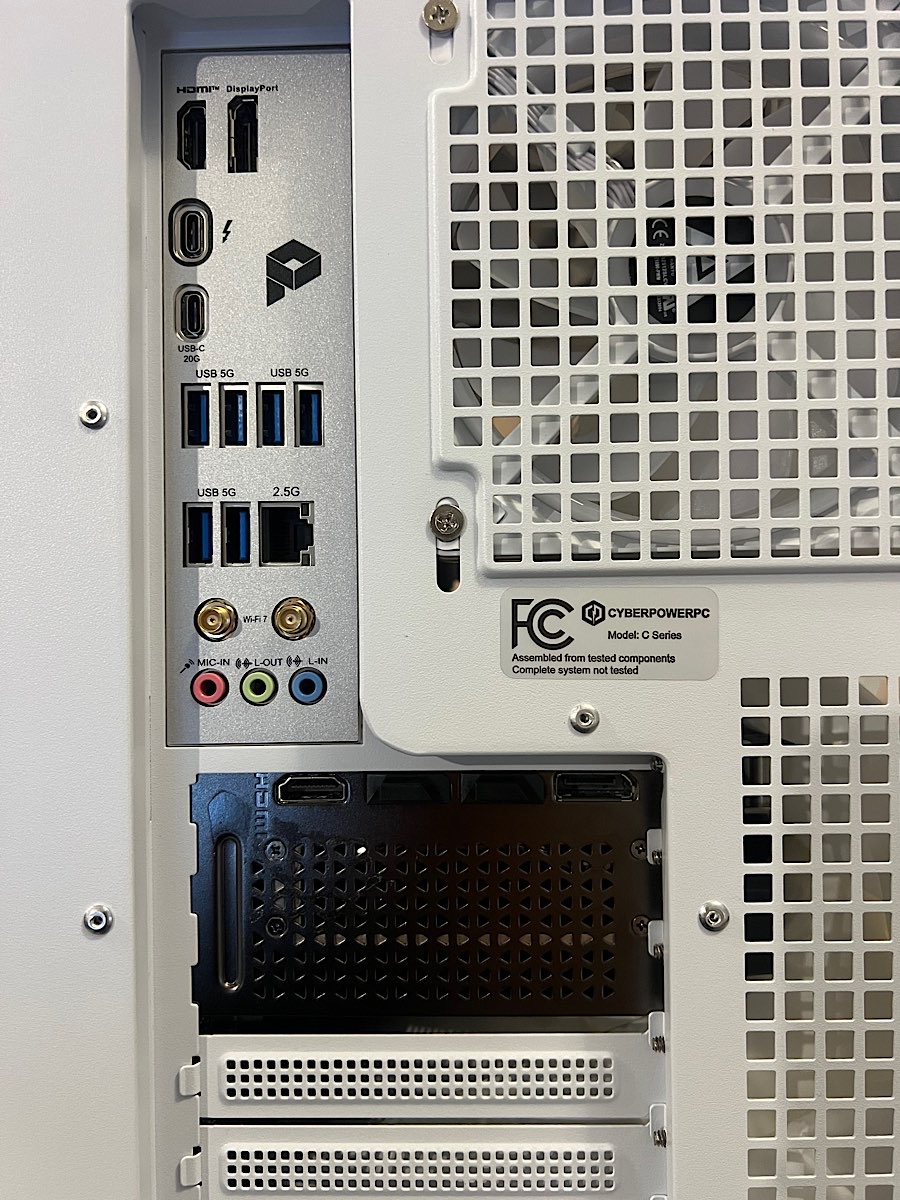
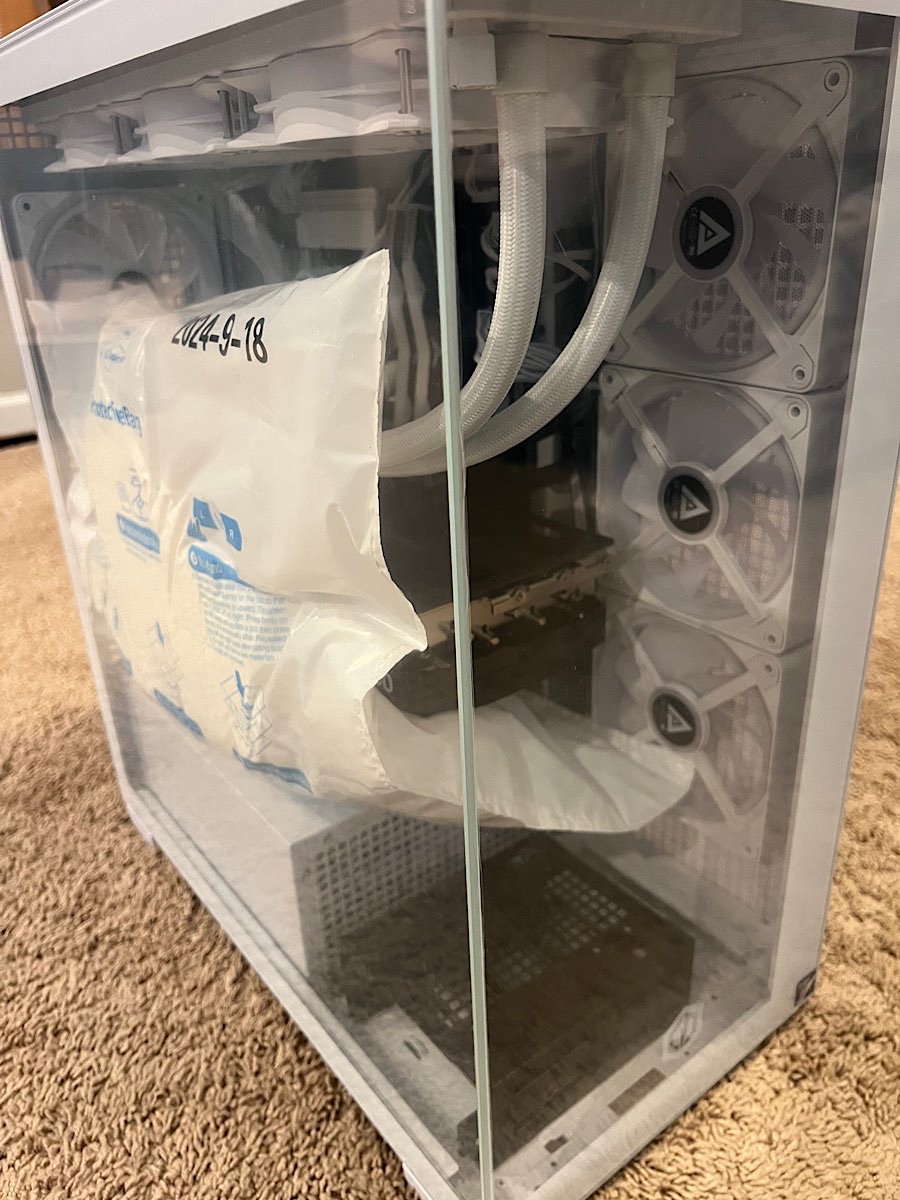
All in good shape! They do a great job of packaging. Booted it up and everything seems to be working so far. Had just started the “migration” process and got paged to go to work (of course).
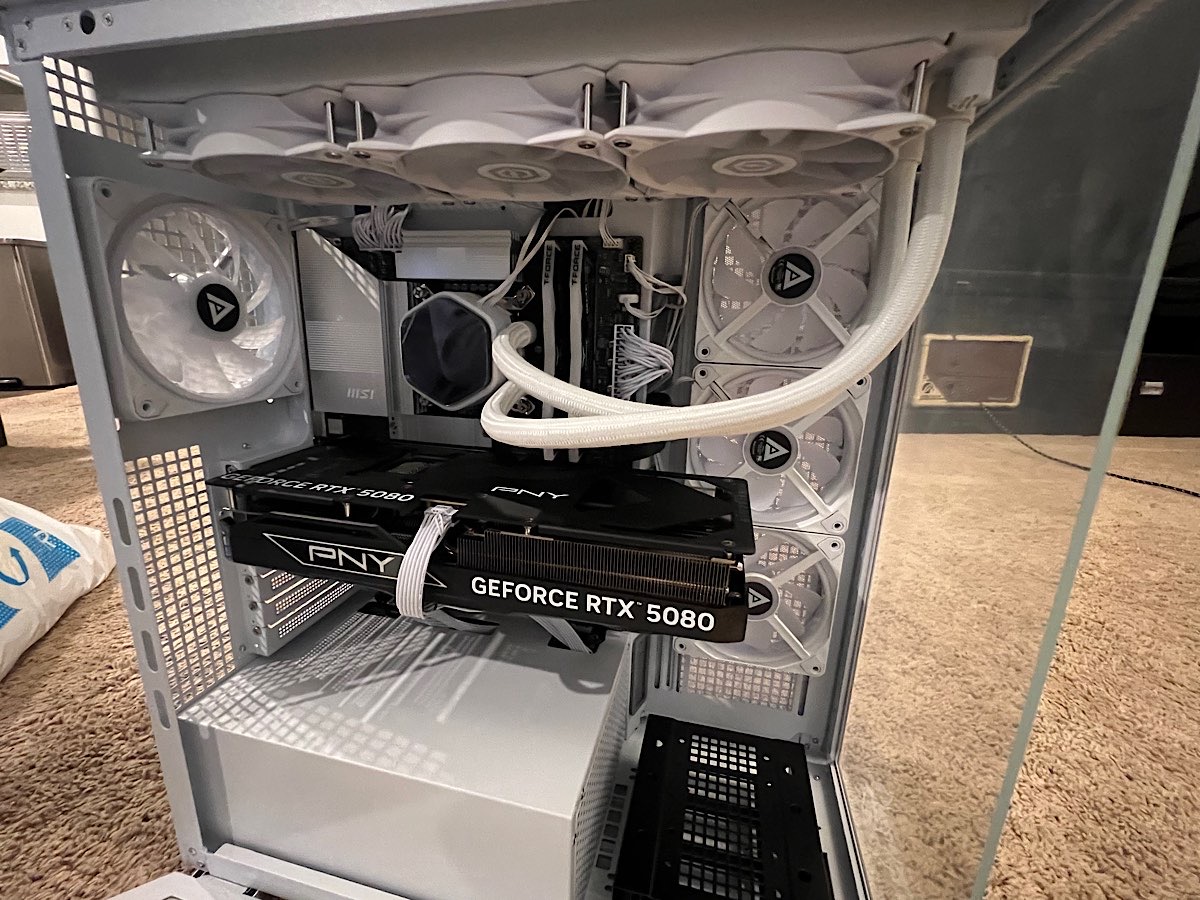
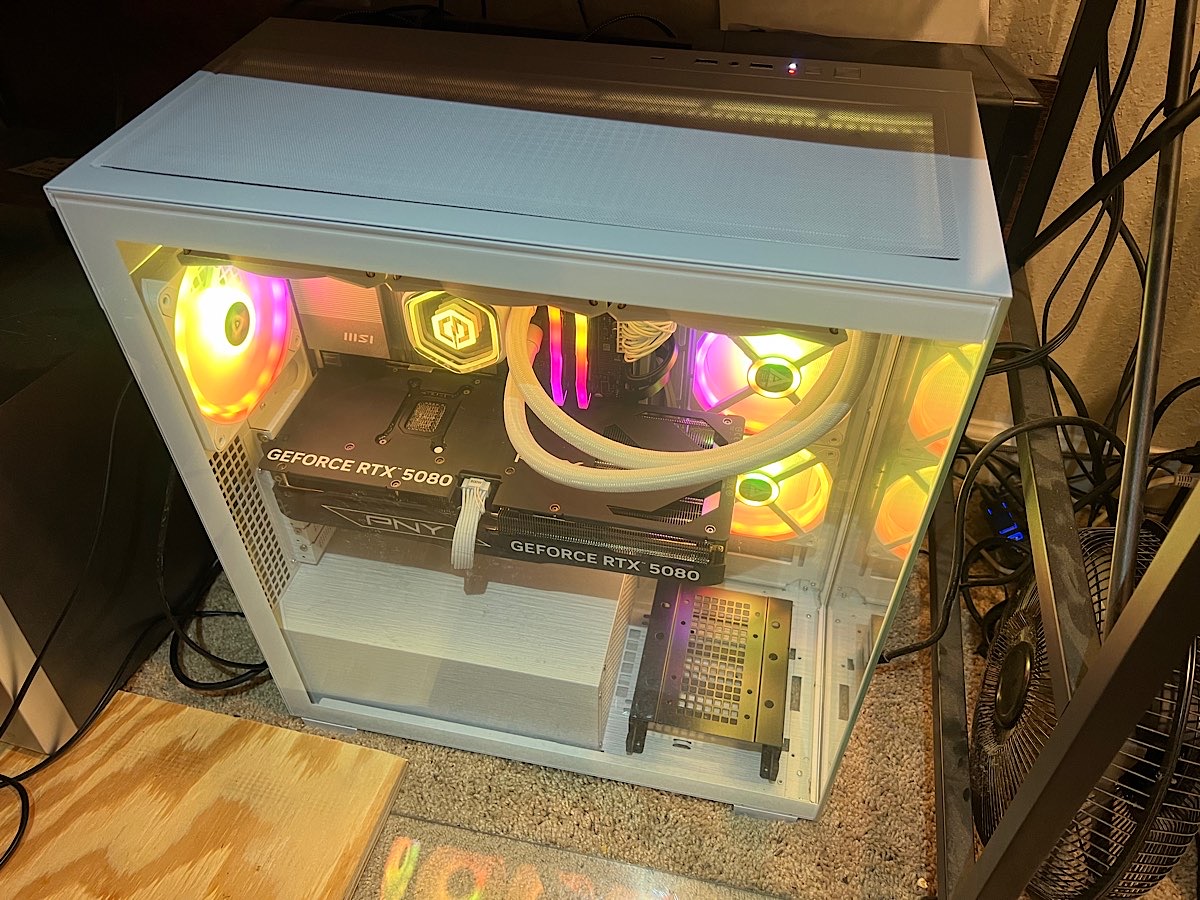
So this is my first ever liquid cooled computer. Do I need to be aware of anything specific to that? I assume if it isn’t leaking that you just keep the same “coolant” in there forever?
Basically just never touch it. Since it’s an AIO there’s not much you can do unless they’ve put ports on the radiator to refill it, but they continue to work even with significant water loss (I’ve got an NZXT water cooler from 2017 that sounds sloshy when shaken, but when installed properly with the radiator above the CPU block where the pump is still works perfectly).
What @Torc said. My last 3, spanning 15 years, have all had AIO water coolers. Periodically re-applying thermal paste is all I’ve had to do. Only once did I find that really necessary - was running hot/throttling and after poking around I decided that new thermal paste couldn’t hurt. And that worked.
Likely depends on how hot the chip runs over time.
I wonder if for once in my life I actually executed a financial transaction that was smart. Well..probably not. After reading about the (pending?) RAM crisis (again..I feel this is probably a manufactured thing)..I was worried my order might get outright cancelled so they could jack up the price $500 then relist it. Would not have surprised me.
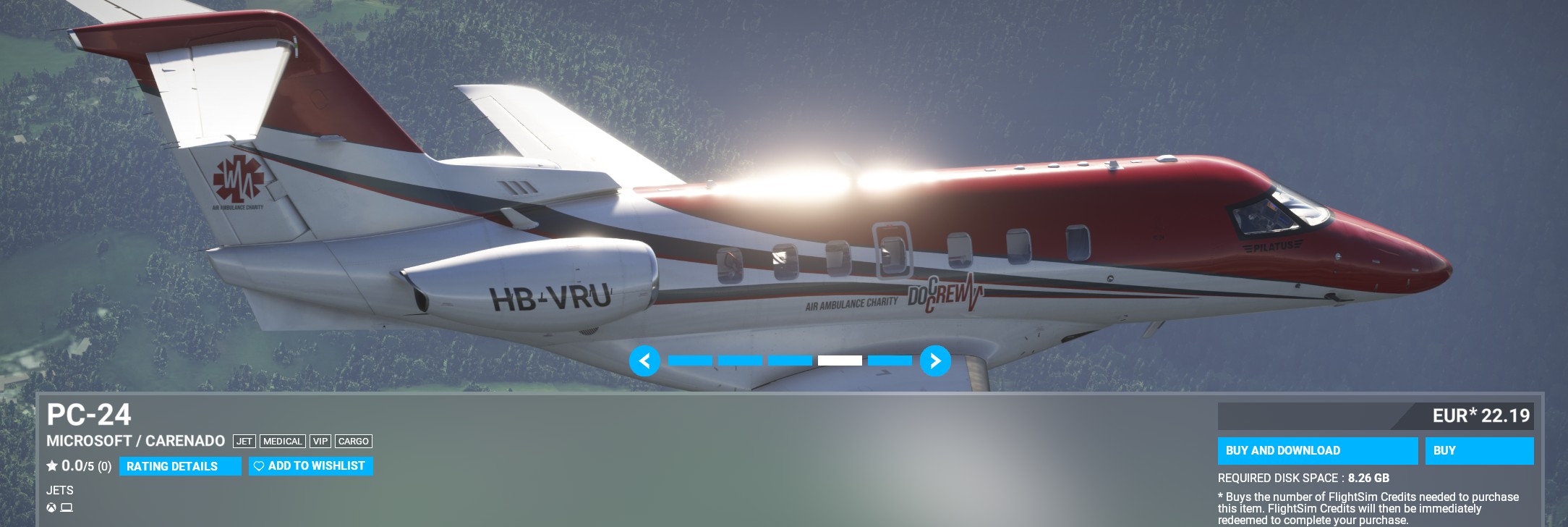
Oh wow. I know it’s Carenado..so I’ll have to manage my expectations. I don’t expect much fidelity given the Honeywell ACE avionics has never really been done (right) in any sim.
Indeed. A few contract pilot jobs and I’ll be back in the black for that PC purchase. I feel really good about it though..that old MSI for whatever ($3000+) about 7 years ago was a GREAT investment and I am hoping this new PC will be too.
Quick-n-dirty: Goal was to observe the CPU performance thus the 1080P mode. All done in [boring] 2D mode. Picked maps that have proven to be ‘heavy’ and out of the box missions for consistency (plus they tend to have ‘stuff’ going on around you right at the start).
TLDR: The new hardware is faster [duh]. Should never have an issue keeping 90FPS - steady - in VR (except maybe the C-130?).
Chris Titus Tech Windows Debloater used on both (to remove junk I neither use or want and reduce the number of processes, at boot, by 40+ percent).
Mouse & keyboard only
Resolution 1920x1080
Dcs settings Medium button
All memory settings set to ‘best’ profile in BIOS (Rebar, XMP, “LMNOP…”, etc)
DCS Max FPS slider Setting = 300. NOTE: setting Max FPS to 300 probably not a great idea as IMHO this is harder on the hardware I’d imagine - power + heat.
[Temperature monitoring indicates this is the case: CPU core high 70’s setting FPS max at 300 FPS. Mid 60’s when set to 120 FPS]
After hitting “Fly” I just sat there with my hands in my lap for about 2 minutes. All of these missions start on the ground.
And just ordered a R7 9800X3D, AM5 mobo, and 64 GB DDR5. Yes, the memory was about double the cost of DDR4. JayZTwoCents makes an argument for getting the R9 9800, because of its core count. But I had to draw the line somewhere.
As far as the 9800X3d goes, I went by a ton of comparison’s over the last year. My 5900X has 12 cores (vs the 9800X3ds’ 8) and is boosted (auto boost thingie) to 4.4. Older tech though. Probably should have done this in potato graphics mode but at 1080P neither of the 2 v-cards where working very hard.
And at the time I pulled the trigger it seemed to run on less power and a bit cooler than others. I’m finding keeping these things cool is a mini-task. At least over its lifetime.
I went with DDR5-6000MHz RAM. Ordered it about a month ago. I think it was $100 US more. Perhaps I got in under the wire regarding the smoke concerning RAM prices. Not sure. The MoBo, using its branded setting pushed it a bit higher than stock. So far, so good.
Haven’t had time to check it out in VR yet…amazing how much junk I have acquired that needs to be transferred over or installed; done over time I don’t notice. Having to do it in one day. Sheesh.
With the 4090 in there it looks like a video card with a [high speed] calculator attached
Definitely a tough time to make a decision right now, but you probably did ok in the end. I pushed some dollars into my rig over the last year or so bumping from a 3070 Ti FE (that I paid WAY too many covid dollars for) HP Reverb G2 ( that just felt behind the power curve) to a 4070 Ti Super and a Quest3. Would still love some GPU overhead but here we are. I also put the overkill amount of 64GB DDR4 RAM in it (while pushing my Unraid server up to 64GB and 8TB array) but the prices I paid for those upgrades (every bit caught on sales) I’m starting to look like a genius (for once). Hopefully it gets me 3-5 years down the road and things get back to order… otherwise, not sure what I’ll end up doing.