The included bases are quite useful, but you’d need something to prevent sliding rearward when pressing them (or hook a second finger around the frame at the same time).
Going without the base (thumbscrews), you can remove the top bar that the two support arms clip into (couple screws on the back), making the backside flat. Then just a square of double sided tape in each corner, or perhaps Velcro.
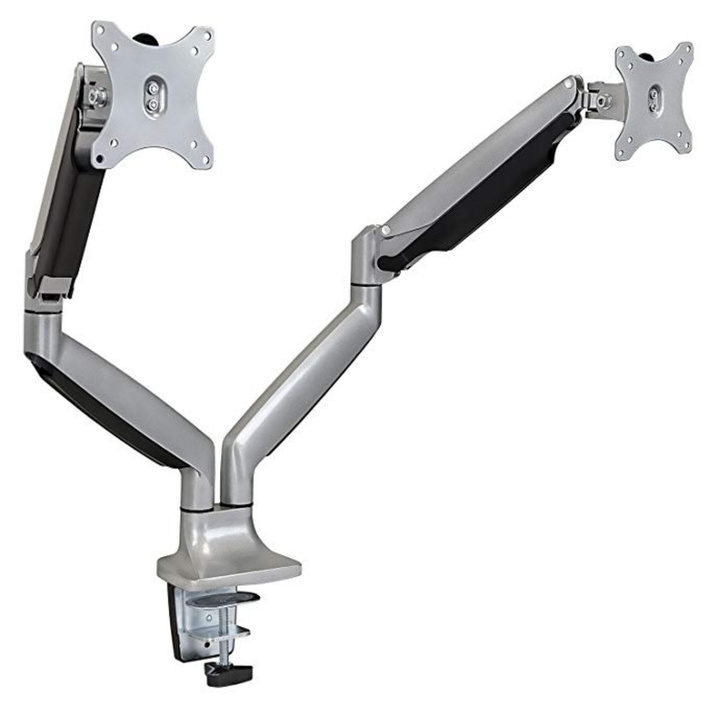
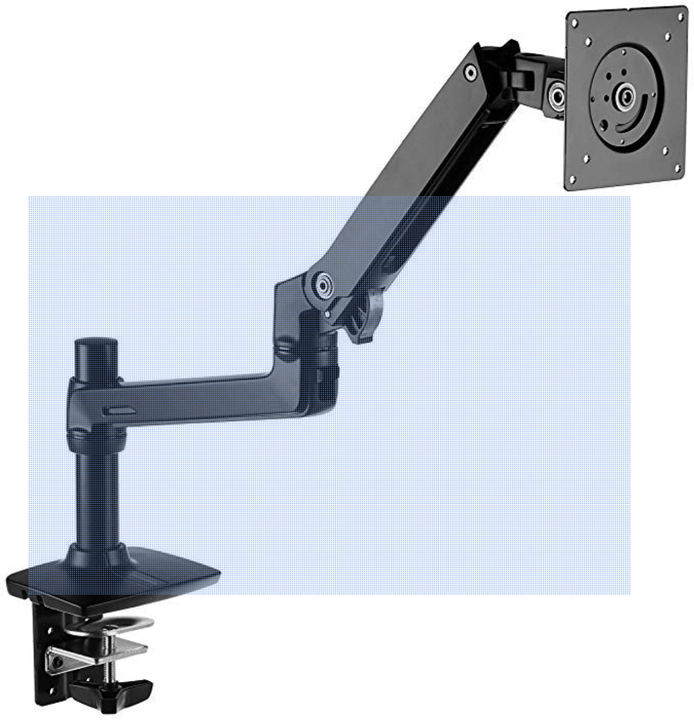
Those are solutions to a secondary problem. The primary problem is to think up a (removable!) mounting that puts them about 5cm above and behind the stick.
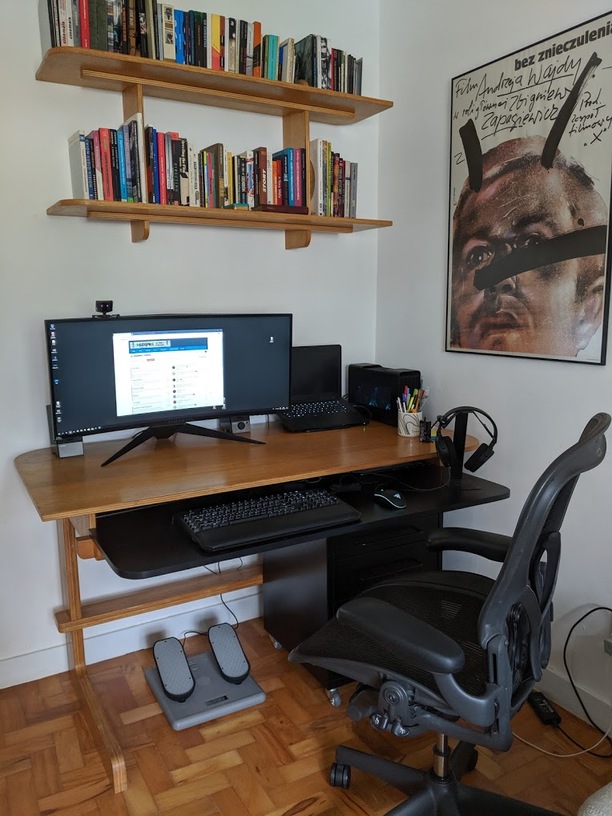
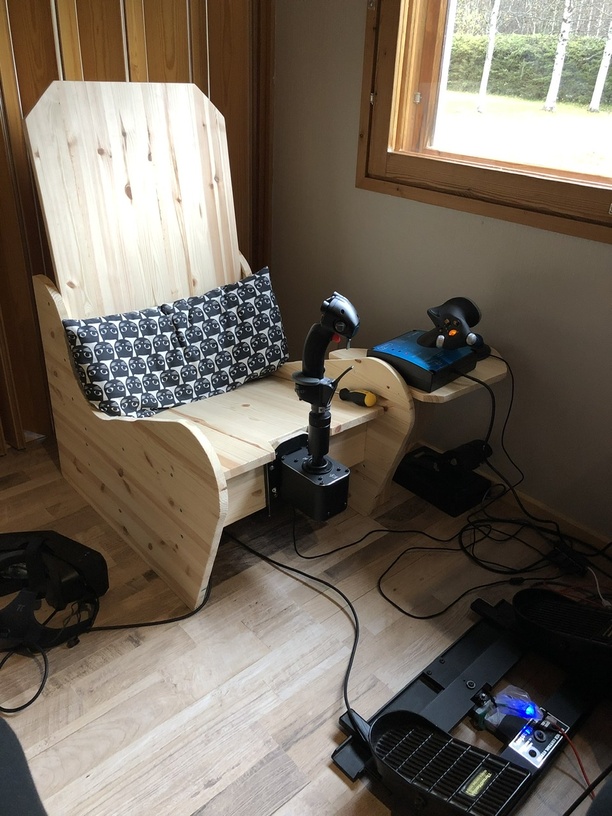
I can’t just plonk them on the desk. The extended stick would not work when facing the desk. That’s why I turn 90 degrees to the left to fly, put the pedestal between chair and pedals and the throttle on a kitchen step. That works like a charm (except when I bump my elbow into the desk because my pit is not as roomy as some of the planes I fly)
The MFD’s are a problem however. I can put them on the shelf behind the pedals but that puts them about 50cm too far back. Not only is it uncomfortable leaning forward that far, it also destroys their purpose: to have real buttons in the same space as the virtual ones.
I’m now thinking about some sort of cobbled together wooden support structure. But that would be a hassle to take down/set up and it would be rickety. Rickety is no good, I’m almost 100kg (that’s a good 200 pounds) and not in bad shape. When I move my body while feeling tactical, things I bump into better be sturdy lol.
If you press one of those MFD buttons with the same finger pointCTRL is strapped to. Well, it opens up warmode on many of the jets with an entirely different set of functions! Also they go twice as fast.
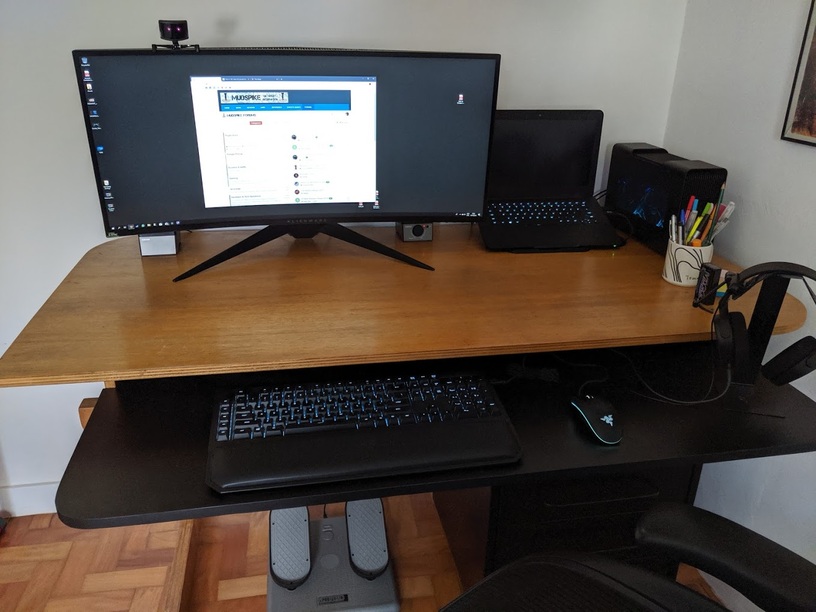
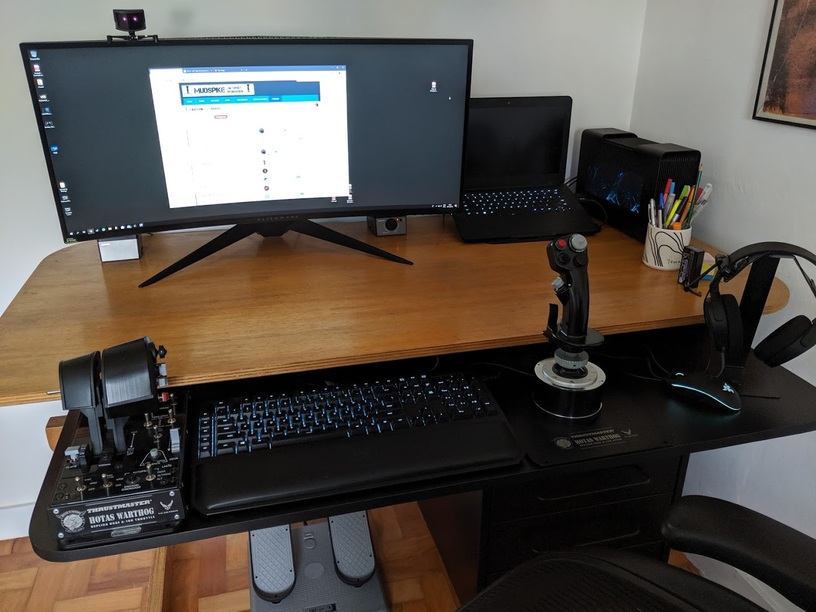
I like it and it wins my vote for the most tidy set up yet.
Unlike my desk which looks like I tried to do a couple of emergency landings on it in my Huey. I once had to ask my wife to help me get untangled from the cables after a particularly difficult carrier landing but that’s another story.
Thanks! I obviously had just set it up, so the tidying up went with the job… I’ll probably keep it reasonably organized though… It’s funny, when I set up desk mounts and whatnot I get it a lot messier, and I can’t get any work done on it. So, for me, to quickly take the hotas out and be in a civilized desk with minimum hassle was the most important…
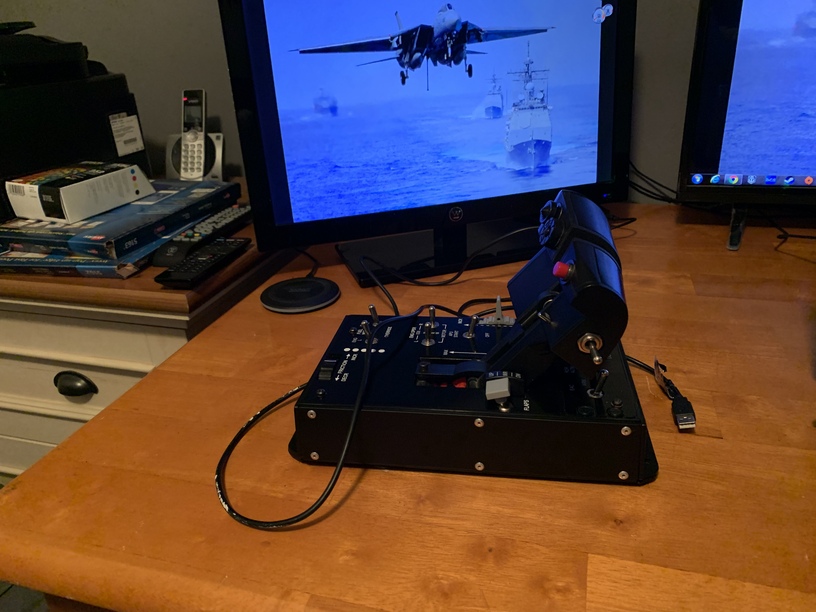
I come before you today in the memory of Thrustmaster Hotas Warthog Throttle 12487. For the last 7 years it has been a constant and reliable companion, accompanying this virtual pilot on countless flights and adventures, helping a man fall in love with a Hawg all over again, and lending a hand in the destruction of untold numbers of virtual enemies. In fact, on this very day, mere hours before it’s demise, it lent a hand in piloting a F-16 that delivered 8 thousand pounds of high explosive freedom to an Insurgent check point, helping to clear the way for friendly ground forces to assault the Insurgent held city that lay beyond. So tonight I raise a cold one to Warthog Throttle 12487, you maybe gone, but you will never be forgotten.
P.S. I’m not crying, I’ve just got dust in my eyes from cleaning my tower.
That’s the cross roads I’m at. Do I track down a new PCB for it, as they do seem to be available, Or do I start fresh and keep the old one for spares since it appears to be possible to buy just the throttle? Decisions decisions…
See what the cost for the PCB is from TM. If it’s too steep with all the taxes/shipping/duties that are applicable, get a new one and keep that for spares as you’d have an extra of every switch.
So, as suggested, my first step I think will be to see what the price and availability of a new PCB from Thrustmaster is, as that will be the cheaper option. Because as nice as it would be to have a fresh throttle, $300ish is a bit steep at the moment. Especially when I hope to start gathering parts for a new computer here soon.