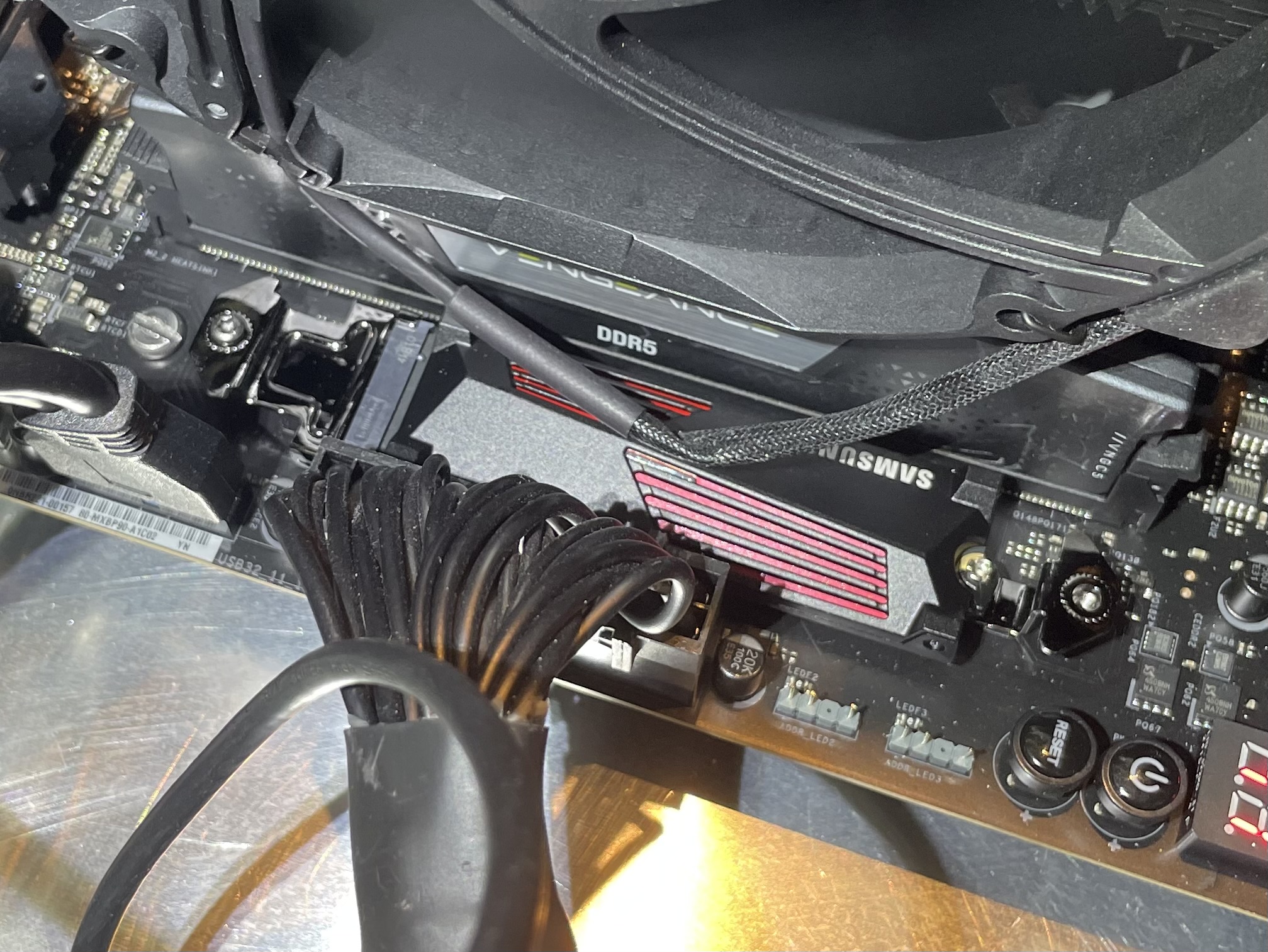
Which component is this heatsink for?
The M.2 drive that had issues. But the other snap in place heatsink is the same, more or less…
Alright. I have a bit different kind of MB provided heatsinks for the M.2 drives, so difficult for me to comment. Maybe try watching the temperatures in the monitoring software in Windows.
Usually there one of these putty strips between the drive and these headspreaders. So a little play is fine and the construct is ok for normal ssd. But it must not wiggle like that once the drive is installed.
But for a hot drive, that‘s not enough. That‘s why for current PCIe 5.0 drives, you should get a better, bigger heatsink and a good, thin thermal strip. And combine them with rubber bands, or something else that has no wiggle.
I personally decided that it‘s not worth the effort and bought one of the cheapest 4 TB drives for my games I could find, a Lexar NM790.
The drive is installed, in that video I posted…
The pads are in place.
Maybe I should contact Asrock support?
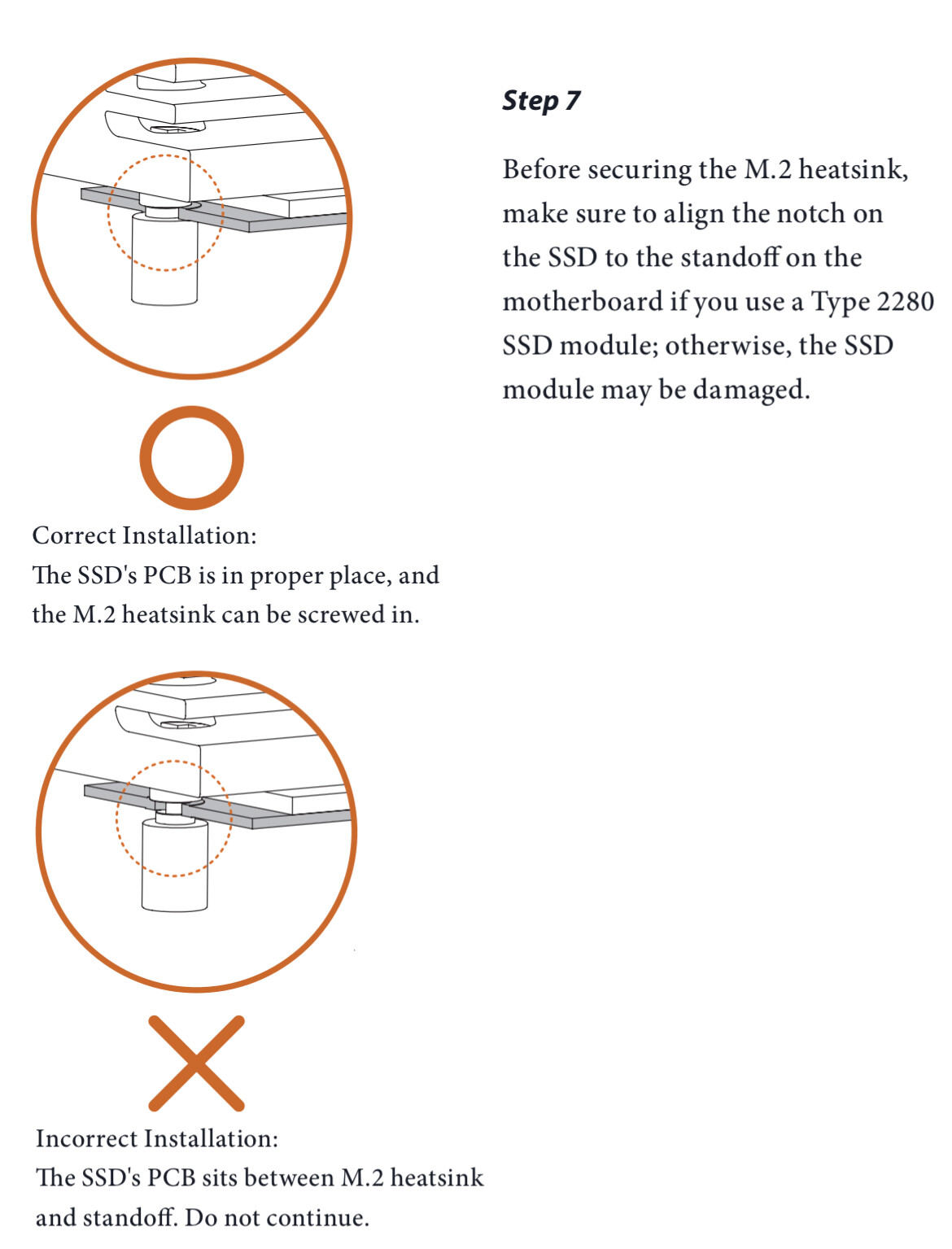
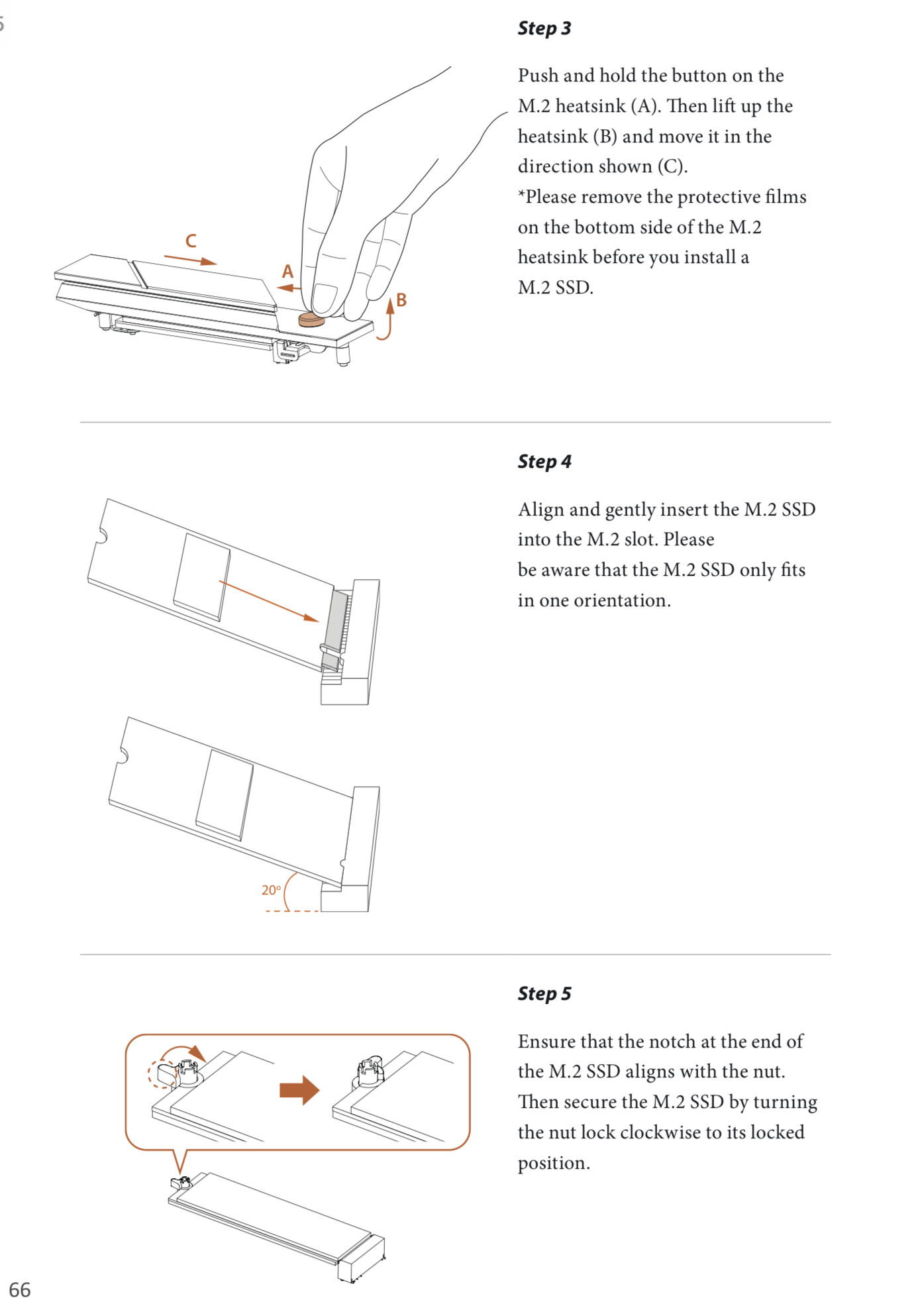
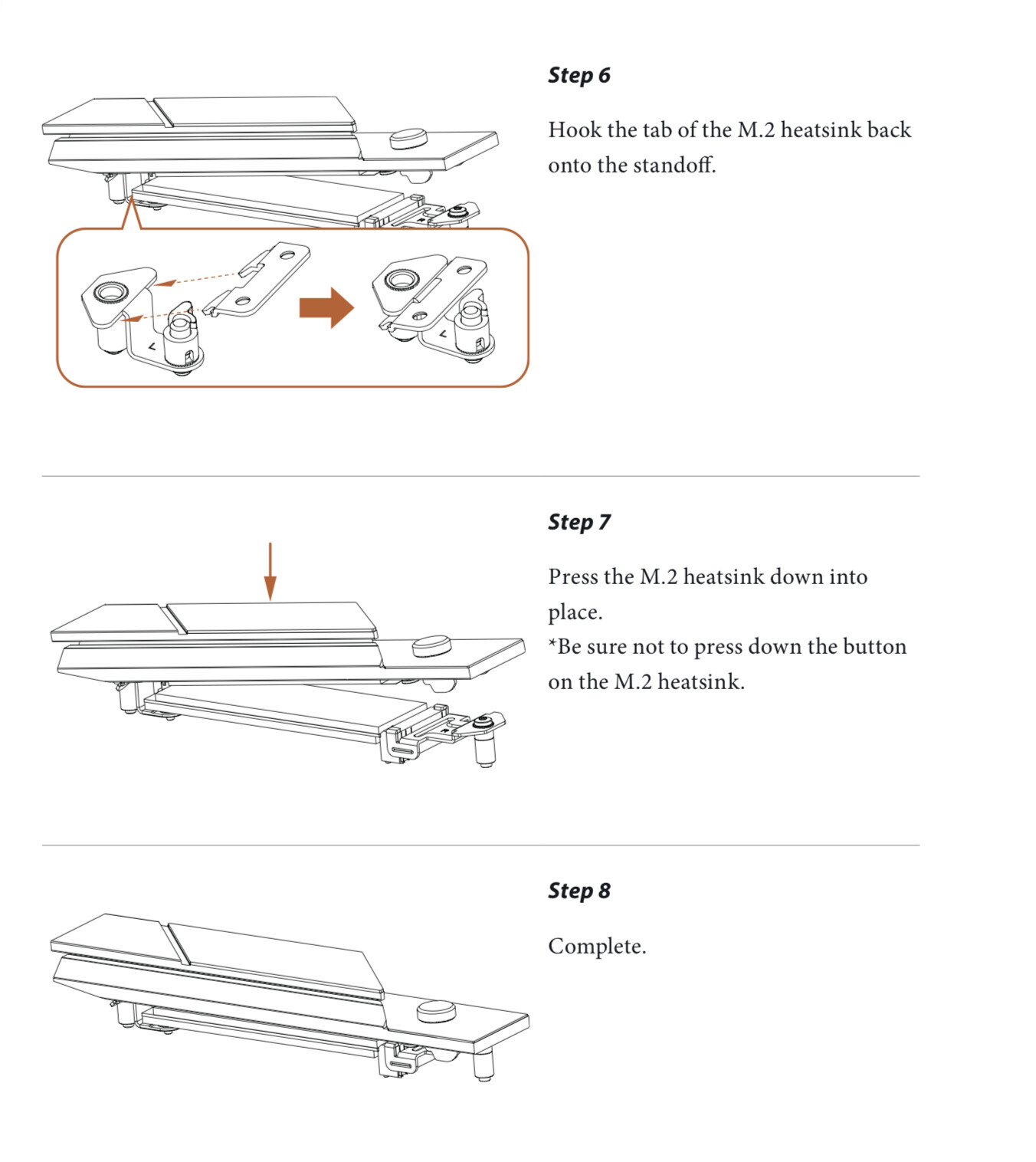
If the heatsink is making proper contact with the drive then it’s fine, it probably has some designed tolerance so that it can fit multiple drives and has some space to sit properly. Though I can’t make any of this out in the picture. can you slide something between the drive and the heatsink, and you could power up the PC and see if the heatsink becomes warm with either a IR camera/thermometer or simply by putting your meaty bits on it.
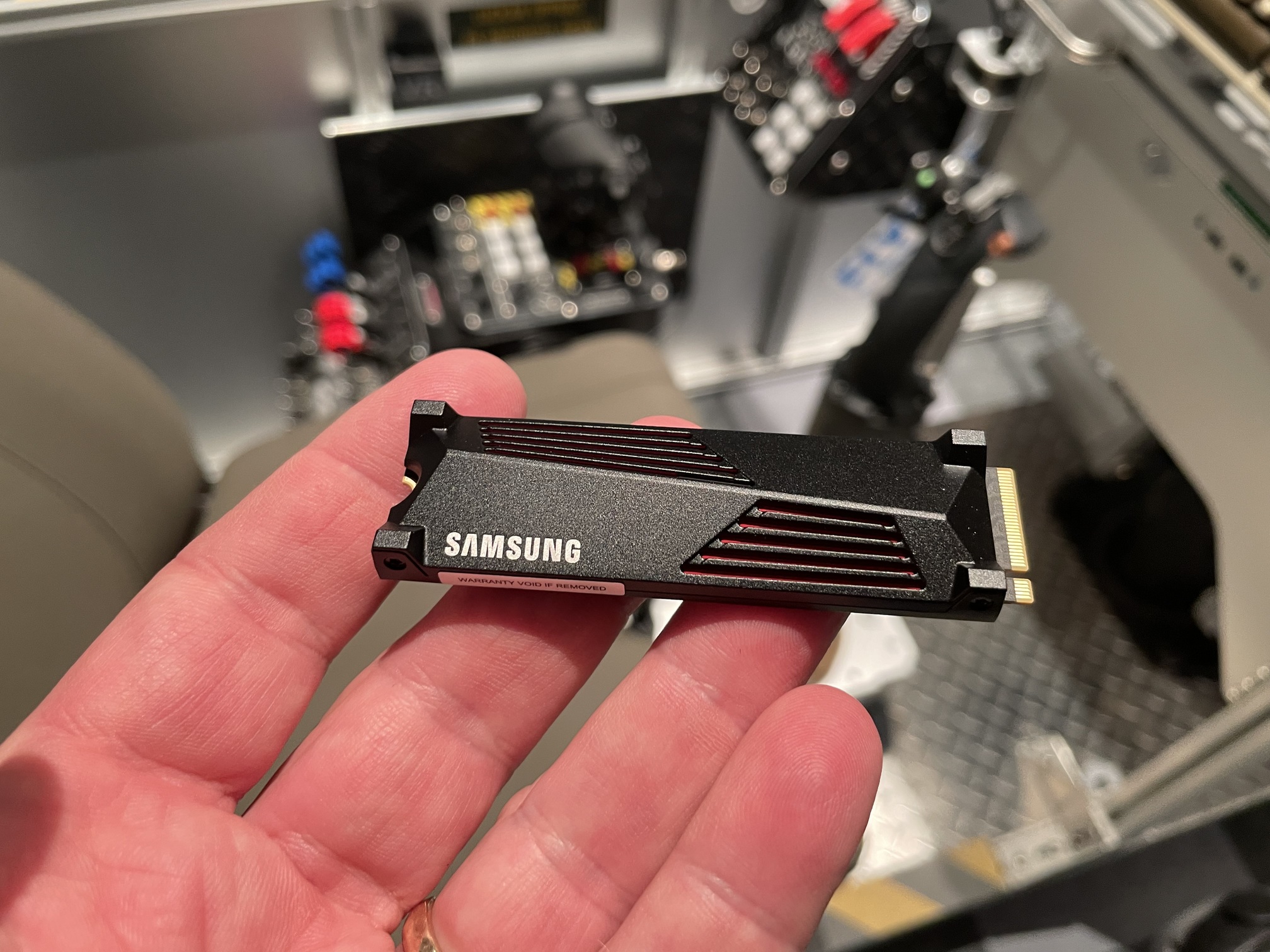
BTW Troll, you are grounding yourself before handling those parts- right?
Yes! The entire frame of the SimBox is also grounded.
Static discharge could’ve done some damage.
could prolly try to boot and check event viewer / hardware log.
I had windows have a stroke 4 or 5 times this year,
2 times I had to manually restore the partition using tools that are no longer distributed, just thankful I was able to use my laptop to make bootable USB for them.
all 5 of my windows hard crashes had similar symptoms, while loading a map or terrain it would freeze, I can access anything that was in the memory (Windows UI, some small apps), but anything on the drives was MIA, launching explorer.exe would lock up, trying to kill process would lock up, eventually system would blue screen with inaccessible device.
it was the controller on my Walmart Brand On external SSD + Windows Update, since it was dramless it made the issue even worse, as any data being written went poof when the drive shut off.
I’ve since just stopped using it and my issue went away.
But your issue seems like a defective drive, w/ less than 40 powered on hours, I’d say RMA that mooshoo. Likely a bad NAND Chip, data will write until the controller tells it to write to the NAND chip that’s defective, then the whole thing comes down.


Anyway i’m glad and happy to kow that you sorted out the issue and are in the way to fix it! I wish you all the best and good luck for your new disk and lets hope that not crash anymore.
Might have to look at getting a 4tb one of them if dcs keeps growing 
Nice!
Although I will never understand why people would want to see the innards of a PC, acting like it‘s beautiful. Maybe if it was all chrome or gold plated? 
Glad you can get some peace again. Hardware issues suck.
Well, beauty is in the eye of the beholder… 
But, no, you’re right, it’s not beautiful as an ocean view sunset - beautiful.
But PC hardware has always brought me joy and good feelings, and occasional frustration.
From the days when one saved every penny, forsaking other pleasures and even food, to be able to buy something better. Actually installing parts or building a new PC has always triggered my happy hormones. Even the smell of new parts brings a smile on my face.
So, in that sense, there is beauty inside a PC.
For me, anyway.
And then there’s that…
You mean the smell of burned stickers on your SSD? 
I also like cases with windows. I adopted early in Pentium III days when case modding was a thing. Compared to my terrible hacks from back then today’s cases look beautiful…
My boy chose a case for his PC that’s more like an aquarium than a box. But it’s growing on me. With all the lights set to orange, it’s kinda nice.
It’s funny how a bunch of innards that were just about not cutting it anymore for DCS VR make for an absolute monsterbeast of a gaming PC. He plays at 120 frames a second 