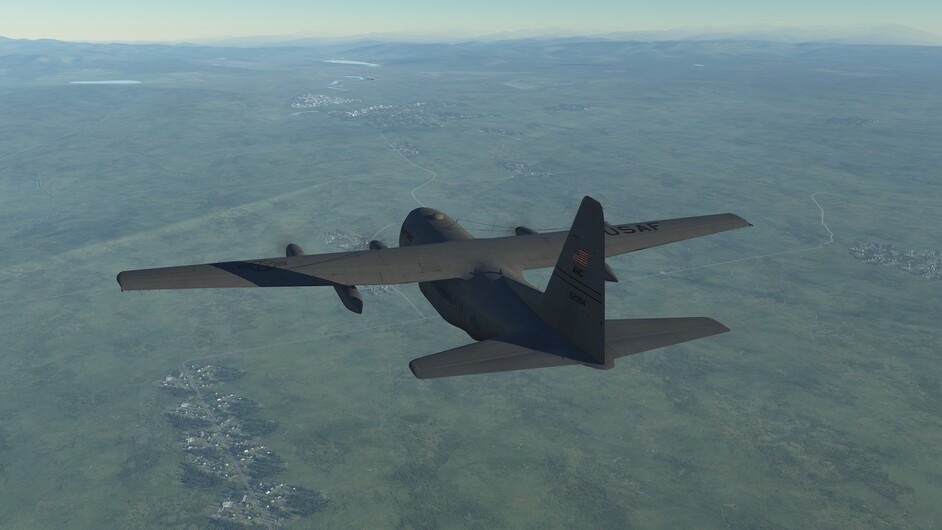
Wrecking Crew Projects

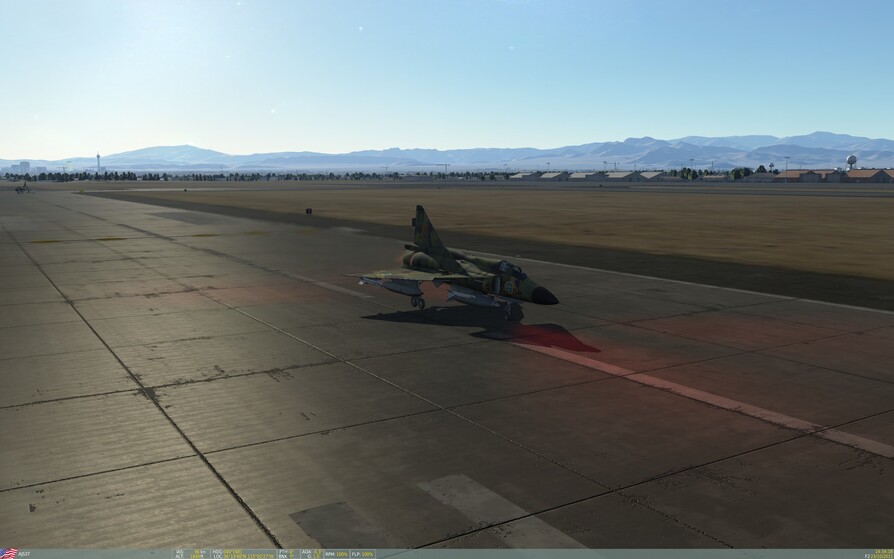
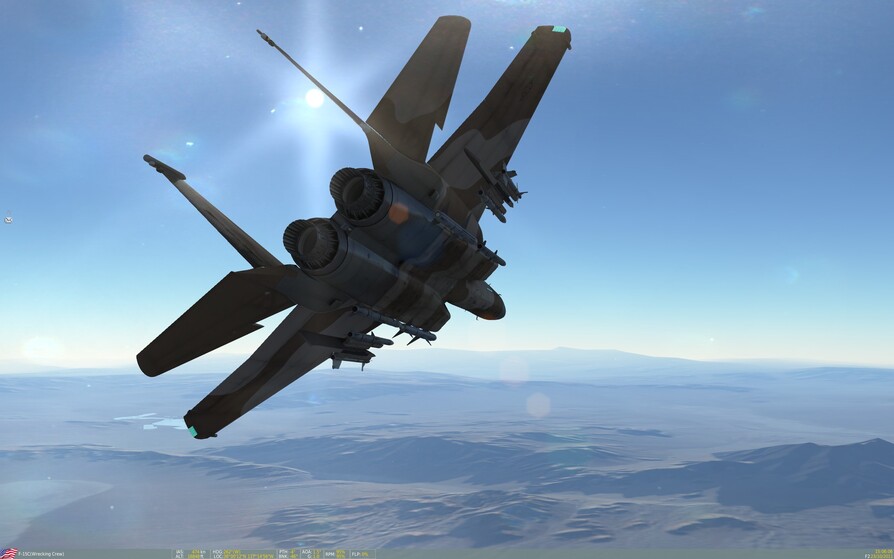
NAVEX Nevada is done! You heard it here first, folks - tonight this new gem gets submitted for the DCS Nevada Mission Building Contest. This mission got started when the contest was announced three weeks ago. Built off of the original NAVEX for the Caucasus, this one offers a nice flight over much of the central Nevada map, and uses the concept of a navigational exercise with the capability for you to trigger enemy fighters to test your fighting skills. Designed for the single player in mind, with a wingman, to navigate the waypoints and explore the range for your entertainment, with the option to take on pairs of enemy fighters that you choose to engage. Lots of AI planes are in the mission – don’t shoot the civilian aircraft!

Exploring…

The original mission was designed for a single player, by request. A player can choose an F-15C or M-2000C. Up to four players for each aircraft can fly it together in multiplayer mode. Enjoy!

Equipment failure …

For the mission designers, this NAVEX Nevada uses the WC’s Flags scheme for group and unit names and event flags. The mission uses regular event tools from the editor with some scripting as needed. The flags are tied to platforms or zones such that the value will indicate what it represents (you can read a flag and know what it represents). Take a few minutes to look at the structure in the editor.

Download the latest version from the WC Projects site.

I would love to fly this in a group, and on TS. I’ll be around Friday Night and Saturday, for sure.

3 Likes

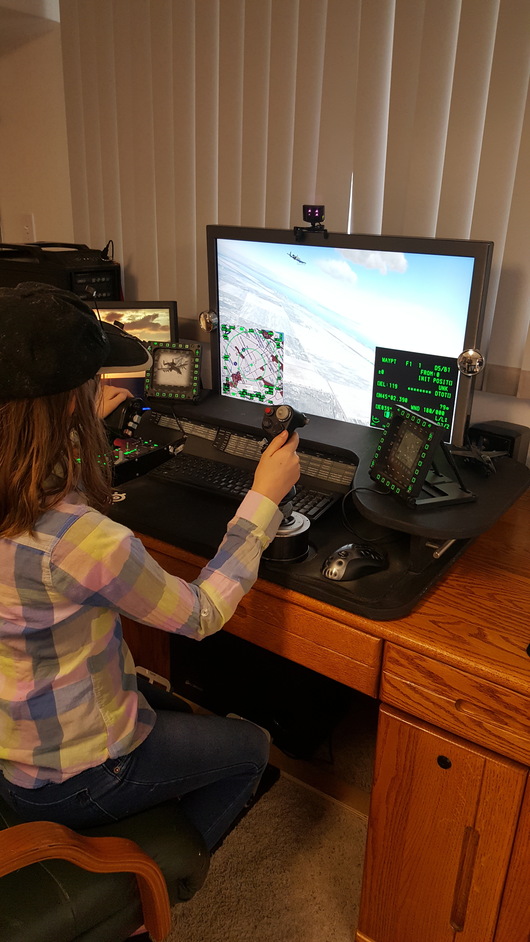
This young lady was at the house last weekend, she was immediately interested in my flight controls so I gave her 30 minutes of instruction in the Hawg and Eagle, and she flew by herself for the next 4 hours! The next morning we went back up in the A-10s for some formation flying. Never have I seen anyone pick up computer flying as fast as her. It was a real joy to watch her go! 13 yo!

7 Likes

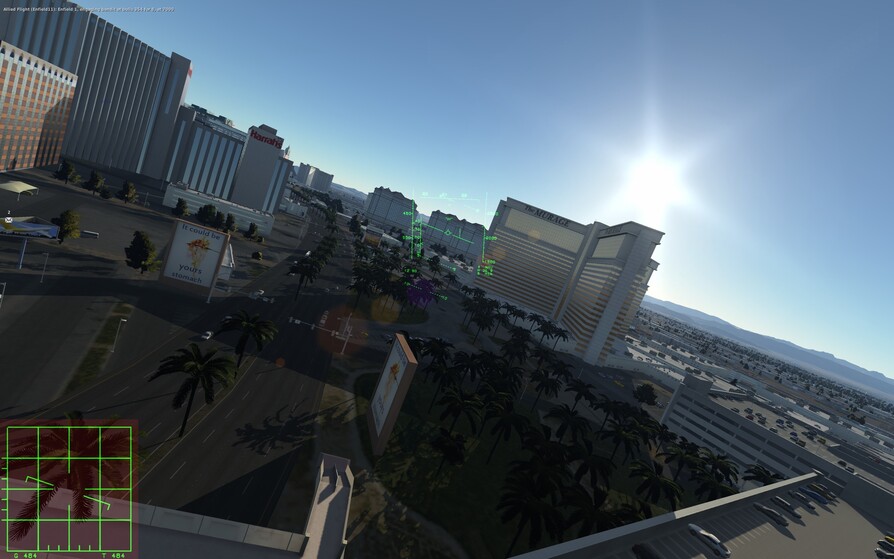
The latest NAVEX Nevada mission includes Vixens. And it is now a morning start so you have all day to fly over LV.

Enjoy!

1 Like

Looking forward to flying this NAVEX Nevada tomorrow - join me on Hollo Pointe after work TGIF. I will be in an F-15C.

Hi long time no see I have computer now.very rusty got spit now

5 Likes

Stone the flaming crows ! how are ya Pete me old mate

Pete! All we need now is TempusMurphy and Mace and “The Professionals” are back together! :smiley:

2 Likes

pth long time

The Highway is up. Enjoying the ride!

2 Likes

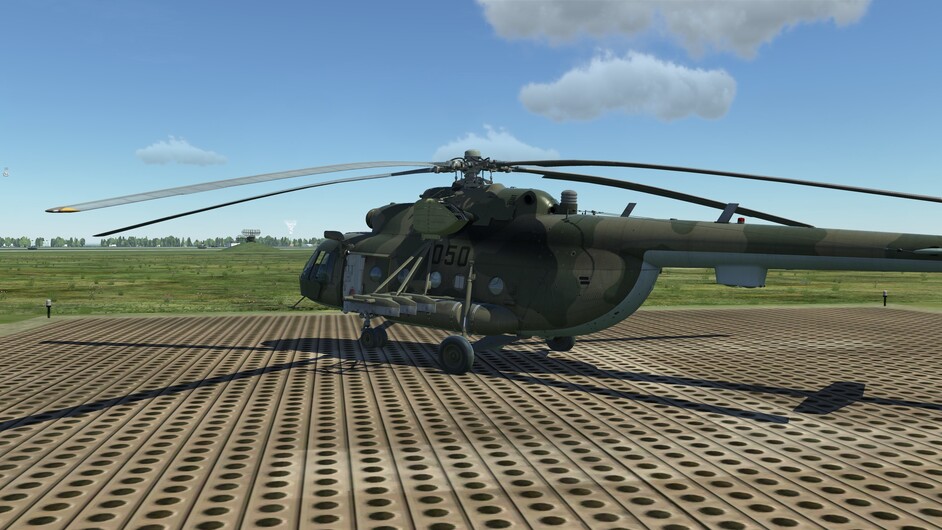
Oooooooo i have the mi-8 now, how quick can i die?

1 Like

That thing will bite you quick…I found it is much more crashable than the UH-1H…

1 Like

Odd. I actually found it much more “understanding” towards me than the Huey…
:stuck_out_tongue:

Gentle, slow moves with the collective and all is fine.

3 Likes

The Mi-8 definitely likes to enter vortex ring rather easily when in transition with the slightest of decent rates. In hover its better, and in forward flight you can chuck it around. Its the transition you can feel something funny is going on.

3 Likes

Yeah…that was my impression. As long as you stay ahead of that developing sink rate…you are all good…but get into that certain zone (can’t remember the units…it was like 300-500)…and it was a recipe for disaster…

1 Like

Significant Breakthrough !
This is about editing scripts while a mission is running. It is quite simple, and as simple things go, it took me a long time to figure it out. I had great help from Pikey, and this post of his got me started… after 60 episodes of Game Of Thrones and a few sprinkles of spare time … viola’

I use Notepad++ for editing Lua script files. Set up a Mission Start → Radio Menu Add event for ‘Run Script’, and a Switched Condition event to detect the Radio flag for running the development script. The Switched Condition event detects the flag as True, and for Actions it: Turns the Radio flag Off, Runs a Do Script (defined below), and outputs a Message To All that the script event executed.

In the Do Script Text Window enter like this to point to your debug script (my file is appendClientNames03.lua):

assert(loadfile(“C:\Users\..\Saved Games\DCS Docs & Utils\Mission Dev Library\Mission Template 20N\appendClientNames03.lua”))()
Note the Lua convention of double backslashes in the path.

– EDIT –
– All backslashes must be like ‘\’
– The editor here is stripping out the first '' in the quotes above. The backslashes in the path must be represented like with two backslashes - one \ immediately followed by another , or the ‘assert(loadfile(..’ line will not work. Every "" must be two “\” “\”.

GEEZ WIZ adminds, I just want to enter two of these \ thingies

Please see the attached Mission Template file with these events. This is the original code that was under test:

do
 -- aircraftUnitTypes = {'F-15C', 'AJS37', 'M-2000C', 'MiG-21Bis'}
 -- aircraftUnitTypes = {'F-15C', 'AJS37'}
 -- aircraftUnitTypes = {'[blue][plane]'}
 local function contains(tbl, val)
  for _,v in ipairs(tbl) do
   if v == val then return true end
  end
  return false
 end
 for uName, uData in pairs(mist.DBs.humansByName) do
  -- if uData.type == 'F-15C' or uData.type == 'AJS37' or uData.type == 'M-2000C' or uData.type == 'MiG-21Bis' then
  if(contains(aircraftUnitTypes, uData.type)) then
   if(contains(aircraftClientNames, uName)) then
    -- do nothing
   else
    table.insert(aircraftClientNames, uName)
   end
  end
 end
end

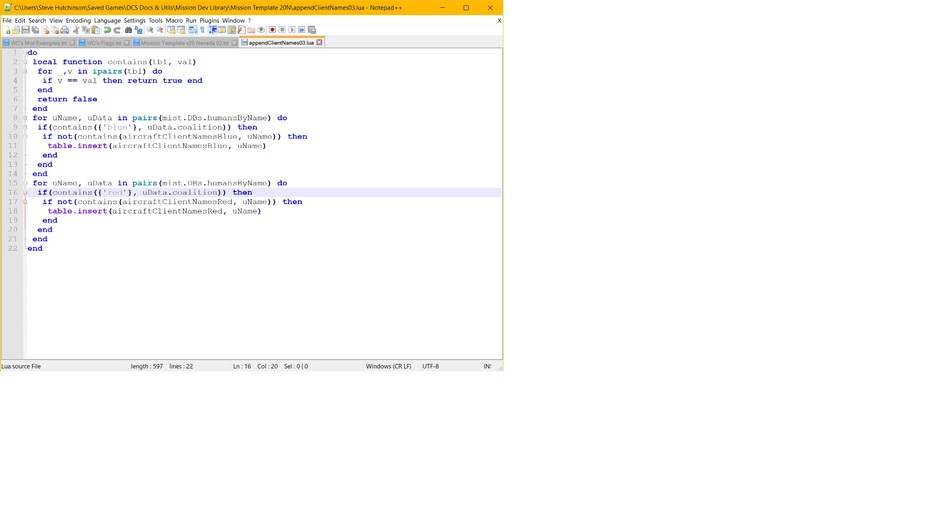
I was able to comment lines in and out, change lines, and re-execute the script while the mission was still going. Eventually the code went to this, and for all the changes I did not have to restart the mission each time. That, my peeps, is significant. (We had this in-game editing a few versions ago with Witchcraft).

do
 local function contains(tbl, val)
  for _,v in ipairs(tbl) do
   if v == val then return true end
  end
  return false
 end
 for uName, uData in pairs(mist.DBs.humansByName) do
  if(contains({'blue'}, uData.coalition)) then
   if not(contains(aircraftClientNamesBlue, uName)) then
    table.insert(aircraftClientNamesBlue, uName)
   end
  end
 end
 for uName, uData in pairs(mist.DBs.humansByName) do
  if(contains({'red'}, uData.coalition)) then
   if not(contains(aircraftClientNamesRed, uName)) then
    table.insert(aircraftClientNamesRed, uName)
   end
  end
 end
end

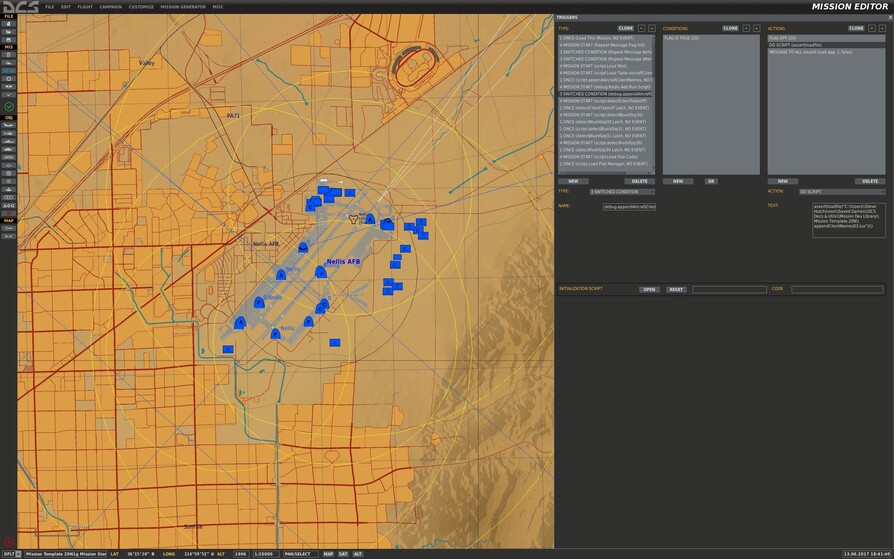
The key to debugging a script lies in a Switched Condition event that detects the Radio command to Run Script, and it executes an Action of Do Script:

assert(loadfile(“C:\Users\..\Saved Games\DCS Docs & Utils\Mission Dev Library\Mission Template 20N\appendClientNames03.lua”))()

See the attached mission.

Here are a few DCS commands that can help you with your mission development -
Restart - LShft R
Time Accelerate - LCntrl Z
Time Decel - LAlt Z
Time Normal - LShft Z

Commo (Radio) Menu - \

Objects Switch Direction Forward - LCntrl PgDn
Objects Switch Direction Reverse - LCntrl PgUp

This is my Notepad++ window, I can make changes here and then use the Radio F10 Menu to ‘Run Script’ -

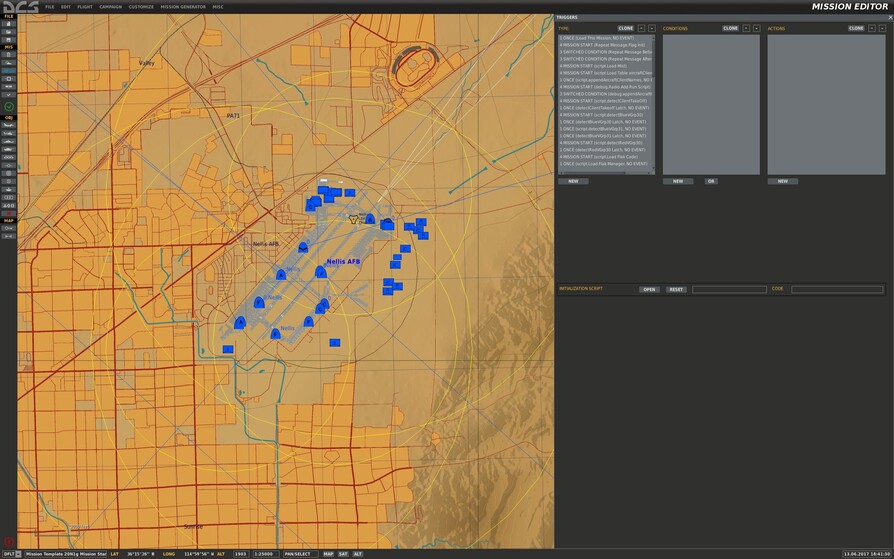
All scripts are loaded with Mission Start events in the order that I desire -

This is the Do Script that executes the ‘assert(loadfile..’ -


When the debug is complete then this Switched Condition event gets replaced with a Once event and a Do Script Action to load the finished script.

This mission is a template that will be used to build new Nevada missions. It has the infrastructure in place for mission starting things and ending things, including Timeouts and Blue/Red wins. This will evolve.. :slight_smile:

This is soo cool, I am soo thrilled to get this working. Edits can be made and tested immediately, for tons of time saved.

Enjoy!

This is the Mission Template for Nevada in v2 -
Mission Template 20N1g Mission Start.miz (2.9 MB)
4 Likes

Silly bit of a question: how close are we to get a livery per slot sort of thing?
What about reserving a slot for a player?
What if we can get a player ID and relate to that name a livery automatically assigned for each plane?

You see where this is going right?

1 Like

Well, the closest thing to that AFAIK is Mutliplayer Slot Blocking by Ciribob -

  • Block / unblock a slot by setting a flag
  • Reserve an aircraft slot for clan members only
  • Disable the GCI / AWACS / Ground commander slot for everyone except specific players
1 Like

Planning to run the Erl Sis mission this Friday June 23 evening MDT / GMT -6, on the Hollo Pointe server. We will start with A-10C operations and a bit of CA, then work our way into F-15Cs, on the Blue side. There are slots for Red, as well.

Erl Sis Urassis, Caucasus Map
Blue: A-10A/C, F-15C, M-2000C, UH-1H, Ka-50; Red: Su-27, Su-25A/T; Combined Arms
Winter, Start 0800 10JAN

Blue CA must have A-10 support against Red tanks. Red artillery and armor threaten KP airbase. Red and Blue fast jets have AI opponents.

Going hunting in Erl Sis -

I would love to be there @WreckingCrew . Unfortunately working grrrrrrrrrrrrrrr.

Going to hit it again, tomorrow Friday evening. More A-10C action, planning on Combined Arms in the Tanks vs Tanks missions, and transitioning to the F-15C (maybe). Still running v1.5, have things ready for v2 but getting Integrity Check fails there for now. Lots of training for my friend, he’s got Mark Points and SPI basics, still learning to deploy weps. I’ll be on TS. Last week we visited CA IR Pointer & Laser features, and how those integrate to the A-10C.

From Tanks vs Tanks 1 –